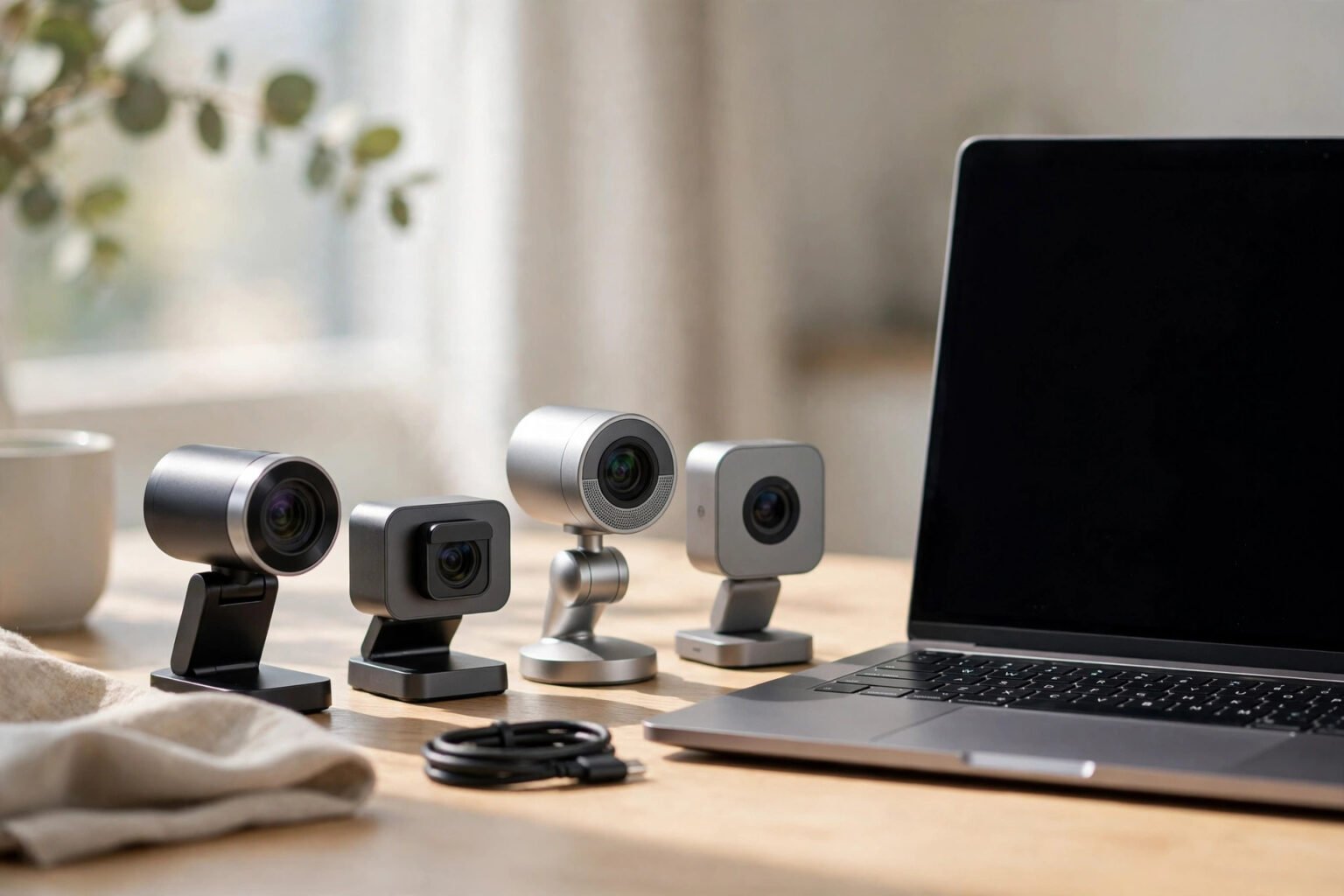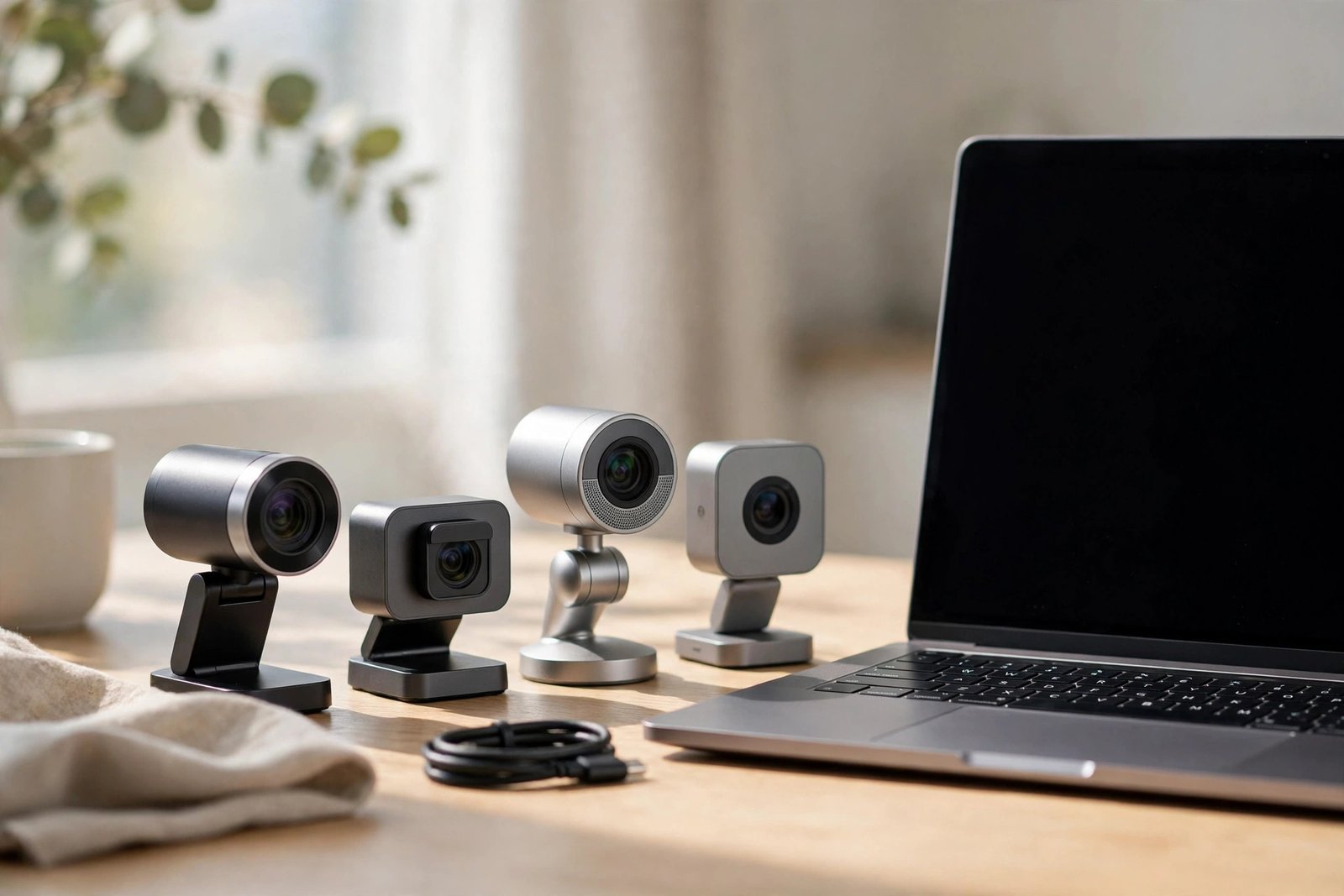
The best webcams for Mac 2027 has to offer are the ones that work with macOS rather than against it. A webcam can have a superb sensor and still frustrate a Mac owner if its software is Windows-only, its cable is USB-A, or its best features need an app that does not exist on the Mac. Our short answer is that the Logitech MX Brio suits most Mac owners, the Insta360 Link 2 suits presenters who move, and Apple’s Continuity Camera is the best free option if you already own a recent iPhone.
macOS treats most external webcams as standard USB video devices, so the leading cameras work in FaceTime, Zoom, Teams, Google Meet and OBS without a driver install. The differences that matter are the connector, the Mac app behind the camera, and whether features such as auto-framing and Desk View actually run on macOS.
This guide compares the strongest Mac webcams on those factors, using published manufacturer specifications and macOS compatibility notes. If you want the wider 4K picture beyond the Mac, our guide to the best 4K webcams ranks the same cameras for every platform.
Key takeaways
- The Logitech MX Brio is the safest all-round Mac webcam, with USB-C, a Mac app and strong autofocus.
- Most external webcams work on macOS with no driver install, as standard USB video devices.
- Continuity Camera turns a recent iPhone into a capable Mac webcam for free, with Center Stage and Desk View.
- USB-C matters more than resolution on a MacBook: a USB-A camera means a hub or an adapter.
- Some webcam software is Windows-only, so check that the features you want run on macOS before you buy.
What Mac owners should check before buying a webcam
Start with the connector. Every current MacBook ships with USB-C ports only, so a USB-C webcam such as the MX Brio or the Brio 500 plugs straight in, while a USB-A camera such as the older Brio 4K or the C920x needs a hub or an adapter. That is fine on a desktop Mac with a dock, but annoying on a laptop.
Next, check the software. A webcam’s Mac app controls exposure, white balance, field of view and framing, and the quality of that app varies widely. Logitech’s Logi Tune supports macOS, Elgato’s Camera Hub needs macOS 12 or later, Insta360’s Link Controller needs macOS 13 or later for the Link 2’s advanced features, and OBSBOT Center supports macOS 11 or later. Razer’s Synapse software is Windows-focused, which is why the excellent Kiyo Pro Ultra is a weaker Mac recommendation despite its superb sensor.
Then think about resolution honestly. A 4K camera gives you room to crop and reframe and records far better local video, but most calls still arrive at 1080p. A good 1080p camera with a strong sensor and good light can look better on a call than a cheap 4K camera in a dim room. Our guide to the best laptops for university students covers the MacBooks and Windows machines that pair well with these cameras.
The best webcams for Mac of 2027
These five cover the realistic choices: a flagship, a tracking camera, a creator camera, a value 1080p pick, and the free option you may already own.
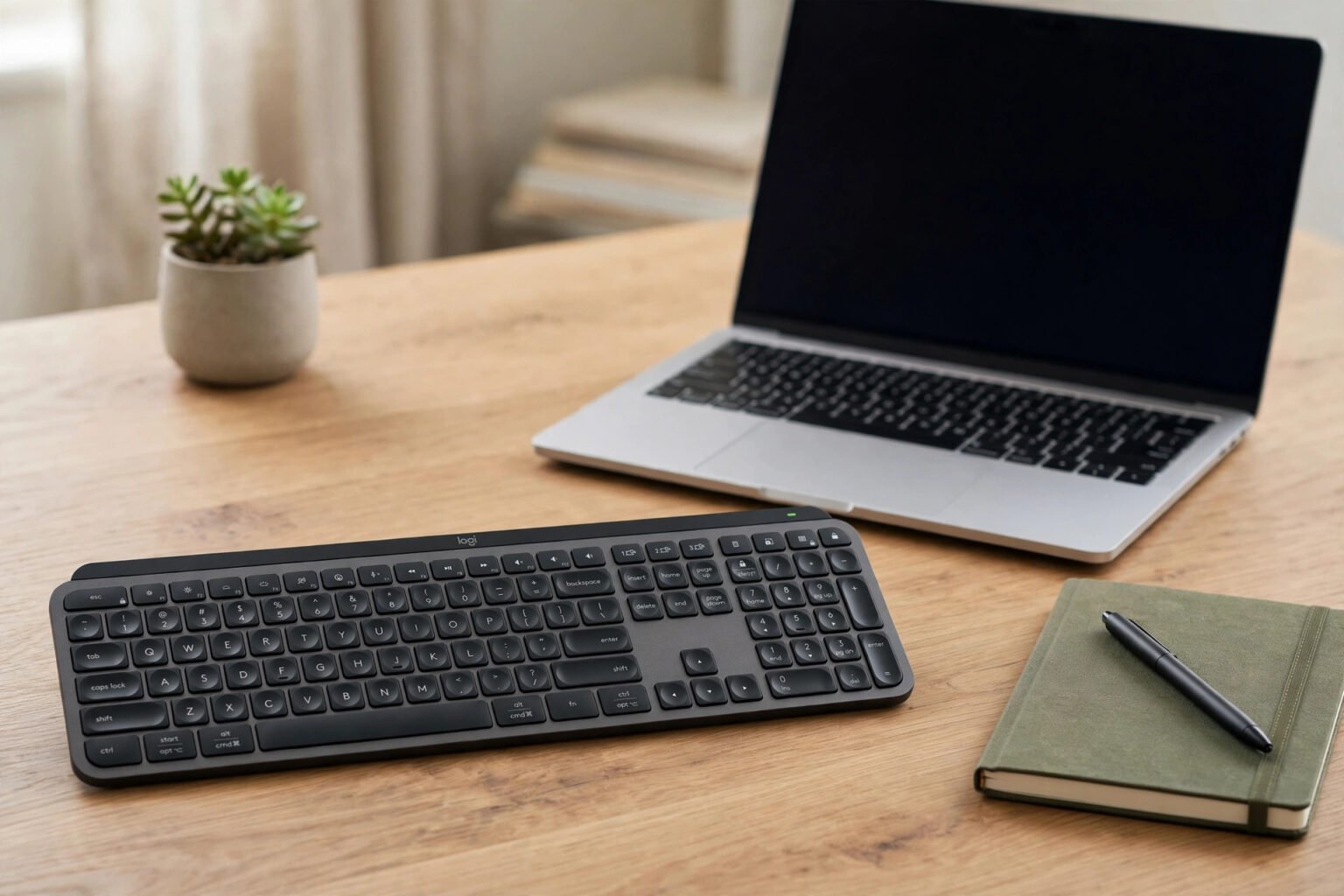
Logitech MX Brio — the best webcam for Mac for most people
Best for: most Mac owners who want a dependable 4K webcam for calls, teaching and recording.
The MX Brio is the most complete Mac webcam in this guide. It records 4K at 30 frames per second or 1080p at 60, uses a Sony STARVIS sensor with autofocus, and connects over USB-C with no driver install. Logi Tune runs on macOS and lets you adjust exposure, white balance and framing, with fields of view at 65, 78 and 90 degrees.
It works immediately in FaceTime, Zoom, Teams, Meet and OBS, and Show Mode tilts the view down to your desk for demonstrations. Dual microphones suit calls, and a built-in privacy shutter covers the lens. The main limitation