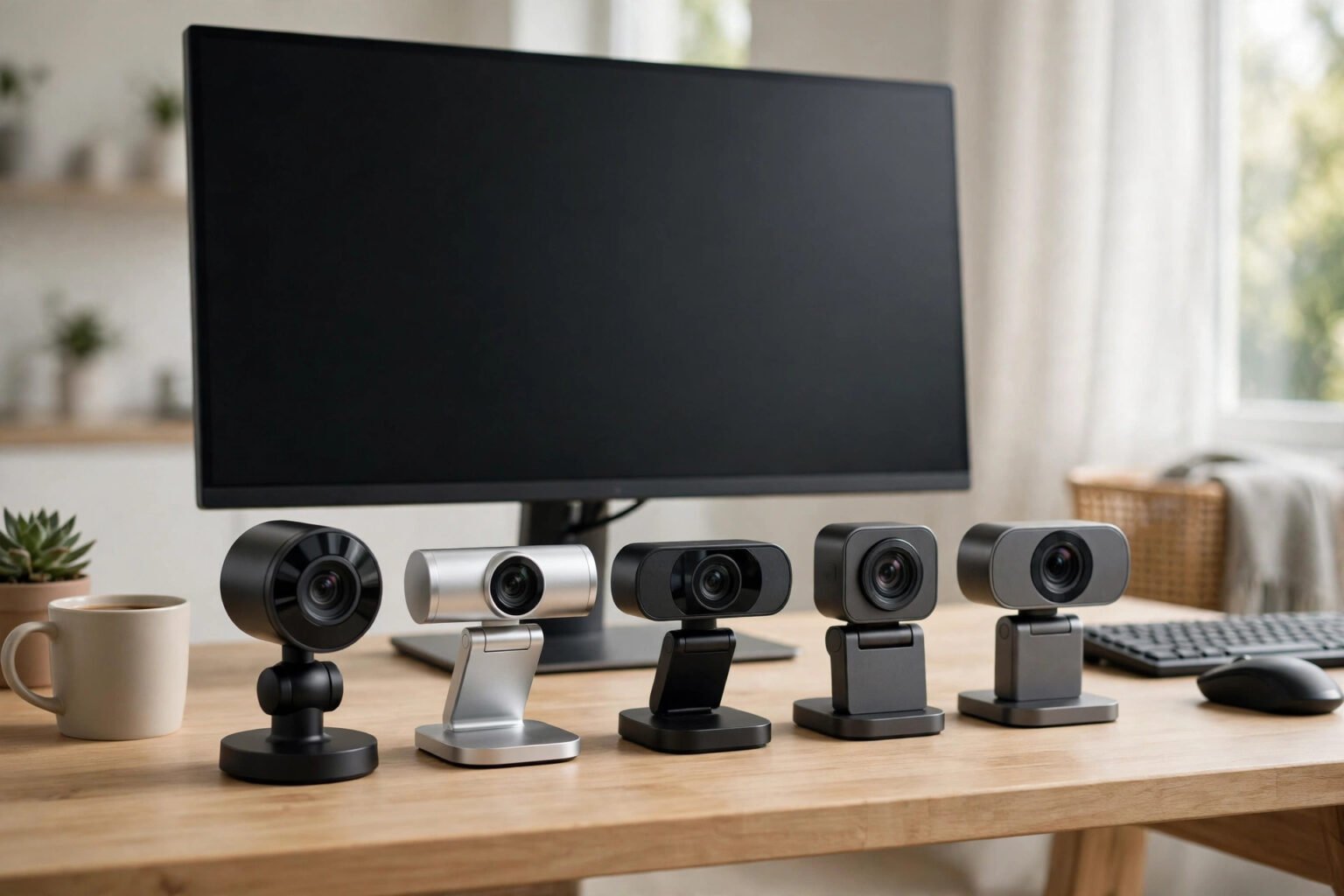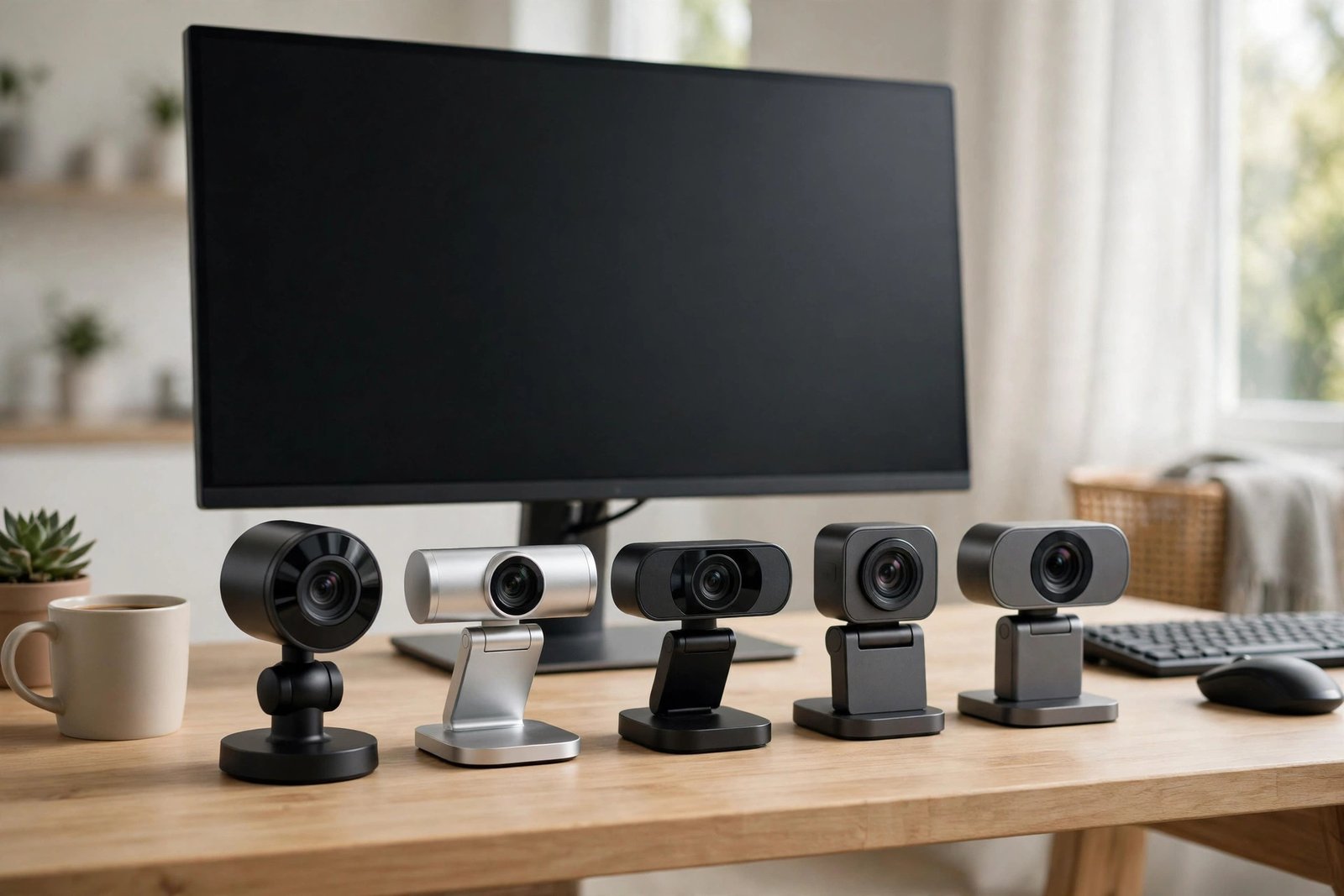
The best 4K webcams 2027 has to offer are sharper, smarter and better in low light than anything sold a few years ago. Most video calls still cap the stream at 1080p, so the real question is whether its sensor, lens and autofocus make you look better at the resolution your call actually uses. Our short answer is that the Logitech MX Brio suits most buyers, the Elgato Facecam 4K suits streamers who want 4K60, and the Insta360 Link 2 suits anyone who moves while presenting.
A 4K sensor still earns its place even when the call is 1080p. It gives the camera room to crop and reframe without softening the picture, and it captures far more detail when you record locally. The difference between a good 4K webcam and a poor one is the sensor, the lens and the autofocus, not the number on the box.
This guide compares the leading 4K webcams on those factors, using published manufacturer specifications and the consensus of independent reviewers.
Key takeaways
- The Logitech MX Brio is the safest all-round pick, with 4K30 and strong autofocus.
- The Elgato Facecam 4K is the only pick here with 4K at 60 frames per second, which matters most for streaming.
- A larger sensor matters more than a larger resolution number: it keeps the picture clean in a dim room.
- Most video-call apps still send 1080p or less, so 4K pays off through cropping and local recording.
- Autofocus, a privacy shutter and a decent microphone matter more than a headline specification.
What actually makes a 4K webcam worth buying in 2027
Start with the sensor. A larger sensor gathers more light, which means less noise and more natural skin tones when your room is dim. The Razer Kiyo Pro Ultra uses a 1/1.2-inch sensor, the largest in this guide, while the OBSBOT Tiny 2 uses a 1/1.5-inch sensor and the Insta360 Link 2 uses a 1/2-inch sensor. All three beat a small-sensor camera in a dim home office, even though all three are labelled 4K.
Next, check the frame rate and the focus. Most 4K webcams top out at 30 frames per second, which is fine for calls and talking-head video. The Elgato Facecam 4K reaches 60 frames per second at 4K, and that extra smoothness shows up when you gesture or stream gameplay. Phase-detect autofocus, used by the Insta360 Link 2 and the OBSBOT Tiny 2 Lite, locks on fast and stays locked when you lean forward. Fixed-focus cameras such as the Facecam 4K can look superb, but only at the distance they are tuned for.
Finally, check the field of view and the connection. A wide 90-degree view fits a second person or a whiteboard, while a narrower 65-degree view flatters a single speaker and hides a messy room. The Logitech MX Brio switches between 65, 78 and 90 degrees in software. Full 4K also needs a USB 3 port and an app that accepts a 4K feed, so plug the camera directly into your computer. If you work from a laptop on the move, our guide to the best laptops for business travel covers machines with the ports a 4K webcam setup needs.
The best 4K webcams of 2027
These five cover the realistic choices for most buyers: an all-rounder, a streaming specialist, a tracking camera, a low-light specialist and a value tracking pick.
Logitech MX Brio — the best 4K webcam for most people
Best for: most buyers who want a dependable 4K webcam for calls, teaching and recording.
The MX Brio is the most balanced camera in this guide. It records 4K at 30 frames per second or 1080p at 60, uses a Sony STARVIS sensor with autofocus, and offers three fields of view at 65, 78 and 90 degrees. Dual microphones handle calls without a separate mic, and a built-in privacy shutter covers the lens.
Its most useful trick is Show Mode, which tilts the view down to your desk so you can show notes or a product without repositioning the camera. The main limitation is that 4K stops at 30 frames per second, so fast movement is smoother on the Elgato.
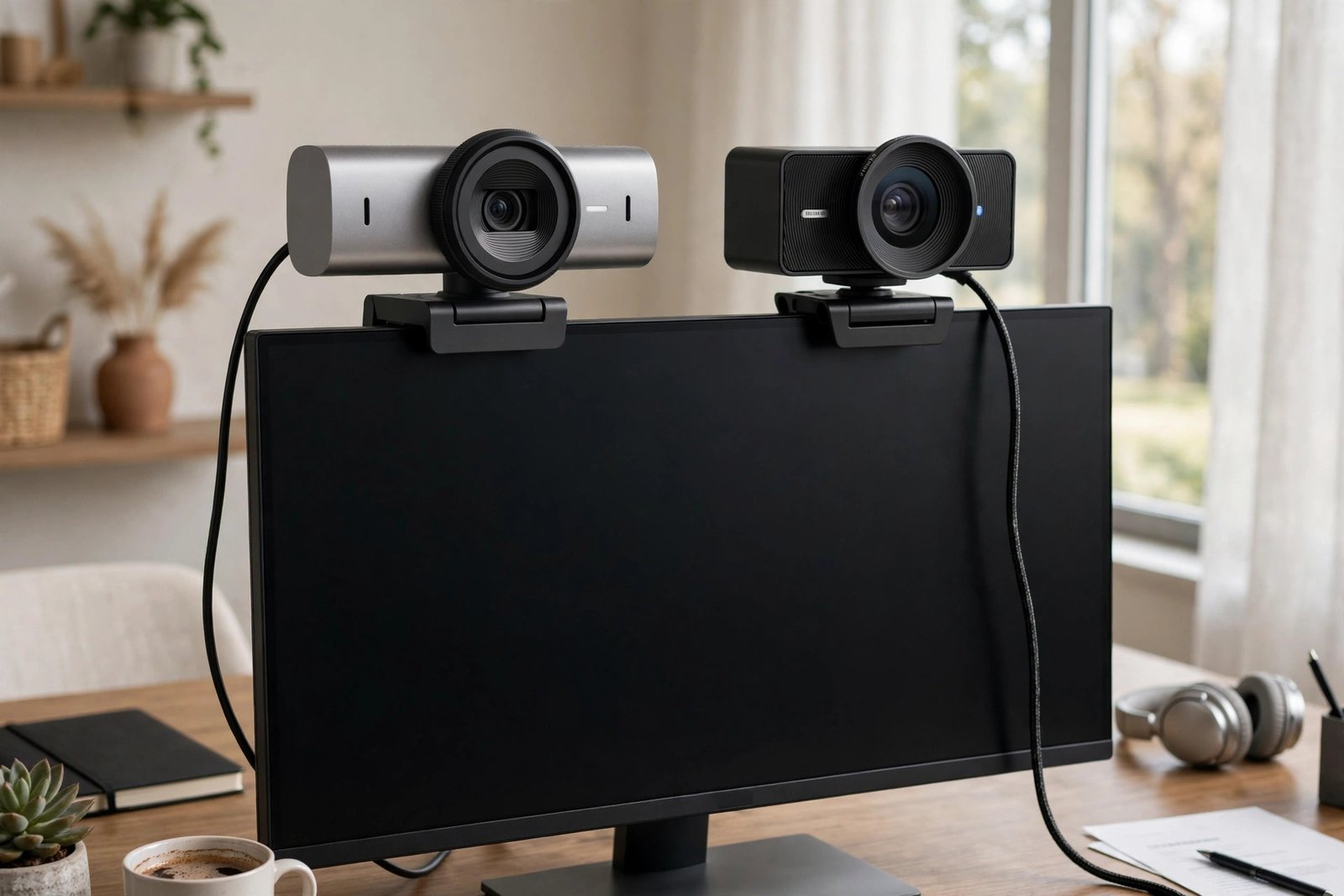
Elgato Facecam 4K — the best 4K webcam for streaming
Best for: streamers who want 4K at 60 frames per second and manual image control.
The Facecam 4K is the only camera here that records 4K60, using a Sony STARVIS 2 sensor with HDR at 4K30. Its fixed focus is tuned for a seated presenter, and Elgato’s Camera Hub software gives you manual control over exposure, white balance and colour, plus a 49mm filter thread.
There are two trade-offs. It has no built-in microphone, so you will need a separate mic, and fixed focus punishes you if you lean far in or out of the frame. If you stream from a fixed position and already own a microphone, nothing else here matches its motion quality.
Insta360 Link 2 — the best 4K webcam for presenters
Best for: teachers and presenters who move around while they talk.
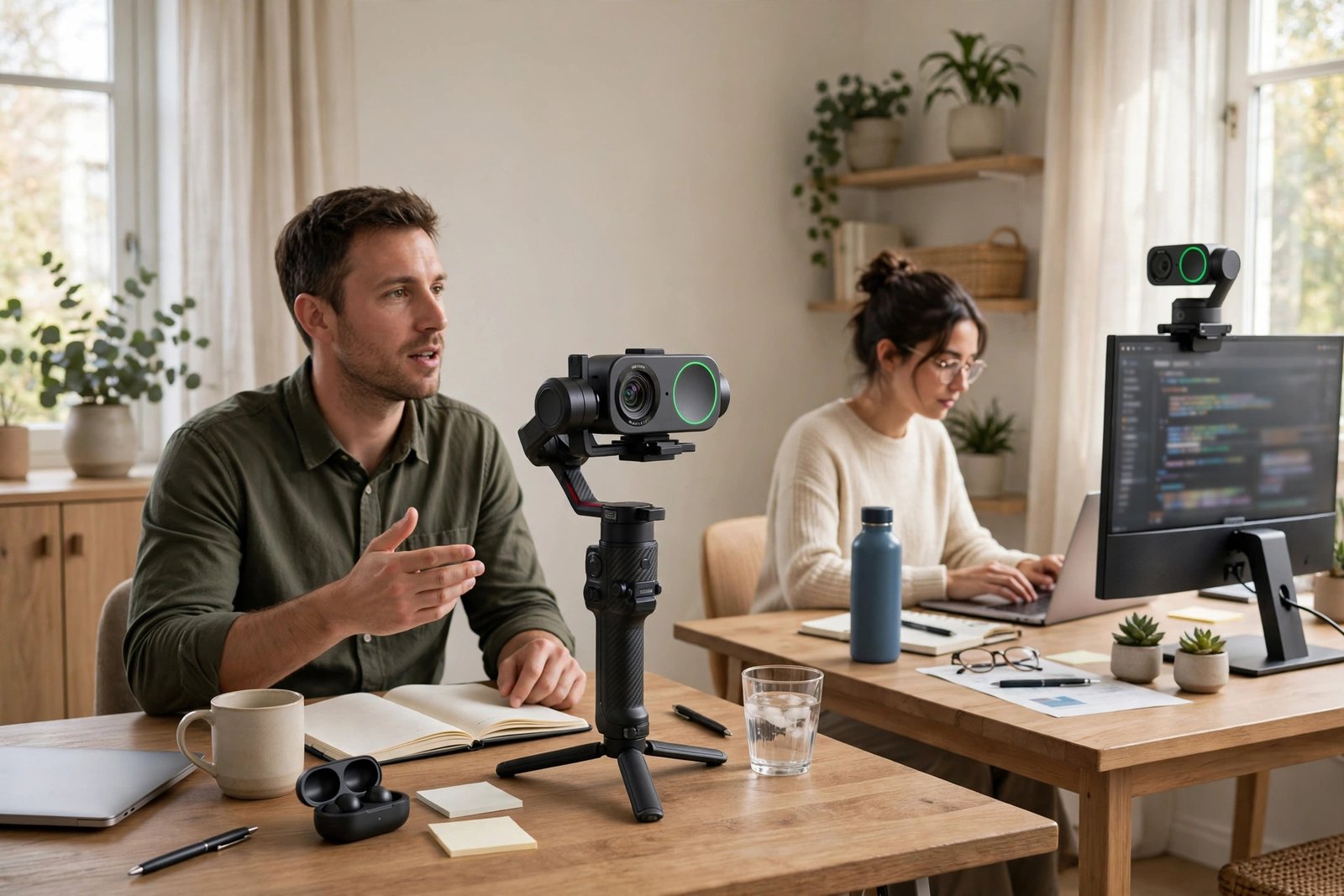
The Link 2 puts a 4K camera on a two-axis gimbal that follows you around the room. It records 4K at 30 frames per second or 1080p at 60, uses phase-detect autofocus on a 1/2-inch sensor, and offers AI tracking, auto-framing and gesture control. Dual noise-cancelling microphones keep your voice clear, and DeskView points the camera down at your workspace.
The gimbal is also its main complication. It needs desk space, it makes a faint motor sound as it moves, and its best effects depend on Insta360’s software and a reasonably capable computer. If you sit still for every call, the MX Brio gives you a similar picture for less fuss.
Razer Kiyo Pro Ultra — the best 4K webcam for low light
Best for: creators in dim rooms who want the cleanest image.
The Kiyo Pro Ultra is built around image quality above all else. Its 1/1.2-inch Sony STARVIS 2 sensor is the largest in this guide, paired with a bright f/1.7 lens, and it records 4K at 30 frames per second or 1080p at 60 with HDR. The result is less noise in low light and a softer background than any other webcam here.
The compromises are size and software. It is a large, heavy camera that dominates a monitor, and Razer’s Synapse software is Windows-focused, so Mac users get fewer controls. It is also the most expensive pick here, so check the current price first.
OBSBOT Tiny 2 Lite — the best value 4K tracking webcam
Best for: buyers who want AI tracking and 4K on a tighter budget.
The Tiny 2 Lite brings motorised tracking to a lower price than the full Tiny 2. It records 4K at 30 frames per second or 1080p at 60, uses phase-detect autofocus on a 1/2-inch sensor, and its two-axis gimbal follows you with AI tracking, gesture control and saved presets. Dual microphones cover calls, and it mounts on a monitor, a tripod or a desk stand.
The picture is a step behind the flagship tracking cameras in difficult light, because its sensor is smaller than the Tiny 2’s 1/1.5-inch unit. Most buyers will notice the tracking far more than the sensor difference.
Best 4K webcams 2027: comparison table
| Webcam | Best for | Max video | Focus | Microphone | Standout feature |
|---|---|---|---|---|---|
| Logitech MX Brio | Most buyers | 4K30, 1080p60 | Autofocus | Dual beamforming | Show Mode, three fields of view |
| Elgato Facecam 4K | Streaming | 4K60, HDR 4K30 | Fixed | None | 4K60, manual controls, filter thread |
| Insta360 Link 2 | Presenters | 4K30, 1080p60 | Phase-detect autofocus | Dual noise-cancelling | Two-axis gimbal, AI tracking |
| Razer Kiyo Pro Ultra | Low light | 4K30, 1080p60 | Autofocus | Omnidirectional | 1/1.2-inch sensor, f/1.7 lens |
| OBSBOT Tiny 2 Lite | Tracking value | 4K30, 1080p60 | Phase-detect autofocus | Dual omnidirectional | Gimbal tracking at a lower price |
Table: the five best 4K webcams of 2027 compared on the specifications that matter daily.
Use the table as a filter, not a verdict. A streamer should weight frame rate, a presenter should weight tracking, and a buyer in a dim room should weight sensor size.
A practical checklist before you buy
- Measure your light first: a camera cannot fix a room lit only from behind you. Put a lamp or a window in front of you.
- Decide whether you move: if you present standing up, buy a tracking camera. If you sit still, a fixed camera gives you a better picture.
- Check your ports: full 4K needs a USB 3 port and a direct connection, or a USB 2 hub will silently limit it to 1080p.
- Confirm your apps accept 4K: Zoom, Teams, Meet and FaceTime often cap the stream at 1080p, though a 4K camera still helps through cropping and recording.
- Check the software on your system: all four makers offer Mac and Windows apps, but some features are Windows-only.
- Look for a privacy shutter: a physical shutter matters every day, and it beats trusting a software mute.
If you are torn between two cameras, score each one on light, movement and frame rate. Mac users should also read our guide to the best webcams for Mac, and laptop users our guide to the best 2-in-1 laptops.
Frequently asked questions
Is a 4K webcam worth it in 2027?
Yes, for most buyers who record video or want headroom to crop and reframe. Most calls still arrive at 1080p, but a 4K sensor gives a sharper 1080p picture, smoother digital zoom and far better local recordings. If you only take occasional calls in good light, a good 1080p camera is enough.
What is the best 4K webcam for Zoom and Teams calls?
The Logitech MX Brio is the safest choice for Zoom and Teams. Its autofocus is reliable and its three fields of view adapt to different rooms. The Elgato Facecam 4K is better for streaming, but needs a separate microphone.
Do I need 4K60, or is 4K30 enough?
4K30 is enough for calls, teaching and talking-head video, where the subject barely moves. 4K60 matters for streaming and demonstrations, because it keeps fast movement smooth. If you stream regularly, the Elgato Facecam 4K is the pick here that offers it.
Why does my 4K webcam look soft on video calls?
Usually because the call itself is capped at 1080p or lower, or because the camera is connected through a USB 2 port or hub. Check that you are plugged into a USB 3 port and that your lighting comes from in front of you.
Do 4K webcams work on Mac?
Yes. The cameras in this guide connect as standard USB video devices and work in FaceTime, Zoom, Teams and OBS on macOS without drivers. Some advanced features depend on each maker’s Mac app, so check yours are supported on macOS before you buy.
The bottom line
The best 4K webcam in 2027 is the one that matches how you actually spend your time on camera. For most people that is the Logitech MX Brio, because it balances image quality, autofocus, microphones and software better than anything else here. Streamers should choose the Elgato Facecam 4K, presenters the Insta360 Link 2, and anyone in a dim room the Razer Kiyo Pro Ultra.
Before you order, fix the two things that matter more than any camera: put your light in front of you, and plug the camera into a USB 3 port. Then pick the camera that wins on your top two priorities and check the current price.