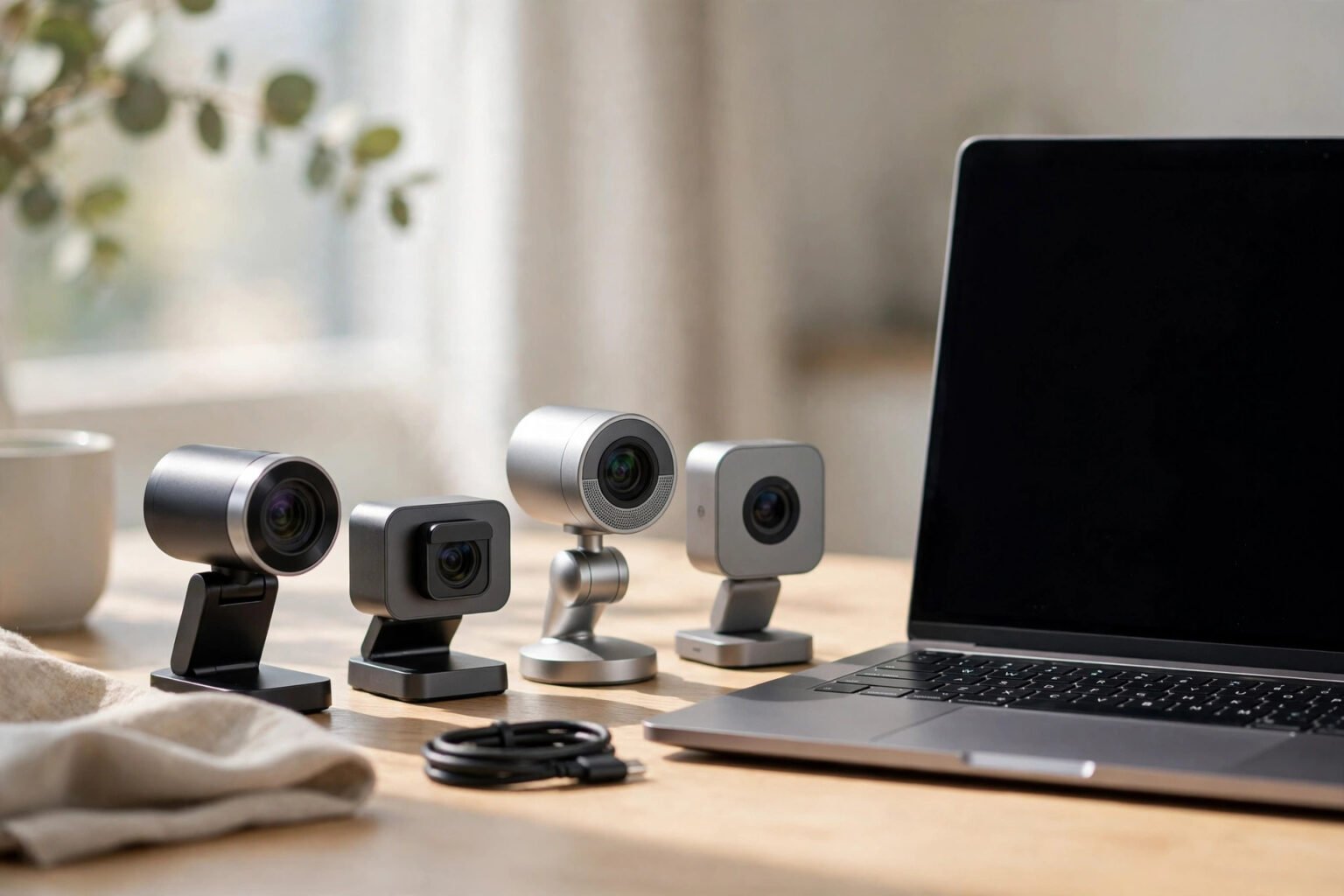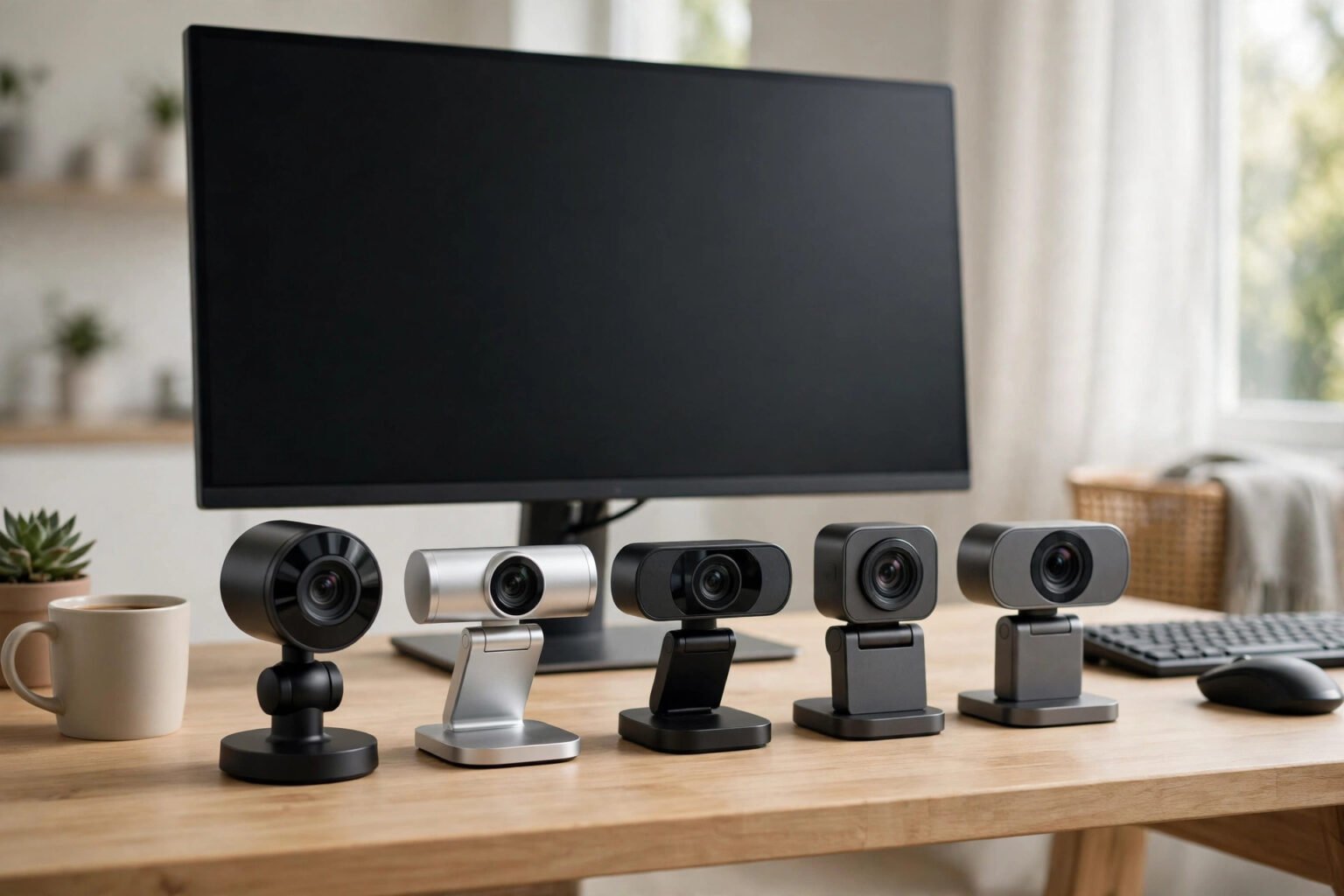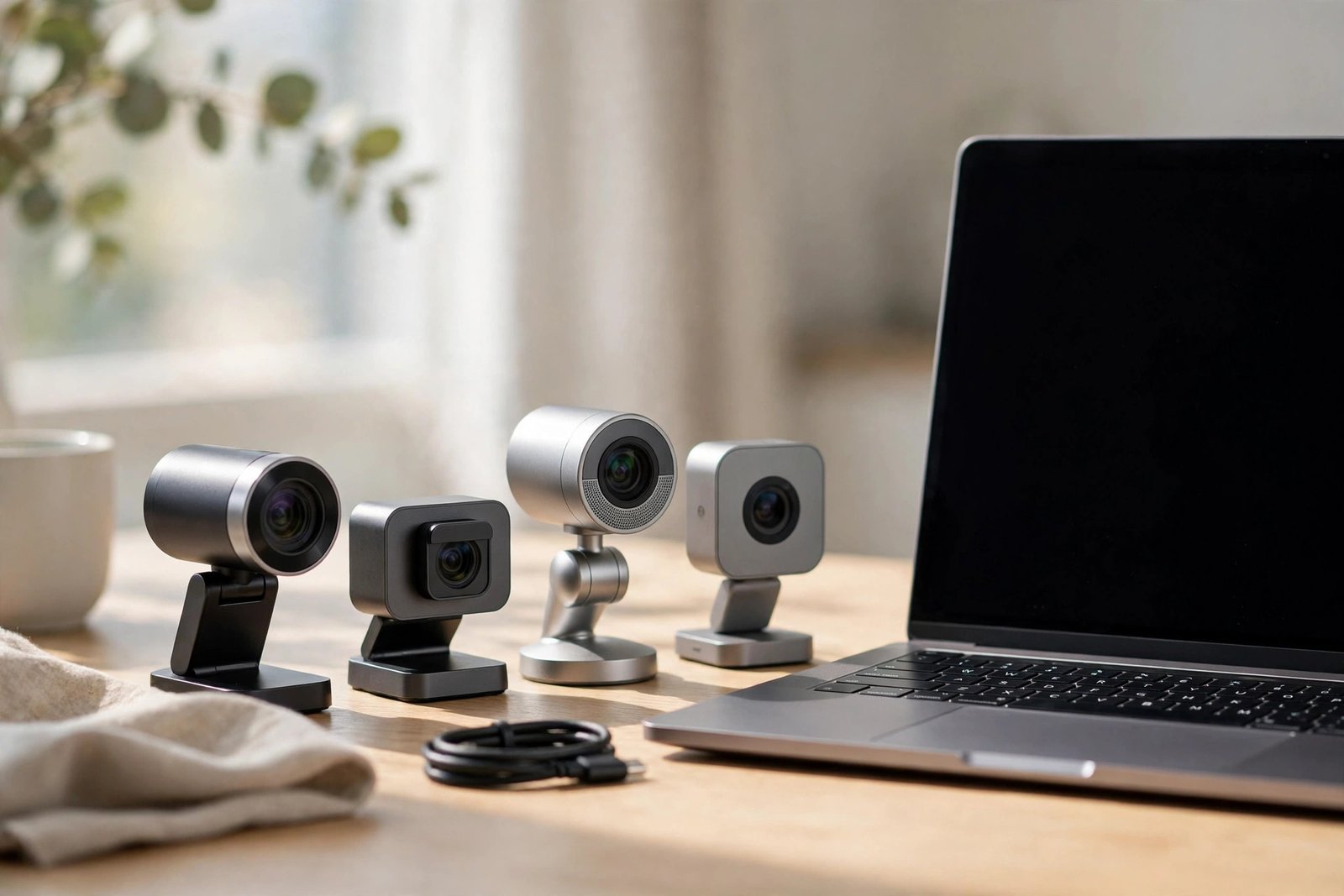
The best webcams for Mac 2027 has to offer are the ones that work with macOS rather than against it. A webcam can have a superb sensor and still frustrate a Mac owner if its software is Windows-only, its cable is USB-A, or its best features need an app that does not exist on the Mac. Our short answer is that the Logitech MX Brio suits most Mac owners, the Insta360 Link 2 suits presenters who move, and Apple’s Continuity Camera is the best free option if you already own a recent iPhone.
macOS treats most external webcams as standard USB video devices, so the leading cameras work in FaceTime, Zoom, Teams, Google Meet and OBS without a driver install. The differences that matter are the connector, the Mac app behind the camera, and whether features such as auto-framing and Desk View actually run on macOS.
This guide compares the strongest Mac webcams on those factors, using published manufacturer specifications and macOS compatibility notes. If you want the wider 4K picture beyond the Mac, our guide to the best 4K webcams ranks the same cameras for every platform.
Key takeaways
- The Logitech MX Brio is the safest all-round Mac webcam, with USB-C, a Mac app and strong autofocus.
- Most external webcams work on macOS with no driver install, as standard USB video devices.
- Continuity Camera turns a recent iPhone into a capable Mac webcam for free, with Center Stage and Desk View.
- USB-C matters more than resolution on a MacBook: a USB-A camera means a hub or an adapter.
- Some webcam software is Windows-only, so check that the features you want run on macOS before you buy.
What Mac owners should check before buying a webcam
Start with the connector. Every current MacBook ships with USB-C ports only, so a USB-C webcam such as the MX Brio or the Brio 500 plugs straight in, while a USB-A camera such as the older Brio 4K or the C920x needs a hub or an adapter. That is fine on a desktop Mac with a dock, but annoying on a laptop.
Next, check the software. A webcam’s Mac app controls exposure, white balance, field of view and framing, and the quality of that app varies widely. Logitech’s Logi Tune supports macOS, Elgato’s Camera Hub needs macOS 12 or later, Insta360’s Link Controller needs macOS 13 or later for the Link 2’s advanced features, and OBSBOT Center supports macOS 11 or later. Razer’s Synapse software is Windows-focused, which is why the excellent Kiyo Pro Ultra is a weaker Mac recommendation despite its superb sensor.
Then think about resolution honestly. A 4K camera gives you room to crop and reframe and records far better local video, but most calls still arrive at 1080p. A good 1080p camera with a strong sensor and good light can look better on a call than a cheap 4K camera in a dim room. Our guide to the best laptops for university students covers the MacBooks and Windows machines that pair well with these cameras.
The best webcams for Mac of 2027
These five cover the realistic choices: a flagship, a tracking camera, a creator camera, a value 1080p pick, and the free option you may already own.
Logitech MX Brio — the best webcam for Mac for most people
Best for: most Mac owners who want a dependable 4K webcam for calls, teaching and recording.
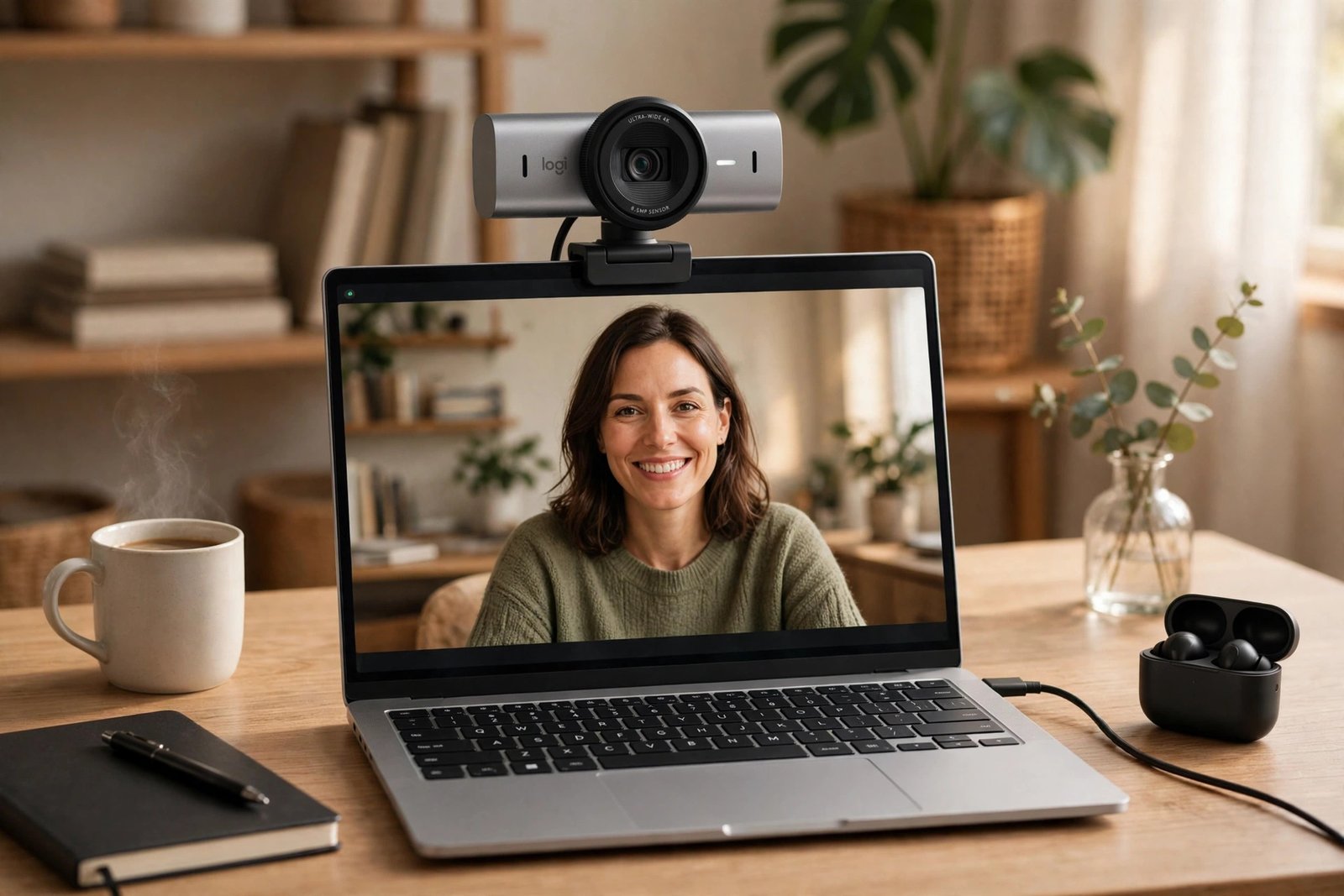
The MX Brio is the most complete Mac webcam in this guide. It records 4K at 30 frames per second or 1080p at 60, uses a Sony STARVIS sensor with autofocus, and connects over USB-C with no driver install. Logi Tune runs on macOS and lets you adjust exposure, white balance and framing, with fields of view at 65, 78 and 90 degrees.
It works immediately in FaceTime, Zoom, Teams, Meet and OBS, and Show Mode tilts the view down to your desk for demonstrations. Dual microphones suit calls, and a built-in privacy shutter covers the lens. The main limitation is that 4K stops at 30 frames per second, so streamers who want smoother motion should look at the Elgato below.
Insta360 Link 2 — the best webcam for Mac presenters
Best for: teachers and presenters who move around while they talk.
The Link 2 puts a 4K camera on a gimbal that follows you around the room. It records 4K at 30 frames per second or 1080p at 60, uses phase-detect autofocus, and offers AI tracking, auto-framing, gesture control and DeskView. Dual noise-cancelling microphones keep your voice clear.
It works as a standard USB video device on macOS, with advanced features through Insta360’s Link Controller on macOS 13 or later. The gimbal needs desk space, and its best effects depend on the software and a capable Mac. If you sit still for every call, the MX Brio gives you a similar picture with less fuss.
Elgato Facecam 4K — the best webcam for Mac creators
Best for: Mac creators who want 4K at 60 frames per second and manual image control.
The Facecam 4K is the only camera here that records 4K60, using a Sony STARVIS 2 sensor with HDR at 4K30. It connects over USB-C and works on macOS 12 or later with Elgato’s Camera Hub, which gives you manual control over exposure, white balance and colour, plus a 49mm filter thread.
There are two trade-offs. It has no built-in microphone, so you will need a separate mic, and its fixed focus is tuned for a seated presenter. If you record or stream from a fixed position on a Mac and already own a microphone, it is the strongest image in this guide.
Logitech Brio 500 — the best value webcam for Mac
Best for: Mac owners who want a clear 1080p upgrade over the built-in camera.
The Brio 500 is the sensible pick if your calls never need 4K. It records 1080p at 30 frames per second with RightLight 4 auto-exposure, which handles mixed lighting well, and it connects over USB-C with no driver install. Logi Tune runs on macOS, and it has a privacy shutter, dual microphones and the MX Brio’s Show Mode desk view.
Its limitation is obvious: it is a 1080p camera, so it offers no cropping headroom and no 4K recording. In practice that matters less than buyers fear, because most calls arrive at 1080p anyway. The Anker PowerConf C200 is a similar-priced alternative with 2K resolution, but the Brio 500’s Mac software makes it safer.
Apple Continuity Camera — the best free webcam for Mac
Best for: Mac owners who already have a recent iPhone and want a better camera without buying one.
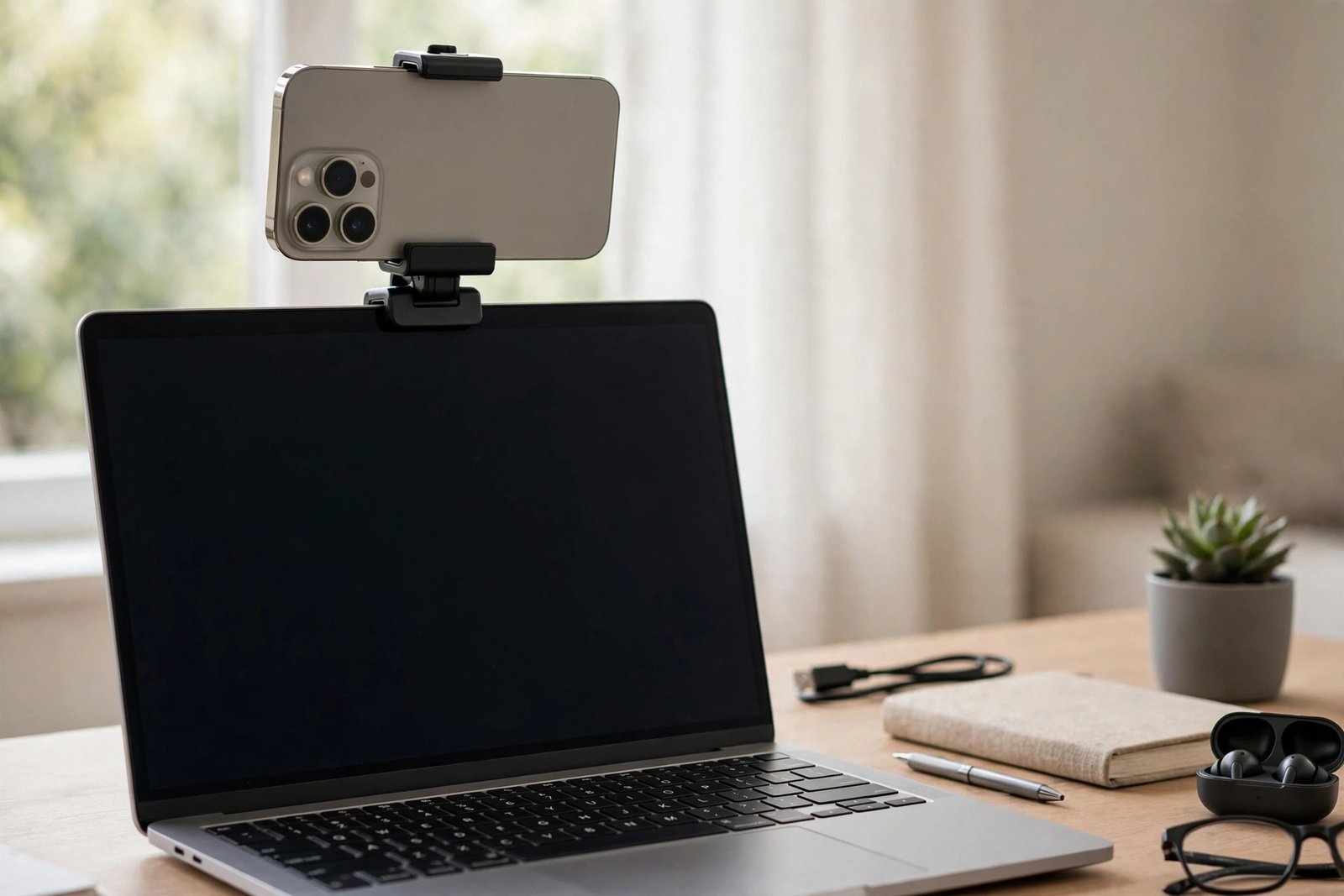
Continuity Camera turns a recent iPhone into a wireless Mac webcam, and it is the best value in this guide because it costs nothing extra. It needs an iPhone XR or later running iOS 16 or later, and a Mac running macOS Ventura 13 or later. Once set up, your iPhone appears as a camera in FaceTime, Zoom, Teams and other apps, with Center Stage and Desk View.
The catch is practical rather than technical. You need a mount to hold the phone on your MacBook or monitor, the phone is tied up while you are on a call, and a wireless connection can stutter if your Wi-Fi is busy. A wired USB connection is steadier. Even with those caveats, an iPhone’s camera beats most dedicated webcams, and for occasional calls it may be all you need.
Best webcams for Mac 2027: comparison table
| Webcam | Best for | Max video | Connector | Mac software | Standout feature |
|---|---|---|---|---|---|
| Logitech MX Brio | Most Mac owners | 4K30, 1080p60 | USB-C | Logi Tune | Show Mode, three fields of view |
| Insta360 Link 2 | Presenters | 4K30, 1080p60 | USB-C | Link Controller | Two-axis gimbal, AI tracking |
| Elgato Facecam 4K | Creators | 4K60, HDR 4K30 | USB-C | Camera Hub, macOS 12+ | 4K60, manual controls |
| Logitech Brio 500 | Value | 1080p30 | USB-C | Logi Tune | RightLight 4, Show Mode |
| Apple Continuity Camera | Free option | Depends on iPhone | Wireless or USB | Built into macOS | Center Stage, Desk View |
Table: the best Mac webcams of 2027 compared on video quality, connector and macOS support.
Use the table as a filter. A traveller should weight the connector column, a presenter should weight tracking, and a buyer on a budget should weigh whether 1080p is enough.
A practical checklist before you buy
- Check your ports first: a USB-C camera plugs straight into a modern MacBook, while a USB-A camera means a hub or an adapter.
- Confirm the Mac app: check that the features you want, such as auto-framing or manual exposure, actually run on macOS.
- Try Continuity Camera before you spend: if you own an iPhone XR or later and a Mac on Ventura or newer, test it for a week.
- Fix your light first: put a lamp or a window in front of you, because no sensor rescues a face lit from behind.
- Check your apps accept the resolution: FaceTime, Zoom, Teams and Meet often cap the stream at 1080p, though a 4K camera still helps through cropping and recording.
If you are torn between two cameras, score each one on connector, Mac software and movement. A tidy desk helps too, which is why our guide to the best keyboards for iPad Air is worth a look if you are rebuilding your Apple desk setup.
Frequently asked questions
What is the best webcam for a MacBook in 2027?
The Logitech MX Brio is the best webcam for most MacBook owners. It connects over USB-C with no driver install, its Mac app controls exposure and framing, and its microphones suit calls. If you already own a recent iPhone, try Continuity Camera first, because it costs nothing.
Does Continuity Camera replace a dedicated webcam?
For occasional calls, yes. An iPhone’s camera produces a better image than most dedicated webcams, and Center Stage and Desk View are genuinely useful. For daily use, a dedicated webcam is more comfortable, because it leaves your phone free and needs no mount.
Do webcams need drivers on a Mac?
No, not usually. macOS treats most webcams as standard USB video devices, so they work in FaceTime, Zoom, Teams, Meet and OBS as soon as you plug them in. The maker’s Mac app is optional for basic use, but you need it for advanced features.
Why does my Mac’s built-in camera look worse than an external webcam?
The built-in FaceTime camera is small, sits close to the screen, and looks up at you from a low angle in whatever light your room provides. An external webcam has a larger sensor and lens, sits at eye level, and lets you control exposure and framing. Raise it to eye level and put light in front of you.
The bottom line
The best webcam for a Mac in 2027 is the one that behaves like part of the Mac. For most owners that is the Logitech MX Brio, because it plugs in over USB-C, its Mac app works properly, and its picture flatters you in real rooms, not just ideal light. Presenters should choose the Insta360 Link 2, creators the Elgato Facecam 4K, and anyone on a budget the Brio 500 or Continuity Camera.
Before you order, try the free option for a week: set up Continuity Camera and take a few calls. If the mount and the tied-up phone suit you, you have saved the cost of a camera. If they do not, buy the MX Brio and plug it into a USB-C port.