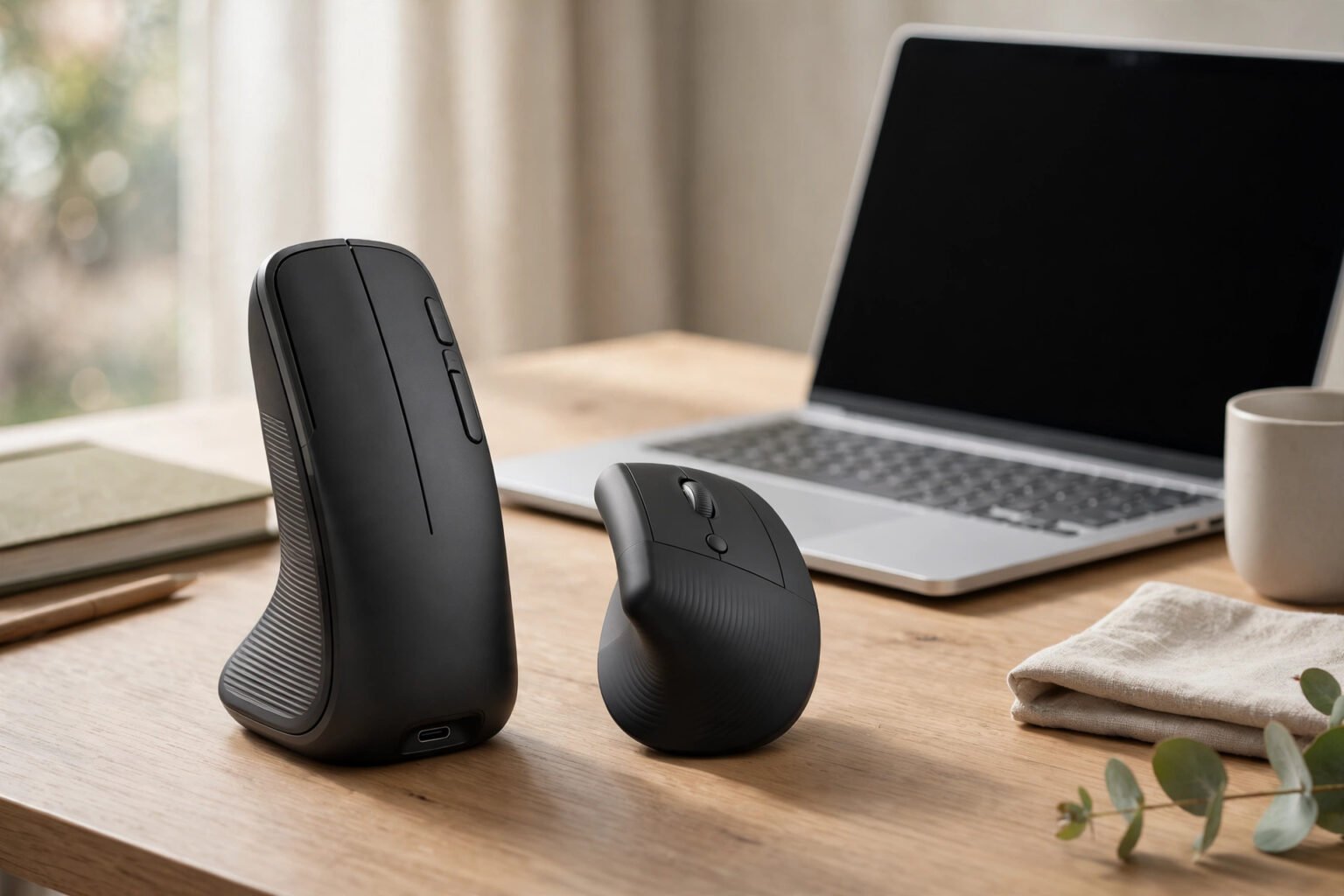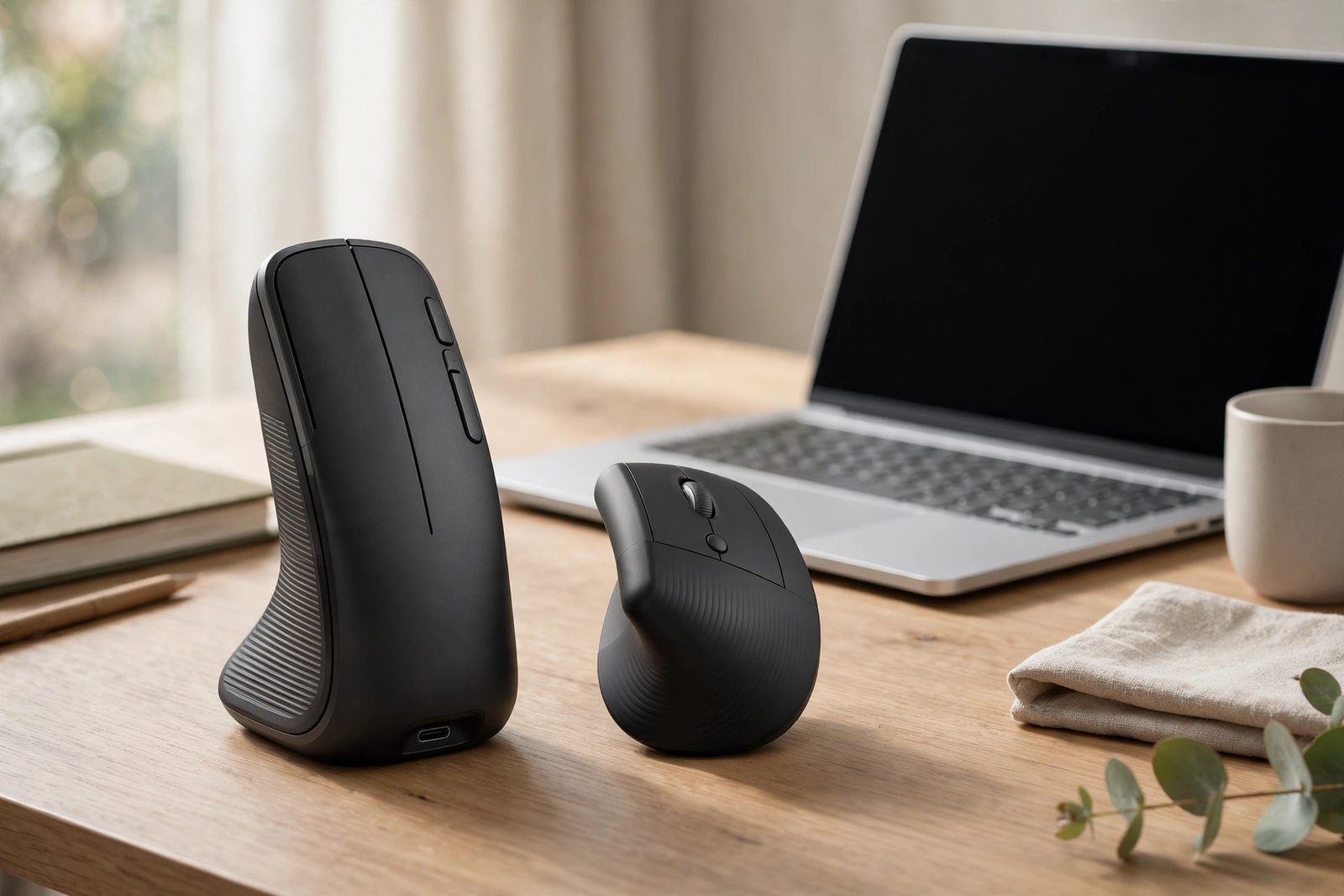
The best vertical mice for wrist pain 2027 has to offer work on a simple idea: turn the hand onto its side, into a handshake position, instead of twisting the forearm flat onto the desk all day. That twist, repeated for eight hours, is what leaves many desk workers with aching wrists by Friday. A vertical mouse does not cure wrist pain, but for many people it removes one of its daily causes.
Our short answer is that the Logitech MX Vertical is the best vertical mouse for most people with wrist pain, thanks to its proven 57-degree angle and comfortable shape. If your hands are small or medium, the Logitech Lift is the better fit at a lower price, while the Razer Pro Click V2 Vertical suits people who want a steeper angle and a premium build. Give any vertical mouse at least a week before judging it.
This guide compares the leading vertical mice on angle, hand size, weight, battery life and comfort, using manufacturer-published specifications. Prices vary, so check current price before you buy.
Key takeaways
- The Logitech MX Vertical is the best vertical mouse for most people, with a proven 57-degree angle for medium to large hands.
- The Logitech Lift is the best pick for small to medium hands, and the only one with a left-handed version.
- A 57-degree angle suits most people; steeper angles take longer to get used to.
- Hand size matters more than brand: a mouse that is too big or too small will not help your wrist.
- A vertical mouse is one part of the fix; desk height, posture and breaks matter just as much.
How a vertical mouse helps your wrist
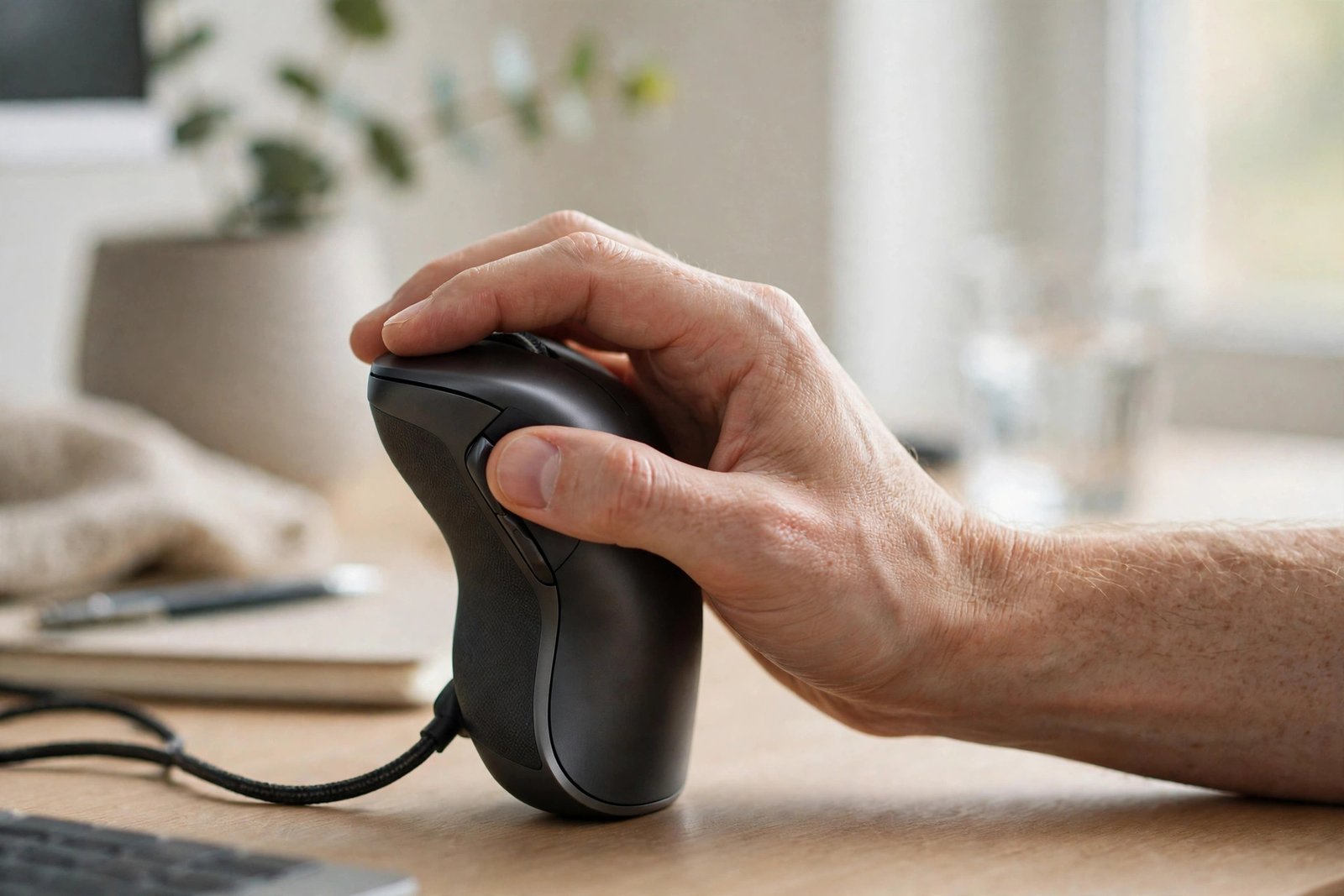
A standard mouse keeps the palm facing down, rotating the forearm inward all day. That rotation loads the muscles and tendons of the forearm and wrist, and hours of it can leave the wrist stiff and sore. A vertical mouse tilts the hand onto its side, closer to the neutral handshake position, so the forearm rotates less. Logitech’s own testing found the MX Vertical’s 57-degree angle reduced muscular activity by up to 10 percent compared with a standard mouse.
A 57-degree tilt, used by both Logitech vertical mice, is a compromise: it takes much of the twist out of the wrist while keeping the mouse easy to control. A steeper angle, such as the Razer’s 71.7 degrees, puts the hand closer to fully upright, which feels more neutral but makes precise movements harder at first. The best choice is the one your hand adapts to within a week.
It is worth being honest about what a vertical mouse cannot do. It will not fix pain caused by poor desk height, a keyboard that is too high, or a chair that leaves your arms unsupported. It works best alongside a desk set up so your forearms rest level and your wrist stays straight. If you game as well as work, a vertical mouse is a poor gaming tool, and our guide to the best wireless mice for gaming covers the mice that suit fast play.
The best vertical mice of 2027
Logitech MX Vertical — best overall
Best for: medium to large hands and anyone buying their first vertical mouse.
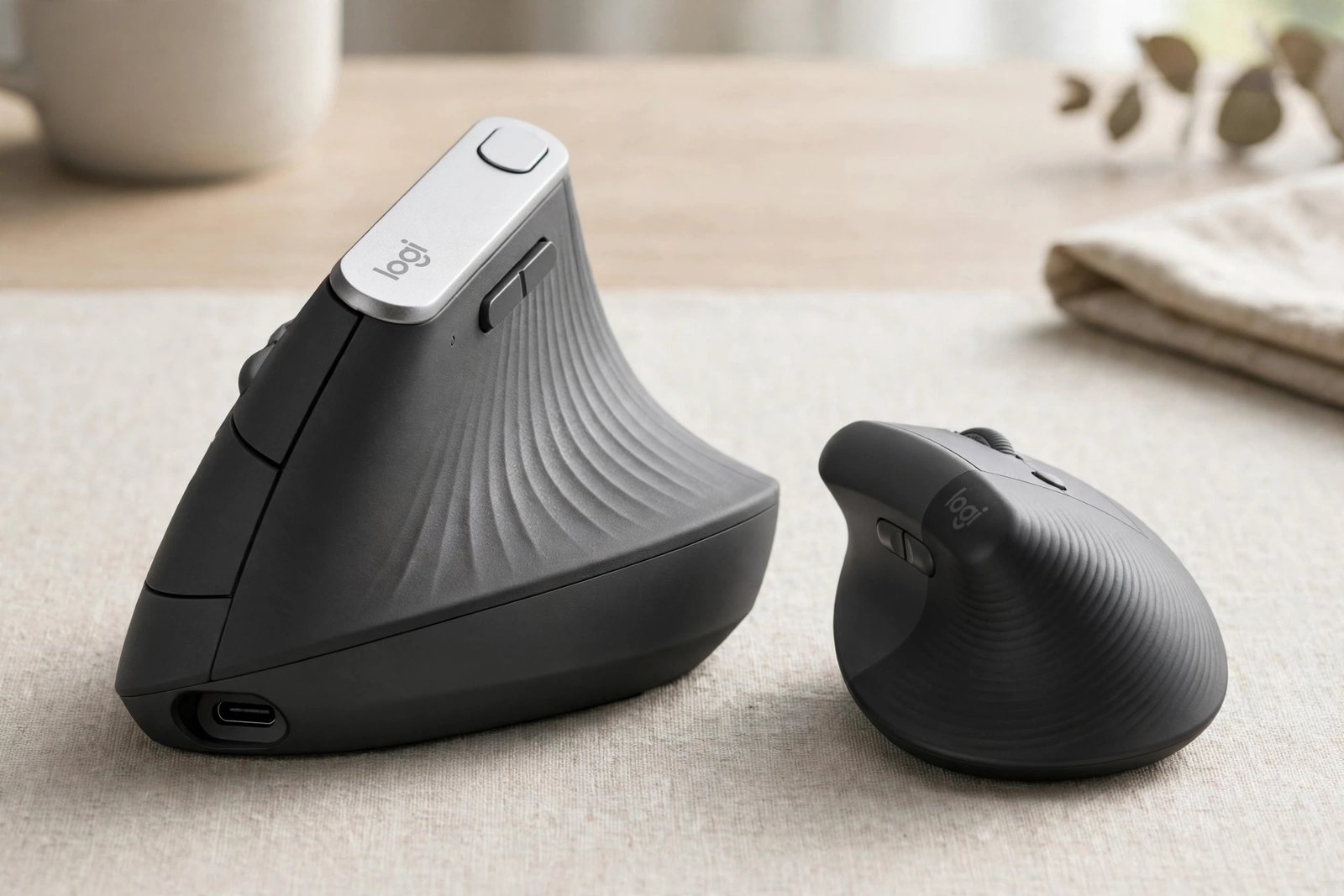
The MX Vertical made vertical mainstream, and it remains the safest recommendation in the category. Its 57-degree angle puts the hand in Logitech’s natural handshake position, enough tilt to take the twist out of the wrist but gentle enough that most people feel comfortable within a day. It uses a 4,000 DPI sensor with a cursor speed switch, and connects over Bluetooth, the Logi Bolt receiver or USB-C.
The rechargeable battery lasts up to four months on a full charge, and a one-minute quick charge gives about three hours of use. The sculpted body, textured rubber surface and thumb rest suit medium to large hands. It is right-handed only, with no left-handed version. Large-handed buyers should start here.
Logitech Lift — best for small to medium hands
Best for: small to medium hands, quiet offices and left-handed users.
The Lift is Logitech’s smaller vertical mouse, built around the same 57-degree angle as the MX Vertical but for small to medium hands. It weighs 125 g, uses a 4,000 DPI optical sensor, and connects over Bluetooth Low Energy or the Logi Bolt receiver, pairing with up to three devices. Its clicks use Logitech’s SilentTouch technology, making it noticeably quieter than most mice, and the SmartWheel scrolls in precision or speed modes.
Battery life runs up to 24 months on a single AA battery, which is included. The Lift is also the only leading vertical mouse sold in a dedicated left-handed version, which matters if your dominant hand is the left one. The trade-off is size: large hands will find the Lift cramped, and the MX Vertical is the better buy. A tidy desk helps any mouse feel better, and our guide to keeping a mechanical keyboard clean covers the other half of a comfortable setup.
Razer Pro Click V2 Vertical Edition — best premium pick
Best for: people who want the steepest angle, the sharpest sensor and a premium build.
Razer’s first vertical mouse takes a different approach, with a steep 71.7-degree angle that puts the hand closer to fully upright. It is a heavy mouse at 150 g, which keeps it planted on the desk, and it uses Razer’s Focus Pro optical sensor with a maximum of 30,000 DPI, far sharper than any other vertical mouse. Battery life reaches up to six months on a full charge, and it connects over HyperSpeed wireless, Bluetooth or USB-C.
The steep angle is both its strength and its weakness. It feels more neutral than a 57-degree mouse, but precise movements take longer to learn, and the weight makes quick repositioning harder. Buy it if you want the most premium vertical mouse available.
Anker 2.4G Wireless Vertical — best budget pick
Best for: trying the vertical shape for the first time without spending much.
The Anker 2.4G Wireless Vertical is the cheapest way to find out whether a vertical mouse helps your wrist. It offers a comfortable vertical shell with five buttons, including forward and back navigation, and a DPI button that cycles through 800, 1,200 and 1,600 DPI. It connects through a 2.4 GHz USB receiver that stores in the base, and it runs on two AAA batteries.
There is no Bluetooth and no multi-device switching, and the 1,600 DPI maximum is too low for fast gaming, but neither matters for office work, browsing and documents. For a first experiment, it is hard to beat: if it helps, upgrade to a Logitech, and if it does not, you have spent very little finding out.
Comparison table
| Mouse | Angle | Hand size | Weight | Battery | Best for |
|---|---|---|---|---|---|
| Logitech MX Vertical | 57° | Medium to large | 135 g | Up to 4 months, rechargeable | Most people, first vertical mouse |
| Logitech Lift | 57° | Small to medium | 125 g | Up to 24 months, 1 AA | Small hands, left-handed users |
| Razer Pro Click V2 Vertical | 71.7° | Medium to large | 150 g | Up to 6 months, rechargeable | Steepest angle, premium build |
| Anker 2.4G Wireless Vertical | About 60° | Medium | About 95 g | 2 AAA batteries | Budget first try |
Table: the leading vertical mice of 2027 compared on angle, hand size, weight and battery.
Use this table to shortlist two mice, then decide on hand size. The angle column matters, but the hand-size column matters more: a vertical mouse that does not fit your hand will not help your wrist.
A practical checklist before you buy
- Measure your hand first: small to medium hands suit the Lift, medium to large hands suit the MX Vertical.
- Check handedness: only the Lift has a left-handed version; the others are right-handed.
- Give it a full week: judge the mouse on day seven, not day one.
- Set your desk up properly: forearms level, wrist straight, mouse close to the keyboard.
- Take breaks: stand, stretch and move your wrists every 30 to 60 minutes.
- Keep a standard mouse nearby for gaming or precise design work, where a vertical mouse is a poor fit.
If you are torn between the MX Vertical and the Lift, the deciding factor is hand size, not price. Buy the one that fits, even if it costs more, because a mouse that fits is the one you will actually use. And if your wrist pain is part of a wider desk problem, a laptop that forces you to hunch is no friend to your wrists, so our guide to the best laptops for business travel may help if you work on the move.
Frequently asked questions
Do vertical mice really help with wrist pain?
For many people, yes, but they are not a cure. A vertical mouse puts the hand in a more neutral handshake position, reducing the forearm rotation that contributes to wrist strain. Logitech’s own testing found the MX Vertical’s 57-degree angle reduced muscular activity by up to 10 percent compared with a standard mouse. If pain persists, see a clinician rather than trying more mice.
How long does it take to get used to a vertical mouse?
Most people need about a week. The first two days feel slow and clumsy, because years of muscle memory are built around a flat mouse. By day five or six, most users find the shape feels natural for everyday work. If it still feels wrong after two weeks, the shape or size is probably not right for you.
Which vertical mouse is best for small hands?
The Logitech Lift is the best vertical mouse for small to medium hands. It uses the same 57-degree angle as the larger MX Vertical but in a smaller shell, and it is the only leading vertical mouse with a left-handed version. The MX Vertical and the Razer are both built for medium to large hands.
Can I use a vertical mouse for gaming?
You can, but you probably should not. Vertical mice are heavier, slower to reposition and harder to click precisely than gaming mice, because their buttons sit on the side of the shell.
Is the Logitech MX Vertical or the Lift better?
It depends on your hand size. The MX Vertical suits medium to large hands, with a rechargeable battery lasting up to four months and a premium metal scroll wheel. The Lift suits small to medium hands, runs up to 24 months on one AA battery, has quieter clicks and comes in a left-handed version.
What angle should a vertical mouse have?
A 57-degree angle is the best starting point for most people: it is the angle Logitech uses on both the MX Vertical and the Lift, and most users adapt to it within a week. Steeper angles, such as the Razer’s 71.7 degrees, feel more neutral but take longer to learn.
The bottom line
The best vertical mouse for wrist pain in 2027 is the one that fits your hand and that you will still use in a month. For most people, that is the Logitech MX Vertical, with the Lift as the pick for smaller hands and left-handed users. The Razer Pro Click V2 Vertical is the premium choice for the steepest angle, and the Anker is a sensible way to test the shape cheaply. Buy the size that fits, give it a full week, and fix your desk setup at the same time.
This article is general information, not medical advice. If your wrist pain persists or comes with numbness, tingling or weakness, have it checked by a clinician.