The Logitech MX Keys S review question that matters most is simple: is this a typist’s keyboard, or a stylish office keyboard that happens to type well? Our answer is that it is a typist’s keyboard for a particular kind of typist — someone who writes for hours, values quiet keys and a full-size layout, and wants one keyboard for a laptop, a desktop and a tablet. It is not one for mechanical-keyboard enthusiasts or gamers.
The MX Keys S, launched by Logitech in 2023 as the successor to the MX Keys, is a full-size, low-profile wireless keyboard with spherically dished keys, smart backlighting, multi-device switching and Logi Options+ software. It keeps the calm, laptop-like feel of its predecessor and adds Smart Actions. This review uses Logitech’s published details and widely reported characteristics to help you decide whether it suits the way you write.
Key takeaways
- The MX Keys S is best for long-form writers and office workers who want a quiet, comfortable, full-size keyboard.
- Its low-profile, spherically dished keys suit fast, accurate typing, but they do not feel like a mechanical keyboard.
- Smart backlighting, which brightens as your hands approach, is genuinely useful for evening work.
- Logi Options+ and Smart Actions add real shortcuts for repetitive tasks, though they take a little time to set up.
- Battery life is strong with backlighting off and much shorter with it on, so your settings matter more than the headline figure.
- It is premium-priced; check current price and compare it with the original MX Keys before you buy.
What is the Logitech MX Keys S?
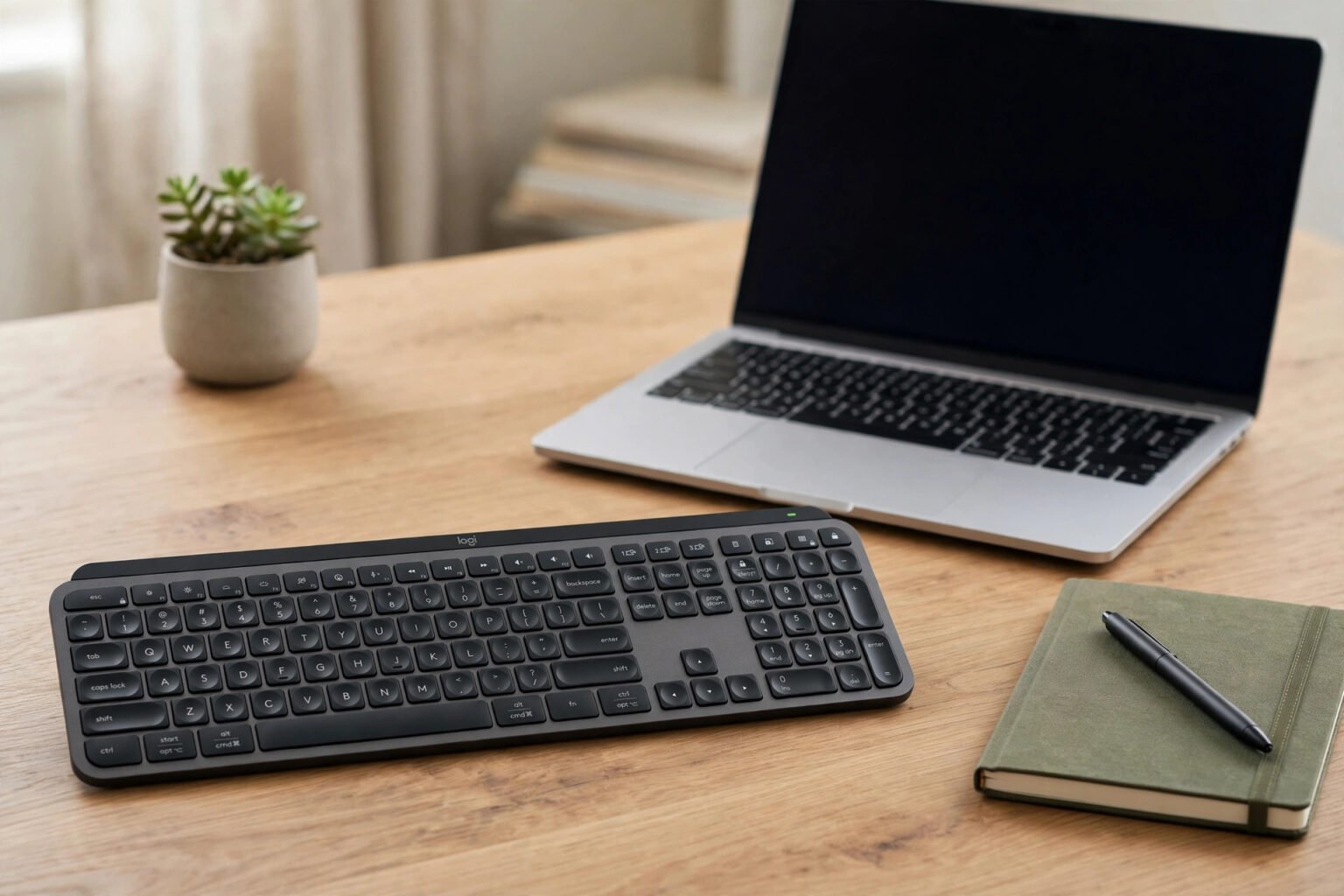
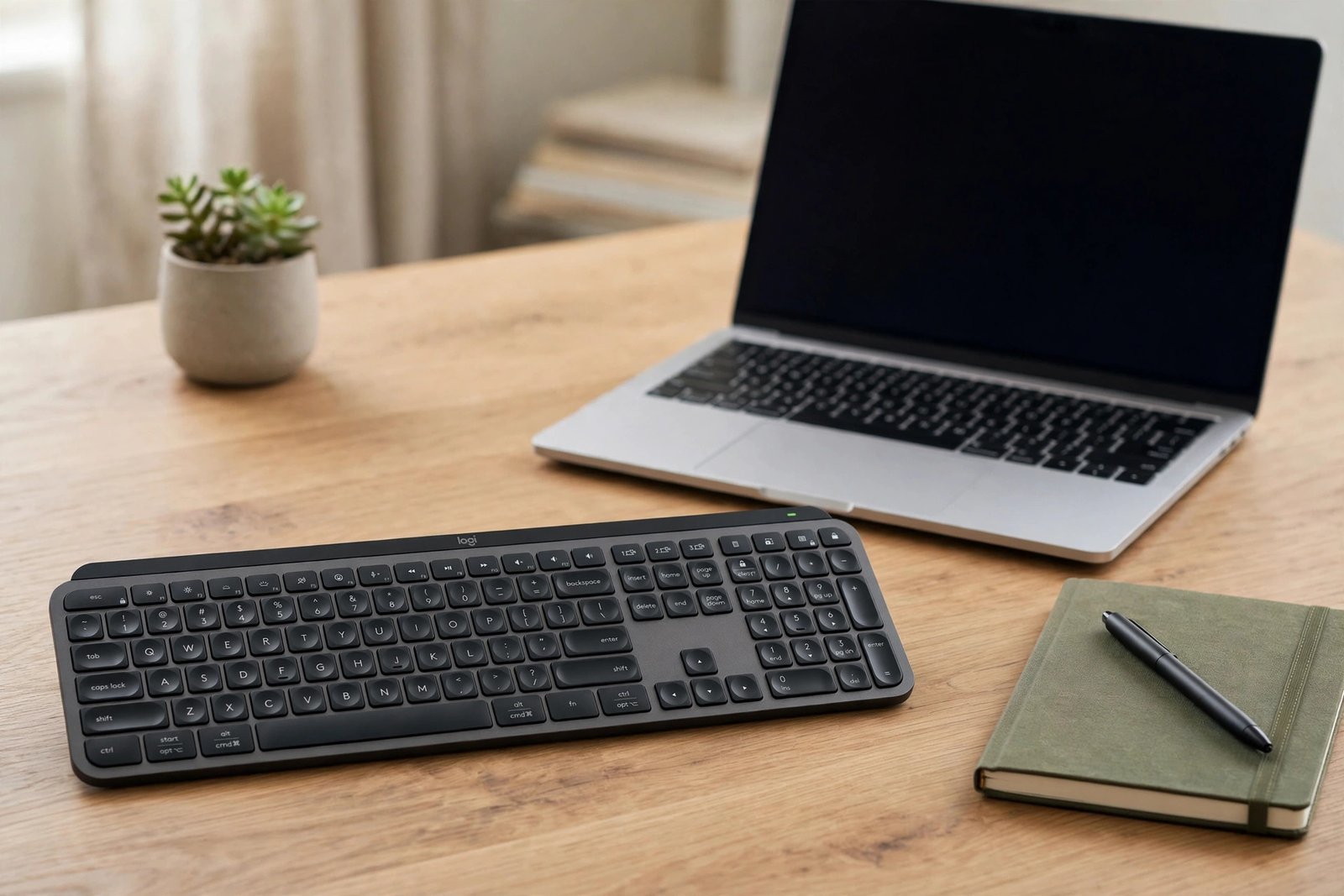
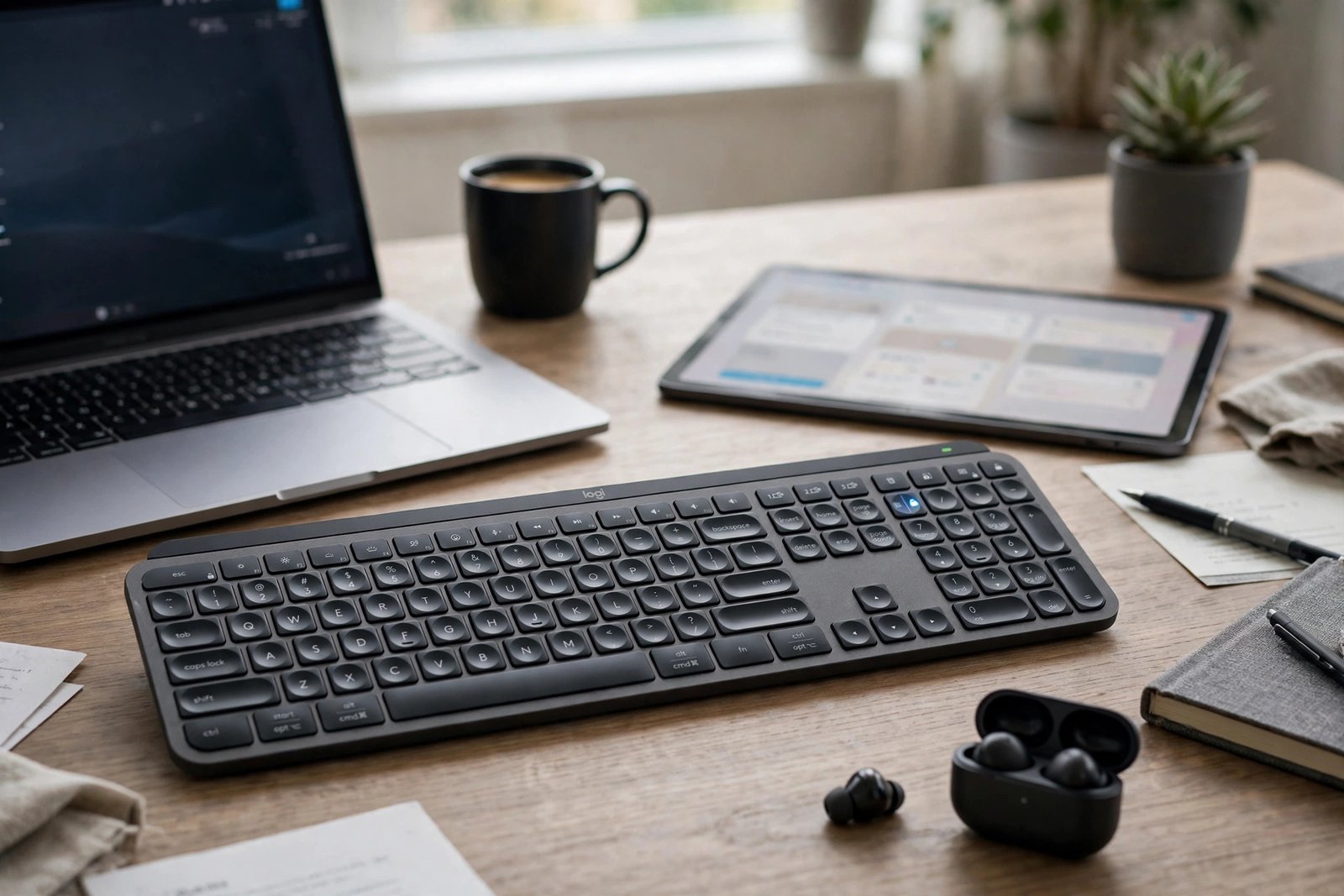
The MX Keys S is Logitech’s flagship full-size keyboard for people who type for a living, with a number pad, function keys and media controls in a slim metal-topped body. The keys are low-profile and spherically dished, shaped to fit the fingertips.
It connects by Bluetooth Low Energy or by Logitech’s Logi Bolt USB receiver, and it can pair with up to three devices at once, switching with the Easy-Switch keys above the number pad. It works with Windows, macOS, ChromeOS, Linux, iPadOS and Android. Logitech states that the graphite version uses 11% certified post-consumer recycled plastic, with a higher figure for the pale grey version.
Design and build
The MX Keys S looks like a serious work tool rather than a showpiece. Its top plate is metal, its edges are slim, and its footprint is smaller than many full-size keyboards. It is available in graphite and pale grey.
The build feels solid, with little flex when you press the keys firmly. It has a fixed low angle, with small feet at the back for a slightly raised position. It is not as adjustable as some ergonomic keyboards, so if you need a steep tented angle or a split layout, this is not the keyboard for you.
Verdict — design: Excellent for a conventional desk. It is slim, solid and uncluttered, with a complete layout in a compact frame. It loses points only if you need adjustable ergonomics or a tenkeyless layout.
Typing feel: quiet, fast and low-profile
Typing feel is where the MX Keys S earns its reputation. The keys have short, low-profile travel, a soft landing and a quiet sound profile. Logitech describes the typing as fluid, precise and quiet, and reviewers widely report the same smooth, laptop-like action.
The spherically dished keycaps guide your fingertips to the centre of each key, which helps accuracy at speed. After a short adjustment period, most touch typists reach their normal speed, and the quiet action suits shared offices and late-night writing. What it does not offer is the feel of a mechanical keyboard: no loud click, no strong tactile bump and no deep travel. If you enjoy mechanical switches, it will feel muted. If you want a mechanical feel, a dedicated mechanical keyboard will suit you better, and our guide to the best mechanical keyboards for Mac explains the trade-offs.
Verdict — typing feel: Very good for long-form typing, provided you like low-profile keys. It is fast, quiet and comfortable for hours of work. It is not the right choice if you want mechanical switches or a loud, tactile response.
Backlighting and smart illumination
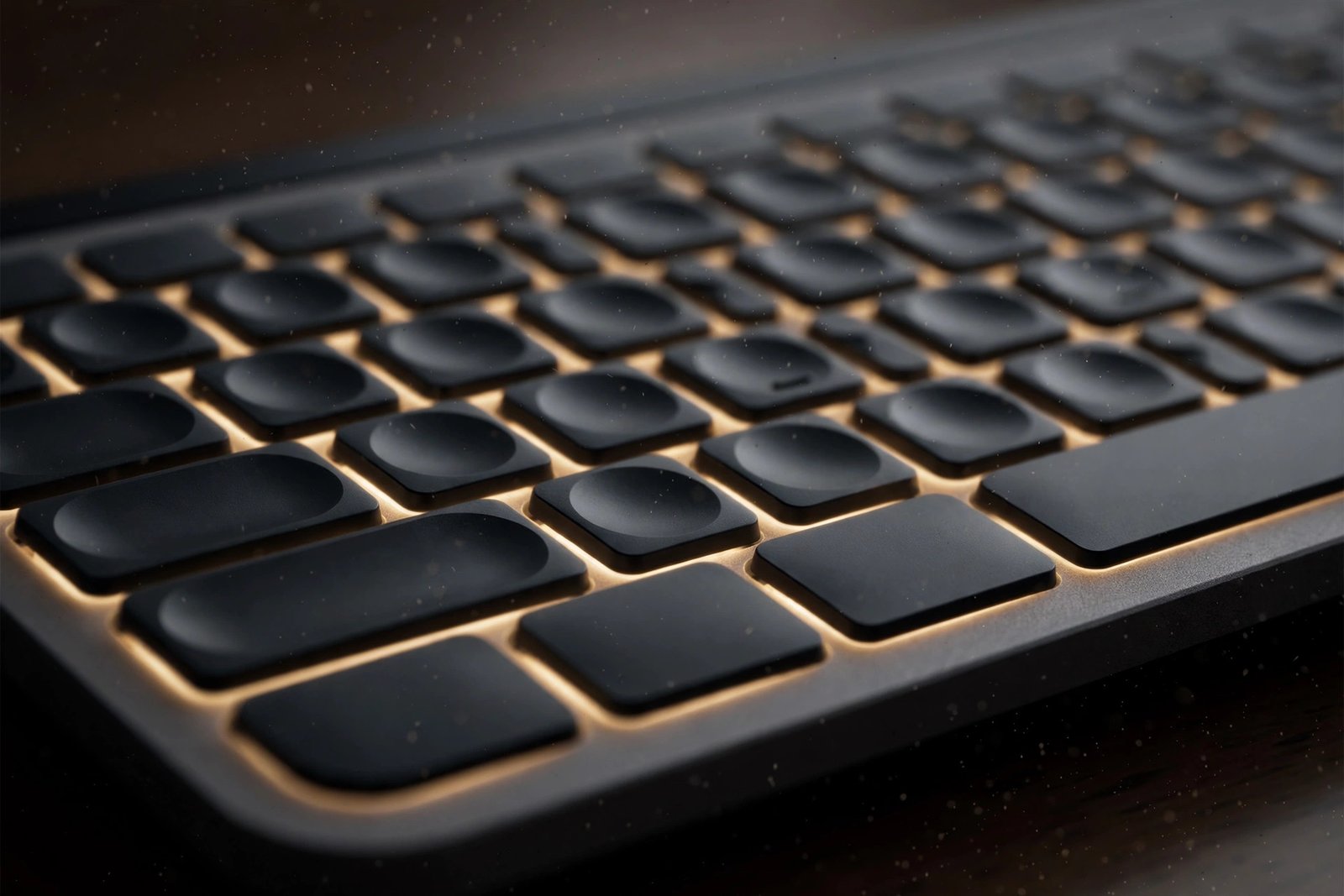
The MX Keys S has white backlighting under each key, with brightness that adjusts to the light in your room. A proximity sensor turns the backlight on as your hands approach and fades it out when you move away, which also helps battery life. You can adjust the brightness manually or turn it off entirely. It does not offer per-key RGB lighting, but for a work keyboard the clean white light is the right choice.
Software: Logi Options+ and Smart Actions
The MX Keys S runs on Logitech’s Logi Options+ software, available for Windows and macOS. It lets you remap keys, customise the function row, adjust backlighting and set up application-specific profiles.
The headline addition over the original MX Keys is Smart Actions: short automation sequences that run when you press a key or a key combination. One Smart Action can open several apps, insert a block of text or mute your microphone. Setting them up takes a little time, and the benefit depends on how repetitive your work is. Readers who use an iPad as a second device may also want our guide to the best keyboards for iPad Air, which covers more portable options.
Verdict — software: Strong, with Smart Actions as the most useful addition. The customisation helps repetitive work, though it rewards a short setup session rather than working perfectly out of the box.
Connectivity and battery
Connectivity is one of the MX Keys S’s strengths. You can connect by Bluetooth Low Energy or by the included Logi Bolt USB receiver, pair up to three devices and switch between them with the Easy-Switch keys. The keyboard remembers its pairings when you move between machines.
The keyboard charges by USB-C, and Logitech states that a full charge lasts up to 10 days with backlighting on, or up to five months with backlighting off. Those figures are manufacturer estimates based on Logitech’s own testing, so treat them as a guide rather than a promise. A short charge gives you a useful amount of use, and the keyboard can be used while charging, so a flat battery does not have to stop your work.
Verdict — battery: Good, with a clear trade-off. With backlighting off it lasts for months; with backlighting on it needs charging far more often. USB-C charging and use-while-charging support make the shorter figure easy to live with.
Value: who should buy it, and who should not?
The MX Keys S sits at the premium end of the office keyboard market, and its value depends on how much you type. For someone who writes for several hours a day, the quiet action, full-size layout, backlighting and multi-device switching earn its place on the desk. For someone who types for an hour a day, a cheaper keyboard will do the same basic job.
Compare it with the original MX Keys, which is still widely sold. The original offers the same basic typing feel and layout, but without Smart Actions. If you find it at a much lower price and you do not need Smart Actions, it may be the better buy. Check current price for both models before you decide.
Verdict — value: Fair for heavy typists, less compelling for light users. The price is justified by the typing feel, build and multi-device features, but only if you will use them every day.
Logitech MX Keys S vs the original MX Keys
| Feature | MX Keys S | Original MX Keys |
|---|---|---|
| Key feel | Low-profile, dished, quiet | Low-profile, dished, quiet |
| Backlighting | Smart illumination | Backlighting |
| Software | Logi Options+ with Smart Actions | Logi Options+ |
| Connectivity | Bluetooth LE and Logi Bolt, 3 devices | Bluetooth and Unifying, 3 devices |
| Battery | Up to 10 days on, 5 months off | Up to 10 days on, 5 months off |
| Charging | USB-C | USB-C |
Table: the MX Keys S against the original MX Keys on the features that affect daily typing.
The two keyboards are close. The MX Keys S is an update, not a reinvention. If you already own the original and are happy with it, there is no urgent reason to upgrade unless Smart Actions appeal to you. If you are buying for the first time, choose the MX Keys S, provided the price gap is reasonable.
A decision checklist before you buy
- Test the key feel first if you can: low-profile keys suit many typists, but not everyone. Try one in a shop, or buy from a retailer with a clear returns policy.
- Count your devices: Easy-Switch is most useful if you regularly use two or three devices. With one device, it adds little.
- Check your software needs: Smart Actions help if your work is repetitive. If you rarely repeat the same sequence, you may not use them.
- Compare with the original MX Keys: check current price for both models. A large saving on the original may outweigh the Smart Actions upgrade.
Writers who value quiet, comfort and a full-size layout will find the MX Keys S hard to fault. Readers who want a mechanical feel should read our guide to how to clean a mechanical keyboard to see what that kind of keyboard involves in daily care.
Frequently asked questions
Is the Logitech MX Keys S good for typing?
Yes, for long-form typing on low-profile keys. Its dished keys, quiet action and stable build suit writers who type for hours. It is less suited to typists who prefer mechanical switches or a loud, tactile response.
What is the difference between the MX Keys S and the MX Keys?
The MX Keys S adds Smart Actions in Logi Options+, a quieter typing experience and a more sustainable design, and it uses the Logi Bolt receiver instead of the older Unifying receiver. The basic layout, key feel, backlighting and battery estimates are broadly similar.
How long does the MX Keys S battery last?
Logitech estimates up to 10 days with backlighting on, or up to five months with backlighting off. Actual battery life depends on backlight brightness and usage. It charges by USB-C and can be used while charging.
Does the MX Keys S work with Mac and iPad?
Yes. It works with Windows, macOS, ChromeOS, Linux, iPadOS and Android, and its key legends cover both Windows and Mac layouts. It pairs by Bluetooth Low Energy or by the Logi Bolt USB receiver.
Is the MX Keys S worth it over a cheaper keyboard?
It is worth it if you type for several hours a day and will use its quiet action, full-size layout and multi-device switching. If you type lightly, a cheaper keyboard will cover the basics for less.
The bottom line
So, is the Logitech MX Keys S a typist’s keyboard? For the writer who types for hours, wants quiet keys and a full-size layout, and moves between devices, the answer is yes. It is comfortable, well built, thoughtfully lit and helpful for repetitive work through Smart Actions. Its weaknesses are narrow but real: it is not a mechanical or gaming keyboard, and its price is hard to justify if you type only lightly.
If that matches your working day, buy the MX Keys S and give yourself a week to adjust to the low-profile keys. Set up one or two Smart Actions for the tasks you repeat most, and pair your second device so Easy-Switch becomes routine. If you prefer a louder keyboard, look at mechanical options instead — the right keyboard matches how you write, not the longest feature list.