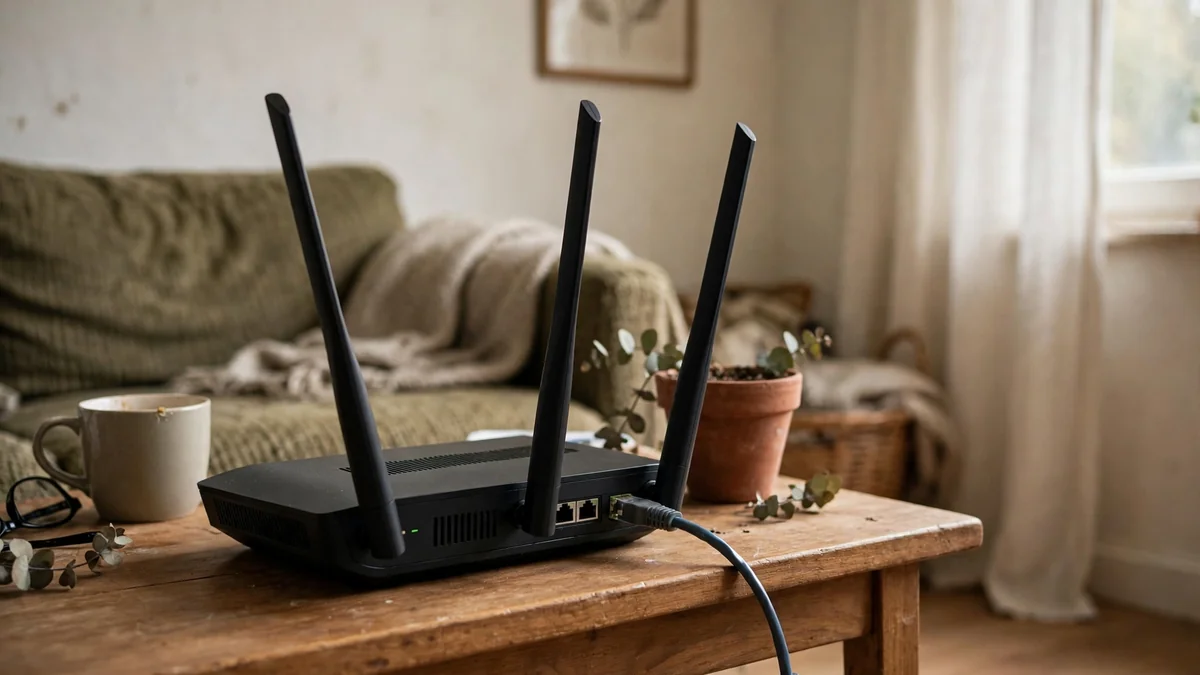
A router is the small box that connects your home or office to the internet and then shares that one connection with every device you own. Your phone, laptop, television and printer do not talk to your provider directly. They talk to the router, which decides where each piece of data goes.
Most people never think about it until the WiFi stops working. Yet it works constantly in the background: it gives each device its own address, keeps strangers out, and moves data between your devices and the internet thousands of times a minute.
This guide explains what a router is, how it moves data, the main types you can buy, and how it differs from a modem, so you can tell whether a problem is the router’s fault at all.
Key takeaways
- A router shares one internet connection between many devices and directs traffic to the right one.
- It creates your local network, giving each device a private address and keeping that traffic separate from the internet.
- Most home routers combine a router, a WiFi access point and a small network switch in one box.
- A router is not a modem: the modem brings the internet into your home, and the router distributes it.
- Router choice matters most for coverage, speed and the number of devices, not for the raw speed your provider sells you.
At a glance: the router in brief
| Detail | What is known |
|---|---|
| What it is | A networking device that directs data between your local network and the internet |
| Main job | Sharing one internet connection across many devices |
| How devices connect | WiFi, ethernet cables, or both |
| Typical home setup | One router, connected to a modem, serving 10 to 50 devices |
| Key standards | WiFi 5, WiFi 6, WiFi 6E and WiFi 7, plus ethernet up to gigabit speeds |
| Typical lifespan | About 3 to 5 years before speed and security support fall behind |
| Price range | Basic models from around $50, mesh systems and WiFi 7 models from $200 and up |
| Not the same as | A modem, a WiFi extender, or a network switch |
What a router actually is
A router is a traffic controller for data. Every device on your network sends and receives packets, which are small chunks of data, and the router reads the address on each packet and forwards it to the right destination. When you open a website, your request goes from your laptop to the router, out to the internet, and the reply comes back through the same route.
To do this, the router creates a local network. It assigns each connected device a private address, usually something like 192.168.1.5, and keeps a table of which device has which address. Devices on this network can also talk to each other directly, so a phone can send a document to a printer without the data leaving your home.
The router also acts as a boundary. Your internet provider sees only one public address, the router’s, even though dozens of devices may sit behind it. This technique is called network address translation, and it hides your devices from direct exposure to the internet while letting them all share the single connection you pay for.
Most routers sold for home use are really three devices in one box. The routing part directs traffic, the WiFi part broadcasts the wireless signal your devices join, and the switch part provides the ethernet ports on the back for wired connections.
How a router works
When a device joins your network, the router gives it a private address and records it. This happens automatically through a service called DHCP, which hands out addresses and reclaims them when devices leave. You never need to type these addresses yourself.
When you request a web page, the router looks at the destination address on the packet and sends it out through your modem to your internet provider. The reply comes back to the router’s public address, and the router checks its records to work out which device asked for it, then delivers the data to that device and no other. That is how two people can stream different videos at the same time without receiving each other’s data.
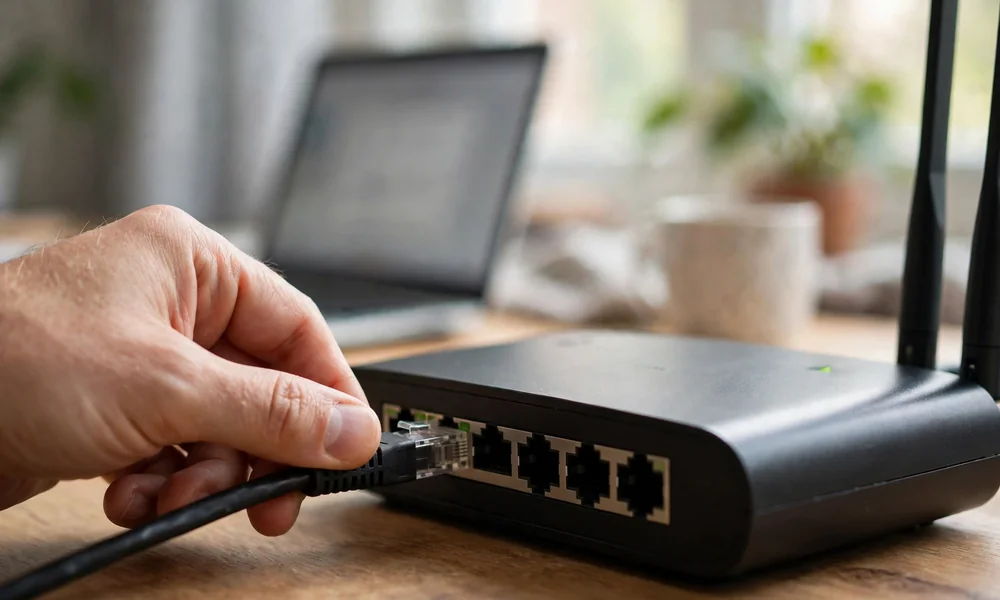
The router also manages priorities and security. It runs a firewall that blocks unsolicited connection attempts from outside, it can separate guest devices from your main network, and many models let you limit bandwidth for a particular device or pause internet access on a schedule. These features run on the router itself.
WiFi is only one part of the job, and it helps to understand how it fits in. The radio inside the router broadcasts on the 2.4 GHz and 5 GHz bands, and newer models add 6 GHz, and your devices connect to those signals. If you want the full picture, our guide to how WiFi actually works explains the radio side in more detail.
Types of routers
The simplest type is the standalone wireless router, a single box with antennas that covers a flat or a small house. It is the cheapest and easiest option, but its signal weakens through thick walls and over distance, so large homes often find dead spots.
Mesh routers solve the coverage problem with two or three units that work together as one network. One unit connects to the modem and the others sit around the home, passing data between themselves, so your phone moves between units without dropping the connection.
Some routers are built for specific jobs. Gaming routers prioritise game traffic to reduce lag, travel routers create a private WiFi network from a hotel ethernet port, and wired-only routers serve offices where every device connects by cable. There are also modem-router combinations, where the two share one box, which is what many internet providers rent to customers.
WiFi generations matter when you compare models. WiFi 5 routers are older and cheaper but slower with many devices, WiFi 6 handles crowded networks better, and WiFi 6E and WiFi 7 add the 6 GHz band for faster speeds at short range. A new router only helps if your devices support the same standard.
Benefits and risks
The main benefit of a good router is a stable connection for everything at once. It keeps video calls smooth while someone else streams a film, it lets smart home devices stay connected around the clock, and it gives you control over who is on your network and what they can reach. A router also protects your devices: its firewall and password keep casual intruders out, and guest networks let visitors online without giving them access to your files or printers.
A router can also be the weakest link in your setup. An old router can cap your speed well below what you pay for, because its processor cannot keep up. A poorly placed router, stuck in a cupboard or behind a television, can halve your WiFi range. And a router with an unchanged default password is an open door.
There are privacy considerations too. Some routers send usage data back to the manufacturer, and many keep logs of connected devices. The fix is simple: change the admin password, keep the firmware updated, and use a strong WiFi password with modern encryption.
Where routers are used
In homes, the router is the centre of daily internet use. It serves phones, laptops, televisions, game consoles, smart speakers and security cameras, often twenty or more devices at once. When a home network slows down in the evening, the router is the first place to look.
Small businesses use the same idea at a larger scale, often with a separate wired router and several WiFi access points. This separates staff traffic from guest traffic and keeps point-of-sale systems on a wired connection. Cafes, clinics and small offices all run on this pattern, and setting up a mesh WiFi system is the usual way to extend coverage across a whole floor without running cables everywhere.
Router vs modem
The modem and the router do two different jobs, and confusing them is the most common networking mistake. The modem connects your home to your internet provider: it translates the signal coming through the cable, fibre or phone line into data your network can use. The router takes that data and shares it between your devices.
Without a modem, the router has nothing to distribute, and without a router, the modem can usually serve only one wired device. Many providers now supply a combined unit, which is why the two are often treated as one box. If your internet stops working, the modem’s lights are the quickest way to tell which half is at fault.
The difference shows up when you upgrade: if a faster plan brings no improvement, the modem may be too old; if speeds are fine beside the router but poor in the bedroom, the router is the problem.
Checklist: choosing and setting up a router
- Match the router to your plan: a gigabit connection needs a router with gigabit ports and a fast processor.
- Count your devices and pick a model rated for at least that many, with room to grow.
- Place the router centrally, out in the open and at waist height or above, away from thick walls and metal objects.
- Change the admin password and the WiFi password during setup, and use WPA2 or WPA3 encryption.
- Update the firmware when prompted, and check for updates every few months.
- Test speeds in each room after setup, and consider a mesh system if any room stays slow.
Frequently asked questions
Do I need a router if I already have a modem?
Yes, if you want more than one device online, or WiFi. A modem on its own usually connects a single device by cable. The router shares that connection, creates your WiFi network and protects your devices.
Can a router increase my internet speed?
No, a router cannot make your connection faster than the plan you pay for. It can remove a bottleneck: replacing an old router can restore your plan’s full speed, but never exceed it.
How often should I replace my router?
Every three to five years is a reasonable rule. Replace it sooner if it no longer receives security updates, cannot keep up with your plan’s speed, or gives unreliable coverage despite good placement.
Why is my WiFi slow in one room?
Distance and obstacles are the usual causes. Thick walls, floors and metal objects weaken the signal, and interference from neighbours’ networks adds to the problem. Moving the router or adding a mesh unit usually helps.
Is a mesh router better than a single router?
For large or multi-storey homes, yes. Mesh units cover the home evenly and hand devices between units without dropping the connection. For a small flat, a single good router is cheaper and simpler, and mesh adds little.
Should I use the router my provider gives me?
It depends. Provider routers work fine for basic use, but they are often basic models with fewer features. If you want better coverage or more control, you may prefer your own router. If you do use your own, setting up a guest WiFi network keeps visitors separate from your main devices.
The bottom line
A router is the device that turns one internet connection into a network for your whole home. It gives every device an address, directs data to the right place, broadcasts your WiFi and keeps unwanted traffic out. The modem brings the internet in, but the router is what makes it useful to everyone under your roof.
When choosing one, match it to your plan and your home: a single router for a small space, mesh for a large one, and a model new enough to receive security updates. Place it well, secure it properly, and it will quietly do its job for years.