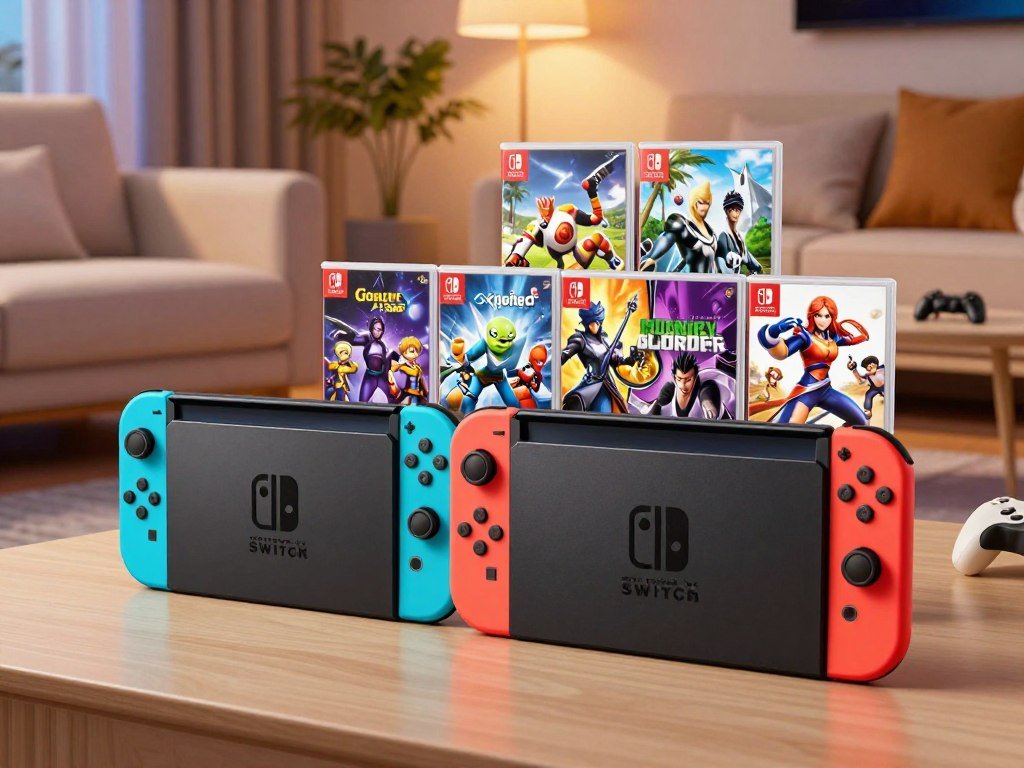
The Nintendo Switch 2 standalone system has a U.S. MSRP of $499.99, while two official game bundles cost more and include a game download. If you are comparing a console purchase with a ready-to-play bundle, focus on the game you actually want. A microSD Express card is a removable storage card format that Switch 2 uses for expanded card storage.
The system works for gaming at home or away, and the right configuration depends on what you plan to play. A bundle can make setup feel more complete, but its extra cost only helps when you want its included game. The standalone system leaves that choice open. Decide first whether you want a game included, since that choice changes which price tag is the most useful comparison.
Key Takeaways
- Choose standalone when you want to select a game separately.
- Official bundles include a full game download and a three-month online membership.
- Games and optional accessories can change your checkout total.
- Check the listing to confirm which configuration it includes.
- A microSD Express card expands the system’s card storage.
How Much Is the Nintendo Switch 2 in the U.S.?
The U.S. MSRP for the standalone Nintendo Switch 2 is $499.99 as of October 27, 2026. That is the hardware-only starting price for the standard console configuration, called the standalone system.
Games are sold separately with the standalone system. The price covers the system itself, so a game you want to play adds another purchase. A game bundle has a different price because it also includes a game download and online membership.
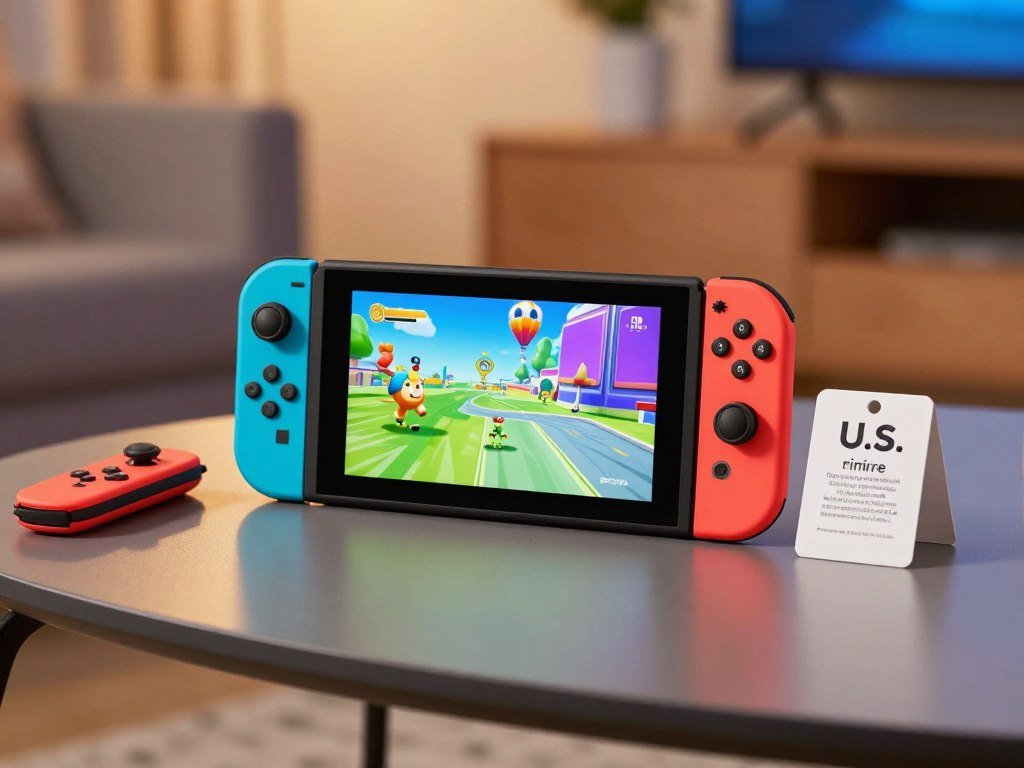
For shoppers asking how much the Nintendo Switch 2 costs in the USA, the current standalone MSRP is the clearest starting point. The console is for sale in different configurations, so compare the product name and listed contents before judging its price.
The amount due at checkout can be higher than the listed MSRP. Sales tax depends on your location, while a game, storage card, or optional accessory adds its own cost. Those choices are separate from the system’s base price.
Before checkout, confirm that the listing is for the standalone system rather than a bundle with a different price and included game.
The configuration matters when two listings look similar at a glance. One may contain just the system, while another adds a download and membership. Read the included-items details, not only the headline product name.
A listing may also show a price that differs from MSRP. Retailer price and stock can change, and a current offer may apply only to one configuration. Compare like with like before you decide that one option costs less.
If you already own games, remember that the standalone system does not include a new title. Your existing library may help shape the decision, but the exact game and accessory needs still matter.
There is no need to add optional items just to get started. The price comparison begins with the system configuration, then moves to the game and extras you choose.
Before checkout, confirm that the listing is for the standalone system rather than a bundle with a different price and included game.
What Was the Original Switch 2 Price, and When Did It Change?
The Nintendo Switch 2 launched in the United States on June 5, 2025, with a $449.99 MSRP. That figure was the launch price, not the current U.S. MSRP.
The U.S. system price rose from $449.99 to $499.99 on September 1, 2026. So an older article, saved shopping link, or conversation may show a price that applied at launch.

The timeline is simple: the console arrived in the U.S. in June 2025, then its system price changed in September 2026. An older price reference can still be accurate for its date, even though it no longer reflects current pricing.
A report on the September 2026 price increase describes the change from the launch MSRP to the newer U.S. price. It helps explain why launch coverage and current listings may not match.
If you are comparing purchase advice from different dates, check when each price was published. That small detail prevents an old launch figure from looking like a live offer.
Price changes also affect how shoppers read old reviews and videos. A clip made near release may mention the original console price while discussing the same system sold today.
Keep the date beside the number when you make a budget. The launch MSRP gives useful history, but it is not the current amount for the standalone system.
Use the September 1, 2026 date to distinguish current U.S. pricing from launch-era price references.
Which Nintendo Switch 2 Bundle Should You Choose?
If you already want one of the included games, a bundle combines it with the system and a 3-month online membership. Both official bundles include a full game download, while the standalone system includes no game.
Choose by the game you would play, not simply by the bundle’s name. The Mario Kart World option has a U.S. MSRP of $549.99; the Sports Resort option has a U.S. MSRP of $529.99.

| Configuration | Included game | Nintendo Switch Online membership | Hardware |
|---|---|---|---|
| Standalone system | No game included | No membership included | Nintendo Switch 2 system |
| Mario Kart World Bundle | Mario Kart World full game download | 3-month Individual Membership | Nintendo Switch 2 system |
| Nintendo Switch Sports Resort Bundle | Nintendo Switch Sports Resort full game download | 3-month Individual Membership | Nintendo Switch 2 system |
Nintendo Switch 2 + Mario Kart World Bundle
The Mario Kart World bundle launched September 18, 2026. It pairs the system with a full game download of Mario Kart World and a 3-month Nintendo Switch Online Individual Membership.
If you already planned to buy Mario Kart World, this switch Mario Kart configuration puts the game in the same package. It suits players who want kart racing as their first game, rather than shoppers unsure about the title.
Nintendo Switch 2 + Nintendo Switch Sports Resort Bundle
The Nintendo Switch Sports Resort bundle was scheduled for release on October 22, 2026. Its package includes the system, the full game download, and the same three-month Individual Membership.
This option may fit a household looking for active sports games or easy group play. Check that the included title matches your plans before choosing it over Mario Kart World.
An IGN bundle report covers the games, membership terms, prices, and announced savings for these configurations. The table lets you compare the contents without treating the included memberships as hardware.
Choose the bundle whose included game you would have bought anyway, rather than paying extra for a title you will not play.
How Much Do the Switch 2 Bundles Save?
The Mario Kart World bundle’s stated separate-purchase savings are $37.98, compared with $27.98 for the Sports Resort bundle. Those amounts compare each bundle with buying the system, game, and Nintendo Switch Online membership separately.
Actual savings may vary. The separate-purchase comparison depends on the prices used for each item, so a sale or a change in the cost of a game can affect your own math.
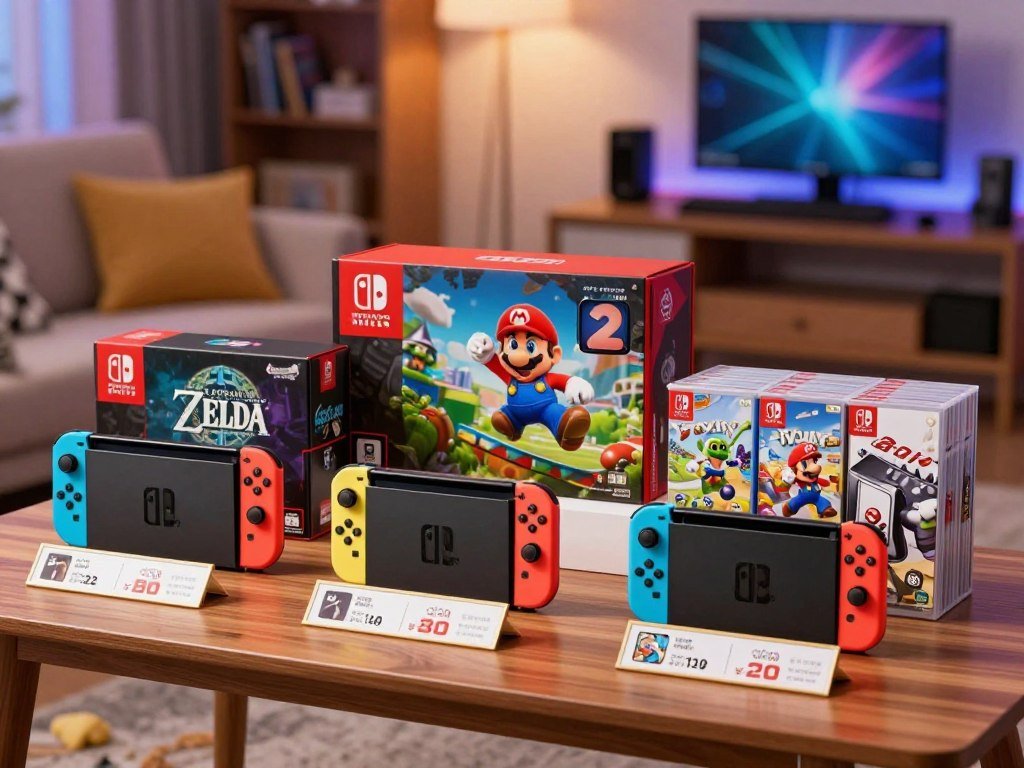
For a fair comparison, list the items you would buy on their own. Include the same game and membership period, then compare that total with the bundle price. Do not count an included game as a saving if you would not have bought it.
The difference matters most when a bundle already matches your plan. If Mario Kart World or Sports Resort was on your list, the package may reduce the cost of getting all three items together.
The membership has a renewal term to consider. Each bundle includes a 3-month Nintendo Switch Online Individual Membership, which auto-renews after its initial term at the then-current price unless canceled.
Nintendo Switch Online supports online features, including multiplayer in games that offer it. It does not mean every game needs a paid membership, and local play does not become an online session just because you own one.
Keep the renewal date in mind while comparing bundle value. A low upfront cost can be less useful if you forget to cancel a membership you do not plan to keep.
Set a reminder before the 3-month membership term ends if you do not want it to renew at the then-current price.
What Do Switch 2 Accessories Cost?
The largest controller purchase in this group is a $99.99 Joy-Con 2 pair, while a two-wheel set costs $24.99. These accessories are optional, so you can start with the controls included with the system.
Buy an add-on for a feature you expect to use. A Pro Controller offers a different grip, while camera choices support video features in different ways.
| Accessory | Regular price |
|---|---|
| Joy-Con 2 pair | $99.99 |
| Nintendo Switch 2 Pro Controller | $89.99 |
| Nintendo Switch 2 Camera | $54.99 |
| Piranha Plant Camera | $59.99 |
| Joy-Con 2 Wheel set of two | $24.99 |
The Nintendo Switch 2 Pro Controller is a separate option if you prefer a single controller for longer sessions. Its name may sound like a required upgrade, but the standard setup already includes Joy-Con 2 controllers.
The two camera options suit different preferences. The Nintendo Switch 2 Camera is a dedicated camera accessory, while the Piranha Plant Camera has a themed design. Neither camera is required for GameChat.
The Joy-Con 2 Wheel set adds a steering shape for compatible games. It does not replace the controllers, and the listed set includes two wheels.
Think about how often you play with others before buying more controllers. Extra Joy-Con 2 controllers can help with games that support shared play, but player limits depend on the game and mode.
The regular prices offer a simple way to plan a cart, though a retailer’s live price can differ. A lower price does not help if the accessory adds a feature you will never use.
Add an accessory only when its specific control or camera feature matches how you plan to play.
What Comes in the Standalone System Box?
The standalone system already includes the adapter and USB-C charging cable, so those are not extra purchases. It also comes with the dock and key connection pieces for a basic setup.
Games and optional accessories are separate purchases. The box includes these five items:
- Nintendo Switch 2 console with Joy-Con 2 pair
- Nintendo Switch 2 AC adapter and USB-C charging cable
- Nintendo Switch 2 dock
- Joy-Con 2 Grip and two Joy-Con 2 Straps
- Ultra High Speed HDMI cable
The AC adapter and USB-C cable cover basic charging. The dock and HDMI cable give you the main parts needed to connect the system to a TV.
The Joy-Con 2 Grip holds the controllers together for a more familiar controller shape. The straps attach to the controllers for play where a more secure hold is useful.
These items cover the basic system setup, but they do not include a game. Extra controllers, cameras, and other add-ons are also outside the standard package.
That distinction can prevent a duplicate purchase. A second charging cable or HDMI cable may be useful in another room, but it is not needed just to use the included setup.
Check the box contents before adding another charger, grip, strap, or HDMI cable to your cart.
Which Play Mode Fits Your Routine?
Switch 2 suits players who want to move between handheld, tabletop, and TV play without choosing one fixed setup. Its built-in screen supports handheld and tabletop use, while the included dock connects it to a compatible television.
Choose the mode that fits where you usually play. That helps you decide whether a portable screen, shared tabletop session, or home display matters most.
Handheld play for gaming on the go
Handheld play keeps the screen and controls with you. You can use the built-in display on a couch, during a trip, or in another room without setting up a TV.
This mode suits a player who values portable gaming or shares a television at home. You do not need an external screen for a handheld session.
TV play for a larger display
For TV play, place the system in its included dock and connect that dock to a compatible television. The image appears on the TV, giving you a larger display for a game or group session.
This setup fits a fixed play space, such as a living room. You can keep the console near the television and use the display you already have.
Tabletop play for shared sessions
Tabletop mode uses the built-in screen with the kickstand open. Set the console on a surface and share the screen with another player nearby.
This can work well at a table or during a break when a TV is not available. The screen stays with the system, so choose a spot where everyone can see it.
How Switch 2 compares with PS5 for play style
Switch 2 is the better fit if you want portable play and the option to move between handheld and TV use. A single system can serve those two routines without locking you into one display.
PS5 is the better fit if you are focused on a home-console setup. It is designed around play at home, while Switch 2 also supports handheld and tabletop sessions.
A family console buying guide can help you weigh game access, play styles, and costs across systems. The right fit often comes down to where your household wants to play, not just which console sits under the TV.
Think about who uses the main screen and how often you play away from it. That routine can make one setup feel much easier to use day after day.
Pick the mode you expect to use most often, then make sure your usual space and display support it.
What Screen and Docked Resolution Do You Get?
The built-in screen is a 7.9-inch LCD, while 4K output is available through the dock on a compatible display. Handheld and tabletop play use the same screen, with support for 1080 resolution, HDR, and up to 120 fps.
4K applies when docked, not during handheld play. At 4K, the output is capped at 60 fps, so the screen and docked display have different limits.
| Play setup | Display | Resolution and frame rate |
|---|---|---|
| Handheld | 7.9-inch LCD screen | 1080p, HDR, up to 120 fps |
| Tabletop | 7.9-inch LCD screen | 1080p, HDR, up to 120 fps |
| Docked | Compatible external display | Up to 4K, capped at 60 fps at 4K |
The built-in LCD screen measures 7.9 inches, which gives you a clear size reference for handheld use. Its 1080p resolution is a different measure from the higher output available through the dock.
HDR can show a wider range of light and color when the game and display support it. The up-to-120-fps capability is the screen’s maximum frame rate, not a promise that every game will reach it.
For a docked setup, the television must support the resolution you want. A 4K-capable system cannot make a non-4K display show 4K video.
Use the table to separate the console’s display options from the limits of a particular game or TV. Those details affect the result you see during play.
Check your TV’s supported resolution before treating the 4K output capability as a benefit you will use.
Which Games Work on Nintendo Switch 2?
Most Nintendo Switch games, including physical and digital titles, are compatible with Switch 2. That includes many familiar games from the original system, though some exceptions can affect features or play.
Check a specific title when compatibility matters. A game that relies on a certain accessory or feature may not work fully on the newer system.
Playing physical and digital Nintendo Switch games
You can use most original Nintendo Switch cartridges, and many digital games remain compatible. The type you own helps determine how you will access it, but does not remove the need to check exceptions.
GameShare can share digital games with up to three other consoles. That gives you another way to play supported digital titles with others, beyond handing over a physical cartridge.
A multiplayer Switch games guide can help you compare group size and play style. The game’s mode sets its player limit, even when a household owns several controllers.
Checking exceptions before you buy
Some titles rely on particular accessories or features that may not be fully supported on Switch 2. Check the exact game before buying it or moving your library to the new console.
Use this short checklist when a game’s support is important:
- Identify whether the game is physical or digital.
- Check the specific title’s Switch 2 compatibility.
- Check any required accessory or feature.
- Confirm whether an update or download is needed.
Physical and digital versions can have different access needs, so note which one you own. A cartridge is a physical item, while a digital copy is tied to your account and download access.
The phrase “compatible games” can cover different levels of support. A title may start and play while one feature or accessory does not work as expected.
Check a title’s specific accessory requirements before buying it on the assumption that backward compatibility guarantees every feature.
How Much Storage Do You Get, and Which Cards Work?
The Switch 2 has 256GB of internal storage and uses microSD Express cards for expansion. That supported card format is different from the original microSD cards used with the first Nintendo Switch.
Original microSD cards from the first Nintendo Switch are not compatible with Switch 2. Look for the Express format when shopping for extra card storage.
- 256GB internal storage
- microSD Express cards are the supported expansion format
- Supported card capacity reaches up to 2TB
The 256GB of built-in storage gives you room for downloads before adding an expansion card. The space may be used by games and other system content, so larger digital libraries can make extra storage useful.
Switch 2 supports microSD Express cards up to 2TB. A Samsung 256GB microSD Express Card for Nintendo Switch 2 has a regular price of $59.99, but that is one example, not a standard price for every card.
Tom’s Hardware’s card testing compares microSD Express options by capacity, price, and performance. Its results can help you weigh speed and space when choosing a card.
Card labels can look similar, so check the full format name before placing an order. A card that worked with the original system will not expand storage on this console.
Check the card packaging for the microSD Express format before buying storage for the console.
What Do the Joy-Con 2 Controllers and GameChat Add?
Joy-Con 2 controllers attach magnetically and add mouse-style control in compatible games. The right controller also has a C button for GameChat, which lets you start a chat with people on your Friend List.
GameChat has a built-in microphone that filters noise. You can connect a separately sold Nintendo Switch 2 Camera or compatible USB camera for video, but video is optional.
- Magnetic Joy-Con 2 attachment and release
- Mouse-style control in compatible games
- The C button for starting GameChat
- Built-in microphone noise filtering and optional camera video
The magnetic fit lets you attach or release a Joy-Con 2 controller without the older rail style. In games that support it, a controller can work like a mouse for more direct movement.
The C button gives you a direct way to start GameChat. Chat sessions can include people on your Friend List, and the built-in microphone handles voice without a separate mic.
A compatible camera adds video to a chat session. You can use the Nintendo Switch 2 Camera or a compatible USB camera, but neither is needed for voice chat.
Original Switch Joy-Con controllers can connect wirelessly to the new console. They cannot attach to it, and you must charge them separately.
That makes older controllers useful for some wireless play, but less convenient if you want them docked on the console itself. The Joy-Con 2 design adds a mouse option in games built for that control style.
If video chat matters, confirm that you have a compatible camera because it is sold separately.
Should You Wait for a Black Friday Deal?
A 2026 Black Friday report predicted the Nintendo Switch 2 would most likely not go on sale, so waiting is a gamble rather than a sure way to pay less. That is a prediction, not a promise about every retailer or listing.
Compare live listings and the exact configuration. GameStop is one retailer to check, but its price and stock depend on the current listing.
The lowest price can be hard to judge if listings include different items. A standalone console and a bundle with a game are not the same package, even when both listings use the same system name.
Check whether an advertised package includes a game, membership, or other item. That can make its headline price look different from a hardware-only listing without making the packages directly comparable.
Retailer stock and prices can change. A listing you see today may not be available later, and a retailer’s current package may differ from another store’s offer.
Treat the Black Friday forecast as a reason to plan, not as a guarantee of a sale or a fixed price.
Waiting can make sense if you are comfortable postponing your purchase and checking for updates. Buying sooner may suit you better when you want to play now and have found the configuration you intended to buy.
A reported prediction cannot tell you what a specific store will charge at checkout. Look at the live listing for the exact system or bundle you want, including its included items.
Before placing an order, compare the exact configuration and current checkout total, not just the headline listing.
Conclusion
Choose the standalone system if you want to pick your own game, or choose a bundle if its included download is already part of your plan. Your best fit comes down to the title you want and how you expect to use the console.
A bundle can save effort when its game and membership suit your plans. The standalone option gives you more freedom to choose a different game on your own schedule.
Before buying, open the live listing for your chosen configuration. Confirm the system, included items, and current checkout total before you complete the purchase.
FAQ
Is Switch 1 still worth it in 2026?
Yes, the original Switch can still suit you if its game library and play style meet your needs. It remains a handheld and home-play option, while Switch 2 adds newer features and can play most, but not all, original Switch games. Check support for the titles you care about before choosing either system. A lower purchase cost may also matter to your budget.
How much money to buy Nintendo Switch 2?
The standalone system has a $499.99 U.S. MSRP before tax. Official bundles are priced at $529.99 and $549.99, with a game download and three-month Nintendo Switch Online Individual Membership included. Sales tax and any extras add to your checkout total. Check the product details so you compare the same configuration, rather than a bundle against hardware alone.
Which is better, PS5 or Switch?
Switch 2 is the better fit if you want portable and hybrid play, including handheld use and TV play. PS5 suits shoppers focused on a home-console setup. Think about where you play most often and whether you want to carry the system between rooms or away from home. Your preferred game library can also help decide which console fits your routine.
Can original Switch Joy-Con controllers work with Switch 2?
Yes, original Switch Joy-Con controllers can connect wirelessly to Switch 2. They cannot attach to the console, and they need to be charged separately. That means you can use them for supported wireless play, but they will not sit on the system as Joy-Con 2 controllers do. Check the specific game’s control needs before relying on older controllers.
Is Nintendo Switch Online required for every game?
No, Nintendo Switch Online is required for some multiplayer games, not every game. Many games can be played offline or in local multiplayer without an online membership. The requirement depends on the game and the feature you want to use. Check the game’s details if you plan to play online with friends, since supported online play may need a paid membership.
Does Nintendo Switch 2 have parental controls?
Yes, parental controls can help you manage content, play time, and access to features. You can use the console or the Nintendo Switch Parental Controls app to set limits for a child’s use. The right settings depend on your household rules and the child’s age. Review the controls before handing over the system, especially if you want to set daily play limits.
Can I use a USB camera for GameChat?
Yes, GameChat supports a compatible USB camera, and the Nintendo Switch 2 Camera is sold separately. You do not need a camera to use voice chat because the system has a built-in microphone. A camera adds video when you want to share it. Check that a USB camera is compatible before buying it, since not every camera will work with the console.



