A year of gaming can fit a monthly budget. A prepaid Xbox Game Pass Ultimate offer counts as a year only when its stated term says so. A prepaid code is a 25-character code redeemed to a Microsoft account for the membership term specified in its offer.
In the United States, you can compare recurring monthly charges with an offer for a fixed term. The choice affects how you plan spending across a year, especially if you play on more than one device. A lower price does not always mean a full year of play.
Key Takeaways
- Check the exact membership tier named in an offer.
- Read the duration before treating a prepaid offer as annual.
- Compare a fixed term with the cost of recurring payments.
- Consider the devices you use and the games you want.
- Review renewal settings when you choose monthly billing.
Keep the billing period and the code’s stated duration separate when comparing offers.
What Is the Xbox Game Pass Ultimate 12 Months Price?
At $22.99 a month, 12 monthly payments total $275.88. The xbox game pass ultimate 12 months price depends on whether you mean monthly billing or a prepaid offer with a stated year-long term.
Microsoft lowered the monthly price to $22.99 starting April 21, 2026, down from $29.99. A 12-month budget through monthly billing is $275.88, not a separate prepaid price. That gives you a clear figure for planning recurring payments.
An Xbox Game Pass for 12 months describes a prepaid term only when the offer says so. By monthly billing, the Xbox Game Pass Ultimate 3-month price works out to $68.97, while six monthly payments cost $137.94.
| Payment period | Calculation | Total |
|---|---|---|
| 1 month | 1 x $22.99 | $22.99 |
| 6 months | 6 x $22.99 | $137.94 |
| 12 months | 12 x $22.99 | $275.88 |
The six- and twelve-month totals in the table are calculations from monthly payments. They are not prices for separate prepaid codes. A three-month payment calculation also does not set the price of a three-month offer.
The six- and twelve-month figures are monthly-payment budgets, not separate prepaid prices.
In 2026, Target lists Xbox Game Pass Ultimate gift cards from $22.99 to $68.99. That listing does not state a 12-month duration, so its price range alone cannot tell you how long a card lasts.
Compare the amount of time each offer actually buys before choosing between a recurring payment and a prepaid purchase.
Can You Buy a 12-Month Xbox Game Pass?
A year is possible through twelve monthly payments or a prepaid offer that explicitly grants twelve months. The printed term matters, since a lower price or familiar plan name does not prove an offer covers a full year.
Judge every offer by its stated tier and duration. A 12-month Xbox Game Pass Essential or Xbox Game Pass Core offer should be treated as that exact tier and term, not as Ultimate by another name.
What a Three-Month Ultimate Listing Tells You
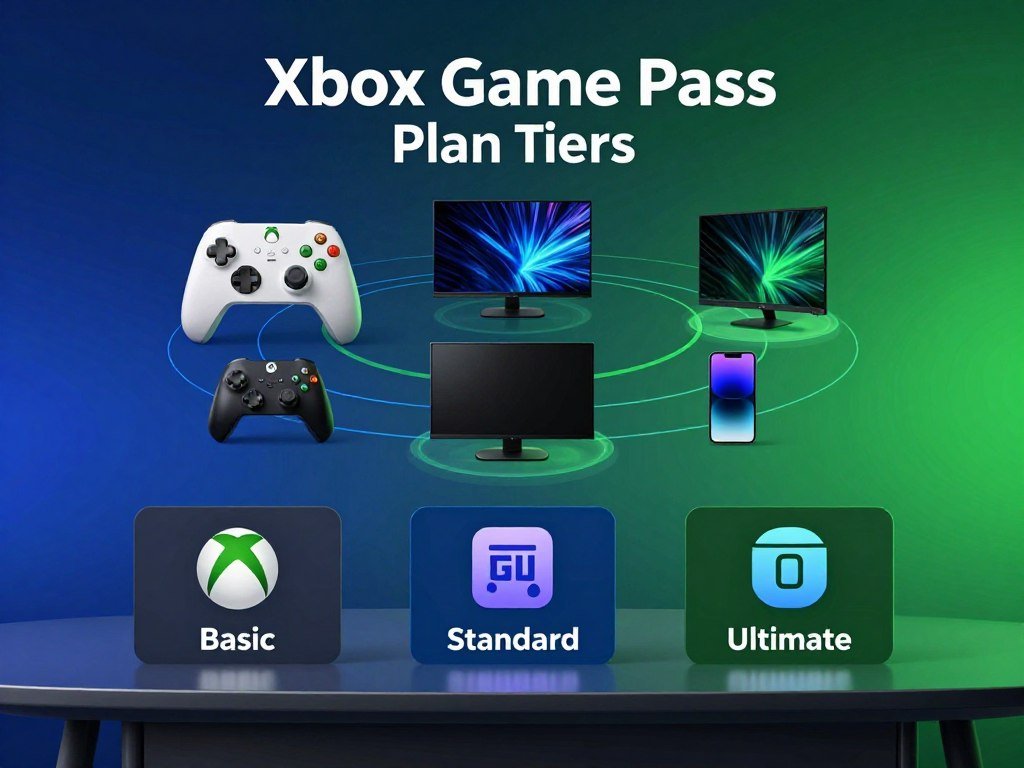
A three-month Xbox Game Pass Ultimate listing is a distinct prepaid term. The listing described here is priced at $68.99 and marked currently unavailable, so it is not a current purchase option.
That three-month offer is separate from three monthly payments. Monthly billing gives you month-by-month access, while a prepaid code applies the term written in its offer.
How the Other Game Pass Tiers Compare
In 2026, Ultimate includes a library of 500+ games across Xbox console, PC, and supported devices. The other Game Pass tiers have different library sizes and features, so their names do not make them equal substitutes.
| Plan | Library size | Platforms | Distinguishing detail |
|---|---|---|---|
| Ultimate | 500+ | Console, PC, supported devices | Highest library count in this comparison |
| Premium | 200+ | Console, PC, supported devices | 200+ games |
| Essential | 50+ | Console, PC, supported devices | 50+ games |
| PC Game Pass | 300+ | PC | 300+ games |
Library size is one way to compare, but platform access matters too. A plan focused on PC may not fit someone who mainly plays on an Xbox One or console.
For a closer look at family play styles, devices, and costs, read this family gaming console comparison. Compare the tier’s features as well as its term before deciding that a lower-priced offer meets the same need.
What Does Game Pass Ultimate Include?
Ultimate combines a rotating game library with online console multiplayer, cloud play, and several included partner memberships. Its biggest draw is the mix of ways to play and the broad selection of games.
You can download games on Xbox consoles and PC, or stream eligible titles on supported devices. Access depends on the title, platform, and region, so a game in the library may not work on every screen.

Play Across Console, PC, and Supported Devices
The subscription includes hundreds of games on Xbox consoles and PC, plus online multiplayer on console. Cloud gaming lets you play supported titles without downloading them to each device.
CNBC reported that starting in November 2026, Ultimate will include 15 cloud-gaming hours per month. The CNBC report on cloud gaming limits says extra hours can be bought, though Microsoft had not shared their price.
You can also browse new Xbox Game Pass additions to spot titles that suit your play style. New releases join the service on day one, but the catalog can change, and no title is promised to stay forever.
Included Memberships and Everyday Benefits
Ultimate includes EA Play, Fortnite Crew, and Ubisoft+ Classics. These memberships add access and perks, but each has its own content and terms.
Members also get in-game benefits for titles such as League of Legends, Call of Duty: Warzone, and Rainbow Six Siege. Riot explains the account-linking and game-specific perks in its official Game Pass benefits details.
Eligible Store Rewards can earn up to $100 a year and 4x points on eligible purchases. Those rewards depend on the offer terms and which purchases qualify.
Access to a game from the subscription library ends when the subscription ends or the game leaves the catalog. Before relying on a subscription for a long-term playthrough, consider that a title can leave the library while your membership is still active.
When Do New Call of Duty Games Join Game Pass?
A future Call of Duty release is an exception to Ultimate’s usual day-one access. Future Call of Duty games will not join Game Pass Ultimate at launch and are expected during the following holiday season, about a year later.
Existing Call of Duty games already in the library remain available. That distinction matters if you want to play a current title now rather than wait for a future release.

The timing applies to future releases, not every Call of Duty game in the catalog. A familiar franchise name does not tell you when each new game will arrive.
Library access can change over time and may differ by region, plan, and platform. A title listed for one device or membership may not be available in the same way elsewhere.
If you are choosing among releases, this guide to Game Pass games for different play styles can help you find other options. Check the current catalog closer to the holiday season if a particular release is central to your plan.
How Do You Redeem a Game Pass Code?
A prepaid code activates on the Microsoft account that is signed in when the redemption is confirmed. Choose the right account first, especially if more than one person uses your console or PC.
Redeem the code while signed in to the Microsoft account where you want the membership applied. You can use an Xbox console, a browser, a Windows app, or the Xbox mobile app.
Use these steps to apply the code:
- Sign in to the intended Microsoft account.
- Find the 25-character code in your purchase confirmation or on the card.
- Open Redeem on an Xbox console, in a browser, or through a Windows or Xbox app.
- Enter the code, then confirm the account and redemption.
Redeem on an Xbox Console
On an Xbox console, open the Store and look for the Redeem option. Some console menus also show a direct code-redemption choice.
Enter the code in the prompt, then check that the signed-in profile is the one you intend to use. Confirm only after the account details look right.
Redeem in a Browser or Windows App
In a browser, open Microsoft’s redemption flow while signed in. You can also start from a Windows app or the Xbox mobile app and follow its redeem option.
Before submitting, check the account name shown on screen. A code applies to the account signed in at confirmation, not automatically to the person who bought it.
Keep the purchase confirmation until the code works, since it contains the code or purchase details you may need. Enter the five blocks of the 25-character code carefully so a typing error does not interrupt redemption.
How Do You Control Renewal and Charges?
Recurring billing is on by default, so an active subscription can renew at the next billing date. Turn it off before renewal if you do not want another charge.
Canceling before the next billing date stops future charges. You can manage the setting through your Microsoft account or the subscription settings on an Xbox console.
Use these steps to check the renewal setting:
- Sign in to your Microsoft account or open Xbox console subscription settings.
- Find the recurring-billing control for the subscription.
- Turn recurring billing off or cancel before the next billing date.
- Check that the setting shows your choice.
A missed setting can lead to an unwanted recurring charge. If that happens, a refund may be available when you cancel within 30 days after payment.
A refund for an unintended recurring charge is limited to one time per Microsoft account for each subscription product.
Check the next billing date when you review the setting, since it gives you a clear deadline. Set a calendar reminder several days before that date if you want time to make a decision.
Conclusion
The right route is the one whose stated term and included features fit the way you play. Monthly billing spreads charges over time, while a prepaid code gives the term printed in its offer.
Match the tier to the games and devices you actually use. A larger library matters less if its titles do not fit your console, PC, or play habits.
Before paying, note the renewal setting if you choose recurring billing. For a prepaid offer, keep its duration and the account that will receive it in view.
Compare the current library with three games you plan to play, then choose the matching billing option.
FAQ
Where can I find a cheap Xbox Game Pass Premium membership?
Check the Microsoft Store and established U.S. retailers for current Xbox Game Pass Premium offers. Compare the exact term and renewal conditions, not just the discount shown in a headline. A low price may cover a short prepaid period or start recurring billing. Read the offer details before paying, so you know how long the membership lasts and whether future charges apply.
Can I use Game Pass Ultimate on PC without an Xbox console?
Yes, Game Pass Ultimate includes PC access, so you do not need an Xbox console to play PC titles. Each game has its own platform listing and system requirements. Check those details before installing, since a PC may not run every game well. Cloud gaming also has separate device and title limits, so streaming access does not replace PC compatibility.
Do I keep access to Game Pass games after canceling?
No, access to subscription-library games ends when your subscription ends. A title can also leave the catalog before your membership expires, which can end access earlier. Your saved game data may remain tied to your account, but that does not keep the game available to play. You need to buy a title separately to keep playing without an active membership.
What happens if I forget to turn off recurring billing?
An unintended recurring charge may qualify for a refund if you cancel within 30 days after payment. The refund option is limited to one use per Microsoft account for each subscription product. If recurring billing stays on, the subscription renews and charges the payment method on file. Review the billing date and setting in your account so you can act before another renewal.
Does redeeming a code require a Microsoft account?
Yes, you must sign in to a Microsoft account before confirming a code redemption. The code applies to the account signed in at that moment, so check the profile before submitting it. This matters on a shared console or computer, where another person’s account may still be active. A code cannot be moved by simply signing in to a different profile later.
Can I stream every Game Pass game on a phone or TV?
No, cloud play does not support every Game Pass game or every phone and TV. You need a supported device, an eligible title, and service availability in your region. Some games in the catalog may require a console or PC instead. Check the title’s play options and the device support details before planning to stream on a particular screen.



