Descript vs Riverside for Podcast Editing
Choosing between Descript vs Riverside for podcast editing comes down to one question: do you want to edit by reading words on a page, or do you want the cleanest possible recording to work with? Descript turns your audio into a transcript you can edit like a document, deleting a sentence by deleting its text. Riverside records each guest on their own separate track in high quality, so the raw material you start with sounds better, even if your guest is on a shaky connection.
Both tools are popular with podcasters in 2027, and both can carry a show from recording to published episode. They simply solve different parts of the job. Descript is strongest after the recording, when you are cutting filler words, fixing mistakes and turning one episode into clips for social media. Riverside is strongest during the recording, when separate tracks, studio-quality video and reliable capture matter most. Many podcasters end up using one as their main tool and borrowing the other for the jobs it does best.
This comparison looks at recording, editing, pricing, video and ease of use, so you can pick the tool that fits the way you actually make your show. Prices below are approximate and change often, so check current pricing on each vendor’s site before you subscribe. If you are still planning the show itself, our guide on how to make a podcast walks through the whole setup, from format to first episode.
Key takeaways
- Descript edits audio by editing a transcript, which makes cutting filler and mistakes feel fast and natural.
- Riverside records every guest on a separate local track, so the audio stays clean even on a poor connection.
- Descript is the better all-in-one editor; Riverside is the better recorder.
- Both handle video, but Riverside’s studio-quality video is stronger for shows that publish on YouTube.
- Pick Descript if editing eats your time, and Riverside if recording quality is your biggest worry.
| Feature | Descript | Riverside |
|---|---|---|
| Main strength | Text-based audio and video editing | High-quality separate-track recording |
| Recording | Good, with remote recording built in | Excellent, local recording per guest |
| Editing | Best in class, edit by deleting words | Solid text-based editing, newer feature |
| Video | Good, with clips and captions | Very good, studio-quality video |
| AI tools | Studio Sound, filler removal, voice cloning | Magic Clips, AI show notes, transcripts |
| Starting price (approx.) | From about $16 a month | From about $19 a month |
| Free plan | Yes, limited hours | Yes, limited hours |
Descript and Riverside in short
Descript started as an editor. You drop in a recording, it transcribes the words, and you edit the episode by editing the transcript. Delete a rambling answer, and the audio goes with it. Rearrange two paragraphs, and the audio follows. It also removes filler words such as “um” and “you know” in one click, cleans up room noise with Studio Sound, and can generate short captioned clips from the best moments of an episode. For a solo host or a small team that edits every week, that workflow can cut editing time in half.
Riverside started as a recorder. Each guest’s audio and video are captured locally on their own device, then uploaded in full quality, so a guest with a weak connection still sounds clear in the final file. The studio runs in the browser, guests join with a link and need no software, and the host can record separate tracks for every speaker. Riverside has added text-based editing and AI clips since, but recording quality is still the reason most podcasters choose it first.
Descript
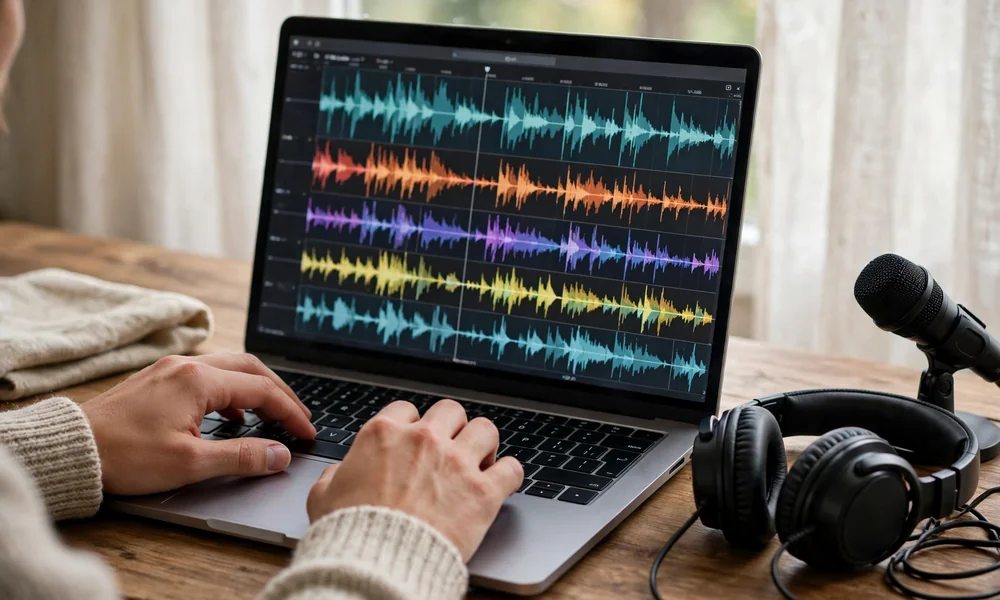
Descript’s text editing is genuinely different from a normal audio editor. Most podcasters have never cut audio by deleting words before, and the first time they do it, the appeal is obvious: a two-hour ramble becomes a tight forty minutes without dragging clips around a timeline. The transcript also makes it easy to find the moment a guest said something useful, search the episode, and pull out quotes for show notes.
Pros: fastest editing workflow for most podcasters; strong filler removal and Studio Sound; good video editing and clips; useful free plan.
Cons: recording quality is good rather than best in class; the interface takes a day to learn; heavy AI features cost more on higher plans.
Riverside
Riverside’s recording is the best reason to use it. Because each guest is recorded locally, the final audio does not depend on the guest’s internet connection at the time. A guest can freeze on screen for a minute and still sound perfect in the finished episode, because their track was saved on their own machine. That reliability matters enormously for interview shows, where you cannot ask a busy guest to record twice.
The studio experience is smooth for guests too. They open a link, allow the microphone and camera, and they are in. The host sees separate video and audio tracks, can record in high definition, and gets a transcript, AI-generated show notes and short Magic Clips after the session. Riverside’s editor lets you cut by transcript as well, and it is improving quickly, but it is still simpler than Descript’s: fewer fine controls, fewer ways to polish a long episode. If you later cut the video in a separate tool, our roundup of the best video editing software in 2027 covers the strongest options.
Pros: best-in-class separate-track recording; easy for guests, no software to install; strong video quality; AI clips and show notes included.
Cons: editor is simpler than Descript’s; higher starting price; some features need a more expensive plan.
Recording quality compared
Riverside wins recording quality, and it is not close. Local recording on every guest’s device means the audio is captured at full quality before it ever touches the internet, and separate tracks give the editor complete control over each voice. If two guests talk over each other, you can lower one and raise the other. If one guest is quiet, you can fix just their track. Descript records remote guests well, but it does not offer the same local-recording safety net.
Editing compared
Descript wins editing, and this is where most of the time is saved. Text-based editing, one-click filler removal, Studio Sound and Overdub add up to a workflow that feels built for people who edit every week. You can restructure an episode by moving paragraphs, cut a tangent in seconds, and export a clean transcript for show notes at the same time.
Riverside’s editor covers the basics well, including text-based cuts and AI clips, and it is enough if your edits are light: trimming the start and end, removing a few mistakes, pulling out highlights. For heavier work, such as rebuilding an interview’s order or cleaning up a noisy recording, Descript has more tools. Automation helps either way, and our guide to how to automate podcast editing with AI explains which parts of the edit are safe to hand to AI and which still need a human ear.
Pricing compared
Both tools offer a free plan with limited recording and transcription hours, which is enough to test the workflow on a real episode. Descript’s paid plans start from about $16 a month, while Riverside’s start from about $19 a month, though both change their plans and prices regularly, so check current pricing before you subscribe. The headline price is only part of the cost: check how many transcription hours, how much recording time and which AI features each plan includes, because those limits decide whether the cheapest plan is enough.
Verdict: which one should you pick?
Pick Descript if editing is your bottleneck. If you record in decent conditions, publish weekly, and spend more time cutting than recording, Descript’s text editor, filler removal and clip tools will give you the biggest time saving. It is the better single tool for a solo host or a small team that wants to record, edit and publish without leaving one app.
Pick Riverside if recording quality is your bottleneck. If your show lives on remote guests, if you publish video as well as audio, or if you have ever lost a good interview to a bad connection, Riverside’s local separate-track recording is the safer choice. You can always edit the Riverside files in Descript afterwards, and many interview shows do exactly that: Riverside to record, Descript to edit. If you must choose only one, match the tool to the part of the job that hurts most today, and revisit the choice when your show changes.
How to choose between them
Run a real test before you pay. Record one full episode in each tool, with the same guests and the same setup, then edit both to a finished episode and time yourself. Pay attention to the guest experience too: a tool that confuses a guest before you start recording will cost you more than any feature is worth.
Your 6-point checklist before you subscribe
- Record a test episode with a real remote guest in each tool and compare the sound.
- Time a full edit in both, from raw recording to finished episode.
- Check transcription hours, recording hours and AI limits on the plan you would actually buy.
- Test the guest experience: can a guest join from a link with no software to install?
- Confirm the export quality and formats match your podcast host and YouTube.
- Try the free plan first, and only pay once a real episode proves the workflow.
Frequently asked questions
Can I use Descript and Riverside together?
Yes, and many interview shows do. Record in Riverside for the best separate-track audio and video, then import the files into Descript for text-based editing, filler removal and clips. You pay for two tools, but you get the best of both.
Which is better for beginners?
Descript is easier for a beginner who edits alone, because editing by deleting words feels familiar. Riverside is easier for a beginner who records guests, because guests join with a link and the recording quality takes care of itself. Choose based on whether editing or recording worries you more.
Does Descript record remote guests?
Yes, Descript can record remote guests in its studio, with separate tracks and a transcript. It works well for most shows, though it does not use the same local recording approach as Riverside, so the audio depends more on the connection during the call.
Does Riverside edit audio by transcript?
Yes, Riverside has added text-based editing, so you can cut audio and video by deleting words in the transcript. It covers the common edits well, though it has fewer fine controls than Descript for long or complex episodes.
Which is better for video podcasts?
Riverside has the edge for video podcasts, thanks to high-quality separate video tracks and a studio setup built for video. Descript is still a strong choice if you want to edit the video by transcript and turn episodes into short clips quickly.
Do both have free plans?
Yes, both offer free plans with limited recording and transcription hours.
The bottom line
Descript vs Riverside for podcast editing is not a contest with one winner for everyone. Descript is the better editor, with a text-based workflow that makes cutting, cleaning and clipping an episode fast. Riverside is the better recorder, with separate local tracks that keep remote guests sounding clear no matter their connection. The tool that saves you the most time is the one that fixes the part of your process that hurts most.
If you edit every week and your recordings already sound good, start with Descript. If your show depends on remote guests and video quality, start with Riverside. And if you can afford both, record in Riverside and edit in Descript: that combination is the setup many serious interview shows settle on, because it pairs the best recording with the fastest edit.