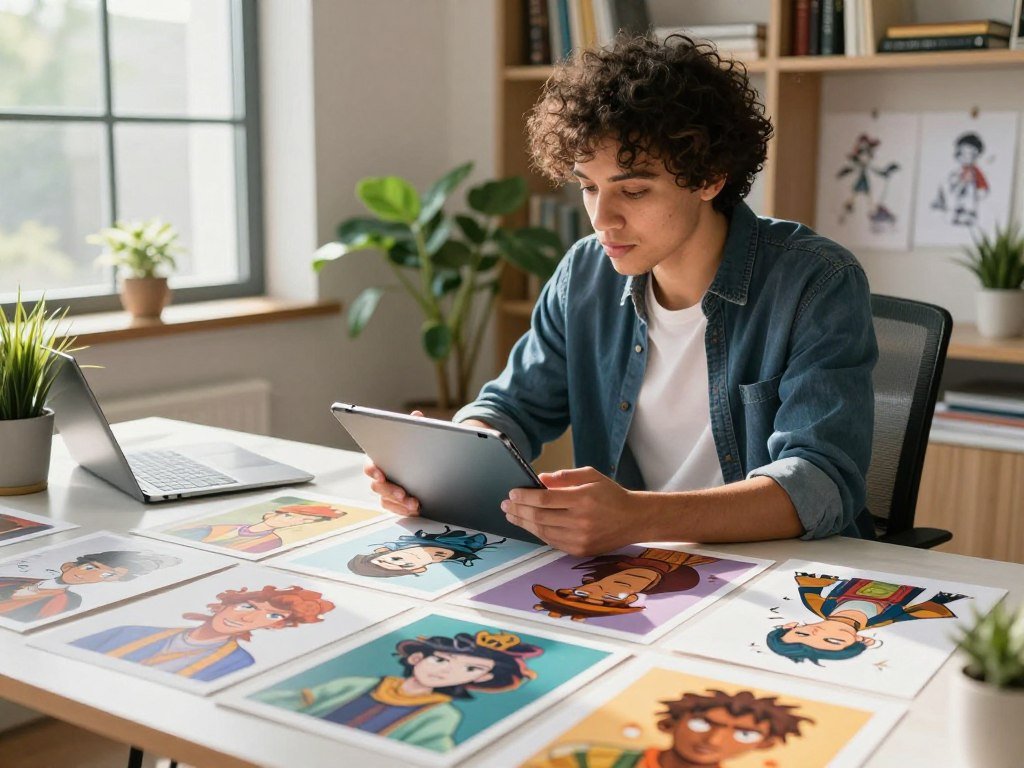
A character can look perfect in one image and still feel like a different person in the next scene. That shift can break a story, weaken a campaign, or make a creative project feel pieced together.
The Best AI Tools for Creating Consistent Characters help creators build dependable visuals across a larger workflow. The right choice depends on your output and the control you need, not one attractive result.
Key Takeaways
- Use image-first tools when you need polished stills and strong visual direction.
- Choose scene-based video tools when a character must move through several shots.
- Saved characters and trained models support repeated use across a series.
- Test face, outfit, and style as separate parts of character consistency.
- Check plan limits, privacy terms, and usage rights before production.
- Try the same approved reference in two tools before scaling your work.
The useful test is whether a tool can carry a character through the actual scenes and formats you plan to create.
What Does Character Consistency Actually Require?
Character consistency means keeping a subject recognizably the same while the pose, setting, or camera changes. Identity drift means visible changes in a character’s recognizable appearance between generations.
A useful first test compares one character across five different prompts. Check the face, hairstyle, clothing, and proportions, not just the overall look.
A matching style does not prove that a character kept the same identity.
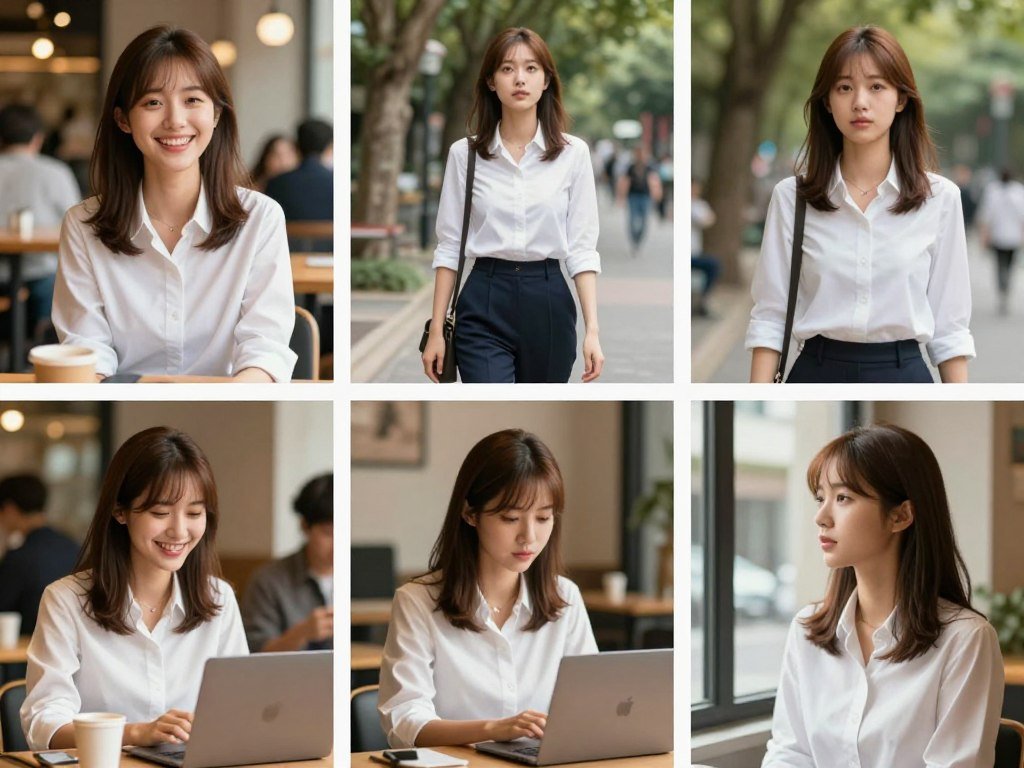
For example, a painterly style may stay steady while the eyes, jaw, or hairline change. Those small differences can make the subject feel like someone else.
Character generators and avatar generators
An AI character generator turns prompts, reference photos, or sketches into a reusable visual identity. An avatar generator usually makes a stylized version of a real person.
A character generator can instead create an original or fictional subject. That distinction matters when you need a made-up hero, a brand mascot, or a person based on a real likeness.
The identity details worth comparing
Compare facial features, body proportions, clothing cues, and the overall style. A red scarf or a distinct eye shape can help identify a character, but neither replaces a stable face.
Separate the person from the art direction during review. Ask whether the same person appears in each image, then ask whether the lighting, color, and rendering style match.
That split gives you a clearer view of what a tool preserves. Treat a matching style as a useful result, not proof that the character’s identity stayed intact.
Best AI Tools for Creating Consistent Characters in Images
For a still-image workflow, start with Midjourney for artistic direction, Leonardo for reference controls, or Ideogram for a saved character. Best fit depends on how much control and repeat use your work needs.
Test the face and outfit separately from the visual style. A tool can keep the same art direction while changing the person’s features.
Midjourney for polished still-image concepts
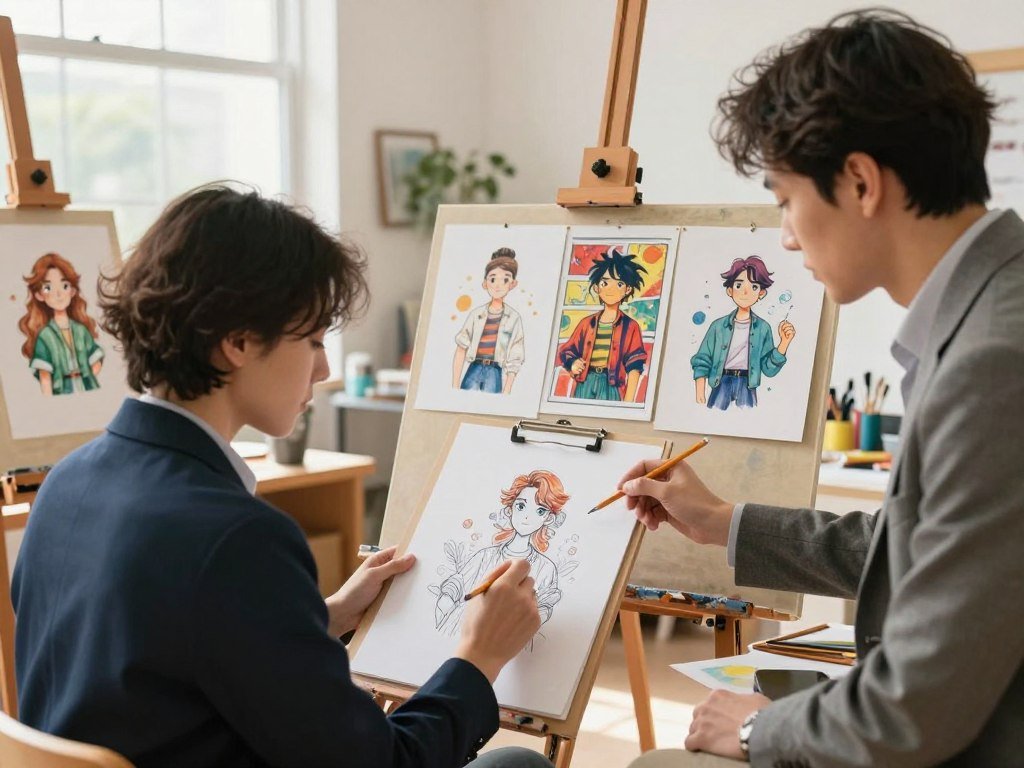
Midjourney suits creators who want polished artistic images and room to explore a look. Its V8.2 Edit Model, released July 24, 2026, accepts up to four reference images.
That model replaces Omni Reference and Character Reference on current Midjourney models. This change matters if an older workflow depended on those tools, so test the new reference process before a long production run.
For concept art, editorial images, or a short visual pitch, Midjourney can be a strong starting point. It is less suited to a team that needs a saved character library above all else.
Ideogram for saved characters and references
Ideogram 4.5 accepts one to five reference images. Its saved Characters feature can start with one photo, which makes repeated image creation easier to organize.
The free plan offers 30 credits per week. Creators who need to compare character looks can also explore the range of AI image generators for different workflows.
Ideogram makes sense when saved identity matters more than fine-tuning every detail. Keep in mind that the face and outfit still need separate checks.
Leonardo AI for reference controls
Leonardo AI Omni models accept up to six reference images. The platform also offers 150 free tokens per day, and trainable Character Elements can preserve a reusable character model.
That mix supports creators who need clear reference controls and repeatable assets. If you build a larger series, a reusable model can reduce the need to rebuild the character description for every prompt.
Adobe Firefly for style-led production assets
Adobe Firefly fits teams that want a consistent visual style across production assets. Custom Models can be trained on a user’s images, and they were in public beta in 2026.
This route is useful when a brand or production team has images that define its look. Test the result against the intended character, since a style-led model can still change facial identity.
| Tool | Reference or character feature | Reference-image capacity | Best-fit image workflow |
|---|---|---|---|
| Midjourney V8.2 Edit Model | Current-model reference replacement | Up to 4 images | Polished artistic concepts |
| Ideogram 4.5 | Saved Character from one photo | 1 to 5 images | Saved character images |
| Leonardo Omni | Trainable Character Elements | Up to 6 images | Explicit reference control |
| Adobe Firefly | User-image-trained Custom Models | Not stated | Style-led production assets |
For image tasks beyond recurring subjects, a beginner image creation workflow can help you plan prompts and refine results. Before committing to a long series, test the face and outfit separately from the visual style.
Which AI Video Tools Keep a Character Recognizable Across Scenes?
For a character who must move through a sequence, Runway is the broad reference-led option, while Kling and LTX Studio offer more structured scene workflows. Motion matters because a face can shift between shots.
Judge identity through motion and scene changes, not only the opening frame. A good still does not guarantee a stable video sequence.
Runway Gen-4 for reference-led scenes
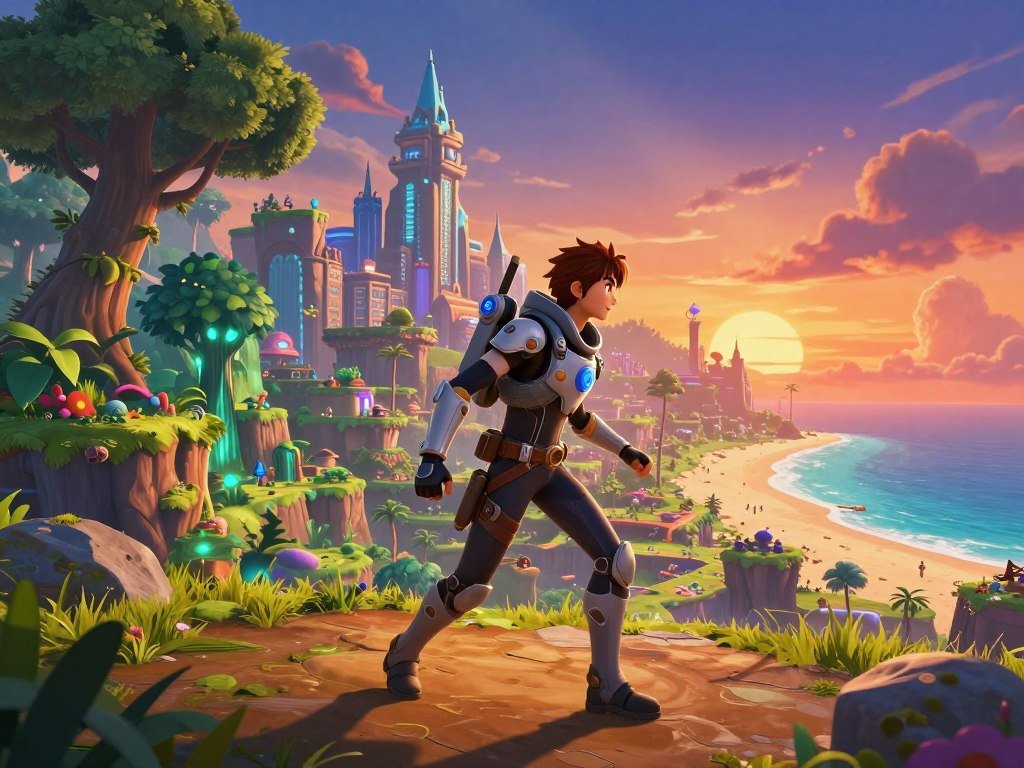
Runway Gen-4 uses visual references and instructions to make images and videos with consistent characters, locations, and objects. It does not need fine-tuning or extra training.
This makes Runway a flexible choice when you want to guide a subject through different settings. It can suit short-form production where you direct each scene with references and written instructions.
Kling VIDEO 3.0 for multi-shot sequences
Kling VIDEO 3.0 Omni uses Elements 3.0, which draws on video references to keep a character recognizable across scenes. It can generate up to six distinct shots in one pass, with video up to 15 seconds long.
Kling also supports lip sync in five languages, including Chinese and English. That feature can help with short dialogue scenes, but the six-shot and 15-second limits shape the sequence you can make at once.
LTX Studio for story-driven sequences
LTX Studio’s Character Elements uses up to 10 images. It is available on the Standard plan and higher, and suits scene-based production where a story needs a planned sequence.
Its character setup can help keep a subject linked to a larger narrative. Choose it when a storyboard and scene flow matter as much as an individual clip.
| Tool | Consistency method | Sequence or reference limit | Best-fit video task |
|---|---|---|---|
| Runway Gen-4 | Visual references and instructions | No additional training | Reference-led scene generation |
| Kling VIDEO 3.0 Omni | Video references | Up to 6 shots, 15 seconds, 5 lip-sync languages | Multi-shot clips with dialogue |
| LTX Studio | Character Elements | Up to 10 images, Standard plan and higher | Story-driven scene production |
Run a test that includes a change in pose, lighting, and camera angle. Judge a video tool on identity through motion and scene changes, not just on its best opening frame.
Which Character-Building Platforms Save Reusable Identities?
OpenArt, Scenario, and Higgsfield all offer a route to reuse a defined identity, but they ask you to build it in different ways. Repeated use is the point of these workflows.
Choose a saved character for frequent scene changes, and a trained model when setup is worth repeating. Each approach gives you a different way to carry a character forward.
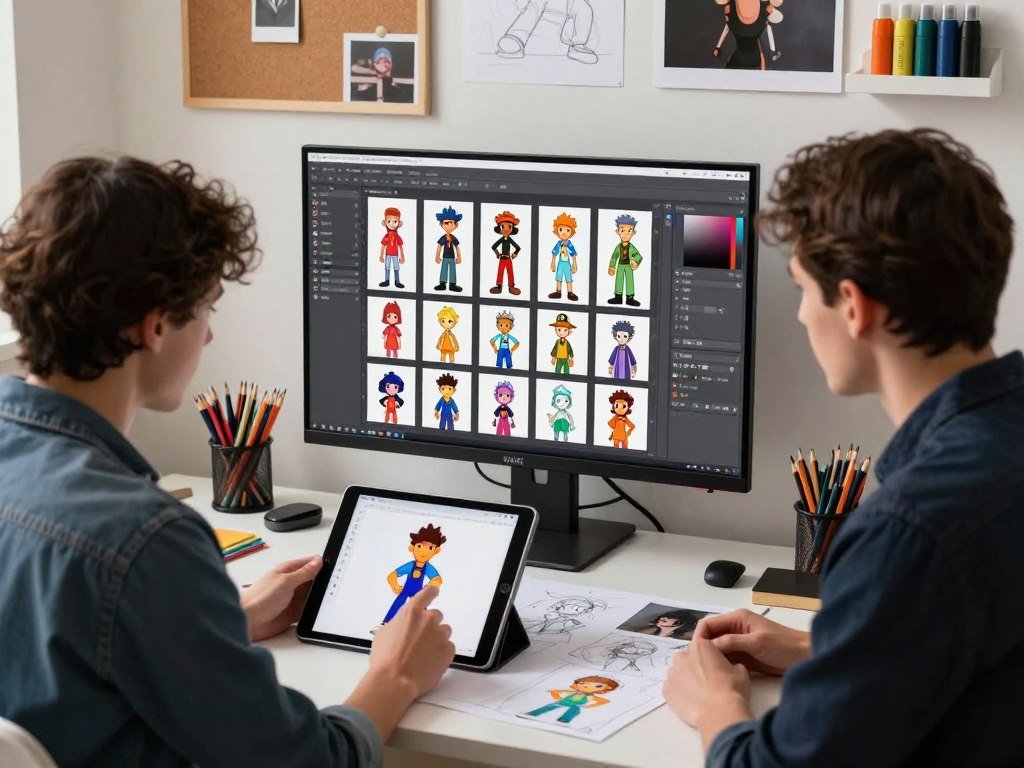
OpenArt for saved characters across formats
OpenArt’s Character Builder saves characters from an image, a prompt, or presets. Saved-character access begins with the Plus plan.
This flexible setup suits a creator who wants to define an identity without training a custom model. You can start from the material you already have, then return to the saved character for new scenes or formats.
It can be a practical choice for recurring content that shifts between still images and other assets. The saved identity gives you a clear starting point, while each new prompt still needs review.
Scenario for custom-trained models
Scenario supports custom models trained on five to 15 images with its Pro plan and higher. That threshold works for creators who can gather a focused set of examples for one visual identity.
A custom model can suit game teams or concept artists who need a distinct character for many assets. The setup asks for more planning than a saved prompt or single image, so use it when repeat production justifies that effort.
Scenario is a strong fit when the model itself should carry the look. It gives teams a way to build a reusable asset base around a defined character.
Higgsfield Soul ID for photo-trained personas
Higgsfield Soul ID trains a reusable character from 20 to 80 photos of one person. That photo set makes it a natural option for a persona based on a real face.
Creators can use this path when a campaign needs the same person across a series of visuals. Make sure the photos fit the identity you want to retain, since the training set shapes later generations.
For a flexible saved-character workflow, consider OpenArt. Scenario suits custom model building, while Higgsfield fits a photo-trained persona.
A saved character works well when you expect frequent scene changes. Choose a trained model when repeated use justifies the setup.
Which Free AI Character Tools Are Worth Trying?
Perchance is the simplest no-sign-up starting point, while ChatGPT and Gemini suit creators who want to iterate on reference-led images. Free access can help you test a workflow before paying.
Check the limits and output terms before building a recurring project around free access. Some tools cap use, while others set rules for public or personal-use outputs.
These six options cover different ways to explore character images without starting a paid subscription.
- Perchance offers a free, no-sign-up character image generator with text descriptions and selectable art styles. Use it for quick exploration without setting up an account.
- ChatGPT image creation is available on the Free tier, with stricter and variable image limits. Its conversational edits can help you refine an image over several turns.
- Gemini’s Nano Banana 2 is available without a paid AI plan. Compute-based limits apply, and downloads are 1K resolution.
- Recraft offers up to 30 free image generations daily. Free-plan assets are public, Recraft-owned, and noncommercial, so keep those terms in mind during illustration experiments.
- Magnific offers up to 20 free images daily. Personal-use output requires attribution, which makes it useful for model exploration with a clear credit step.
- Runway’s free plan includes 125 one-time credits and 5GB of asset storage. It gives you a limited way to test video generation and save project files.
Adobe Firefly also offers free daily generations. LTX Studio, Scenario, and OpenArt instead use one-time or limited trial credits.
For more options, compare free text-to-image tools by use case. Free access works best as a workflow test, so check the image allowance and output terms before basing a recurring project on it.
How Much Do the Top Character Generators Cost?
Monthly entry points range from $10 for Midjourney Basic to $15 for LTX Studio, Scenario, and Runway Standard. Usage limits and billing terms shape how much each plan gives you.
Credit systems are not directly comparable. Your best value depends on how often you generate and whether unlimited Relax mode or Stealth mode matters.
| Tool or group | Monthly price | Included usage or plan distinction | Billing condition |
|---|---|---|---|
| Midjourney | $10 / $30 / $60 / $120 | Basic: 3.3 fast GPU hours; Standard: 15; Pro: 30; Mega: 60. Standard and higher include unlimited Relax; Pro and Mega include Stealth. | Monthly plan prices |
| Ideogram | $20-$60 | Paid plan range | Monthly pricing |
| Runway | Standard $15; Pro $35; Max $95 | 625 / 2,250 / 9,500 monthly credits | Annual billing: $12 / $28 / $76 monthly |
| LTX Studio, Scenario, OpenArt, Higgsfield | $15-$125; $15-$75; $14-$240; $19-$129 | Ranges listed in the same order as tools | Monthly plan ranges |
| Adobe Firefly | Paid plans start with 2,000 monthly credits | 2,000 credits per month at the starting paid level | Plan price not stated |
Midjourney has no free plan in 2026. Basic includes 200 minutes of fast GPU time and no Relax mode, while Standard includes unlimited Relax generation.
Pro and Mega add Stealth mode, alongside their higher fast GPU hour limits. Those differences matter if you need more time or want private generations.
Runway’s annual billing lowers the monthly rate for each listed plan. Its credit totals also rise with the plan, so compare expected use against your production pace.
Other platforms use different credit systems and plan structures. Compare usable generations and privacy features, not just the headline monthly charge.
How Well Do These Tools Hold Identity in Repeated Tests?
In a 2026 image test, Midjourney’s Character Reference led Leonardo AI on overall consistency and each reported category. The tested setup is important when applying those scores.
Midjourney scored 7.5/10 overall, while Leonardo AI scored 6.0/10. The test covered face, outfit, and style consistency.
The comparison used seven image generators and 140 images. Each tool produced 20 images with the same reference character.
Midjourney with Character Reference scored 7.0 for face consistency, 8.0 for outfit consistency, and 8.5 for style consistency. Leonardo AI scored 6.0 for face, 6.0 for outfit, and 6.5 for style.
These numbers compare the tested tools under one shared setup. They do not show how every current model will behave with your prompts.
The Midjourney result applies to the Character Reference workflow used in that test. It does not automatically describe newer models or a different reference set.
Researchers have also proposed gallery-based identity checks in a study of identity preservation. This approach compares a generated subject with similar identities, rather than relying only on pairwise similarity.
Use scores to shortlist tools, then judge the final choice with the references and scenes you actually need.
How Can You Create Consistent Characters With AI?
A reusable character sheet gives each new prompt a stable visual starting point. Keep the same references close so you can return to the approved look.
Build a named sheet from two to three existing reference images. Separate face and full-body sheets when both facial identity and outfit continuity matter.
Use this five-step workflow to reduce identity drift as you create a character across images:
- Start with two to three existing references and make a named character sheet. A clear name makes the character easier to track across project files.
- Create separate face and full-body sheets when you need both face identity and outfit continuity. The face sheet can focus on key features, while the full-body view shows clothing and proportions.
- Write down fixed details, including face shape, hair, proportions, and clothing cues. Keep the notes short enough to reuse in later prompts.
- Resend the same approved references with each generation. Do not assume a character sheet stays in a standing library across separate calls.
- Correct one drifted detail at a time. If the hair changes, fix the hair before asking for a new pose or background.
A 2026 user report described facial features, proportions, clothing, and distinguishing details changing despite repeated character sheets. That account describes one person’s experience, not a guaranteed result for every generation.
The same report included a practical community suggestion: attach the approved references again with each generation. This helps when a tool does not carry the sheet between calls.
Use focused edits to fix local changes rather than rewriting the whole prompt. A small correction can protect the details that already work.
Keep the approved reference images with the project so they can be attached again whenever the identity needs to carry into a new call.
Which Tool Fits Comics, Games, Campaigns, or Stories?
For recurring still images, Leonardo AI or Ideogram is a practical starting point; for video, begin with Runway, Kling, or LTX Studio. Your deliverable should guide the choice.
Match the tool to the format you must deliver, then test one representative scene. A concept image and a finished multi-shot clip need different controls.
Character generators support comics, game concepts, story sequences, brand mascots, and social campaigns. Use the format and pace of production to narrow the options.
- Comics and illustrated storytelling: Try Leonardo AI or Ideogram when you need recurring figures across panels and illustrated scenes.
- Game concepts and visual exploration: Start with Midjourney or Leonardo AI for character concepts and variations that help shape a game’s visual direction.
- Recurring campaign personas across formats: Consider OpenArt or Higgsfield when a persona needs to appear in a series of campaign assets.
- Short narrative video and multi-shot scenes: Compare Runway, Kling VIDEO 3.0, or LTX Studio for work that depends on action and scene flow.
Technical creators may prefer a local Stable Diffusion workflow with LoRA and ControlNet for more direct customization. NeoLemon is another option for cartoon-focused storytelling.
These choices suit different production habits. A comic artist may value repeatable stills, while a campaign team may need one persona in several formats.
Run one representative scene before scaling the project. That test should match the pose, setting, and delivery type your audience will see.
What Should You Check Before Using Generated Characters Commercially?
A technically consistent face is not automatically cleared for a commercial campaign. Rights and consent need a separate check from visual quality.
Commercial-use rights and privacy terms vary by platform and plan. Review the terms that apply to your account and assets.
- Confirm the commercial-use terms for the plan you used to create the assets.
- Get permission before uploading a real person’s likeness.
- Check whether prompts, references, or outputs are public or covered by platform data terms.
- Review concerns tied to third-party likenesses, trademarks, and copyrighted characters.
Adobe Firefly adds Content Credentials to generated content. These credentials can describe how content was made, but they do not grant permission or replace a rights review.
U.S. copyright treatment of work made mostly by AI varies by jurisdiction. Keep clear records of the human choices and materials involved in your production.
Content Credentials can describe provenance, but they cannot clear a likeness or copyrighted character for commercial use.
Keep a record of reference ownership, permissions, and the terms that applied when you created the assets.
Conclusion
The best choice is the one that keeps your character recognizable in the format you actually need to publish. Image-first creators should prioritize reference control, while video and campaign teams should look for identity reuse across formats.
Start with two candidate tools and the same approved character reference. Ask each one to create a representative scene from your project, then compare face, clothing, and style.
That small test can reveal whether your workflow needs stronger references or a saved identity. Run a side-by-side test with your own reference images before building a larger series.
FAQ
Can an AI generator keep a character exactly identical in every image?
No AI generator guarantees a pixel-perfect identity in every image. Small details can drift, including eye shape, hair, clothing, or body proportions. Check each output against your approved reference before using it in a series. If one detail changes, correct that part without changing details that already match. This review matters even when the overall style looks steady.
How many reference images should I start with?
Start with two to three images for a ChatGPT character sheet. That gives the sheet a few views of the same identity without making the first step unwieldy. Other tools set their own limits: Midjourney V8.2 accepts up to four reference images. Pick clear images that show the details you need to carry forward, then keep using the approved set.
Can ChatGPT reuse a character sheet automatically in later generations?
No, a ChatGPT character sheet does not persist as a standing library across calls. Attach the same approved reference images again when you start another generation. Keep the sheet and reference files together with your project notes, so you can reuse the right materials. This also helps you spot changes between outputs instead of relying on memory.
Is there a free AI character generator that works without an account?
Yes, Perchance offers a free character image generator without sign-up. You can enter text descriptions and choose an art style to explore a character idea. Free tools differ in how they handle saved work, limits, and output terms. Saved-character workflows and repeated asset management often require an account, so Perchance may suit exploration better than a long production series.
Can I use AI-generated character images commercially?
Sometimes, but commercial use depends on the platform and plan terms that apply to your images. Read those terms before using an output in an ad, product, or paid project. Get permission before uploading a real person’s likeness, and check for trademark or copyrighted-character concerns. Keep a record of your references and permissions with the finished assets.
What is the difference between a character generator and an avatar generator?
An avatar generator usually makes a stylized version of a real person, while a character generator can create an original or fictional identity. An avatar tool may suit a profile image based on your own appearance. A character generator can build a made-up hero, mascot, or story figure from prompts, photos, or sketches. The labels can overlap, so compare what each tool lets you create.



