
A viral post can show a real photograph and still mislead you about who, where, or when it depicts. How to Find the Source of a Viral Image matters when people share viral media as proof, but the caption may add a false claim. A photograph can be genuine while its caption is not. You can check the post, search for matching images, trace publication links, test the date and place, and review possible edits. The five-step workflow starts by preserving the post and ends with a careful verdict about what the image supports. Treat the first plausible match as a lead to verify, not a finished answer.
Key Takeaways
- Save the post URL and its visible details before they change.
- Use reverse image search to find matching or similar pictures.
- Check who published a result and whether they credit a photographer.
- Test the caption’s date and place with independent clues.
- Keep image origin, authenticity, and caption claims separate.
- State what remains uncertain instead of guessing.
How to Find the Source of a Viral Image With Reverse Search
Google Lens is a practical first stop for visual matches, while TinEye is useful for finding exact or altered copies. A reverse image search uses an image, rather than text, to find matching or visually similar results online. Choose the tool based on whether you need similar scenes or copies of the same image.
You can upload a screenshot or image file to Lens, drag and drop a file, paste an image URL, or right-click an image in Chrome. Lens also recognizes objects and returns related web pages. Crop to focus on one object or part of the photo, then check “About this image” for details such as when it was first indexed.

A missing search match does not prove that an image is new; the page may block indexing or access.
Lens may miss social posts it cannot access and pages that block indexing. It is free, with no subscription or search-count limit. Google Advanced Image Search can filter by size, aspect ratio, color, type, region, site, file type, and usage rights.
Use Google Lens for visually similar results
Lens can find images that look alike, even when they are not exact copies. That helps when the picture has been cropped, edited, or reposted with a different caption. Results may include related pages that provide useful context about the image.
Its Usage rights filter is only a starting point. Google relies on license details from image hosts or providers, so confirm the terms with both. A Creative Commons license may require credit or limit changes or commercial use.
Use TinEye to compare image copies
TinEye searches an index of over 86.5 billion images. It compares exact and modified copies, while Lens also finds visual similarities and objects. TinEye says it does not save or index your search images.
TinEye can sort results by first occurrence, largest version, or most edited version. The earliest indexed result is a lead, not proof of who made the image. Private posts, deleted pages, and files outside an index may not appear.
| What you need | Google Lens | TinEye |
|---|---|---|
| Match type | Similar images and objects | Exact and modified copies |
| Refinement | Crop to a selected object or photo part | Sort by first occurrence, largest, or most edited |
| Result context | Related pages and “About this image” | Pages with indexed copies |
Use the same file in both tools because different crops can return different results. Then follow these five actions:
- Search the full image.
- Try a purposeful crop.
- Open promising result pages.
- Compare the actual image.
- Check each page’s surrounding context.
Compare results from the same original file before drawing conclusions from differences.
Trace the Image Back to Its Original Post
A reverse-search result becomes useful when its page identifies who posted the image and how that publisher got it. An earlier match may be a re-share, not the creator’s post. Do not treat an older indexed or published copy as proof of authorship.
Preserve the original post before its caption, account details, or linked page changes. Save the details that may help you compare later versions:
- Post URL, account name, and visible date.
- Full caption, hashtags, and linked article.
- Screenshot showing the image in its page context.
- Retrieval time and timezone.
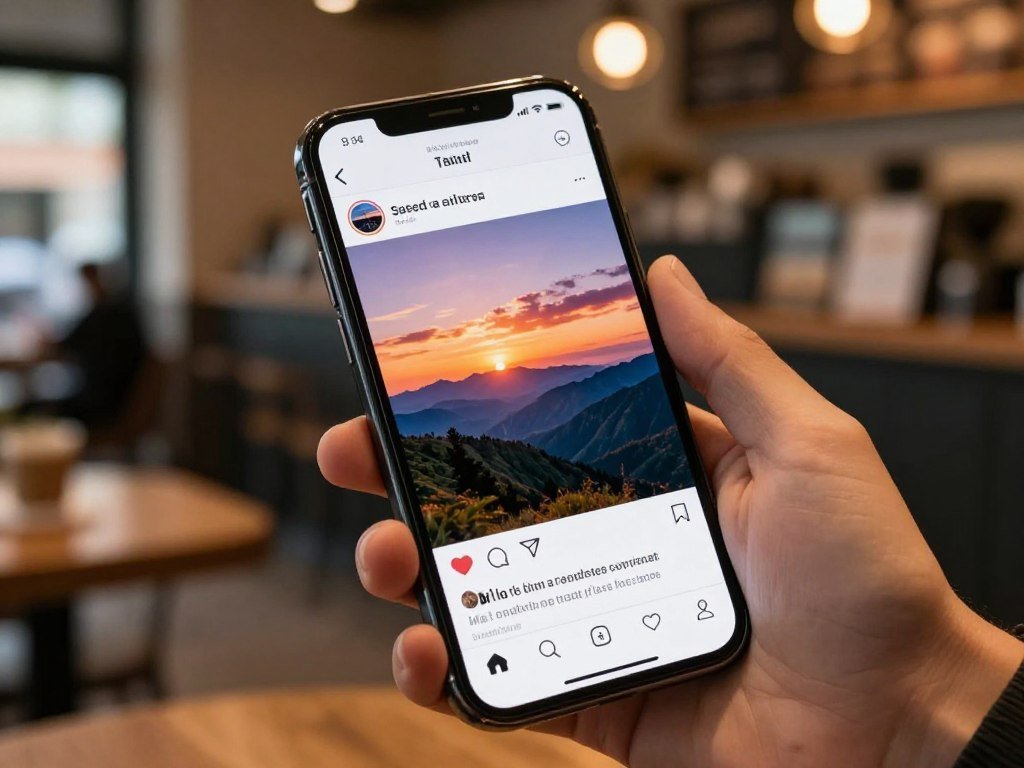
Preserve the post and its surrounding context
A screenshot can preserve what you saw, but keep the URL too. The page may show whether the account posted the image directly, shared another person’s work, or linked to a news report.
The SIFT strategy advises tracing claims and media back to their original context. The University of Chicago’s SIFT guide explains this approach. A publication date can help you build a timeline, but it does not settle who created the picture.
Follow credits and publication links upstream
Look for photographer credits, “via” links, publisher sections, and reports that name the person who took the photo. Open each linked page and see whether it embeds or links to an original post. A credited name and direct post can give stronger attribution than a generic viral caption.
A parking-revenge photo shows why those details matter. Matthew Mills took the picture in Biddeford, Maine, but did not arrange the shopping carts. His caption read, “This guy got a lesson in parking.” WGME helped the image spread, while later reporting misstated the location as Portland, Oregon, and understated its shares.
The caption and later coverage can tell different stories about the same photo. A credited photographer’s account may clarify who took it, while the publisher’s context shows how the image reached a wider audience. If a report omits its photographer or upstream link, search the distinctive caption and credited name together.
An AI-made image can also gain an early publication date without revealing who created it; a guide to making AI images explains how generation and editing can shape that trail.
Check the Image’s Date, Location, and Caption
Check the caption’s place and date as separate claims, even when the photograph itself looks genuine. A real image can still carry a false identity, location, time, or event claim. Each claim needs its own check. Look for several independent clues that point to the same place and time.
For location, compare details that appear in the scene. A city or region is often enough to test a public claim; you do not need to identify a private address.
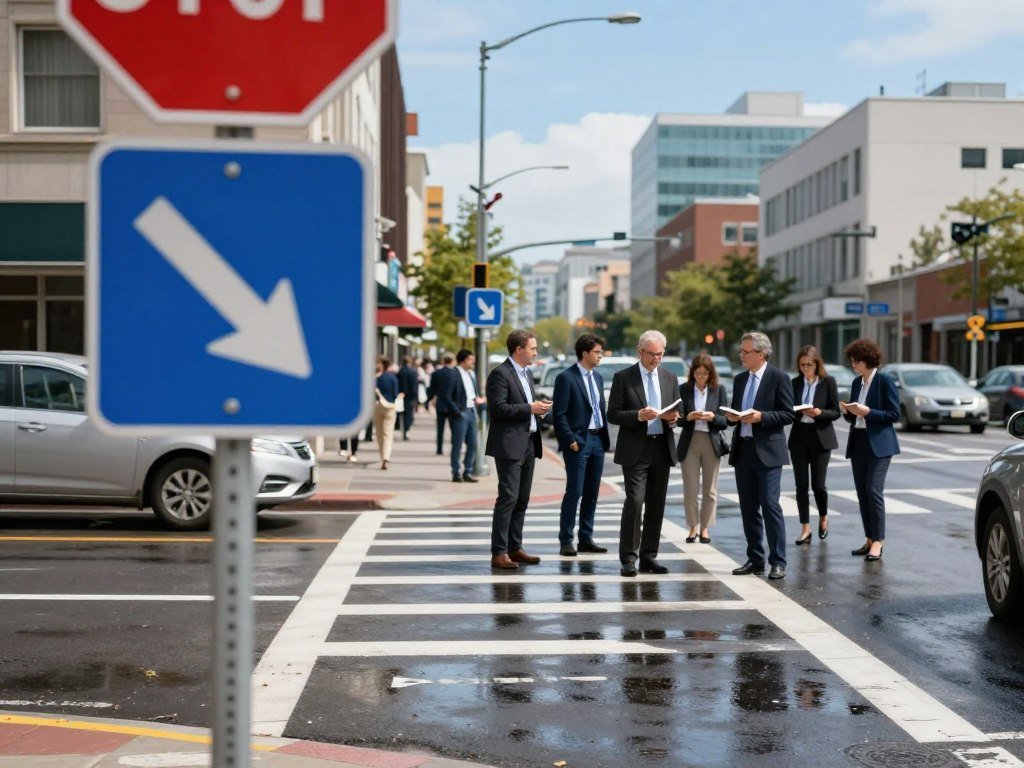
- Language and signs.
- Road markings and transit.
- Terrain and skyline.
- Storefronts and utility infrastructure.
- Weather and vegetation.
- Architecture and landmarks.
Look for clues that converge, then compare maps, official imagery, local reporting, and posts made at the time. Bellingcat’s photo geolocation case study checks road markings, poles, and a pavement crack against map imagery. Several matching features make a stronger case than one familiar landmark.
Keep different kinds of dates apart. Event time means when the scene happened; file-creation time means when the file was made. Publication time marks when a page posted it, first-seen time marks an early known appearance, and archive-capture time marks when an archive saved it.
These times can differ, especially when someone reposts an old image. If you cannot establish an exact moment, report a supported date window instead of naming a precise day. An old post can show that a picture existed by then, not when the event happened.
The parking-revenge meme pattern goes back at least to 2012, including a Reddit post from December that year. A familiar old image can gain a new caption and appear current again. Count independent evidence chains, not the number of sites repeating one caption.
Test for Edits, AI, and Missing Provenance
A strange detail can justify another check, but it cannot by itself establish that a photo is fake. Visual oddities are leads, not reliable AI tests. Do not label an image AI-generated or edited from appearance alone.
Warped lettering, repeated textures, odd shadows, or unusually smooth faces may deserve a closer look. Compression, blur, image stitching, and rolling-shutter effects can also make ordinary photos look strange.

A detector score or missing record cannot settle whether an image is real or fake.
Treat visual clues as leads, not verdicts
A viral AI image falsely showed Katy Perry at the 2024 Met Gala. Its carpet came from the 2018 Met Gala, which gives you a specific event detail to check.
Examples have also included oddly shaped fingers and gibberish jacket text in a Ryan Reynolds image. An Ariana Grande image looked overly smooth and placed her with flamingos. Those clues call for corroboration, not a final judgment.
An AI image detector can offer a lead, but it cannot settle authenticity. ChatGPT can describe visible content without proving an image’s origin, date, or location. For a closer look at these limits, use this guide to checking AI-generated images.
Check metadata and provenance carefully
Metadata can add clues, but it can also be absent or changed. EXIF data may include capture time, device, and location, depending on the file and service. A platform may strip it before you see the image.
Content Credentials can record assertions about an image’s history and support provenance, meaning recorded information about its origin and editing history. Credentials can be incomplete or removed, and they do not prove that the scene itself is true. Missing credentials prove nothing.
Uploading a photo to an AI chatbot creates another copy governed by that service’s retention and training rules. Under OpenAI’s policy described in 2026, ChatGPT chats remain in your account until deleted and may stay on OpenAI systems for up to 30 days after deletion.
Poynter’s visual verification guidance pairs detection tools with human checks of provenance, time, place, and physical details. Record exactly what metadata or provenance tool reports instead of translating it into “real” or “fake.”
Conclusion
A responsible verdict can be narrower than the viral claim. An image’s origin, authenticity, and caption can each lead to a different answer, so keep those findings separate.
If the evidence does not settle a point, say so rather than filling the gap with certainty. Save the verified post URL and write a short note naming the claims that remain unconfirmed.
That note helps you, or anyone who sees the post later, understand the limits of what the image shows. Save the best-supported link with a note of what it does and does not confirm.
FAQ
Can you find the source of a picture?
Often, reverse-image results and credited links can lead you to an attributable post. An earliest indexed result alone does not prove authorship, since someone may have reposted the picture before its creator appeared in searchable pages. Compare the post’s date, credit, and context, then follow links upstream. If no page names the photographer or creator, report the attribution as unresolved.
Can ChatGPT identify a picture?
ChatGPT can describe visible content, but that does not establish an image’s origin, date, or location. A description may help you name objects or read signs, yet it cannot verify where the picture came from. Uploading a photo creates another copy subject to the service’s retention and training rules. Avoid sharing private images unless you accept those terms.
Is there a free reverse search?
Yes, Google Lens reverse image search is free, with no subscription or search-count limit. You can upload a file, paste an image URL, drag and drop a picture, or search an image in Chrome. Results may miss private posts, deleted pages, or sites that block indexing. A blank result does not show that the picture is new.
What is the best free reverse image search?
Google Lens is a useful free choice for visual similarity and object identification. It can return related pages even when the image is not an exact copy. TinEye is a better fit when you want to track exact or modified copies and sort results by features such as first occurrence. Try both when the image matters.
How do I do a reverse image search on Google for free?
Upload an image, drag and drop it, paste its image URL, or right-click an image in Chrome to search with Google Lens. You can crop the result to focus on a certain object or part of the picture. Open promising pages rather than relying only on thumbnails. Compare the page’s caption and context with the viral post.
Is TinEye or Google reverse image search better?
Google Lens suits visually similar matches and object identification, while TinEye focuses on exact and modified copies. TinEye also lets you sort results by first occurrence, largest version, or most edited version. Neither tool sees every private, deleted, or unindexed image. Your best pick depends on whether you need similar scenes or copies.
What is the best reverse image search engine in 2026?
In 2026, choose Google Lens for broader visual matches and TinEye for tracking image copies. Lens can find similar scenes and identify objects, while TinEye compares exact or altered versions. Neither is a universal winner, and a missing result does not prove the image is new. Check the pages behind the matches before drawing a conclusion.



