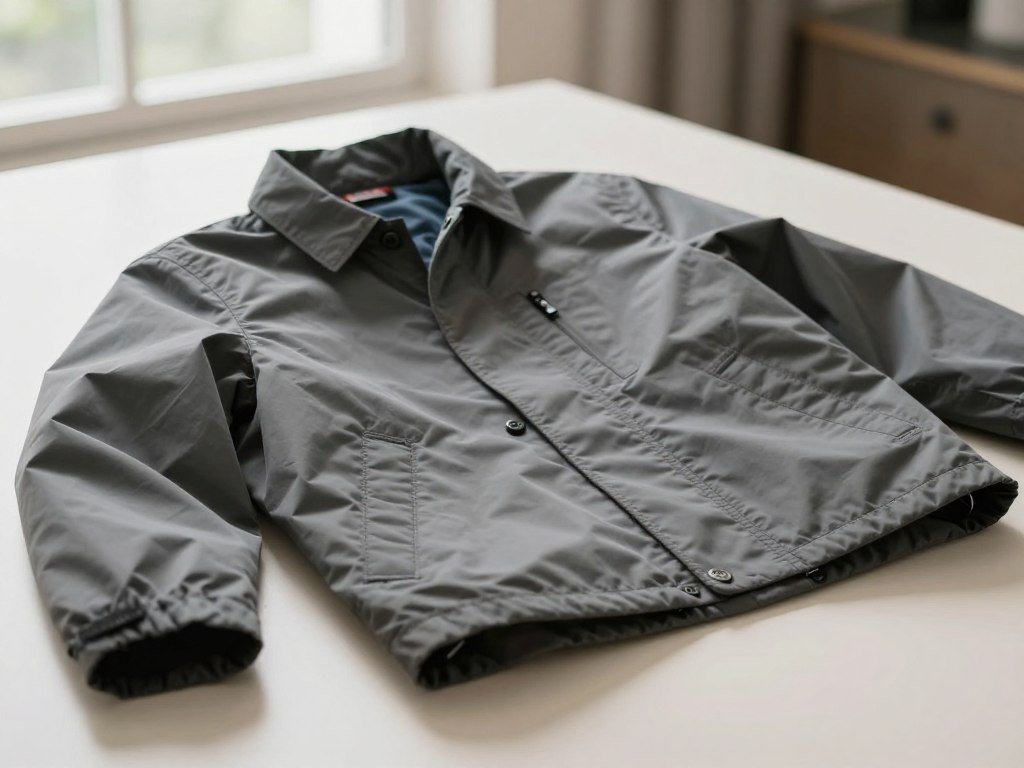
A clear photo can often reveal what kind of garment you are looking at and help you find similar items online. Visual search is a way to find similar items by matching visible features in an image against indexed pictures or product listings. A close match can point you toward a style or shopping lead, but it does not prove the exact brand or product. With a camera or saved picture, you can focus on one item and use its visible details to guide a search. This works for a dress, jacket, shoes, or another piece in a busy outfit. You will also learn how to judge results, refine broad matches, and spot details that need separate proof. Start with one clearly visible item and use the first result as a lead, not a final identification.
Key Takeaways
- Start with a clear view of one garment.
- Use visual matches to find leads, not proof.
- Refine results with details you can see.
- Check labels and listing details before buying.
- Use resale sites for older or sold-out pieces.
How to Identify Clothing From an Image: Five Steps
A reliable first pass follows five actions, from selecting the picture to checking a second view. How to identify clothing from an image online is a process of narrowing candidates, not proving identity in one scan.
Each pass should answer one useful question about the garment. A dress, jacket, or shoe can each be isolated as the target item. Start with the image that shows the item clearly, then use results to choose better search terms.
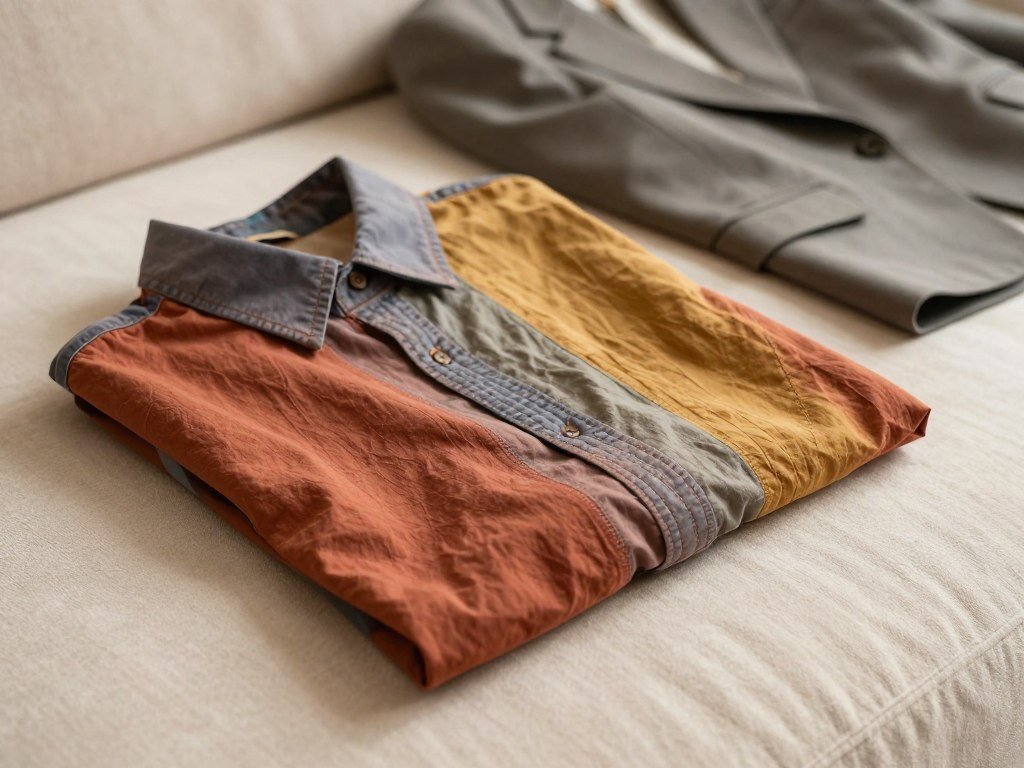
Choose a clear photo or screenshot
Pick a sharp photo or screenshot where the target garment is easy to see. A full-body picture can work if the clothing is in focus and not hidden by another person or object. When several pieces appear, decide which one matters most before you search.
A saved outfit post can offer useful clues, but the main item should fill enough of the frame. If you are looking for a jacket, make sure its lapels, sleeves, and length are visible. A dark or blurry image may still help with broad style terms, but it gives the search less to compare.
Crop to one garment
Crop around one item so the visual search compares the garment, not every object in the scene. Keep enough space to see its full shape, length, and key parts. For a dress, retain the neckline, waist, sleeves, hem, and print when possible.
A crop that is too tight can remove the very clues that separate one style from another. Keep the original image nearby as well. You may need it to check the overall silhouette after a close-up returns confusing matches.
Run a visual search
Open a visual search tool and scan the crop. The first results may include product listings, similar images, or broad garment categories. Read the labels and look at the pictures rather than assuming the top result names the exact item.
Compare the shape first, then note details that show up across several results. A search for a cropped denim jacket may also return other short jackets. The result set is a starting group of candidates, not a final answer.
Turn the result into useful search terms
Use a garment category or style term from the results to make a text search more specific. A broad result labeled “wrap dress,” for example, can become “short-sleeve floral wrap dress.” Add only details you can see in the image.
Text terms can help you search beyond the first visual results. Try a garment name with its visible color, pattern, or shape. This can bring up listings that use different photos or wording from the first match.
Rescan a distinctive detail
When the first result is broad, scan a label, button, pattern, or other distinct feature separately. A close crop of a zipper pull or collar may lead to more focused results than the full item. Keep the garment name in mind when you compare those images.
Use a second scan to test a detail, not to confirm a brand from appearance alone.
A single detail can narrow a search, but it may appear on many garments. Compare the detail with the full item before accepting a match. Keep the original image so you can return to the full silhouette if a detail crop produces confusing matches.
What Can a Clothing Photo Actually Identify?
A clothing photo is best at suggesting a garment type and visual style, rather than proving exactly who made it. Visible clues can show whether an item looks like a blazer, a pleated skirt, or a patterned shirt.
Image results suggest appearance, while exact product identity needs more evidence. Different brands often share cuts, colors, and patterns, so a close match may be a lookalike. Texture may suggest fabric, but a picture cannot confirm fiber content, size, or maker.
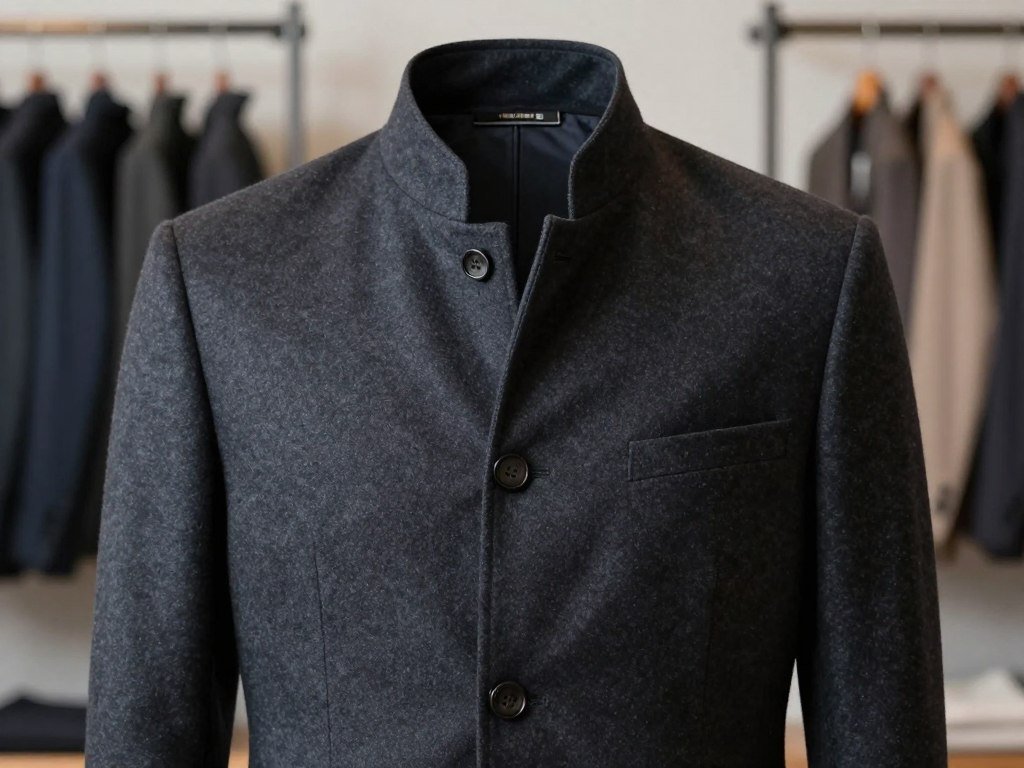
Three groups of visible clues help describe what the search finds:
- Silhouette: overall shape, length, and fit.
- Construction: seams, buttons, pockets, cuffs, or closures.
- Surface detail: color, texture, print, or pattern.
These clues can help name a style even when they cannot identify an exact item. A clothing style recognition study tested five patterns using 5,141 image samples. That kind of recognition helps sort visible features, but it does not prove a product’s brand.
Accuracy depends on how much of the garment appears and whether its features stand out. A front view may reveal the shape, while a side view may show a slit or pocket. A lookalike can help name a style even when it cannot establish the original product.
How to Prepare a Clear Photo for Clothing Search
A sharp, evenly lit view makes more garment details available for comparison. Even light helps show a sleeve edge, seam, or print that harsh shadows might hide.
Focus, lighting, and an unobstructed silhouette shape the details a search can compare. If you take the picture yourself, hold the camera steady and let the garment fill most of the frame.
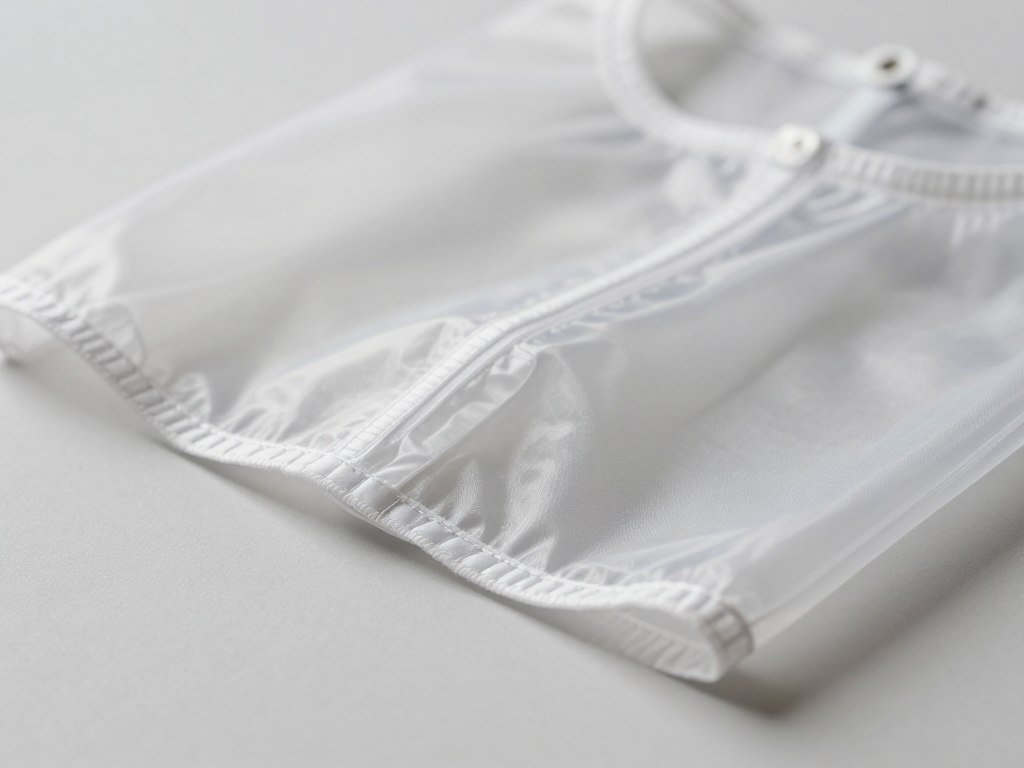
Get the garment in focus and even light
Choose a sharp photo without motion blur. Soft, even light makes colors and construction easier to see than a strong shadow across the garment. A plain wall can help the item stand out, but a simple background is not required.
A screenshot can work when the clothing is clear and the image is not heavily compressed. Social posts may soften fine details after saving or sharing. If the fabric looks like a blur, try a clearer still rather than guessing at its texture.
Frame one item and capture useful details
Frame one garment while keeping its shape and length visible. Do not crop off the hem of a dress or the shoulders of a jacket. These edges can help separate one clothing style from another.
When available, make a second image that shows a label, seam, button, zipper, or print up close. A useful two-image set pairs the full-garment view with a close-up. The wide view shows the outline; the detail view gives the search another feature to compare.
Keep the garment clear of hands, bags, and other items that cover its construction. A sleeve pushed behind a body or a belt hidden by a bag can change how the shape appears. Keep both the full view and detail view when an item has a distinctive closure or label.
How Google Lens Finds Clothing Matches
Google Lens can search either a camera image or a screenshot for clothing matches and shopping information. Shopping results in the United States can show likely makers, prices, and places to buy an item.
Text refinements can narrow a broad result by pattern, color, or size. The Google Lens app also lists finding clothes similar to an outfit in a photo as a feature.
| Input | Lens action | Useful for |
|---|---|---|
| Camera image | Search the photographed item | A garment in front of you |
| Screenshot | Look up the pictured clothing | A saved outfit or post |
| Text refinement | Narrow by pattern, color, or size | A broad first result |
Google Lens processes nearly 20 billion visual searches each month, including 4 billion shopping-related searches. Its shopping-related search figure shows the scale of use, not the accuracy of any one match.
Google image search for clothes can surface visual matches, but those matches may not lead to the exact listing. Compare the image and product details before treating a result as the same item. For U.S. shopping lookups, Lens is available on mobile devices and desktop.
When Pinterest Helps Find Similar Styles
Pinterest is especially useful when you want similar styles or inspiration rather than a guaranteed exact product. Style discovery can surface visually similar products and let you select one object inside a busy image.
Use Pinterest to explore related looks, not to prove an item’s identity. Women’s fashion Pins can be refined with text keywords, image objects, or both.
| Search mode | What you provide | What it helps surface |
|---|---|---|
| Similar-product search | A Pin or image | Visually similar products |
| Object search | A selected object in an image | Results focused on that object |
| Multimodal fashion refinement | Text, image objects, or both | More specific women’s fashion results |
In an independent Adobe study cited by Pinterest, 73% of respondents said its visual search results outperform traditional search. In that study, 36% said they now start searches on Pinterest instead of traditional search engines.
Pinterest Lens was used over 850 million times in the first half of 2025. That number gives a sense of scale, but it does not show whether a particular clothing result is accurate.
A Pin may point to a similar style, an outfit idea, or a product page. Check what the Pin leads to before assuming it shows the original garment. Treat a visually similar Pin as a discovery lead, then check its product details separately.
Which Clothing Image Search Tool Fits Your Goal?
Google Lens is a practical first choice for a quick broad lookup, while Pinterest and shopping-focused finders serve different goals. Your goal matters more than the size of a result list.
Choose a broad search for identification, a discovery tool for ideas, or a shopping finder for retailer listings. There is no single best app for every task; the right choice depends on whether you want a quick ID, inspiration, or shopping results.
Choose a broad visual search or style discovery
Google Lens suits a quick broad lookup, while Pinterest suits inspiration and similar styles. Each can give you a useful starting point when you want to find clothes from a picture. Pick Lens when you need a quick scan, or Pinterest when you want to browse related looks.
Choose a shopping-focused finder
A shopping-focused finder is a better fit when you want products and retailer results. FetchFashion lets you find clothes by picture online free for up to 5 searches a day without signing up. It says its image search covers more than 1,000 retailers.
LykDat displays fashion products with prices in U.S. dollars, including items sold by ASOS and Shopstyle. Its focus is fashion product browsing, not simply identifying a garment category.
| Tool | Best fit | Result focus |
|---|---|---|
| Google Lens | Quick broad lookup | Visual and shopping results |
| Style exploration | Similar products and Pins | |
| FetchFashion | Shopping matches | Retailer results |
| LykDat | Fashion product browsing | Products with U.S.-dollar prices |
The best app depends on what you want from the search, not a single score or count. A finder with many matches may be less helpful than one that shows the right kind of result. Choose the tool by the result you need, not by the number of matches it displays.
How to Refine Results With Garment Details
A broad match often becomes more useful when the next search adds two or three visible garment details. Specific terms can help AI find clothes by picture and focus the next pass.
Describe what you can see, rather than guessing a brand or fiber. A garment type plus a color or pattern and one construction clue gives the search a clearer target.
- Garment category: dress, jacket, skirt, or top.
- Color or pattern: navy, striped, plaid, or floral.
- Neckline or sleeve: crew neck, V-neck, short sleeve.
- Closure or pocket detail: zip front, patch pockets, buttons.
Try terms such as “floral wrap dress,” “notched-lapel jacket,” or “rib-knit top.” Each describes a visible feature, and each can guide a text search beyond image results.
Words like denim, satin, rib knit, and leather describe material cues you may see. They do not confirm the garment’s fiber content. Use a care label or product listing for that information.
Keep search wording focused, so extra guesses do not send the results in the wrong direction. A concise phrase can make it easier to spot the garment among unrelated products. For more tips on writing clear visual descriptions, see this guide to using concrete image details. Keep the wording tied to observable features so a guessed material does not steer the search away from the item.
How to Find a Dress or Outfit From a Screenshot
A screenshot can help find a dress when the clearest frame shows the dress’s shape and distinguishing details. A sharp frame gives a visual search more to compare than a blurred view.
Crop to the dress while keeping its neckline, sleeves, waist, hem, and print visible. Then scan that crop to find similar clothes or product listings.
To find this dress by photo, choose the clearest image and crop around the dress. Keep its shape and key details in view, even if another person or background object appears nearby.
For a full outfit, search for one garment at a time instead of expecting one scan to identify every piece. Start with the item that matters most, such as the jacket or dress. Make a separate crop for shoes or a bag if you want to search for those too.
You can pause a video on a sharp frame and take a screenshot. Instagram and TikTok posts are common places to find outfit images for a lookup. Motion blur or screenshot compression can hide seams, labels, and texture, so a still frame may not show every useful detail.
If the garment appears in only a small part of the full look, a tight crop can help the search focus. Keep the item’s shape visible so it does not turn into an unhelpful patch of color. If the garment is a small part of a full look, make a separate crop for that item.
Where to Look for Vintage or Sold-Out Pieces
A sold-out or vintage item may be easier to find through a descriptive resale search than through a retail-only match. Older pieces may have fewer online product images to compare.
Combine reverse image search with words that describe the garment. Visual matches can find related images, while resale listings often depend on the terms sellers use.
Search resale listings with descriptive terms
Search resale sites with a garment type plus details such as color, print, collar, or length. Marketplace listings may call the same style by different names, so try more than one plain description.
Three places to look for secondhand listings include:
- eBay
- Depop
- Poshmark
A community such as r/findfashion can be another place to ask about an unusual item. Include a clear image and describe what you can see, such as the collar shape or type of closure.
Use labels and construction clues to narrow vintage finds
Combine the garment type with visible era, label, print, or construction clues. An older label design or a distinctive pocket shape may help separate a vintage piece from a newer lookalike.
Rare, custom, handmade, vintage, or limited-release garments may return similar styles instead of an exact product. Some older pieces have few searchable images, which can make a visual match hard to find.
Use both reverse image results and text searches when retailer listings do not help. A seller may describe a garment with a term you did not use at first. Save alternate garment names such as overshirt and chore coat because listings may use different terminology.
How to Verify a Clothing Match Before Buying
A strong clothing match agrees on several visible details, not just its general color. Look beyond color to see whether the shape and construction match the pictured garment.
Check at least five kinds of evidence before treating a listing as the exact item. Compare its silhouette, construction, material cues, visible brand evidence, and listing details.
Compare the garment, not just the color
Compare the cut and silhouette, then look at seams, buttons, pockets, neckline, and cuffs. Check the texture as a clue, not as proof of fabric type. A red jacket with a different lapel or pocket layout may not be the pictured piece.
Check product and seller information
Read the listing for label details, measurements, material information, and condition. Seller details can also help you judge whether the listing describes the item clearly. A photo can suggest texture but cannot confirm fiber content, size, or authenticity.
- Cut and silhouette: compare shape, length, and fit.
- Construction: check seams, buttons, pockets, and cuffs.
- Material information: read the listing or care label.
- Label or logo evidence: compare visible brand details.
- Measurements and condition: check fit and wear.
A photo cannot authenticate a designer item. High-value or counterfeit-sensitive items need separate verification beyond visual matching. Do not treat a brand guess as proof of authenticity.
Why Clothing Image Searches Miss the Right Item
A search can miss the right item when the image makes several garments compete for attention. Competing details can lead the visual search toward the wrong piece.
Three common causes are competing garments, a cluttered background, and blur or compression. Low resolution and hidden details can also make a useful match harder to spot.
Multiple garments or background objects may draw the search away from the target. A low-quality screenshot can hide seams, labels, and print details. Rare or custom pieces may also lack enough comparable product imagery online.
Try three adjustments to get a more focused result:
- Isolate the target garment in a separate crop.
- Try another angle, such as a front or back view.
- Search a visible detail, such as a collar or button.
If three cleaner attempts still return only lookalikes, switch to descriptive text or resale searches.
A front view may show the full cut, while a back view may reveal a seam or print. A detail crop can help when a small feature stands out more than the whole item. If three cleaner attempts still return only lookalikes, use the best descriptive terms to continue with a text or resale search.
Conclusion
A clear, focused image is the most useful starting point for finding a garment and similar options. Visual search can narrow candidates and build useful search language, but it cannot guarantee an exact product.
Crop one clear image of the garment and run a first pass in Google Lens or Pinterest. Compare any promising result with the garment’s visible details instead of relying on one broad match.
You can use the result to find better terms, related styles, or a listing worth checking. Keep the original image so you can compare the full garment if a close crop leads to a lookalike. Try one cropped image now, and keep the result that best matches the garment’s visible details as your lead.
FAQ
Can Google Lens identify a clothing brand from a photo?
Google Lens can surface likely makers or matches, but it cannot prove a brand from a silhouette alone. A visible label or distinctive logo gives stronger evidence. Compare those details with the product listing, since similar designs can appear across different brands. Treat a brand name in a result as a lead until the garment itself supports it.
Can a photo tell me what fabric a garment is made from?
A photo can suggest a fabric’s texture, but it cannot confirm the fiber content. Denim, satin, rib knit, and leather may have visible cues that help describe a garment. Lighting and image quality can change how those cues appear. Read the care label or product listing to confirm the material and fiber blend.
Can I identify clothing from an Instagram or TikTok screenshot?
Yes, you can identify clothing from an Instagram or TikTok screenshot when the garment is clear. Pause a video on a sharp frame, then crop out competing items. Compression and motion blur can hide seams, labels, or texture. If the first screenshot is soft, try another frame before changing your search terms.
Can I find a sold-out outfit online?
You can look for a sold-out outfit on resale sites such as eBay, Depop, or Poshmark. Search with the garment type and visible details, including its pattern, collar, or length. Exact availability depends on current listings, so a search may show similar pieces instead. Try alternate garment names if the first wording returns few results.
Can I search for clothes by picture without signing up?
Yes, FetchFashion offers 5 searches a day without sign-up. It can help you look for clothing matches through an image, and it says its search covers more than 1,000 retailers. The results are leads rather than proof of an exact item. Compare each promising listing with the garment’s visible features.
Why do clothing image searches show lookalikes instead of the exact item?
Clothing image searches show lookalikes because many garments share similar cuts, colors, and prints. A visual match may rank well even when the brand or product differs. A distinctive label, logo, or construction detail can help separate the exact item. Rare or custom pieces may also have few comparable product images online.
Can an image search tell me a garment’s size?
No, an image search cannot tell you a garment’s size or how it will fit. The photo may show the item on a person, but it does not provide reliable measurements. Check the product listing for size information and measurements. For a secondhand piece, compare those measurements with a garment you already own.



