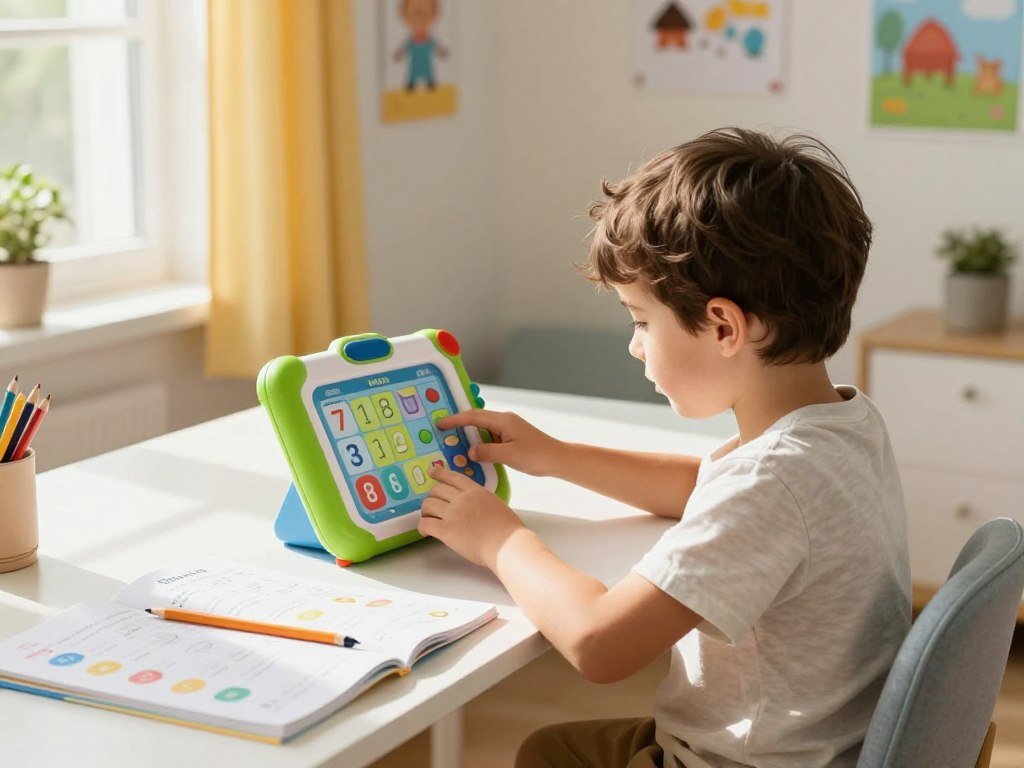
Repetitive math practice can be hard to keep fresh, especially when a child wants to work independently. The MindWare MathShark Electronic Game offers a focused way to practice, not a story-led entertainment game. Math fact fluency means accurate, increasingly efficient recall of basic math facts.
This review looks at age fit, gameplay, practical limits, and value without promising learning outcomes. The experience may suit a user who likes short tasks more than a lively video game. Families comparing it with a subscription-based learning service should consider whether they want simple practice or broader lessons.
Key Takeaways
- Focused practice, not story-based entertainment.
- Seven skills offer separate levels of challenge.
- It supports practice after a child learns a skill.
- Offline use still requires batteries and good lighting.
- Best for learners who enjoy short challenges.
MathShark is most promising for a learner who enjoys short challenges and can benefit from repeated practice.
What Is the MindWare MathShark Electronic Game?
MathShark is a handheld math practice device with seven selectable skills and eight difficulty levels for each one. Its separate levels let learners adjust the challenge by skill. That can help when a child needs more work in one area than another.
The current Educational Insights model shows problems on an LCD and takes answers through a calculator-style keypad. Each skill stands on its own, so the player can choose a suitable challenge instead of following a set course.
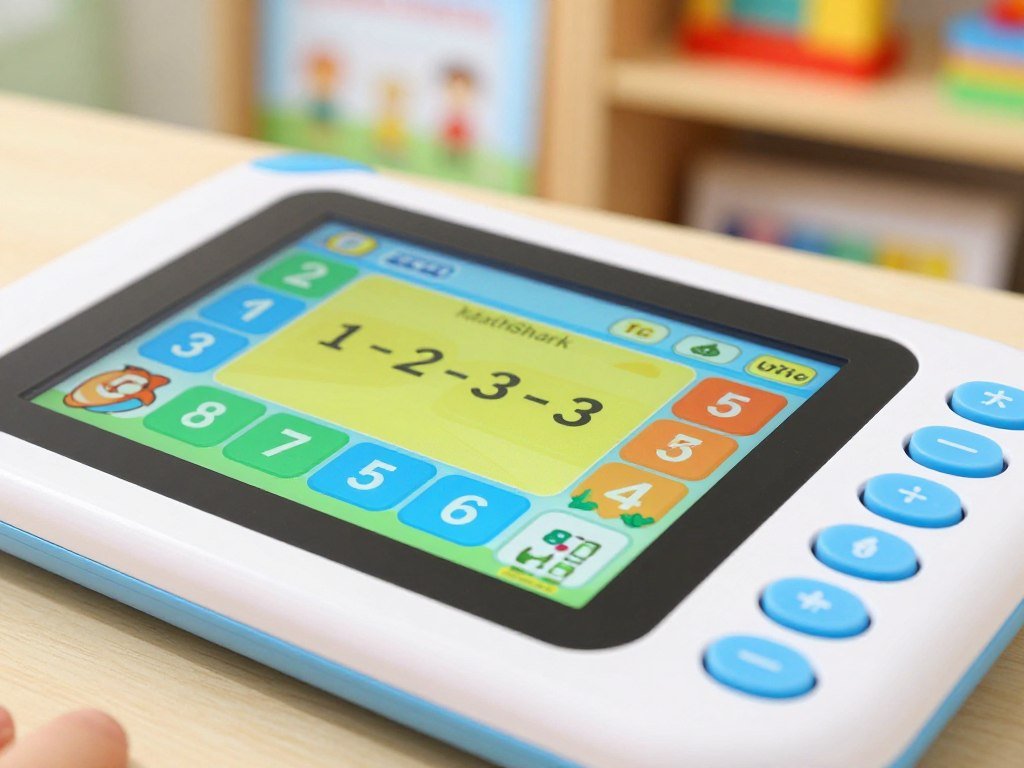
Choose a difficulty level that fits the skill being practiced, not a child’s overall grade.
Seven math skills, with room to advance
The mathshark electronic practice menu covers core facts and several number concepts. Its five skill choices include:
- Addition
- Subtraction
- Multiplication
- Division
- Fractions, decimals, and percentages
Each of these seven skills has eight difficulty levels. That range gives you room to start with a familiar task, then raise the challenge as the learner gains confidence. A child can also work at different levels across different skills.
The device is designed for practice in short bursts. Its direct menu avoids a long setup, which can make it easier for a child to begin a session without help. The LCD keeps the question in view while the player enters an answer on the keypad.
A handheld format with calculator functions
Calculator Mode functions as a standard calculator, separate from a quiz activity. A learner can use it to work out a calculation rather than answer a practice question. The distinction matters: calculator use does not count as a quiz response.
The handheld format keeps the experience centered on one task at a time. It does not add a plot, characters, or other entertainment features. A learner can focus on one skill at a time instead of moving through a fixed sequence of topics.
How Does MathShark Turn Practice Into a Game?
A MathShark session starts when the player chooses a skill and level, then works through the questions on the device. The game element is the challenge of answering, checking progress, and trying again. Missed problems return until the set is answered correctly.
That repeat chance gives a learner another try without making a mistake the end of the activity. The questions keep attention on math, rather than on a video or story. It is a practice challenge, not a traditional story-based video game.
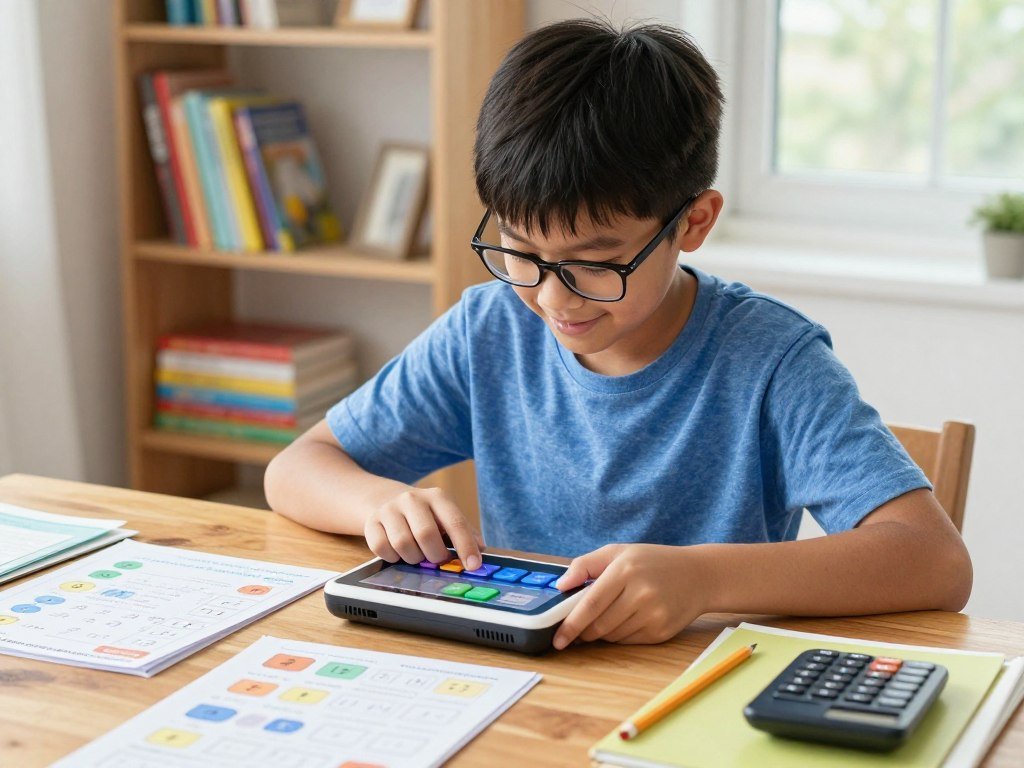
Choose a skill and work through a set
The player picks a topic and level, then enters answers with the keypad. This creates a simple routine: choose, solve, and continue through the set. The activity asks the learner to take part, rather than watch a lesson unfold.
MathShark’s features suit a user who enjoys direct tasks and clear goals. They differ from games built around characters, exploration, or competition. If your family enjoys those wider styles, this guide to story-driven and competitive video games offers a useful contrast.
Progress comes from working through questions, not from collecting items or following a plot. That makes the device easy to pick up for a brief practice session. It may feel less engaging to a child who expects a more animated game.
Get help, correct mistakes, and see elapsed time
When a player gets stuck, HELP can provide a clue or display the problem in another form. The player can then try again with a clearer view of the question. It gives support during practice, though it does not replace a full lesson.
Incorrect answers repeat until the set is answered correctly. At the end of an activity, the device shows elapsed time. The time display can help a learner compare personal sessions, but it does not require a race.
Use time as a personal record only if it feels motivating to your child. A slower session may mean the learner is thinking carefully, not doing poorly. Treat the elapsed-time display as an optional personal benchmark, not a reason to rush a learner who needs more thinking time.
Is MathShark a Good Fit for Your Child?
MathShark is marketed for ages 6 and up, but a child’s comfort with the selected math skill matters more than age by itself. Readiness matters more than the label, especially if a learner has not yet met the topic in class. Use the device to reinforce a skill after instruction, not to teach an unfamiliar concept alone.
The National Council of Teachers of Mathematics describes procedural fluency through accuracy, efficiency, and flexibility, not speed alone. A timed challenge can be one kind of practice, but a child should have room to think. The device is a reinforcement tool, not a complete math curriculum.

Learners who need practice after instruction
MathShark may suit a learner who already understands a skill and wants more chances to practice it. A child who likes independent drills may enjoy taking on a few questions without an adult beside them. This can add structure to home or school learning.
It may be less helpful when a child needs visual explanations, guided examples, or a slower pace. For those needs, a person can model how to solve a problem and explain why each step works. Some digital tools can also explain topics and make practice questions; see these ChatGPT app options for one kind of app-based support.
Try MathShark in practical settings where a child can focus on a brief task:
- Brief home practice
- A classroom learning station
- Homeschool reinforcement
- Travel when lighting is adequate
When a different learning tool may fit better
A child who finds drills dull may prefer a lesson with pictures, examples, or a more playful game. A learner who feels pressure from time displays may also prefer untimed practice with cards or an adult. Match the tool to how your child learns best.
Age alone does not show whether a learner is ready for a particular multiplication or division task. Watch whether the child can attempt the questions without guessing at the method. Pair practice with an explanation or worked example whenever a learner is unsure why an answer works.
What Are MathShark’s Practical Limitations?
MathShark can be used offline, but it still needs two AAA batteries and enough light to read its screen. The current Educational Insights model has a non-backlit LCD. That matters in dim spaces, such as a car at night or a room with low light.
Offline use removes the need for WiFi, an app subscription, or a smartphone. It does not remove the need to keep working batteries on hand. For families who want fewer internet-based games, browser options also depend on school rules and network access.
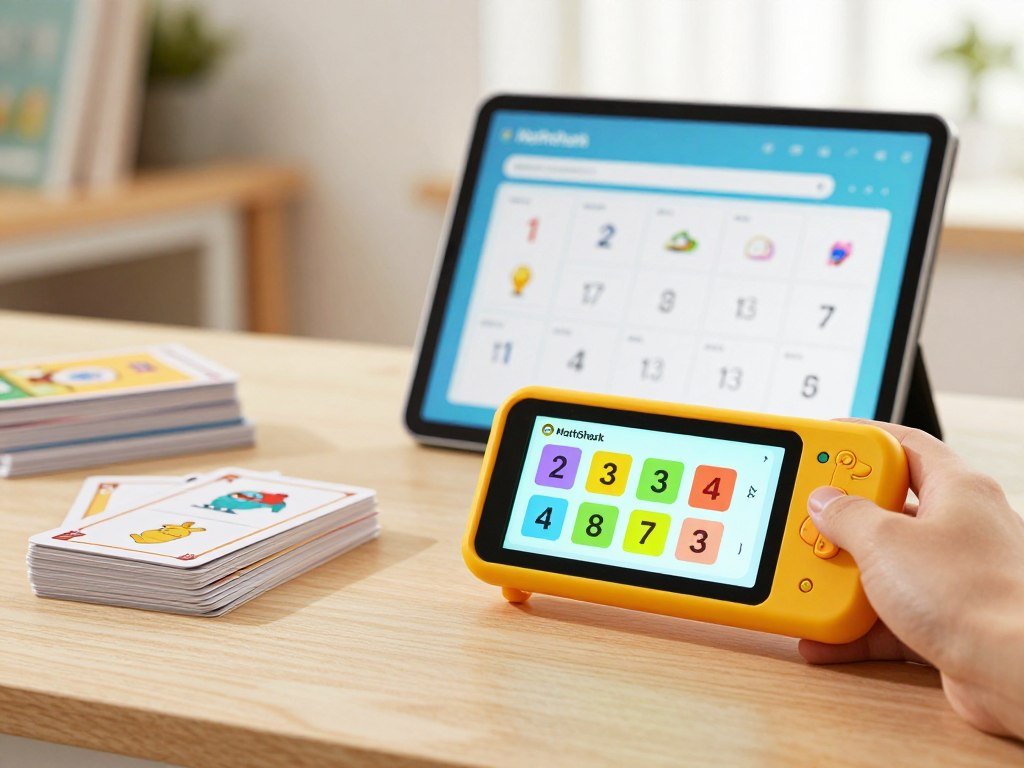
Here is how common practice options compare. Flashcard and math app features can vary by product, so check the tools you plan to use.
| Attribute | MathShark | Flashcards | Math app |
|---|---|---|---|
| Internet connection | Not required | Not required | Varies by app |
| Question display | LCD | Printed cards | App screen |
| Answer checking | Device | Learner or another person | App |
| Screen use | Non-backlit display | None | Screen-based, app-dependent |
Flashcards avoid screen use, but a learner or another person must check answers. Math apps can check answers on screen, though their features and internet needs differ. Browser games also need an accessible site and compatible browser, and school filters may block them.
For school use, follow the school’s rules and use permitted breaks. Do not use a VPN, proxy, or download to get around network limits. Before relying on it for a trip or a practice station, check the lighting and have working batteries ready.
Is MathShark Worth the Price?
MathShark’s 2026 listed price is $35.99, so its value rests on whether it becomes a regularly used practice tool. A device earns its cost through regular use and a clear role at home. Offline practice can matter if your family wants a simple option without a phone or internet.
The current price gives you a starting point for weighing the purchase. In 2026, Math Whiz is listed at $31.99, but that price alone does not show that it has the same features or learning value.
What the listed prices tell you
Compare the cost with how often your child is likely to use the device. A child who returns to focused practice may get more from it than one who loses interest after a few tries. The same goes for skills the learner needs now and later.
It may also solve a practical need if you want math practice without an internet connection. Families who already have paper cards or other tools should think about what MathShark adds to their routine. The value is less clear when it would sit unused beside those options.
For broader learning support, think about whether the device fits alongside teaching rather than replacing it. MathShark offers practice time, while a full curriculum needs more kinds of lesson and support. A child who wants animated play may also want a different kind of game.
Match the purchase to likely use
For families with children who enjoy focused drills, MathShark can be a worthwhile supplementary tool. Its set format gives practice a clear endpoint, which may suit a learner who likes completing a task. It does not promise that repeated questions will explain a new idea.
Buy MathShark for repeated practice, not as a complete curriculum or a highly animated game.
For families seeking full lessons or a lively story, the device may not meet the main need. You can make a better choice by thinking about the learner’s habits, likely practice needs, and interest in short challenges. If your child enjoys short, repeatable challenges, choose a suitable starting level and see whether the device becomes part of the regular routine.
Conclusion
MathShark’s strongest case is simple, offline practice for a learner who likes working through challenges independently. It can be a worthwhile supplement when a child feels comfortable using the device and already knows the skill.
It is not a substitute for instruction when a concept feels new or confusing. A short explanation from an adult can give practice more meaning than repetition alone. That support also helps you spot whether the learner understands the steps.
Start with one skill and a level that feels manageable. Give your child a chance to try the device in a normal practice routine before deciding whether it earns a regular place. Choose one skill your child is ready to practice, start at a comfortable level, and judge the purchase by whether they return to it willingly.
FAQ
Can a child use MathShark if they are ahead in one math skill but behind in another?
Yes, MathShark lets a child choose separate difficulty levels for each skill. That means a learner can practice a more advanced topic while working at an easier level elsewhere. You do not need to set one overall level for every activity. Choose the level that fits the child’s current grasp of each skill.
What does the HELP function do when a player gets stuck?
HELP can offer a clue or show a problem in another form. This gives the player another way to approach a question before trying again. It can support practice when a child pauses, but it is not a full lesson or a step-by-step explanation. An adult can add an example if the child still does not understand.
Can MathShark work as a regular calculator?
Yes, MathShark’s Calculator Mode functions as a standard calculator. It is separate from the quiz activity, where a player answers practice questions. This makes the device useful for a basic calculation as well as a math practice session. Calculator use does not replace answering questions in the quiz mode.
Will MathShark work during a flight without internet access?
Yes, MathShark needs no WiFi, app subscription, or smartphone. It still needs two AAA batteries, and the user needs enough light to read the LCD. That makes it an offline option for travel, but not one that works without power or visibility. Pack working batteries and use it where the screen is easy to see.
Is the screen easy to see in a dim car?
No, the LCD is not backlit, so it may be hard to read in a dim car. Use adequate lighting rather than expecting the display to stay clear in the dark. The screen is easier to use when light falls on it. This is worth considering before planning a practice session during evening travel.
Can MathShark teach a child a math concept they have never learned?
No, MathShark is intended for practice and reinforcement, not first-time instruction. A child who has not learned a concept may need an explanation, a worked example, or guided help before practicing alone. Repeated questions can build familiarity with a known skill, but they do not explain why a new method works. Add instruction when the idea is unfamiliar.



