A good online scare is one that fits your device, your available time, and the kind of fear you enjoy. Horror games unblocked offer a way to browse for online play, but the label does not promise access on every network. System requirements are the minimum hardware and software specifications a downloadable PC game lists for installation and play.
The right pick depends on the scare you want, your device, and whether you plan to play alone or with others. Some experiences suit a quick break; others ask for a longer session. Choose a game you can stop comfortably if the tension stops being fun.
Key Takeaways
- Match the scare to your mood.
- Check whether a game runs in a browser or needs a download.
- Compare PC system requirements before installing.
- Check content ratings for younger players.
- Agree on a stop time when playing with friends.
How to Choose Horror Games Unblocked for Your Setup
Start with the kind of pressure you want, whether that is conserving resources, following a story, or reacting to a sudden threat. Your preferred tension matters more than a broad genre label. Horror games can build fear through danger, story, sound, or surprise.
Some horror experiences focus on reading, exploration, or avoidance instead of combat. Check the game’s premise and mechanics before you expect action. A label can hint at the mood, but it does not tell you every task.
Set a personal stop point before a tense session, especially if you are playing late.
The kind of pressure that feels fun can change with your mood. A chase may feel thrilling one day and exhausting the next. Give yourself room to choose a calmer game or stop early.
Choose the kind of fear you want
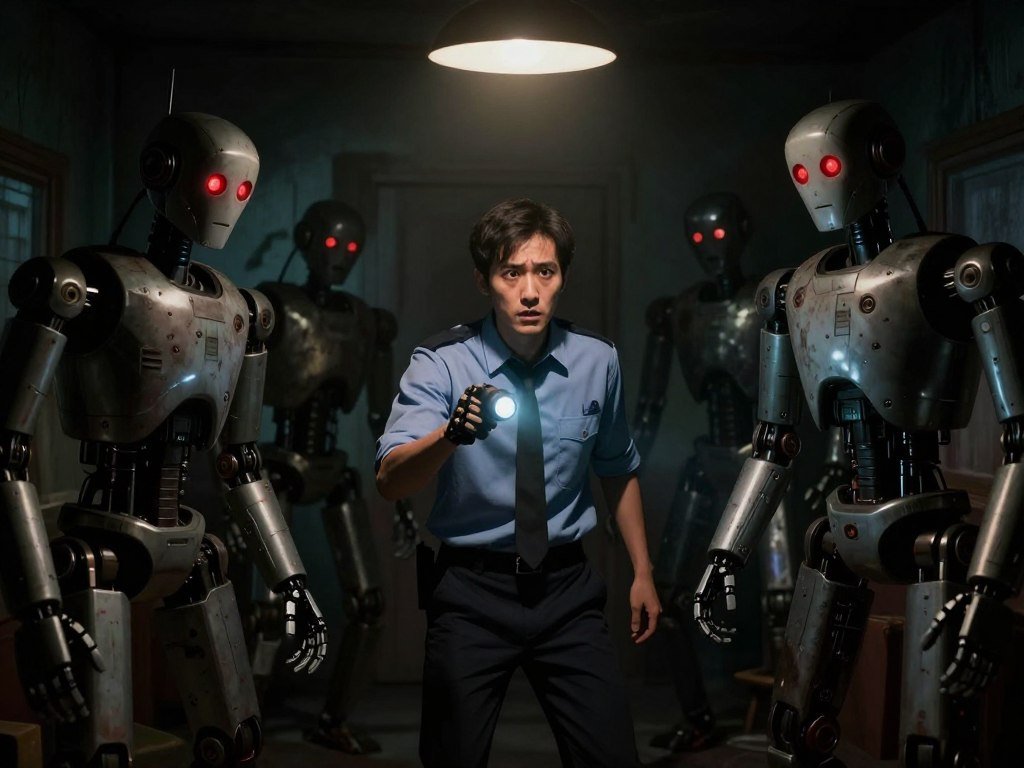
Survival horror often gives you limited resources and asks you to avoid danger. That shortage makes each choice feel risky. Five Nights at Freddy’s puts a night guard through five consecutive nights while animatronic robots stalk the player.
Sound and atmosphere can build tension without a fight. A quiet room, a strange noise, or a hidden threat may keep you alert. Jump-scare games use sudden startling moments, called jump scares, to test your reaction.
Match the story and pace to your mood
Psychological horror tends to build mental tension through story and unsettling events. The pace may leave time to think rather than react. For more story-led options, browse this guide to narrative games, which covers different ways stories shape play.
Action horror brings combat and fast choices into a scary setting. Other games focus on puzzles or hidden dangers. A longer, slower story may suit a quiet evening, while a brief scare can fit a short break.
Choose a pace that leaves you comfortable enough to enjoy the game, not just endure it.
Which Browser Horror Games Can You Play Right Away?
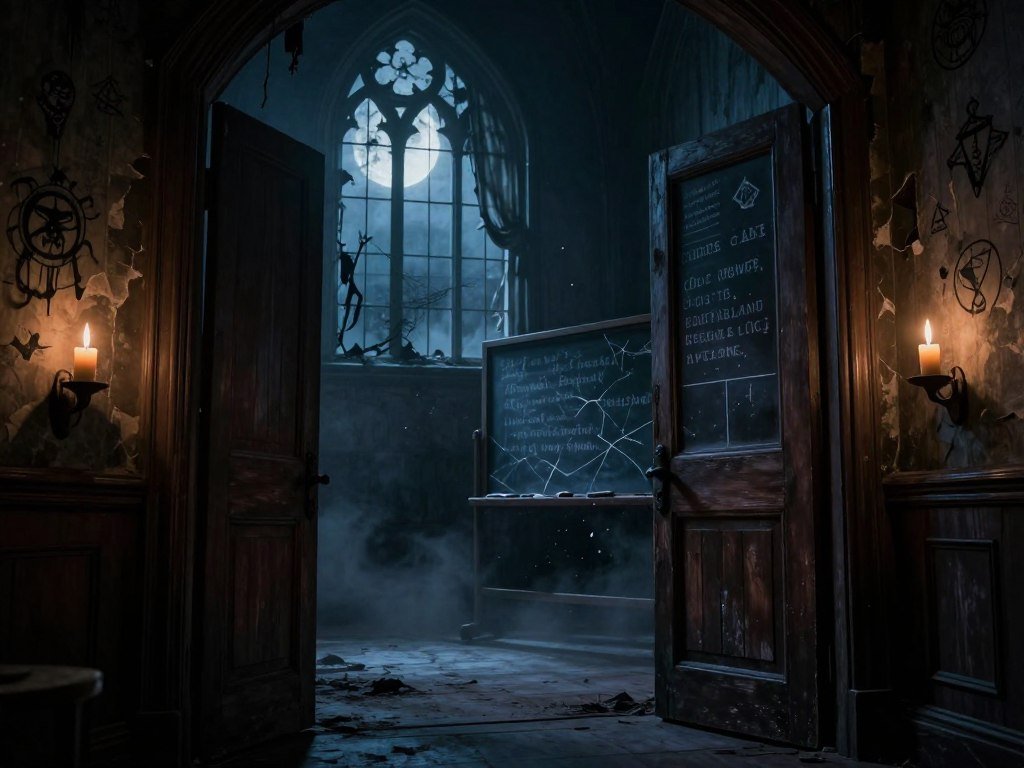
Cursed Academy is a browser option that does not require a download or signup wall. That quick start makes it handy when you want online horror games without installing a PC download. Free scary games to play online can suit a quick break.
A browser horror game can still need a steady internet connection and controls that work on your device. Cursed Academy offers a story-led scare, while Pranx turns a maze into a reflex test. Their mechanics suit different moods, even though both start online.
Cursed Academy for a story-led scare
You can play Cursed Academy in a browser without a download or signup. That makes it a simple option when you want to begin without an install step. The story gives the experience a different feel from a maze built around fast reactions.
If games focus on a story, the pace can give you time to take in each scene. A short online horror session may fit between other tasks, but stop if the tension no longer feels enjoyable.
Pranx for a reflex-testing maze
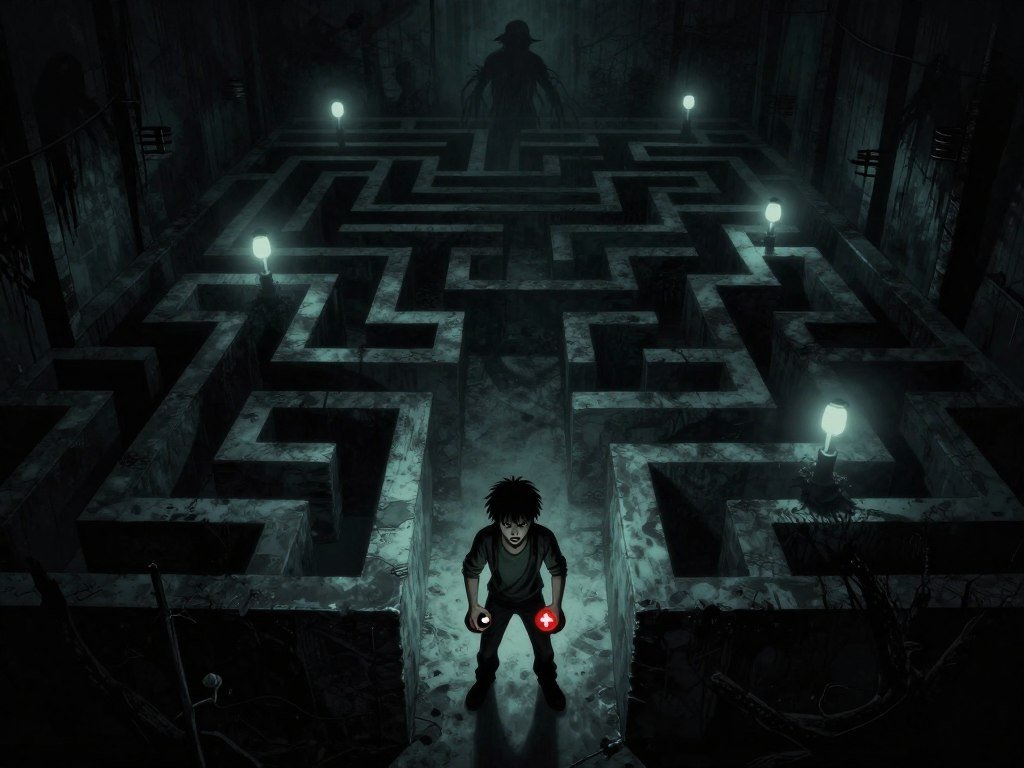
Pranx’s online jumpscare maze tests your reaction as you guide a cursor through its paths. It accepts three kinds of controls:
- Mouse
- Touchscreen
- Keyboard arrow keys
Reaching the finish line automatically loads the next level. The maze grows more complicated, and the finish line moves to a new spot. That loop keeps the scares going instead of ending after one round.
Use the controls that feel steady on your device, then keep the volume comfortable so a sudden sound does not overwhelm your surroundings.
Which Horror Game Styles Match Your Scare Preference?
Pick a style by the kind of task you want to do while the game builds tension. The task itself can shape the fear as much as the story. Genre labels are a starting filter, not a full account of every game’s mechanics.
Use this quick comparison to see what each style asks you to do. A title may blend styles, so check its premise before you settle on a choice.
| Style | Main mechanic | What creates tension |
|---|---|---|
| Survival horror | Manage limited resources and avoid danger | Vulnerability |
| Psychological horror | Follow a story and interpret unsettling events | Uncertainty |
| Action horror | Combine combat with horror elements | Fast decisions |
| Jump-scare horror | Respond to an unexpected scare | Surprise |
Dark Deception offers a free first chapter, while the remaining chapters require purchase. That makes it possible to try one part before deciding whether to pay for more. Check the current terms if you want the full game.
Doki Doki Literature Club! is a visual novel included in a free horror listing. A visual novel tells much of its story through text and choices, rather than constant action. The phrase “nights freddy” may bring Five Nights at Freddy’s to mind, but fans can also find story-led picks such as this one.
Five Nights at Freddy’s is one familiar series name; Ultimate Custom Night is another title associated with it. The words “five nights” in the series name point to its night-shift setup, while other horror games can take a very different route. Choose based on the actual tasks, not just a familiar label.
Read the premise as well as the genre label to understand what the player will actually face.
Explore free horror game picks for more titles with different access terms and play styles.
What Should PC Players Check Before Downloading?
A free PC horror game can be a browser title or a download, and the listing should make that distinction clear. Free access may cover a full game, a demo, or only part of a game. Check the listing’s access method and free offer before you install.
For free horror games to download, compare the listed system requirements with your computer’s processor, memory, graphics, and operating system. Listings may show minimum and recommended requirements. Minimum specs describe the basic target, while recommended specs suggest a stronger setup.
A graphics test can offer a useful clue, but it cannot predict every computer’s performance. Alisa ran well on a PC with Intel HD 2500 integrated graphics in a 2025 test. That is one test result, not proof that Alisa is free or that every PC will run it well.
Even computers with similar parts can behave differently because of settings and software. A game may also run at lower quality when a PC only meets the minimum requirements. Read the listing closely before you decide how much space or setup time to allow.
Free horror games for PC include options with different access methods and offers. Some listings describe a free chapter or demo rather than a full game. Pay attention to which part is free, especially when a title also sells extra content.
For more PC ideas beyond scary games, see these indie games on Steam and compare their current listings. The same habit helps you understand a game’s platform and system needs.
Treat one successful graphics test as a clue about compatibility, not a guarantee for every computer.
Which Multiplayer Horror Games Can You Play With Friends?
A group can choose a puzzle-solving co-op game, an anomaly hunt, or a hidden-traitor setup. Group size and the game’s task help narrow the pick. Confirm the title’s platform support before planning a PC session.
These free horror games with multiplayer cover several kinds of play, not just jump scares. The table lists each game’s supported players and stated premise. Player counts do not confirm crossplay, so check that everyone can use the same version.
| Game | Supported players | Stated premise |
|---|---|---|
| SPECIMEN | 1-6 | Capture an alien |
| Unheard Scream | 1-4 | Solve puzzles and hide from a monster to escape a subway station |
| Doctor’s Appointment | 3 | Open-beta co-op search for anomalies in a repeating waiting room |
| Fear Channel | 2 | Online community horror intended for streamers |
| Imposter 3D: online horror | 1-20 | Complete tasks while a traitor is among the players |
Jumpscare horror games with multiplayer are one option, but these premises also use teamwork, anomaly searches, or hidden roles. Doctor’s Appointment is an open beta, so its play may change. Fear Channel is aimed at streamers and their communities.
A multiplayer mod exists for SCP – Containment Breach 1.3.11. It changes the experience from the original single-player game, so the group needs the mod and a compatible setup. Check platform support for any free multiplayer horror games for PC you consider.
Before starting, agree on these four details:
- Agree on the scare level.
- Decide how players will communicate.
- Check whether everyone can join the same session.
- Pick a host if the game requires one.
Online co-op can feel more fun when each player knows what to expect. A quiet puzzle session may suit a group that wants to talk, while a hidden-role match can bring more suspicion. Keep the planned end time clear so nobody feels they must stay for another round.
Set a planned end time before the first round so nobody feels pressured to keep playing.
SPECIMEN supports 1-6 players, making its alien-capture premise a flexible pick for groups of different sizes.
What Should You Check Before Playing?
Check the age rating and content descriptors before choosing a title for a mixed-age group. Both details matter because an age category and a list of content are separate checks. Consider the youngest player and their comfort with the listed material.
ESRB age-rating categories include Everyone 10+, Teen, Mature 17+, and Adults Only 18+. Content descriptors flag elements such as violence or language. A rating can help you compare titles, but each player may have a different comfort level.
Talk about the rating before the game starts, especially when ages vary. Sound and scary images can affect players in different ways. Give each person a chance to say what they are comfortable seeing or hearing.
Scary games to play in real life can use simple storytelling instead of risky stunts. Try one of these low-risk ideas:
- Share a ghost-story circle.
- Use a flashlight for shadow storytelling.
- Run a spooky scavenger hunt with agreed clues.
Keep offline play based on consent and harmless storytelling. Do not startle strangers or set up risky pranks. Agreed clues can make a scavenger hunt eerie without sending anyone into unsafe places or creating surprise contact with others.
Stop as soon as anyone opts out, even if the group has not reached its planned ending.
A player who steps away should not need to explain the choice. Let the group pause or switch activities without pressure. The game should remain a shared experience, not a test of who can tolerate the most fear.
Browse free-to-play game options and check their ratings and interactive features before choosing a group activity.
Conclusion
The right pick is the one that fits the kind of fear you want and the way you plan to play. A story can create a quiet, lingering feeling, while a sudden scare may suit a quick session. Your time and comfort should guide the choice.
Check access, controls, and content fit before you begin. If you are playing with friends, make sure everyone agrees on the plan and the stopping point. A good experience leaves room to pause or change games.
Choose one suitable title, check its controls and rating, and start when you are ready.
FAQ
Does “unblocked” mean a game will bypass school filters?
No, “unblocked” does not mean a game will bypass school filters. The label cannot override a school’s network rules or restrictions. Follow your school’s access rules rather than trying to get around them. If a game does not open on the school network, choose another activity allowed by the school.
Do free horror games ever include paid extras?
Yes, free horror games can include paid extras. A free offer may cover a full game, one chapter, or a demo, while optional add-ons may cost money. Read the game’s listing so you know what the free offer includes. Check whether an add-on is optional before starting, especially on a shared account.
Can I play a downloaded horror game offline?
Only if the title supports offline play. Some downloaded games need an internet connection for online modes, while other features may work without one. Check the game’s listing for its connection needs before installing. If you plan to play away from a connection, test offline access before you leave.
Is it safe to download a horror game from a random website?
No, an unknown website is not a safe place to get a game installer. Use the publisher’s official site or a reputable game store instead. Random executable files can contain harmful software or may not be the game they claim to be. Avoid opening an installer when you cannot confirm who provided it.
Can multiplayer horror games be played without voice chat?
Yes, some multiplayer horror games can be played without voice chat, but player count alone does not confirm that option. Check whether the game has text chat or in-game signals before choosing it. A group can also agree on another way to communicate, as long as the game supports it.



