Ever finished a call and found out your teammates heard every keystroke, your dog, and the fan in the corner? That mix-up is common. The confusion usually starts with the labels on the box. AI noise cancellation and microphone noise reduction sound like the same promise, but they sit at completely different points in the audio chain. Pick the wrong one for your room and you will spend money fixing a problem you never had.
This guide compares the main approaches side by side, explains where each one wins, and gives a clear verdict for calls, streaming, and recording.
The Short Answer: They Work at Different Stages
Headset mic noise control can happen before or after your voice becomes a digital signal. A close, directional or dual-capsule microphone reduces unwanted sound at capture. Software suppression analyses the captured signal and removes patterns it judges to be noise. The two methods can work together.
That framing matters because it explains almost every disappointing purchase. A mic with strong physical rejection cannot save you from a bad room, and software cannot recover detail the capsule never captured. Understanding the stages is the whole game.
Side-by-Side Comparison
| Approach | Where It Acts | Best Against | Weak Against | Setup Effort |
|---|---|---|---|---|
| Passive isolation | Physics: seals, foam, distance | Everything, equally | Nothing specific; no help to your mic | None |
| Noise cancelling mics (directional, dual-capsule) | At capture, before digitising | Keyboard, desk thumps, room reflections | Loud broadband noise from all sides | Placement and aiming |
| ENC (environmental noise cancellation) | Uplink signal, for the listener | Fan, street, office chatter | Sounds arriving from your speaking direction | Usually automatic |
| Traditional noise reduction | Fixed profile subtraction | Constant hum, air conditioning | Surprise sounds, speech-like noise | One-time profile capture |
| AI suppression | Trained model on the live signal | Unpredictable, changing noise | Very loud noise; can thin your voice | App or DSP toggle |
The table hides one nuance: ANC (active noise cancellation) is not in this fight at all. ANC serves the wearer by sampling ambient drone and playing an inverted waveform. It does nothing for what your microphone sends. If a product page blurs ANC and microphone cleanup together, treat the specs with suspicion.
What Each Technology Actually Does
Passive Isolation and Noise Cancelling Mics
Passive isolation is physics without electronics: sealed earcups, foam tips, mass and distance. It works on everything equally and improves nothing about what your microphone sends. On the mic side, the equivalent is capsule design. A moving-coil capsule rejects sound from behind and the sides before any processing exists. A tight cardioid pattern pointed at your mouth does more for keyboard noise than most software toggles.
The practical lesson: aim first, process second. Moving a mic from the desk to a boom arm, or turning it to face away from the keyboard, often beats every filter in the app. If clatter is your specific enemy, there is a focused walkthrough on fixing usb microphone picking up keyboard noise heres fix it that covers placement and gain before software.
ENC: The Listener’s Protector
ENC handles the uplink microphone signal, using dual mics, arrays, or beamforming to push down sound coming from outside the speaker’s direction. Your teammate’s keyboard, fan, and street noise mostly fall under ENC and uplink AI suppression. This is the layer that decides whether other people hear your room, and it is the one buyers overlook most.
Traditional Noise Reduction
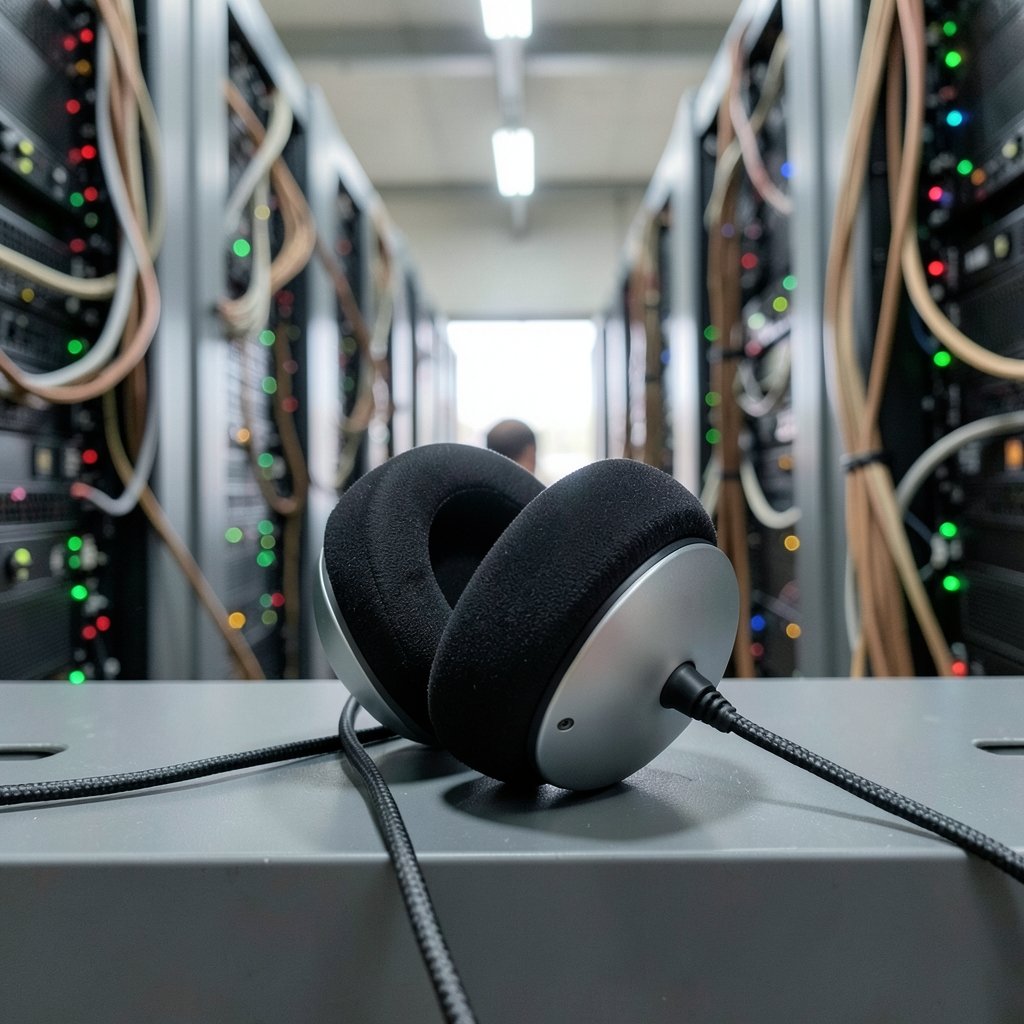
Traditional noise reduction captures a fixed silence profile and subtracts it permanently. It shines where background noise stays constant, like a server room or a steady air conditioner. It fails when the noise changes, because the profile no longer matches reality. Gates built on this method also chop word tails, which is why quiet passages can sound robotic.
AI Suppression
AI noise suppression uses a trained model to isolate your voice from background in real time, adapting to new sounds as they happen. Instead of subtracting a snapshot, it decides moment by moment what counts as speech. That is why it handles a door slam or a sudden laugh better than a fixed profile.
Hardware versions run on the mic itself, so your laptop CPU stays free. Software versions depend on a companion app actively running. Both can catch roughly 95 percent of steady background noise such as fans, traffic, and air conditioning, according to vendor testing, though the number drops fast in chaotic rooms.
The catch is restraint. Stacked aggressive filters preserve speech worse than a single well-tuned stage. Every suppression layer removes some of your voice along with the noise.
The 2027 Reality Check on “AI” Labels
Here is where buyers get burned. “AI noise cancellation” is inconsistently marketed. Some products use it for genuine model-based processing; others use it loosely for basic adjustable EQ filtering. A chip capable of AI processing sets the ceiling, but the microphone structure and tuning set the floor. A great algorithm behind a badly placed capsule still sounds bad.
The same logic applies across gadget categories. Marketing language inflates specs everywhere, which is why it pays to read skeptical breakdowns before trusting a label, whether you are comparing the best android phone 2027 which flagship actually deserves or a $79 USB mic. The pattern repeats: the spec sheet is a ceiling, not a promise.
One more distinction worth keeping straight: AI suppression is a class of algorithm, not a third independent signal path. It can run on a single mic or an array, on a DSP or a host chip. Asking “AI or ENC?” is the wrong question. Asking “which stage is failing?” is the right one.
Matching the Tool to Your Actual Problem
If the complaint is “your keyboard is loud”
Fix the capture side first. Use a directional mic, aim it at your mouth, and move the keyboard out of the pattern. Then add light AI suppression. One stage, tuned well, beats three stages fighting each other.
If the complaint is “your room hums”
This is the easy case. Traditional noise reduction or a modest AI profile will erase steady hum without touching your voice much, because the noise and speech occupy different patterns.
If the complaint is “you sound robotic”
You are over-processed. Turn off the gate, reduce suppression strength, and let a little room tone through. Natural beats silent.
If you record rather than call
Record raw, then clean in post. Real-time suppression bakes decisions into the file that you cannot undo. The same principle applies to any always-on processing chain, including the kind of constant background drone people fight in home setups, as covered in nas vibration noise reduction actually quiets loud enclosure. Fix the source when you can; process only what remains.
Common Mistakes That Wreck Good Gear
The most frequent error is stacking every filter the app offers. Each layer adds latency and eats speech detail. The second is trusting a noise score on a box without testing your own room. The third is ignoring mic distance: every doubling of distance adds room sound that no model fully removes. The fourth is confusing ANC with uplink cleanup and buying headphones to fix what teammates hear.
A quick sanity check before any purchase: record thirty seconds of yourself talking with the keyboard clacking, play it back on speakers, and listen as if you were the far end. That one test exposes more than any spec sheet.
Verdict by Use Case
Choose a noise cancelling mic (directional or dual-capsule) if you work in one fixed spot and want clean audio with zero software running. It is the most reliable foundation and the hardest to break.
Choose AI suppression if your environment changes, you move between rooms, or surprise noises ruin calls. It adapts where fixed profiles cannot.
Choose ENC-equipped hardware if other people are your audience and you want the cleanup handled on the device, with no app to forget.
Choose traditional noise reduction if your noise is genuinely constant and you want the lightest possible touch on your voice.
Combine two stages at most. A good capsule plus one adaptive layer covers nearly every real-world case. Beyond that, returns shrink fast.
Where the Industry Is Heading
The direction is convergence. AI suppression is moving from apps into DSPs and NPUs on the device, which removes the CPU tax and the “did you launch the app?” failure mode. Meanwhile, capsule design has not stood still, and moving-coil capsules keep adding physical rejection before any digital stage. The winners in 2027 are not the loudest algorithms but the best-tuned combinations.
Buyers should also expect more honest tiering. Genuine AI processing now exists at budget prices, but so does the loose use of the term. The defense is the same as ever: test in your own room, listen from the far end, and judge the result rather than the badge.
FAQ
What is the difference between AI noise cancellation and microphone noise reduction?
Microphone noise reduction usually means hardware or fixed filtering that reduces unwanted sound at capture or subtracts a stored noise profile. AI noise cancellation uses a trained model to separate voice from background in real time and adapt to new sounds. The first is static; the second adjusts as your room changes.
Does ANC help the people on my call?
No. ANC serves the wearer by cancelling sound reaching your ears. It does nothing for the signal your microphone sends. If teammates hear your fan or keyboard, you need capture-side design, ENC, or uplink AI suppression, not ANC.
Is AI suppression always better than traditional noise reduction?
Not always. Traditional reduction works well where background noise stays constant, and it touches your voice lightly. AI handles unpredictable environments better. In a steady server room, a simple profile can sound more natural than an aggressive model.
Why does my voice sound robotic on calls?
Stacked filters are the usual cause. Each suppression layer removes some speech along with noise, and gates chop word tails. Turn off the gate, lower suppression strength, and keep one adaptive stage instead of three.
Do I need a special microphone to get AI noise cancellation?
Not necessarily. AI suppression can run in software on your computer or inside the mic’s DSP. Hardware versions keep your CPU free and work the moment you plug in; software versions need a companion app running. Check which one a product actually uses.
What single change improves mic audio the most?
Placement. Move the mic close, aim it at your mouth, and point the null toward your keyboard. That physical step removes more noise than most settings, and it costs nothing. Add processing only after the basics are right.
Conclusion
The AI noise cancellation versus microphone noise reduction debate dissolves once you stop treating them as rivals. They sit at different stages of the same chain, and the best results come from getting the early stages right and applying restraint later. A directional capsule, sensible placement, and one adaptive layer will outperform a pile of aggressive filters every time.
So before buying anything, diagnose the complaint. Is it clatter, hum, or a voice that sounds synthetic? Each has a different fix, and only one of them is usually a software toggle. Get the stage right, and 2027’s gear will finally sound as good as its label claims.