

What happens when you plug a laptop, a tablet, two phones, and a watch into one charging station and ask it to feed them all at once? That is the question that separates a good spec sheet from a good product. On paper, Anker and Ugreen look nearly identical at the top end. Under full load, the differences get real fast.
This comparison focuses on what actually matters when every port is occupied: how power gets split, whether your laptop stays fast, how much heat the brick throws off, and which brand gives you clearer information before you buy. The two names that come up most in this class are the Anker Prime line and the Ugreen Nexode line, with the MagFlow series covering the wireless desk side.
Anker vs Ugreen at a Glance
| Factor | Anker Prime | Ugreen Nexode | Edge |
|---|---|---|---|
| Top total output | 250W (6 ports: 4 USB-C, 2 USB-A) | 300W (multi-laptop class) | Ugreen on raw watts |
| Single-port ceiling | 140W over USB-C | 140W over USB-C | Tie |
| Power-sharing transparency | Published per-port table, on-device LCD | Matrix published for the 300W model | Anker on clarity |
| Multi-laptop under load | Strong, but built around one big device | Designed to run three laptops at full speed | Ugreen |
| Display and controls | 2.26-inch LCD, control dial, app | TFT display on some models | Anker |
| Warranty | 18 to 24 months | 24 months | Ugreen on paper |
| Support speed | Fast, low-friction | Improving, slower | Anker |
| Typical buyer | Shared desk, owners of several Anker devices | Travelers, multi-device power users | Split |
The headline numbers hide the interesting part. A 250W charger and a 300W charger are not automatically far apart in practice, because what matters is how the station behaves once the second and third devices show up.
Why Full Load Changes Everything
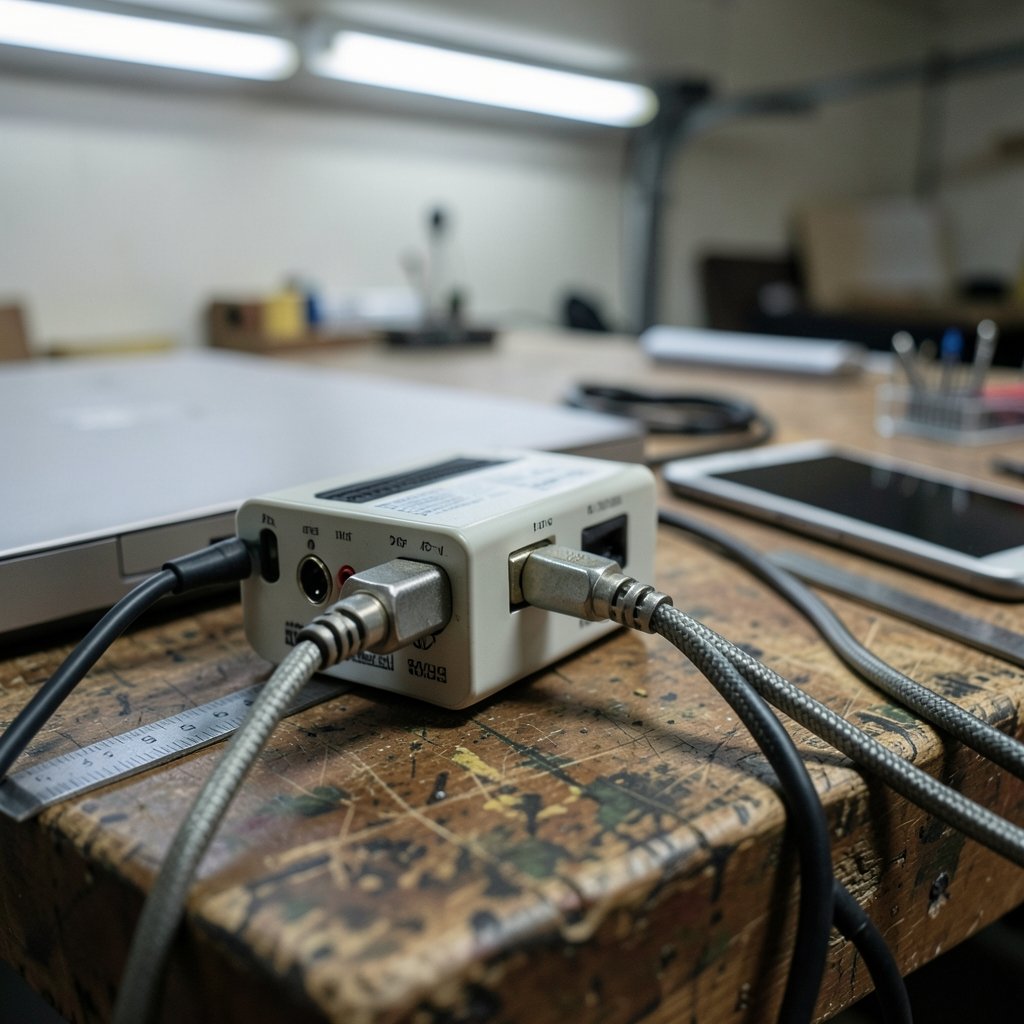
Most charger reviews test one device at a time. That is the easy case. Real desks are messier. A laptop pulling 100W, a phone fast-charging at 45W, a tablet at 30W, and a watch trickling at 5W add up to a load that forces the station to make decisions.
Those decisions are governed by USB Power Delivery 3.1, whose Extended Power Range raises the ceiling from 100W to 240W by pushing voltage up to 48V at 5A, with finer voltage control. That standard is why 140W single-port charging exists at all on either brand’s flagships. It is also why the cable matters as much as the brick: reaching 140W on a single port requires PD 3.1 EPR plus a 240W-rated e-marked cable. A 60W cable caps you silently, and you will never see a warning.
The practical takeaway is blunt. If you are buying a high-wattage station and pairing it with the cable that came in a phone box, you are not running a full-load test. You are running a cable test.
Anker Prime Under Load: Clear Numbers, Predictable Behavior
Anker’s biggest advantage is not wattage. It is spec clarity. The Prime Charger 200W, for example, publishes a table showing that every USB-C port can hit 100W as a single-port output, and it shows how total power gets redistributed as more ports fill up. The 250W model goes further with a 2.26-inch LCD that displays live wattage per port, plus a control dial for managing the split.
That transparency matters more than people expect. When a charger throttles a laptop the moment a second device joins, the user usually blames the laptop. A live readout tells you the truth in two seconds.
Anker’s GaNPrime chipset is built to reallocate power intelligently so the laptop stays fast while other devices charge, rather than dropping everything to a safe middle ground. In practice, this is what makes the Prime line feel calm under load. You plug things in, the screen shows what each port is doing, and nothing dramatic happens.
The trade-offs are size and price. The Prime Charging Station 8-in-1 is a desk fixture, not a bag item. Owners who tried to carry it around report it is simply too big to haul to a cafe, which is why many end up buying a second, smaller charger for travel. Anker’s sale-event discounts tend to be deeper than Ugreen’s, so timing a purchase around a promotion is a legitimate strategy.
Ugreen Nexode Under Load: Built for the Three-Laptop Desk
Ugreen takes a different approach. The Nexode 300W is engineered specifically to power three high-performance laptops at the same time without dropping any of them below full charging speed. That is a genuinely unusual design goal, and it is the reason this model stands out in a crowded field.
The port distribution matrix is the thing to study before buying. On a multi-port GaN charger, power gets allocated by internal mapping logic, and the mapping is not always intuitive. Some ports share a budget. Some drop when a neighbor wakes up. Ugreen publishes this for the 300W model, and it is worth reading line by line if you plan to run two or three laptops.
Ugreen’s other strengths are price and packaging. The Nexode 200W ships with a USB-C cable and uses a familiar 4C/2A layout, which makes it a reasonable alternative to the Anker Prime 200W if you do not need Anker’s clearer multi-port power table. Warranty is listed at 24 months, slightly better than Anker’s 18 to 24 months on paper.
The weak spots are support speed and, on some models, weight. A 100W Ugreen brick is heavy enough that it can sag out of a loose wall socket, which is a small annoyance that becomes a big one when you are working from a cafe table.
The Wireless Desk: MagFlow vs Prime
If your “full load” means a phone, a watch, and earbuds rather than laptops, the comparison shifts to the wireless side. Ugreen’s MagFlow 3-in-1 supports 25W Qi2.2 phone charging with TEC cooling and live charging information, and its main advantage over the Anker equivalent is a lower list price.
Anker’s answer adds more software controls and a foldable variant with a 45W adapter and a 19 dB fan rating. The catch on both: the watch modules are built for Apple Watch, so Galaxy Watch and Pixel Watch owners need a different product entirely. That single detail disqualifies the whole category for a lot of Android users, and it is buried in the fine print far too often.
For desks that mix wired and wireless, a rational split is a Ugreen travel brick plus an Anker desktop station. That combination covers portability and full-load desk duty without paying flagship prices twice.
Heat, Noise, and the Stuff Reviews Skip
Full load means heat. Every watt that does not reach your device becomes thermal energy, and compact GaN bricks have nowhere to put it. Two practical observations hold across both brands.
First, a charger rated for 250W or 300W total will not sustain that output indefinitely in a closed drawer or under a stack of papers. Ventilation matters. Standing the brick upright or giving it open air keeps it closer to its rated behavior.
Second, fan noise is a real spec now. Anker lists a 19 dB rating on its foldable Prime model, which is quiet enough to ignore at a desk. Cheaper high-wattage units often run fanless and simply throttle instead, which is quieter but slower.
Common Mistakes Buyers Make
The same errors show up again and again in owner reports and teardown comparisons.
- Buying watts instead of a power map. A 300W charger with an opaque allocation table can be worse for your setup than a 200W charger with a clear one.
- Skipping the cable. A 60W cable silently caps a 140W port. Buy the e-marked 240W cable with the brick.
- Assuming every port is equal. On many multi-port chargers, only some USB-C ports reach the top tier.
- Ignoring watch compatibility. Apple Watch-only modules are common on 3-in-1 stands.
- Expecting one charger to do everything. Desk stations stay on the desk. Travel bricks travel. Trying to merge them usually produces a compromise on both ends.
- Testing with one device. The moment a second device joins, the allocation logic kicks in. Test your real load before the return window closes.
If you are also weighing a dock for the same desk, the same logic applies to port budgets and power delivery, and the picks in this roundup of the best docking station under 50 show how much a modest budget can cover. For desks that need dual displays and 160W passthrough, the best docking station under 1000 comparison covers the premium tier where Anker’s 14-in-1 Prime station competes.
Verdict: Choose by Load, Not by Brand
Choose Anker Prime if you want to know exactly what every port is doing, you value live wattage readouts and app control, and your desk has one power-hungry laptop plus a scatter of smaller devices. The clearer power table and faster warranty replacements make it the safer default for a shared desk. The 250W model’s six ports and LCD are the reason it wins on day-to-day usability.
Choose Ugreen Nexode if you genuinely run two or three laptops at once, you want the same 140W single-port ceiling in a smaller and cheaper package, and you do not need a screen. The 300W model’s three-laptop design is not marketing fluff; it is a different engineering target.
Choose neither, and split if you work in more than one place. A Ugreen travel brick plus an Anker desktop station is a very rational loadout, and it beats forcing one device to cover both jobs.
One last note on timing. The 250W class was a niche two years ago and has become the showcase standard, with Ugreen, Anker, and Bluetti all lining up launches around power and charging tech at IFA Berlin. That means prices move. Check the official product pages for current per-port specs before you buy, because allocation tables get revised between hardware revisions, and the table on the box is the one that governs your desk.
If your full-load problem is actually a network problem, latency under load has a similar fix-first-then-buy logic, and this guide to the router bufferbloat test and fix walks through it. Small teams kitting out a shared office will also find the best AI tools for teams under 10 people breakdown useful for budgeting the software side of the same desk.
Conclusion
Under full load, Anker and Ugreen are less rivals than different answers to different questions. Anker asks how to make a complex power split legible, and answers with published per-port tables, an LCD, and a control dial. Ugreen asks how to feed three laptops at once, and answers with a 300W design and a distribution matrix built for exactly that.
Neither is universally better. If your desk has one big device and a handful of small ones, the Prime line’s clarity wins. If your desk is three laptops deep, the Nexode 300W is the more honest tool. And if you work in two places, stop trying to solve it with one brick. Buy the desk station, buy the travel brick, and spend the difference on cables that can actually carry the watts you paid for.
FAQ
Does a 300W charger charge faster than a 250W one?
Not for a single device. Both brands top out at 140W over USB-C on their flagships, so one laptop charges at the same speed on either. The extra total wattage only matters when several high-draw devices are connected at once, which is where the Ugreen Nexode 300W’s three-laptop design earns its place.
Why does my laptop slow down when I plug in my phone?
The charger is reallocating power across ports. On a multi-port GaN unit, total output is shared, and internal mapping logic decides who gets what. A smart chipset reallocates to keep the laptop fast, while a simpler charger throttles it as soon as a second device joins. Check the published per-port table before buying.
Do I need a special cable for 140W charging?
Yes. Reaching 140W on a single port requires PD 3.1 Extended Power Range plus a 240W-rated e-marked cable. A 60W cable caps the port silently, with no warning, so the charger looks like it is underperforming when the cable is the actual limit.
Is Ugreen’s warranty really better than Anker’s?
On paper, yes. Ugreen lists 24 months, while Anker lists 18 to 24 months depending on the model. In practice, Anker’s support is generally described as faster and lower-friction, so the longer paper warranty and the better replacement experience do not always point the same direction.
Can a 3-in-1 wireless station charge an Android watch?
Usually not. The dedicated watch modules on both the Ugreen MagFlow 3-in-1 and the Anker Prime equivalents are designed for Apple Watch. Galaxy Watch and Pixel Watch owners need a different charger, so check the watch compatibility before buying a wireless desk stand.
Should I buy one charger for home and travel?
Most people end up buying two anyway. Desk stations in the 250W class are large and stay put, while a 100W travel brick covers cafes and trips. Splitting the roles costs less than it seems and avoids the compromise of a single unit that is too big to carry and too small for a full desk.



