

A surprisingly large share of the world’s most important software is older than the people maintaining it. Banks still settle transactions on mainframes running code from the 1970s. Governments process benefits on systems designed before the web existed. That is the backdrop for application modernization, the work of updating aging software so it can run faster, cost less, and connect to modern tools without a risky “rip it out and start over” rewrite.
The topic is easy to describe and hard to do. Many projects stall, budgets balloon, and teams discover halfway through that nobody documented how the old system actually behaves. This article walks through what modernization means, the main approaches, where projects go wrong, and what tends to work in practice.
What application modernization actually means
Application modernization is the process of updating a legacy application’s architecture, code, infrastructure, or user interface so it meets current business and technical needs. The word “modernization” is slippery because vendors define it to match whatever they sell. A cloud provider leans toward migration; a consulting firm leans toward re-architecture. It helps to name the definition you’re using before a project starts.
A useful working definition covers three layers:
- Technical layer: moving from monoliths to modular services, from on-premise servers to cloud infrastructure, from manual releases to automated pipelines.
- Business layer: cutting maintenance costs, adding features faster, meeting compliance and security requirements.
- Experience layer: giving users interfaces that don’t feel like a 2004 intranet.
These layers rarely move at the same speed. A team can containerize an app in months but spend years untangling business logic that nobody fully understands.
Why legacy systems become a business problem
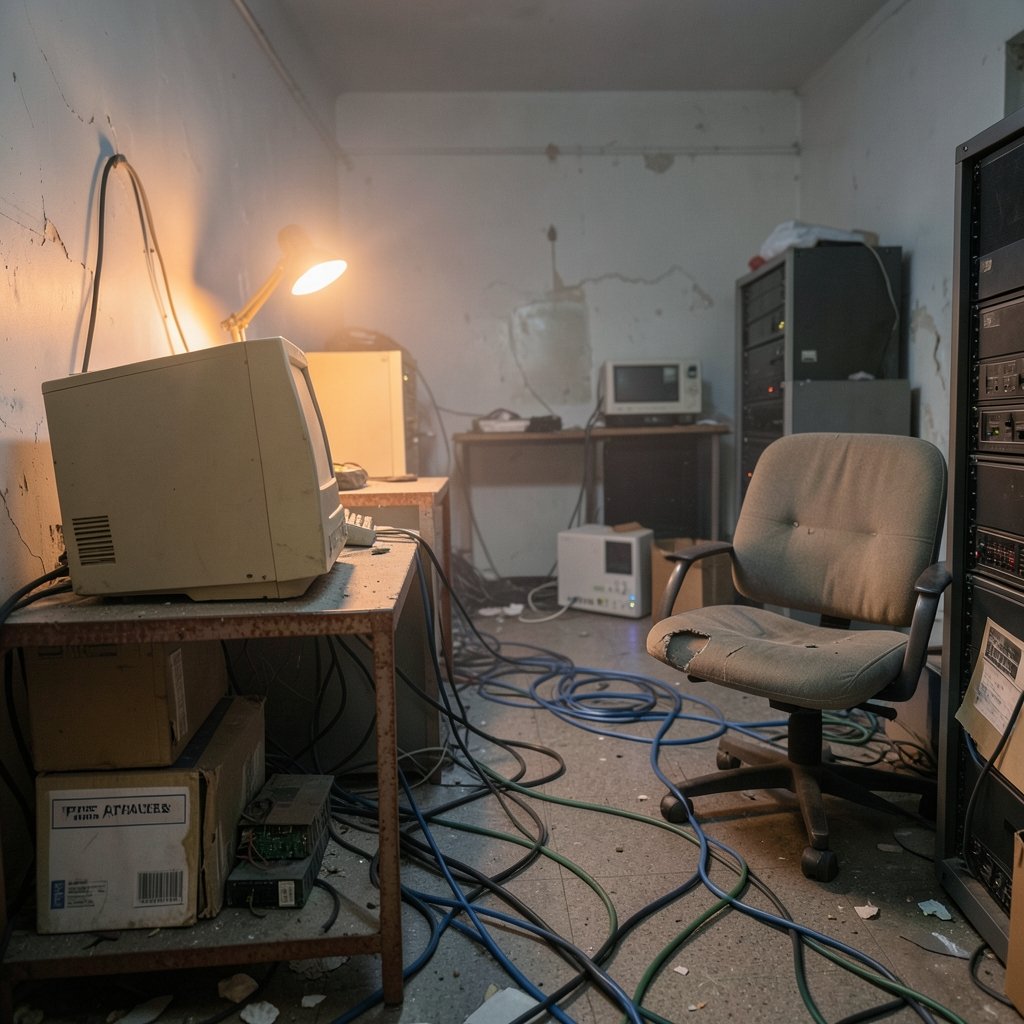
Legacy applications don’t fail loudly. They decay quietly. The original developers retire. Documentation goes stale. Each new feature requires a workaround, and workarounds stack on workarounds until a simple change takes six weeks of testing.
The practical costs show up in predictable places:
- Maintenance eats the budget. A large share of IT spending goes to keeping old systems alive rather than building new capability.
- Hiring gets harder. Fewer engineers want to work in COBOL, old Java frameworks, or custom languages nobody teaches anymore.
- Security gaps widen. Systems that can’t be patched easily become targets, and compliance audits get more expensive each year.
- Integration slows everything. Connecting a legacy system to a modern API often means building a translation layer that itself becomes technical debt.
The cloud is usually part of the answer, and it’s worth being precise about what that means. The NIST definition of cloud computing lays out essential characteristics like on-demand self-service and measured service, which is a more neutral starting point than any vendor’s marketing page.
The main modernization approaches compared
Most modernization strategies fall into a handful of patterns. The right choice depends on how much the application still earns, how well it’s understood, and how much risk the organization can absorb.
| Approach | What happens | Best for | Main risk |
|---|---|---|---|
| Rehost (“lift and shift”) | Move the app to cloud infrastructure with minimal changes | Fast data center exit, low appetite for change | Carries old problems to a new home |
| Replatform | Small tweaks to use managed services (e.g., managed database) | Apps that work but need cheaper operations | Partial gains, limited flexibility |
| Refactor / re-architect | Restructure code into modular or microservices design | High-value apps needing rapid change | Costly, slow, easy to over-engineer |
| Rebuild | Replace the app with new software | Apps with shrinking value and heavy debt | Losing hidden business rules |
| Replace with SaaS | Buy a packaged product instead | Commodity functions like HR or payroll | Vendor lock-in, customization limits |
| Retire | Turn the system off | Duplicate or unused functionality | Requires honest inventory first |
A common mistake is treating “refactor everything” as the ambitious, correct choice. In practice, a portfolio usually contains a mix: a few systems worth deep re-architecture, many that only need replatforming, and some that should simply be switched off. Auditing what you have, including the systems nobody remembers owning, is the least glamorous and most valuable first step.
The incremental approach often called the Strangler Fig pattern is widely used for good reason. Instead of rewriting a monolith, teams route specific functions to new services one at a time, gradually shrinking the old system until it can be retired. It keeps the business running throughout and limits the blast radius of any single failure.
Why so many modernization projects stall
Failure rates for large modernization efforts are high, and the reasons repeat across industries. Vendor surveys regularly report delays and overruns, though the exact numbers vary widely by methodology and year, so treat any single figure with caution.
The recurring failure modes look like this:
- No clear success metric. “Modernize the platform” isn’t a goal. “Cut order processing from 40 minutes to 4” is.
- Underestimating hidden logic. Legacy code often contains business rules that exist nowhere else, including edge cases regulators care about.
- Big-bang cutovers. Replacing everything at once concentrates risk into a single weekend nobody wants to own.
- Ignoring the people. Teams that built the old system hold knowledge that leaves with them. Retaining and pairing them with new engineers is cheaper than rediscovering everything.
- Treating modernization as an IT-only project. When business owners aren’t involved, requirements drift and priorities shift mid-flight.
There’s a parallel worth noting for teams building new capability on top of modernized systems: the same discipline that makes an AI agent’s examples and applications work well—clear scope, defined inputs, measurable outputs—applies to modernization planning. Vague ambitions produce vague results in both cases. (Modern Applications)
What actually works in practice
Patterns that hold up across organizations tend to share a few traits: they’re incremental, measurable, and honest about trade-offs.
Start with an inventory, not a strategy deck. Catalog every application, its owner, its cost, and its business criticality. Many organizations find 10 to 20 percent of their portfolio can be retired immediately, which funds the harder work.
Modernize along business seams. Pick a capability with clear boundaries, like customer onboarding or invoice generation, and modernize it end to end. Cutting across too many systems at once multiplies dependencies.
Build the platform while you migrate. Automated testing, CI/CD pipelines, observability, and infrastructure-as-code aren’t side projects. Without them, every release stays a manual event and modernization gains evaporate.
Keep a rollback path. Feature flags, parallel runs, and canary releases let teams ship changes to a slice of traffic first. When something breaks at 2 a.m., the ability to flip back in minutes matters more than architectural purity.
Measure before and after. Capture baseline metrics—deployment frequency, incident count, infrastructure cost, time to add a feature—before the project starts. Without a baseline, nobody can prove the work paid off, and future funding gets harder to justify.
Plan for the people problem. Retraining existing staff, documenting tribal knowledge, and pairing legacy experts with newer engineers costs far less than losing institutional memory. The same logic applies when comparing product editions and upgrade paths, as anyone weighing a vault edition versus standard release in 2026 will recognize: the premium option only pays off if you actually use what it includes.
Cloud, containers, and the architecture question
Cloud migration is often treated as synonymous with modernization, which is misleading. Moving a poorly structured application to cloud infrastructure makes it a poorly structured cloud application. It may be cheaper to run, but it won’t be easier to change.
Containers and orchestration tools help by making applications portable and deployments repeatable. Managed services reduce operational burden. Microservices can improve team autonomy—but they also introduce network complexity, distributed debugging, and data consistency problems that monoliths never had. Small teams frequently do better with a well-structured modular monolith than with a sprawl of services they can’t operate.
The honest framing: architecture choices should follow team size and business needs, not fashion. A three-person team running twenty microservices has taken on an operations burden it can’t sustain.
Security and compliance can’t be bolted on later
Modernization changes the attack surface. New APIs, third-party integrations, and cloud identities all need controls that the legacy system never had. Two habits prevent most problems:
- Threat-model each service as it’s built. Retrofitting security reviews at the end costs more and catches less.
- Keep data flows visible. When data moves between old and new systems during a transition, someone must own the map of where it lives and who can reach it.
Regulated industries add another layer. Audit trails, data residency, and retention rules often live inside legacy systems in ways that aren’t documented. Discovering a compliance requirement after a cutover is one of the most expensive mistakes in the field.
Conclusion
Application modernization isn’t a single project with a finish line. It’s a discipline of continuously retiring what no longer earns its keep, improving what does, and building the engineering habits that make the next change cheaper than the last. The organizations that succeed tend to move in small, measurable steps, keep rollback paths open, and treat the people who understand the old systems as assets rather than obstacles. The ones that struggle usually start with a big rewrite, a vague goal, and no baseline to prove anything worked. Start with the inventory, pick one business capability, measure the result, and repeat.
Frequently asked questions
What is application modernization in simple terms?
It means updating old software so it runs better, costs less, and works with current tools. That can involve moving it to the cloud, restructuring the code, replacing it with a purchased product, or retiring it entirely. The goal is business value, not technology for its own sake.
How long does a modernization project take?
It depends heavily on scope. A single application replatformed to managed services can take a few months. Re-architecting a large core system often runs one to three years, delivered in increments. Projects that promise a full transformation in under six months usually mean a lift-and-shift, which changes location but not much else.
Is it cheaper to rewrite or modernize?
Rewriting is rarely cheaper than it looks. A rewrite means rediscovering every business rule the old system contains, including undocumented edge cases. Incremental modernization spreads cost and risk over time and keeps the business running. Rewrites make sense mainly when the application’s value is shrinking and its debt is severe.
What is the Strangler Fig pattern?
It’s an incremental approach where new services gradually take over functions from a legacy system, one at a time, until the old system can be switched off. Traffic is routed piece by piece, so failures stay contained. It’s popular because it avoids the all-or-nothing risk of a big-bang replacement.
Do we have to move to the cloud to modernize?
No. Modernization is about architecture, code quality, and delivery practices. A well-structured application running in a private data center can be more “modern” than a messy one hosted in the cloud. Cloud adoption often helps, but it’s a means, not the goal.
How do we measure whether modernization worked?
Pick baseline metrics before starting: deployment frequency, incident rates, infrastructure cost, and time required to deliver a typical feature. Compare them after each phase. If the numbers don’t move, the project changed technology without changing outcomes, and that’s worth investigating early.
The most durable measure is whether the team can now answer a simple question: what would it cost us to make the next change? If that number falls release after release, the modernization is working, whatever the architecture diagram looks like. If it rises, no amount of cloud spend or container adoption will compensate. Treat each increment as an experiment with a hypothesis, a baseline, and a review, and let the portfolio—not the roadmap deck—decide what gets modernized next. Done this way, modernization stops being a crisis project and becomes ordinary engineering hygiene, which is exactly what it should be. (Software modernization)



