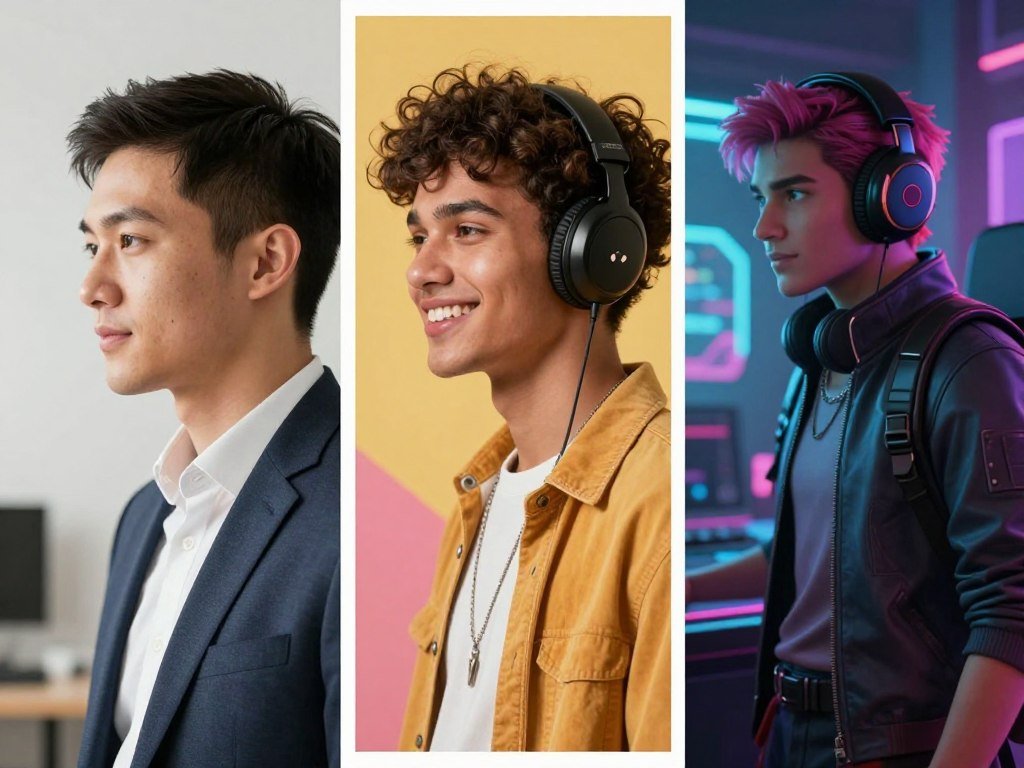
A professional portrait, a cartoon-style social image and a 3D gaming character call for different tools. The Best AI Avatar Generators for Profile Pictures can help you shape a social media presence, build a personal brand or try a new look. Your best fit depends on the image you need, not just how many features a tool lists.
Likeness preservation means how closely a generated image keeps the recognizable facial features of its reference photo. A polished portrait may need a close likeness, while a playful social image can favor style. A gaming identity may need a movable 3D character instead of a flat file.
This roundup compares seven options by use case, image style, starting input and practical access. You will see which tools work from a photo, which make illustrations and which create 3D avatars. You can also weigh privacy and budget before choosing an image for a public profile.
Key Takeaways
- Choose a photo-based tool when people need to recognize your face.
- Try an illustration maker for a graphic or playful identity.
- Use a 3D avatar tool for supported games and virtual spaces.
- Free access can come with limits on tokens, queues, or image styles.
- Check the tool’s data terms and image license before sharing or selling an output.
The best starting point is the kind of image you want to use, not the longest feature list.
What kind of profile image do you need?
Decide first whether people should recognize your real face, see an artistic interpretation or meet a character built for a virtual world. The intended use shapes which avatar format makes sense. A static image, a 3D model and a talking-head video do different jobs.
Choose the image type before comparing tools. A profile picture for LinkedIn has different needs from a character in VRChat or a social media illustration.
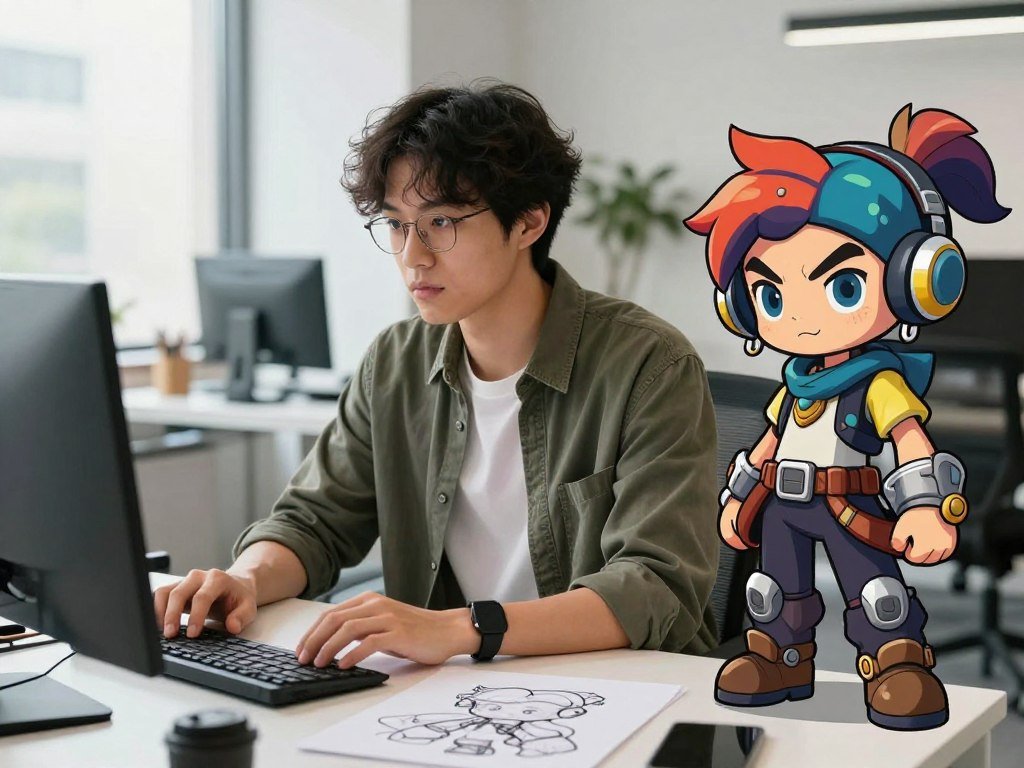
A recognizable portrait for work or social media
A static portrait avatar is one image for a profile picture, team page, social media account or brand material. It can look realistic or use a stylized treatment of your photo. Recognizable facial features matter when viewers need to identify the account holder.
A realistic portrait can suit a work profile where colleagues expect to see your face. A stylized photo treatment keeps some facial likeness while adding an artistic look. Neither style guarantees that every viewer will recognize you.
An illustrated character or gaming identity
An illustrated character puts artistic consistency ahead of photorealism. A 3D model avatar is built for games and virtual reality, where you may move or customize the character. Talking-head video avatars combine a digital face, voice and facial animation, so they are not static profile images.
Pick an image that fits the place where people will meet you, rather than forcing one avatar into every setting.
Use these three checks before choosing a category:
- Intended platform: LinkedIn, VRChat or another social media service.
- Desired realism: a recognizable portrait, an artistic version or a new character.
- Wider use: whether the image must work beyond a profile page.
A static portrait is usually the simplest fit when you only need one image for an account.
Best AI Avatar Generators for Profile Pictures
For a recognizable, stylized profile image, start with Fotor; for a work portrait, start with Headshot Photo. The best avatar depends on the file and likeness you need. Rewind.ai, Avatar Maker and Ready Player Me cover other common use cases.
These tools create different output types, not interchangeable scores. Choose a generator by where you will use the image and how closely it should resemble you.
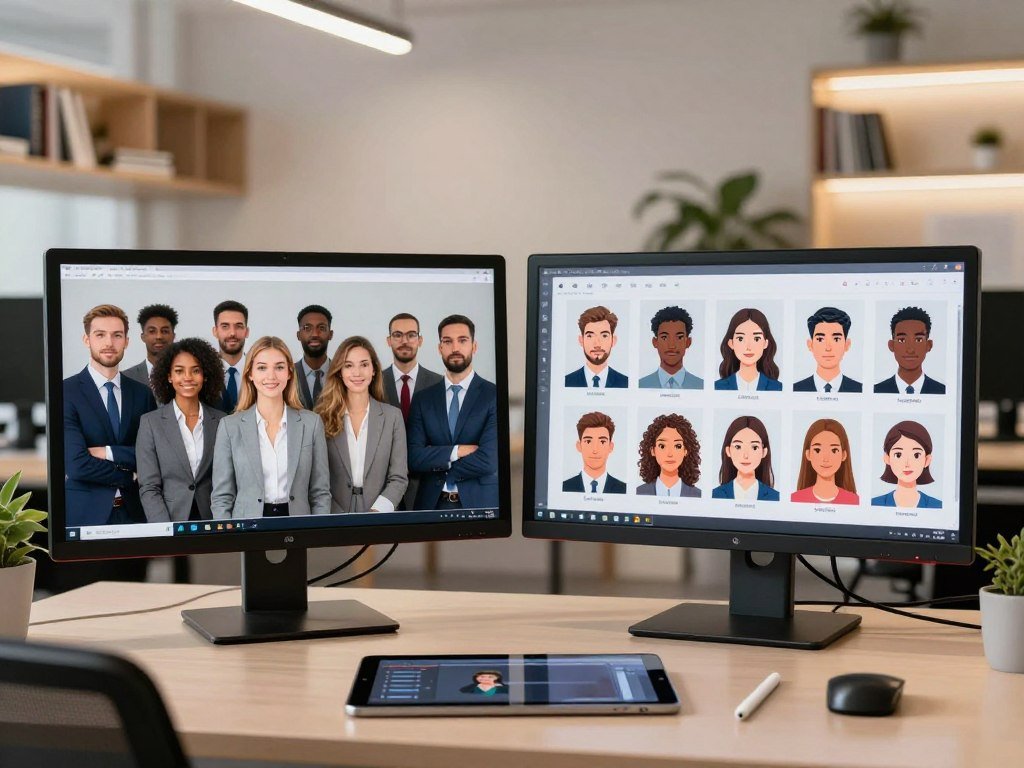
| Tool | Starting input | Best-fit output |
|---|---|---|
| Fotor | Uploaded photo | Multiple art styles |
| Headshot Photo | Uploaded training images | Professional headshots |
| Rewind.ai | No-sign-up start available | Generated profile images |
| Avatar Maker | Browser-based creation | SVG avatar |
| Ready Player Me | Selfie | 3D cross-platform avatar |
Fotor offers several art styles from the same photo, so you can compare different visual directions without changing your starting image. Fotor offers 3-10 art styles for that photo. The number is a range, not a promise that every account includes every style.
Headshot Photo uses uploaded training images to generate professional portraits. Ready Player Me turns a selfie into a 3D avatar for hundreds of games, apps and virtual worlds. Rewind.ai has anonymous access and an account option with different daily token allowances.
Avatar Maker supports SVG export, which can suit a simple illustrated identity. The reader looking for the best AI profile picture should decide whether likeness, graphic style or cross-platform use matters most. Compare tools that produce the kind of file you can actually use on your chosen platform.
Rewind.ai for a quick, no-sign-up start
Rewind.ai is a convenient first try if you want to generate an image before signing up. Anonymous users get 2,500 free tokens per day, while a free account provides 5,000 tokens each day. Tokens reset every 24 hours.
You can test the generator without an account, then decide whether an account’s larger daily allowance suits you. An AI avatar generator free of charge can help you test a look, but the result still needs to meet your needs.
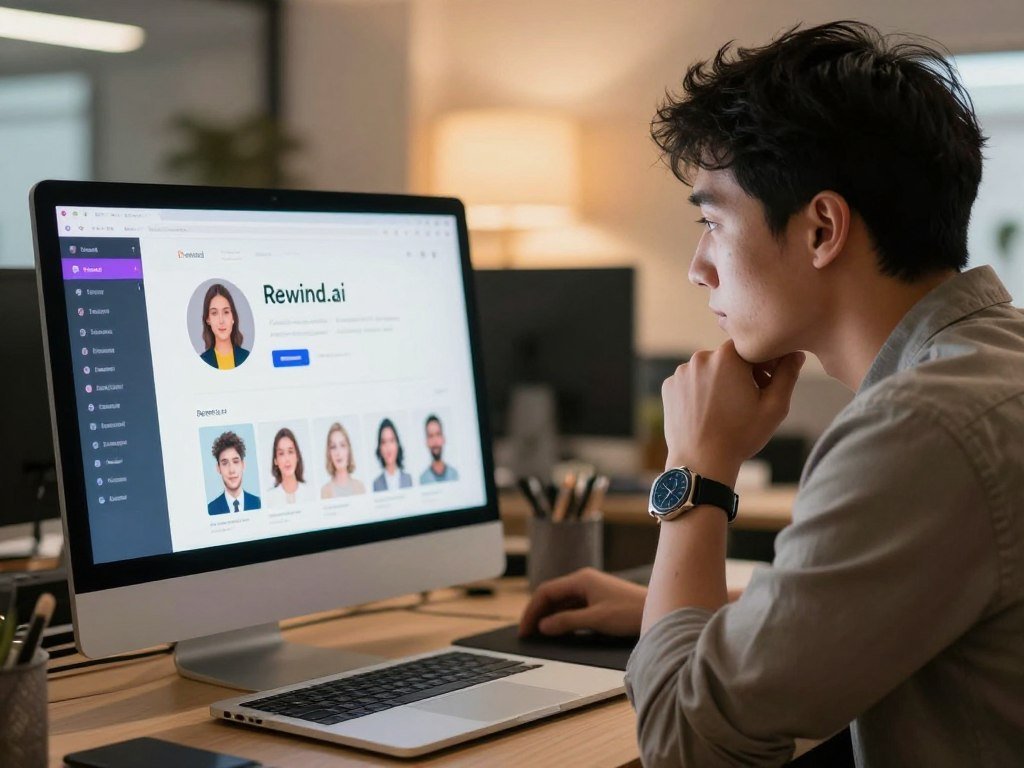
After generating an image, you can download it, copy it or share it through a link. Those choices make a quick test practical when you want to compare a possible profile image with your current one. They do not tell you whether the result has enough detail for every use.
Check the face, crop and resolution before using the output on a work profile or printed material. A small avatar can hide flaws that become clear when the image appears larger. The tool’s daily tokens can also run out if you keep making alternatives.
Anonymous access is useful when you want to try a generator without adding another account. A free account offers a higher daily token allowance, but it still has a daily limit. You can decide whether registering is useful after seeing the first result.
Check the remaining token balance before experimenting with several generations.
Avatar Maker and Avataaars for simple SVG avatars
Choose Avatar Maker or Avataaars when you want a simple illustrated face rather than a realistic portrait. Both suit graphic identities that do not depend on a photographic likeness. Their no-sign-up creation can make a quick account image easy to test.
Avatar Maker works in a browser without a login or download. Avatar Maker and Avataaars offer unlimited avatar creation and SVG export without requiring sign-up.
An SVG is a vector file, which means its shapes can grow or shrink without losing sharpness. A typical raster image, such as PNG, stores a grid of pixels. Enlarging a small raster file can make its edges look soft, while a vector can stay crisp at different sizes.
That distinction helps when the same illustration may appear on a small profile image and a larger page. Check whether the platform accepts SVG before you choose that format. Some services may ask for a common raster file instead.
Avatar Maker says it stores nothing, and the browser tool needs no login or download. Simple controls can be enough for a clean icon, though they may not offer fine control over every feature. A basic illustrated avatar can also keep a profile distinct without presenting a photo as a portrait.
Check that the service’s available illustration controls match the look you want before making a set.
Fotor for several looks from one photo
Fotor is a useful fit when one photo should produce several different visual directions. Its style range lets you compare treatments while keeping the same starting image. That can help when you want a social profile with a personal touch.
Fotor lists 3-10 art styles for one photo, depending on the available option range. That range does not promise that every style will appear for every account.
A photorealistic result can keep a portrait close to an everyday headshot. Anime can make the image read as a character, while pop art can make it feel bold and graphic. Those looks suit different social profiles, so decide how you want people to read the image.
Using one reference photo makes it easier to compare changes in style rather than changes in the person shown. Look for whether the face stays familiar, not just whether the background or clothing looks appealing. An attractive effect cannot make a distorted face useful as an avatar.
If you want an AI avatar generator from a photo, check the available styles and download format before choosing. A tool can make a good image that still does not fit your platform’s file needs. The right file also needs a useful crop and enough detail for its display size.
Compare the face and crop across styles, not just the background and clothing.
Headshot Photo for professional portraits
Headshot Photo is the most directly relevant choice here when your goal is a work-ready portrait. It starts with uploaded training images and aims to produce professional headshots, not cartoon characters. The results may vary from person to person.
Inspect each result for facial details, expression and background before you use it. A generated headshot cannot be expected to match every person perfectly or replace a professional photographer in every situation.
Headshot Photo says uploaded training images are not used to train its AI models. It automatically deletes those images from its servers within seven days after generating headshots. Users retain full ownership and intellectual property rights over generated headshots.
You can delete generated headshots from your account at any time. Those terms cover separate parts of the process: uploaded training images and generated results. Read them with the tool’s current account controls in mind before you begin.
Review the face at full size, since a small preview can hide odd eyes, skin texture or hair details. Also check whether the expression fits the impression you want to give at work. A clean background does not make a portrait convincing if the face looks unlike you.
Review the generated images at full size before choosing one for a résumé or company profile.
Lensa for stylized selfie portraits
Lensa’s Magic Avatars suits you if you want artistic versions of yourself rather than a plain headshot. It creates stylized portraits from a batch of selfies. That approach differs from a simple vector character or a conventional work portrait.
Lensa sells avatar packs rather than offering free generation. The pack model is a key part of deciding whether its artistic output suits your budget.
A batch of selfies gives the tool several views of your face to work from. The results can make a social media profile feel more expressive when a close photographic likeness is not your only goal. They may also look less like a standard headshot.
Artistic treatments can change facial proportions, skin details and other features. A strong style may look appealing as an illustration but work less well when people rely on the image to identify you. Decide how much likeness the account needs before choosing a pack.
A stylized portrait is not the same as a drawn SVG avatar. The former begins with selfies and presents an artistic version of the person; the latter is a vector illustration built from chosen features. Pick the output that fits the tone of your profile.
Look closely at facial details before using a highly stylized image as a personal identifier.
Ready Player Me for gaming and virtual worlds
Ready Player Me is the pick when you want a three-dimensional character that can follow you between virtual spaces. It starts with a selfie and creates a 3D avatar for supported games, apps and virtual worlds. That is different from a flat profile image.
Check that your specific destination supports the avatar and its format. Ready Player Me says its avatars can be used across hundreds of games, apps and virtual worlds.
A 3D identity can appear as a character in a virtual space rather than as a still portrait beside your name. The selfie gives the creation a starting point, while the final character can look more like an avatar than a realistic photo. That makes it a better fit for play than a work profile.
Cross-platform use depends on support from the destination. A game may not accept every avatar, or it may have rules for how characters appear. Confirm that the place you use most supports Ready Player Me before spending time on detailed customization.
Think about how the character will look in motion, not only in a preview image. A pose that looks clear in a still may read differently inside a game. Your main platform should guide the choices you make while building the avatar.
Confirm support in the game or app you use most before building your avatar around it.
When should you choose a different kind of tool?
Choose a different tool category if you need a batch of professional portraits, a broader image-editing workflow or a 3D model rather than one profile image. The workflow matters as much as the final style. Some tools focus on headshots, while others edit images or create characters.
Do not treat a product’s marketing claims as independent proof of image quality. Compare the output and terms for the task you plan to do.
Batch headshots and photo-based styles
Phot.ai, BetterPic, Portrait Pal, The Multiverse AI and ProPhotos AI are photo-based alternatives to compare. They may suit you when batch headshots or photo-style transformations matter more than a single avatar. Their inputs and results are not identical.
In one reported test, BetterPic used eight photos and took about 25 minutes. In another individual test, The Multiverse AI produced 100 headshots in 30-120 minutes. Those are test experiences, not promises about your results or wait time.
For more detail on broader image tools, compare free text-to-image options when you want to create from a written description. Canva and Adobe Firefly can also suit broader design or image-editing work. Their features and results depend on the task you give them.
Broader art tools and 3D creation
Canva can help with editable designs, while Adobe Firefly can fit image creation and editing. Morphed supports static and video avatars and starts at $9 per month. It is a different choice from a tool that makes one still profile picture.
| Tool category | Example | Output detail |
|---|---|---|
| Photo-based headshots | BetterPic | Eight photos in one reported test |
| Batch headshots | The Multiverse AI | 100 headshots in one reported test |
| Design and image editing | Canva | Editable designs |
| Static and video avatars | Morphed | Starts at $9 per month |
| 3D character creation | 3D Avatar Maker | VRM export, 3 free avatars daily |
3D Avatar Maker offers three free avatars per day and VRM export. A video avatar, an editable design and a 3D model each need different tools. For a wider app comparison, see the design and image-editing app options that can support visual work.
Match the tool to the output you need, then verify the workflow and license on the plan you intend to use.
Which free AI avatar generator is worth trying?
For a free illustrated image, try Avatar Maker or Avataaars; for a no-sign-up image-generation test, try Rewind.ai. The simplest choice depends on whether you want an illustration or a generated portrait. Free access does not make every tool free to use.
A free plan or trial does not guarantee watermark-free or commercial-ready output. Check the download and use terms for the specific image you make.
| Tool | Access type | Practical caveat |
|---|---|---|
| Rewind.ai | Anonymous daily access | Tokens reset every 24 hours |
| Avatar Maker and Avataaars | No-sign-up creation | Illustrated output |
| DreamWave AI | Free trial | Long queue may take days |
| Midjourney | Paid plans only | No free plan |
| Lensa | Paid avatar packs | No free generation |
A free AI profile picture generator may still limit credits, queue time, styles or export options. Rewind.ai lets you try image generation without registering first, while Avatar Maker and Avataaars make simple illustrations without sign-up.
DreamWave AI offers a free trial, but the queue can take days. Paid processing takes 30-120 minutes. Midjourney has no free plan, and every plan is paid. Lensa sells avatar packs rather than providing free generation.
For the best free AI profile picture generator, choose Avatar Maker or Avataaars for vector-style illustration and Rewind.ai for a quick generated-image test. Readers seeking the best AI avatar generators for profile pictures free should compare the output they need, not just the word “free.” The best free AI avatar generator for you depends on whether you want an illustration, a portrait or another style.
- Check whether you need an account before starting.
- Note daily limits or queue time before making several versions.
- Check the file type and any watermark on the finished image.
Confirm whether the finished file can be downloaded and used for your purpose before investing time.
How to turn a photo into an AI avatar
Start with one clear photo if you want the generated image to preserve your recognizable features. Photo-based tools use an uploaded image as a reference photo, while text-based tools create images from written descriptions. The two methods do not start from the same input.
A free conversion is possible only when the selected tool offers free access. A free trial or plan may still limit styles, credits or downloads.
Prepare a clear reference photo
Choose a well-lit photo with one clear face and no object blocking key features. A plain view of your face gives the tool a useful starting point. Check the service’s image requirements before you upload.
Use a photo you can share with the tool and that shows the features you want the avatar to keep. A group picture can make it unclear which person should guide the result. A face in deep shadow can also give the generator less visual detail.
Choose a style, generate and inspect
Follow these steps to turn the photo into a profile image:
- Choose a photo-based tool that accepts your file.
- Select a style that fits the account and audience.
- Generate alternatives if the tool allows more than one.
- Inspect the face, expression and crop at full size.
- Download a format that the platform accepts.
Common image downloads include PNG and JPG, while SVG is a vector format. A photo-to-avatar tool changes an uploaded reference photo; a text-prompt tool builds an image from your words. For a closer look at reference-image workflows, read about AI image generators for different workflows.
For extra beginner steps, see how to create AI images from a prompt or reference. Treat the first result as a draft when facial details matter. You can compare the generated image with the original before deciding whether it fits your profile.
Keep the original photo and final download separate so you can compare the result before replacing your current image.
Can you use an AI-generated image on LinkedIn?
You can use an AI-generated image on LinkedIn only if it still reflects your real likeness under the platform’s profile-photo rule. An image that does not resemble the account holder can be removed. The rule makes likeness more important than the image’s style.
A polished result is not enough if colleagues or clients would not recognize you. A lightly edited portrait and an invented face may create very different impressions.
A 2024 Ringover survey of 1,087 U.S. recruiters found two different reactions. In blind comparisons, 76.5% preferred AI-generated headshots. After learning a headshot was AI-generated, 66% said they would be put off.
Those results show a gap between judging an image without context and reacting to how it was made. They are survey findings, not a promise about any recruiter or employer. Workplace expectations can differ from one team to another.
For a work profile, a portrait should look like you in a real conversation. A highly artistic treatment may suit a personal social account better than a professional profile. Choose a result that presents you honestly in the setting where people will use it.
Choose an image that coworkers and clients would recognize as you in a real conversation.
How to protect your photos and likeness
Before uploading a face photo, check how the service uses it, how long it keeps it and how you can delete it. The data terms help you judge what happens after upload. A deletion statement does not remove every privacy risk.
Look for image retention, model training, sharing and deletion terms. Rewind.ai says it does not sell user data or use it to train models, and users can request data deletion.
Check what happens to uploaded photos
Read the service’s policy for uploaded photos and account data. Check whether it keeps images, shares them, uses them to train models or offers a way to delete them. The NIST Privacy Framework gives organizations a voluntary structure for identifying and managing privacy risk.
A privacy policy explains how a service says it handles data. A deletion control is a separate way to ask the service to remove data. One does not answer every question the other raises.
Limit what you share and save
Use these four checks before creating an avatar:
- Use only photos you have permission to upload.
- Avoid adding unnecessary identifying details.
- Check the account and deletion controls.
- Save a local copy of the output.
A face image can reveal more than a written prompt, especially when paired with a name or public account. Share only what the image task needs. Keep the account settings in mind if the tool makes an image public or shareable.
Save a local copy so you can keep the result if you later remove an account or image. The copy also lets you decide when to replace the profile picture. Data terms matter most when you understand what action they describe.
If the service’s data terms are unclear to you, choose a different way to create the image.
What can you do with the image after generating it?
Treat download permission and commercial-use permission as separate checks. The file format affects how you can use an image, while the license affects where you may publish it. A download button alone does not grant commercial rights.
Check the tool’s Terms and the model’s license before using an output in paid work. Rewind.ai says generated content is generally available for commercial use, subject to its Terms and the license of the model used.
| Format or use | Typical role | Check before use |
|---|---|---|
| PNG | Raster image | Resolution and transparency |
| JPG | Raster image | Compression and background |
| SVG | Scalable vector image | Export and editability |
| Commercial use | Publication or brand use | Tool Terms and model license |
PNG and JPG are common raster formats. SVG is a vector format that can scale without losing sharpness, though not every platform accepts it. Check the output’s size and crop for the place where you plan to use it.
Advertising, products and paid client work can have different needs from a personal profile. Read the terms for the specific tool and plan you use. A license for one model does not automatically cover another model’s output.
Save the applicable license terms alongside the file if the image will be part of paid work.
How to get a more natural-looking result
Specific directions about framing, light and expression usually give a generator more to work with than a vague style request. The visual details help shape the result. Clear instructions can make the image easier to review and adjust.
Concrete directions beat “make it look good.” Text-based tools can take details about shot type, light direction and mood.
Give the generator clear visual instructions
Include the details that matter for the image:
- Shot and crop: close-up, shoulders or head and shoulders.
- Lighting direction: soft light from the front or side.
- Art style: photorealistic, anime or another clear choice.
- Clothing and texture: name the fabric or surface detail.
- Resolution or detail level: ask for a clear, detailed image.
- Expression and eye contact: describe the mood and gaze.
These prompt controls give a generator specific visual goals. A request like “professional” can mean many things, from a suit to a plain background. Add only the details that help the image fit its use.
Review the face before publishing
Inspect the eyes, teeth, hairline and skin texture. Check hands if they appear, along with the background and crop. Regenerate or edit any image with noticeable artifacts.
Small flaws can stand out when an image appears beside a real name or work history. Look for features that seem uneven or oddly blended. For another way to test prompt details, compare image generators by editing workflow and output.
Use the image only after checking it at the size and crop where people will see it.
A result that looks natural in a large preview may feel different inside a small circular profile frame. Check the crop on the platform or device where your audience will see it. Use the image only after checking it at the size and crop where people will see it.
Conclusion
The right choice is the one that produces the image you need without compromising likeness, privacy or intended use. A photo-focused option can make a recognizable portrait, while an illustration maker creates a graphic identity. A 3D tool fits gaming better than a still profile image.
Choose one candidate and test a single image before changing a public account. Check its crop, likeness and usage terms in the place you plan to use it. A small preview can hide details that become clear after upload.
Test one image at profile size before making it your new public photo.
FAQ
Can I make an AI profile picture without uploading a selfie?
Yes, a text-prompt tool can create an image from a written description without a selfie. You can describe a person, outfit, mood and art style, but the result may not resemble you. That approach suits a fictional character or graphic identity better than a work portrait where people expect to recognize your face.
How many photos should I upload for an AI headshot?
Follow the named tool’s upload requirements, since each service sets its own input rules. Headshot Photo uses uploaded training images and automatically deletes them from its servers within seven days after headshots are generated. Choose clear images that meet the service’s instructions, rather than guessing at a number or uploading extra photos without a reason.
Can I use an AI-generated profile picture for a business account?
Yes, when the tool’s Terms and the model’s license allow that use. Rewind.ai says generated content is generally available for commercial use, subject to its Terms and the license of the model used. Check the exact rules for the tool and plan that made your image before using it in advertising, a product or paid client work.
Will an AI avatar look exactly like me?
No, a generator cannot guarantee an exact match. Photo-based tools use a reference photo, but results can still change facial details, skin texture or expression. Choose a photo-based tool when likeness matters, then inspect the eyes, hairline and crop before posting. A more artistic style may create a less recognizable version of your face.
Are AI avatar generators safe for children to use?
They can be safer when an adult checks the service and manages the account as needed. Review age and account rules, photo retention, sharing settings and deletion controls before a child uploads an image. Avoid adding details that identify the child or reveal a school. Ask an adult to handle the account if the service’s rules require it.
What file format should I download for a profile picture?
PNG or JPG usually works for common profile pictures because both are raster image formats. PNG can support transparency, while JPG commonly stores an image with its background. SVG suits scalable vector artwork, but only when the platform accepts it. Check the platform’s file rules and choose a size that stays clear in its profile crop.