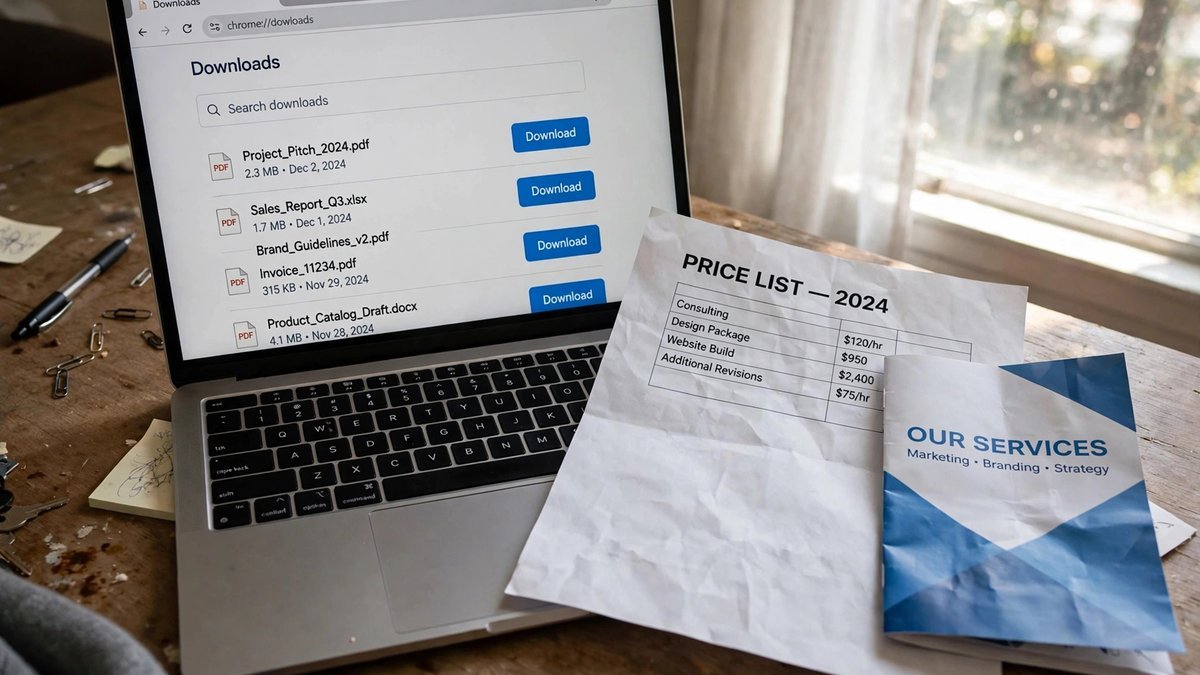
A downloads page is the page where a visitor finds files to take away: a price list, a brochure, a form, a manual, or a sample chapter. For a small team, the page often starts as a simple list of links, and then grows into a mess of old files, vague names, and broken links. In 2027, AI tools can build the page from a short brief, organise files into clear groups, add a checkout or an email gate where it fits, and keep the file list current without a developer.
The eight tools here were picked for teams of two to twenty people. Each one builds a downloads page that a visitor can use without a phone call or an email exchange. The shortlist covers every budget, from free plans for a first file to tools that handle tax, payments, and several file types at once. Gumroad leads for most small teams, Payhip suits teams that want a free start, and Easy Digital Downloads suits WordPress teams.
Key takeaways
- Gumroad is the best overall pick for small teams that want a downloads page live fast.
- Payhip is the best pick for teams that want to start free and pay only when a sale lands.
- Easy Digital Downloads is the best pick for WordPress teams that want the page inside the site.
- Lemon Squeezy is the best pick when a team wants tax and payments handled in one place.
- Every file still needs a human check, and the page must match the real files on offer.
At a glance: the shortlist
| Product | Best for | Starting price | Standout limit |
|---|---|---|---|
| Gumroad | Most small teams | Free to start, fee per sale | Fee rises on the free plan |
| SendOwl | Simple digital sales | From about 9 dollars a month | Design options are limited |
| Podia | Courses plus downloads | Free, paid from about 39 dollars a month | Higher price than single file tools |
| Sellfy | Creators on a budget | From about 29 dollars a month | Smaller template range than rivals |
| Payhip | Free start | Free, paid from about 29 dollars a month | Free plan takes a fee per sale |
| Lemon Squeezy | Tax and payments | Free to start, fee per sale | Fee per sale adds up at volume |
| ThriveCart | One off checkout | From about 495 dollars one off | High upfront price |
| Easy Digital Downloads | WordPress teams | Free, paid from about 99 dollars a year | WordPress only for the full setup |
Gumroad — Best overall
Gumroad is the most direct downloads page tool on this list. A team uploads a file, writes a short description, sets a price or leaves the file free, and Gumroad builds a clean page with a download button, a file preview, and a checkout. The page works on a phone without extra setup, and a visitor can buy and download in a few taps. AI help drafts the description from a short brief about the file.

The speed is the reason it leads. Gumroad is free to start, and it takes a fee per sale. Our guide on how to set up a business website downloads page in 2027 covers the file list and naming steps that matter before the build starts.
Pros: Fast setup, clean checkout, free to start.
Cons: Fee rises on the free plan.
SendOwl — Best for simple digital sales
SendOwl suits a team that wants a simple downloads page for a small set of files, with no extra course or community features. A team uploads files, sets a price for each one, and SendOwl builds a page with a clear list, a short description per file, and a secure download link that expires after use. The checkout is short, and the buyer gets the file by email as well as on the page.
Plans start at about 9 dollars a month, which is low for a paid tool. The design options are limited, so a team that wants a heavily branded page should pick a more flexible tool.
Pros: Simple file focus, secure download links, low starting price.
Cons: Design options are limited.
Podia — Best for courses plus downloads
Podia suits a team that sells downloads alongside a course, a webinar, or a community. A team can put a guide, a template set, and a short course on one page, with one checkout and one customer list. The downloads page is built from the same dashboard as the course, so a buyer who downloads a sample chapter can see the full course beside it.
A free plan covers a first test, and paid plans start at about 39 dollars a month.
Pros: Courses plus downloads in one place, one checkout, one customer list.
Cons: Higher price than single file tools.
Sellfy — Best for creators on a budget
Sellfy suits a small team that sells digital files, print on demand, or a mix of both, and wants a storefront that looks good without a designer. A team uploads files, writes a short description for each one, and Sellfy builds a page with a clear grid, a preview, and a checkout. AI help drafts product descriptions from a short brief, which saves time when the list grows past ten files.
Plans start at about 29 dollars a month. The template range is smaller than the biggest rivals, so a team that wants a very distinct look will hit the limits of the standard themes.
Pros: Clean storefront, AI drafted descriptions, easy phone layout.
Cons: Smaller template range than rivals.
Payhip — Best for a free start
Payhip suits a team that wants to test a downloads page with no monthly bill. A team uploads a file, sets a price or leaves it free, and Payhip builds a page with a download button and a checkout. The free plan takes a fee per sale, and paid plans start at about 29 dollars a month with a lower fee. A team can start free, learn which files sell, and move to a paid plan only when sales justify it.
The page also supports an email gate, so a free guide can be exchanged for an email address. The free plan fee per sale is the limit to watch, so treat the free start as a test.
Pros: Free start, email gate for free files, short setup.
Cons: Free plan takes a fee per sale.
Lemon Squeezy — Best for tax and payments
Lemon Squeezy suits a team that sells files to buyers in several countries and does not want to handle tax on each sale. It builds a downloads page from a short brief, handles the checkout, calculates tax, and sends the file after payment. A team uploads the file, writes a description, and Lemon Squeezy takes care of the parts that usually need an accountant or a separate tax tool.
The tool is free to start, and it takes a fee per sale. The fee adds up at volume, which makes it a poor fit for a team that sells hundreds of low price files a month.
Pros: Tax handled per sale, clean checkout, free to start.
Cons: Fee per sale adds up at volume.
ThriveCart — Best for a one off checkout
ThriveCart suits a team that wants to pay once and own the checkout, rather than pay every month. A team builds a downloads page with a clear file list, adds a checkout with upsells and discounts, and pays a one off fee from about 495 dollars. There is no monthly bill after that, which suits a team with steady sales and a long view.
The checkout is the strength, with upsells, discounts, and bundles from one page. The upfront price is the barrier, so start with a free tool until sales are steady.
Pros: One off price, strong checkout with upsells, no monthly bill.
Cons: High upfront price.
Easy Digital Downloads — Best for WordPress teams
Easy Digital Downloads is built for teams that run a WordPress site and want the downloads page built inside the site itself. It adds a file library to WordPress, and a team can build a page with a clear list, a short description, a file size, and a download button per file, all from the WordPress dashboard. The checkout and the customer list live in the same system as the rest of the site.
A free version covers a basic page and checkout, and paid plans start at about 99 dollars a year. The full setup is WordPress only, so teams on another platform should pick another tool here.
Pros: Built inside WordPress, file library plus checkout, low yearly price.
Cons: WordPress only for the full setup.
How to choose
Start with the file list and the sales volume. A team with a few files and no sales history should start with Payhip or Gumroad, because the free start costs nothing while the team learns which files sell. A team that sells to several countries should start with Lemon Squeezy, because the tax handling saves more time than the fee costs.
Then check the page against the real files. Open each file, confirm the version and the date, and test each download on a phone before the page goes live. Our explainer on what business website downloads are for small businesses covers the parts every downloads offer needs.
Checklist: before you pay
- List the six to ten files visitors ask for most, and leave the rest off the page.
- Check that each file name, size, and date matches the real file.
- Test every download on a phone and on a laptop.
- Decide which files are open and which files need an email address first.
- Check the fee per sale and the renewal price, not just the first month.
- Confirm that a buyer can get the file again if the first download fails.
Frequently asked questions
What should a downloads page include?
Each file needs a plain title, a one line description, the format, the size, and a date or version note.
Should files be free or gated?
Use open downloads for public material such as price lists and forms.
Which file format works best?
A PDF works on almost every phone and laptop, and it looks the same on each one.
How many files should the page list?
Start with six to ten files, grouped by type.
What happens if a download link breaks?
A broken link costs trust fast, because the visitor came for one thing and found nothing.
Can a downloads page live on a WordPress site?
Yes.
For files that earn an email address, our roundup of the best AI tools for creating lead magnets for small teams in 2027 covers the tools that pair a download with a signup form.
The bottom line
For most small teams, Gumroad is the pick. The setup is fast, the checkout is clean, and the free start means a team can test a downloads page with no monthly bill. Teams that want a free start with an email gate should pick Payhip instead, and WordPress teams should pick Easy Digital Downloads, because the page lives inside the site.
Whichever tool wins, the file list still needs a human check and a date. Publish the page only after each file has been opened, dated, and tested on a phone, then set a reminder to review it every three months. A short page that is current beats a long page that is stale.
Note: Prices and plans change. Check the product current plan details before buying — no link is provided here by design, all links in this article go to other occcy.com guides.