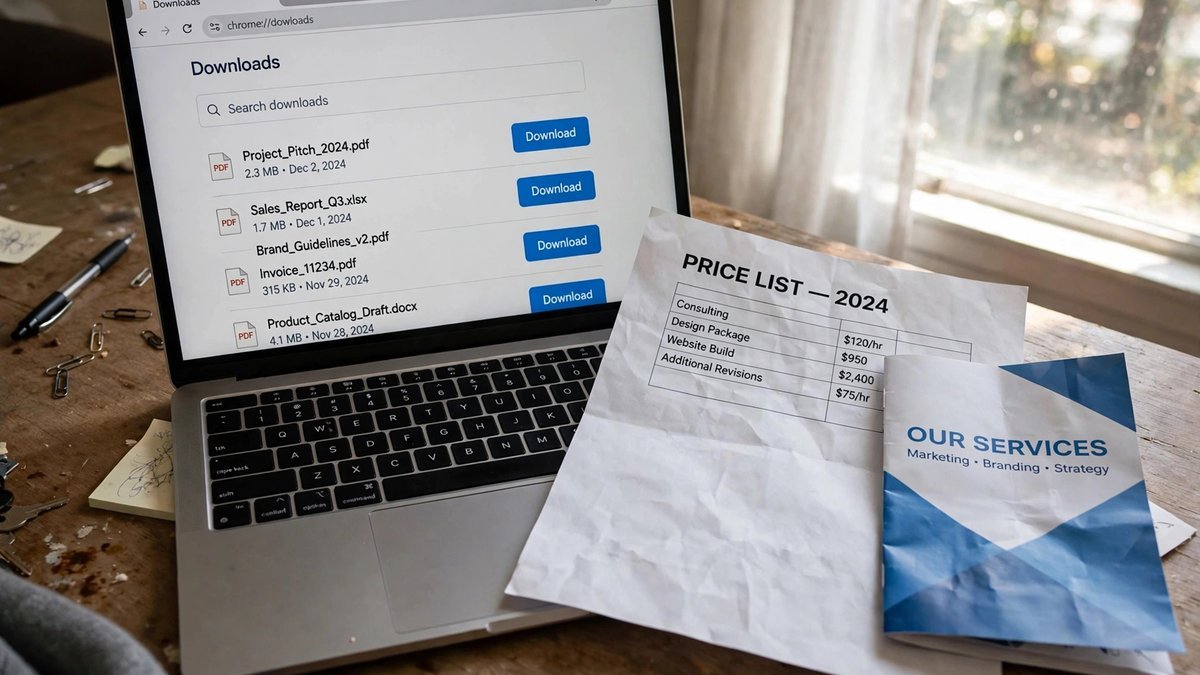
A small business owner opens a laptop on a Monday morning and finds eight tools that all promise to improve downloads. One tool compresses the files. A second tool tracks every click. A third tool gates the files behind a form. A fourth tool converts formats. A fifth tool hosts the files. A sixth tool watermarks the PDFs. A seventh tool sends the files by email. An eighth tool scores the file names. The owner pays for all eight and still has visitors who cannot find the price list.
This is my view, and it is a plain one. Downloads do not improve because more tools watch them. They improve when one person owns the downloads page, one file list stays current, and one download starts at once. The habit is easy to understand. Every downloads tool promises a missing piece, and every missing piece feels urgent when a customer is waiting for a file.
The result is a stack of subscriptions that measure each other instead of measuring whether a visitor got the file. This article argues for a freeze, a cull, and a single owner, and it explains why the downloads page needs less software and more attention. The page itself needs only a short list and plain names, and none of those parts needs a subscription to exist.
Key takeaways
- A downloads page serves visitors who want a file, not software dashboards, and every tool should be judged by whether a visitor gets the file faster.
- Eight downloads tools that each measure a different number create confusion, and the team argues about numbers instead of fixing the page.
- Each new tool adds a monthly fee, a login, a dashboard, and settings that can conflict with the tools already in place.
- The file list, the file names, and the version notes matter more than any conversion or tracking feature a tool can sell.
- A freeze on new tools, a cull of the tools that add no decision, and one named owner will restore a single view of downloads.
What the downloads tool pile actually looks like
The pile usually starts with a sensible choice. A business picks a website platform, and the platform brings a built in way to host files. Then a compression tool arrives to shrink the PDFs. Then a tracking tool arrives to count the clicks. Then a gating tool arrives to collect email addresses. None of these choices is foolish on its own. Together, they turn a single page into a project with five owners and no one who can say whether the price list is current today.
Look at the numbers that such a chain produces. The compression tool counts a file as ready when the size falls. The tracking tool counts a download as done when the button is tapped, even if the file never opens. The gating tool counts a lead when the form is filled in, even if the visitor never reads the file. The email tool counts a send as a success when the message leaves the server. Four tools, four definitions of success, and none can answer the only question that matters: did the visitor open the file and use it.
The pile also shows up in the fee stack. A monthly fee of 19 dollars looks modest. A second fee of 29 dollars looks modest. Add the per download fee, the fee for an extra seat, and the fee for a hosted file library, and the total can pass 150 dollars a month. The setup guide for a business website downloads page in 2027 shows that the page itself needs only a short list, plain names, and honest dates, and none of those parts needs a subscription to exist.
Why the pile keeps growing
The pile grows because every downloads tool solves a real annoyance, and every annoyance feels like the reason visitors leave empty handed. A file is too large, so a compression tool arrives. A file list is out of date, so a sync tool arrives. No email addresses arrive, so a gating tool arrives. Each purchase is a reasonable answer to a real complaint.

The pile also grows because downloads work is easy to postpone and easy to buy instead. Updating the file list means finding the new price list, checking the dates, and asking the owner for a current manual. That is slow work that nobody enjoys. Buying a tool takes ten minutes and feels like action, even when the file list stays stale.
There is a third reason, and it is the hardest to admit. Tools give the owner something to show for the effort. A dashboard with charts looks like a downloads operation. A page with correct files looks like nothing at all, until a visitor uses it. Owners who feel behind reach for the visible proof of effort, and vendors know it. The way out starts with a hard question for every tool in the stack: what decision does this tool change. If the answer is that the tool makes a decision faster, clearer, or cheaper, it earns its place. If the answer is that the tool produces a report nobody acts on, it is decoration.
What a visitor actually wants from a download
A visitor with a need in mind wants four things, and none of them is a tool. The first is the file itself, opening at once when the button is tapped. The second is a plain name that still makes sense in a download folder a year later. The third is a size that matches the description, so a visitor on a slow connection knows what is coming. The fourth is a date that proves the file is current. No visitor has ever asked a small business which compression tool it uses.
The explainer on what business website downloads are for small businesses makes the same point from the other side: the page exists to shorten the distance between a question and an answer that a visitor can keep, and every extra layer between the visitor and the file is a reason to phone instead, or to leave. A download that starts at once, opens cleanly, and matches its description does more for trust than any dashboard ever will.
This is why the opinion here is not against tools in general. One good hosting tool can help a small team serve files reliably. One gate kept honest can help a business stay in touch with people who clearly care about the topic. The argument is against optimizing for every downloads tool, which is a different thing entirely. Optimizing for every tool means judging the downloads operation by how many systems it runs, how many dashboards it fills, and how many features it pays for. Optimizing for the visitor means judging it by one measure: how fast a stranger can find the file, open it, and trust the date on it. The sibling view on why your business should stop optimizing for every press tool makes the same point from a different angle, because a page a stranger can trust matters more than the stack behind it.
The costs that matter
The real cost of the tool pile is not the subscription total, though that total is real enough. The costs below decide whether a visitor gets the file, and they are the costs to count before buying one more downloads tool.
| Detail | What is known |
|---|---|
| Monthly fees | Small tools look cheap alone, but a stack of eight can pass 150 dollars a month with no extra file delivered. |
| Conflicting numbers | Each tool defines a download differently, so the team argues about numbers instead of fixing the page. |
| Stale files | Tool dashboards stay green while the page lists old prices and old forms that visitors quote as fact. |
| Slow answers | No tool answers a visitor. A page with no named owner leaves broken files unreported for months. |
| Maintenance debt | Every tool adds logins and settings, and that time is time not spent on the file list. |
| False confidence | Charts feel like progress, so the owner keeps buying tools instead of checking the files. |
| Lost enquiries | A visitor who cannot open the file phones a rival instead, and the business never learns why. |
| Vendor lock in | Files stored inside tools are hard to move, so cancelling feels harder than paying. |
Checklist: judging your downloads setup honestly
Work through the list with the live page open.
- Open your downloads page as a stranger would and time how long it takes to find the price list and open it on a phone.
- List every downloads tool you pay for and note the last decision each one changed.
- Check every date, price, and file name on the page against the live website and fix what is wrong.
- Download every file yourself and confirm that each one opens, matches its size, and matches its description.
- Ask one customer what stopped them using your downloads page, and listen without defending it.
- Cancel one tool this month and see whether downloads, enquiries, or page visits change at all.
Frequently asked questions
Do small businesses need any downloads tools at all?
No, not as a rule. A small business needs a current file list, plain names, and a named owner. One hosting tool can help if files change often, but the page comes first, and a tool cannot stand in for it.
Which downloads tool should a business keep if it keeps only one?
Keep the tool that changes a decision you actually make. For most small businesses that is the hosting tool that already holds the real files, or the gate that earns real email addresses. Cancel the tools whose reports nobody reads.
Does a bigger file library mean more downloads?
No. A list of forty files performs worse than a list of eight current files, because visitors stop reading a list that looks like a storage cupboard.
How often should the downloads page be reviewed?
Every three months at least, and after every change a visitor might rely on: a new price, a new product, or a new form. A stale downloads page does more harm than no downloads page at all.
Who should own the downloads page inside the business?
One named person, with the job written down. Shared ownership means nobody checks the files. The owner answers reports of broken files and keeps the list current.
What is the first step in cutting the tool pile?
Freeze new purchases for three months. List what you already pay for, cancel the tool whose last report changed nothing, and spend the saved money and time on the file list itself.
The bottom line
Downloads come from a page a visitor can trust and a file a visitor can open. Tools can help with hosting, but they cannot supply the current price list or the plain name. A business that optimizes for every downloads tool ends up with a fine stack of software and a downloads page that quietly turns visitors away.
The fix is smaller than the stack. Freeze the purchases, cull the tools that change no decision, name one owner, and make the file list current. Do that, and the next visitor who opens the page will find the file in seconds, open it, and trust the date on it.
Note: this is an opinion piece. Tool prices and features change often, so check current pricing before buying, and judge any downloads tool by whether a visitor gets the file faster because of it.