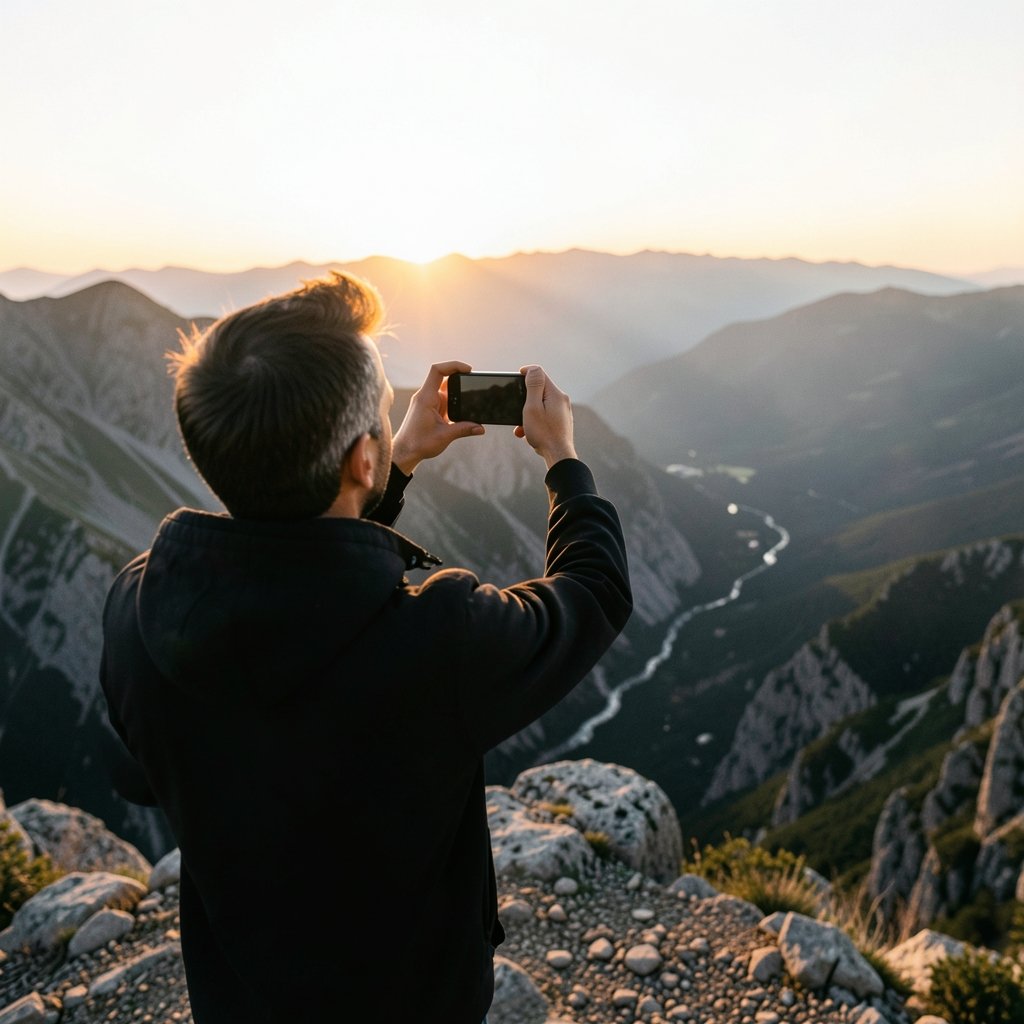
In 2024, the average person took roughly 1,500 photos on their smartphone, and a growing share of those shots were taken in low light, at a concert, or of a fast-moving toddler. That shift matters, because the best Android phones for photography are no longer judged by megapixel counts alone. They are judged by how reliably they produce a keeper when conditions are less than perfect. This guide breaks down what actually separates a great camera phone from a merely good one, which models deserve attention, and the mistakes that quietly ruin more photos than any hardware limitation.
What Actually Makes an Android Phone Good for Photography
Before comparing models, it helps to understand where image quality really comes from. Three things dominate: sensor size, computational processing, and lens quality. Sensor size determines how much light the camera can gather, which is why a 1-inch sensor in a phone often beats a higher-megapixel sensor in a smaller body. Computational processing, the software that merges multiple exposures in a fraction of a second, now does more heavy lifting than optics in many scenes. Lens quality, including coatings and aperture, decides how clean the edges of the frame look.
The trap most buyers fall into is chasing megapixels. A 200MP sensor binned down to 12MP can produce excellent results, but only if the processing pipeline is mature. Conversely, a well-tuned 50MP sensor frequently outperforms a poorly tuned higher-resolution one. The best android phones 2026 roundups tend to reflect this, favoring consistent output over spec-sheet bragging rights.
The Current Standouts for Mobile Photography
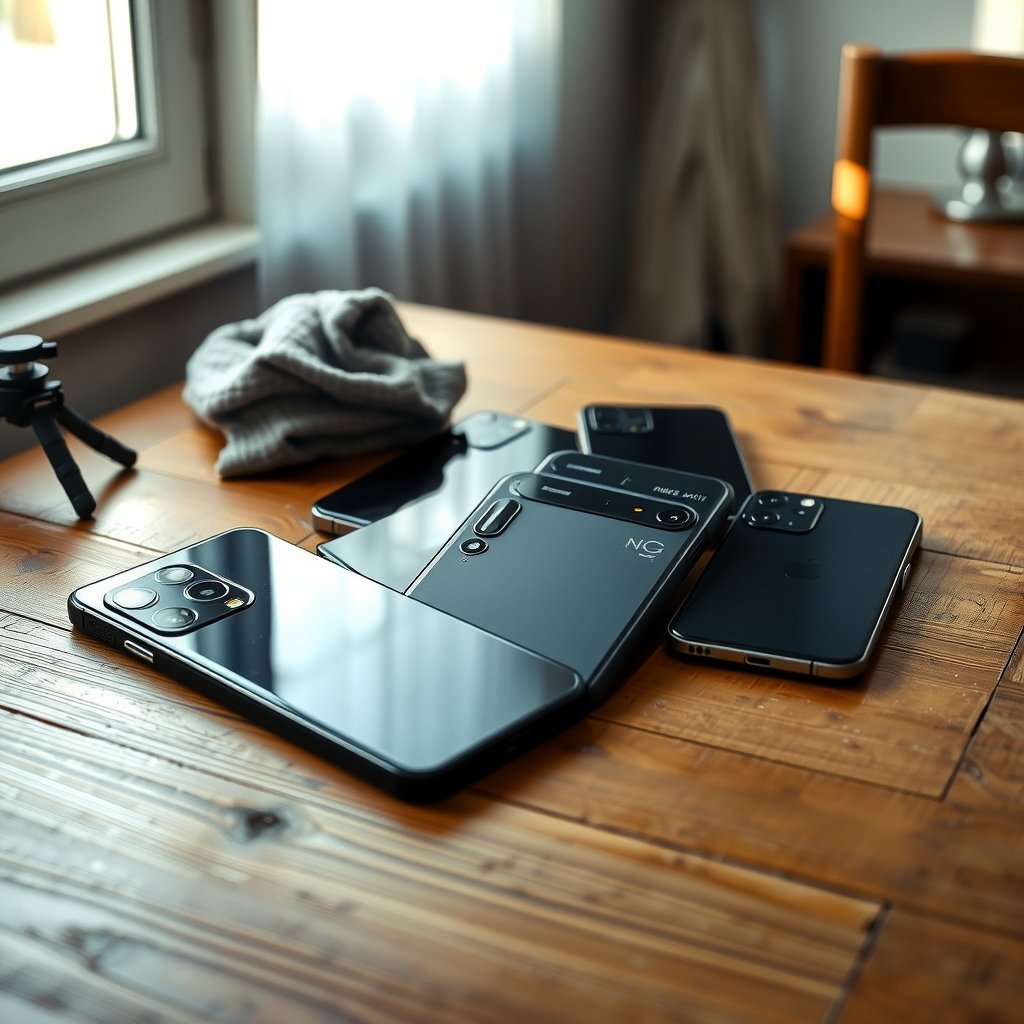
The market divides into a few clear tiers. Flagship “camera phones” sit at the top, premium all-rounders follow, and a surprisingly capable budget tier has emerged. Here is how the leading options compare on the factors that matter most.
| Phone | Sensor highlight | Telephoto | Best for | Trade-off |
|---|---|---|---|---|
| Google Pixel Pro series | Large main sensor, strong HDR | Yes, 5x optical | Point-and-shoot consistency | Video lags rivals |
| Samsung Galaxy S Ultra | 200MP main, dual telephoto | Yes, 5x and 10x | Zoom and versatility | Processing can over-sharpen |
| Sony Xperia 1 series | True optical zoom, manual controls | Variable | Enthusiasts and pros | Steep learning curve |
| OnePlus flagship | Large sensor, fast shutter | Yes, 3x | Low-light street shooting | Fewer pro controls |
| Vivo X series | 1-inch main sensor | Yes, high-end | Portrait and night work | Limited regional availability |
Google Pixel Pro: The Consistency King
Google’s approach leans hard on software. The Pixel Pro line consistently produces images that look right straight out of the camera, with skin tones and dynamic range that rarely need editing. For anyone who wants to point, shoot, and share without fuss, this is the safest recommendation. The trade-off is video, where rivals have pulled ahead on stabilization and codec options.
Samsung Galaxy S Ultra: The Zoom Specialist
Samsung’s Ultra models remain the reference point for reach. Dual telephoto lenses let you frame a subject across a stadium or isolate a detail from a rooftop. The caveat is processing: Samsung’s default look is punchy and sharp, which some photographers love and others find artificial. Shooting in RAW or using the Expert RAW app resolves most of that complaint.
Sony Xperia: For People Who Want Control
Sony builds phones for photographers who already know what they are doing. The Xperia line offers manual controls that mirror Alpha-series cameras, including shutter priority and ISO adjustment. It is the closest thing to carrying a compact camera that also makes calls. The downside is that auto mode is less forgiving than Google’s, so casual shooters may be disappointed.
Why Processing Matters More Than Hardware Now
Modern phones take a burst of 9 to 15 frames in under a second, align them, and merge them into a single image. This is why a phone with a modest sensor can outperform a dedicated camera in a dim restaurant. The photography fundamentals behind exposure and dynamic range still apply, but the phone is doing the math for you.
The practical implication is that firmware updates can meaningfully change a phone’s camera performance months after launch. A model that reviewed poorly at release may have improved substantially after two software patches. When reading reviews, check the date and whether the reviewer noted the firmware version. This is one of the most overlooked factors in buying decisions.
How to Judge Camera Samples Before You Buy
Reviewers publish sample galleries, but most buyers skim them. A better approach is to look for specific scenarios. Search for night shots with mixed lighting, backlit portraits, and fast-moving subjects. Those three categories expose weaknesses that bright daylight samples hide.
A few practical checks:
- Look at the edges of the frame, not just the center. Soft corners signal a weak lens.
- Zoom into shadow areas to see how much detail survives.
- Compare skin tones across brands. Warm versus cool rendering is a matter of taste, but consistency matters.
- Check video stabilization by watching a walking clip, not a tripod shot.
- Read the comments section of reviews, where owners often report issues reviewers missed.
The best android phone 2026 comparisons are useful here because they often include side-by-side crops rather than single full-frame images.
Budget Options That Punch Above Their Weight
The biggest shift in recent years is how good inexpensive phones have become. Mid-range models now include optical stabilization and capable night modes. They will not match a flagship in extreme low light or at maximum zoom, but for daylight, portraits, and social media, the gap has narrowed dramatically.
If photography is a serious hobby, a flagship is worth the investment. If it is a casual pursuit, the best budget phones deliver most of the experience for a fraction of the price. The money saved could go toward accessories that improve results more than a sensor upgrade would.
Accessories and Habits That Improve Results More Than Upgrading
A new phone is not always the answer. Several cheap habits and tools close the gap.
Stabilization and light
A small tripod or grip transforms night photography. Handheld shots at slow shutter speeds are the single biggest source of blur. A pocket light or a reflector, even a white sheet of paper, can rescue indoor portraits.
Storage and workflow
Shooting in RAW consumes far more space, so plan for it. Cloud backup and a consistent editing app matter more than most people expect. Learning a few basic edits, such as lifting shadows and correcting white balance, improves output more than switching brands.
Charging on the go
Photography drains batteries fast, especially with GPS tagging and high-resolution video. A reliable power bank or a good wireless charger keeps you shooting. The best wireless chargers for iphone android are worth considering if you shoot in bursts throughout the day.
Common Mistakes That Ruin Smartphone Photos
Even excellent hardware cannot fix poor technique. These errors appear again and again.
- Digital zoom over optical zoom. Cropping into a digital zoom destroys detail. Use the telephoto lens or move closer.
- Dirty lenses. A fingerprint on the lens creates haze and flare that no processing can remove. Wipe it before every session.
- Shooting into the sun without HDR. Modern phones handle this well, but only if HDR is enabled and given a moment to process.
- Ignoring the histogram. Most camera apps offer one. It tells you when highlights are clipping before you review the shot.
- Over-relying on portrait mode. Artificial bokeh still struggles with hair and glasses. Check the edges before sharing.
A useful habit is to tap to focus, then adjust exposure manually with the slider. This single step fixes more photos than any filter.
Matching the Phone to Your Photography Style
There is no universal best. The right choice depends on what you shoot.
| If you mostly shoot… | Prioritize | Strong fit |
|---|---|---|
| Family and travel snapshots | Consistency, auto mode | Pixel Pro |
| Concerts and night scenes | Large sensor, stabilization | Vivo X or OnePlus |
| Wildlife and sports | Telephoto reach | Galaxy S Ultra |
| Manual and creative work | Pro controls, RAW | Sony Xperia |
| Everything on a budget | Value, decent night mode | Mid-range models |
If you are also considering a dedicated camera for more serious work, the best camera for beginner photography is a useful comparison point, since a phone and a compact camera solve different problems. For those leaning toward a starter camera instead, the best camera for starter photography covers the entry-level options. (Computational photography)
Video: The Overlooked Half of the Decision
Many buyers focus entirely on stills, then discover that video is where their phone disappoints. Stabilization, frame rate options, and microphone quality vary widely. If you shoot video, prioritize optical stabilization and check whether the phone supports 4K at 60fps across all lenses, not just the main one. Some models quietly restrict high frame rates to a single camera, which limits creative flexibility.
Software Support and Longevity
A camera phone is only as good as its ongoing updates. Brands differ significantly in how long they support devices and how often they push camera improvements. Before buying, check the manufacturer’s stated update policy. A phone with five years of support is a better long-term investment than one that stops receiving camera tuning after two. (DXOMARK smartphone camera rankings)
The best phones 2026 overviews often include this detail, which is easy to overlook when comparing specs.
Conclusion
The best Android phones for photography are the ones that match how you actually shoot. Google’s Pixel line wins on consistency and ease, Samsung’s Ultra models dominate on zoom, Sony appeals to hands-on enthusiasts, and mid-range phones now deliver surprising quality for casual use. Hardware matters, but processing, firmware updates, and basic technique matter just as much. Wipe the lens, learn the histogram, and resist the urge to digital zoom. Do those three things and almost any modern Android phone will produce images worth keeping. The upgrade that helps most is often the one you make to your habits, not your hardware.
Frequently Asked Questions
Which Android phone has the best camera overall?
There is no single winner, because “best” depends on use. Google’s Pixel Pro line is the most consistent for point-and-shoot results, while Samsung’s Galaxy S Ultra leads on zoom range. Sony’s Xperia suits photographers who want manual control. Most buyers are well served by any current flagship from these three brands.
Is a higher megapixel count better for photography?
Not necessarily. Megapixels affect resolution, but sensor size and processing affect image quality more. A well-tuned 50MP sensor often beats a poorly tuned 200MP one, especially in low light. Look at sample images rather than spec sheets.
Do budget Android phones take good photos?
Yes, for daylight and everyday scenes. Modern mid-range phones include optical stabilization and capable night modes. They struggle in extreme low light and at long zoom, but for social media and casual use the difference from flagships is smaller than the price gap suggests.
How important is optical image stabilization?
Very important. It reduces blur in low light and smooths video. Phones without it rely on software stabilization, which crops the frame and struggles with motion. If you shoot handheld in dim conditions, prioritize a phone with optical stabilization on the main lens.
Does firmware affect camera quality after launch?
Yes, significantly. Manufacturers often refine processing through updates, so a phone that reviewed poorly at launch may improve months later. Check the firmware version noted in reviews and look for follow-up coverage after major updates.
Should I buy a phone or a dedicated camera for photography?
It depends on your goals. Phones win on convenience and instant sharing. Dedicated cameras win on sensor size, lens flexibility, and manual control. Many enthusiasts carry both, using the phone for everyday shots and a camera for planned work.