The best cameras for YouTube beginners 2027 has to offer are not the most expensive cameras on the shelf. They are the ones that focus quickly, record clean audio, feel comfortable to hold, and make it easy to get footage onto your computer. A beginner does not need cinema-grade specifications; they need a camera that removes friction, so the habit of filming, editing and publishing survives past the first few videos.
Our short answer is that the Canon EOS R50 suits most beginners who want a proper interchangeable-lens camera, the Sony ZV-E10 II suits creators who want strong autofocus and a creator-first design, and the DJI Osmo Pocket 3 suits vloggers who want a pocket-sized camera that is ready in seconds. If you want to learn photography as well as video, start with the R50. If you want the easiest vlogging setup, start with the Osmo Pocket 3.
This guide compares the leading beginner YouTube cameras on autofocus, video quality, audio, stabilisation, ease of use and value, focusing on models widely available in 2027.
Key takeaways
- Autofocus and audio matter more than resolution for a beginner’s first YouTube camera.
- The Canon EOS R50 is the best all-round starter camera for learning video and photography together.
- The Sony ZV-E10 II suits creators who want fast autofocus and a camera built around vlogging.
- The DJI Osmo Pocket 3 is the easiest camera to carry and start filming with, anywhere.
- Budget for a microphone, a spare battery and a memory card — they improve videos more than a pricier body.
How to choose a camera for YouTube as a beginner
Start with how you will film. A talking-head video at a desk needs reliable face autofocus, clean audio and a flip screen so you can see yourself. A vlog filmed while walking needs stabilisation, a wide lens and a camera you can hold one-handed. A travel video needs a light body and good battery life. The camera that fits your format matters more than the one with the longest specification list.
Next, think about autofocus and audio, because these decide whether a video looks and sounds professional. Good autofocus keeps your face sharp while you move and talk, without hunting. Good audio means a clear voice with little background hiss — usually a microphone input, not just the internal mic. Viewers forgive a slightly soft image far more readily than muffled sound.
Finally, weigh size, battery and editing. A camera you leave at home because it is heavy will not help your channel grow. A camera with short battery life needs a spare battery for longer sessions. And a camera that records in a format your editing software handles easily saves hours of frustration. If you travel while filming, our guide to the best cameras for travel photography covers light, portable options.
The best cameras for YouTube beginners at a glance
Canon EOS R50 — the best all-round beginner YouTube camera
Best for: beginners who want a proper interchangeable-lens camera that also takes great photos.
The Canon EOS R50 is the most balanced recommendation in this guide. It is a compact mirrorless camera with Canon’s Dual Pixel autofocus, which tracks faces and eyes reliably in video, a fully articulating screen for self-recording, and a simple interface that does not overwhelm a first-time user. It records sharp, natural-looking video and takes strong stills, so it suits creators who want to learn both skills with one camera.
Its main limitation is that the kit lens is a reasonable starting point rather than a specialist vlogging lens, so you may want a wider lens later for handheld filming. Battery life is also modest, so a spare battery is a sensible early purchase.
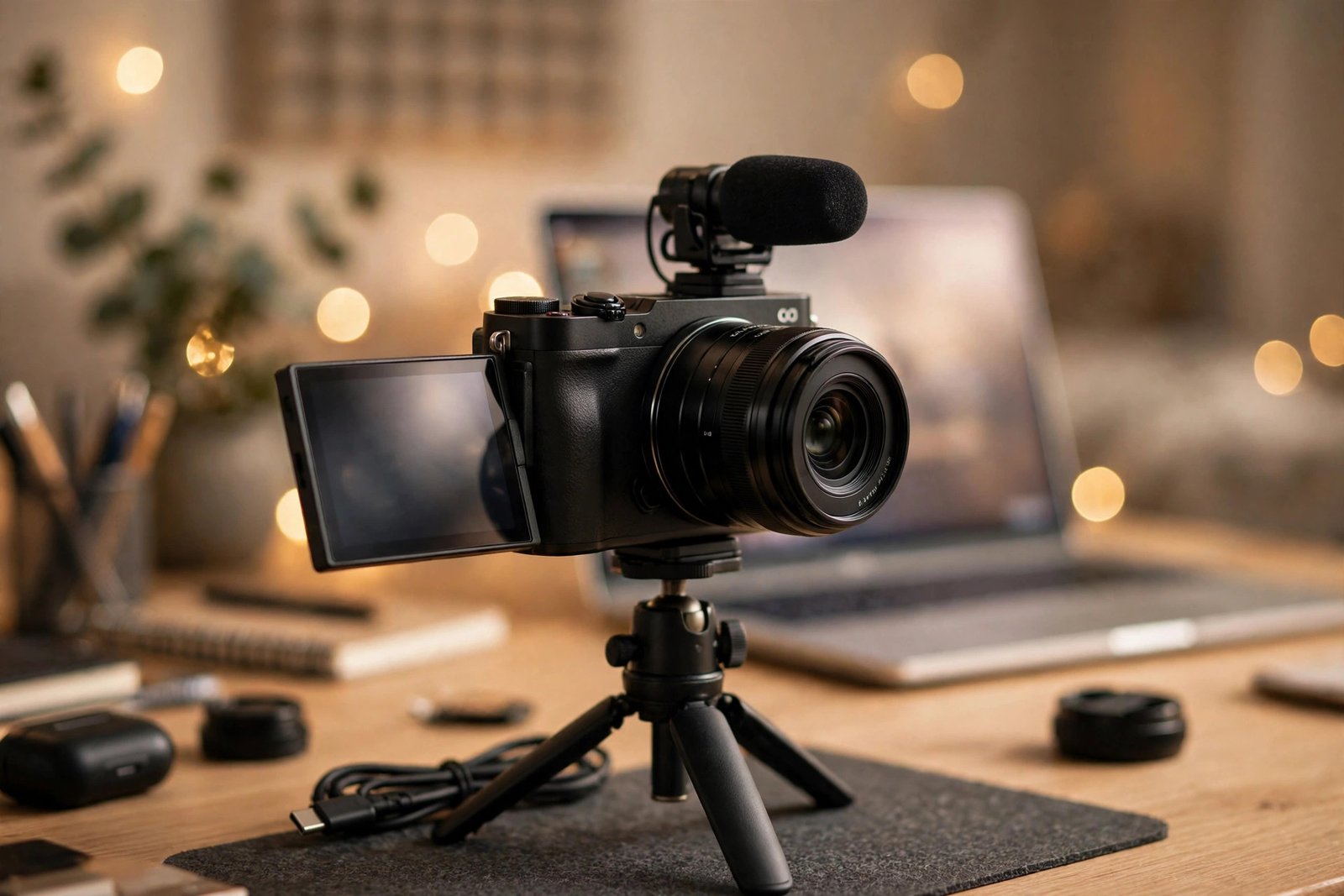
Sony ZV-E10 II — the best camera for vloggers who want fast autofocus
Best for: vloggers and creators who want fast autofocus and a camera designed around video.
The Sony ZV-E10 II is built for creators rather than adapted from a stills camera. It offers fast autofocus with eye tracking, a flip screen, a background-blur button, and a microphone input alongside a directional built-in microphone. It takes interchangeable E-mount lenses, so you can start with the kit lens and add a wide prime later. For creators comparing phone and camera options, our guide to the best camera phones shows where a phone still makes sense.
The trade-off is that the ZV-E10 II is less of a stills camera than the R50, with no viewfinder and a design that prioritises video. That is fine if YouTube is your main goal. If video comes first, the ZV-E10 II is hard to beat.
DJI Osmo Pocket 3 — the easiest camera to start filming with
Best for: vloggers and travellers who want a pocket-sized camera that is ready in seconds.
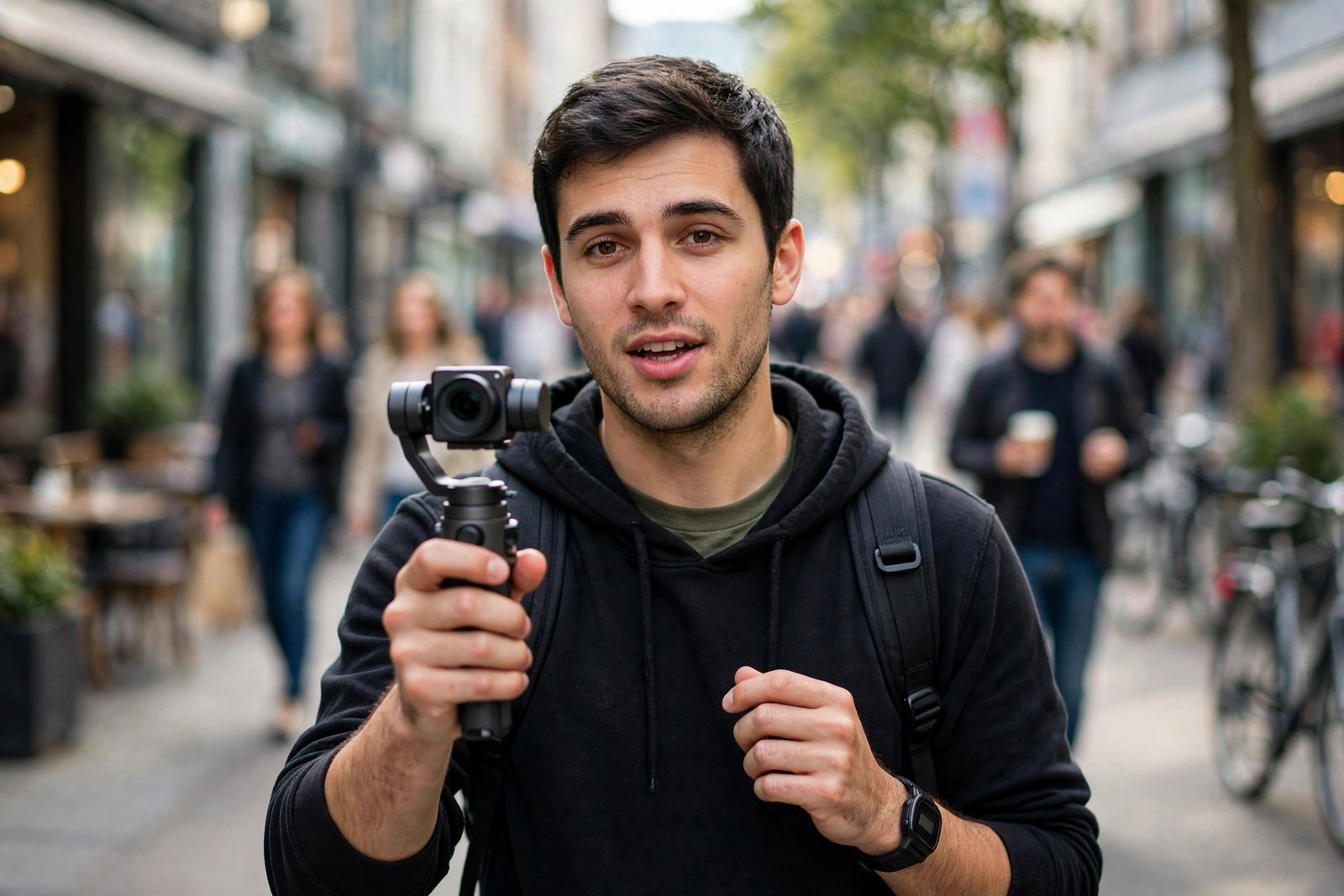
The DJI Osmo Pocket 3 is the simplest camera here to carry and use. It fits in a pocket, has a built-in gimbal that keeps footage smooth while you walk, and a rotating touchscreen that starts recording when you turn it. The one-inch sensor gives it an advantage over a phone in low light, and the Creator Combo adds a wireless microphone that improves voice quality.
Its main limitation is that it is a fixed-lens camera, so you cannot change lenses or zoom far, and battery life is limited on long shooting days. If you want to film anywhere without a camera bag, it is the obvious choice.
GoPro Hero 13 Black — the best action camera for active YouTube beginners
Best for: creators who film outdoors, in water or while moving fast.
The GoPro Hero 13 Black suits beginners whose videos involve sport, travel or outdoor adventure. It is waterproof without a case, stabilises footage well, and survives drops that would worry a mirrorless camera owner. It mounts easily on a helmet, bike or chest strap. For many outdoor creators, it works best as a second camera alongside a main vlogging camera.
The trade-off is that its small sensor and wide lens suit talking-head videos indoors less well, and audio suffers in wind without a cover or external mic. Buy it for action, not as your only camera for sit-down videos.
Panasonic Lumix G100D — the best budget vlogging camera
Best for: beginners on a tight budget who want a light, simple vlogging camera.
The Panasonic Lumix G100D is a light, affordable Micro Four Thirds camera aimed squarely at vloggers. It has a flip screen, a microphone input, and a compact body that is easy to carry all day. It is a sensible pick if your budget is tight and you want a dedicated camera rather than a phone. If you also shoot photos on your phone, our guide to the best phones for photography under $600 compares phone cameras that pair well with a budget vlogging setup.
Its main limitation is that its autofocus is less reliable than Canon’s or Sony’s, especially for moving subjects, and its smaller sensor performs less well in low light. If you film mostly in good light and on a tripod, those limits matter less. For a budget first camera, the G100D earns its place.
Best cameras for YouTube beginners: comparison table
| Camera | Best for | Autofocus | Audio | Stabilisation |
|---|---|---|---|---|
| Canon EOS R50 | All-round beginner camera | Strong face and eye tracking | Mic input, good built-in mic | Digital and lens stabilisation |
| Sony ZV-E10 II | Vloggers, fast autofocus | Fast eye autofocus | Mic input, directional mic | Digital stabilisation |
| DJI Osmo Pocket 3 | Pocket vlogging, travel | Face tracking | Wireless mic in Creator Combo | Built-in 3-axis gimbal |
| GoPro Hero 13 Black | Action and outdoor video | Fixed wide lens, less tracking | Mic input with adapter | Strong in-camera stabilisation |
| Panasonic Lumix G100D | Budget vlogging | Adequate, weaker in motion | Mic input | Digital stabilisation |
Table: the leading beginner YouTube cameras compared on autofocus, audio and stabilisation.
Use this table as a starting point, not a final verdict. A talking-head creator should weight autofocus and audio, a walking vlogger should weight stabilisation and size, and an outdoor creator should weight durability.
A practical checklist before you buy
- Match the camera to your format: talking-head, walking vlog, travel or action — each one rewards a different camera.
- Test the autofocus: record yourself moving and talking, and check that focus stays on your face.
- Budget for audio first: a microphone and a spare battery improve videos more than a pricier body.
- Check the flip screen: you need to see yourself when you film alone, so a fully articulating screen is almost essential.
- Confirm the memory card and battery: buy a fast card rated for video and a spare battery before a long shoot.
- Try the weight in your hand: a camera that feels heavy after ten minutes will stay at home.
If you are torn between two cameras, score each one on the points that affect your videos. And remember that lighting matters as much as the camera: a window or a cheap LED panel can lift footage more than any upgrade.
Frequently asked questions
Do I need a 4K camera to start on YouTube?
No, you do not need 4K to start, though most cameras here record it. Good 1080p footage with clean audio and steady framing will look better than shaky 4K with poor sound. Choose a resolution your computer can edit comfortably.
Is a phone good enough for YouTube beginners?
Yes, a modern phone is good enough to start, and many successful channels began that way. A dedicated camera earns its place when you want better low-light performance, interchangeable lenses or a microphone input. Start with what you have, and buy a camera when a specific limit holds you back.
What microphone should a YouTube beginner buy first?
A small on-camera shotgun microphone or a wireless lavalier microphone is a good first purchase. A shotgun mic suits talking-head and vlogging setups, while a wireless lavalier suits interviews and walking videos. Either will improve your sound far more than a camera upgrade.
How much should a beginner spend on a first YouTube camera?
Most beginners do well in the entry-level mirrorless range, plus a microphone, a spare battery and a memory card. Prices vary by country, retailer and bundle, so check current prices before you buy. Spend less on the body and more on audio, lighting and a tripod if you have to choose.
Do I need interchangeable lenses as a beginner?
No. The kit lens that comes with most beginner cameras covers a useful range for talking-head and general filming. Add a wide prime later if you vlog handheld, or a longer lens for distant subjects. Lenses are a later upgrade, not a starting requirement.
How do I get video from my camera to my computer?
Most cameras connect by USB cable or by removing the memory card and using a card reader. Some also offer a companion app for wireless transfer, though this is slower for large files. A card reader is the fastest option for regular uploads.
The bottom line
The best camera for YouTube beginners in 2027 is the one that fits your format, your hands and your budget — and the one you will actually pick up and film with. For most beginners that is the Canon EOS R50, with the Sony ZV-E10 II as the stronger choice for dedicated vloggers and the DJI Osmo Pocket 3 as the easiest camera to carry everywhere. Action creators should add a GoPro, and budget buyers should look at the Lumix G100D. Start with one camera, a microphone and a spare battery, film your first ten videos, and let what you learn decide your next upgrade.