The best gaming laptops under $800 2027 are the ones that spend their budget on the graphics card, the display and the cooling, rather than on a flashy case or a brand name. A laptop earns its place here when it can play modern games at sensible settings without throttling after twenty minutes.
That is the short answer. For most buyers, the Lenovo LOQ 15 is the strongest all-round choice, balancing a capable entry-level graphics card with a solid display, dependable cooling and a comfortable keyboard. If you want the lowest price, the HP Victus 15 is the usual starting point, while the Acer Nitro V 15 is the pick for a larger screen.
Below, five laptops are ranked, with a short checklist to use before you buy. Prices and configurations vary, so check the current price and the exact specification before you order.
Key takeaways
- The graphics card decides how games run. Prioritise the strongest GPU in your budget, then worry about the processor.
- A 144Hz display is worth having at this price. It makes fast games feel smoother, and many budget models now include one.
- 16GB of memory is the sensible minimum in 2027. A laptop with 8GB will struggle with modern games and multitasking.
- Cooling matters more than a thin design. A thicker laptop that stays cool will hold its frame rate for longer.
- Check the exact configuration. Two laptops with the same name can ship with different graphics cards, screens and storage.
What actually matters under $800
A budget gaming laptop is a set of compromises, and the trick is choosing the right ones. The graphics card is the most important part, because it does most of the work in games. At this price you are looking at entry-level dedicated graphics, typically in the GeForce RTX 4050 or RTX 3050 class. Either will play popular competitive games well and modern games at medium settings.
The processor matters less than most buyers expect. A modern mid-range chip from Intel or AMD is fast enough for gaming at this level. What holds a laptop back is a lack of memory: in 2027, 16GB is the sensible minimum. With 8GB, Windows, a browser and a game compete for the same limited memory, causing stuttering and slow loading. If a laptop ships with 8GB, check whether the memory can be upgraded later.
The display is the second decision. A 15.6-inch Full HD screen is standard at this price, and a 144Hz refresh rate is now common enough to expect. Storage is the third check: 512GB is the minimum worth accepting, because many games need 70GB or more. Finally, look for a fast USB port, an HDMI output and a keyboard that does not flex.
The best gaming laptops under $800 in 2027
Lenovo LOQ 15
Best for: most buyers who want the best balance of performance, cooling and build quality under $800.
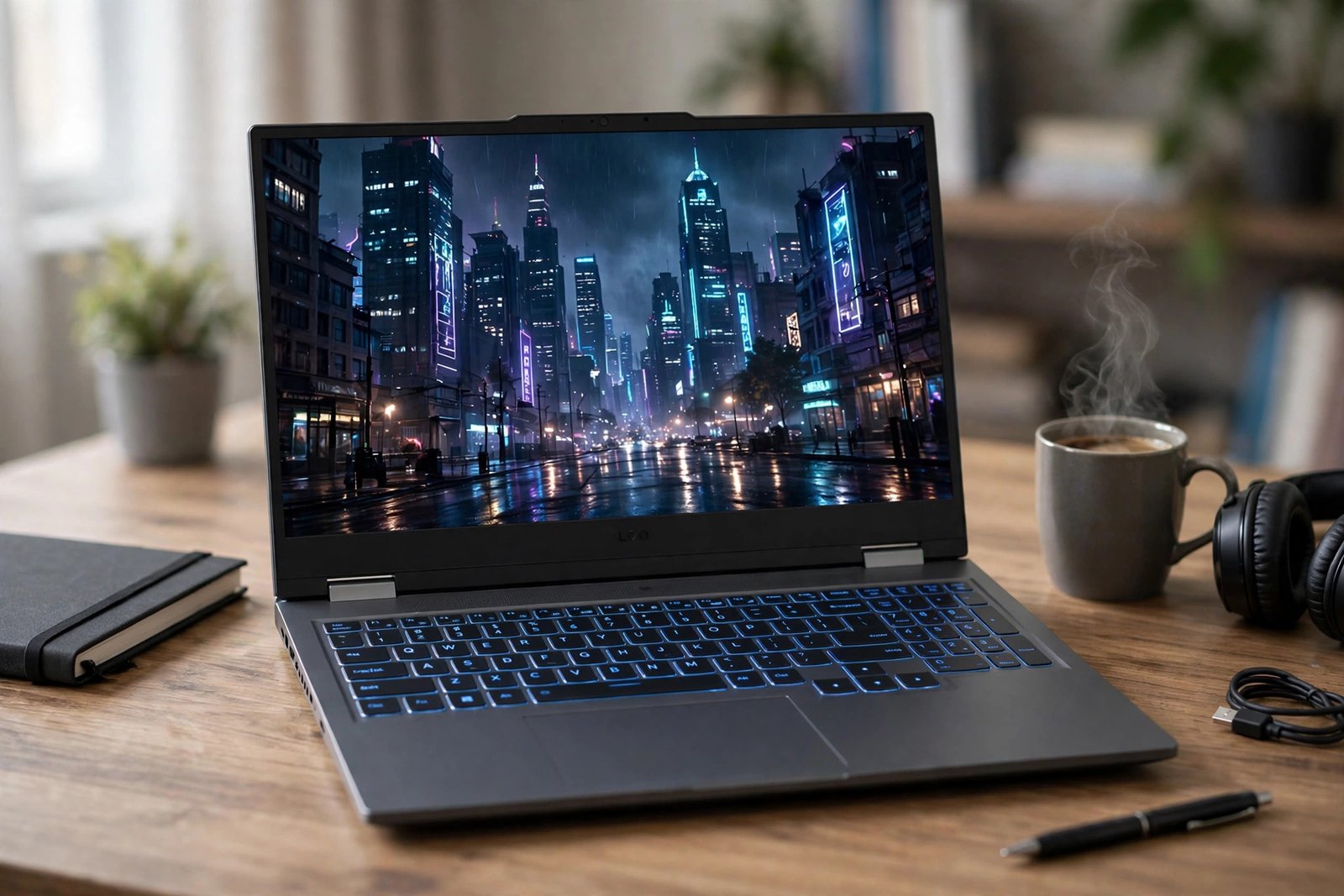
The Lenovo LOQ 15 is the most complete budget gaming laptop here. It is Lenovo’s mainstream gaming line, below the Legion range, with a capable entry-level graphics card, a Full HD high-refresh display on most configurations, and cooling designed to keep the machine at full speed for longer than many rivals.
The keyboard is a quiet strength: comfortable for long typing sessions, which matters if the laptop is also your machine for study or work. The chassis is plain and does not look out of place in a lecture hall or an office. The main compromise is weight: the LOQ 15 is heavier than a general-purpose laptop of the same size. That is the price of better cooling, and for most buyers it is a fair trade.
Acer Nitro V 15
Best for: buyers who want a large, bright-feeling display and strong value for money.
The Acer Nitro V 15 is the value rival to the LOQ, and it often undercuts it on price for a similar graphics card. It pairs an entry-level dedicated graphics card with a 15.6-inch Full HD display, many with a 144Hz panel. That combination handles popular competitive titles at high frame rates and modern games at medium settings without fuss.
Acer has kept the design restrained, with a dark chassis and a backlit keyboard. The dual-fan cooling is audible under load, but no louder than most rivals. The speakers are adequate, so most players will use headphones. The compromise is the build: the plastics feel less premium than the Lenovo, and the lid has a little more flex. If it mostly stays on a desk, the Nitro V 15 offers a great deal of performance for the money.
HP Victus 15
Best for: buyers on the tightest budget who still want a proper gaming laptop.
The HP Victus 15 is often the cheapest way into a dedicated gaming laptop, and that is its appeal. It is HP’s entry-level gaming line, sold in many configurations, so check the exact graphics card and screen before you buy. The better ones pair an entry-level dedicated graphics card with a Full HD display and 16GB of memory.
The Victus has a clean, understated design that looks more like a general-purpose laptop than a gaming machine, which suits students and office workers. The trade-offs are the screen and the cooling. Some cheaper configurations ship with a lower-refresh display, so check for 144Hz. The cooling is adequate rather than generous, so the laptop can get warm and noisy in long sessions. For the price, though, it is hard to beat as a first gaming laptop.
ASUS TUF Gaming A15
Best for: buyers who want a tougher, more durable laptop for travel and daily use.
The ASUS TUF Gaming A15 is built around durability. The TUF range is marketed as military-grade tested, with a chassis designed to cope with knocks and daily carrying. That makes it a strong choice for students and commuters, even if the design is a little bulkier than some rivals.
Inside, the A15 typically pairs an AMD processor with an entry-level dedicated graphics card, a Full HD high-refresh display and 16GB of memory on the better configurations. Battery life is usually a little better than on Intel-based rivals. The keyboard is comfortable and the laptop has a good selection of ports, including USB-C. The compromise is the display on cheaper configurations, which can be dimmer and less colour-accurate. Check the panel specification carefully.
MSI Thin 15
Best for: buyers who want the slimmest and lightest gaming laptop in this price range.
The MSI Thin 15 is the portable pick. It is noticeably slimmer and lighter than most budget gaming laptops, which makes it easier to carry between home, lectures and work. The design is understated for a gaming laptop, with a dark finish and a backlit keyboard.
Performance is in line with the rest of this list, with an entry-level dedicated graphics card, a Full HD display and 16GB of memory on the better configurations. In games, it holds up well at medium settings. The compromise is cooling: a thin chassis leaves less room for fans, so the Thin 15 can run warmer and louder under sustained load than the LOQ or the TUF. It suits shorter sessions or use with a laptop stand. If portability matters more than marathon cooling, it is a strong choice.
Gaming laptops under $800 compared
| Laptop | Graphics | Display | Strength | Compromise |
|---|---|---|---|---|
| Lenovo LOQ 15 | Entry-level RTX | Full HD, high refresh | Best all-round balance | Heavier than an ultraportable |
| Acer Nitro V 15 | Entry-level RTX | Full HD, 144Hz often | Strong value, smooth screen | Plastics feel less premium |
| HP Victus 15 | Entry-level RTX | Full HD, refresh varies | Lowest sensible price | Modest cooling and screens |
| ASUS TUF Gaming A15 | Entry-level RTX | Full HD, high refresh | Tough, durable build | Dimmer panels on cheap configs |
| MSI Thin 15 | Entry-level RTX | Full HD, high refresh | Slimmest and lightest | Runs warmer under load |
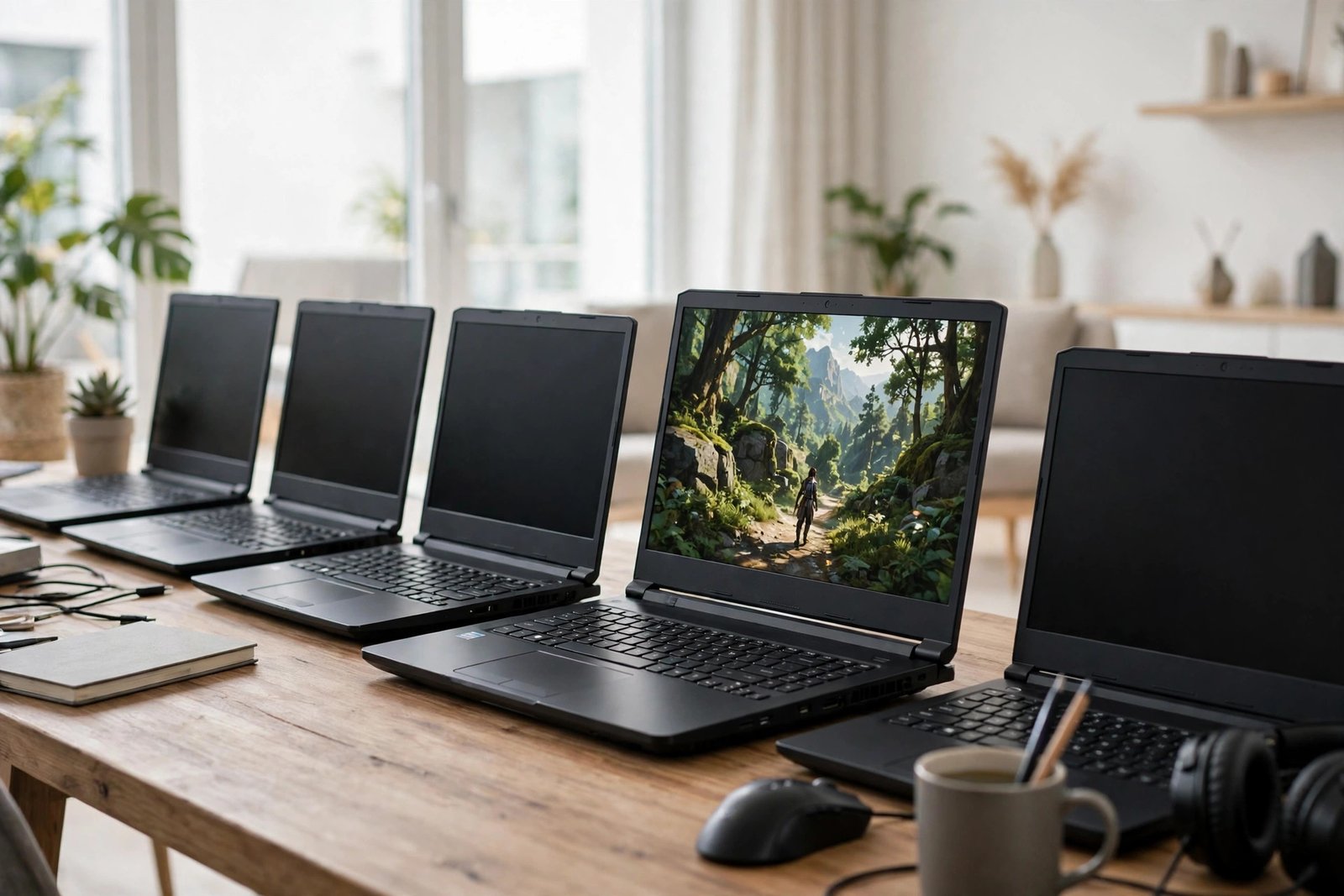
Caption: The best gaming laptops under $800 in 2027 at a glance.
How to choose the right budget gaming laptop
Use this checklist before you buy, and you will avoid the most common mistake at this price: paying for a brand name or a thin design while the graphics card and memory are too weak.
- Start with the graphics card. It does most of the work in games. Choose the strongest GPU in your budget, and check the exact model, not just the brand.
- Insist on 16GB of memory. In 2027, 8GB is too little for modern games and multitasking. If a laptop ships with 8GB, check whether you can upgrade it.
- Look for 512GB of storage. Modern games are large, and a 256GB drive fills up fast. Check for a second storage slot.
- Read reviews on cooling and noise. A laptop that throttles after twenty minutes will feel slower than its specification suggests. For help choosing a laptop for study as well as play, see our guide to the best laptops for programming.
FAQs
What is the best gaming laptop under $800 in 2027?
For most buyers, the Lenovo LOQ 15, because it balances a capable entry-level graphics card with good cooling, a high-refresh display and a comfortable keyboard. If your budget is tighter, the HP Victus 15 is the cheapest sensible starting point.
Can a gaming laptop under $800 play modern games?
Yes, at sensible settings. Expect smooth play in popular competitive games and modern single-player titles at medium settings in Full HD. You will need to turn down ray tracing and the most demanding detail settings.
Is 8GB of memory enough for gaming in 2027?
No, not really. 8GB is enough for light use and older games, but modern games, Windows and a browser together will use more than that. Choose 16GB if you can, or buy a laptop with upgradeable memory and add a second stick soon after purchase.
Should I choose an RTX 4050 or an RTX 3050 laptop?
Choose the RTX 4050 if the price difference is small, because it is newer and more efficient. An RTX 3050 laptop is still sensible if it is much cheaper, especially for competitive games and older titles. Check the exact card, because a well-cooled RTX 3050 can beat a poorly cooled RTX 4050.
Is a 144Hz display worth it on a budget gaming laptop?
Yes. A 144Hz display makes movement look smoother and controls feel more responsive, and it is now common enough that you should not settle for 60Hz unless the laptop is much cheaper. If you also want a laptop that lasts all day away from the charger, our guide to the best laptops with long battery life explains which models genuinely manage it.
Conclusion
The best gaming laptops under $800 in 2027 prove that you do not need to spend four figures to play modern games well. The Lenovo LOQ 15 is the safest choice for most buyers: a capable graphics card, a smooth display, cooling that holds up, and a keyboard you can live with every day. The Acer Nitro V 15 and HP Victus 15 are strong alternatives if price matters more, while the ASUS TUF suits buyers who travel, and the MSI Thin 15 suits buyers who value portability. For a portable alternative, see our round-up of the best gaming phones.
Whatever you choose, check the exact configuration before you order: the graphics card, the memory, the storage and the display refresh rate. Buy the strongest GPU and 16GB of memory you can afford, and you will have a laptop that plays well now and still feels capable in a year or two.