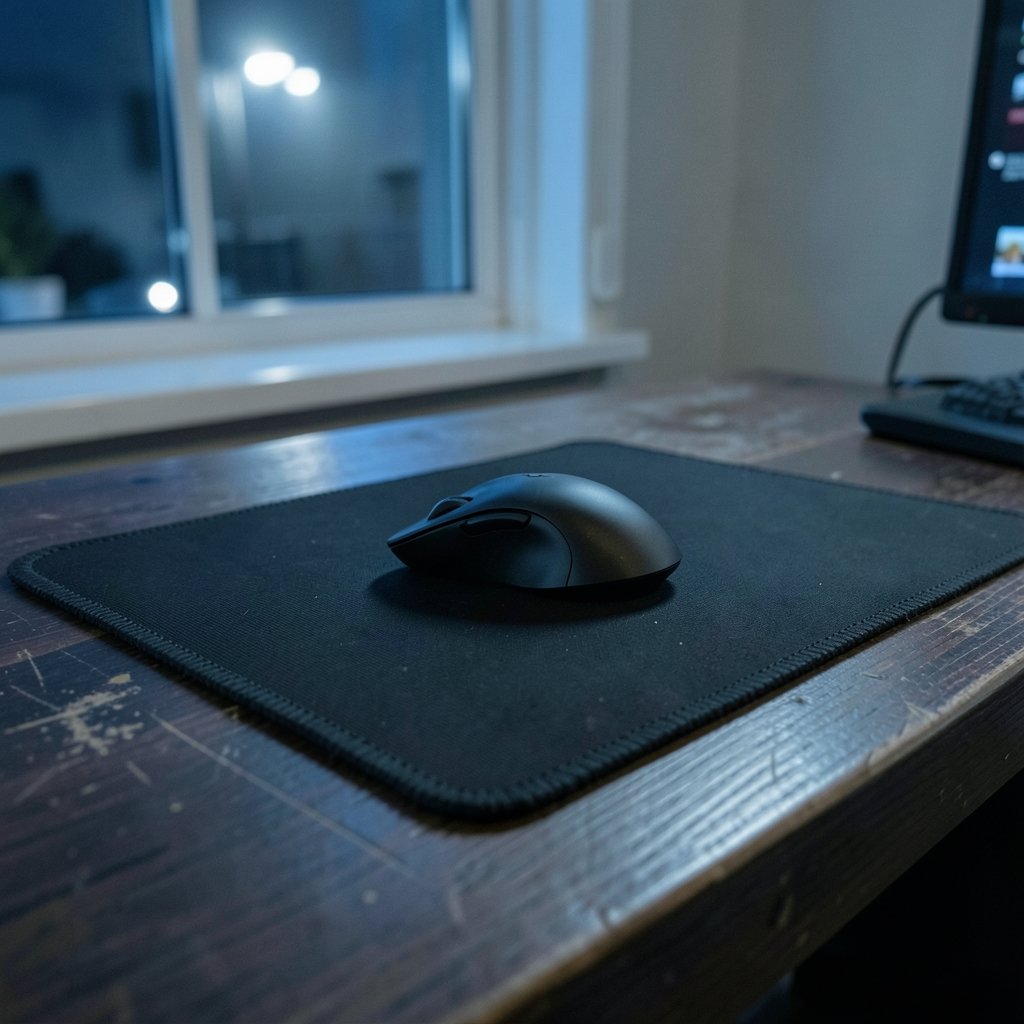
What if the biggest upgrade to your aim costs less than a pizza? That’s the strange truth about gaming mouse pads. Most new players spend hours researching sensors and DPI settings, then drag their shiny new mouse across a bare desk or a flimsy freebie pad from a laptop bundle. The result is inconsistent aim, a scratchy glide, and a nagging feeling that something is off.
Quick Answer: What are the best gaming mouse pads for beginners?
The best gaming mouse pads for beginners are medium-to-large cloth pads with stitched edges, a grippy rubber base, and a thickness between 2 mm and 6 mm. These pads offer a balance of control and comfort that suits new players learning to aim, and they work with virtually any modern mouse sensor.
Hard pads are the main alternative. They deliver a faster, lower-friction glide that suits high-sensitivity players, but they offer less stopping control and can wear down mouse feet over time. Desk mats are another option for players who want one surface under both keyboard and mouse.
Before buying, compare surface material, dimensions, thickness, edge stitching, base grip, and care instructions. Labels like “large” are not standardized, so always check the listed measurements.
A mouse pad is the least glamorous purchase in a gaming setup. It’s also one of the few where spending fifteen dollars instead of sixty rarely changes how well you play. Most beginners overthink the mouse and underthink the surface underneath it. That surface decides how every flick, tracking motion, and micro-adjustment feels. Get it wrong and even a great mouse feels inconsistent. Get it right and a mid-range mouse suddenly feels precise.
This guide breaks down what actually separates a good beginner pad from a bad one, where cloth and hard surfaces diverge, and how to avoid the common mistakes that leave new players buying twice. If you’re still assembling your first setup, the broader advice in this gaming monitor buying guide for beginners pairs well with picking a pad, since both shape what you actually see and feel during play.
Why the Surface Under Your Mouse Matters More Than You Think
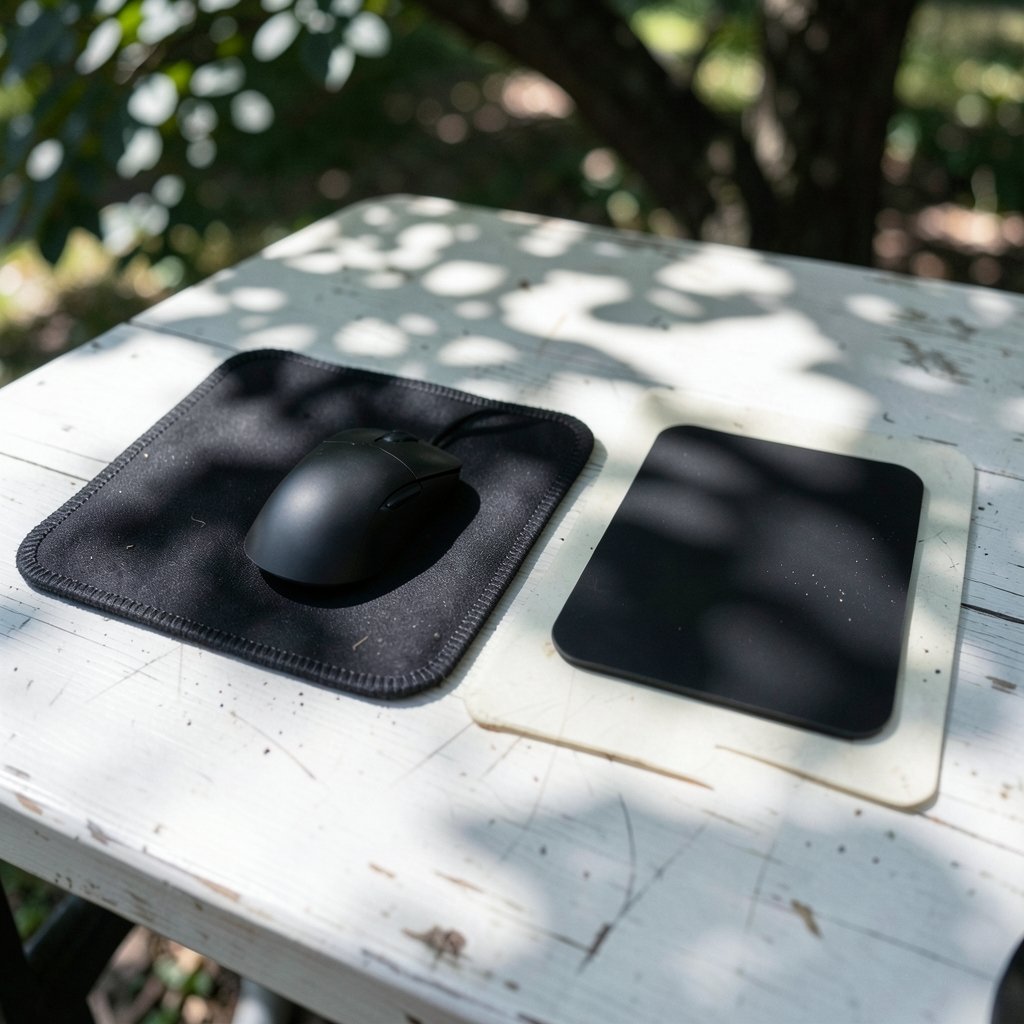
Every mouse movement is a small negotiation between your hand, the mouse feet, and the pad. Friction decides how that negotiation goes. Cloth pads generally produce higher static and kinetic friction than hard pads, which means more resistance at the start of a movement and more stopping power at the end. For a beginner still building muscle memory, that resistance is a feature, not a bug. It forgives overshoots.
Hard surfaces, by contrast, let the mouse glide with very little resistance. Players who use very high sensitivity often prefer this because small wrist movements cover more screen distance. But control suffers, and stopping precisely on a target takes more practice.
There’s a second factor most beginners ignore: consistency. A bare desk has inconsistent texture, dust, and occasional scratches. A dedicated pad gives your sensor a uniform surface every session. Modern optical sensors work on most cloth and hard surfaces, so sensor compatibility is rarely the problem. Very glossy or transparent surfaces can cause tracking issues, but a normal cloth pad sidesteps that entirely.
If you’re building a full setup from scratch, it helps to think about the pad as part of a chain. A great mouse on a bad surface wastes the mouse. A great pad under a mediocre mouse still improves aim. That’s why this step-by-step guide to building your first gaming PC is worth reading alongside pad shopping, since peripherals and hardware should be budgeted together rather than in isolation.
Cloth vs. Hard Pads: The Core Decision for Beginners
Almost every beginner buying decision comes down to this fork. Here’s how the two compare in practice.
| Feature | Cloth pads | Hard pads (plastic, aluminum, glass) |
|---|---|---|
| Friction | Higher; more control and stopping power | Lower; faster, slicker glide |
| Best for | New players, tactical shooters, tracking practice | High-sensitivity players, fast flick styles |
| Comfort | Soft, quiet, comfortable for long sessions | Firm, sometimes cold or loud |
| Mouse feet wear | Gentle | Can wear feet faster (anecdotal) |
| Cleaning | Hand-wash with mild soap, air-dry | Wipe with a damp cloth |
| Durability risk | Fraying on unstitched edges | Surface scratches over time |
| Price at beginner end | Often very affordable | Usually pricier |
For most beginners, cloth wins. The higher friction makes learning to stop on target easier, and the comfort matters during long sessions. Hard pads aren’t wrong, they’re just a preference that usually develops after a player knows their own sensitivity and grip style.
A practical compromise many players discover: start with cloth, and if you later find yourself craving speed, try a hard pad. Don’t buy both on day one.
The Features That Actually Separate a Good Pad From a Bad One
Surface material and weave
Cloth isn’t one thing. Weaves range from coarse and textured to smooth and fast. Coarser weaves tend to offer more control; smoother weaves glide faster. Beginners don’t need to obsess over weave specs, but they should avoid extremely slick “speed” cloth if control is the goal.
Thickness (2 mm to 6 mm)
Thin pads around 2 mm feel almost like the desk itself. Thick pads around 6 mm feel plush and absorb more vibration. Thicker pads are generally more comfortable for long sessions and more forgiving on uneven desks. There’s no universally correct number, but 3 mm to 4 mm is a sensible middle ground for most people.
Edge stitching
This is the single most overlooked durability feature. Stitched edges resist fraying and peeling, which is the classic failure mode of cheap unstitched cloth pads. A pad without stitching can start lifting at the corners within months. If two pads cost the same and one has stitched edges, take the stitched one.
Base grip
Most beginner pads use a natural or synthetic rubber base. Some budget pads substitute foam, which slides around during fast movements. A pad that shifts mid-flick is worse than no pad at all. Check reviews for complaints about sliding, or look for a textured rubber underside.
Size, and why the labels lie
“Small,” “medium,” “large,” and “desk mat” have no industry-standard dimensions. A large pad from one brand can differ substantially from another brand’s large. Always check the listed measurements in centimeters or inches rather than trusting the label. As a rough guide, a pad should comfortably fit your full range of mouse movement plus a margin, so your hand never runs off the edge mid-fight.
How to Choose a Size Without Guessing
The right size comes from your sensitivity and grip, not from a marketing chart. Here’s a practical method:
- Set your mouse sensitivity to whatever feels natural, then play for a week without changing it.
- Note how far your hand travels during a typical 180-degree turn in-game.
- Measure that distance, then add at least 5 cm of margin on every side.
- Compare that number to the listed dimensions of candidate pads, not their size labels.
- If you use a low sensitivity, lean toward a desk mat so your keyboard sits on the same surface.
Desk mats solve a secondary problem too: they keep your keyboard from sliding and unify the look of your setup. The tradeoff is that a single large mat is harder to clean than a small pad, and if one corner wears out you’re replacing the whole thing.
Common Mistakes Beginners Make
The most frequent error is buying on price alone and ending up with an unstitched pad that frays in three months. The second is buying a pad that’s too small, which forces constant repositioning and teaches bad habits. The third is ignoring the base, then wondering why the pad creeps across the desk during intense moments.
Another quiet mistake: never cleaning the pad. Cloth collects skin oils and dust, and a grimy surface changes how the mouse glides. Most manufacturers recommend hand-washing with mild soap and air-drying. Machine washing can damage the base or stitching, so skip the washing machine even when you’re in a hurry.
Finally, beginners sometimes chase “pro settings” and buy an ultra-fast hard pad before they can aim steadily. Speed amplifies sloppy inputs. Control surfaces hide them while you learn. There’s plenty of time to graduate to a faster surface later.
Where the Rest of Your Setup Fits In
A mouse pad doesn’t exist in isolation. Your monitor’s size and refresh rate change how much precision you actually need, and room lighting affects how well you track targets on screen. This comparison of how room lighting changes gaming monitor vs TV viewing is a useful reminder that comfort factors compound.
Your mouse’s polling rate matters too. A high polling rate sends more position updates per second, and a consistent pad surface lets those updates translate into smooth cursor motion rather than jitter. If you’re tuning that side of things, this explainer on the best polling rate for a mouse covers the tradeoffs clearly.
And if you’re gaming on a laptop rather than a desktop, pad size and portability start to compete. A thin, rollable cloth pad travels better than a rigid hard pad. Laptop buyers weighing options may find this roundup of gaming laptops under 1000 that actually fit a budget helpful for planning the whole package.
Cloth Pad Care: What Actually Works
Care instructions vary by manufacturer, so check the label first. In general, cloth pads respond well to a gentle hand wash with mild soap, a thorough rinse, and flat air-drying away from direct heat. Avoid harsh detergents, fabric softener, and tumble drying, all of which can degrade the weave or the rubber base.
How often? It depends on use. Heavy daily play in a warm room means more frequent washing than occasional weekend sessions. A visible sheen or a slick spot where your mouse rests is a sign the surface has absorbed oils and needs a clean. Cleaning restores glide more reliably than most players expect.
Hard pads are simpler: a damp cloth and a mild cleaner, then dry. Avoid abrasive scrubbing, which can scratch the surface and create dead spots your sensor reads inconsistently.
How Much Should a Beginner Actually Spend?
Price is a weak quality signal at the beginner end of the market. Many affordable cloth pads perform comparably to premium ones for casual use, and the real differentiators are size, thickness, stitching, and base grip rather than brand name or price tag. That’s an editorial judgment, not a measured benchmark, but it matches how most beginners experience these products: the cheap stitched pad and the expensive stitched pad feel far more similar than their prices suggest.
A sensible approach is to spend modestly on your first pad, learn what you like and dislike about the surface, and upgrade later with actual preferences in hand. Spending big before you know your sensitivity and grip style is how people end up with expensive pads they don’t enjoy.
Conclusion
The best gaming mouse pad for a beginner isn’t the most expensive or the most hyped. It’s a cloth pad with stitched edges, a reliable rubber base, sensible thickness, and dimensions that match how far your hand actually travels. That combination delivers control while you build aim, comfort during long sessions, and durability that survives a year of use.
Start simple. Measure your movement, check the listed dimensions instead of the label, and prioritize stitched edges and a grippy base over marketing claims. Then spend your saved budget where it changes your experience more: your monitor, your mouse, or simply more time practicing. The pad is the foundation, and a good foundation is quiet, consistent, and easy to forget about, which is exactly the point.
Frequently Asked Questions
Do I need a gaming mouse pad if I already have a desk mat?
Not necessarily. A quality desk mat with a cloth surface and rubber base does the same job as a smaller pad. The main differences are size, cleanability, and cost of replacement. If your desk mat is smooth, grippy, and large enough for your mouse movement, it’s already serving the purpose.
Is a hard mouse pad better for FPS games?
It depends on your sensitivity and style. Hard pads offer a faster glide that suits high-sensitivity players who make small, quick movements. Cloth pads offer more stopping control, which most beginners find easier while learning to aim. Many players start on cloth and experiment with hard surfaces later.
How thick should a beginner’s mouse pad be?
Anywhere from 2 mm to 6 mm works, and 3 mm to 4 mm is a comfortable middle ground for most people. Thicker pads feel plusher and absorb more vibration, which helps during long sessions. Thinner pads feel closer to the desk and suit players who prefer a firm surface.
How often should I clean a cloth mouse pad?
Clean it when the surface looks shiny or feels slick under the mouse, which usually means oils and dust have built up. For heavy daily use, that might be every few weeks. Hand-wash with mild soap, rinse thoroughly, and air-dry flat. Avoid machine washing, which can damage the base or stitching.
Can a mouse pad improve my aim?
It can remove inconsistency, which is half the battle. A uniform surface with predictable friction lets you build reliable muscle memory instead of adapting to a scratchy or dusty desk every session. It won’t replace practice, but it stops the surface from working against you.
Are expensive mouse pads worth it for beginners?
Usually not at the start. Price is a weak signal at the beginner end, and the features that matter most, stitched edges, a grippy base, and adequate size, are available on affordable pads. Buy modestly first, learn your preferences, then upgrade with real experience behind the decision.