The best graphic design software in 2027 depends on what you design and who you design for, but the short answer is this: Adobe Illustrator and Photoshop still lead for professional print and brand work, Affinity Designer is the best one-off purchase, Canva is the best choice for non-designers and fast social content, and Figma leads for digital and interface design. The rest of this guide compares the leading options, explains where each one fits, and helps you avoid paying for power you will never use.
Graphic design software has split into two worlds. On one side are the professional tools built for precision, colour management and print — the tools that design studios and brand teams rely on. On the other are the fast, template-driven tools that let anyone produce decent social graphics in minutes. Both are legitimate. The mistake is choosing a tool from the wrong world for your work: buying a professional suite to make Instagram posts, or trying to build a brand identity in a template app.
Key takeaways
- Adobe Illustrator and Photoshop lead for professional print, branding and photo work.
- Affinity Designer is the best one-off purchase with no subscription.
- Canva is the best choice for non-designers and fast social content.
- Figma leads for digital, web and interface design.
- Try before you buy — every major tool offers a free tier or trial.
What makes good graphic design software
Good design software is judged on the quality of its output, the control it gives you, and how it fits your workflow. Output quality matters most: can the tool produce files that print cleanly, scale without losing quality, and match the colours you intended? Professional tools give you precise control over colour spaces, typography and vector paths. Simpler tools trade some of that control for speed.
Workflow matters too. If you work with other designers, you need a tool that shares files cleanly and supports comments and version history. If you work alone, you need a tool that gets out of your way. And if your work moves between print and digital, you need a tool that handles both without awkward conversions. Price is the third factor, and it is where the tools in this guide differ most: subscriptions, one-off purchases and free tiers all appear.
Adobe Illustrator: best for professional vector design
Best for: logos, brand identity, illustration and any work that needs precise vector graphics.
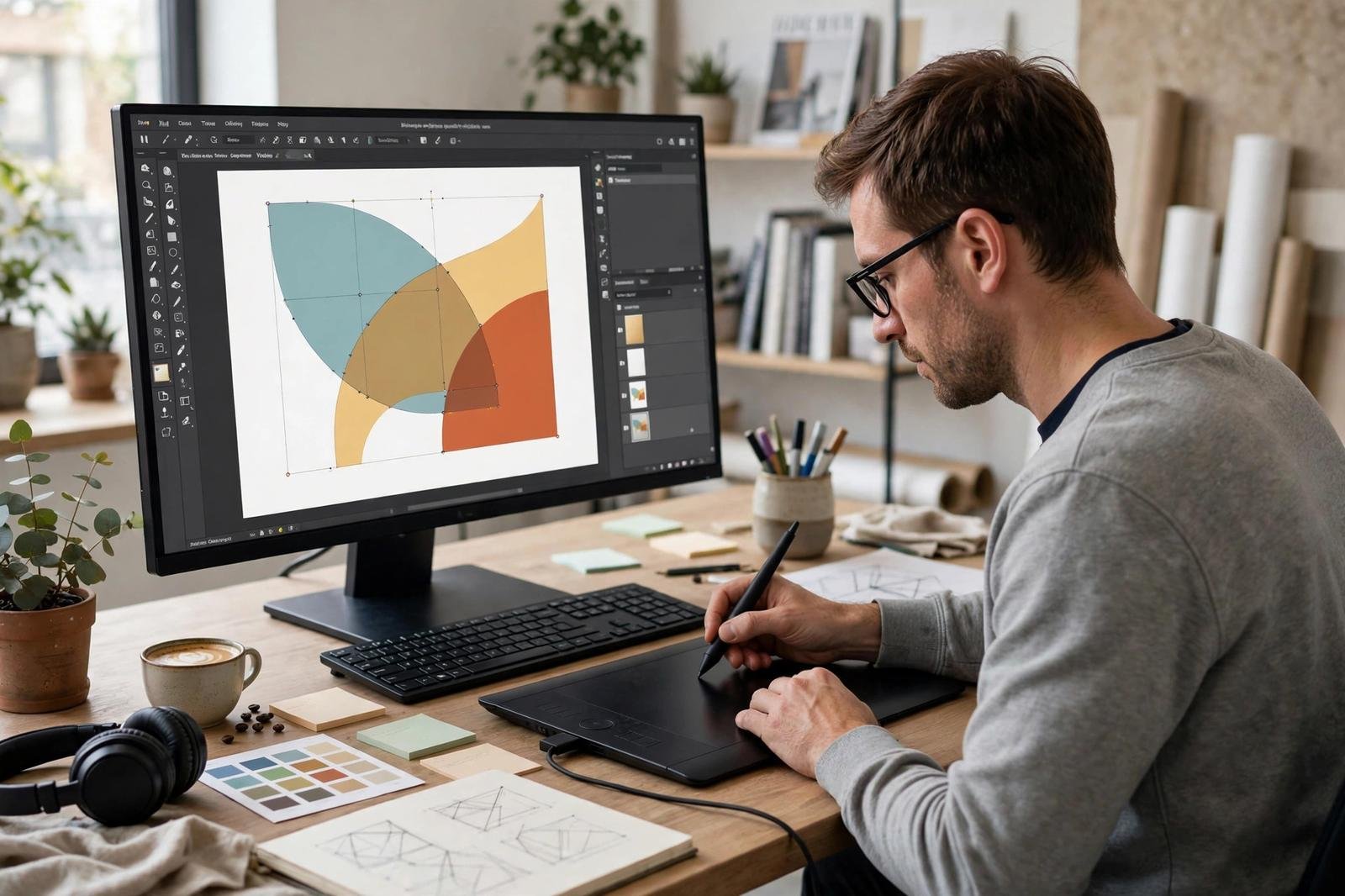
Illustrator is the industry standard for vector design, and it remains the tool most design studios expect you to know. Its strength is precision: bezier curves, typography controls, colour management and the ability to scale a design from a business card to a billboard without losing quality. If you design logos or brand assets, Illustrator is still the safest choice, because it is what clients, printers and other designers expect.
Illustrator is available by subscription, either on its own or as part of Adobe’s Creative Cloud, which bundles it with Photoshop and other tools. Check current pricing. The subscription model is the main complaint — you never own the software — but for working professionals the cost is usually justified by the work it enables. A free trial is available if you want to test it first.

Adobe Photoshop: best for photo editing and raster design
Best for: photo editing, retouching, digital painting and any design work based on pixels rather than vectors.
Photoshop is the standard for photo editing and raster-based design. Its tools for retouching, compositing, colour correction and digital painting are the most developed available, and its AI features — including generative fill, which can extend or alter an image from a text prompt — have become genuinely useful for working designers. For photographers, retouchers and digital artists, there is still no real substitute.
Like Illustrator, Photoshop is subscription software, available alone or as part of Creative Cloud. Check current pricing. If you only need occasional photo editing, the cost may be hard to justify, and one of the alternatives in this guide may suit you better. But for professional photo work, Photoshop remains the benchmark.
Affinity Designer: best one-off purchase
Best for: designers who want professional-grade vector tools without a subscription.
Affinity Designer is the strongest alternative to Illustrator, and its main advantage is the price model: a one-off purchase rather than a monthly subscription. It offers capable vector design tools, good typography controls and solid performance, and it can open and export files in formats that work alongside Adobe tools. For freelancers and small studios who resent paying rent on their software, that matters.
Affinity’s tools are not identical to Adobe’s, and if you work in a studio where everyone uses Illustrator, file compatibility can be an issue. But for independent designers, or for anyone whose work does not need to slot into an Adobe workflow, Affinity is excellent value. Check current pricing. A free trial is available.
Canva: best for non-designers and fast content
Best for: social media graphics, presentations, flyers and marketing materials produced quickly by people who are not designers.
Canva is not a professional design tool in the Adobe sense, and it does not pretend to be. It is a template-driven design platform that lets anyone produce clean, professional-looking graphics in minutes. Its library of templates, stock images and fonts is large, and its free tier is generous. For a small business owner, a marketer or a social media manager, Canva is often the most productive tool available.
Canva’s paid tier adds premium templates, brand kits and more AI features. Check current pricing. Its limits are real: you cannot do precise vector work, advanced colour management or complex print layouts. But for the work most people actually need — social posts, presentations, simple marketing materials — it is fast and effective. See our guide to the best design tools for non-designers for more on this category.
Figma: best for digital and interface design
Best for: web design, app interfaces, and any digital design work done in a team.
Figma has become the standard tool for interface and digital product design. It is built for the browser, which means teams can collaborate in real time, leave comments on designs, and share prototypes without sending files back and forth. Its component system lets designers build reusable elements, which keeps large projects consistent. For anyone designing websites, apps or digital products, Figma is the tool most teams expect.
Figma has a free tier that covers individual use and small teams, with paid plans for larger teams and advanced features. Check current pricing. Its weakness is print: Figma is a digital design tool, and it is not the right choice for print layouts, logos or brand work that needs precise vector control.
How the leading tools compare
| Tool | Best for | Price model | Standout feature |
|---|---|---|---|
| Adobe Illustrator | Professional vector design | Subscription | Industry-standard precision and print control |
| Adobe Photoshop | Photo editing and raster design | Subscription | Most developed retouching and compositing tools |
| Affinity Designer | Designers avoiding subscriptions | One-off purchase | Professional vector tools with no monthly fee |
| Canva | Fast social and marketing content | Free tier, paid plan | Huge template library, very easy to use |
| Figma | Digital and interface design | Free tier, paid plans | Real-time collaboration in the browser |
A practical checklist for choosing design software
Choosing design software is easier when you start from your actual work rather than a feature list. Use this checklist.
- List what you actually produce. Logos, social posts, photos, presentations, websites — the answer decides the tool. Print work points to Illustrator or Affinity; social content points to Canva; interfaces point to Figma.
- Check what your clients or colleagues use. If you need to share editable files with a studio that uses Adobe, compatibility matters more than price.
- Try the free tier or trial first. Every tool in this guide offers a free tier or trial. Use it on a real project, not a demo, before you pay.
- Test the output. Print a sample, export a logo at different sizes, check colours on screen and on paper. Quality problems show up in output, not in the interface.
- Count the total cost. A subscription is a monthly cost that never ends; a one-off purchase is a single cost that may need paid upgrades. Work out what each costs over two years.
Subscriptions versus one-off purchases
The biggest practical decision in design software is not which tool but which payment model. Adobe’s subscription model gives you always-current software and cloud features, but the cost never stops, and if you stop paying, you lose access. Affinity’s one-off purchase gives you the software to keep, but major new versions may cost extra.
For a working professional whose income depends on the tools, a subscription is usually a reasonable business cost. For a freelancer with uneven income, a hobbyist, or a small business that designs occasionally, a one-off purchase or a free tier makes more sense. There is no right answer in general — only the right answer for your budget and your workload. Work out the two-year cost of each option before deciding, and remember that free tools such as Canva and Figma cover a surprising amount of real work at no cost.
FAQs
What is the best graphic design software for beginners?
Canva is the best starting point for most beginners because it is easy to learn and produces good results quickly. If you want to learn professional design properly, Affinity Designer is a good first professional tool because it is affordable and powerful.
Is Adobe Illustrator worth the subscription?
For professional designers who do vector work daily, yes — it is the industry standard and the cost is a normal business expense. For occasional use, Affinity Designer or Canva may be better value.
Can I do professional design work in Canva?
You can produce professional-looking marketing materials, social graphics and presentations in Canva. For logos, brand identity and print work that needs precise control, a professional vector tool such as Illustrator or Affinity Designer is the right choice.
Do I need both Illustrator and Photoshop?
Many professional designers use both: Illustrator for vector work such as logos, and Photoshop for photo editing and raster work. If your work is mostly one or the other, you may only need one of them.
Which tool is best for designing a logo?
Adobe Illustrator is the standard choice for logo design because logos need to be vector files that scale cleanly. Affinity Designer is a strong alternative at a lower cost.
The bottom line
The best graphic design software in 2027 is the one that matches your work. Illustrator and Photoshop for professional print and photo work, Affinity Designer if you want professional tools without a subscription, Canva for fast marketing content and social graphics, and Figma for digital and interface design. Start with the free tier or trial, test it on a real project, and check the two-year cost before committing. The right tool is the one you will actually use, at a price you can sustain. If you are comparing specific tools head to head, our Canva vs Figma comparison and our guide to the best free graphic design tools in 2027 will help you narrow it down.