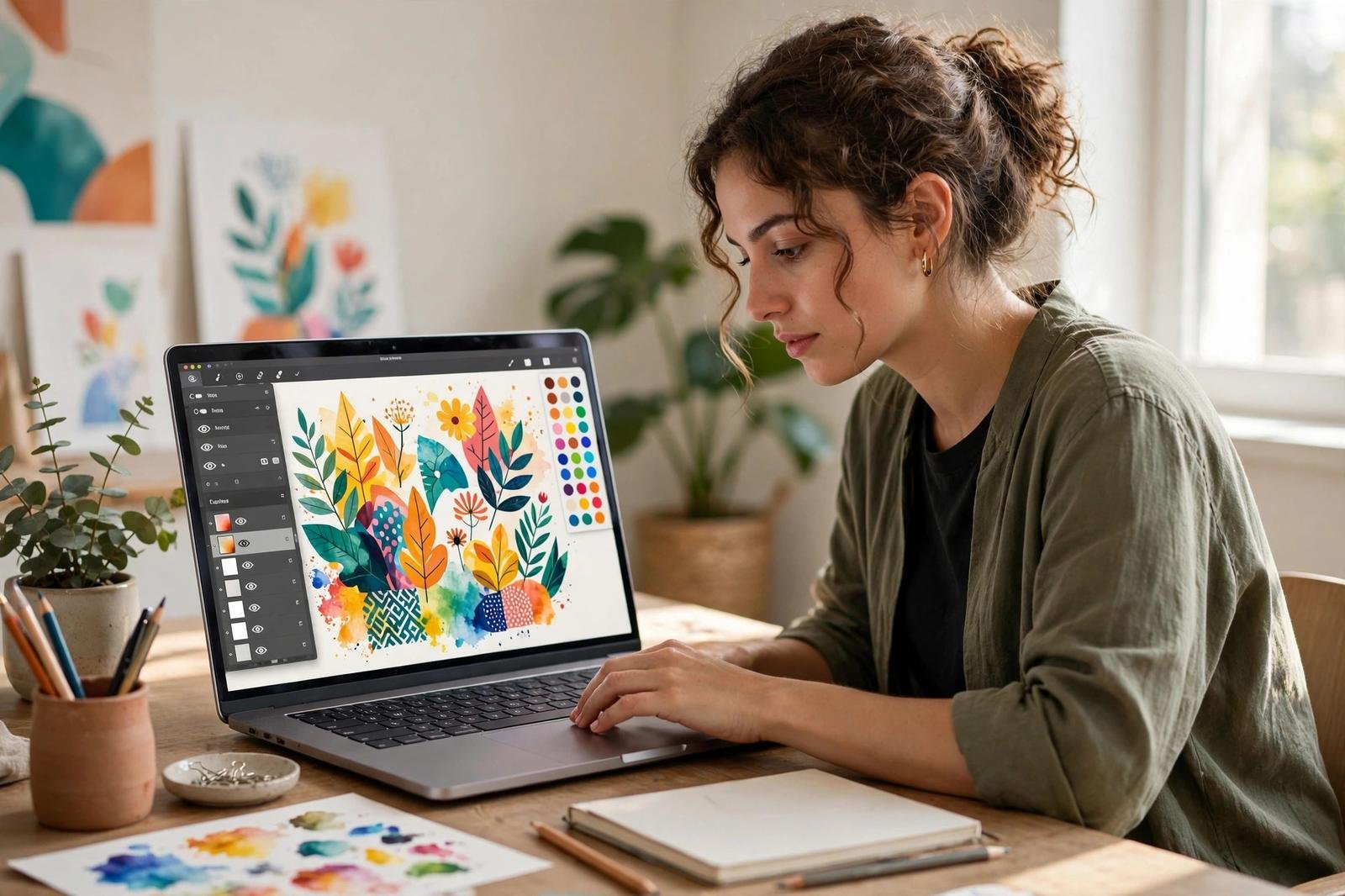
The best free graphic design tools in 2027 are good enough to do real design work at zero cost, and the short answer is this: Canva for fast marketing content, Figma for interface design, GIMP for photo editing, Photopea for a free Photoshop-style editor in the browser, and Penpot for free interface design without a subscription. The rest of this guide compares the leading free options, explains where each free tier runs out, and helps you build a capable design toolkit without spending anything.
Free design tools have improved enormously. A few years ago, free meant limited, awkward or ad-supported. Today, several free tools are genuinely professional-grade, maintained by large communities or funded by companies that make money elsewhere. That does not mean every free tool is good, and it does not mean free tools have no limits. But for a student, a freelancer starting out, or a small business that designs occasionally, the free options in this guide cover a surprising amount of real work.
Key takeaways
- Canva is the best free tool for fast marketing and social content.
- Figma’s free tier is the best free option for interface and product design.
- GIMP is the best free photo editor; Photopea is the best free Photoshop-style editor in a browser.
- Penpot is the best free, open-source interface design tool.
- Check what each free tier excludes before you rely on it — premium templates, export options and storage are common limits.
What makes a free design tool worth using
A free design tool is worth using if it does a real job well enough that you would keep using it even if it never got better. That test rules out most free tools, which are either too limited to be useful or so awkward that they cost more in time than a paid tool would cost in money. The tools in this guide pass the test because their free tiers handle genuine workloads.
Three checks matter before you adopt any free tool. First, what does the free tier exclude? Common limits are premium templates, high-resolution export, brand kits and cloud storage. Second, can you export your work in standard formats and take it with you? A free tool that holds your files hostage is not free. Third, is the tool still maintained? A free tool that is no longer updated will fall behind, and its file formats may become a problem.
Canva: best free tool for marketing content
Best for: social media graphics, presentations, flyers and marketing materials produced quickly by anyone.
Canva’s free tier is one of the most generous in design software. It includes thousands of templates, a large library of free images and graphics, and basic AI features such as text drafting and background removal. For a small business owner, a marketer or a student who needs regular social content, a presentation or a simple flyer, Canva’s free tier is often all that is needed.
The paid tier adds premium templates, a brand kit and more AI features. Check current pricing. The limits of the free tier are real but narrow: you cannot use premium templates or elements, you cannot save a brand kit, and some export options are restricted. For most everyday design work, none of that matters. Canva is covered in more depth in our guide to the best design tools for non-designers.

Figma: best free tool for interface design
Best for: designing websites, apps and digital products, with a free tier that covers individual use and small teams.
Figma’s free tier is generous enough that many individual designers and small teams never need to pay. It includes the core design tools, components, prototyping and collaboration features, with limits on the number of team files and advanced features such as version history and design system tools. For a student learning interface design, a freelancer starting out, or a small team building a product, the free tier is genuinely sufficient.
The paid plans add features for professional teams. Check current pricing. Figma’s free tier is the best free option in UI design by a wide margin, and it is the tool most employers expect designers to know. For a fuller comparison, see our guide to the best UI design tools in 2027.
GIMP: best free photo editor
Best for: photo editing, retouching and raster-based design work at no cost.
GIMP — the GNU Image Manipulation Program — is a free, open-source photo editor that has been developed for decades. It offers layers, masks, filters, colour correction and a wide range of retouching tools, and it can open and export common image formats. For a photographer, a student or a small business that needs serious photo editing without paying for Photoshop, GIMP is the most capable free option.
GIMP’s weakness is its interface, which is less polished than Photoshop’s and takes time to learn. Its workflow is also different enough from Photoshop that switching between the two can be confusing. But it is free, it is actively maintained, and it does the work. If you need a free Photoshop alternative for photo editing, GIMP is the first tool to try.

Photopea: best free Photoshop-style editor in the browser
Best for: editing PSD files and doing Photoshop-style work in a browser without installing anything.
Photopea is a free, browser-based image editor that closely resembles Photoshop in layout and workflow. It can open and save PSD files, which makes it useful for anyone who receives Photoshop files but does not have Photoshop. It runs entirely in the browser, so there is nothing to install, and it works on any computer with an internet connection.
Photopea is free to use with advertising, and a paid tier removes the ads. Check current pricing. Its main limit is that it is a web app: very large files and complex operations can be slower than in a desktop application, and it needs an internet connection. For occasional photo editing, quick fixes and PSD compatibility, it is an excellent free tool.
Penpot: best free open-source interface tool
Best for: interface design without a subscription, and teams that want to self-host their design files.
Penpot is an open-source interface design tool, and it is the most credible free alternative to Figma. It offers vector design, components, prototyping and collaboration, and because it is open source it can be self-hosted, which matters for organisations with strict data requirements. Its file format is based on open standards, so your designs are not locked into a proprietary system.
Penpot’s ecosystem is smaller than Figma’s — fewer plugins, fewer community files, fewer designers who already know it. But it is free, it is actively developed, and for a team that wants to avoid subscription costs or vendor lock-in, it is a serious option. Paid hosting and support options exist for organisations that want them. Check current pricing.
How the leading free tools compare
| Tool | Best for | Free tier limit to watch | Paid option |
|---|---|---|---|
| Canva | Marketing and social content | Premium templates and brand kit excluded | Paid plan, check current pricing |
| Figma | Interface design | Limits on team files and advanced features | Paid plans, check current pricing |
| GIMP | Photo editing | None — fully free and open source | None |
| Photopea | Photoshop-style editing in browser | Advertising on the free tier | Paid tier removes ads |
| Penpot | Open-source interface design | Smaller plugin ecosystem | Paid hosting and support |
A practical checklist for building a free design toolkit
- List what you actually produce. Social posts point to Canva. Interfaces point to Figma or Penpot. Photo editing points to GIMP or Photopea. Pick one tool per job.
- Check the export options. Make sure each tool exports in standard formats — PNG, JPEG, SVG, PDF — so your work is portable.
- Test the free tier on a real project. Use it for a full week on actual work. If a limit blocks you, that tells you whether paying is worth it.
- Learn one tool properly. A free tool you know well is worth more than three free tools you barely use. Invest time in tutorials for your main tool.
- Revisit paid options honestly. If a free tool saves you two hours a week, a modest subscription may be worth it. Do not let the word free stop you from doing that maths.
The hidden costs of free design tools
Free design tools are not free in every sense. The most common hidden cost is time. A free tool with an awkward interface or missing features can cost more in wasted hours than a paid tool would cost in money. GIMP is the classic example: it is powerful and free, but its interface takes longer to learn than Photoshop’s, and that learning time is a real cost.
The second hidden cost is lock-in. If your designs live inside a free tool with no easy export, switching later is painful. Check the export options before you commit to any tool, and keep your original files in standard formats.
The third hidden cost is the free tier itself changing: a feature that is free today may move to a paid plan tomorrow. Keep your files portable and avoid building a workflow that depends on a single free feature.
FAQs
What is the best completely free graphic design tool?
It depends on the job. Canva is the best free tool for marketing content, Figma’s free tier is the best for interface design, and GIMP is the best free photo editor. There is no single best tool for everything.
Is Canva really free?
Canva has a generous free tier that covers most templates and a large stock library. A paid tier adds premium templates, brand kits and more AI features. Check current pricing.
Can I do professional design work with free tools?
Yes, for many kinds of work. Figma’s free tier is used by professional designers, GIMP handles serious photo editing, and Canva produces professional-looking marketing materials. For print work and brand identity, professional tools such as Illustrator or Affinity Designer are still the standard.
Is GIMP as good as Photoshop?
GIMP is capable and free, and it handles most photo editing tasks well. Photoshop is more polished, has better AI features and is the industry standard. For professional photo work, Photoshop remains the benchmark; for most other uses, GIMP is enough.
Which free tool should a student start with?
Canva for general design and Figma for interface design. Both have generous free tiers, both are widely used, and both teach skills that employers value.
The bottom line
The best free graphic design tools in 2027 can genuinely do real work: Canva for marketing content, Figma for interface design, GIMP for photo editing, Photopea for Photoshop-style work in a browser, and Penpot for open-source interface design. Start with one tool per job, test the free tier on real work, check the export options, and only pay when a limit actually gets in your way. That approach costs nothing to start and gives you a clear, evidence-based reason for every pound you eventually spend. If you want to compare the paid professional tools, our guide to the best graphic design software in 2027 covers them, and the best design tools for non-designers covers the easiest options for beginners.