The best UI design tools in 2027 are led by Figma, and the gap between Figma and everything else has grown wider, not narrower. If you want a short answer, choose Figma for team-based interface design, Sketch if you are a Mac-only designer who prefers a native app, Framer if you want to publish a working website from your designs, and Penpot if you want a free, open-source alternative. The rest of this guide compares the leading options, explains what has changed in the UI tool market, and helps you choose based on your team, your platform and your budget.
UI design tools have converged on a common set of features: vector-based interface design, reusable components, interactive prototyping, and developer handoff. What separates them now is how well they do those things, how they handle collaboration, and whether they are still being actively developed. That last point matters more than it used to, because the UI tool market has consolidated sharply. Tools that were credible rivals a few years ago are now in maintenance mode or have been overtaken.
- Figma leads for team-based UI design, collaboration, components and prototyping.
- Sketch suits Mac-only designers who prefer a native desktop app.
- Framer is the best choice if you want to turn designs into a live website.
- Penpot is the best free, open-source alternative to Figma.
- Adobe XD is no longer actively developed — new projects should not start in it.
What makes a good UI design tool
A good UI design tool is judged on four things. First, precision: can you build pixel-accurate interfaces with consistent spacing, typography and layout? Second, components: can you build reusable elements and manage their variations efficiently? Third, prototyping: can you show how an interface behaves, not just how it looks? And fourth, collaboration: can a team work together, comment, and hand designs to developers without friction?
The best tools do all four well. The weaker ones do one or two well and leave the rest to workarounds. When you evaluate a UI tool, test it on a real project that includes all four — a multi-screen flow with shared components, a prototype with interactions, and a handoff to a developer. That is the test that separates a real UI tool from a general design app.

Figma: best overall UI tool
Best for: designing websites, apps and digital products in a team, with reusable components and interactive prototypes.
Figma is the standard UI design tool in 2027, and it is the tool most teams, employers and clients expect. It runs in the browser, so multiple people can work on the same file in real time, leave comments on specific elements, and see changes as they happen. Its component system — with variants for different states of a component — is the most developed available, and its prototyping tools now include variables and conditional logic for realistic interactive flows.
Figma also has the largest plugin ecosystem in UI design, and its developer handoff is built in: developers can inspect a design in the browser, copy code and export assets without needing a design licence. Figma has a free tier for individuals and small teams, with paid plans for larger teams. Check current pricing. For a fuller head-to-head with its former rival, see our Figma vs Adobe XD comparison.
Sketch: best for Mac-only designers
Best for: designers who work exclusively on Mac and prefer a fast native desktop application.
Sketch was the tool that defined modern UI design, and it still has a loyal following among Mac users. It is a native macOS application, which makes it fast and responsive, and its plugin ecosystem is large. Sketch’s strength is its focus: it does interface design well, without trying to be a general-purpose design platform.
Sketch’s weakness is collaboration. It is a desktop app first, and while it has added cloud collaboration features, they do not match Figma’s real-time multi-user editing. Sketch is also Mac-only, which limits who can use it in a mixed-platform team. Sketch is subscription software. Check current pricing. It suits individual designers and Mac-only studios who value a native app over browser-based collaboration.
Framer: best for turning designs into websites
Best for: designers who want to publish a live, working website directly from their design work.
Framer is a UI design tool with a distinctive twist: designs built in Framer can be published as live websites, with no separate development step for many kinds of site. That makes it popular with designers who build marketing sites, portfolios and landing pages, and with small teams who want to move from design to a working site quickly.
Framer’s design tools are capable, and its animation and interaction features are strong. Its limitation is scope: it is best for websites, not for complex app interfaces or large product design systems, where Figma’s components and collaboration are stronger. Framer has a free tier for personal use, with paid plans for publishing sites and team features. Check current pricing.
Penpot: best free open-source UI tool
Best for: teams that want a capable UI design tool without paying, and organisations that need to self-host their design files.
Penpot is an open-source UI design tool, and it is the most credible free alternative to Figma. It offers vector design, components, prototyping and collaboration, and because it is open source it can be self-hosted, which matters for organisations with strict data requirements. Its file format is based on open standards, which means your designs are not locked into a proprietary system.
Penpot’s ecosystem is smaller than Figma’s — fewer plugins, fewer community files, fewer designers who already know it. But it is actively developed, and for a team that wants to avoid subscription costs or vendor lock-in, it is a serious option. It is free to use, with paid support and hosting options for organisations that want them. Check current pricing for the paid options.
Adobe XD: the tool to move away from
Best for: existing XD users maintaining current projects; not recommended for new work.
Adobe XD was once a credible UI design tool, but Adobe is no longer actively developing it. It still works for existing users, and its prototyping was genuinely good, but new features have stopped and the ecosystem around it is shrinking. Starting a new project in XD in 2027 would mean building on a platform with no future.
If your team still uses XD, the practical approach is to start new projects in Figma and migrate existing files when they need significant rework. Figma offers import tools for XD files, though complex components may need manual fixing. This is covered in detail in our Figma vs Adobe XD comparison.
How the leading tools compare
| Tool | Best for | Price model | Standout feature |
|---|---|---|---|
| Figma | Team UI design | Free tier, paid plans | Real-time collaboration and components |
| Sketch | Mac-only designers | Subscription | Fast native macOS app |
| Framer | Design to live website | Free tier, paid plans | Publish designs as working sites |
| Penpot | Free and open source | Free, paid hosting | Self-hosting and open standards |
| Adobe XD | Existing users only | Included with Creative Cloud | No longer actively developed |
A practical checklist for choosing a UI tool
- Check what your team and clients use. If your team, your clients or your employer use Figma, that is the answer. Compatibility with the people you work with matters more than any feature.
- Test on a real project. Build a multi-screen flow with shared components, a prototype and a developer handoff. That is the test that matters.
- Consider your platform. Sketch is Mac-only. Figma, Framer and Penpot work in the browser on any platform. Make sure the tool works for everyone on the team.
- Think about publishing. If you need to turn designs into a live website, Framer’s publishing is a genuine advantage. If you hand designs to developers, Figma’s handoff is the standard.
- Count the total cost. Free tiers cover a lot. Before paying, check whether the free tier of Figma or Penpot actually limits your work.
- Plan for the future. Choose a tool that is actively developed with a growing ecosystem. A tool in maintenance mode is a dead end, however good it once was.
Components and design systems: the real differentiator
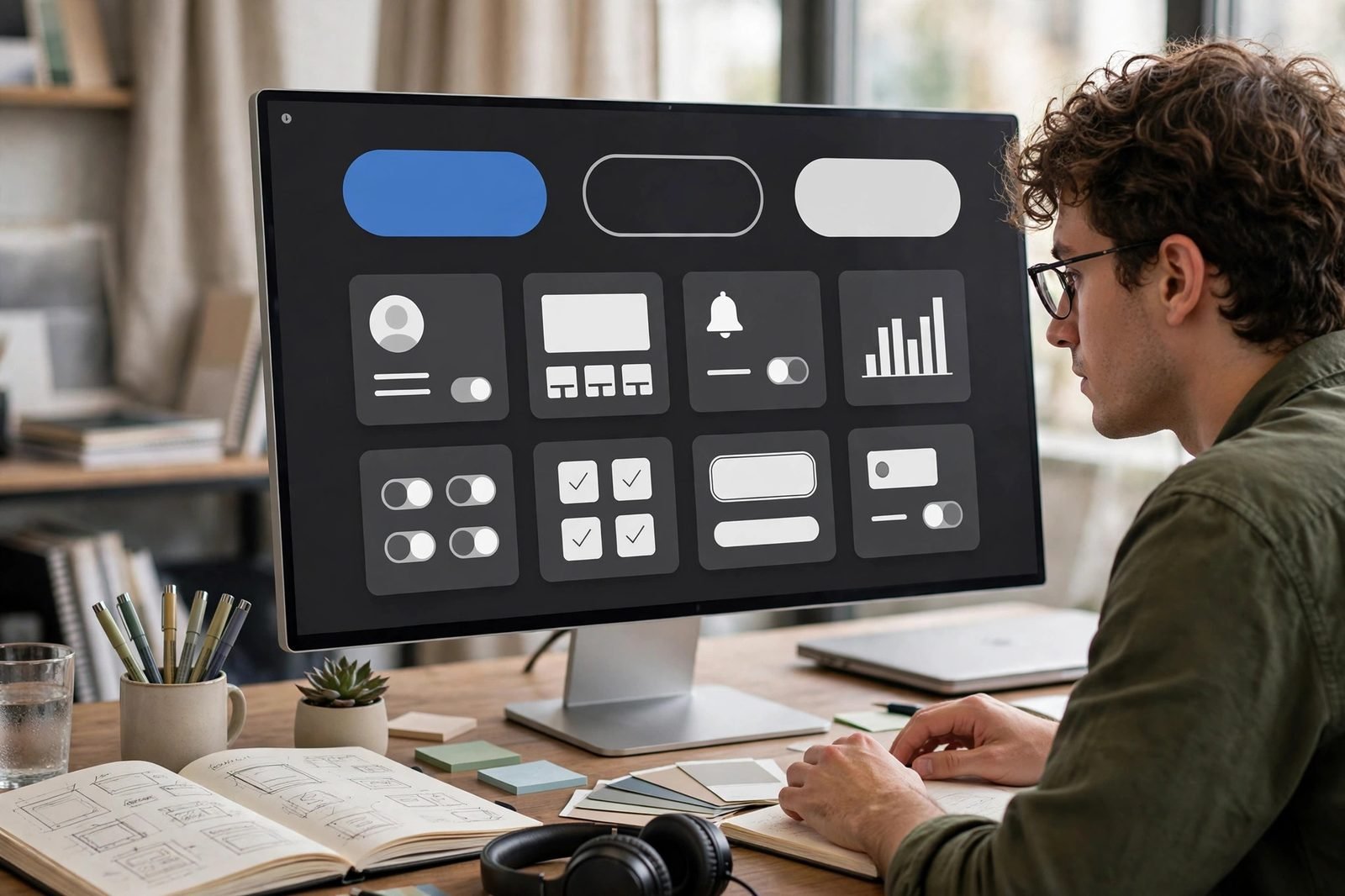
The feature that separates serious UI tools from general design apps is the component system. A component is a reusable interface element — a button, a card, a form field — that you define once and use everywhere. Change the component and every instance updates. Variants let you manage different states: a button that is default, hovered, pressed or disabled, all in one place.
That matters because real products are built from repeated elements, and keeping them consistent by hand is slow and error-prone. A good component system is the difference between a design file that stays maintainable as a product grows and one that becomes a mess of slightly different buttons. When you evaluate a UI tool, spend most of your time on its component system. That is where the real productivity difference lives.
FAQs
What is the best UI design tool in 2027?
Figma is the best overall UI design tool for most teams, because of its collaboration, components, prototyping and ecosystem. Sketch, Framer and Penpot are strong alternatives for specific needs.
Is Figma free?
Figma has a free tier for individuals and small teams. Paid plans add features for professional teams. Check current pricing.
Can I use Figma on Windows?
Yes. Figma runs in the browser on any platform, and it also has desktop apps for Windows and Mac. Sketch, by contrast, is Mac-only.
Is Adobe XD still a good choice?
No, not for new projects. Adobe is no longer actively developing XD, and the ecosystem around it is shrinking. Existing users should plan a gradual migration to Figma.
What is the best free UI design tool?
Penpot is the best free, open-source UI design tool. Figma’s free tier is also generous and is the better choice if you want the largest ecosystem and the tool most employers expect.
Do I need to know how to code to use a UI design tool?
No. UI design tools are visual, and you can design complete interfaces without writing code. Framer goes further and lets you publish a working website from your designs without coding.
The bottom line
The best UI design tools in 2027 are led by Figma, and the choice for most teams is straightforward: Figma for team-based product design, Sketch for Mac-only designers who prefer a native app, Framer for turning designs into live websites, and Penpot for a free, open-source alternative. Adobe XD is the tool to move away from, not towards. Start with the free tier, test the tool on a real multi-screen project, and pay attention to the component system — that is where the productivity difference lives. If you are comparing Figma with a specific rival, our Figma vs Adobe XD comparison and our Canva vs Figma comparison will help, and our guide to the best graphic design software in 2027 covers the wider design field.