
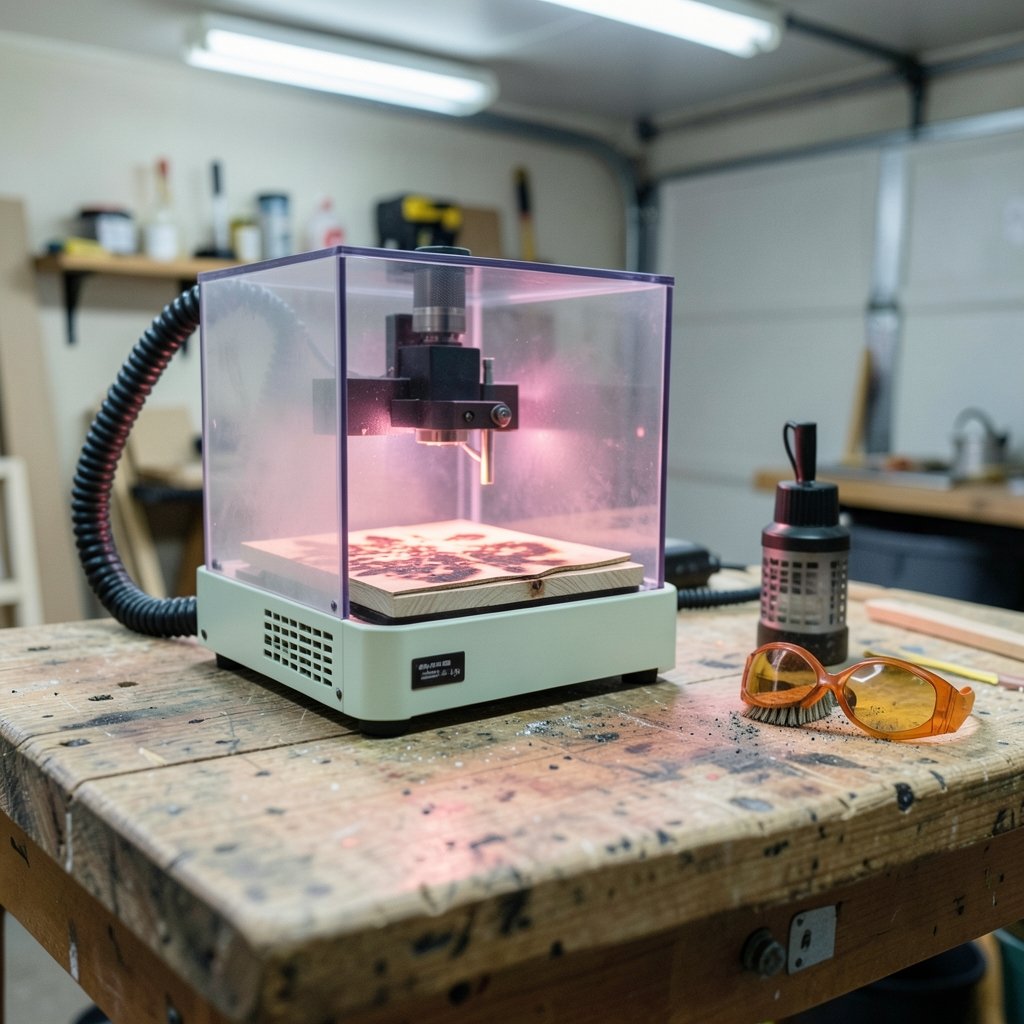
What if the biggest mistake new buyers make isn’t picking the wrong laser engraver, but picking one for the wrong reasons? Walk through any beginner forum and you’ll see the same pattern: someone buys the cheapest machine with the highest wattage number on the box, then discovers the work area is too small, the software is locked down, and the fumes have nowhere to go. Choosing well is less about chasing specs and more about matching a machine to what you actually plan to make.
This guide breaks down what genuinely matters for first-time buyers: laser types, safety, ventilation, software, and the specs people most often misjudge.
Start With the Laser Type, Not the Price Tag
Two laser classes dominate the beginner market, and they behave very differently.
Diode lasers typically emit blue light in the 405–455 nm range. They are the common entry point because they are compact, relatively affordable, and simple to set up. They engrave wood, leather, cardboard, and some coated metals well. They struggle with clear acrylic and certain plastics.
CO₂ lasers operate at 10,600 nm and are the standard for cutting and engraving organic materials at higher power. They handle acrylic, wood, leather, and glass more comfortably, but they are bulkier, need more space, and generally cost more.
If your plans lean toward cutting shapes out of plywood or acrylic, a CO₂ machine makes more sense. If you mainly want to engrave personalized gifts, tags, and small wood pieces, a diode unit will usually do the job. The workflow differences between laser types run deeper than most buyers expect, and it’s worth reading up on diode versus CO₂ laser beginner workflow differences before you commit, because the machine you choose shapes everything from your material list to your cleanup routine.
Safety Is a Buying Criterion, Not an Afterthought
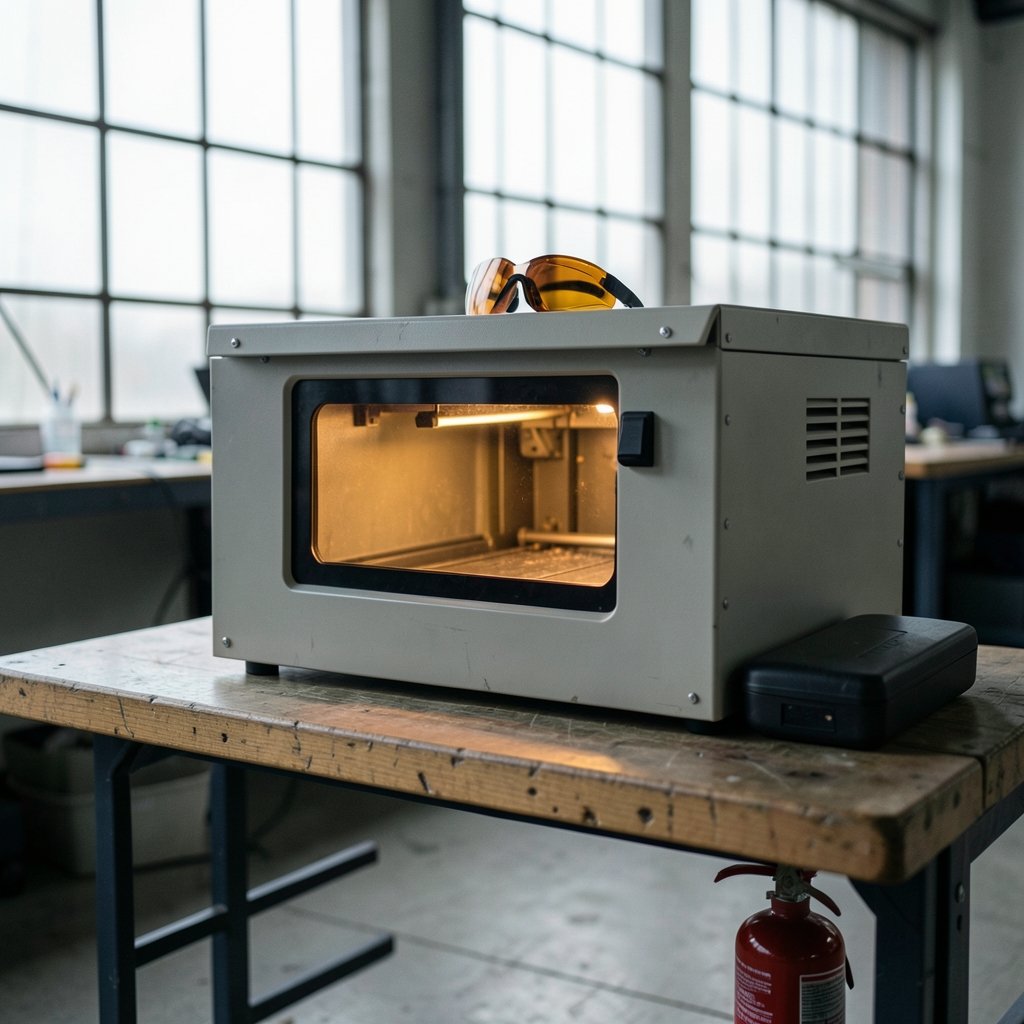
Consumer laser products fall into different safety classes, and the class tells you a lot about what you’re bringing into your home.
Most consumer diode engravers are either Class 1 enclosed units or Class 3B/4 open-frame units. Class 4 lasers can cause eye and skin injury and require eyewear matched to the specific wavelength. That last detail matters: goggles rated for one wavelength won’t necessarily protect you from another.
In the United States, laser products are regulated under performance standards that set labeling and safety requirements for consumer devices. If you’re buying from an unfamiliar seller, check that the machine carries proper certification and labeling rather than treating it as a formality.
Practical advice that actually works: buy an enclosure if the machine doesn’t come with one, and don’t run an open-frame laser in a room where pets, kids, or visitors wander through. The most common beginner mistake isn’t a technical one. It’s treating eye protection as optional because the laser “looks like a printer.”
Ventilation and Fumes: The Part Nobody Warns You About
Engraving wood, leather, and plastics produces particulates and volatile organic compounds. This isn’t a minor nuisance. It’s the reason enclosed units with exhaust or filtration are recommended rather than treated as an upgrade.
A few ground rules that hold up in practice:
- Never cut PVC. It releases hydrogen chloride, which is corrosive to your machine and harmful to breathe.
- Skip unknown plastics. If you can’t identify the material, don’t burn it.
- Vent outdoors or filter. A window fan isn’t a filtration system, but it beats a closed garage.
- Watch the smell as a signal. A sharp chemical odor means something in the material is breaking down badly.
Beginners often set up in a basement or spare bedroom because that’s where the outlet is. If that room has no airflow, budget for ventilation before you budget for accessories. (Web application firewall explained beginners it blocks it)
Work Area and Power: The Two Specs Beginners Misjudge Most
Ask a first-time buyer what they want and you’ll hear a wattage number. Ask them what they plan to make and you’ll often get a vague answer. That’s backwards.
Work area determines what fits. A small bed limits you to coasters, tags, and small plaques. If you want to engrave cutting boards or sign blanks, measure those items first and compare against the bed size.
Power determines speed and material capability, but the numbers are messier than they look. Diode modules are commonly rated somewhere in the 5–40 W optical output range, while CO₂ tubes for hobby and small-business use run roughly 40–100 W. The catch: wattage claims on diode modules are sometimes electrical rather than optical, and labeling conventions vary between sellers. A “40 W” diode that outputs far less optical power is a real thing.
| Feature | Diode laser | CO₂ laser |
|---|---|---|
| Typical wavelength | 405–455 nm | 10,600 nm |
| Best at | Engraving wood, leather, coated metal | Cutting and engraving organics, acrylic |
| Clear acrylic | Poor | Good |
| Footprint | Compact, desktop-friendly | Larger, needs dedicated space |
| Fume output | Moderate | Higher, ventilation essential |
| Beginner friendliness | High | Moderate |
Neither column is “better.” They solve different problems.
Software Compatibility Decides How Much You’ll Enjoy This
Here’s the criterion that separates a machine you’ll love from one that collects dust: software freedom.
LightBurn is the most widely used third-party control software for both diode and CO₂ engravers, and it’s popular for good reason. It handles layout, layer settings, and machine control in one place, and it works across a wide range of hardware. Many budget machines ship with proprietary or GRBL-based software instead, and some of those tools are genuinely limited.
Before buying, ask three questions:
- Does the machine work with third-party control software, or only the manufacturer’s app?
- Can you import standard vector and raster files?
- Is there an active user community, or will you be troubleshooting alone?
If you’re already comfortable with design tools, the transition is easier than you’d think. Beginners choosing a design tool for the first time often find that the software learning curve costs more time than the hardware ever does, so pick a machine that plays nicely with the design software you plan to use. (Best Flight Sticks for Beginners: Top Picks & Guide)
What About Budget?
Entry-level diode engravers have historically landed roughly in the US$200–$800 band, with hobby CO₂ units running somewhere around US$1,500–$4,000. Treat those ranges as directional only. Pricing shifts constantly, and specific model availability changes month to month. Verify current figures against manufacturer specs and retailer listings before you commit, and be skeptical of a deal that undercuts everything else by a wide margin.
A more useful budgeting exercise: add up the machine, enclosure or ventilation, eye protection, and materials. That total is your real entry cost, and it’s usually higher than the sticker price.
Common Beginner Mistakes That Cost Real Money
These come up again and again, and each one is avoidable.
Buying on wattage alone. A high number on a small bed with locked software is a worse machine than a modest laser with room to work.
Skipping the enclosure. Retrofitting one later often costs more than buying a machine that includes it.
Testing on unknown materials. Start with known-good plywood or leather. Mystery plastic is how people ruin lenses and lungs in the same afternoon.
Ignoring the learning curve. Expect a few weeks of failed test cuts. That’s normal, not a sign you bought wrong.
Forgetting consumables. Lenses get dirty, belts stretch, and honeycomb beds collect residue. A small maintenance budget keeps the machine running.
If you’re weighing a first machine against other hobby purchases, the same logic applies across categories: read the beginner-focused buying guides before you spend, whether that’s a laser, a flight stick, or a ukulele. The pattern of “buy cheap, buy twice” is remarkably consistent.
How to Actually Choose
Work through this in order, and the decision gets much simpler.
- List what you want to make. Specific items, not categories. “Ten coasters a week” is a plan. “Craft stuff” is not.
- Measure your largest intended project. Compare it to the work area with margin to spare.
- Decide diode or CO₂ based on materials, especially whether acrylic cutting is on your list.
- Check the safety class and enclosure situation. Budget for eyewear no matter what.
- Plan ventilation for the room you’ll actually use.
- Confirm software compatibility with third-party control tools.
- Total the real cost including safety gear, ventilation, and starter materials.
Buyers who follow this sequence rarely regret their purchase. Buyers who start with a price filter usually do.
A Note on Reviews and Spec Sheets
Spec sheets are marketing documents. They’re useful for dimensions and interface details, but power claims deserve scrutiny, and “compatible with” sometimes means “works if you buy an adapter.” Look for independent measurements of optical output where available, and read user threads about the specific model rather than the brand.
The same skepticism applies to any tool that promises to do your thinking for you. Knowing how to spot AI hallucinations without technical background is a genuinely useful skill when you’re researching purchases, because generated summaries of product specs are frequently wrong in confident-sounding ways.
Conclusion
The best laser engraver for a beginner isn’t the cheapest one or the most powerful one. It’s the machine that matches your materials, fits your workspace, vents safely, and lets you use software you can actually learn. Diode units win on price and simplicity for engraving-focused hobbyists. CO₂ machines win on cutting capability and material range for buyers with more space and budget.
Decide what you’re making first. Then let the specs follow. That single change in order of operations prevents most of the regret posts you’ll find on every engraving forum. And whatever you buy, protect your eyes, vent your fumes, and start with materials you can identify.
Frequently Asked Questions
Is a diode or CO₂ laser better for a complete beginner?
For most beginners, a diode laser is the easier starting point. It’s compact, usually cheaper, and simple to set up for engraving wood, leather, and coated metal. A CO₂ laser becomes the better choice if you know you want to cut acrylic or work with a wider material range and have space for a larger machine.
How much should a beginner expect to spend on a laser engraver?
Entry diode engravers have historically ranged roughly from US$200 to US$800, with hobby CO₂ units around US$1,500 to US$4,000. Those ranges shift constantly, so verify current pricing. Remember to add enclosure or ventilation, eye protection, and starter materials to get your true entry cost.
Do I really need eye protection with a laser engraver?
Yes. Open-frame units are often Class 3B or Class 4, and Class 4 lasers can injure eyes and skin. Eyewear must be matched to the laser’s wavelength, so goggles rated for one laser won’t necessarily protect you from another. Enclosed Class 1 units reduce exposure but don’t eliminate the need for caution.
Can I run a laser engraver in my garage or basement?
Only with proper ventilation. Engraving wood, leather, and plastics produces particulates and volatile organic compounds. Use an enclosed unit with exhaust or filtration, vent outdoors where possible, and never cut PVC, which releases hydrogen chloride. A closed room with no airflow is the wrong setup.
What software do beginner laser engravers use?
Many budget machines ship with proprietary or GRBL-based software, and some of those tools are limited. LightBurn is the most widely used third-party control software for both diode and CO₂ engravers, so confirming compatibility before purchase is one of the smartest checks a beginner can make.
Why do wattage numbers on diode lasers seem inconsistent?
Because labeling conventions vary between sellers. Some wattage figures describe electrical input rather than optical output, so a module advertised at a high number may deliver considerably less usable beam power. Compare independent measurements and user reports for a specific model rather than trusting the box.



