
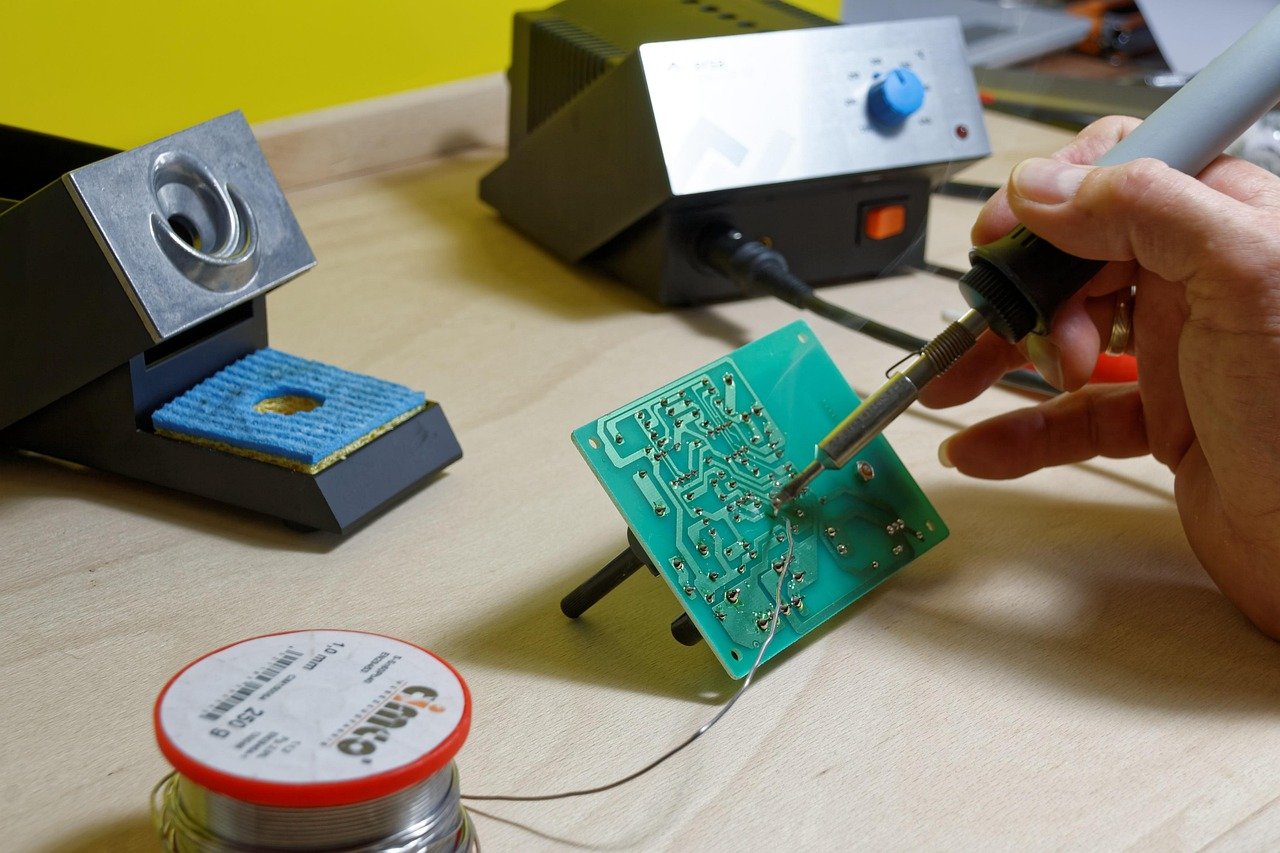
What good is a soldering station that reads 350 °C on the display but drops to 280 °C the moment you touch a ground plane? That single question separates a station you will keep for a decade from one that ends up in a drawer by spring. Most buying guides obsess over wattage and ignore thermal recovery, tip quality, and safety grounding. This guide flips that order. It explains what actually matters, where cheap stations cut corners, and how to match a station to the work you really do.
Why Temperature Stability Beats Raw Wattage
A heater’s wattage tells you how much energy it can pour into the tip. It says nothing about how fast the station notices a temperature drop and corrects it. That job belongs to the sensor placement, the tip mass, and the control loop.
Here is the practical test. Tin a large tip, set the station to 350 °C, and solder a joint on a thick copper pour or a big connector tab. A stable station recovers within a second or two. A weak one stalls, the solder turns slushy, and you end up holding the iron longer than you should. Long dwell times lift pads and cook components.
When you compare specs, weight thermal recovery far above peak wattage. A 70 W station with a well-placed sensor and a chunky tip will outperform a 90 W unit with a thin tip and sluggish feedback every time.
Match the Station Type to Your Actual Work
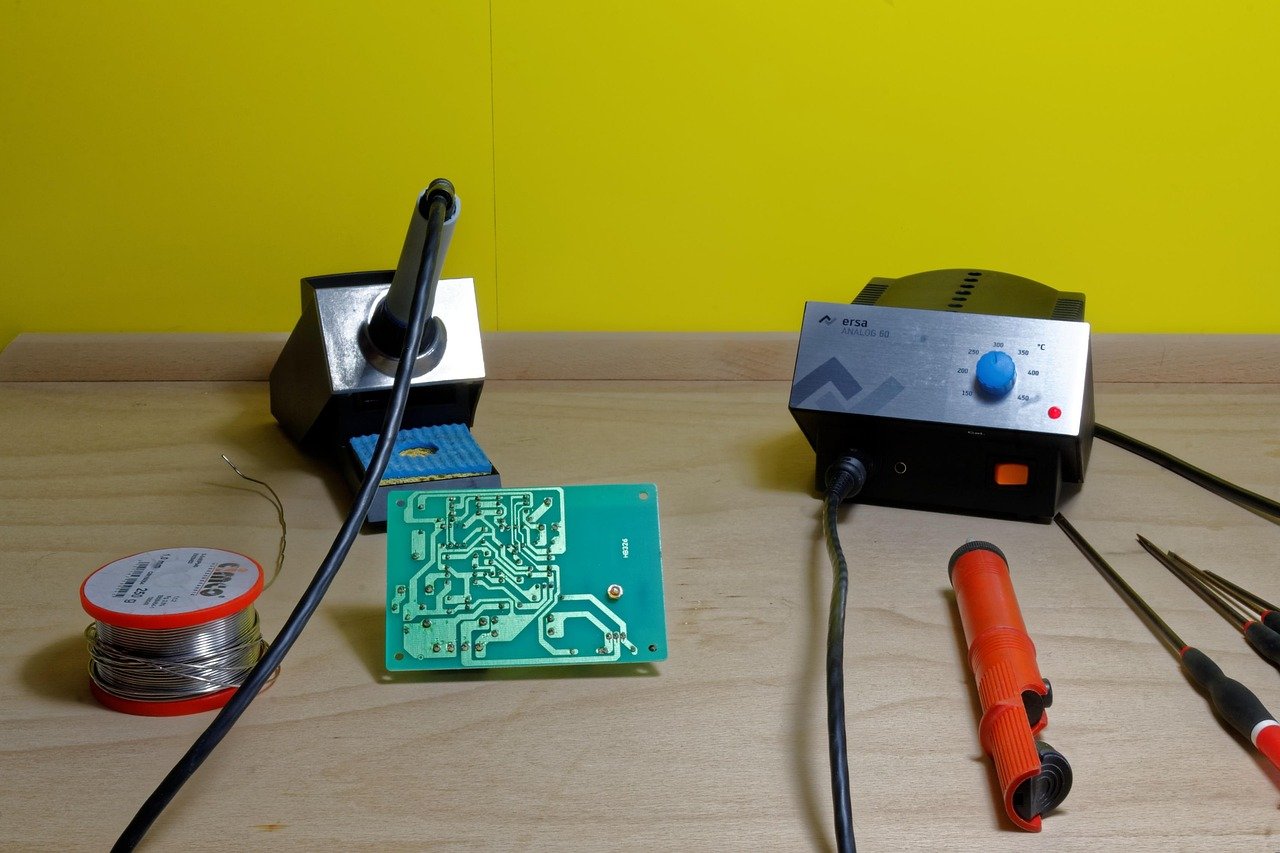
Not every bench needs the same tool. The table below maps common jobs to sensible station categories.
| Work type | Station type | What matters most |
|---|---|---|
| Through-hole kits, repairs, learning | Single-channel temperature-controlled iron | Stable control, ESD-safe tip, good tip selection |
| Dense SMD, drag soldering | Iron with fine tips plus hot-air handpiece | Tip range, airflow control, nozzle availability |
| Rework of QFN and small BGA-adjacent parts | Hot-air rework station | Precise airflow, preheat support, nozzle fit |
| Mixed daily production | Two-channel or combo station | Independent channels, spare parts supply |
| Occasional hobby use | Compact adjustable station | Honest temperature control, safe grounding |
A hot-air rework station is a different tool category, not an upgrade. It reaches joints an iron cannot, but it also scorches plastic connectors and lifts pads if airflow and temperature are wrong. Buy one when the work demands it, not because it looks more professional.
If your bench also includes gaming peripherals and you are weighing where money goes first, the same logic applies: spend on the part that affects daily performance. That is why a guide to which budget gaming chairs are worth buying without regret focuses on the frame and foam rather than the logo. Soldering rewards the same discipline.
Temperature Ranges: What the Numbers Really Mean
Most temperature-controlled stations for electronics work get used somewhere in the 300–400 °C band. Lead-free alloys generally need more heat than tin-lead. Eutectic Sn63/Pb37 melts at 183 °C, while common lead-free alloys such as SAC305 run hotter.
Do not treat any single number as universal. Recommended iron temperatures vary by alloy, tip geometry, and joint mass, and some manufacturers specify lower settings when tips recover quickly. Read the solder wire datasheet and follow it rather than copying a number from a forum.
Two habits prevent most temperature mistakes:
- Start at the lower end of the alloy’s range and raise it only when joints refuse to wet.
- Increase tip size before you increase temperature. More thermal mass solves more problems than more degrees.
The lead-free shift itself came from regulation. The EU’s RoHS directive restricts lead in most electrical and electronic equipment sold in the EU, which pushed SAC305 and similar alloys into everyday use. That is why modern stations are judged on how they handle higher-melting alloys alongside tin-lead.
ESD Safety: The Spec Buyers Ignore Until It Costs Them
Static damage is sneaky. A component zapped by a grounded-tip failure may test fine and fail weeks later in the field. That is why ESD-safe construction belongs on every shortlist.
Look for a grounded tip, a dissipative housing, and a proper earth connection through the mains plug. The relevant framework is ANSI/ESD S20.20 from the ESD Association, which sets out how organizations control static damage. Home benches rarely need full certification, but the underlying principle holds: the tip should be at earth potential, and the station should say so in its documentation.
Common mistakes worth avoiding:
- Running a station from an unearthed two-prong adapter to stop a tripping breaker.
- Soldering on a carpeted floor in synthetic clothing.
- Skipping a wrist strap when handling MOSFETs, op-amps, or bare microcontroller pins.
None of this is expensive. A wrist strap and a grounded mat cost less than a single ruined board.
Tips, Heaters, and the Parts You Will Actually Replace
Tips are consumables. Heater cartridges and sensors sometimes are too. Before buying, check three things: how many tip shapes exist for the model, what a replacement tip costs, and whether spares are stocked locally. (Jade ring buying guide stone types styles check)
Tip geometry changes heat delivery more than the display suggests. A conical fine tip is great for a single pad and hopeless on a ground plane. A chisel tip spreads heat across a joint and is the better default for general work. Most experienced hands keep three or four shapes within reach.
Tip care is where beginners lose performance fast. Tips should be tinned when idle, cleaned with brass wool or a damp sponge, and never filed or sanded. Oxidation and bare metal are the two most common causes of poor heat transfer, and both look like a “weak station” when the station is fine.
A practical routine that works:
- Wipe the tip, apply fresh solder, and park the iron.
- Clean before each joint, not after every ten.
- Re-tin before long pauses and before switching off.
- Replace a tip once it stops holding a solder bead, not before.
If you enjoy checklists that separate real specs from marketing noise, the approach in this gaming keyboard buying checklist works the same way here: verify switch or heater quality, confirm spare-part supply, and ignore decorative features.
Fumes, Lead, and the Safety Setup Around the Station
The station is one part of a safe bench. Solder fume extraction matters because flux fumes are a recognized respiratory hazard. Rosin-based flux can cause occupational asthma, and the risk grows with hours at the bench. A small bench extractor with a carbon filter handles occasional work; anyone soldering daily should consider ducted extraction.
Lead-based solder adds a separate hazard: hand-to-mouth ingestion. Wash hands after handling it, keep food and drink off the bench, and never sand or grind solder joints.
Ventilation, a heat-resistant mat, and a stand that keeps the iron off the desk round out the basics. These are cheap compared with a single scorched cable or a burned wrist.
Build Quality, Ergonomics, and the Details That Age Well
A station lives on a bench for years, so small design choices compound. A stiff silicone cable outlasts a PVC one that hardens and kinks. A weighted base stays put when you tug the iron. A clear display you can read at an angle saves squinting.
Watch for these weak points on budget units:
- Plastic threads on the tip collar that strip after a few changes.
- Proprietary connectors that make cable replacement impossible.
- No calibration access, leaving you unable to correct drift.
- Fans that whine on hot-air units, which usually signals a cheap bearing.
Calibration is worth a mention. Over years, sensors drift. Stations with a calibration routine let you correct the reading against a thermocouple, which keeps your process honest. Stations without one leave you guessing.
New, Used, or Kit: Where the Money Goes Furthest
Budget allocation should follow frequency of use. Someone soldering twice a month needs honest temperature control and a safe earth, not a lab-grade workhorse. Someone repairing boards weekly should spend on thermal recovery and spare-part supply.
Used professional stations can be excellent value, but check the heater, the cable, and whether tips are still manufactured. A bargain station with discontinued tips is a paperweight with a plug.
For anyone building out a desk at the same time, the reasoning in this tablet worth buying for beginners guide applies directly: buy for the tasks you actually do, not the spec sheet’s best case. The same restraint keeps a soldering budget sensible.
Where Soldering Stations Fit in a Wider Setup
Bench tools compete for the same money. If the plan includes a streaming or work-from-home desk, it helps to know what a webcam is worth buying for beginners and everyday use before the soldering budget shrinks. Similarly, anyone documenting repairs will find the advice on the best Android phones for photography practical buying guide useful, because a phone camera is often the fastest way to record a board before you touch it.
The point is not to buy everything. It is to rank purchases by how often they affect outcomes. A stable iron beats a fancy camera for soldering quality every time.
A Short Buying Checklist
Before paying, run through this list:
- Confirm the station is temperature-controlled, not a simple dimmer in a box.
- Verify ESD-safe grounding in the documentation.
- Check tip availability and the price of a replacement tip.
- Confirm spare heaters, sensors, or fuses can be bought.
- Read the solder datasheet and match the station’s range to your alloy.
- Budget for fume extraction, a stand, and a heat-resistant mat.
- Look for calibration access if accuracy matters to your work.
For anyone assembling a broader electronics desk, the same “verify before you pay” habit in this gaming keyboard buying checklist transfers neatly. Specs on a box are claims. Spare-part supply and honest documentation are evidence.
Conclusion
A soldering station is a heat-delivery system, not a display with a knob. Buy for thermal recovery, ESD safety, tip availability, and spare-part supply, and the wattage number becomes a footnote. Match the tool to the work, respect the alloy’s temperature range, keep the tip tinned, and extract the fumes. Do those things and a modest station will outlast a flashy one that cannot hold heat under load. The best purchase is the one you stop thinking about because it simply works, joint after joint.
Frequently Asked Questions
What temperature should a soldering station be set to?
Most electronics work happens between 300 °C and 400 °C. Lead-free alloys usually need more heat than tin-lead. Follow the solder wire datasheet and raise tip size before raising temperature.
Is wattage the most important soldering station spec?
No. Thermal recovery matters more. A station’s ability to hold tip temperature under load depends on heater power, tip mass, and sensor placement together, not wattage alone.
Do I need an ESD-safe soldering station?
For any work involving sensitive components, yes. A grounded tip and dissipative housing protect parts from static damage that may not show up until later. ANSI/ESD S20.20 explains the control framework.
Can I use a hot-air rework station instead of an iron?
Not as a replacement. Hot air reaches joints an iron cannot, such as dense SMD parts, but it is a separate tool with its own risks. Most benches need an iron first and hot air only when the work demands it.
How often should I replace a soldering tip?
Replace it when it stops holding a solder bead or heat transfer drops despite proper tinning. Tips that are kept tinned and cleaned with brass wool last far longer than neglected ones.
Is lead-free solder harder to work with?
It generally needs higher tip temperatures and wets differently than tin-lead. A station with strong thermal recovery and a chisel tip closes most of the gap. RoHS restrictions drove lead-free adoption across consumer electronics.



