
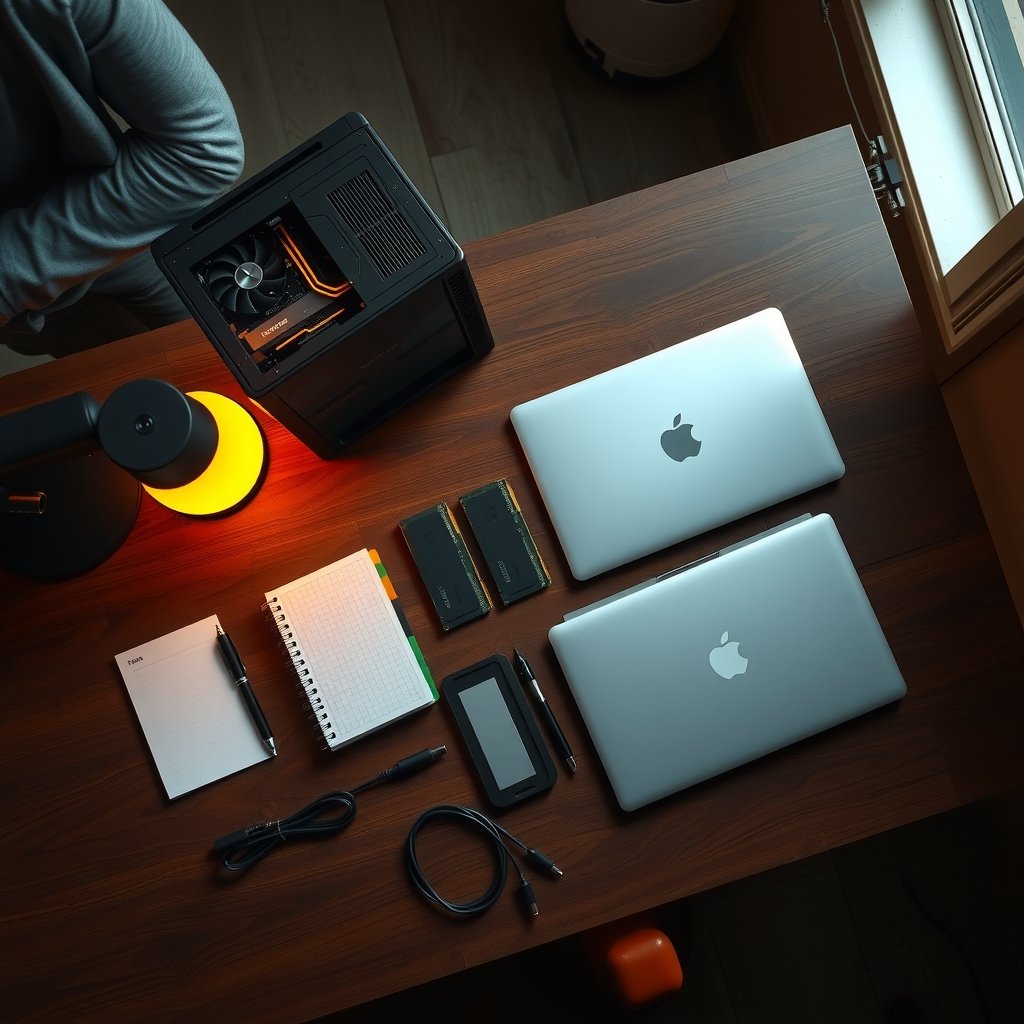
What if the smartest chatbot you use every day never sent a single word to a server? That question stopped being hypothetical a while ago. By 2027, running a capable language model on a laptop, a gaming desktop, or even a small home server has become an ordinary thing to do, not a weekend science project. The tools have matured, the models have gotten smaller and smarter, and the hardware most people already own is finally good enough.
This guide walks through what actually works, what trips people up, and how to think about the trade-offs. It is written for people who want a private, offline assistant without a computer science degree, and it stays honest about the parts that are still rough around the edges.
Why local chatbots moved from hobby to habit
The pitch for local AI is simple: your prompts, your documents, and your questions stay on your machine. Nothing leaves the room. For anyone handling client records, medical notes, legal drafts, or just a personal journal, that matters more than a few benchmark points.
The second reason is cost. Cloud chatbots either charge a subscription or meter your usage. A local model runs on hardware you already paid for, and the marginal cost of the thousandth question is zero. If you are curious how far that logic stretches, there is a solid breakdown of how to run AI models locally on your PC without cloud fees that covers the economics in plain language.
The third reason is reliability. No rate limits, no outages, no model quietly retired by a vendor. Your setup keeps working as long as your hardware does.
The engine room: what actually makes this possible
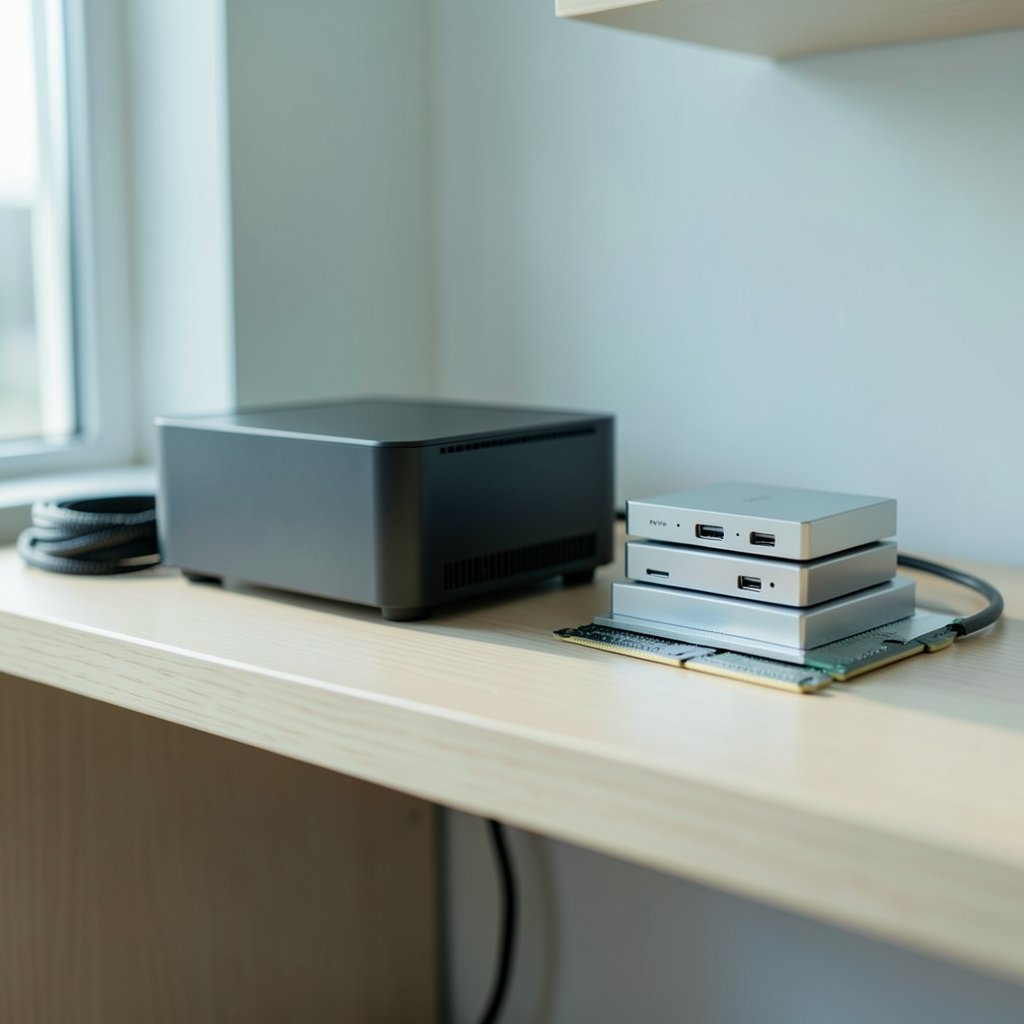
Almost every local chatbot in 2027 rests on the same foundation: quantization. Full-precision model weights are huge. Quantization compresses them, typically to 4-bit formats like Q4_K_M, which cuts memory use to roughly a quarter of what 16-bit weights would need, with a quality loss most users never notice in everyday chat.
The file format carrying those compressed weights is GGUF, the successor to GGML, used by llama.cpp and most of the apps built on top of it. llama.cpp is the C/C++ inference engine underneath a surprising amount of the ecosystem, and it runs on CPUs, NVIDIA GPUs via CUDA, Apple Silicon via Metal, and Vulkan-capable graphics cards. If you have ever wondered why a chatbot runs fine on a MacBook and chokes on a similarly priced Windows laptop, the answer usually lives at this layer.
The three tools most people end up choosing between
| Tool | Interface | Best for | Learning curve |
|---|---|---|---|
| Ollama | Command line plus local API | Tinkerers, developers, anyone wiring AI into other apps | Low to moderate |
| LM Studio | Desktop GUI (Windows, macOS, Linux) | Beginners who want a chat window and a download button | Very low |
| llama.cpp | Command line, source-built | People who want control over backends and flags | Steep |
Ollama downloads and runs open-weight models with a single command and exposes an OpenAI-compatible API, which means desktop chat front-ends and scripts can talk to it as if it were a cloud service. LM Studio wraps the same idea in a graphical app with a built-in local server. llama.cpp is the raw engine, and while it is the least friendly, it is also the most flexible.
For someone starting from zero, the honest advice is to begin with a GUI. If you want a structured path, there is a genuinely useful walkthrough on how beginners can learn local LLMs without a technical background that skips the compiler flags entirely.
The models worth running in 2027
Open-weight families have multiplied. Meta’s Llama line, Mistral and Mixtral, Google’s Gemma, Microsoft’s Phi, and Alibaba’s Qwen all ship versions meant for local use. Specific generations move fast, so treat any named model as a starting point rather than a permanent recommendation.
What has changed by 2027 is the size-to-capability ratio. Models in the 7 to 8 billion parameter range now handle drafting, summarizing, coding help, and question answering well enough for daily use. Larger 30B to 70B models remain the domain of people with serious memory budgets. The practical rule most communities converge on is memory-first: pick the model that fits your RAM, not the one at the top of a leaderboard.
How much memory do you actually need?
These are community heuristics, not official benchmarks, and they shift with quantization scheme, context length, and backend:
| Model size (4-bit) | Rough RAM or VRAM needed | Typical hardware |
|---|---|---|
| 7–8B | 4–6 GB | Modern laptop, 8 GB Mac |
| 13–14B | 8–10 GB | 16 GB machine |
| 30–34B | 18–24 GB | 32 GB Mac or 24 GB GPU |
| 70B | 40+ GB | High-end workstation or multi-GPU |
The single most common mistake is downloading a model that technically fits but leaves no room for the context window. A 7B model on an 8 GB machine runs fine until you paste a long document, then it slows to a crawl or crashes. Leave yourself a couple of gigabytes of headroom.
Hardware: what to buy and what to skip
Apple Silicon became a favorite for local AI because unified memory lets the GPU and CPU share the same pool, so a large model can sit in memory without a discrete graphics card. A Mac with 32 GB or 64 GB of unified memory runs models that would need a pricey GPU on the Windows side.
On Windows and Linux, VRAM is king. A GPU with 12 GB or more opens up the 13B class comfortably. Below that, CPU inference works but feels sluggish for long responses. Integrated graphics are improving, and neural processing units are appearing in more laptops, but support across local tools is still uneven.
Storage matters too. Model files are large, and it is easy to accumulate a dozen of them. A dedicated folder and a habit of deleting what you do not use keeps things manageable.
One underrated tip: if your machine feels slow, check what else is competing for memory before blaming the model. Browsers with thirty tabs open will happily eat the RAM your chatbot needs.
The honest limits of local AI
Local chatbots are not cloud chatbots with the meter removed. They are a different product with real constraints.
Quality gaps are real. A 7B model at 4-bit will not match a top-tier cloud model on complex reasoning, long-context analysis, or subtle writing. For most everyday tasks the gap is invisible. For hard problems, it shows.
Benchmarks mislead. Leaderboards measure different things. Static benchmarks and human-preference arenas are not comparable, and a quantized local version of a model can score differently from the full-precision original it is named after. Treat any single number with suspicion.
Setup still has friction. Driver issues, backend mismatches, and confusing error messages remain part of the experience. The good news is that the GUI tools have absorbed most of this pain.
Speed depends on your hardware, not the model’s reputation. A well-chosen small model on modest hardware often beats a badly chosen large one.
Practical tips that save hours
Start with a GUI tool and one mid-sized model. Resist the urge to download five models on day one. Learn how one behaves before adding complexity.
Match quantization to purpose. A 4-bit model is fine for chat. If you are doing careful technical work, try a higher-bit version of a smaller model rather than a low-bit version of a huge one.
Watch your context window. Long conversations and pasted documents consume memory fast. Clearing the chat is often faster than restarting the app.
Keep a notes file. If you are the type who likes to document your setup, a local-first notes app pairs naturally with a local chatbot, and there is a thoughtful comparison of Obsidian vs Logseq for local-first note workflows worth reading before you commit.
Test offline early. Disconnect from the network and confirm your chatbot still answers. If it does not, something is calling out when it should not be.
What 2027 actually looks like, and what comes next
Any claim about 2027 specifically is a forecast, not a verified fact, so treat this section as informed projection rather than reporting. The direction of travel is clear: better quantization methods at 2 to 3 bits, more capable small models, wider NPU acceleration, and tighter integration into operating systems so that a local assistant feels like part of the desktop rather than a separate app.
The broader pattern is that local AI is becoming less of a hobby and more of a default option for privacy-conscious users. The same shift is visible elsewhere in consumer technology, where hardware bets made years earlier finally reach the market; a good parallel is the way Tesla’s 2026 hardware bets across robotaxi, Semi, and Roadster show how long hardware timelines really are. Local AI is on a faster curve, but the lesson holds: the software gets the headlines, and the hardware quietly decides what is possible.
There is also a cultural side to all this. Communities that build and preserve their own tools tend to outlast the platforms that host them, which is why projects like a fan-run story archive built and maintained by its own community matter as much as any model release. Owning your data is a technical choice with a social dimension.
Conclusion
The best local AI chatbot in 2027 is not a single product. It is a stack: a GUI or command-line tool you find comfortable, a model that fits your memory with room to spare, and hardware you already own or can afford without regret. Ollama and LM Studio cover most people’s needs, llama.cpp rewards the curious, and the open-weight model families give you real choice at every size.
The trade-offs are honest ones. You give up some raw capability and accept a bit of setup friction. In return you get privacy, zero marginal cost, and an assistant that keeps working on your terms. For a growing number of people, that is a trade worth making. Start small, test offline, and let your hardware tell you what to run next.
Frequently Asked Questions
What is the easiest local AI chatbot for a beginner?
LM Studio is usually the gentlest entry point because it provides a desktop window, a model browser, and a built-in server without any command-line work. Ollama is a close second and only slightly more technical, since it runs from a terminal but requires just one command to download and start a model.
How much RAM do I need to run a local LLM?
As a rough community guideline, a 7 to 8B model at 4-bit quantization needs about 4 to 6 GB of RAM or VRAM, a 13B model needs around 8 to 10 GB, and a 70B model needs 40 GB or more. These are estimates rather than official standards, and actual needs rise with longer context windows, so leave headroom.
Can a local chatbot work completely offline?
Yes, once the model file is downloaded. After that first download, inference happens entirely on your machine, so prompts and responses never leave it. It is worth testing by disconnecting from the network and confirming the chatbot still responds, which catches misconfigurations early.
Are local models as good as cloud chatbots?
Not on hard reasoning, very long documents, or subtle creative writing, where top-tier cloud models still lead. For everyday drafting, summarizing, coding help, and question answering, a well-chosen local model in the 7B to 14B range is often good enough that the difference rarely matters.
What does 4-bit quantization actually do?
Quantization compresses model weights to use fewer bits per number. A 4-bit format like Q4_K_M typically reduces memory use to roughly a quarter of 16-bit weights, with a quality loss most users do not notice in normal conversation. Higher-bit versions use more memory but preserve more accuracy.
Why do benchmark scores disagree about the same model?
Leaderboards measure different things. Static test suites and human-preference arenas are not directly comparable, and a quantized local copy of a model can score differently from the full-precision original. Treat any single score as a rough signal and test the model on your own tasks instead.



