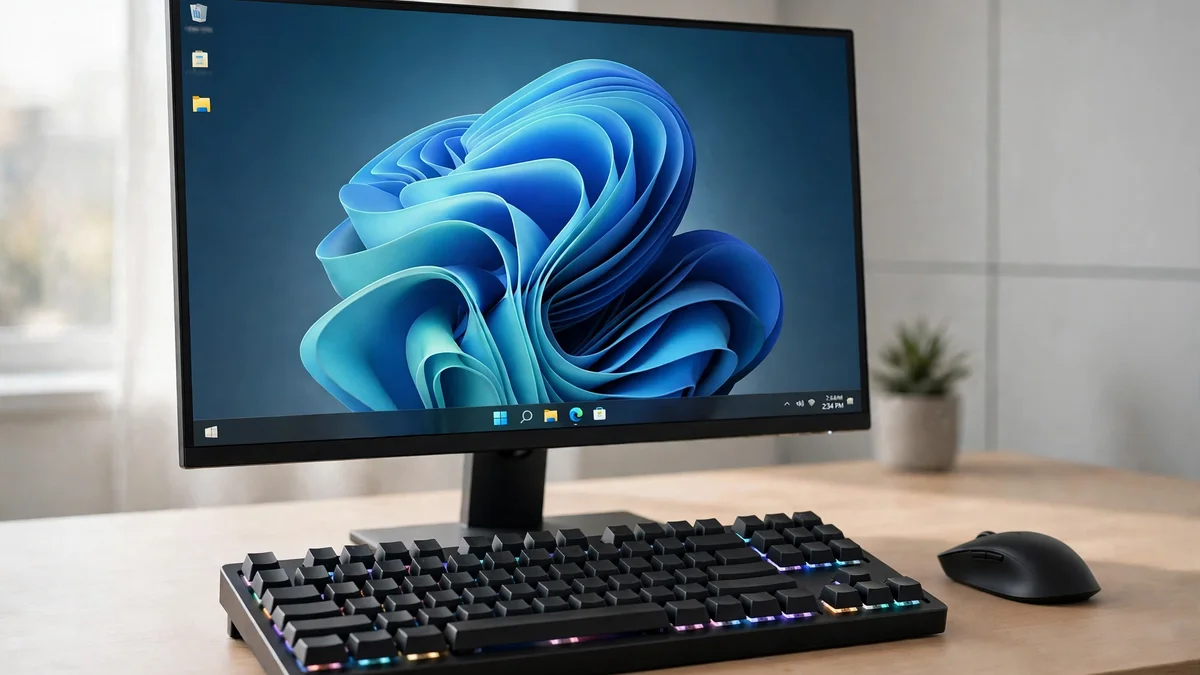
The best mechanical keyboards for Windows in 2027 give you a faster, more comfortable way to type, work, and play on a Windows PC. A good mechanical board replaces the mushy membrane keyboard that came with your computer with crisp switches, solid keycaps, and a layout that fits how you actually use Windows every day. The right pick depends on whether you type all day, game at night, or do a bit of both.
Windows users have one advantage other platforms do not: almost every keyboard maker designs for Windows first. Dedicated software, Windows key legends, media controls, and driver support all arrive on Windows before anywhere else. That also means the choice is wide, and the wrong board can waste money on features you will never open. Switch feel, size, connection, and build quality matter far more than flashy lighting.
This guide compares eight mechanical keyboards for Windows, from budget-friendly workhorses to premium gaming boards. Every pick works natively with Windows 11, and prices are approximate starting prices, so check current pricing before you buy.
Key takeaways
- Keychron K8 Pro is the best overall mechanical keyboard for Windows, with hot-swappable switches and strong value.
- Logitech G Pro X TKL is the best choice for competitive gaming, with a compact layout and fast switches.
- Corsair K70 RGB Pro suits gamers who want a full-size board with dedicated media keys.
- SteelSeries Apex Pro TKL offers adjustable actuation for typing and gaming on one board.
- Check switch type, layout, and connection before buying, because those three choices decide daily comfort.
At a glance: the shortlist
| Product | Best for | Starting price | Standout limit |
|---|---|---|---|
| Keychron K8 Pro | Overall value | From $94 | No dedicated media keys |
| Logitech G Pro X TKL | Competitive gaming | From $129 | No number pad |
| Razer BlackWidow V4 X | RGB gaming | From $99 | Razer software needed for full control |
| Corsair K70 RGB Pro | Full-size gaming | From $159 | Large desk footprint |
| SteelSeries Apex Pro TKL | Adjustable switches | From $189 | Premium price |
| HyperX Alloy Origins 65 | Compact desks | From $99 | 65% layout takes learning |
| Ducky One 3 | Typing feel | From $119 | No wireless option on most models |
| Asus ROG Strix Scope II 96 | Work and play | From $169 | Heavier than rivals |
Keychron K8 Pro — Best overall
The Keychron K8 Pro is the best mechanical keyboard for Windows because it balances price, build, and flexibility better than anything else in this guide. It is a tenkeyless board with hot-swappable switches, so you can change switches without soldering, and it connects over Bluetooth, 2.4 GHz wireless, or USB-C. The aluminium frame feels solid, the PBT keycaps resist shine, and the board sounds pleasantly muted straight out of the box.
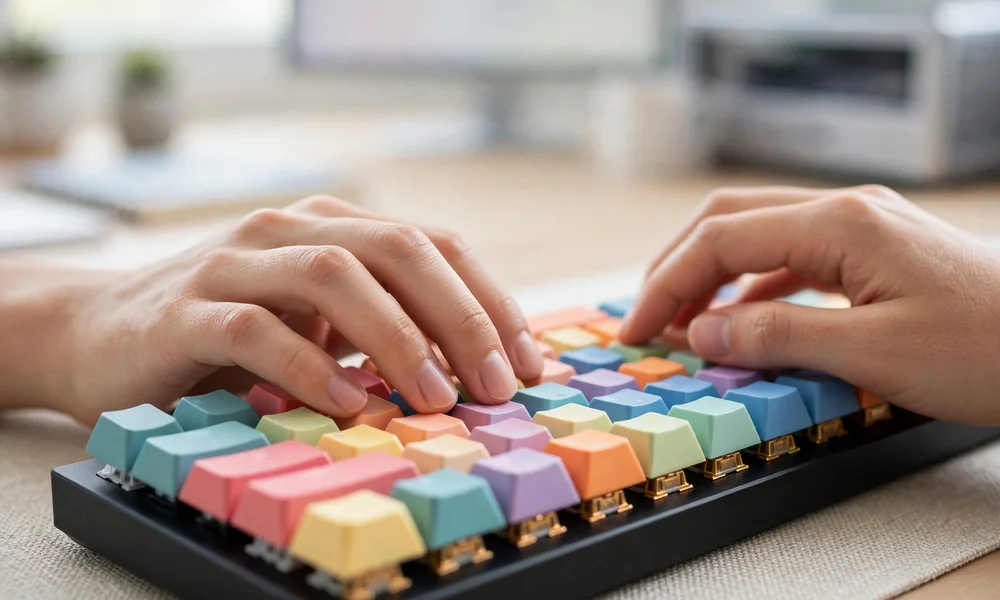
QMK and VIA support let you remap keys and layers without installing heavy software, which is a real advantage on a shared or work PC. For most Windows users, this is the board to buy first.
Pros: Hot-swappable switches, three connection modes, solid aluminium frame, QMK and VIA support.
Cons: No dedicated media keys, key legends are small, software-free setup takes a little learning.
Logitech G Pro X TKL — Best for competitive gaming
The Logitech G Pro X TKL is built for players who want speed and nothing extra. Its tenkeyless layout leaves more room for mouse movement, and the GX switches come in clicky, tactile, and linear options, all hot-swappable. The board is light enough to carry to a tournament, yet the plastic and metal construction feels firm on a desk.
Logitech G Hub on Windows unlocks per-key lighting, macros, and profiles, and the board stores settings on board so they travel with you. If you mainly play fast shooters, this is a focused, proven pick.
Pros: Compact tenkeyless layout, hot-swappable GX switches, on-board profiles, light and portable.
Cons: No number pad, no wrist rest included, G Hub is needed for deep customisation.
Razer BlackWidow V4 X — Best for RGB gaming
The Razer BlackWidow V4 X brings Razer Chroma lighting and a comfortable typing feel to a mid-range price. Its six macro keys sit on the left edge, and the multi-function roller handles volume and media without leaving the keyboard. Razer Green clicky or Yellow linear switches give you a clear choice between tactile feedback and smooth speed.
On Windows, Razer Synapse controls lighting, macros, and profiles in detail, and the board pairs well with other Razer gear if you already own it. For a bright, feature-rich gaming board, it is hard to beat at this price.
Pros: Bright per-key RGB lighting, six macro keys, media roller, good value for the features.
Cons: Synapse software is required for full control, ABS keycaps can shine over time, no wireless mode.
Corsair K70 RGB Pro — Best full-size gaming keyboard
The Corsair K70 RGB Pro is the pick if you want every key, including a full number pad, plus dedicated media controls. Its aluminium frame is rigid, the Cherry MX switches are reliable, and the 8,000 Hz polling rate makes key presses register as fast as current hardware allows.
For a deeper look at how gaming-focused boards compare with general-purpose ones, see our guide to the best keyboards for gaming. Corsair iCUE on Windows handles lighting, macros, and profiles, and the tournament switch locks the Windows key so a stray press cannot minimise your game.
Pros: Full-size layout, dedicated media keys, 8,000 Hz polling, strong aluminium build.
Cons: Large footprint, premium price, iCUE can feel heavy on older PCs.
SteelSeries Apex Pro TKL — Best adjustable switches
The SteelSeries Apex Pro TKL uses OmniPoint 2.0 switches with adjustable actuation, so you can set keys to trigger with a light touch for gaming or a deeper press for typing. That flexibility is genuinely useful if one board must do both jobs. The OLED smart display shows settings, profiles, and even game information at a glance.
The aluminium top plate and PBT keycaps give it a premium feel, and SteelSeries GG software on Windows makes adjusting actuation simple. It costs more than most boards here, but no other board adapts as quickly.
Pros: Adjustable actuation per key, OLED display, premium build, dual-action keys.
Cons: Premium price, no number pad, SteelSeries GG needed for full features.
HyperX Alloy Origins 65 — Best compact keyboard
The HyperX Alloy Origins 65 packs a mechanical keyboard into a 65% layout that frees up serious desk space. You keep arrow keys and a few navigation keys, but lose the function row and number pad, so it suits users who value space over extra keys. The aluminium body feels dense and solid for its size.
HyperX linear or tactile switches are smooth and consistent, and the RGB lighting is bright without being garish. If your desk is small or you want a second board for travel, this compact option is a strong choice.
Pros: Small footprint, solid aluminium body, smooth switches, easy to carry.
Cons: 65% layout needs adjustment, no dedicated function row, no wireless option.
Ducky One 3 — Best typing feel
The Ducky One 3 is loved by typists for its sound and feel. Thick PBT keycaps, a well-dampened case, and a choice of Cherry MX switches produce a deep, satisfying keystroke that stays comfortable through long writing sessions. It comes in full-size, tenkeyless, and smaller layouts, so you can match it to your desk.
There is no heavy software to install. Most settings, including lighting and macros, are controlled with key combinations on the board itself, which keeps things simple on Windows.
Pros: Excellent typing feel, thick PBT keycaps, no software required, several sizes available.
Cons: No wireless on most models, plain design, limited macro features.
Asus ROG Strix Scope II 96 — Best for work and play
The Asus ROG Strix Scope II 96 blends a near-full layout with a compact footprint by squeezing the number pad into a 96% design. You get almost every key of a full-size board in a body closer to tenkeyless size. Hot-swappable ROG NX switches, PBT keycaps, and sound-dampening foam make it pleasant for both typing and gaming.
Armoury Crate on Windows controls lighting and macros, and the board also works well without it for everyday use. It is heavier than rivals, but that weight keeps it planted on the desk.
Pros: 96% layout keeps the number pad, hot-swappable switches, wrist rest included, good sound dampening.
Cons: Heavier than rivals, Armoury Crate is bulky, premium price.
How to choose
Start with layout. Full-size boards suit number-heavy work and spreadsheets, tenkeyless boards suit most users, and 65% or 75% boards suit small desks and minimal setups. Then choose switches: linear switches are smooth and fast for gaming, tactile switches give a small bump for typing feedback, and clicky switches are loud and satisfying but not ideal for shared offices.
Connection matters too. Wired USB-C is the most reliable for gaming, Bluetooth suits laptops and tablets, and 2.4 GHz wireless offers a good middle ground.
Think about how you will use the board day to day. If you type for hours, prioritise PBT keycaps, a comfortable layout, and a wrist rest. If you game, prioritise polling rate, anti-ghosting, and a layout that leaves room for your mouse. Our guide to the best keyboards for office work covers quieter, work-first options if your priority is a shared workspace.
Checklist: before you buy
- Confirm the layout fits your desk and your need for a number pad.
- Pick a switch type that suits typing, gaming, or both.
- Check the connection: wired, Bluetooth, or 2.4 GHz wireless.
- Look for PBT keycaps, which last longer and resist shine.
- Make sure the board works fully with Windows 11 and your software.
- Check current pricing and the returns policy before you order.
Frequently asked questions
Do mechanical keyboards work with Windows 11?
Yes. Every keyboard in this guide works with Windows 11 as a plug-and-play device. Extra features such as macros and lighting need the maker’s Windows software, which is free to download.
Which switch is best for typing on Windows?
Tactile switches are usually best for typing because the small bump tells you when a key has registered. Linear switches are quieter and smoother, and clicky switches give the most feedback but are the loudest.
Are hot-swappable keyboards worth it?
Yes, if you want to try different switches without buying a new board. Hot-swappable boards let you pull switches out and push new ones in, so you can change feel, sound, and weight cheaply.
Is a tenkeyless keyboard better than full-size?
Tenkeyless is better for most users because it saves desk space and keeps your mouse closer to your body. Full-size is better if you enter numbers often or use the number pad for shortcuts.
Do I need software to use a mechanical keyboard?
No. Basic typing works without software on any Windows PC. Software is only needed for lighting effects, macros, and remapping keys, and many boards store those settings on board.
How much should I spend on a mechanical keyboard for Windows?
A good board starts at around $90 to $120, with premium gaming boards costing $160 to $200. Spending more usually buys better build quality, hot-swappable switches, and PBT keycaps, rather than faster typing. If you also use a Mac, our guide to the best mechanical keyboards for Mac covers boards with Mac key legends.
The bottom line
For most Windows users, the Keychron K8 Pro is the best mechanical keyboard in 2027. It offers hot-swappable switches, three connection modes, and a solid build at a fair price. Gamers should look at the Logitech G Pro X TKL or the Corsair K70 RGB Pro, while typists who want the best feel should consider the Ducky One 3.
Pick your layout and switch type first, then choose the board that matches your desk and your budget. Check current pricing and the returns policy before you buy.