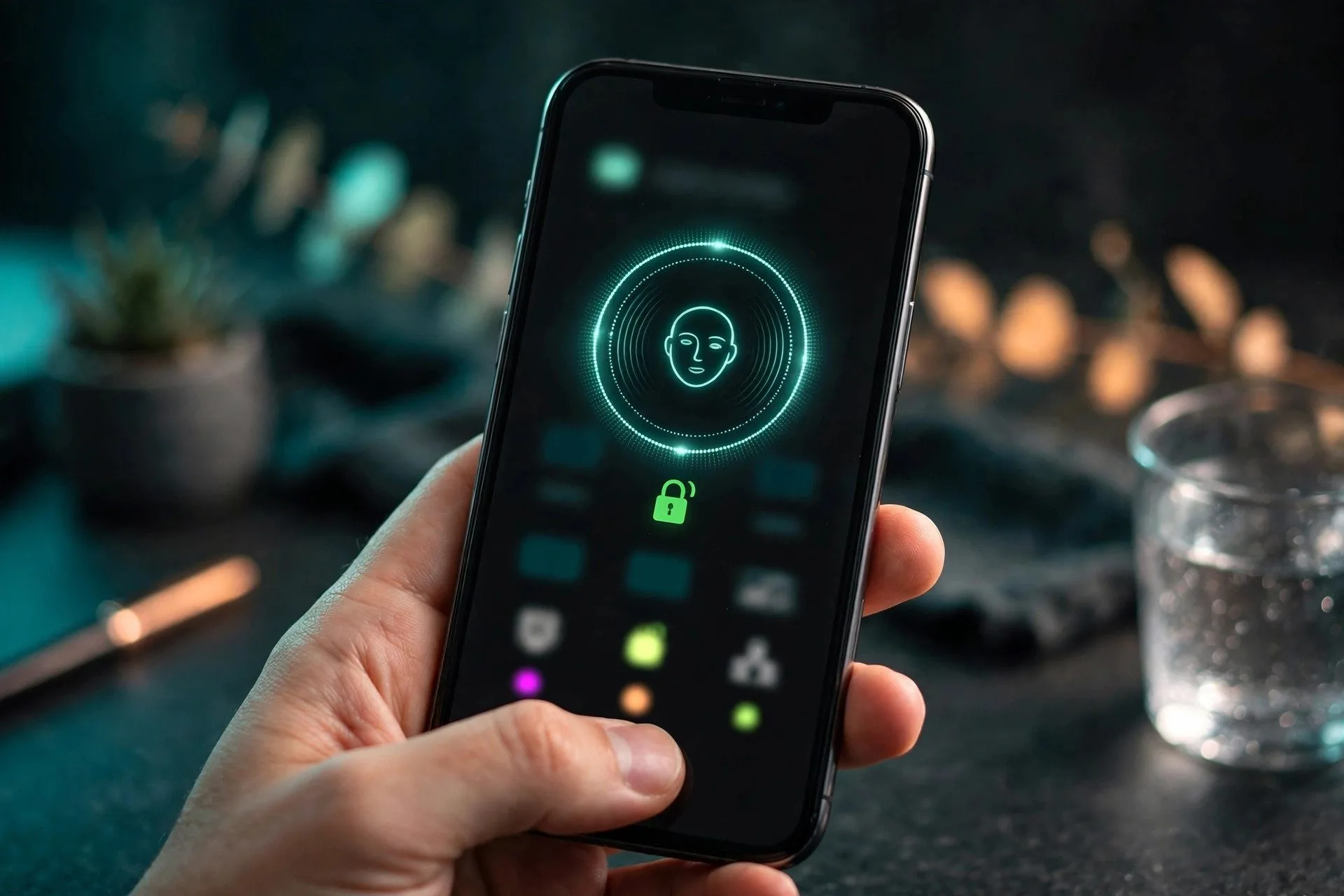
The best password manager for iPhone in 2027 is the one that unlocks with a glance and fills in your passwords before you reach for the keyboard — fast Face ID unlock, flawless autofill in Safari and your apps, and passkey support that actually works. Apple gives you a good built-in option for free, and for iPhone-only users it is genuinely hard to argue with. But if you share passwords with family, use a Windows PC or Android tablet as well, or want a proper security audit, a dedicated manager is worth the small subscription. The picks below are judged on how they behave on an iPhone, all day, every day.
Key takeaways: Face ID unlock and Safari autofill are the two features you will use constantly. Apple’s built-in Passwords app is free and fine for iPhone-only users. A dedicated manager wins on sharing, cross-platform use and security audits. Check current pricing; family plans are usually the best value.
Apple’s Passwords app vs a dedicated manager
Apple’s Passwords app, built on iCloud Keychain, is free, native, and deeply integrated with iOS. It generates strong passwords, stores passkeys and Wi-Fi passwords, fills logins in Safari and apps, and syncs across your Apple devices. For an iPhone user who also uses a Mac and iPad, it covers the essentials well and costs nothing.
Its limits show up at the edges. Sharing a login with a family member is possible through shared groups, but it is less flexible than a dedicated manager’s sharing. Cross-platform use is the bigger gap: if you use a Windows PC at work or an Android phone as a second device, Apple’s manager is awkward or unavailable. There is also no proper security audit that grades your passwords and warns you about breaches in the way a dedicated manager does. If your digital life is entirely Apple, the built-in app is a legitimate choice. If it is not, a dedicated manager is the better home for your passwords.
The best password managers for iPhone
1Password
1Password’s iPhone app is the benchmark: instant Face ID unlock, flawless autofill in Safari and apps, full passkey support, and Watchtower — the security audit that flags weak, reused and breached passwords. It syncs everywhere, stores secure documents, and its family plan covers five people. It is the best all-round password manager for iPhone users who want the complete package.
Best for: iPhone users who want the best all-round password manager.
Dashlane
Dashlane pairs a strong iPhone app with a built-in VPN and dark-web monitoring, which is good value if you would pay for those separately. Its autofill is reliable, its password health dashboard is one of the clearest available, and Face ID unlock is instant. It is a strong choice if you want security extras bundled with your passwords.
Best for: iPhone users who want a manager plus VPN and dark-web monitoring.
Bitwarden
Bitwarden is the open-source, low-cost option, and its iPhone app is solid: reliable autofill, Face ID unlock, passkey support, and a free tier that is genuinely usable. Premium costs very little and adds extra features. For an iPhone user who values open-source code and low prices, it is the best value in this list.
Best for: iPhone users who want an open-source, low-cost manager.
Apple Passwords
Apple’s own Passwords app is free, native, and the most deeply integrated option on iPhone. It fills passwords in Safari and apps, stores passkeys, and syncs across Apple devices with no setup at all. Its sharing and cross-platform limits are real, but for an Apple-only user the price — free — and the integration are hard to beat.
Best for: Apple-only iPhone users who want a free, native option.
NordPass
NordPass offers a clean, fast iPhone app with reliable autofill, Face ID unlock, password health checks and a breach scanner. It is a natural fit if you already use NordVPN, but it stands on its own too. Its free tier is limited, so treat it as a trial.
Best for: iPhone users who already use NordVPN.
Keeper
Keeper is a security-focused manager with a strong iPhone app, good autofill, and extras such as secure file storage and a private messenger. Its Face ID unlock is reliable, and its family plans are solid. It is popular with businesses, but its personal plans are worth a look too.
Best for: iPhone users who want a security-first manager with file storage.
iPhone password manager comparison
| Manager | Face ID unlock | Passkey support | Free tier |
|---|---|---|---|
| 1Password | Yes | Yes | No |
| Dashlane | Yes | Yes | Limited |
| Bitwarden | Yes | Yes | Yes |
| Apple Passwords | Yes | Yes | Yes |
| NordPass | Yes | Yes | Limited |
| Keeper | Yes | Yes | Limited |
Choosing an iPhone password manager: a checklist
- Test autofill in Safari and in your three most-used apps.
- Check Face ID unlock speed — it should be instant, every time.
- Confirm passkey support: passkeys are replacing passwords on iOS.
- Make sure the manager works on your other devices — Windows, Mac, Android.
- Check family or sharing features if you share logins with anyone.
- Look for a security audit that flags weak, reused and breached passwords.
- Confirm the vault is zero-knowledge encrypted.
- Compare pricing, including family plans, and check current pricing before you buy.
- Make sure you can export your data — never get locked into a manager you cannot leave.
- Check the app’s update history: a password manager that is rarely updated is a risk.
Sharing passwords safely from your iPhone
Sharing a password by text message or email is one of the most common security mistakes, and it is also one of the easiest to fix. A good iPhone password manager lets you share a single login securely: the other person receives it inside their own vault, encrypted end to end, and you can revoke access at any time. No screenshots, no messages, no sticky notes — and no copy of the password sitting in a chat history that could be read if either phone is lost.
Family sharing is the most useful version of this. Apple’s own Passwords app supports shared groups, which work well for families who are entirely on Apple devices. Dedicated managers go further: 1Password’s shared vaults let a family organise logins by purpose — streaming, banking, the kids’ school accounts — with different permissions for each vault, and guest sharing lets you share a single item with someone outside the plan. If you share a streaming login with a friend or a Wi-Fi password with a house guest, guest sharing is the right tool: it gives them access to one item, not your whole vault.
There are two rules worth following. First, share the minimum: give access to the specific login, not the whole vault, and revoke it when it is no longer needed. Second, never share a password for an account that holds money or sensitive identity documents — bank accounts, tax portals, email — unless there is no alternative, and if there is no alternative, use the manager’s secure sharing rather than a message. If you are weighing the two biggest names, our Dashlane vs 1Password comparison covers their sharing features in detail. Good sharing is invisible: the other person gets what they need, and your vault stays private.

Frequently asked questions
Is Apple’s Passwords app enough for iPhone?
For an Apple-only user, yes. It generates strong passwords, stores passkeys, and syncs across Apple devices for free. If you share passwords, use other platforms, or want a security audit, a dedicated manager is better.
Which password manager is best for iPhone?
1Password is the best all-round choice: instant Face ID, excellent autofill, passkeys and the Watchtower audit. Bitwarden is the best value, and Apple Passwords is the best free option for Apple-only users.
Are password managers safe on iPhone?
Reputable managers use zero-knowledge encryption, so the provider cannot read your vault. Your master password is the one thing that matters — make it long and unique, and turn on two-factor authentication for the manager itself.
What is a passkey on iPhone?
A passkey replaces a password with a cryptographic key stored on your iPhone and unlocked with Face ID. Passkeys resist phishing in a way passwords cannot, and Apple and most managers here support them fully.
Can I use a password manager with Face ID?
Yes — all the managers here support Face ID unlock on iPhone. Make sure you still remember your master password, though: Face ID is a convenience, not a backup, and you will need the master password on a new device.
How do I switch password managers on iPhone?
Export from your current manager and import into the new one — most managers support direct import from rivals. The switch takes under an hour. Android users should see our best password managers for Android in 2027 guide, and Mac users our best password managers for Mac in 2027 guide.
The bottom line
The best password manager for iPhone in 2027 is 1Password for most people: the best app, the best autofill, and the most useful security audit. Bitwarden is the pick for value and open-source transparency, and Apple Passwords is genuinely enough if you live entirely in Apple’s world. Whichever you choose, use it for everything — a password manager only protects you if every login goes through it. Set it up, import your passwords, and let it generate a unique password for every site you use.