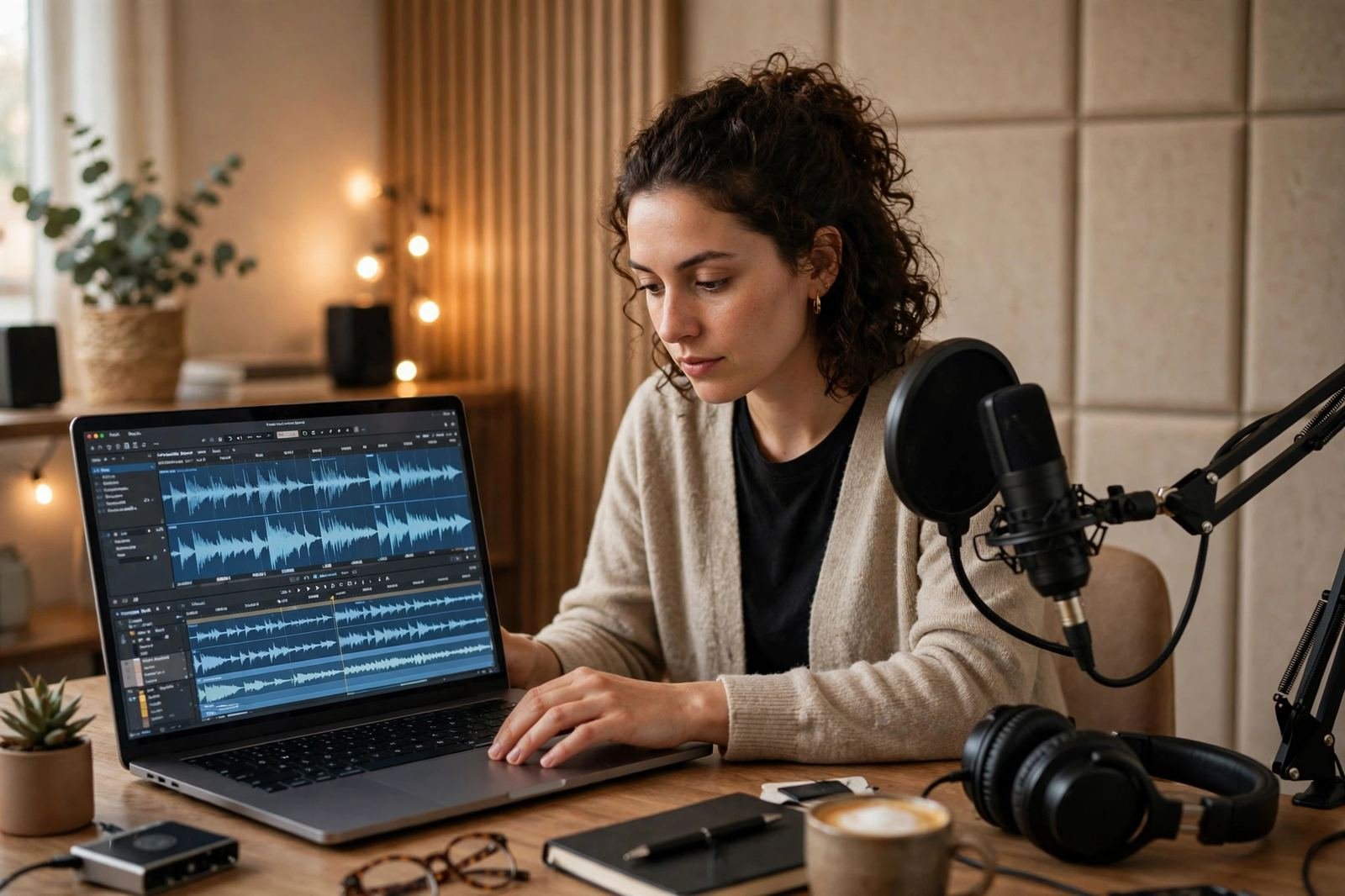
The best podcast editing software 2027 has to offer depends on how you record and how much editing your show needs — but for most podcasters, Descript is the most transformative choice, Audacity is the best free option, and Adobe Audition is the professional standard. Podcast editing used to mean hours of cutting waveforms by hand; today, text-based editing, AI cleanup and remote recording tools have changed the job entirely. This guide compares the leading editors on ease of use, audio quality, remote recording and price, so you can pick the one that fits your show.
Key takeaways
- Descript lets you edit audio by editing a transcript — the fastest workflow for most podcasters.
- Audacity is free, capable and the best starting point for beginners on a budget.
- Adobe Audition is the professional standard for audio quality and control.
- Riverside and GarageBand suit remote recording and simple Mac-based shows respectively.
- Check current pricing — free tiers, subscriptions and recording limits change often.
What podcast editing software needs to do well
Noise removal and levelling are the first priorities. Most podcasts are recorded in imperfect rooms, so an editor that cleans up background noise, evens out volume between speakers and removes hum will make a bigger difference to perceived quality than any other feature. Look for noise reduction, loudness normalisation and de-essing tools.
Cutting speed is the second priority. Podcast episodes are long, and the editing job is mostly removing filler words, pauses and mistakes. An editor that makes this fast — whether through text-based editing, silence detection or good keyboard shortcuts — saves hours per episode. Multi-track support matters when you record guests separately, so you can fix one speaker without affecting the other.
Remote recording is increasingly important. Many shows record guests over the internet, so tools that capture each speaker locally in high quality — rather than recording a compressed call — produce noticeably better audio. Finally, consider publishing: export presets, chapter markers and integration with podcast hosts all save time at the end of the workflow.
1. Descript
Best for: Fast, text-based podcast editing for most podcasters.
Descript changes podcast editing by turning your audio into a transcript you can edit like a document: delete a sentence from the transcript and it disappears from the audio. That single idea makes cutting filler words, mistakes and rambling answers dramatically faster than working with waveforms, and it is why Descript has become the default editor for many podcasters.
Descript also includes Studio Sound, an AI tool that cleans up recordings made in imperfect rooms, plus filler-word removal, overdub voice cloning and video editing for shows that publish on YouTube. The free tier is usable for short projects, and paid plans add more transcription hours and features. Descript runs in the browser and as a desktop app.
The trade-offs are cost and control. Descript is a subscription, so check current pricing, and its audio tools are less deep than a dedicated digital audio workstation for precise work. For most podcasters, though, the speed of text-based editing outweighs those limits. It is the editor that makes podcast editing feel manageable.
2. Audacity
Best for: Free, capable podcast editing for beginners and budget shows.
Audacity is free, open source and available on Windows, Mac and Linux, which makes it the easiest podcast editor to recommend to anyone starting out. It handles multi-track recording and editing, noise reduction, compression, equalisation and loudness normalisation, and its plugin support adds more tools. For a solo podcaster or a small show, Audacity covers the essentials well.
The interface is functional rather than beautiful, and it lacks the AI features and text-based editing of newer tools. But it is reliable, well documented and supported by a large community, so help is easy to find. Audacity’s noise reduction and effects are genuinely useful, and its export options cover the formats podcast hosts need.
Audacity’s limits show on complex shows: multi-track editing is workable but less smooth than in a professional tool, and there is no built-in remote recording. For a beginner or a budget-conscious podcaster, though, it is the right place to start. You can always move to a paid tool later, and the skills transfer.
3. Adobe Audition
Best for: Professional audio quality and control for serious podcasters.
Adobe Audition is the professional standard for audio editing, and its depth shows in podcast work. Its noise reduction, spectral editing, multitrack mixing and loudness tools are the best in the category, and its integration with Premiere Pro suits shows that also publish video. For podcasters who care deeply about sound quality, Audition is the benchmark.
The multitrack editor handles separate guest tracks cleanly, the Essential Sound panel speeds up common jobs like dialogue cleanup and music ducking, and the spectral frequency display lets you remove specific noises — a cough, a siren, a hum — with precision. Audition’s batch processing and templates also help when you publish on a regular schedule.
Audition is sold through Adobe Creative Cloud as a subscription, so check current pricing, and its learning curve is steeper than Descript’s or Audacity’s. For professional podcasters, audio engineers and shows with high production standards, it is worth the investment and the learning time.
4. Riverside
Best for: Remote recording with local high-quality audio and editing.
Riverside is built for remote podcasting: it records each participant locally in high quality, so the audio sounds like everyone is in the same room even when they are on different continents. That local recording is the key difference from recording a video call, where compression and dropouts degrade the sound.
Riverside also includes editing tools — including text-based editing and AI features — plus video recording for shows that publish on YouTube, and a Magic Clips feature for creating short social clips from episodes. The free tier is limited, and paid plans add more recording hours and features, so check current pricing.
Riverside is primarily a recording platform with editing included, rather than a full editor like Audition. For shows with remote guests, though, its recording quality justifies it — and many podcasters record in Riverside and finish editing in Descript or Audition.
5. GarageBand
Best for: Free, simple podcast editing on Mac and iPhone.
GarageBand is free on every Mac and iPhone, and it is a surprisingly capable podcast editor. Its multi-track interface is approachable, its built-in effects and loops are useful, and its integration with the Apple ecosystem means your recordings are already there. For Mac-based podcasters starting out, GarageBand is a genuine option.
The editor covers the essentials — cutting, volume, effects, music and export — and its podcast templates give you a head start. The interface is friendlier than Audacity’s, and the learning curve is gentle. GarageBand also works on iPad, which suits creators who record on the go.
GarageBand’s limits are its simplicity: it lacks the noise reduction depth of Audition, the text-based editing of Descript and the remote recording of Riverside. It also runs only on Apple devices. For a simple Mac-based show, though, it is free, capable and already installed.
6. Hindenburg
Best for: Journalists and storytellers who prioritise voice clarity.
Hindenburg is designed for radio journalists and narrative podcasters, and its workflow reflects that: it prioritises voice clarity, loudness consistency and storytelling over effects and music. Its auto-levelling, voice profiler and clipboard tools are built for long-form spoken audio, and its interface is calm and focused.
Hindenburg’s strength is its audio quality for speech. The voice profiler learns your voice and applies consistent processing, and the loudness tools keep episodes at broadcast standards. The editor handles multi-track recording and editing well, and its publishing features cover the formats podcast hosts need.
Hindenburg is a paid product, so check current pricing, and its feature set is narrower than Audition’s for music and effects. For narrative podcasts, documentaries and journalism, though, it is one of the best tools available. It is the editor that treats spoken audio as its first priority.
Comparison table
| Tool | Best for | Pricing model | Standout feature |
|---|---|---|---|
| Descript | Fast text-based editing | Free tier, subscription | Edit audio by editing text |
| Audacity | Free beginner editing | Free, open source | Noise reduction, multi-track |
| Adobe Audition | Professional audio quality | Subscription | Spectral editing, multitrack |
| Riverside | Remote recording | Free tier, paid plans | Local high-quality recording |
| GarageBand | Free Mac podcasting | Free with Apple devices | Simplicity, Apple integration |
| Hindenburg | Narrative and journalism | Paid, check current pricing | Voice profiler, loudness tools |

How to choose: a practical checklist
- Decide how you record: solo, in-person guests, remote guests or a mix.
- Test noise removal and levelling on a real recording from your room.
- Try text-based editing if you spend hours cutting filler words and mistakes.
- Check multi-track support if you record guests on separate tracks.
- Confirm export formats and loudness standards match your podcast host.
- Compare total cost over a year, including transcription hours and recording limits.
- Look at remote recording quality if your guests are not in the same room.
- Think about video: if you publish on YouTube, an editor with video support saves a step.
FAQs
What is the best free podcast editing software?
Audacity is the best free editor for most podcasters, with multi-track editing and noise reduction. GarageBand is the best free option on Mac. Descript’s free tier is the best free option for trying text-based editing.
Is Descript worth paying for?
If you edit podcasts regularly, usually yes. Text-based editing and AI cleanup save hours per episode, which quickly justifies the subscription for anyone publishing weekly. Try the free tier first to see if the workflow suits you.
Do I need a professional editor for my podcast?
Not at first. Audacity or GarageBand will produce a good-sounding show if your recording is clean. Move to Descript or Audition when editing time, not audio quality, becomes your bottleneck.
How do I record remote guests in high quality?
Use a tool like Riverside that records each participant locally, rather than recording a compressed video call. Local recording avoids dropouts and compression, and the difference in sound quality is obvious.
What loudness should my podcast be?
Podcast hosts and platforms generally recommend around -16 LUFS for stereo podcasts, but check your host’s guidance. Most editors in this list include loudness normalisation tools — see our best audio editing software for beginners guide for more on audio basics.
Can I edit a podcast on my phone?
Yes, though it is slower than on a computer. GarageBand on iPhone and iPad handles simple edits well, and Descript’s web app works on tablets. For regular publishing, a computer editor is more efficient.
The bottom line
The best podcast editing software in 2027 is the one that makes your show sustainable — and Descript, Audacity and Audition cover that job between them. Start with a free editor, focus on recording clean audio in a quiet room, and upgrade when editing time becomes your bottleneck rather than your budget. Your next step is simple: edit your next episode in your chosen tool, time the process, and keep the workflow that gets a good-sounding episode out the door on schedule. The best podcast is the one that actually gets published.