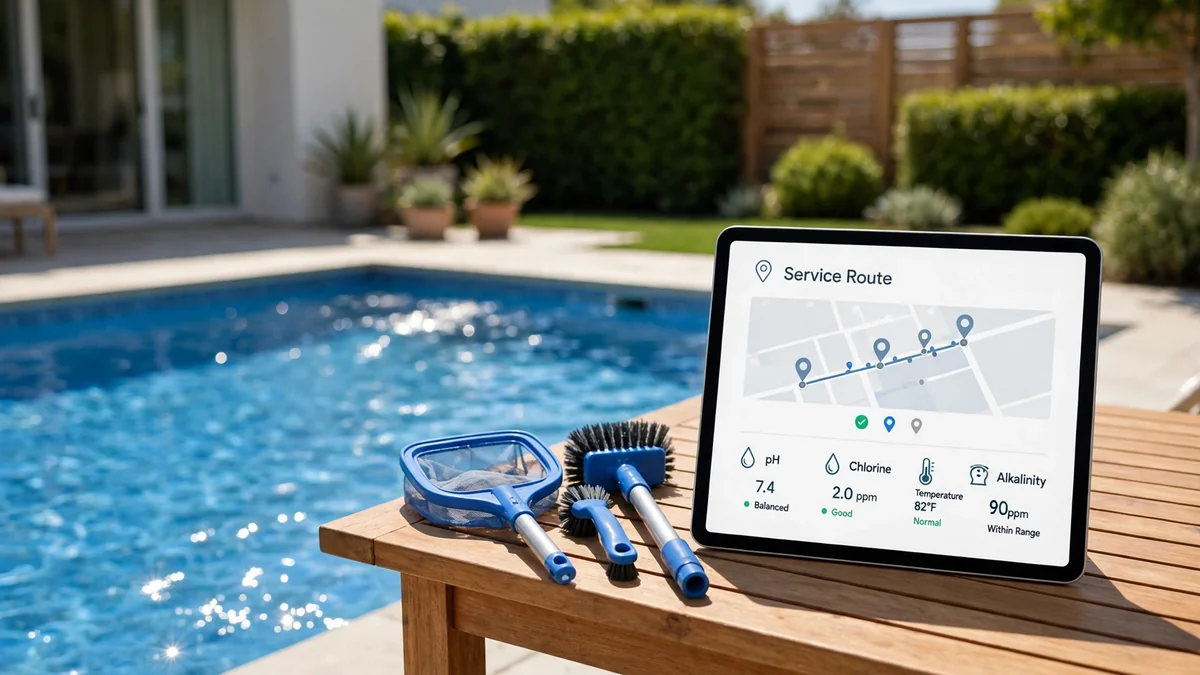
Best pool service software in 2027 helps a pool company run its routes, track water chemistry, bill customers and get paid without drowning in paperwork. A technician who services 12 to 15 pools a day cannot carry that schedule on paper, remember which pools need extra chlorine, and chase late invoices after hours. The right software puts the route, the customer history and the chemical readings on one screen, so the work in the yard matches the record in the office.
The market has split into two clear groups. Pool-specific tools such as Skimmer and Pool Brain are built around weekly routes, chemical logs and door hangers, while general field-service platforms such as Jobber, Housecall Pro and ServiceTitan bring stronger quoting, invoicing and marketing to pool work. Neither group is right for every company. A one-truck operator needs simple routing and fast invoicing, while a company with ten technicians needs dispatch boards, GPS tracking and customer portals.
This guide compares eight leading options for pool service businesses in 2027, from solo operators to multi-crew companies. We looked at route optimisation, chemical tracking, scheduling, billing, mobile apps, customer communication and price. Every starting price below is given as published or widely reported, and you should check current pricing before buying, because pool software vendors change plans and per-technician fees often.
Key takeaways
- Skimmer is the best overall choice for most pool service companies, because it is built specifically around pool routes, chemical readings and service history.
- Pool Brain is the best budget-friendly pool-specific option for small companies that want route and chemical tracking without enterprise pricing.
- Jobber and Housecall Pro are the best general field-service options for pool companies that also do repairs, installations or other trade work.
- ServiceTitan is the best choice for large, multi-crew pool companies that need advanced dispatch, reporting and marketing in one system.
- Check the per-technician price and the chemical-logging limits before you commit, because those two details decide the real monthly cost.
At a glance: the shortlist
| Product | Best for | Starting price | Standout limit |
|---|---|---|---|
| Skimmer | Most pool companies | From about $99 per month, check current pricing | Route and chemical tools are pool-specific |
| Pool Brain | Small companies on a budget | From about $49 per month, check current pricing | Fewer marketing tools than larger platforms |
| Jobber | Pool plus repair work | From about $29 per month, check current pricing | Chemical tracking needs workarounds |
| Housecall Pro | Fast quoting and payments | From about $49 per month, check current pricing | Pool-specific features are limited |
| ServiceTitan | Large multi-crew companies | Custom pricing, check current pricing | Price and setup time are high |
| FieldEdge | Dispatch-heavy operations | Custom pricing, check current pricing | Best value at larger team sizes |
| Service Autopilot | Pool and lawn care combined | From about $47 per month, check current pricing | Interface takes time to learn |
| Workiz | Phone-first booking | From about $59 per month, check current pricing | Advanced reporting sits on higher plans |
Skimmer — Best overall
Skimmer is pool service software built for the weekly route. It was designed by people who understand that a pool technician visits the same pools on the same day each week, tests the water, adds chemicals, cleans the pool and moves on. The mobile app lets a technician see the day’s route in order, open a customer record, log chemical readings, add a photo and mark the job done, all from the poolside.
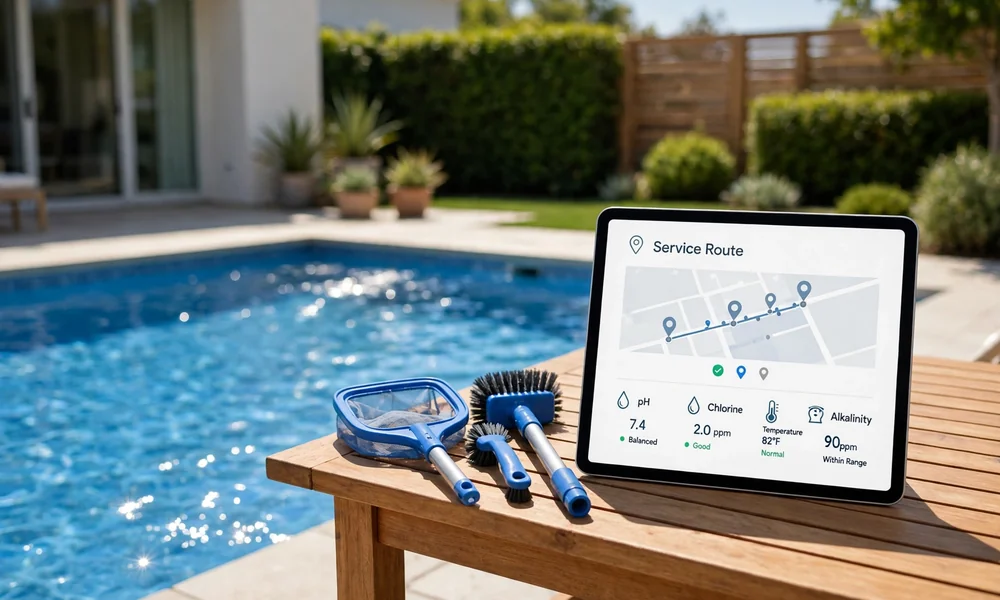
Chemical tracking is where Skimmer earns its place at the top of this list. Technicians can record pH, chlorine, alkalinity and temperature at each visit, and the system keeps a history per pool so a recurring problem is visible instead of forgotten. Customers can see their service history and chemical readings through a portal, which cuts down on the calls asking whether the pool was serviced and what was added. Billing is built in, with invoicing, card payments and autopay, so a company can move from paper invoices to automatic monthly billing without a separate tool.
Routing is practical rather than flashy. Skimmer orders stops, shows them on a map and lets office staff reassign a stop when a technician calls in sick. If you run a trade business with a similar route-based model, our guide to the best HVAC business software covers many of the same scheduling and dispatch ideas.
Pros: purpose-built for pool routes and chemical logs; fast mobile app for technicians; customer portal with service history; invoicing and autopay included.
Cons: less useful if you do little recurring pool work; add-ons and higher tiers raise the monthly cost; reporting is simpler than enterprise platforms.
Pool Brain — Best for small companies on a budget
Pool Brain is a pool-specific option aimed at small companies that want the essentials without paying for a large platform. It covers scheduling, routing, chemical tracking and invoicing in one straightforward system, and it is priced for businesses with one or two trucks. The interface is deliberately simple, which matters when technicians need to learn it in a day rather than a week. A new hire can open the app, see the route, log readings and close the job without a training manual.
The chemical log is the strongest part of the product. It records readings per visit, flags values outside the normal range and keeps a running history for each pool. Customer records hold service notes, equipment details and contact information, so the office can answer a customer question without calling the technician in the field.
Pool Brain is less strong on marketing and automation than the bigger general platforms. It does not try to be a full customer relationship system, and companies that want email campaigns, review requests and detailed sales reporting will need a second tool.
Pros: low starting price for small teams; simple to learn; solid chemical logging and visit history; pool-specific design.
Cons: limited marketing and automation; fewer integrations than larger platforms; reporting is basic.
Jobber — Best for pool plus repair work
Jobber is a general field-service platform that many pool companies use because pool work is rarely only pool cleaning. A company that cleans pools, repairs pumps, replaces filters and installs heaters needs quoting, job costing and scheduling that a pool-only tool may not handle well. Jobber covers that wider job mix with quotes, scheduling, invoicing, payments and customer messaging in one place, and its mobile app is one of the most polished in field service.
Scheduling is Jobber’s clearest strength. The calendar and dispatch view show who is where, which jobs are unassigned and which quotes are waiting for approval. A pool company can schedule a weekly cleaning route alongside one-off repair jobs, and the technician sees both on the same day view. Quotes can be sent from the field, approved by the customer online and turned into a job without retyping anything.
The trade-off is that Jobber is not built for pools. Chemical tracking needs custom fields or a workaround, and there is no built-in pool chemistry history like the pool-specific tools offer. A company that does mostly weekly cleaning will feel that gap every day.
Pros: strong quoting, scheduling and invoicing; polished mobile app; good for mixed cleaning and repair work; useful customer messaging.
Cons: no native pool chemistry tracking; route tools are general rather than pool-specific; costs rise with extra users and features.
Housecall Pro — Best for fast quoting and payments
Housecall Pro is built for service businesses that win work by responding fast and getting paid fast. Its quoting tools, online booking and payment options are strong, and the mobile app lets a technician quote a repair, take a deposit and collect payment on site. For a pool company that does a lot of equipment repairs, filter replacements and one-off cleanings, that speed is a real advantage over slower, paper-based quoting.
The scheduling and dispatch tools are straightforward. Jobs appear on a calendar, technicians get their day’s work on the app, and customers get text and email updates when a technician is on the way.
Like Jobber, Housecall Pro is a general tool, so pool-specific needs are secondary. Chemical logs, recurring route optimisation and per-pool water history are not its focus, and a company that lives on weekly routes may find the routing tools too general.
Pros: fast quoting and on-site payments; online booking and customer notifications; easy to set up; good review and reminder automation.
Cons: limited pool-specific features; chemical tracking needs workarounds; higher plans needed for advanced features.
ServiceTitan — Best for large multi-crew companies
ServiceTitan is an enterprise field-service platform for companies with multiple crews, a call centre and a marketing budget. It is the most powerful tool on this list and also the most expensive and the most demanding to set up. A large pool company that runs ten or more technicians, handles a high call volume and tracks marketing spend by channel will get value from it. A small company will find it too much, too soon.
Dispatch is where ServiceTitan stands out. The dispatch board shows every technician, every job and every truck in real time, and office staff can drag jobs between technicians as the day changes. Reporting covers revenue per technician, job profitability, marketing return and customer lifetime value, which is the level of detail a growing company needs to decide where to invest.
The cost and the setup time are the honest drawbacks. Pricing is custom and usually quoted per technician, and implementation can take weeks, including data migration and staff training. ServiceTitan is the right choice when the business problem is scale, dispatch and reporting, not simply remembering which pools were cleaned on Tuesday.
Pros: powerful dispatch and reporting; strong call booking and pricebook tools; marketing tracking; built for large teams.
Cons: custom pricing is high; long setup and training time; not pool-specific; overkill for small companies.
FieldEdge — Best for dispatch-heavy operations
FieldEdge is a field-service platform with a strong focus on dispatch, job management and customer records. It suits pool companies that run several crews and need the office to see the whole day at a glance. Jobs, technicians, parts and customer history sit in one system, and the mobile app gives technicians their schedule, job details and customer notes without a phone call to the office.
Dispatch and scheduling are the core of FieldEdge. The board shows unassigned jobs, technician locations and job status, so a dispatcher can fill gaps and respond to urgent calls without losing the route.
FieldEdge is a general service platform, so pool companies should expect to adapt it rather than find pool chemistry built in. Pricing is custom, and the product makes most sense once a company has enough technicians for dispatch to be a daily problem.
Pros: strong dispatch board and job tracking; detailed customer and equipment records; accounting integrations; good for multi-crew days.
Cons: custom pricing; not pool-specific; setup and training take time.
Service Autopilot — Best for pool and lawn care combined
Service Autopilot is popular with companies that combine pool service with lawn care, landscaping or other recurring outdoor work. It handles recurring schedules, routing, invoicing and customer communication for businesses that visit the same properties every week, which is exactly how a pool and lawn company works. A company that mows the lawn on Monday and cleans the pool on Thursday can manage both visits for the same customer in one system.
Recurring billing is a particular strength. The system can generate invoices for weekly or monthly routes automatically, process card payments and track which customers are behind. Scheduling tools handle route changes, skipped visits and one-off jobs alongside the regular route.
The interface is powerful but not the simplest on this list, and new users should expect a learning period. Pool-specific chemical tracking is not the focus, so a company that needs detailed water history should check how it would record readings before committing.
Pros: strong recurring billing and routing; good for combined pool and lawn businesses; estimating and customer messaging included.
Cons: interface takes time to learn; limited pool chemistry tools; setup needs care to get routes right.
Workiz — Best for phone-first booking
Workiz is a field-service platform built around the phone call. Many pool companies still get most of their new work by phone, and Workiz is designed to turn those calls into booked jobs quickly. Its phone system, online booking and scheduling tools work together, so a customer who calls about a green pool can be booked, quoted and scheduled without the office juggling separate tools.
Job management is clear and practical. The schedule shows the day’s jobs, technicians see their work on the mobile app, and customers get notifications about arrival times. Invoicing and payments are built in, and the system can automate reminders, follow-ups and review requests after a job.
Workiz is a general platform, so pool-specific features are limited and advanced reporting sits on higher plans. A company that needs deep chemical history or complex route optimisation may need a pool-specific tool instead.
Pros: phone system and online booking work together; clear scheduling and job tracking; automation for reminders and reviews; easy for office staff to learn.
Cons: limited pool-specific features; advanced reporting costs more; chemical tracking needs a workaround.
How to choose
Start with the size of your route. A solo technician with 60 weekly pools needs simple routing, fast chemical logging and automatic invoicing, and a pool-specific tool such as Skimmer or Pool Brain will feel right from day one. A company with five technicians needs a dispatch view, reassignment tools and a shared customer record, which pushes the choice toward a stronger field-service platform. A company with ten or more crews needs reporting, call booking and marketing tracking, which is ServiceTitan or FieldEdge territory.
Next, check how the software handles water chemistry. If you service pools every week, the chemical log is not a nice extra, it is the record that proves the work was done and shows when a pool is drifting out of balance. Pool-specific tools keep that history per pool by default. General platforms need custom fields, and that workaround gets old fast when technicians log readings 15 times a day. Ask for a live demo with a real route, not a sales slideshow, and watch a technician complete a stop from start to finish.
Price the whole system, not the headline plan. Check the per-technician fee, the cost of extra users, payment processing fees and any charge for the customer portal or text messages. A plan that looks cheap at one user can double at five users. If you want to see how other service businesses handle the same choice, compare how other service businesses handle the same problem in our roundup of the best cleaning business software.
Finally, test the mobile app where the work happens, by the pool, in bright sunlight, with wet hands. If the app is slow, hard to read or needs too many taps to log a reading, technicians will stop using it, and the office will be back to guessing.
Checklist: before you pay
- Run a trial on a real route with at least two technicians, not just in the office.
- Check the chemical log: can it record pH, chlorine and alkalinity per pool and show the history?
- Confirm the full monthly cost, including per-technician fees, payment processing and text messages.
- Check the contract length and the cancellation terms before you sign an annual plan.
- Test data export: can you take your customer list, service history and chemical records with you if you leave?
- Ask about support hours and response times, because a routing failure on a Monday morning needs a fast answer.
Frequently asked questions
What is the best pool service software for a small company?
Skimmer is the best overall choice for most small and mid-sized pool companies, because it is built around weekly routes and chemical logs. Pool Brain is a good lower-cost alternative if your budget is tight and you mainly need routing, chemical tracking and invoicing.
How much does pool service software cost?
Most pool service tools start at about $29 to $99 per month for a basic plan, with the price rising per technician or per user. Enterprise platforms such as ServiceTitan use custom pricing. Always check current pricing and confirm the per-technician cost before you commit, because that is where the total usually grows.
Do I need pool-specific software, or will Jobber work?
Jobber works well if you do a mix of cleaning, repairs and installations, because its quoting and scheduling are strong. It works less well if weekly chemical tracking is your main daily task, because it has no native pool chemistry log. Pool-specific software is the better choice for companies that live on weekly routes.
Can pool software handle billing and autopay?
Yes. Most tools on this list include invoicing, card payments and automatic billing for recurring routes. That is one of the main reasons to move off paper invoices, because autopay cuts late payments and saves the office hours of chasing each month.
Does pool service software track water chemistry?
Pool-specific tools such as Skimmer and Pool Brain track pH, chlorine, alkalinity and temperature per visit and keep a history for each pool. General field-service platforms usually need custom fields for the same job, which is slower and harder to report on.
Can I switch pool software without losing my customer records?
Usually yes, but check before you sign up. Ask whether the new tool can import customers, service history and chemical records, and whether you can export your data from your current tool. A trial import with a small set of customers is the safest way to confirm it works, and swim schools face a similar booking and billing challenge, covered in our guide to the best swim school management software.
The bottom line
For most pool service companies in 2027, Skimmer is the best starting point. It is built for the weekly route, it tracks water chemistry properly, and it handles invoicing and autopay without a second tool. Pool Brain is the best low-cost alternative for small teams, while Jobber and Housecall Pro are better choices for companies that earn most of their money from repairs and installations rather than weekly cleaning.
Large companies with several crews should look at ServiceTitan or FieldEdge, where dispatch and reporting matter more than a chemical log alone. Whatever you choose, trial it on a real route, price it per technician, and make sure your chemical history can move with you. The right software should make a busy route feel calmer, not add another system to fight.