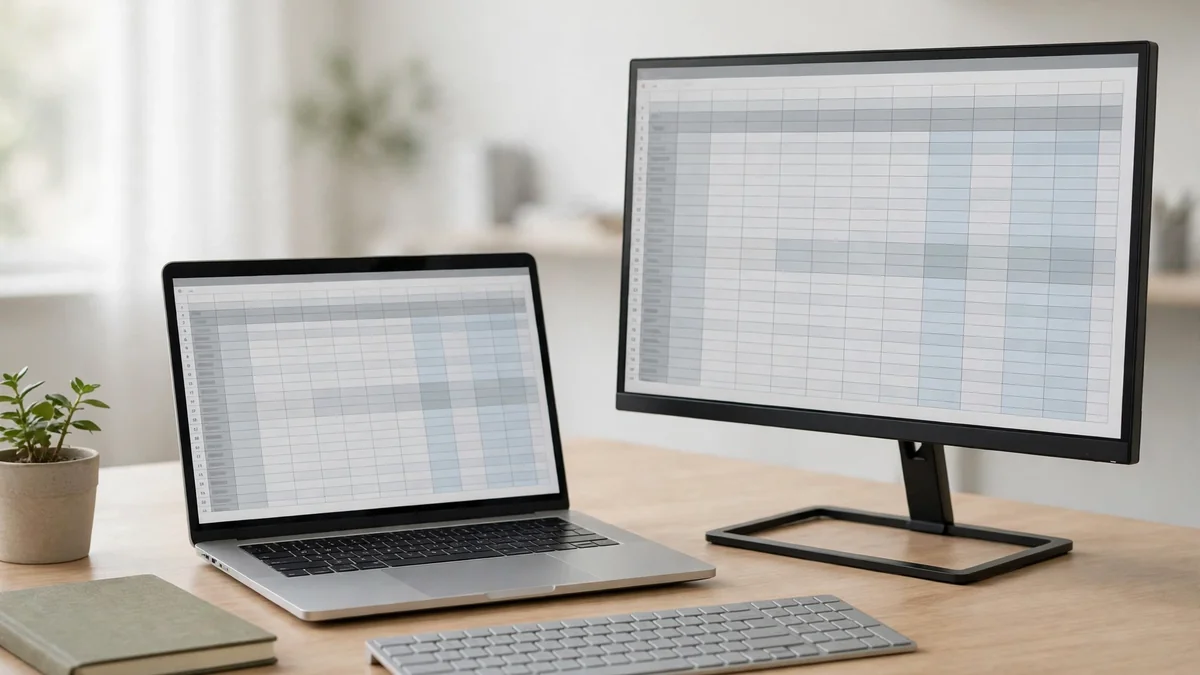
The best portable monitors for laptops in 2027 give you a second screen anywhere a laptop goes, from a hotel desk to a kitchen table. A slim USB-C display weighs under a kilogram, draws power from the laptop, and doubles the space for documents, email, and video calls without the bulk of a second full-size monitor. For students, remote workers, and frequent travellers, that extra screen is often the single biggest productivity upgrade after the laptop itself.
What matters most is the balance between weight, brightness, and connection. A 15.6-inch Full HD panel is the most practical size, fitting in a laptop bag alongside a 14-inch or 15-inch machine, while a 4K or OLED panel suits photo and video work at a higher price. Look for a monitor that works over a single USB-C cable, a brightness of at least 300 nits for bright rooms, and a cover or stand that actually holds the screen upright.
We chose the seven portable monitors below for real travel and desk use, weighing panel quality, weight, brightness, ports, and price. Every pick is a genuine portable display, not a repurposed tablet, and each one connects to a laptop with a cable rather than a wireless trick. Prices are approximate starting prices, so check current pricing before buying.
Key takeaways
- ASUS ZenScreen MB16ACV is the best overall portable monitor, balancing weight, brightness, and price from around $199.
- Lenovo ThinkVision M14 is the best portable monitor for business travellers, with a slim design and reliable USB-C connection.
- A 15.6-inch Full HD panel is the best size for most laptops, fitting in a bag without adding much weight.
- Choose a portable monitor with at least 300 nits of brightness if you plan to work near windows or outdoors.
- A single USB-C cable is the most convenient connection, but check that your laptop supports video over USB-C before buying.
At a glance: the shortlist
| Product | Best for | Starting price | Standout limit |
|---|---|---|---|
| ASUS ZenScreen MB16ACV | Best overall | From $199 | 1080p resolution only |
| Lenovo ThinkVision M14 | Best for business | From $249 | No built-in battery |
| Arzopa Z1FC | Best for gaming | From $179 | Heavier than rivals |
| UPERFECT 15.6-inch 4K | Best 4K portable | From $299 | Shorter battery life on USB power |
| ViewSonic VG1655 | Best lightweight | From $229 | 250 nits brightness is modest |
| Innocn 15A1F OLED | Best OLED portable | From $349 | Premium price, no touch |
| Espresso Displays 15 Touch | Best premium touch | From $449 | Needs a separate stand |
ASUS ZenScreen MB16ACV — Best overall
The ASUS ZenScreen MB16ACV is the portable monitor most people should buy first. Its 15.6-inch IPS panel runs at 1920 by 1080, with good colour for office work and video, and it connects to a laptop over a single USB-C cable that carries both video and power.

The included smart case folds into a stand, which is a small detail that matters on a hotel desk or a train table, and the anti-glare coating keeps the screen readable under office lighting. Brightness is adequate for indoor use, and the monitor works with Windows and Mac laptops that support DisplayPort over USB-C. It is not the brightest or sharpest portable screen here, but it is the best all-round balance of price, weight, and reliability. If your main desk already has a large display, a portable second screen pairs well with a proper home setup, as covered in our guide to the best monitors for home offices.
Pros: Light and slim, single-cable USB-C connection, useful folding case stand, fair price.
Cons: 1080p resolution only, no built-in battery, brightness is average outdoors.
Lenovo ThinkVision M14 — Best for business
The Lenovo ThinkVision M14 is built for business travellers who want a second screen that just works. Its 14-inch IPS panel is slightly smaller than most rivals, which makes it a natural match for a 14-inch laptop, and the whole unit weighs around 570 grams.
The included sleeve doubles as a stand, and the monitor’s low blue light mode is genuinely useful during long days of reading documents.
Pros: Very light at 570 grams, power pass-through charging, good for 14-inch laptops, slim design.
Cons: 14-inch screen is smaller than rivals, no built-in battery, 1080p resolution only.
Arzopa Z1FC — Best for gaming
The Arzopa Z1FC is the portable monitor for people who want a second screen that can also keep up with games. Its 16.1-inch IPS panel runs at 1920 by 1080 with a 144Hz refresh rate, which makes fast motion smooth and scrolling feel noticeably quicker than a standard 60Hz portable display.
For work, the larger 16.1-inch screen is a real advantage, giving documents and timelines a little more room than a 15.6-inch panel.
Pros: Smooth 144Hz refresh rate, larger 16.1-inch screen, works with consoles and handhelds, good value.
Cons: Heavier than rivals, no touch support, speakers are basic.
UPERFECT 15.6-inch 4K — Best 4K portable
The UPERFECT 15.6-inch 4K portable monitor is the pick for photo and video work on the move. Its 3840 by 2160 IPS panel shows far more detail than a 1080p portable screen, so images stay sharp when zoomed in and timelines fit more clips at once.
It connects over USB-C or mini HDMI, and the included stand and cover protect the screen in a bag.
Pros: Sharp 4K resolution, strong colour, premium metal body, good value for a 4K portable screen.
Cons: Draws more laptop battery power, no touch support, heavier than 1080p rivals.
ViewSonic VG1655 — Best lightweight
The ViewSonic VG1655 is the lightest full-size portable monitor in this roundup, weighing around 700 grams with a slim profile that fits easily beside a laptop in a bag. Its 15.6-inch IPS panel runs at 1920 by 1080, with a brightness of 250 nits that suits indoor offices, libraries, and hotel rooms.
The folding cover acts as a stand, and the monitor’s simple menu makes it easy to adjust brightness on the fly.
Pros: Very light and slim, simple setup, good port selection, fair price.
Cons: 250 nits brightness is modest, no built-in battery, plastic body feels basic.
Innocn 15A1F OLED — Best OLED portable
The Innocn 15A1F OLED is the portable monitor for people who care most about image quality. Its 15.6-inch OLED panel delivers perfect blacks, vivid colour, and a contrast ratio that LCD portable screens cannot match, which makes photos, video, and dark-mode documents look noticeably better.
It connects over USB-C or mini HDMI, and the included cover protects the panel in transit.
Pros: Stunning OLED contrast and colour, perfect blacks, slim and light, great for photo and video.
Cons: Premium price, no touch support, OLED needs care with static images.
Espresso Displays 15 Touch — Best premium touch
The Espresso Displays 15 Touch is the premium portable monitor for people who want touch input on a second screen. Its 15.6-inch IPS panel runs at 1920 by 1080 with a bright, glossy finish, and the touch layer works with Windows and Mac laptops for sketching, scrolling, and tapping through presentations.
The monitor connects over a single USB-C cable, and the optional magnetic stand holds it at a comfortable angle on a desk. It is the most expensive pick in this roundup, and the stand is sold separately, but the build quality and touch support justify the price for designers and presenters who use touch daily. For a wider look at large screens, our guide to the best ultrawide monitors for work covers the desk-based alternative.
Pros: Responsive touch screen, premium aluminium build, bright panel, single-cable USB-C.
Cons: Premium price, stand sold separately, glossy screen reflects bright light.
How to choose
Start with size and weight, because a portable monitor that stays at home is not portable. A 15.6-inch screen is the best compromise for most laptops, fitting in a standard bag and matching the height of a 15-inch laptop display. A 14-inch monitor is better with a compact laptop, while a 16-inch or 17-inch screen suits people who mostly work from a fixed second location rather than a train seat.
Next, check the connection and brightness. Most modern laptops support video over USB-C, which lets one cable carry power and picture, but older laptops may need an HDMI adapter, so confirm before buying. Brightness of 300 nits or more is worth paying for if you work near windows, while 250 nits is fine for a dim office. A monitor that also works with a games console or a tablet is a bonus if you travel with more than a laptop, and our guide to the best monitors for gaming explains what to look for in a high-refresh display.
Finally, think about the stand and the power draw.
Checklist: before you buy
- Confirm your laptop supports video over USB-C, or budget for an HDMI adapter.
- Weigh the monitor with your laptop to make sure the bag stays comfortable.
- Check brightness: at least 300 nits if you work near windows or outdoors.
- Test the stand or folding cover on a real desk before a trip.
- Confirm the ports: two USB-C ports allow pass-through charging.
- Check the return policy, since panel brightness and colour vary between units.
Frequently asked questions
Do portable monitors need a power outlet?
Most portable monitors do not need a power outlet, because they draw power from the laptop over USB-C. A bright 4K panel can drain the laptop battery faster, so carry a charger for long sessions, and use a monitor with pass-through charging if you want one charger to power both screens.
Can I use a portable monitor with a MacBook?
Yes, most portable monitors work with a MacBook that supports DisplayPort over USB-C, which covers recent MacBook Air and MacBook Pro models. Touch features may be limited on macOS, so check the manufacturer’s compatibility notes if touch input matters to you.
Is a 1080p portable monitor sharp enough?
A 1080p portable monitor is sharp enough for most work at 15.6 inches, because the screen is small and viewed from a normal distance. Choose a 4K portable monitor if you edit photos or video and need to see fine detail, or if you sit very close to the screen.
Can a portable monitor work with a games console?
Yes, many portable monitors work with games consoles over HDMI, and models with a 144Hz refresh rate are a good match for fast games. Check that the monitor has a mini HDMI input and that your console can output at the monitor’s resolution and refresh rate.
How heavy is a portable monitor?
Most portable monitors weigh between 550 and 900 grams, which is roughly the weight of a paperback book. The lightest models are 14-inch screens, while larger 16-inch and 4K models are heavier, so choose the size that matches how far you carry it each day.
Do portable monitors have built-in batteries?
Most portable monitors do not have built-in batteries and rely on the laptop for power. A few models include a small battery, but they are heavier and more expensive, so most travellers are better off with a USB-C monitor and a laptop charger.
The bottom line
For most people, the ASUS ZenScreen MB16ACV is the smart buy, because it is light, reliable, and fairly priced, while the Lenovo ThinkVision M14 is the best choice for business travellers who want the lightest possible second screen. Creators should look at the UPERFECT 4K model or the Innocn OLED, depending on whether sharpness or contrast matters more to their work.
Whichever portable monitor you choose, confirm the USB-C connection works with your laptop, check the brightness for the rooms you work in, and pick a size that fits your bag. A good portable monitor turns any table into a proper two-screen workspace, and once you have worked that way, going back to a single laptop screen feels cramped.