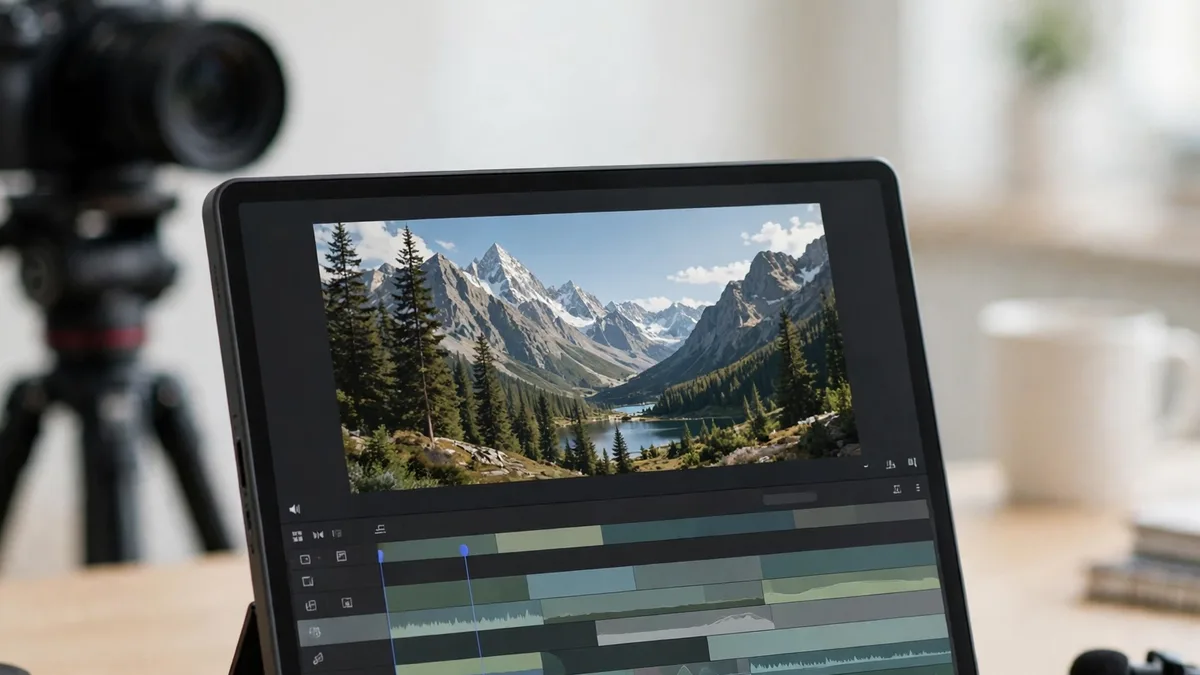
The best portable monitors for video editing in 2027 give editors a second screen that is actually worth grading on. A laptop display is fine for cutting, but a portable monitor adds room for the timeline and colour accuracy that holds up when the finished video reaches a phone, a TV or a client.
What separates an editing monitor from a general-purpose portable screen is colour. Look for wide DCI-P3 coverage, a low Delta E figure and, ideally, factory calibration, so the colours you approve are the colours your audience sees. Resolution matters too: 4K panels show footage at full detail, while 1080p panels suit social video.
The shortlist below runs from a $249 everyday panel to an $899 4K OLED flagship. Every pick connects over USB-C.
Key takeaways
- ASUS ProArt Display PA148CTV is the best overall editing monitor, with factory calibration and a 14-inch colour panel.
- ViewSonic VX1655-4K-OLED is the best 4K OLED pick, showing 4K footage at full resolution.
- Espresso Display 17 is the best large-screen option at 17.3 inches, giving the timeline room.
- Expect to pay from about $249 for a basic 1080p panel to about $899 for the 4K OLED flagship.
- Calibrate your portable monitor every few months, since panel colour drifts over time.
At a glance: the shortlist
| Product | Best for | Starting price | Standout limit |
|---|---|---|---|
| ASUS ProArt Display PA148CTV | Best overall | About $329 | 14-inch screen |
| ViewSonic VX1655-4K-OLED | 4K OLED editing | About $899 | Heaviest in this list |
| Espresso Display 17 | Large screen | About $799 | Needs a strong laptop GPU |
| ASUS ZenScreen OLED MQ16AH | OLED colour | About $399 | 1080p resolution |
| Lenovo ThinkVision M14d | Sharp 2.2K IPS | About $349 | IPS contrast, not OLED |
| UPERFECT 16-inch 4K | Budget 4K | About $449 | Basic calibration |
| AOC 16T2 | Location work | About $249 | 1080p, lower brightness |
ASUS ProArt Display PA148CTV — Best overall
The ASUS ProArt Display PA148CTV is the only screen in this list designed from the start for colour-critical work. Its 14-inch Full HD IPS panel is factory calibrated to a Delta E below 2, covers full sRGB and most of DCI-P3, and includes a physical dial for brightness, contrast and colour presets. That dial sounds small, but during a long grading session it saves constant trips into the settings.

At 14 inches the screen is compact, which keeps it light at under 800 grams, but the timeline and preview share a smaller space than on a 15.6-inch panel. For editors who cut on a laptop and grade on the portable screen, that trade-off is worth it: the ProArt is the most trustworthy colour in this roundup for its price. It connects over USB-C with a single cable, and it works with the kind of USB-C hubs built for video editing that add card readers and extra ports.
Pros: Factory-calibrated colour with a low Delta E; physical control dial; light and well built.
Cons: 14-inch screen limits timeline space; 1080p only; IPS contrast is weaker than OLED.
ViewSonic VX1655-4K-OLED — Best for 4K OLED editing
The ViewSonic VX1655-4K-OLED is the most capable screen in this list. Its 15.6-inch OLED panel runs at 3840 by 2160 pixels, so 4K footage can be previewed at full resolution, with the deep blacks and wide colour that make grading easier. For editors delivering in 4K and HDR, this is the closest a portable screen gets to a desktop grading monitor.
The cost is weight, power and price. At about $899 it is the most expensive pick here, it is heavier than the 1080p models, and it draws more power, so long sessions need a charger nearby. For professional work those costs are justified; for social video, a cheaper panel will do.
Pros: True 4K OLED panel; excellent contrast and colour for grading; solid build.
Cons: Expensive at about $899; heavier and more power-hungry; needs a capable laptop GPU.
Espresso Display 17 — Best large screen
The Espresso Display 17 gives editors the most room here, with a 17.3-inch 4K panel that holds a long timeline, a large preview and tool panels without constant scrolling. The aluminium body is slim for its size, and the magnetic stand lets the screen tilt for grading or sit upright for client review. Touch support is available on the touch version, which helps when scrubbing clips.
A 17.3-inch screen is not a pocket companion. It needs a larger bag, draws more power and starts at about $799, so it suits editors who work from a fixed second location rather than a cafe table. The panel is bright and colour-accurate, and it works with Mac and Windows over USB-C.
Pros: Large 17.3-inch 4K panel; touch option; premium aluminium build with a flexible stand.
Cons: Bulky for travel; expensive at about $799; high power draw.
ASUS ZenScreen OLED MQ16AH — Best OLED colour
The ASUS ZenScreen OLED MQ16AH is the best-value OLED in this list for editors. Its 15.6-inch Full HD OLED panel covers the full DCI-P3 colour space and is factory calibrated to a Delta E below 2, so graded footage looks consistent across devices. The one-millisecond pixel response keeps playback smooth, with true blacks in dark scenes.
The main limit is resolution: at 1080p, 4K footage is downscaled for preview, so fine detail checks need a higher-resolution screen. Brightness peaks at 400 nits, which is fine indoors but weak in direct sunlight. At about $399 and 800 grams, it is the cheapest way to carry a calibrated OLED panel.
Pros: Calibrated OLED colour at a fair price; true blacks and fast response; light and slim.
Cons: 1080p only, so 4K detail is downscaled; 400 nits peak brightness; no touch support.
Lenovo ThinkVision M14d — Best sharp 2.2K IPS
The Lenovo ThinkVision M14d is a 14-inch IPS panel with a 2240 by 1400 resolution, which sits between 1080p and 4K and gives text and interface elements a sharper look than standard Full HD. It covers a wide colour range, is factory calibrated for sRGB work, and weighs about 600 grams, making it one of the lightest screens here. Its slim body suits editors who travel with a thin laptop.
IPS contrast is the compromise: blacks look grey next to an OLED panel, and dark scenes lose some depth. The 14-inch screen also limits timeline space, so it works best as a second display. For editors who value sharpness, low weight and reliable colour over OLED contrast, the M14d is a strong choice at about $349.
Pros: Sharp 2.2K resolution; very light; good factory calibration for sRGB work.
Cons: IPS blacks look grey beside OLED; small 14-inch screen; no 4K option.
UPERFECT 16-inch 4K — Best budget 4K
The UPERFECT 16-inch 4K portable monitor starts at about $449 and is the cheapest route to a 4K portable panel. Its 16-inch IPS display runs at 3840 by 2160 pixels, so 4K footage can be checked at full resolution, and the wide colour coverage is good for general editing work. A kickstand and cover are included, and the screen connects over USB-C with a single cable.
Calibration is the weak point: the panel is not individually calibrated, so colour can vary between units and editors doing paid work should calibrate it themselves. Brightness is average and the menu system is basic. For editors on a budget who need 4K detail more than perfect colour, it is a useful compromise.
Pros: Cheapest 4K portable panel here; large 16-inch screen; kickstand and cover included.
Cons: Not individually calibrated; average brightness; basic on-screen menu.
AOC 16T2 — Best for location work
The AOC 16T2 is the only screen in this list with a built-in battery, which makes it the pick for location shoots and on-set review. Its 15.6-inch Full HD IPS panel runs for several hours without a laptop connection, so a director or client can review takes on the spot. Touch support is included, which helps when scrubbing through footage.
The panel itself is the most basic here: 1080p, average brightness and standard IPS contrast, so it is not the screen for final grading. At about $249 it is also the cheapest pick in this roundup. Think of it as a field monitor for review and rough cuts.
Pros: Built-in battery for on-location use; touch support; cheapest in this list at about $249.
Cons: Basic 1080p IPS panel; average brightness; not suited to final colour grading.
How to choose
Start with the work you deliver. If you grade 4K or HDR footage for clients, you need a 4K panel with wide colour coverage, which means the ViewSonic, the Espresso 17 or the UPERFECT 4K. If you cut 1080p or social video, a calibrated 1080p panel such as the ProArt or the ZenScreen OLED will serve you better.
Next, check colour honestly. Factory calibration and a Delta E figure below 2 matter when clients judge your work, and even a calibrated panel drifts over time, so budget for a calibration tool and recalibrate every few months. A second screen also changes your desk layout, so compare your options with other dual monitor setups for work.
Finally, think about power and ports. A 4K panel draws more from the laptop battery than a 1080p panel, and a battery-equipped model such as the AOC 16T2 removes that worry on location. Prices below are approximate starting prices, so check current pricing before buying, since portable monitors are discounted often.
Checklist: before you pay
- Confirm your laptop can drive the resolution you are buying, especially 4K.
- Check DCI-P3 coverage and Delta E, not just brightness and resolution.
- Test the screen with your editing software, since scaling and colour profiles vary.
- Count the cables: one USB-C cable is ideal, but older laptops may need an adapter or HDMI.
- Weigh the screen with its cover, stand and cables before judging portability.
- Plan to calibrate every few months, and check the return policy in case the panel has dead pixels.
Frequently asked questions
Do I need a 4K portable monitor for video editing?
Not always. For 1080p and social video, a calibrated 1080p panel is enough and saves money and battery. A 4K panel matters when you deliver 4K footage and need to check fine detail at full resolution.
Is OLED or IPS better for video editing?
OLED wins on contrast and black levels, which helps when grading dark scenes. IPS panels are brighter, cheaper at 4K and carry no image-retention risk, so they suit long editing sessions and bright rooms better.
Can a portable monitor be colour accurate?
Yes, if it is factory calibrated and you recalibrate it regularly. Look for a Delta E below 2 and full sRGB or DCI-P3 coverage, and avoid uncalibrated budget panels for paid work.
Will a portable monitor slow down my laptop?
Driving a second display uses graphics power, and a 4K panel uses more than a 1080p panel. Most modern laptops handle it fine, but older machines may stutter with 4K playback, so check your laptop’s graphics first.
Do portable monitors work with Mac and Windows editing software?
Yes, every model here works with both over USB-C, and they appear as a second display in Premiere Pro, DaVinci Resolve and Final Cut Pro. If you want a bigger fixed setup, compare them with 4K monitors for productivity before buying a desktop screen.
What size portable monitor is best for editing?
For most editors, 15.6 inches is the sweet spot between timeline space and portability. A 14-inch panel is lighter for travel, while a 17-inch panel suits editors who rarely move.
The bottom line
For most editors, the ASUS ProArt Display PA148CTV is the right pick: factory-calibrated colour, a sensible price and a light body. If you deliver 4K work, step up to the ViewSonic VX1655-4K-OLED, and if you need the most timeline space, the Espresso Display 17 is the largest screen here.
A portable monitor will not make you a better editor, but a calibrated one will stop you guessing at colour, and that alone is worth the price for anyone who edits for clients.