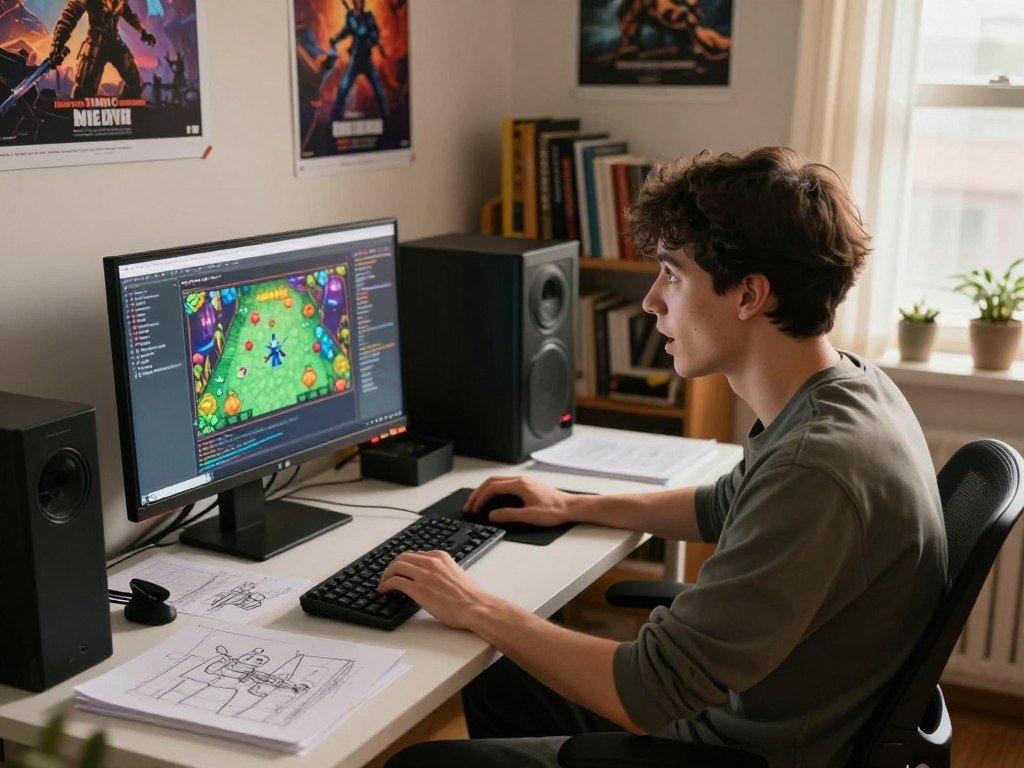
A first game is easier to finish when its language fits the tools and project you actually plan to use. The best programming language for game development depends on your platform, engine, project size, and current skills. There is no single fit for every game.
A game engine is software that provides tools and systems for building 2D and 3D games. Your engine can shape what you write, how you test it, and which development tools you need.
This list covers GDScript, C#, C++, JavaScript, Lua, Java, and Python. You can get started with one small project, then build skills through practice or courses. A clear choice can also support a future career, but your first goal should be a game you can finish.
Choose a small, playable goal before investing months in a language.
Key Takeaways
- Pick a language supported by your chosen engine.
- Let the target platform shape your choice.
- Start with a small game you can finish.
- Use the engine’s tools and starter projects.
- Learn one language before adding another.
Which Is the Best Programming Language for Game Development?
For most first-time developers, the best starting language is the one supported by the engine they can use to finish a small game. For beginners seeking the best programming language for game development, choose GDScript with Godot or C# with Unity. Engine choice can narrow your language options before syntax does.
Godot recommends GDScript for beginners because it was made for Godot and game development. The languages game development tools support can matter more than a language’s popularity. A project can use GDScript for gameplay and C# or C++ for a complex algorithm.

Match the engine to your target platform
Start with the device where you want people to play. Some engines offer a clear path to computers, phones, or browsers, while others suit specific workflows. Your choice should reflect the game you plan to build, not only the programming languages you already know.
A goal-based language guide can help you compare tools across other kinds of projects, too. For a learner choosing Unity, C# is a direct route into its scripting tools. C++ suits Unreal Engine or work where low-level performance matters.
Choose for your first project, not a dream job
Write down three facts before you choose. This checklist keeps the choice tied to a project you can test, rather than a job title you may want later.
- Target platform: computer, phone, console, or browser.
- Preferred engine: the tool you are willing to learn.
- First small game: a simple idea with one main action.
A two-week prototype is a better test of fit than choosing a language only for a future studio role.
Keep the first build small enough to finish and play. Add more features only after the core action works. That gives you a real test of the engine, its tools, and the language’s feel.
Is C++ the Right Choice for High-Performance 3D Games?
C++ is a strong choice when a 3D game needs tightly optimized core systems, but it is not the only way to build in Unreal Engine. C++ compiles to native machine code, while Blueprints run through an interpreted virtual machine. Use each option where its strengths matter most.
Unreal Engine recommends Blueprints for prototyping, level scripting, user interfaces, animation state machines, and adjustable designer settings. C++ fits core gameplay, AI decisions, networking, custom engine modules, algorithms, and data structures. A Blueprint and C++ execution comparison explains why the difference can matter.

| Task | Recommended option | Execution model | Tradeoff |
|---|---|---|---|
| Prototype and UI logic | Blueprints | Interpreted virtual machine | Quick to adjust |
| Core gameplay and networking | C++ | Native machine code | More direct system control |
| Tick-heavy or math-intensive work | C++ when profiling points there | Native machine code | Can reduce Blueprint overhead |
Blueprint overhead matters most in tick-heavy logic across many actors, math-intensive systems, and tight loops over large collections. A small interface script is unlikely to need the same treatment. Profile the game before changing working code.
Grand Theft Auto V and Red Dead Redemption 2 use Rockstar Advanced Game Engine, or RAGE. That engine name does not prove which source language either game uses. The guide to choosing a language also weighs project goals against the tools you plan to use.
Use profiling to identify a real bottleneck before rewriting working gameplay logic in C++.
What Does C# Offer Unity Developers?
If Unity is the engine you want to learn, C# is the direct language choice for writing its gameplay scripts. Unity uses C# for its scripting API and C++ for its runtime. C# is a practical fit for 2D, 3D, indie, and cross-platform games.
Unity’s plan rules use an organization’s revenue or funding from the last 12 months. Unity Personal is available to eligible users below $200,000. Businesses above $200,000 need Pro, while businesses above $25 million need Enterprise.

Unity announced that Pro and Enterprise prices were scheduled to rise by 5% starting January 12, 2026. Unity Personal includes a monthly allowance of 1,000 credits for Unity AI tools. These Unity plan and pricing terms can affect a studio’s budget, but AI credits alone need not decide your engine.
Unity 6.3 LTS no longer includes Havok Physics for Unity in Pro, Enterprise, or Industry plans. That change may matter if your project relies on that physics tool. Compare the tools in your plan with the features your game actually needs.
For solo learners, C# gives you a clear path into Unity’s gameplay code and editor workflow. A team may also weigh its funding, revenue, and project needs before selecting a plan. Those are separate decisions: learning C# does not require you to run a studio.
Check the current plan terms against your organization’s revenue or funding before committing to a Unity workflow.
Why Start With Godot and GDScript?
For a beginner who has chosen Godot, GDScript offers the most direct route to writing gameplay. It uses indentation-based code blocks, built-in vector and transform types, and gradual typing. GDScript also avoids tracing garbage collection.
Godot supports GDScript, C#, and C or C++ through GDExtension. GDScript runs more slowly than compiled C# or C++, but that does not make it a poor gameplay choice. Many scripts call engine functions written in C++, so script speed may not greatly affect performance.
| Language | Role | Strengths | Platform or setup caveat |
|---|---|---|---|
| GDScript | Gameplay scripting | Godot-focused types and syntax | Runs slower than compiled C# or C++ |
| C# | Gameplay scripting | Compiled code in Godot | Needs the .NET editor edition |
| C or C++ through GDExtension | Native extensions | Compiled code for complex needs | Requires extension setup |
Godot 4 C# projects cannot currently export to the web platform. C# mobile support began in Godot 4.2, but it remains experimental. The Godot C# setup guide covers the .NET editor and those platform limits.
A project that targets computers can still use GDScript for most gameplay. If a slow script causes a real problem, you can test a compiled option for that part. First, make sure the slowdown comes from the script rather than another part of the game.
Match the Godot language to the export platforms you need before building around it.
Which Languages Work Best for Browser Games?
If players should be able to open the game in a browser, JavaScript is the most direct pick in this list. It handles game logic and interaction, while HTML5 and CSS help shape the page. Phaser and PixiJS are JavaScript game frameworks.
HTML5 games can run across browsers and platforms, which makes a small game easy to share. You can send players a web address instead of asking them to install a separate app. Browser delivery is convenient, but it is not the default route for every high-performance game.
These three parts have different jobs. Keeping them separate makes it easier to see what you need to learn before building the first level.
- JavaScript: game logic, controls, and player interaction.
- HTML5: the structure that holds the browser game.
- CSS: visual presentation, such as page layout and text style.
A framework can handle common game tasks, so you can focus on movement, scoring, and feedback. Phaser and PixiJS offer different ways to build with JavaScript. Pick based on the type of game and the framework’s tools, rather than assuming every web project needs the same setup.
Browser games can be played on different devices, but screens and controls vary. Touch input may feel very different from a keyboard. Test keyboard, touch, and screen-size behavior in the browsers your intended players use.
Where Does Lua Fit in Game Development?
Lua is worth considering when your project needs a compact scripting language or you want to build with a Lua-focused tool. Lua is lightweight and can be embedded in software, including games. It works well when a game or tool already uses Lua for scripting.
Some shipped games associated with Lua include Angry Birds, Baldur’s Gate, Civilization V, and The Elder Scrolls Online. Those examples show Lua’s presence in games, not that Lua alone powered each title. Lua can handle game logic while a larger program manages other systems.
The official Lua site describes the language’s lightweight, embeddable design and offers ways to learn it. For a hands-on project, consider one of these routes:
- Write modifications for Roblox experiences with Lua.
- Make a small project with LÖVE.
- Build with Solar2D or Gideros.
These tools give Lua a more defined role in a game project. A compact scripting language can be useful for game rules or custom behavior. Your tool choice still matters, since Lua by itself is not a full game engine.
The Lua getting-started page covers learning, installing, and embedding the language. Its small footprint suits scripting inside a larger application, while Lua-focused tools can support standalone projects.
Choose a framework first if you want Lua to be the main language of a standalone project.
Can Java or Python Be a Practical First Pick?
Java is a sensible pick for JVM or Android interests, while Python is an approachable route to a small prototype or 2D game. Java games can run on systems with a Java Virtual Machine. Choose either language when its tools match the game you want to make.
Java frameworks include jMonkeyEngine and libGDX. They give you a way to build games with Java rather than starting with a blank software project. If you already know Java, a small framework project can help you test whether its game tools fit your plans.
Java for JVM-based and Android projects
Java can suit a learner interested in JVM-based development or Android projects. The JVM lets Java games run on operating systems that support it. Frameworks such as libGDX and jMonkeyEngine offer different starting points for game development.
Choose a code editor that supports the language and project you have in mind. An editor guide for developers compares tools by language support, debugging, and other needs. A Java-focused IDE may suit one project, while a flexible editor can work across languages.
Python for prototypes and 2D games
Python is useful for quick prototypes and small 2D games. Pygame is a practical starting point for learning how a game loop, input, and screen drawing work together. Panda3D offers a route to more advanced 3D work.
Familiarity can make a first project feel easier, but it should not outweigh the target engine or platform. A project that needs a specific engine may point toward a different language. Avoid adding features before the core game works.
Build one small playable project in the framework you choose before adding features or switching languages.
Conclusion
The most useful first language is the one that helps you finish a small game with the tools you plan to keep using. GDScript is a strong beginner choice for Godot, C# fits Unity, C++ suits performance-heavy Unreal work, and JavaScript fits browser-first games.
Your skills will grow faster when you can test each idea in a working project. You do not need a large game to learn the basics. One playable scene can teach you about controls, feedback, and the engine’s workflow.
Install the engine or framework you chose and make a tiny playable prototype. Pick one engine, follow its official starter project, and make a playable version before expanding the scope.
FAQ
Is Lua easier than Python?
Both Lua and Python are approachable, but Lua is compact and often appears as an embedded scripting language. Python has broader general-purpose uses and tools such as Pygame for game projects. Your first project matters more than a small difference in syntax. Try a short tutorial in each language before choosing one for a longer build.
What is GTA 5 coded in?
Grand Theft Auto V uses Rockstar Advanced Game Engine, known as RAGE, but the engine name is not a programming language. A game engine can include many systems and code written in more than one language. RAGE alone does not confirm the source language used for every part of the game.
What language is RDR2 coded in?
Red Dead Redemption 2 uses Rockstar Advanced Game Engine, or RAGE. That name identifies the engine, not a confirmed programming language for the game’s source code. Large games can combine tools and languages across different systems, so the engine alone cannot establish which language powered each feature.
Can beginners start game development with C++?
Yes, beginners can start with C++, but the learning curve is steeper than with some engine-focused languages. Begin with basic programming ideas, then make a small project with simple controls. Unreal Engine offers both C++ and Blueprints, so you can use visual logic while learning how code fits into the game.
Can JavaScript be used to make 3D games?
Yes, JavaScript can make 3D games that run in a browser. Choose a framework that fits your project and its performance needs. A small 3D scene is a good test before you add complex worlds, effects, or many moving objects. Check how the game runs on the browsers and devices your players use.