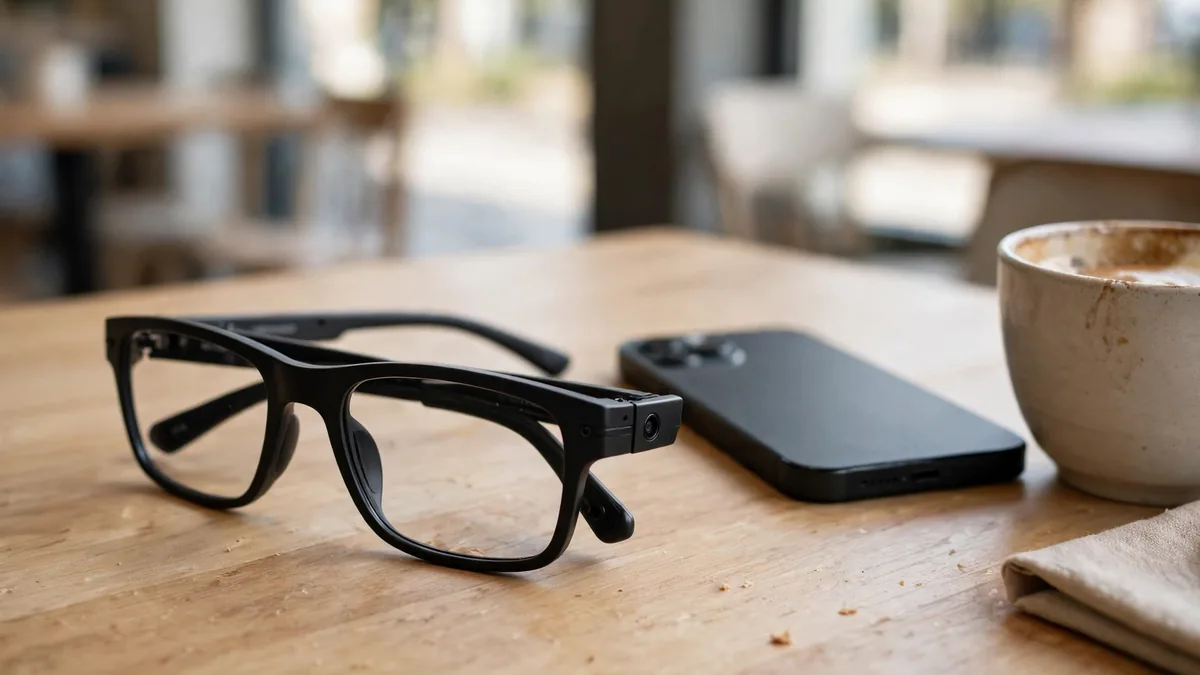
The best smart glasses in 2027 are no longer a novelty. They take photos, answer questions, translate speech, show directions in your line of sight, and play music, all from frames that look close to ordinary glasses. The best smart glasses in 2027 cover very different jobs, from a discreet AI companion for everyday wear to a full augmented reality display for work and travel, so choosing well means matching the glasses to the job rather than buying the most impressive demo.
The trade-offs are real. Display glasses give you more information at a glance but cost more, weigh more, and drain battery faster. Camera and audio glasses are lighter, cheaper, and easier to wear all day, yet they show you nothing and depend heavily on your phone.
This guide compares seven pairs you can buy in 2027, with honest starting prices, the limits each pair hides, and the questions to ask before you pay.
Key takeaways
- Meta Ray-Ban Display is the best overall pick, pairing a useful in-lens display with familiar Ray-Ban styling.
- Xreal One Pro is best if a large virtual screen matters more than all-day wear.
- Warby Parker smart glasses are the easiest everyday option for prescription wearers.
- Display glasses cost roughly twice as much as camera-only glasses, and their batteries rarely last a full working day.
- Check prescription lens costs, the return window, and whether the app works on your phone before you buy.
At a glance: the shortlist
| Glasses | Best for | Starting price | Standout limit |
|---|---|---|---|
| Meta Ray-Ban Display | Best overall | From about $799 | Short battery on heavy days |
| Xreal One Pro | Big virtual screen | From about $649 | Needs a phone or computer |
| Warby Parker Smart Glasses | Everyday and prescription wear | From about $395 | No in-lens display |
| Meta Ray-Ban Meta | AI and camera value | From about $299 | No display, weak in low light |
| Even Realities G1 | Lightweight display | From about $599 | Small, text-only display |
| Rokid Glasses | Translation and travel | From about $599 | Translation varies by language |
| Solos AirGo 3 | Fitness and audio | From about $249 | No camera and no display |
Prices below are approximate starting prices, so check current pricing before buying, because bundles, prescription lenses, and frame choices can move the total by a wide margin.
Meta Ray-Ban Display — Best overall
The Meta Ray-Ban Display is the pair most people should start with, because it is the first mainstream option that makes a display feel useful rather than gimmicky. A small full-colour display sits in the right lens, showing messages, directions, captions, and short answers without forcing you to pull out your phone.

In daily use the display is best for short glances: a text preview, a turn-by-turn arrow, a translation, or a timer. Battery life is the main weakness, at roughly four to six hours of mixed use. Our comparison of Meta Ray-Ban Display vs Xreal One Pro explains where the Ray-Ban display wins on wearability and where the larger Xreal screen pulls ahead.
Pros: Useful in-lens display, familiar Ray-Ban styling, good camera and audio for the size.
Cons: Battery life is short on heavy days, display is small for long reading, starting price is high.
Xreal One Pro — Best for a big virtual screen
The Xreal One Pro is for a different buyer: someone who wants a large private screen for a laptop, a phone, or a game console. Put them on and a virtual display appears in front of you, far larger than anything a small in-lens panel can show.
The trade-off is that these are not all-day glasses. They are bulkier than ordinary frames, they need a cable or a wireless accessory to connect to most devices, and they look like tech eyewear rather than sunglasses.
Pros: Large, sharp virtual screen, good for films and extra monitors, wide device support.
Cons: Bulky for all-day wear, needs a connected device, less discreet in public.
Warby Parker Smart Glasses — Best for everyday and prescription wear
Warby Parker smart glasses are the least intimidating pair on this list, and that is exactly their strength. They look like ordinary Warby Parker frames, they come through a familiar glasses retailer, and prescription lenses are part of the process rather than an awkward add-on.
There is no display here. Instead you get a camera, open-ear speakers, and an AI assistant that can answer questions, describe what you are looking at, and take notes on the go.
Pros: Normal-looking frames, straightforward prescription fitting, comfortable for all-day wear.
Cons: No in-lens display, camera is basic in low light, AI features depend on your phone.
Meta Ray-Ban Meta — Best for AI and camera value
The standard Meta Ray-Ban Meta glasses remain the best value in smart glasses, because they deliver the core experience — camera, audio, and an AI assistant — for about half the price of a display pair. They look like classic Wayfarer or Headliner frames, they come in many colours, and most people will not notice they are smart glasses at all.
The camera takes good daylight photos and short videos, and the open-ear speakers handle music, podcasts, and calls without blocking the world around you.
Pros: Lowest price for a full AI camera pair, classic styling, light and comfortable.
Cons: No display, camera weakens in low light, battery is modest for heavy users.
Even Realities G1 — Best lightweight display
The Even Realities G1 tries to split the difference between display glasses and ordinary frames, and it mostly succeeds. It weighs far less than most display glasses, it looks like a normal pair of glasses, and its small display shows text, directions, and notifications in a clean green monochrome.
That focus makes it excellent for walking directions, meeting reminders, teleprompter notes, and quick translations. The limits are clear: there is no camera, no colour display, and no large screen, so anyone who wants photos or video should look elsewhere.
Pros: Very light, discreet design, clear text display for directions and notes.
Cons: No camera, monochrome display only, small screen for anything beyond text.
Rokid Glasses — Best for translation and travel
Rokid Glasses are built for travellers, and translation is the feature that justifies them. They can listen to a conversation in another language and show a translation in your lens, or read it aloud through the speakers. In a restaurant, a station, or a market, that can turn a confusing exchange into a smooth one, provided the language pair is well supported.
Beyond translation, they work as capable camera and audio glasses, with a clean design that sits between sporty and everyday. Accuracy is the caveat: common pairs such as English and Spanish work well, while less common pairs can be patchy, and background noise hurts performance in busy places.
Pros: Strong live translation for common languages, light frames, good for travel.
Cons: Translation quality varies by language, noisy places reduce accuracy, display is text-focused.
Solos AirGo 3 — Best for fitness and audio
The Solos AirGo 3 is the simplest pair here, and for runners, cyclists, and gym-goers that simplicity is a feature. There is no camera and no display to distract you, just open-ear audio, a voice assistant, and frames that stay put while you move. You can hear traffic, hear a training cue, and take a call without earbuds pressing into your ears.
The modular design is unusual: the front frames can be swapped, so one pair can switch between clear lenses, sunglasses, and prescription frames.
Pros: Comfortable for sport, swappable frames, good open-ear audio and battery.
Cons: No camera, no display, bass is thin compared with earbuds.
How to choose
Start with the job, not the brand. If you want a display, decide whether you need a small glanceable panel or a large virtual screen, because those are different products with different weights, prices, and battery lives. If you want a camera and an assistant, a lighter pair will serve you better and cost far less.
Next, check the practical details. Try the frames on if you can, because smart glasses are heavier than ordinary glasses and a poor fit will hurt after an hour. Confirm the companion app works on your phone, check how the glasses handle your data and recordings, and read the return policy. To understand the wider category, our guide to what an AI wearable is explains how these glasses fit alongside watches, earbuds, and other devices that put an assistant on your body.
Checklist: before you buy
Use these checks before you pay for any pair of smart glasses.
- Confirm the total price including prescription lenses, fitting, and any charging case.
- Check that the companion app supports your phone model and operating system version.
- Try the weight and fit for at least a few minutes, or confirm a free return window.
- Ask how long the battery lasts for your mix of display, camera, and audio use.
- Learn where recordings and voice requests are stored, and how to delete them.
- Check the warranty, repair options, and whether spare parts such as nose pads are available.
Frequently asked questions
Are smart glasses worth buying in 2027?
For many people, yes, if you pick the right type. Camera and audio glasses are now good enough for everyday use at a fair price, while display glasses are worth it mainly if you value directions, captions, or a private screen.
Do smart glasses work with prescription lenses?
Most pairs do, but the cost and process vary. Warby Parker and Ray-Ban handle prescriptions through their normal lens services, while other brands may need a third-party lens maker or an insert.
How long does the battery last on smart glasses?
It depends on how you use them. Light audio and occasional assistant use can last most of a day with a charging case, while heavy display or camera use often drops a pair to four to six hours.
Can other people tell when smart glasses are recording?
Most pairs have a small light that turns on while recording, and some also play a sound. The light is small, though, and people may not notice it, so tell people when you are recording in private settings and follow local rules about filming.
Do smart glasses need a phone to work?
Almost all of them do. The phone provides the internet connection, the apps, and much of the processing, while the glasses handle the camera, display, and speakers. The full experience needs a paired phone nearby.
Which smart glasses are best for travel?
For travel, translation and battery matter most. Rokid Glasses are a strong pick for translation, while the Warby Parker pair is easy to wear all day and simple to charge. If you want a private screen on a long flight, the Xreal One Pro is better, as long as you accept the extra bulk. Our hands-on look at the Warby Parker smart glasses, tested shows how they hold up in real everyday use.
The bottom line
The best smart glasses in 2027 depend on what you want them to do. For most buyers, the Meta Ray-Ban Display is the best all-round choice, because it adds a genuinely useful display to frames people are happy to wear. If you want a big screen, choose the Xreal One Pro. If you want normal-looking glasses with an easy prescription, choose Warby Parker. If you mainly want a camera, audio, and an assistant at the lowest sensible price, the standard Meta Ray-Ban Meta still wins.
Whatever you choose, try before you buy when you can, confirm the full price with lenses, and give yourself a week to learn the glasses before judging them.