
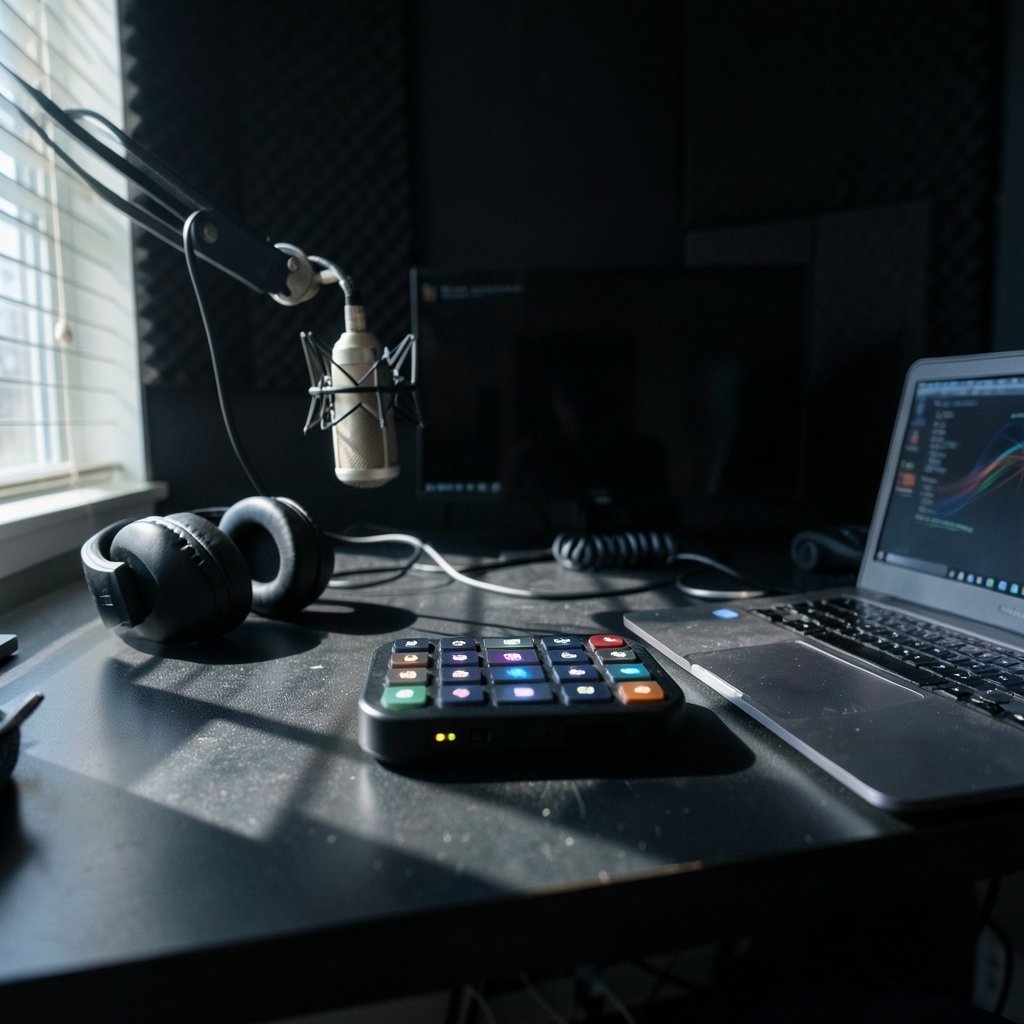
Quick Answer: What are the best stream decks for new streamers?
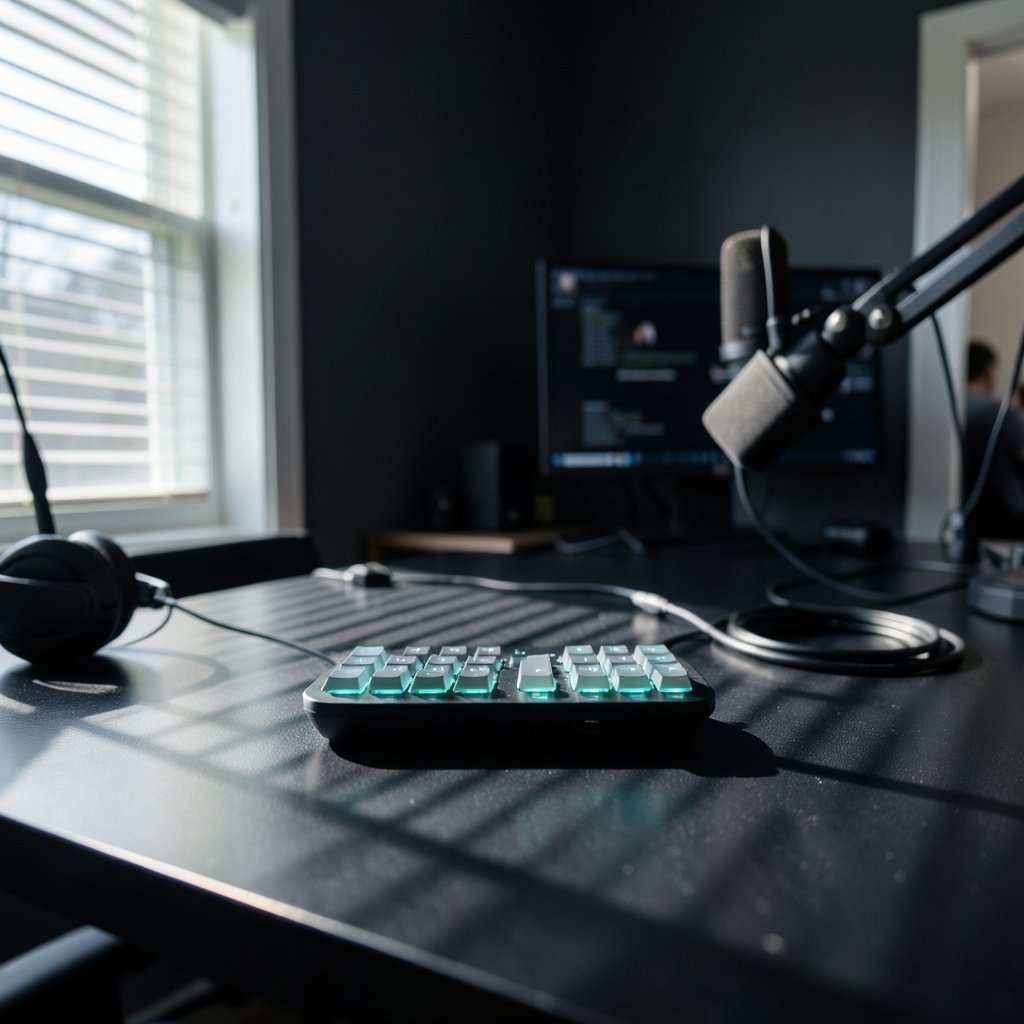
The best stream deck for a new streamer is usually the Elgato Stream Deck Mini or the standard 15-key Stream Deck, because both give you physical buttons with live LCD icons that control OBS Studio, Twitch, and YouTube without memorizing shortcuts. You can buy a dedicated deck, or start free with a phone-based app or open-source software that emulates one.
Alternatives worth knowing: the Stream Deck XL suits complex multi-scene workflows, while Loupedeck and Razer control surfaces mix dials and touchscreens for editors who also do photo or video work. Budget-first streamers often begin with software emulation and upgrade later.
Before buying, compare key count, connection type (USB versus network), software and plugin support, subscription costs for mobile apps, build quality, and whether the buttons fit your desk and hand size.
Ever watched a streamer switch scenes mid-sentence and wondered how they did it without touching the keyboard? Odds are there was a small pad of glowing buttons sitting just out of frame. That pad is a stream deck, and it has quietly become one of the most recommended first purchases for anyone getting serious about broadcasting. But with prices ranging from free to several hundred dollars, the question of what a new streamer actually needs gets messy fast.
This guide breaks down the realistic options, what each one does well, and where beginners tend to waste money.
What a stream deck actually does
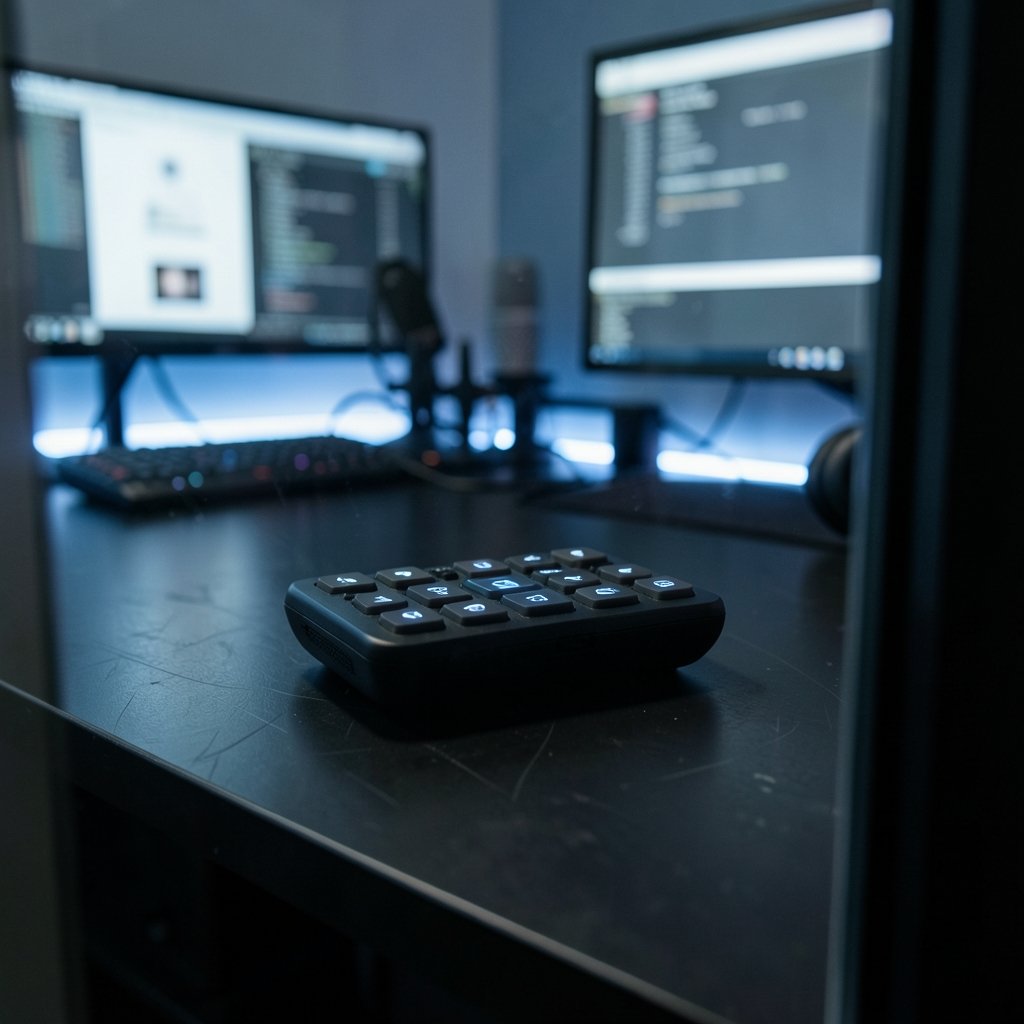
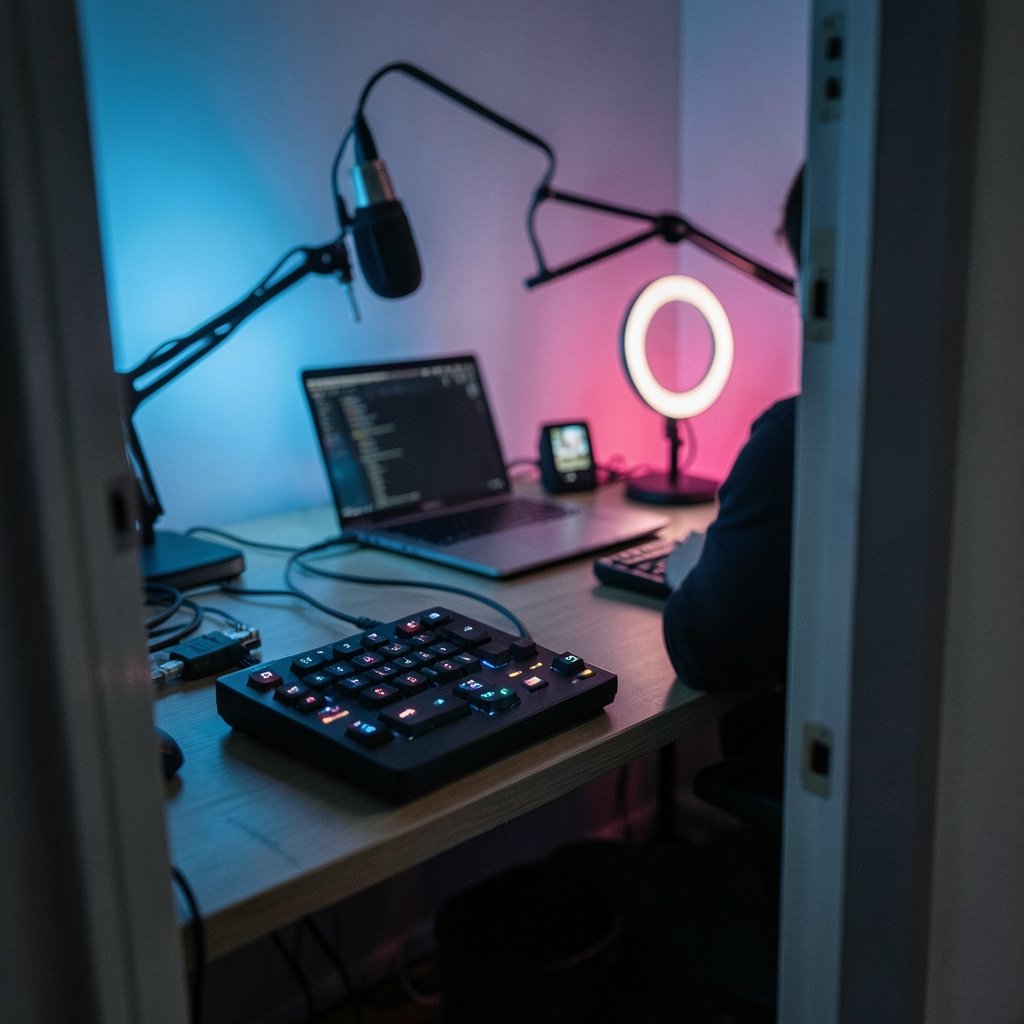
A stream deck is a hardware controller with physical buttons that send commands to software. Each button can trigger a scene change, mute a microphone, play a sound, post to chat, or run a chain of several actions at once. Most models use small LCD screens under each key, so the label changes depending on what page you’re on. That visual feedback is the whole point: instead of remembering that Ctrl+Shift+F5 mutes your mic, you glance down and see a microphone icon.
Elgato created the category with its Stream Deck launch in 2017 and has since expanded into Mini, standard, XL, and Neo lines. Competitors followed, and today the market splits into three rough tiers: dedicated hardware, hybrid control surfaces with dials and touchscreens, and software that turns a phone or tablet into a deck.
The software matters more than the plastic. Elgato’s app supports multi-actions, folders, pages, and plugins for OBS Studio, Twitch, YouTube, and Discord. A deck with great hardware and clumsy software will frustrate you within a week.
The realistic shortlist for beginners
Here’s how the main options compare for someone setting up a first stream.
| Option | Keys | Best for | Watch out for |
|---|---|---|---|
| Elgato Stream Deck Mini | 6 | Simple scene switching, one-platform streams | Runs out of buttons fast |
| Elgato Stream Deck (15-key) | 15 | Most new streamers, multi-scene setups | Higher price than Mini |
| Elgato Stream Deck XL | 32 | Complex workflows, many sources | Overkill and expensive early on |
| Loupedeck Live | 12 + dials + touchstrip | Streamers who also edit photo or video | Steeper learning curve |
| Razer Stream Controller | 12 + dials | Similar hybrid workflows | Works best with other Razer software and devices |
| Phone app (Stream Deck Mobile) | Varies | Testing the workflow for free or cheap | Subscription for full features |
| Open-source emulator (Deckboard, StreamController) | Varies | Tinkerers on a tight budget | Setup takes patience |
A quick note on availability: hardware lines shift constantly. The Steam Deck handheld is a completely different product with a confusingly similar name, and if you’re shopping for one of those, check current stock before committing, since the steam deck out of stock alternatives 2026 landscape changes month to month.
Why the 15-key model fits most beginners
Six buttons sound like plenty until you actually map them. A typical first stream needs scenes for starting soon, gameplay, full-screen camera, and a break screen. That’s four. Add mute, deafen, a sound alert, and a marker for highlights, and you’re at eight. Now add a second game, a chat message, and a Discord push-to-talk toggle, and the Mini is full.
The standard 15-key deck absorbs that growth without forcing you into nested folders on day one. The common community guidance, which is opinion rather than any official standard, breaks down roughly like this: 6 keys for simple single-scene streams, 15 for multi-scene and multi-platform setups, and 32 for elaborate productions with many sources and integrations. Most new streamers land in the middle.
There’s also an ergonomic argument. Physical buttons with live icons reduce the cognitive load of running a live show. When you’re talking to chat, watching a game, and monitoring audio levels, hunting for a keyboard shortcut is the last thing you want to do. Some streamers with accessibility needs find dedicated buttons far easier than modifier-key combinations.
Where beginners overspend
The most common mistake is buying the biggest deck first. An XL looks impressive in setup videos, but a new streamer with four scenes and one game has no use for 32 keys. The extra money buys nothing except desk space consumption.
The second mistake is buying hardware before understanding the software. If you haven’t yet learned how scenes, sources, and audio routing work in OBS, a deck just gives you faster access to a workflow you don’t have. Spending an evening with the obs studio step by step beginners record stream one walkthrough will teach you more about what buttons you actually need than any buying guide. OBS Studio is free and open source, and it has a built-in WebSocket interface that third-party controllers rely on, so almost every deck on the market talks to it.
The third mistake is ignoring the hidden costs. Mobile deck apps often require a subscription for full features, and pricing changes frequently. Multi-action setups can also push you toward more powerful streaming software or paid plugins. It’s worth understanding what the obs studio costs nothing you actually pay stream well breakdown calls the real bill: your time, your hardware, and the occasional paid tool that saves you an hour a week.
Try before you buy: the free route
If you’re unsure whether a deck suits how you stream, emulate one first. Elgato’s Stream Deck Mobile turns a phone or tablet into a virtual deck, though full features sit behind a subscription. Open-source tools like Deckboard and StreamController do something similar with no recurring fee, at the cost of a fiddlier setup.
Spend two weeks with a phone-based deck. You’ll learn quickly whether you reach for it naturally or forget it exists. If you never touch it, you’ve saved yourself a purchase. If your thumb keeps hovering over the screen looking for a mute button that isn’t there, that’s your answer.
One practical tip: place the emulator exactly where the hardware would sit. A phone propped at the far edge of the desk teaches you nothing about ergonomics. Put it beside your keyboard, angled toward you, and see whether the reach feels natural during a two-hour session.
Hardware alternatives worth a look
Loupedeck, which Logitech acquired in 2023, makes control surfaces that combine buttons, dials, and a touchstrip. The Loupedeck Live appeals to streamers who also edit video or process photos, since the dials map to exposure, color, and timeline scrubbing. Razer’s Stream Controller follows a similar hybrid approach and integrates tightly with Razer’s own software and hardware.
These are genuinely good devices, but they’re not beginner-first. The learning curve is steeper, the profiles need more configuration, and the payoff only arrives if you use the dials regularly. A pure button deck is simpler to set up and easier to explain to yourself at 2 a.m. when a scene won’t switch.
If your interest in control surfaces extends to handheld gaming hardware, the comparison logic is similar: match the device to your actual habits, not the spec sheet. The legion go s vs steam deck debate follows exactly that pattern, and a follow-up look at how to judge everyday gaming 2027 makes the same point about real-world use beating benchmark numbers.
Setting up your first deck without losing a weekend
A clean setup takes about an hour if you follow a sensible order.
- Update the deck’s companion app before plugging anything in.
- Install the OBS plugin from inside the app, not from a random download page.
- Build your OBS scenes first, then map one button per scene.
- Add audio controls next: mic mute, desktop audio mute, and a headphone monitor toggle.
- Create a second page for “rarely used but handy” actions like chat messages, markers, and sound alerts.
- Label every button with an icon you recognize instantly, not a clever abbreviation.
- Run a private test stream for twenty minutes and note every time you reach for the keyboard. Those reaches are your missing buttons.
That last step is the one people skip, and it’s the one that matters. Your first layout will be wrong. The test stream tells you how.
Do you need one at all?
Honest answer: no. Plenty of successful streamers run everything from keyboard shortcuts and a second monitor. A deck is a convenience device that removes friction, and friction only matters once you have a workflow worth speeding up.
That said, the psychological effect is real. Having a physical “Go Live” button makes streaming feel like a deliberate act rather than a browser tab you accidentally left open. For people who struggle with consistency, that small ritual helps.
If you’re weighing where to spend limited setup money, a decent microphone beats a deck every time. Viewers forgive a clunky scene transition; they don’t forgive harsh audio. Buy the deck after the audio, the lighting, and the OBS basics are sorted.
Matching the deck to your streaming style
Just chatting and reacting to videos? Six keys cover it. Gaming with multiple scenes and alerts? Fifteen is the sweet spot. Streaming on two platforms at once with a camera, gameplay, overlays, and a bot? That’s where 32 keys or a hybrid surface starts earning its price.
Consider your platform too. Multi-platform streaming architectures get complicated quickly, and the tradeoffs between services are worth understanding before you build a control layout around one. The aws ivs vs mux vs cloudflare stream architecture decisions comparison covers that ground for anyone streaming beyond a single destination. And if you’re following a big event while you set up, knowing where to watch and follow the game is a decent reminder that most viewers care about the content, not your button layout.
Conclusion
For most people starting out, the 15-key Elgato Stream Deck is the safest first purchase, with the Mini as a cheaper entry point if your setup is genuinely simple. Try a free phone-based emulator first if you’re unsure, and skip the XL and hybrid control surfaces until your workflow demands them. The deck is a tool for removing friction, not a shortcut to better streams. Get your audio, lighting, and OBS scenes in order, map a handful of buttons you’ll actually press, and let the hardware earn its place on your desk over time.
Frequently Asked Questions
Is a stream deck worth it for a small channel?
It can be, if you already stream regularly and find yourself fumbling for shortcuts. For a channel streaming once a month with one scene, the money is better spent on audio gear. The deck pays off through repetition, so it rewards consistency more than ambition.
Can I use a stream deck with free software only?
Yes. OBS Studio is free and open source, and it exposes a WebSocket interface that third-party controllers use, so most decks work with it without paid add-ons. You may still pay for the deck itself and, in some cases, a mobile app subscription.
How many buttons do I actually need?
Community guidance, which is opinion rather than an official standard, suggests 6 keys for simple scene switching, 15 for multi-scene and multi-platform setups, and 32 for complex productions. Count the actions you’d press in a typical two-hour stream and add a few for growth.
Do stream decks work with Twitch and YouTube?
Yes. Elgato’s app includes plugins for both platforms, covering chat, alerts, and stream controls. Setup is mostly point-and-click, though each platform’s integration has its own quirks worth testing before a live show.
Is a phone app good enough instead of hardware?
For testing the workflow, absolutely. Elgato’s Stream Deck Mobile and open-source tools like Deckboard and StreamController can emulate a deck convincingly. The tradeoffs are subscription costs on some apps, touchscreen feel instead of physical buttons, and battery drain during long streams.
What should I buy first if my budget is tight?
A microphone. Then lighting. Then a deck. Viewers tolerate plain visuals far more readily than bad audio, and a cheap USB mic upgrade will improve your stream more than any control surface at the same price.



