
Which handheld should you actually live with, day after day, in 2027? That question sounds simple until you realize most comparisons fixate on frame rates and forget the boring stuff: sleep mode, battery anxiety, launcher quirks, and whether your favorite game even boots without a fight. The honest answer is that the Legion Go S and the Steam Deck solve everyday gaming in different ways, and the right pick depends on how you actually play rather than which spec sheet looks shinier. (Handheld game console)
This guide skips the hype and gives you a practical framework for judging both devices as daily companions. You will learn what to test, what reviewers tend to get wrong, and which trade-offs matter once the novelty wears off.
Why the 2027 Framing Changes the Conversation
A quick reality check first. Neither Valve nor Lenovo has published a confirmed 2027 hardware roadmap, so any “2027” discussion is really about evaluating the devices that exist now against how you expect to use them over the next couple of years. Software support, driver updates, and library compatibility will shift more than the plastic shells will.
The Legion Go S arrived at CES in January 2025 as a smaller, cheaper sibling to the 2023 Legion Go. It was notable for being the first third-party handheld officially licensed to ship with SteamOS, sold alongside a Windows 11 version. That detail matters enormously for this comparison, because it means you can now get Steam Deck-style software on non-Valve hardware.
The Steam Deck, by contrast, has been on shelves since February 2022, with the OLED revision landing in November 2023. That head start shows in polish, but it also means the hardware is older. The interesting question in 2027 is not “which is newer” but “which ecosystem has matured in the direction you need.”
The Hardware Gap in Plain Terms
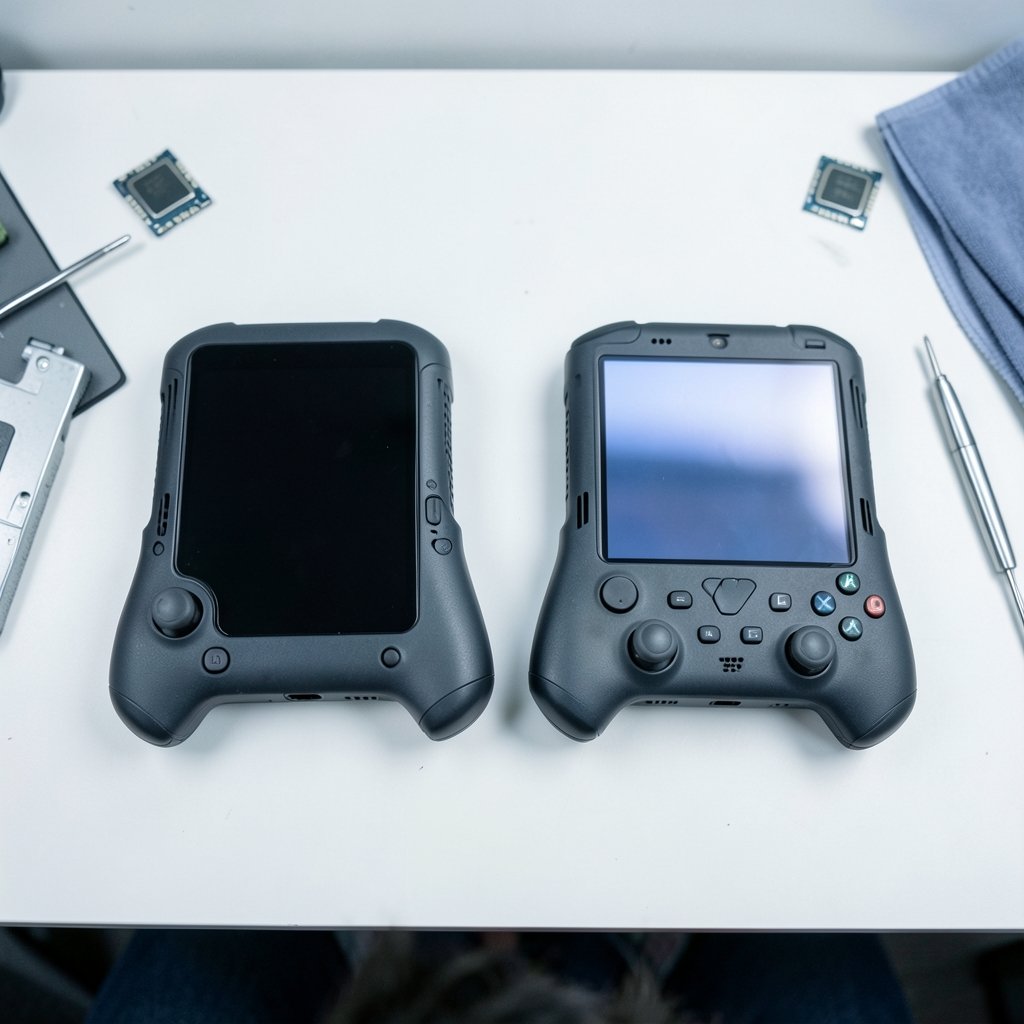
Specs alone do not decide the everyday experience, but they set the boundaries. Here is how the two stack up based on announced figures.
| Feature | Steam Deck OLED | Legion Go S |
|---|---|---|
| Screen | 7.4-inch 1280×800 HDR OLED, 90 Hz | 8-inch 1920×1200 IPS, 120 Hz |
| Battery | 50 Wh | 55.5 Wh (SteamOS model) |
| Chip | 6 nm AMD “Sephiroth” APU | Ryzen Z2 Go (SteamOS model) |
| Operating system | SteamOS 3 | SteamOS or Windows 11 |
| RAM | 16 GB | 16 GB |
The trade-off jumps out immediately. The Deck gives you an OLED panel with deep blacks and HDR, which makes games look gorgeous in a dark room. The Legion Go S gives you a bigger, sharper, faster IPS screen that is easier to read for text-heavy games and desktop-style tasks. Neither is objectively better; they are tuned for different priorities.
The chip situation is messier. The SteamOS Legion Go S uses a Ryzen Z2 Go, while the Windows version uses a Ryzen Z1 Extreme. That means the two Legion Go S variants are not the same machine, and benchmarks for one do not transfer to the other. If you are comparing models, confirm which chip you are actually reading about.
Software Is Where Everyday Gaming Is Won or Lost
Here is the part that separates a fun weekend toy from a device you reach for every night. Software friction compounds. A game that needs three workarounds on Monday is a game you stop launching by Friday.
SteamOS runs on an Arch Linux base, and Windows games work through Proton, a compatibility layer built on Wine and graphics translation tools. Valve labels titles as Verified, Playable, Unsupported, or Unknown, which is a handy proxy for “does it just work.” It is not a guarantee, though, because Valve’s curation does not cover every title in existence.
The practical move is to check a specific game before you buy the hardware. Community compatibility databases track per-game reports from real users, and they often reveal problems that official labels miss. If a title you play daily shows a string of recent issues, that is a warning sign no spec sheet will give you.
Windows on the Legion Go S flips the trade-off. You get direct access to non-Steam stores and games with aggressive anti-cheat, but you also inherit Windows overhead, driver management, and sleep behavior that is generally less elegant than SteamOS. This is a qualitative, reviewer-dependent point rather than a hard fact, but it comes up consistently in hands-on coverage.
Battery Life: The Number Everyone Misreads
Published battery figures are close to meaningless without context. Runtime depends on the TDP cap, frame-rate limit, screen brightness, and the specific game. A device that lasts five hours in a light indie title might die in ninety minutes in a demanding AAA release.
This is not a flaw in either handheld; it is a flaw in how battery life gets reported. Standardized testing exists precisely because uncontrolled comparisons mislead, and handheld reviews rarely control conditions tightly enough to make cross-device numbers trustworthy. When you see “eight hours of battery,” ask: at what brightness, at what frame rate, playing what?
For everyday use, the smarter approach is to think in terms of your own habits. If you commute for forty minutes, almost any modern handheld covers it. If you fly long-haul, you need to know your device’s worst-case runtime in the games you actually play, not its best-case runtime in a tech demo.
Both devices give you tools to manage this. Capping frame rates and lowering TDP are the two biggest levers, and learning them early pays off for years. A practical tuning routine for performance and battery is worth setting up on day one rather than after your first dead-battery disappointment.
Setting Up for Daily Life: What Actually Works
The setup phase is where most people make avoidable mistakes. Here is a sequence that works in practice.
- Update the OS and all drivers before installing anything else. Skipping this creates phantom bugs that vanish after an update.
- Install your three most-played games first and test each one for at least twenty minutes. Compatibility problems surface fast under real play.
- Set a frame-rate cap and a TDP limit you are happy with, then note the battery drain over a full session.
- Configure sleep and resume behavior and test it repeatedly. A device that wakes cleanly is a device you trust.
- Only then add extras like plugins or alternative launchers, one at a time, so you can isolate anything that breaks.
That last step trips people up constantly. Installing a pile of community plugins at once makes troubleshooting a nightmare. If a plugin-based tool stops loading after an update, the fix is usually straightforward when you changed one thing, and miserable when you changed six. Working through a known fix for Decky Loader problems is far easier than starting from scratch.
If you are new to the platform entirely, it helps to read up on whether a Steam Deck is worth buying for beginners and everyday use before committing, because expectations set the tone for the whole experience.
The Screen, the Size, and the Hands-On Reality
Two things rarely captured in tables: how a device feels and how it fits your life.
The Steam Deck OLED is the more pocketable of the two, relatively speaking, and its OLED panel is genuinely lovely. Dark scenes look rich, and the HDR support adds punch. The 90 Hz refresh rate is smooth without demanding the power that a 120 Hz panel can.
The Legion Go S is bigger and heavier, and that 8-inch 120 Hz screen is a real advantage for strategy games, RPGs with dense text, and anything where you want more real estate. The cost is portability and, often, a bit more heat and fan noise under load.
Neither is wrong. A commuter who plays in short bursts may prefer the lighter Deck. Someone who plays at home on the couch and wants a bigger canvas may prefer the Legion Go S. If you are weighing the broader field, including how these compare to other options, a wider look at how the Legion Go S stacks up against the Steam Deck covers the fundamentals, while a comparison of the Switch 2 and Steam Deck helps if Nintendo’s library is also in play.
Price, Timing, and the 2026 Squeeze
Pricing in this category has been volatile, and it is worth checking current figures rather than trusting launch numbers. The Legion Go S was announced below the Legion Go, with the SteamOS model positioned under the Windows model, but regional pricing shifts.
There is also the availability question. Stock shortages have reshaped buying decisions repeatedly, and if the Deck is hard to find when you are ready to buy, alternatives become relevant fast. Knowing which out-of-stock alternatives are actually worth considering saves you from panic-buying the wrong machine. Console pricing has moved too, and the shifting price picture around the Switch 2, Steam Deck OLED, and Legion Go S is worth tracking if budget is tight.
How to Judge the Everyday Experience: A Practical Scorecard
Here is the framework that matters more than any benchmark chart. Score each device from one to five on these, for your own habits.
| Criterion | What to Ask Yourself |
|---|---|
| Library fit | Do my most-played games run without tinkering? |
| Setup friction | How long until I am playing, not configuring? |
| Battery honesty | Does it survive my longest typical session? |
| Comfort | Can I hold it for an hour without cramping? |
| Sleep and resume | Does it wake instantly and reliably? |
| Support outlook | Is the software still getting updates? |
Most buyers overweight raw performance and underweight sleep and resume. That single feature determines whether a handheld becomes a habit or a drawer resident. Test it before you commit, or read enough hands-on coverage to know what to expect.
It also helps to know the common failure modes in advance. Screen flicker, Wi-Fi drops, and stubborn launcher bugs are the usual suspects, and a rundown of common Steam Deck problems and fixes that actually work gives you a realistic sense of what ownership looks like after the honeymoon.
Conclusion
The Legion Go S and the Steam Deck are both good machines, and the choice between them in 2027 comes down to which compromises you can live with daily. The Deck OLED wins on screen quality, polish, and a mature compatibility program. The Legion Go S wins on screen size, refresh rate, and the option of SteamOS or Windows on hardware that is still receiving attention.
Buy for your habits, not the spec sheet. Check your library against compatibility data, test sleep and resume, cap your frame rate, and be honest about how long your sessions really last. Do that, and either device will serve you well for years.
Frequently Asked Questions
Does the Legion Go S run SteamOS or Windows?
Both exist. The SteamOS model uses a Ryzen Z2 Go chip, while the Windows 11 model uses a Ryzen Z1 Extreme. They are different machines, so benchmarks do not transfer between them.
Is the Steam Deck OLED screen better than the Legion Go S screen?
They are tuned differently. The Deck’s OLED panel offers deeper blacks and HDR support at 90 Hz. The Legion Go S offers a larger 8-inch 120 Hz IPS panel at 1920×1200, which is sharper and smoother but lacks OLED contrast.
Can the Legion Go S play every Steam game?
No handheld plays everything perfectly. SteamOS compatibility varies by title, and games with aggressive anti-cheat can be problematic. Check per-game community reports before buying, especially for multiplayer titles you play regularly.
Which device has better battery life?
It depends on how you measure. Raw watt-hours favor the Legion Go S slightly, but real runtime is governed by TDP caps, frame limits, brightness, and the game itself. Compare devices only under matched test conditions.
Is it worth buying a handheld in 2027 if new models might arrive?
There is no confirmed 2027 roadmap from Valve or Lenovo, so waiting for a specific successor is speculative. Buy when you have a library you want to play and a device that fits your budget, and accept that newer hardware will always be coming.
How long should I test a handheld before deciding to keep it?
Give it at least a week of normal use. Play your three most common games, test sleep and resume daily, and run one long session to see real battery behavior. A weekend of demos will not reveal the friction that matters.



