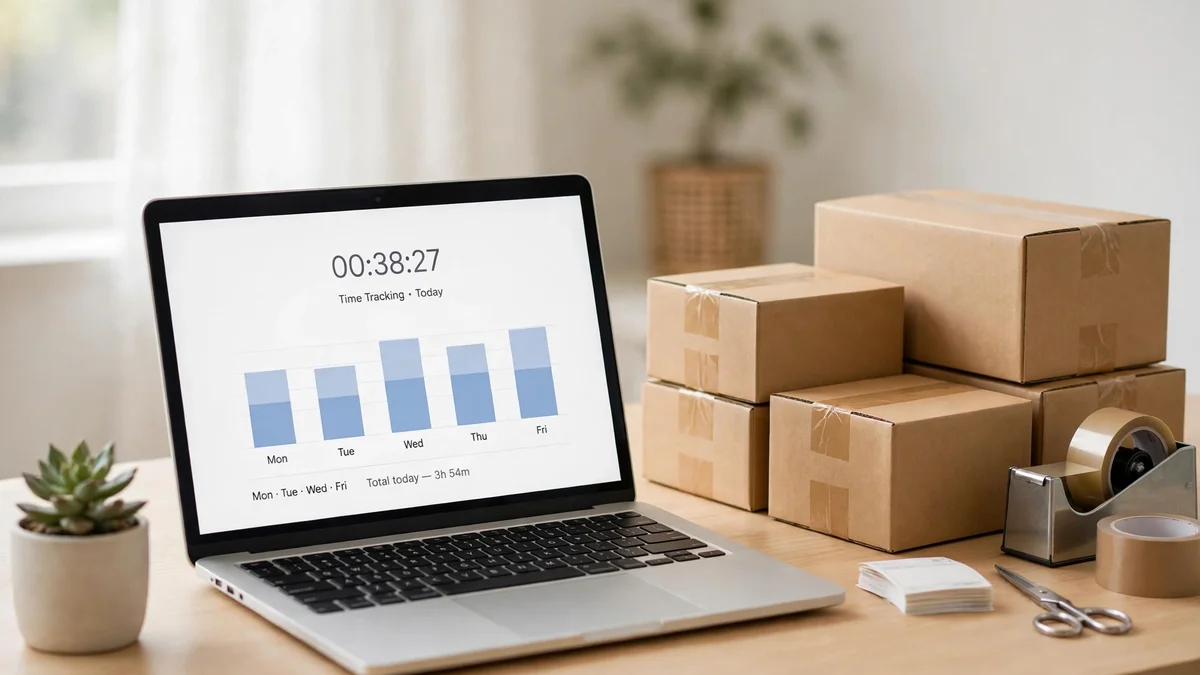
The best time tracking software for ecommerce in 2027 helps store owners see exactly where every working hour goes, from packing orders and answering customer messages to updating listings and running promotions. Ecommerce work is fragmented by nature, and without a timer running, the hours spent on low-value tasks quietly eat into the margin on every sale.
For a small store, the right tool is simple to start, easy for a small team to adopt, and strong on reporting by task, product line, or channel. For a growing store, it also needs approvals, payroll-ready exports, and integrations with the accounting and project tools the business already uses.
This guide compares eight tools that fit ecommerce teams well, from free timers for solo sellers to GPS and screenshot tools for larger fulfilment teams. Toggl Track leads for most stores, Clockify is the best free option, and Harvest is the strongest choice when time must turn into accurate client or project invoices.
Key takeaways
- Toggl Track is the best overall pick for most ecommerce stores: fast timers, clear reports, and fair pricing.
- Clockify is the best free time tracking software for ecommerce sellers starting out or working solo.
- Harvest is the best choice when tracked time must become invoices, budgets, and profitability reports.
- Hubstaff and Time Doctor suit larger fulfilment teams that need GPS, screenshots, and activity monitoring.
- Check the free plan limits, per-user pricing, and payroll export options before committing to any tool.
At a glance: the shortlist
| Product | Best for | Starting price | Standout limit |
|---|---|---|---|
| Toggl Track | Most ecommerce stores | From about $9 per user, per month | Free plan limited to 5 users |
| Clockify | Free tracking | Free; paid from about $3.99 per user, per month | Advanced reports on paid plans |
| Harvest | Invoicing and budgets | From about $11 per user, per month | Free plan allows 1 user and 2 projects |
| Hubstaff | Remote and fulfilment teams | From about $4.99 per user, per month | GPS and screenshots on higher plans |
| Time Doctor | Productivity monitoring | From about $7 per user, per month | Monitoring features need team buy-in |
| Everhour | Teams using Asana or Trello | From about $8.50 per user, per month | Best value inside project tools |
| QuickBooks Time | Payroll and scheduling | From about $20 per month plus per-user fees | Priciest for very small teams |
| DeskTime | Automatic tracking | From about $7 per user, per month | Automatic data needs regular review |
Toggl Track — Best overall
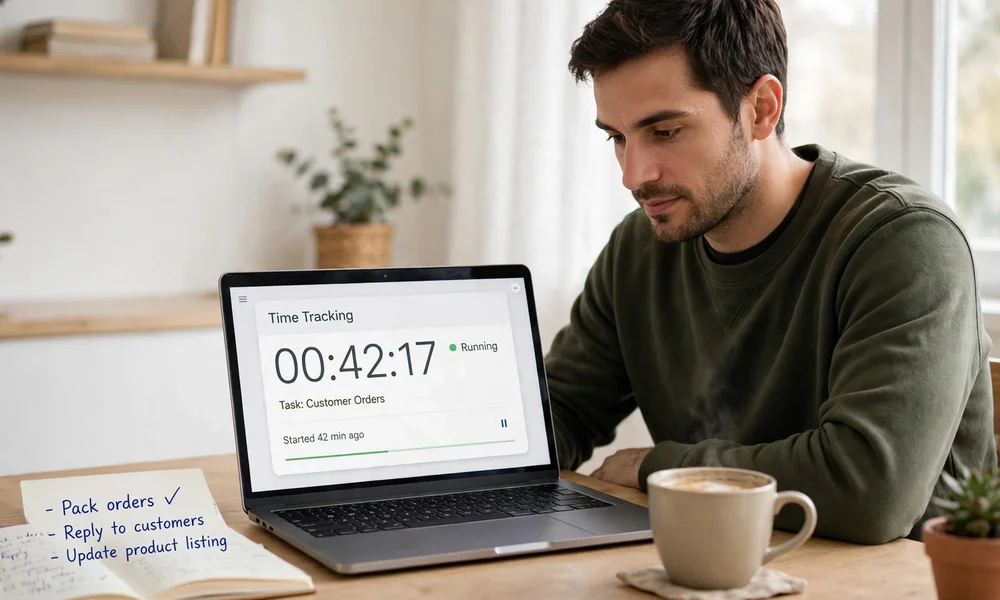
Toggl Track is the easiest timer in this list to use every day, which matters more than any single feature. One click starts a task, projects and tags keep packing, support, marketing, and admin work separate, and the weekly report shows which jobs consume the most hours. For an ecommerce store, that clarity quickly reveals whether listing work, customer service, or fulfilment is taking more time than it should.
The paid plans add billable rates, project estimates, and team capacity views, so a store owner can compare the cost of hours spent against the revenue each product line brings in. Pairing time data with the best expense tracking software for ecommerce gives a fuller picture of true profit per order, since labour and spending are tracked side by side.
Pros: Very fast to learn, clean reports, strong integrations, good mobile apps. Cons: No built-in invoicing, free plan limited to five users.
Clockify — Best free option
Clockify is the strongest free time tracker for ecommerce sellers who want unlimited tracking without paying from day one. The free plan covers unlimited users, projects, and time entries, which is rare, and the timer, manual entry, and calendar views all work well. A solo seller can track packing, listing, and support time for months before ever needing a paid plan.
Paid plans add approvals, invoicing, GPS tracking, and advanced reporting, so the tool grows with the store. The interface is plainer than Toggl Track, and setting up projects and clients takes a little more care, but the value is hard to beat.
Pros: Generous free plan, unlimited users, solid reports. Cons: Plainer interface, best reports require a paid plan.
Harvest — Best for invoicing and budgets
Harvest is built for turning tracked hours into money. Time entries link directly to projects, budgets, and invoices, so a store that also sells services, wholesale orders, or custom work can bill accurately and see whether a job stayed within budget. Expense tracking is included, which suits ecommerce businesses that buy packaging, stock, and shipping supplies alongside their time.
The reports are clear and practical: time by project, budget remaining, and unbilled hours are all easy to find.
Pros: Excellent invoicing, clear budgets, built-in expenses. Cons: Limited free plan, no GPS or screenshot monitoring.
Hubstaff — Best for remote and fulfilment teams
Hubstaff is designed for teams that work away from the owner, including remote support staff and warehouse or fulfilment workers. It combines timers with GPS location, activity levels, and optional screenshots, plus payroll and scheduling features that help a store pay staff accurately for the hours they actually worked.
The depth is both the strength and the risk: screenshots and activity tracking can feel intrusive if they are introduced without explaining why they exist. Used openly, with clear rules, Hubstaff gives ecommerce owners reliable proof of hours, location, and output.
Pros: GPS and payroll tools, strong reporting, good for remote teams. Cons: Monitoring features need careful handling, more setup than simple timers.
Time Doctor — Best for productivity monitoring
Time Doctor focuses on what happens during tracked hours, not just how many there are. It records application and website use, optional screenshots, and idle time, then turns that into productivity reports by person, project, or task. For an ecommerce business with remote customer service or virtual assistants, that detail can show where distractions creep in.
The tool also includes payroll, project tracking, and integrations with common business software.
Pros: Detailed productivity reports, payroll features, wide integrations. Cons: Monitoring can feel heavy-handed, higher learning curve.
Everhour — Best for teams using Asana or Trello
Everhour stands out because it lives inside the project tools many ecommerce teams already use. Timers appear directly in Asana, Trello, Basecamp, and similar apps, so staff track time without switching to a separate tool. Budgets, estimates, and invoices sit alongside the tasks themselves, which keeps time data close to the work.
For a store that plans product launches, marketing campaigns, or website updates in Asana or Trello, Everhour removes the friction that kills time tracking.
Pros: Excellent Asana and Trello integration, budgets and invoices included. Cons: Less useful outside those project tools, no free plan for teams.
QuickBooks Time — Best for payroll and scheduling
QuickBooks Time, formerly TSheets, is the most payroll-focused tool in this list. Staff clock in and out from a phone or computer, managers approve timesheets, and hours flow into QuickBooks payroll and scheduling with little manual work. GPS, geofencing, and shift scheduling suit stores with warehouse shifts or delivery staff.
The trade-off is price and complexity. The base monthly fee plus per-user charges add up for a very small team, and the setup takes longer than a simple timer.
Pros: Strong payroll and scheduling, GPS clock-in, QuickBooks integration. Cons: Costly for tiny teams, heavier setup.
DeskTime — Best for automatic tracking
DeskTime takes a different approach: it tracks time automatically, recording which applications and websites are used and categorising them as productive or unproductive. Staff do not need to remember to start and stop a timer, which solves the most common reason time tracking fails in busy ecommerce teams.
The automatic data still needs review, since a supplier website or a research tab can be misclassified, and the tool works best on desktop computers rather than phones.
Pros: Fully automatic tracking, useful productivity overview, low effort. Cons: Needs regular review, limited mobile tracking.
How to choose
Start with how the store actually works. A solo seller needs a fast timer and simple reports, so Toggl Track or Clockify is enough. A store with hourly staff needs approvals and payroll exports, which points to QuickBooks Time or Hubstaff. A store that bills for services needs Harvest. Matching the tool to the real workflow matters more than buying the longest feature list.
Check three practical points before paying: the per-user price at the team size you expect in six months, whether the free trial covers the features you actually need, and whether time data exports cleanly to payroll or accounting. The best invoicing software for small businesses is worth comparing at the same time, since time, invoices, and payments should flow together rather than living in separate silos.
Checklist: before you pay
- Run the free trial with real tasks, not a demo project, for at least one full week.
- Confirm the per-user price, renewal price, and any minimum user or base fee.
- Check that timesheets can be approved and exported for payroll.
- Test the mobile app, since ecommerce work often happens away from a desk.
- Confirm data can be exported if you ever switch tools.
- Agree team rules on screenshots and monitoring before turning them on.
Frequently asked questions
What is the best time tracking software for ecommerce?
Toggl Track is the best overall choice for most ecommerce stores because it is fast, easy to adopt, and produces clear reports by task and project. Clockify is the best free alternative, and Harvest is better when tracked time must become invoices.
Is there a free time tracking tool for ecommerce sellers?
Yes. Clockify offers a generous free plan with unlimited users and projects. Toggl Track also has a free plan for up to five users. Both are good starting points, and you can upgrade only when reporting or approvals become necessary.
Do I need GPS tracking for an ecommerce team?
Only if staff work away from a fixed location, such as warehouse shifts, deliveries, or market stalls. For office-based or home-based teams, a simple timer with approvals is usually enough, and GPS adds cost and privacy concerns.
Can time tracking software connect to my store and accounting tools?
Most tools in this list integrate with accounting, project, and payroll software, or export data in common formats. Check the integration list for the specific tools you use before buying, since native integrations save far more time than manual exports.
How much should an ecommerce store pay for time tracking?
Expect roughly $4 to $11 per user, per month for a paid plan, with free plans available for small teams. Prices are approximate starting prices, so check current pricing before buying, and watch for base fees on payroll-focused tools.
Will time tracking slow my team down?
It should not, if the tool is simple and the rules are clear. One-click timers, mobile apps, and automatic tracking keep the effort low. The best project management software for small businesses can help here too, since time entries linked to real tasks are easier to remember than free-form timers.
The bottom line
For most ecommerce stores, Toggl Track is the best time tracking software in 2027: it is quick to use, easy for a small team to adopt, and its reports show exactly where hours go. Clockify is the pick for sellers who want a strong free plan, Harvest is the pick for invoicing, and Hubstaff or QuickBooks Time are the picks for larger teams with hourly staff and payroll to run.
Start with a free trial on real work, compare the weekly reports after seven days, and keep the tool your team actually uses.