A headset that tops one buyer’s list can be the wrong buy for someone else. That single fact explains why “best VR headset” lists rarely agree with each other. Virtual reality has split into distinct product categories, and each one rewards a different kind of buyer.
The VR market has also matured in a way that changes the math. The original Oculus Rift consumer launch on March 28, 2016, kicked off the modern era of consumer VR. Meta’s Quest 3 arrived in October 2023, and Apple’s Vision Pro reached US buyers on February 2, 2024. Since then, headsets have become lighter, sharper, and more expensive at the high end. In 2026, the smart move is to match a headset to your habits rather than chase a single champion.
Why “Best” Depends on How You’ll Actually Use It
Most buying mistakes happen before checkout. People read a ranking, pick the number one model, and then discover it doesn’t fit their life. A few patterns come up again and again.
The PC-only trap. Someone with a powerful gaming PC buys a standalone headset and never uses its library. Or the reverse: someone buys a PC-tethered headset and then realizes they don’t want to be chained to a desk. Decide first whether you want a self-contained device or a screen for your computer.
The comfort blind spot. Weight and balance matter more than spec sheets suggest. A headset that feels fine for ten minutes can become a headache after forty. If you can try one in a store, do it. If not, read reviews that specifically discuss long sessions rather than only launch-day impressions.
The library question. Before buying anything, check whether the games and apps you care about run on that platform. Exclusives still exist, and they still drive purchasing decisions. A great headset with nothing you want to play is an expensive paperweight.
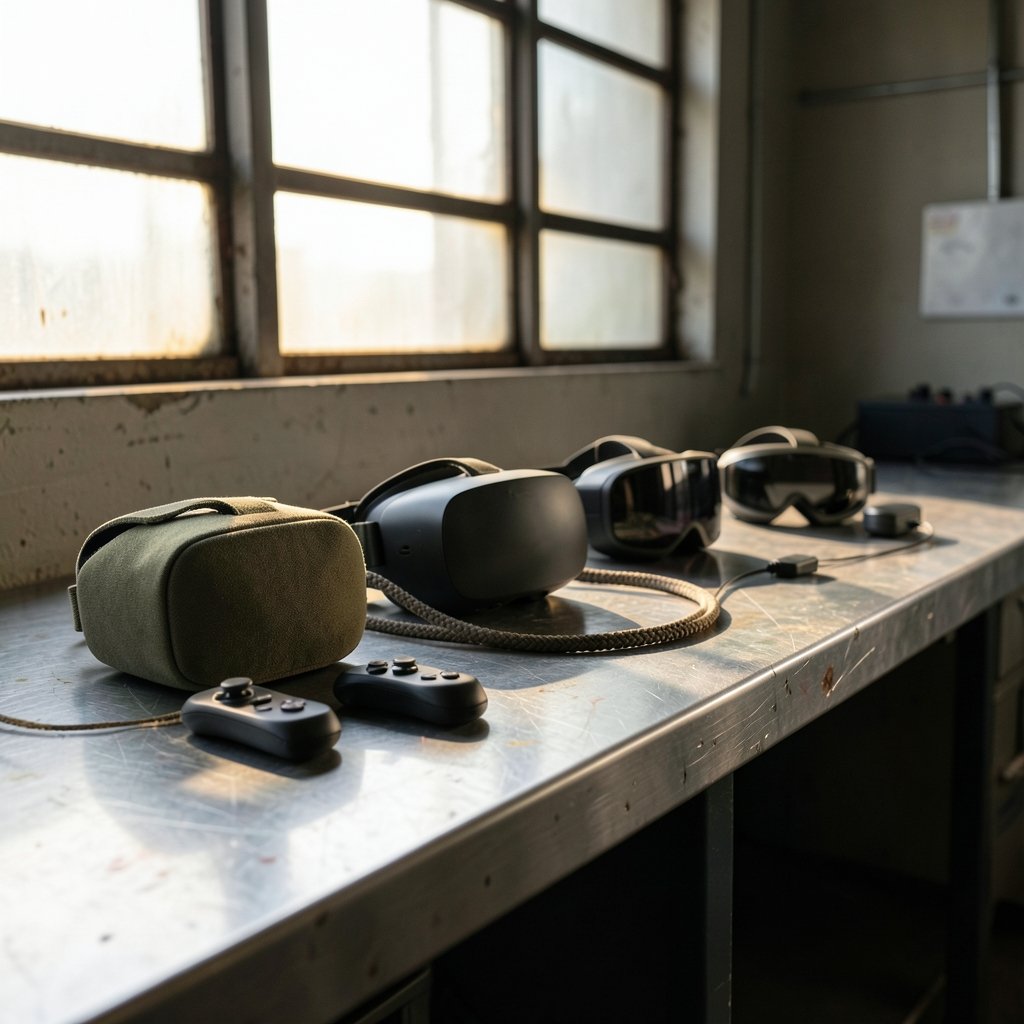
The hidden costs. Straps, face cushions, prescription lens inserts, and extra batteries add up fast. Budget for at least one comfort accessory with any headset you buy. It’s the upgrade most people wish they’d made on day one.
The Main Categories in 2026
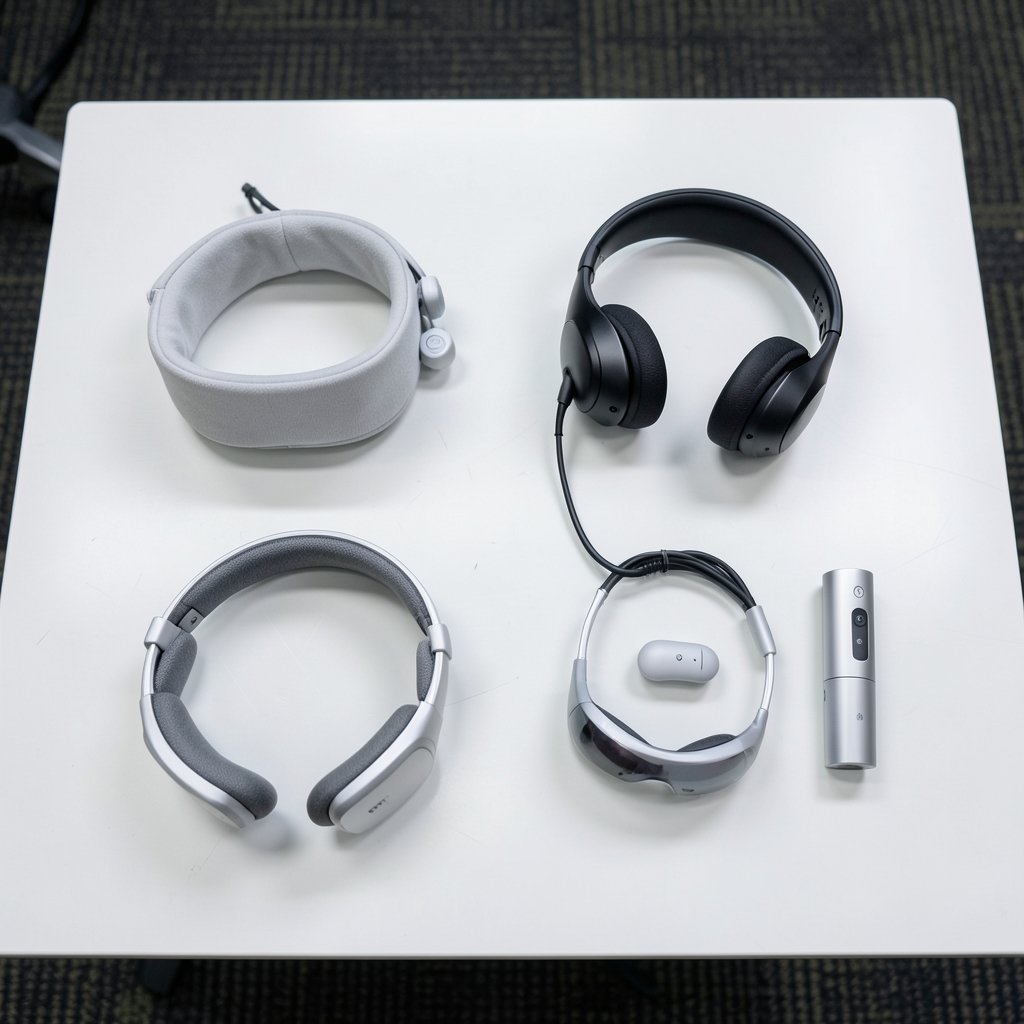
It helps to sort the market into four buckets. Almost every headset fits one of them.
| Category | Who it suits | Typical trade-off |
|---|---|---|
| Standalone all-in-one | Casual players, families, first-time buyers | Limited raw power versus a gaming PC |
| PC-tethered | Sim racers, flight sim fans, graphics chasers | Needs a capable PC and a cable or strong wireless link |
| Console-linked | PlayStation owners who want big-budget exclusives | Tied to one console ecosystem |
| Spatial computing | Productivity, media, professional workflows | High price, fewer games |
Standalone headsets remain the volume leaders because they’re simple. You put one on, and it works. PC-tethered headsets win on fidelity for people who already own the hardware. Console-linked headsets offer polished exclusives with less setup fuss. Spatial computing devices target work and media first and games second.
What to Look For Before You Buy
Spec sheets are easy to misread. Here’s what actually moves the needle.
Resolution and Lens Type
Higher resolution reduces the screen-door effect, that faint grid you see between pixels. Pancake lenses, now common in newer headsets, are thinner and usually sharper edge to edge than older fresnel lenses. Look for both numbers and lens type in reviews.
Field of View
A wider field of view feels more immersive, but manufacturers measure it inconsistently. Treat marketing figures with skepticism and trust hands-on impressions instead.
Refresh Rate and Tracking
Ninety hertz is the practical floor for comfort. Higher refresh rates help fast-motion games. Inside-out tracking, which uses cameras on the headset itself, has largely replaced external base stations and makes setup far easier.
Comfort and Battery
Battery life on standalone headsets typically lands between two and three hours of active play. Hot-swappable batteries or a wired play option matter if you game in long sessions. Balance matters just as much: front-heavy headsets strain the neck.
Passthrough Quality
Color passthrough cameras let you see your room while wearing the headset. It’s useful for quick interruptions and for mixed-reality apps. Quality varies a lot between models, so check sample footage in reviews.
Practical Tips That Save Buyers From Regret
Some advice only becomes obvious after you’ve owned a headset for a month.
- Measure your play space first. Room-scale games need clear floor area. Check the minimum space requirement before you commit.
- Buy a better strap immediately. Most stock straps are the weakest part of the package.
- Test your glasses situation. Prescription lens inserts beat wearing glasses inside a headset, and they’re cheaper than most people expect.
- Set up a charging routine. A dead headset kills spontaneity. A dedicated charging stand fixes this.
- Start with shorter sessions. Motion sickness fades for most people over a week or two of short, regular sessions. Pushing through nausea makes it worse.
- Check return policies. Fit is personal, and a generous return window is worth more than a small discount.
If you’re also shopping for desk gear to pair with a PC-tethered setup, our roundup of the best wireless gaming headsets 2026 covers audio options that won’t fight with a VR headset for space.
The Standalone Contenders
Standalone headsets are where most buyers should start. They’re self-contained, they update regularly, and they don’t require a gaming PC.
The strongest argument for standalone is friction. You pick it up, put it on, and you’re in a game within seconds. That ease is why standalone devices have driven most of the growth in consumer VR. The trade-off is graphical fidelity: standalone chips can’t match a dedicated graphics card, so games are designed around mobile-class hardware.
When comparing standalone models, weigh three things above all: lens quality, comfort, and library. A headset with slightly lower resolution but better lenses and a lighter build often wins in daily use. Also check how often the platform ships software updates, since features like hand tracking and mixed reality improve over time.
The PC-Tethered Option
For sim racing, flight simulation, and graphically demanding titles, a PC-tethered headset still delivers the best image quality. The catch is the total cost. You need a capable graphics card, and you need to be comfortable with setup and troubleshooting.
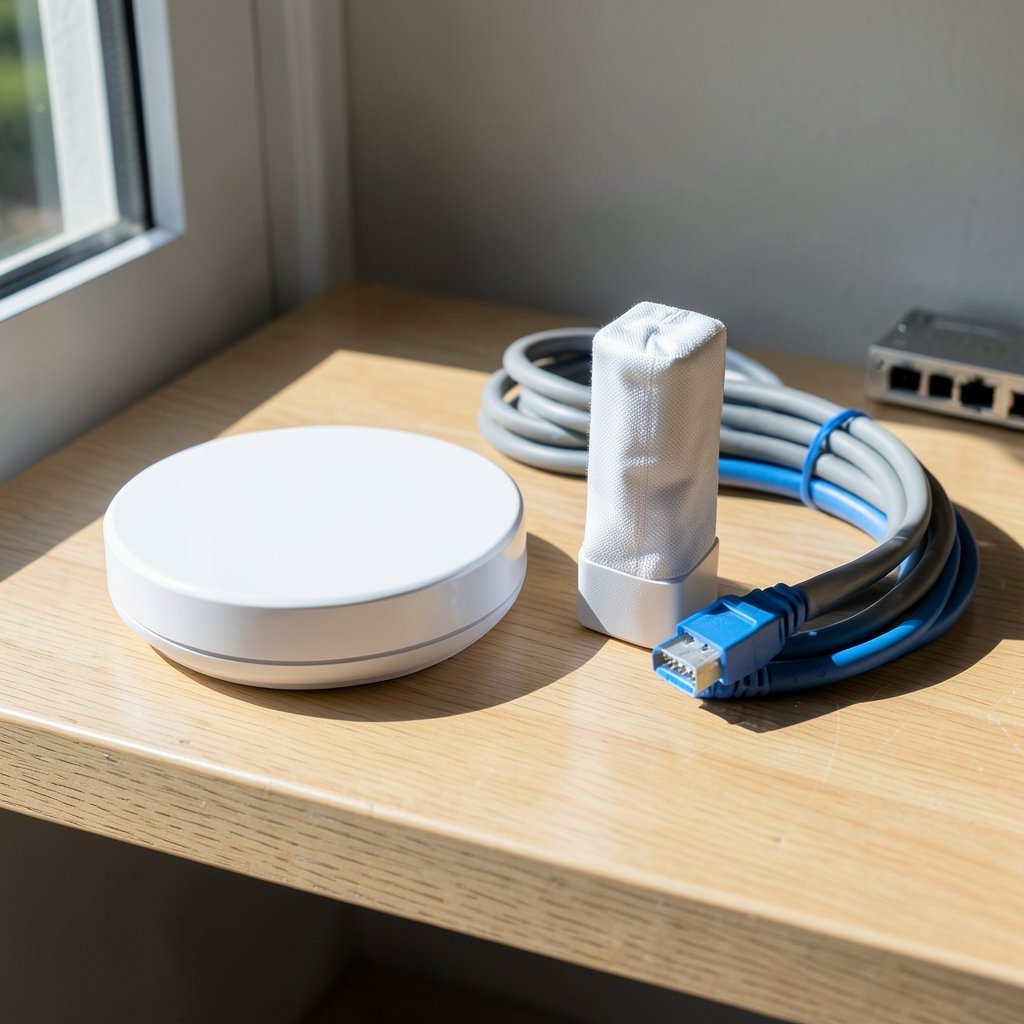
Wireless PC streaming has narrowed the gap. Modern Wi-Fi 6E routers can stream PC VR to a standalone headset with very little noticeable latency, which is why many PC players now use a standalone headset as their PC display. That hybrid approach gives you the best of both worlds if your network is solid.
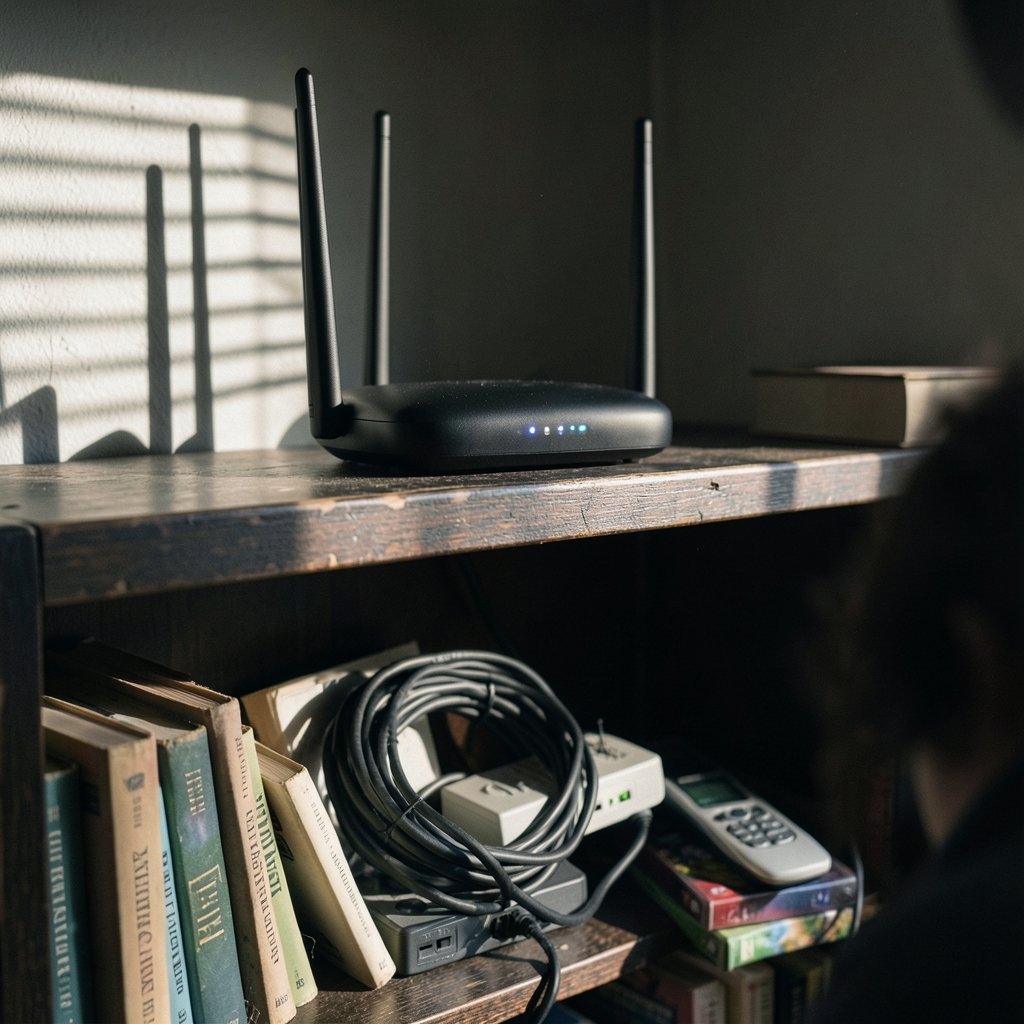
One practical warning: cable management is the most underrated part of PC VR. A pulley system or a good link cable transforms the experience. Skipping it leads to yanked headsets and frustration.
The Console and Spatial Computing Angles
Console-linked VR appeals to players who want big-budget exclusives without building a PC. The library is smaller, but the headline titles are polished and purpose-built. If you already own the matching console, the entry cost is lower than any other path into high-quality VR.
Spatial computing headsets sit at the premium end. They excel at virtual monitors, video, and professional workflows, and they offer the sharpest displays in the consumer market. They are not the value pick for gamers. Buyers should go in expecting a productivity and media device that also plays games, not the other way around. Our guide to the best phones 2026 is a useful companion read if you’re building a mobile-first workflow around a headset. (BBC News)
Common Mistakes People Make
A few errors show up in almost every buyer’s regret story.
- Buying on resolution alone. Lens quality and comfort matter more in practice.
- Ignoring the store’s refund window. Fit issues often appear on day three, not day one.
- Skipping the game library check. Exclusives are real, and platform gaps are real.
- Underestimating storage. Games are large. If you buy digitally, more storage pays for itself.
- Forgetting about hygiene. Face cushions absorb sweat. Washable covers are a cheap fix, especially for shared family headsets.
There’s also a timing question. Big sales events move VR prices more than almost any other category. If you can wait, our coverage of Black Friday car deals shows how aggressive seasonal discounting gets across tech categories, and VR follows the same pattern. Waiting a few weeks can save real money.
How to Decide in Ten Minutes
Use this quick sequence to narrow the field.
- List the three games or apps you most want to use.
- Check which platforms run all three.
- Set a total budget, including one comfort accessory.
- Decide between standalone and PC-tethered based on whether you own a gaming PC.
- Read two hands-on reviews that discuss comfort after an hour.
- Buy from a retailer with a clear return window.
That process eliminates most of the market in minutes and leaves you comparing two or three realistic options. It’s far more reliable than reading a single ranked list, because it accounts for your habits rather than a reviewer’s.
Conclusion
The best VR headset in 2026 is the one you’ll actually use next month. Standalone devices win on convenience and remain the safest first purchase for most people. PC-tethered setups reward players who already own strong hardware and want maximum fidelity. Console-linked headsets deliver polished exclusives with minimal fuss, and spatial computing devices serve work and media first.
Ignore the urge to buy the top-ranked model by default. Check the library, try the fit if you can, budget for one comfort upgrade, and buy where returns are easy. Do that, and the headset you choose will earn its place on your shelf instead of collecting dust in a drawer.
FAQ
What is the best VR headset for most first-time buyers in 2026?
A standalone all-in-one headset is the safest starting point. It needs no PC, sets up in minutes, and has the largest casual library. Buyers who later want PC-quality graphics can often stream from a computer to the same device, which protects the original purchase.
Do I need a gaming PC to use a VR headset?
No. Standalone headsets run games on their own hardware. A PC is only required for PC-tethered headsets and for streaming PC titles to a standalone device. If you don’t own a capable graphics card, start standalone and skip the tether entirely.
How much should I budget for a VR headset in 2026?
Plan for the headset price plus roughly 10 to 20 percent extra for accessories. A better strap, a washable face cover, and prescription lens inserts are the three upgrades most buyers end up wanting. Factoring them in upfront avoids surprise costs.
Is VR bad for your eyes?
Current evidence doesn’t suggest normal VR use damages eyesight in healthy adults. Most discomfort comes from motion sickness, poor fit, or long sessions without breaks. Short sessions with regular pauses work best, and anyone with existing eye conditions should check with an eye care professional first.
How long do standalone VR headset batteries last?
Most standalone headsets run roughly two to three hours of active play per charge. Battery life drops with mixed reality features and brighter displays. A second battery or a charging stand makes long sessions practical without waiting.
Should I wait for a newer VR headset to launch?
Only if you’re not in a hurry. New models arrive regularly, but so do price cuts on current ones. If a headset you like already runs the games you want, buying now and enjoying it beats waiting for a spec bump you may never notice in practice.