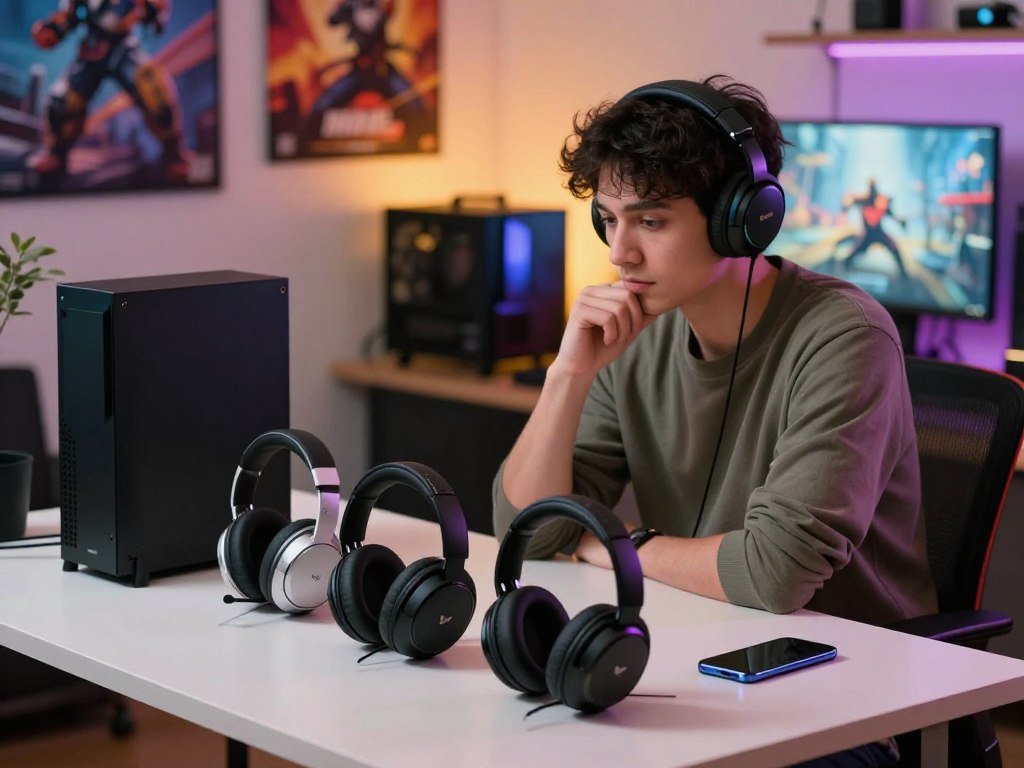
A headset that fits your games and devices can make long sessions simpler, but the best match depends on how you play. A gaming headset can shape comfort, sound, and voice chat across a gaming setup, console gaming, and time away from your desk. 2.4GHz wireless is a dedicated radio connection between a gaming headset and its transmitter, generally used to keep game audio responsive.
These picks weigh comfort, sound, battery life, and value, with options for different gaming sessions and ways to connect a phone. You’ll also find wired alternatives and a clear look at why wireless latency matters. Keep your main platform and the way you use voice chat in mind as you compare options.
Key Takeaways
- Start with your main gaming platform and the way you use voice chat.
- Choose a dedicated gaming connection when timing matters most.
- Check comfort and fit, not just the headset’s weight.
- Look for explicit dual audio if you want two sources at once.
- Compare battery design, connection options, and current price.
Best Wireless Gaming Headsets 2026 for Different Setups
For a strong all-round match, start with the HyperX Cloud III S Wireless, then choose a specialist pick if you need more audio sources, a planar-magnetic design, or system switching. The right wireless gaming headset depends on which gaming headset features matter most to you. Start with your main need, then compare the standout details.
These picks serve different priorities, so no single model suits every gamer. The Cloud III S Wireless has different maximum runtimes by connection mode, which makes its two figures worth reading together.
| Use case | Headset | Standout spec |
|---|---|---|
| Long battery life | HyperX Cloud III S Wireless | Up to 120 hours on 2.4GHz; up to 200 hours in Bluetooth mode |
| Planar-magnetic sound | Audeze Maxwell 2 | 90mm planar magnetic drivers |
| Mixing several sources | SteelSeries Arctis Nova Elite | Mixes up to six sources |
| Switching between systems | Turtle Beach Stealth Pro II | Switches among four systems |
| Extended battery runtime | HATOR Hyperpunk 3 | Advertised up to 70-75 hours |
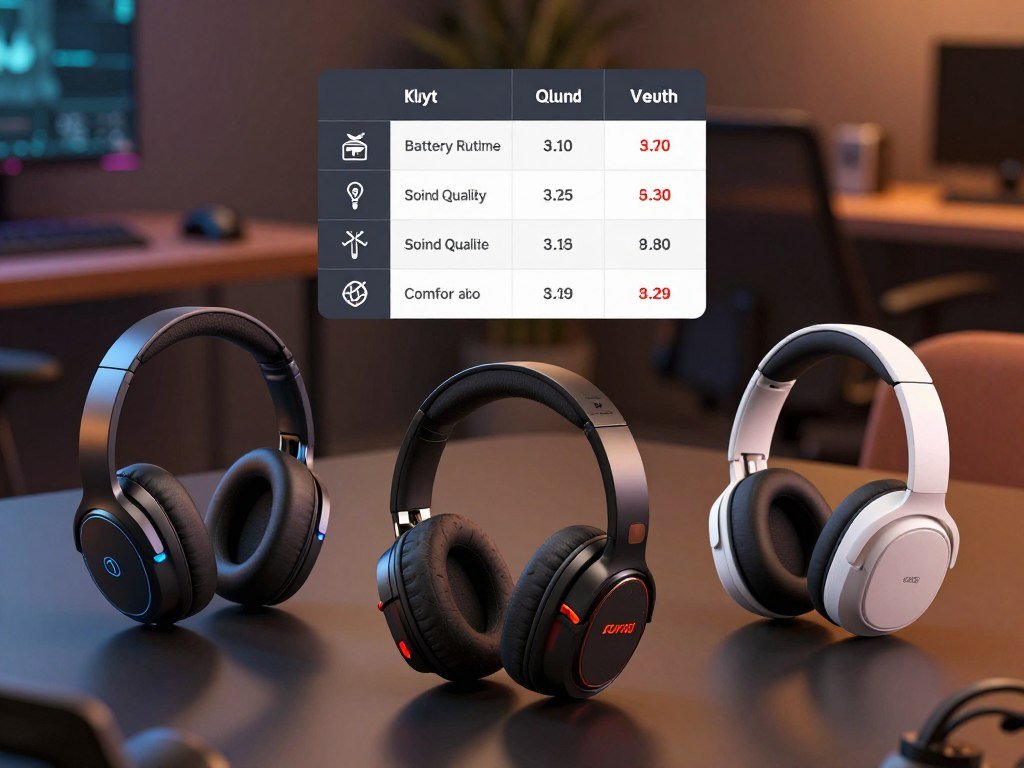
The HyperX stands out if long battery life is your first concern, though Bluetooth mode has the higher maximum. The Maxwell 2 uses large planar magnetic drivers, a design choice that may appeal to listeners who value that style of sound.
Treat a listed battery maximum as a feature to compare, not a promise that every connection mode lasts equally long.
The Nova Elite suits a setup that brings several audio sources together. The Stealth Pro II focuses on moving audio among systems, while the HATOR offers a stated runtime range. Treat each spec as a clue to fit, not a universal score.
Which top picks suit each kind of gamer?
If you want one versatile starting point, the Cloud III S Wireless combines a dedicated gaming connection with Bluetooth and useful Windows audio controls. That mix makes it a flexible fit for players who use more than one device. Choose by the feature you will use most, rather than by a broad ranking.
The other picks serve more focused needs, from planar-magnetic sound to audio isolation and system changes. Their strengths matter most when they match your daily setup.

Best all-round fit: HyperX Cloud III S Wireless
The Cloud III S Wireless supports simultaneous 2.4GHz and Bluetooth connections. Its USB-A and USB-C dongles offer two transmitter choices, and Bluetooth 5.3 adds a phone connection. This combination gives you room to build a flexible gaming setup without relying on one connection type.
It has 53mm angled drivers and a detachable 10mm boom mic. In the HyperX NGENUITY app for Windows, you can adjust EQ, monitor your mic, and use DTS Headphone:X spatial audio. Those controls make the headset a practical general-purpose fit, especially if you play on Windows and want app-based sound options.
Best for planar-magnetic sound: Audeze Maxwell 2
The Maxwell 2 is the pick for listeners drawn to planar-magnetic sound. Its 90mm planar magnetic drivers give it a clear design identity among these options. Choose it when that driver type is a main reason for your purchase, rather than treating the design as a promise that everyone will prefer its sound.
It also fits people who want a headset for several kinds of devices. Keep the model’s connection limits in mind when you plan how it will work with your other audio gear.
Best for mixing several audio sources: SteelSeries Arctis Nova Elite
The Nova Elite is aimed at buyers who prioritize audio isolation. SoundGuys’ testing found 84% noise reduction for the headset. That result gives you a specific reason to consider it when nearby sound can pull your focus away from a game.
Its audio mixing options also suit a complex setup. Pick it if you want a headset built around handling several sources, not simply a basic game connection.
Best for switching between systems: Turtle Beach Stealth Pro II
The Stealth Pro II makes sense if you move among gaming systems and want one headset for that routine. Its defining strength is system switching, rather than a broad claim that it is the best choice for every player.
Before you choose, think through how often you change systems and whether you need audio from them at once. Match the model’s defining strength to the feature you will notice during your own sessions, not to a universal ranking.
Can one headset play audio from multiple devices at once?
If you want game sound and a second audio source at the same time, check for explicit simultaneous-audio support rather than a list of connection types. Dual audio means playback at once, while system switching moves the headset from one system to another. Multiple connection types do not always mean multiple sources can play together.
The Nova Elite supports simultaneous mixing from up to six sources: three USB-C devices, Bluetooth, 2.4GHz wireless, and 3.5mm line-in. That is a mixing feature, not just a way to pair with several systems.
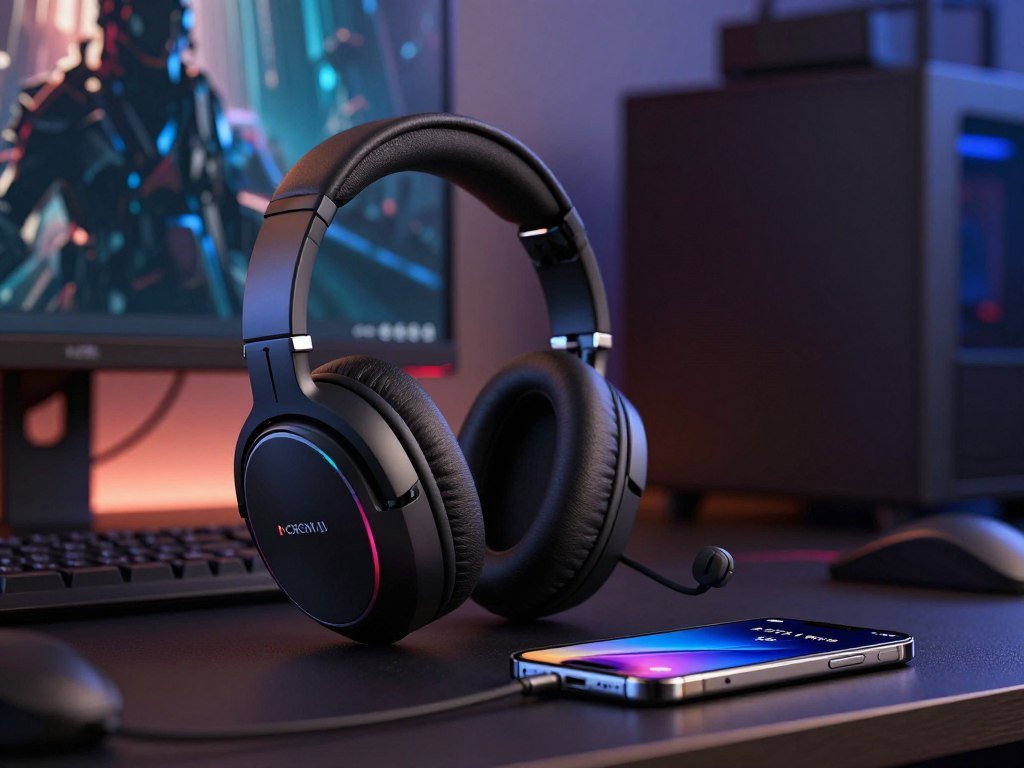
The Stealth Pro II can switch audio among four systems and supports Bluetooth and 2.4GHz connections at the same time. It also includes two transceivers. Switching among systems is useful, but it is not the same as mixing their sound together.
The SteelSeries Arctis 9 and 9X support simultaneous Bluetooth and 2.4GHz connections for gaming and audio monitoring. CNET lists both models at $140. That pairing can help you keep a second source available while you play.
A headset may offer Bluetooth, a wireless transmitter, and a cable without playing all three sources at once. Check whether the product supports simultaneous playback for the exact connection pair you plan to use.
Some headsets blend a phone call with game audio, while others only let you change inputs. Before buying for a two-device routine, confirm that the exact model mixes both sources instead of making you switch between them.
How much does headset weight affect comfort?
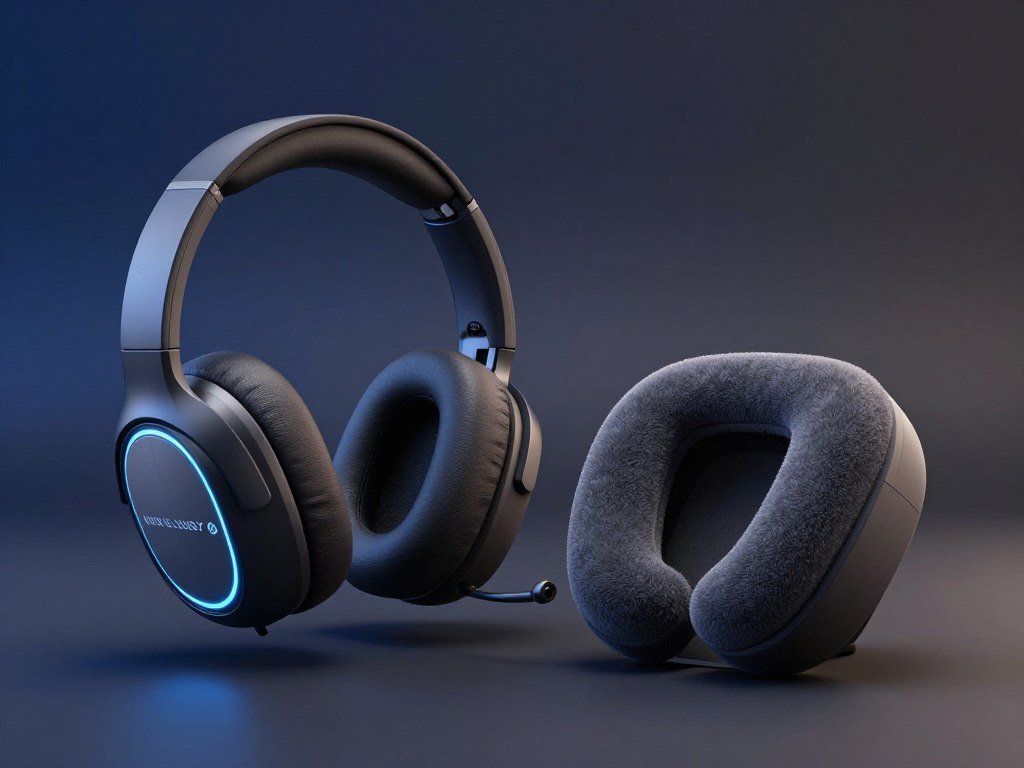
The DROP PC38X is the lightest model in this comparison at 253 grams, while the Audeze Maxwell 2 is substantially heavier at 575 grams with its boom microphone. Weight gives you a useful starting point, but it cannot show how a headset will feel on your head. Fit and pressure distribution matter alongside the scale reading.
Measurements also change when a microphone or cable is included. The table lists each weight with its stated condition.
What the listed weights mean
| Headset | Weight | Measurement condition |
|---|---|---|
| HyperX Cloud III | 300 grams | With microphone |
| DROP PC38X | 253 grams | Listed weight |
| Audeze Maxwell 2 | 575 grams | With boom microphone |
| Turtle Beach Stealth Pro II | 393 grams | With microphone |
| ASUS ROG Kithara | 420 grams | Without wire and microphone |
The HyperX Cloud III weighs 288 grams without its microphone. The Maxwell 2 weighs 562 grams without its boom mic, and the Stealth Pro II weighs 381 grams without its microphone. The Razer BlackShark V2 Pro (2023) weighs 320g.
How materials and fit change the feel
A light headset can still feel tight if its headband presses on one spot. A heavier frame can feel more balanced when the ear cups and headband spread the load well. Memory foam can cushion contact, though the shape and fit still matter.
The Cloud III S Wireless has a lightweight aluminum frame and memory foam padding on its headband and ear cushions. Those parts can affect comfort during long sessions, but your head shape and preferred fit matter too.
Included microphones and cables can change the listed weight, making two numbers hard to compare directly. Compare weights only after checking whether the microphone, cable, or other removable parts were included.
When is a wired gaming headset better for PC?
A wired headset is the straightforward pick if you want to avoid battery management and do not need to move freely away from your PC. A direct cable keeps things simple for desk-based play. Wired-only models suit players who do not need wireless freedom.
The best wired gaming headset in 2026 depends on the features you want, not a tested winner. The Beyerdynamic MMX 330 Pro is wired-only, with 45mm dynamic drivers and a 3.5mm cable with a splitter. The MSI MAESTRO 300 has a 40mm driver, a detachable cardioid mic, and interchangeable mesh or leather ear pads.
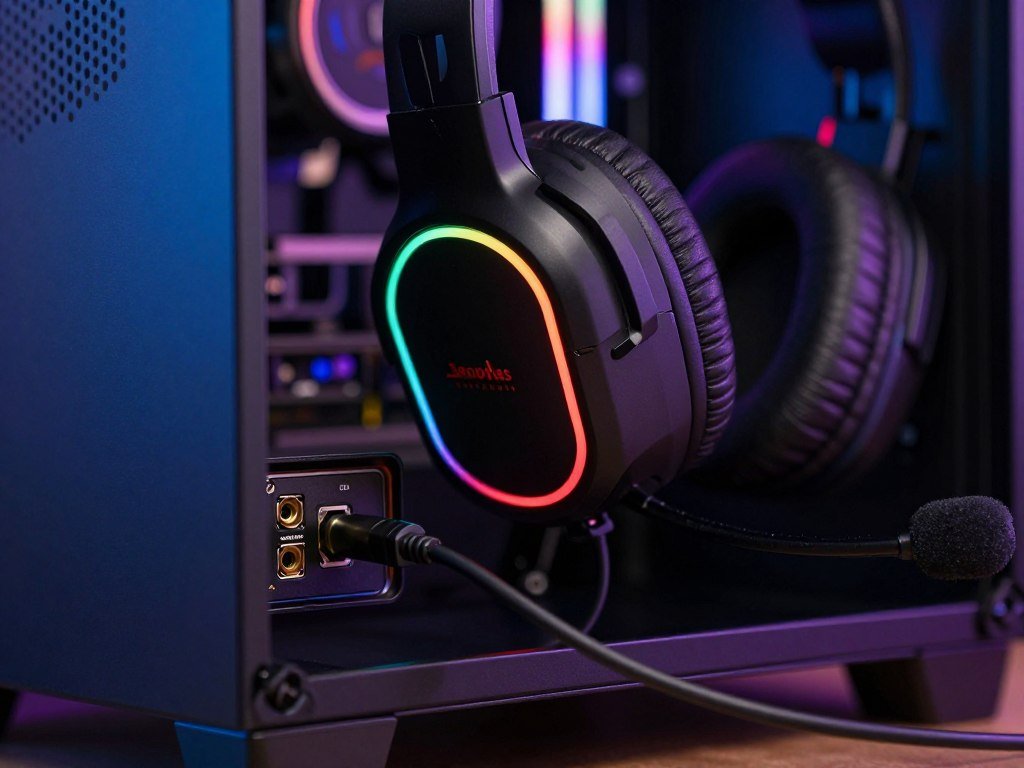
The ASUS ROG Kithara has 100mm planar magnetic drivers. That gives PC players another wired design to consider, with a different driver type from the other two options.
A PC gaming headset needs to match the ports on your computer. Some PCs have separate headphone and microphone jacks, while others use USB or a combined audio port. Check the PC’s available ports before settling on a cable.
- Beyerdynamic MMX 330 Pro: a 3.5mm cable with a splitter.
- MSI MAESTRO 300: interchangeable ear pads and a detachable microphone.
- ASUS ROG Kithara: planar magnetic drivers.
If you want more low-cost wired choices, compare budget headphones for gaming as well. Check whether your PC has the correct audio connection before choosing a cable-only model.
Which headsets work with Xbox and PS5?
For a cross-platform shortlist, the HyperX Cloud III S Wireless and Audeze Maxwell 2 both cover major console and personal-device setups, with the Maxwell 2 Xbox version explicitly covering PS5 as well. Version details matter when you choose a console headset. A headset name alone does not guarantee that every version has the same compatibility.
The Cloud III S Wireless supports PS5 and PS4, along with PC, Mac, Nintendo Switch, and mobile devices. The Maxwell 2 works with PlayStation, Xbox, PC, and mobile devices.
The Xbox version of the Maxwell 2 also works with PS5, Switch 2, and PC. Its connection options include a dongle, Bluetooth, 3.5mm, and USB-C wired audio, but it cannot use Bluetooth and the dongle at the same time.
Use this platform check before choosing an Xbox headset or PS5 headset. You can also compare other parts of your Xbox gaming setup when building a console station.
- Verify the exact console version of the headset.
- Confirm the supplied transmitter or wired connection.
- Distinguish console support from Bluetooth phone use.
- Check whether you need simultaneous audio.
For setup tips, SoundGuys’ headset connection guide covers common ways to connect gaming devices. Confirm the exact version and connection method for your console before placing an order.
How noticeable is wireless audio lag in games?
For timing-sensitive games, a wired connection is closest to instant, while 2.4GHz wireless generally adds only around 15 to 25 ms in the reported comparison. Standard Bluetooth can add more delay, depending on its codec. For responsive wireless play, 2.4GHz is usually the safer choice.
The comparison puts Bluetooth audio latency at about 220 ms with SBC, 70 ms with aptX, and 40 ms with aptX Low Latency. Those figures make codec choice important when you use Bluetooth for game sound.
The Razer BlackShark V2 Pro (2023) has 2.4GHz wireless and Bluetooth 5.2. It cannot play audio over both at once, and it has no analog connection.
Headset audio lag differs from network lag in an online match. Home internet choices for gaming affect ping and jitter, while headset latency affects when sound reaches your ears. An Ethernet cable can help avoid Wi-Fi interference for the gaming device.
- Wired: the lowest delay in this comparison, with less freedom to move.
- 2.4GHz: responsive game audio with wireless freedom.
- Bluetooth: convenient, with latency that depends on the codec.
If audio timing matters more than convenience, avoid assuming that every Bluetooth mode will feel responsive enough.
How often will you need to recharge?
If you dislike charging between sessions, the Maxwell 2’s 80+ hour rating offers a long single-battery interval, while hot-swappable systems address downtime differently. One long charge and a battery swap are different benefits. The Nova Elite offers 30 hours per battery and a hot-swappable system.
The Maxwell 2 suits players who want long intervals between charges. The Nova Elite’s battery can be replaced, so a charged spare can keep the headset going while the other battery charges.
The Stealth Pro II also has hot-swappable batteries. That feature can reduce downtime, though its runtime per battery is not stated here.
Advertised maximum runtime does not guarantee the same result under every use or connection mode. SoundGuys tested 281 audio products and found a link between advertised and tested battery life, while noting that volume, features, device age, and test conditions can change results.
If you can pause between sessions, a long single-charge rating may suit you. A spare battery matters more when you want to keep playing through a battery change.
Choose the battery setup around whether you can pause to recharge or need to keep playing through a battery change.
What do these gaming headsets cost?
Among these listed examples, the Razer Barracuda X offers a lower-priced wireless option at $69.00 on Amazon, with three connection types. It is one lower-cost choice, not a claim about every headset on the market. Its USB-C transmitter, Bluetooth, and 3.5mm connections cover several ways to connect.
The table shows listed prices for five models. Price alone does not tell you which features fit your setup.
| Model | Retailer | Listed price |
|---|---|---|
| Razer Barracuda X | Amazon | $69.00 |
| Logitech G Astro A10 | Amazon | $49.99 |
| Razer BlackShark V3 Pro | Amazon | $208.98 |
| SteelSeries Arctis Nova Pro Omni | Amazon | $359.99 |
| SteelSeries Arctis Nova Elite | Amazon | $599.99 |
The wired Razer BlackShark V2 is listed at $40 on Amazon and $50 at Walmart. The Nova Pro Omni supports two USB audio sources and hot-swappable batteries. The Nova Elite supports 96Hz/24-bit hi-res audio, hot-swappable batteries, and three wired devices, including PlayStation and Xbox.
The BlackShark V3 Pro can work wired or wirelessly and has active noise cancellation. These examples show how features differ across price points, but a higher price does not automatically make a headset a better fit for you.
Listed prices can change and are not a promise of your current checkout total. Compare the current checkout price and included connection hardware before deciding that one listing is the better value.
Which microphone features help with team chat?
For team chat, a well-positioned boom mic is often more useful than headline driver specifications. Placement affects what teammates hear, so mic design deserves a quick check. A detachable boom mic can move out of your way when you do not need it.
The Razer BlackShark V2 Pro (2023) has a detachable boom mic. The MSI MAESTRO 300 has a detachable cardioid microphone, designed to focus on sound from in front of it. Neither feature alone promises studio-grade recording quality.
Check the microphone in the same room where you play. Keyboard noise and room echo can affect voice clarity, even when a mic sits close to your mouth.
- Confirm that the microphone is included.
- Check whether the microphone detaches.
- Test mute access and mic placement.
- Listen for room noise during a voice-chat test.
A boom mic can work for casual streaming, but a short test is better than guessing from the product name. Test your voice in the room where you play, since keyboard noise and room echo can affect clarity.
Test your voice in the room where you play, since keyboard noise and room echo can affect clarity.
Conclusion
If you want one starting point for a flexible gaming setup, put the HyperX Cloud III S Wireless at the top of your shortlist. It is a useful broad-use choice if you want more than one way to connect.
The Maxwell 2 is worth a look if planar-magnetic sound is your priority. Multi-source mixing and system switching suit more complex setups, while a simpler routine may not need those features.
Before you buy, match your main platform and daily use to the features you will notice most. Check the exact model’s platform support and current listing details, then choose the headset that fits how you actually play.
FAQ
Can a wireless gaming headset work without its dongle?
Yes, some wireless gaming headsets can work without a dongle through Bluetooth or a wired connection. The Audeze Maxwell 2 supports Bluetooth, 3.5mm, and USB-C wired connections, for example. Those options do not mean every headset has the same alternatives, or that every connection supports every console feature. Check the exact model’s connection options before leaving its transmitter at home.
Is Bluetooth enough for competitive gaming?
Bluetooth can work for competitive gaming, but its latency depends on the audio codec. The listed comparison ranges from about 220 ms with SBC to 40 ms with aptX Low Latency. A 2.4GHz connection is typically the safer wireless choice for timing-sensitive games. Check which codecs your devices support, since a headset’s Bluetooth connection alone does not promise low delay.
What does hot-swappable battery mean on a gaming headset?
A hot-swappable battery lets you replace a depleted battery with a charged one instead of waiting for the headset to recharge. This can help if you play for long stretches or do not want a charging break. Check whether the headset includes a spare battery, since the swap feature does not always mean an extra battery comes in the box.
Do I need active noise cancellation for gaming at home?
No, active noise cancellation is not a must for gaming at home. It can help when outside sounds distract you, such as traffic or noise from other rooms. In a quiet room, that feature may not add enough value to justify extra cost. A comfortable fit and a good mic position may matter more for your usual setup.
Are gaming headset microphones good enough for streaming?
Yes, a gaming headset boom mic can work for casual streaming, but test it before you go live. A dedicated recording microphone gives you more control over placement and room sound. Your keyboard, room echo, and mic distance can all affect how clear your voice sounds. Record a short sample in your usual setup and listen back before streaming.
Can I use a headset while it is charging?
Sometimes, but it depends on the model and whether it supports audio over its charging connection. A USB-C port may charge the headset without carrying USB audio. Check the headset’s connection details rather than assuming both functions work through one cable. If you plan to play while charging, confirm that the headset supports audio playback in that setup.



