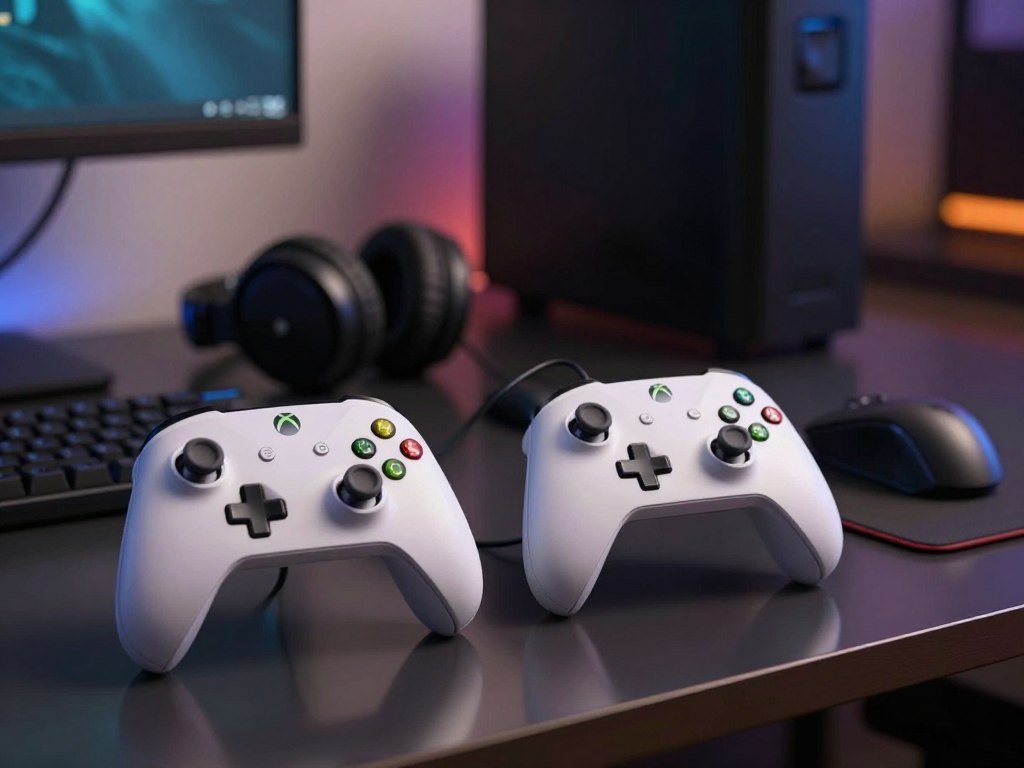
Most Xbox players should start with the Xbox Wireless Controller, while players who want drift-resistant sticks, paddles or a wired budget option should compare a few targeted alternatives. The right choice depends on your platform, comfort, budget and favorite way to play. Some players want something familiar; others need extra controls for fast games or a smaller grip for family play.
This roundup highlights an everyday pick, budget options, competitive choices and controllers with more ways to customize. Hall Effect sticks use magnetic sensing rather than physical contact at the sensing point. This design aims to reduce wear-related drift risk, but it cannot prevent every kind of drift. No one model suits every player or setup. Your best fit may depend on whether you play on a console, PC or both, and whether you sit close to your screen.
Consider the features you will use often, not just the longest feature list. A controller can feel like a better buy when its shape and controls match your games. Pick the feature you will notice every session before paying extra for features you may rarely use.
Key Takeaways
- The Xbox Wireless Controller is the broad everyday choice.
- Wired options can suit a fixed seat and a tighter budget.
- Hall Effect sticks aim to lower wear-related drift risk, not erase all faults.
- Paddles help when you want to keep your thumbs on the sticks.
- Check platform support and connection type before you buy.
Best Xbox Controller Picks by Setup
For most players, the Xbox Wireless Controller is the sensible starting point; the Elite and Razer picks target more specialized needs. The everyday best Xbox choice depends on how much you value extra controls, customization or a simple wireless setup. The Microsoft Xbox Series X|S controller fits everyday wireless play.
The table gives you a quick way to compare the main Xbox controllers by use and listed price. These amounts are retailer listings, not a promise that every store will charge the same price. The standard Microsoft controller uses AA batteries and offers remappable buttons, while the Elite adds deeper hardware and software changes.
| Controller | Best fit | Connection or defining feature | Listed price |
|---|---|---|---|
| Microsoft Xbox Series X|S controller | Everyday wireless play | Wireless, AA-powered, remappable buttons | $54 at Best Buy |
| Microsoft Xbox Elite Wireless Series 2 | Hardware and software customization | Wireless pro controller | $168 at Walmart and Amazon |
| Razer Wolverine V3 Pro | Competitive play | Xbox and PC, no Bluetooth | $170 at Best Buy and Amazon |
Choose the Xbox Wireless Controller for familiar everyday play. The Elite Wireless Series 2 suits players who want many ways to adjust hardware and software. The Razer Wolverine V3 Pro focuses on competitive features, with Xbox and PC support but no Bluetooth. That limit matters if you want one controller to pair with many devices.
The price tag does not tell you whether additional features will improve your play. Compare the controls you will use with the cost and connection you need. Treat listed prices as a comparison point and confirm the current amount with the retailer before buying.
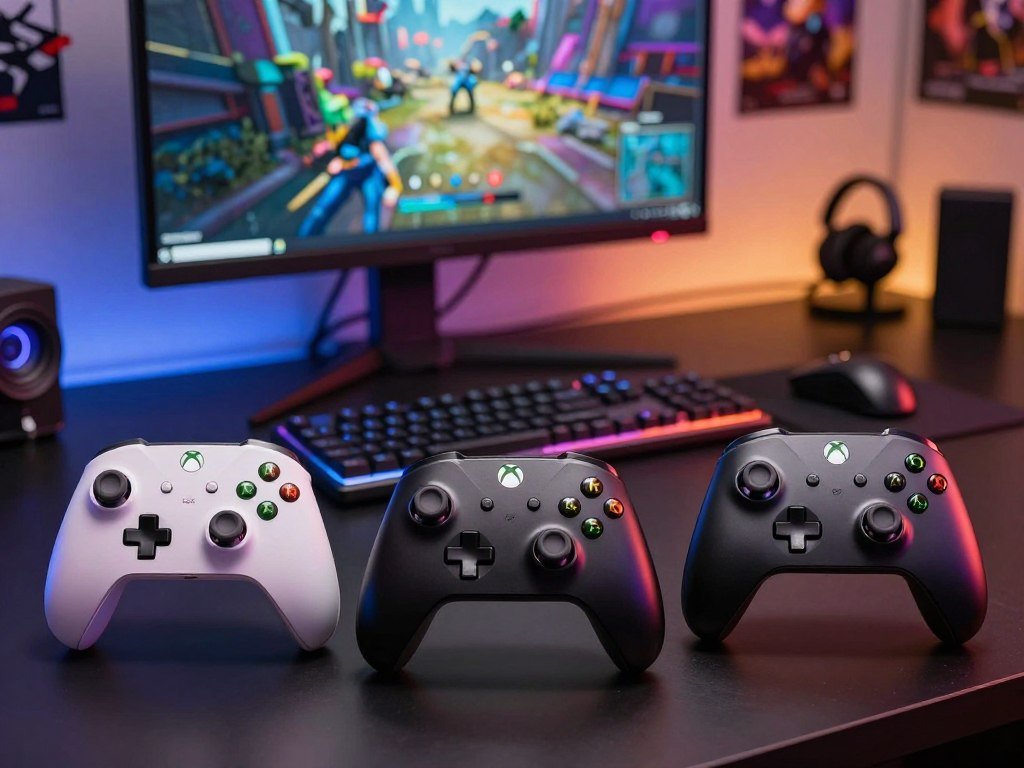
How to Choose a Controller for Your Xbox Setup
Start by matching the controller’s listed platform support to the device you actually play on, rather than assuming every PC or mobile controller works on an Xbox console. For a Best Xbox controller for Xbox Series X setup, the Xbox Wireless Controller is the straightforward fit. Check explicit Xbox Series X|S support for third-party controllers.
Platform support can differ across Xbox Series X|S, Xbox One, Windows PC, iOS and Android. Connection choices may include wired USB, Xbox Wireless, Bluetooth or a 2.4GHz dongle. The names may sound similar, but they do not mean every model supports every device.
Check platform, grip and button layout
Use this checklist to narrow your options before comparing build quality and additional features:
- Confirm the supported platform for your Xbox console, PC or mobile device.
- Choose a size and grip that feel comfortable during a long session.
- Decide whether wired or wireless play fits your room and seat.
- Check whether you will use paddles, remapping or trigger locks.
- Compare replaceable power options and features against your budget.
Match extra controls to the games you play
A fighting game, racing game and shooter may each reward a different button layout. Remappable buttons help when a game’s default controls feel awkward, while trigger locks can shorten trigger movement. Those extras only help if they suit your hands and play style.
For a desk setup, a cable may keep the controller ready without needing a wireless pairing step. A couch player may prefer wireless connectivity and fewer cords across the room. Before checkout, verify the exact model name, since similarly named versions can have different connections or supported devices.

Is the Xbox Wireless Controller Enough for Everyday Play?
The Xbox Wireless Controller covers everyday play well when comfort, a familiar layout and straightforward wireless use matter more than pro extras. Its standard button layout works for common games, and it pairs native Xbox wireless with wired USB-C connectivity. Typical battery life is 20-30 hours.
The Xbox Wireless Controller supports Xbox One, Windows 10 PC and Android. That broad support makes it a useful pick if you play on more than one of those devices. USB-C wired play also gives you an option when you want a cable instead of wireless connectivity.
Its familiar shape and face buttons will feel natural to many players, though comfort is personal. The standard controller does not add pro-level hardware customization, such as adjustable parts designed for a more tailored feel. Remappable buttons are not the same as a full set of hardware changes.
Think about what you notice during a normal session. If you mainly need reliable controls and a familiar layout, the standard model covers the basics without asking you to learn a new design. If AA battery replacement is a drawback, compare the power approach of other models before settling on the standard controller.
Which Budget Wired Xbox Controllers Are Worth Comparing?
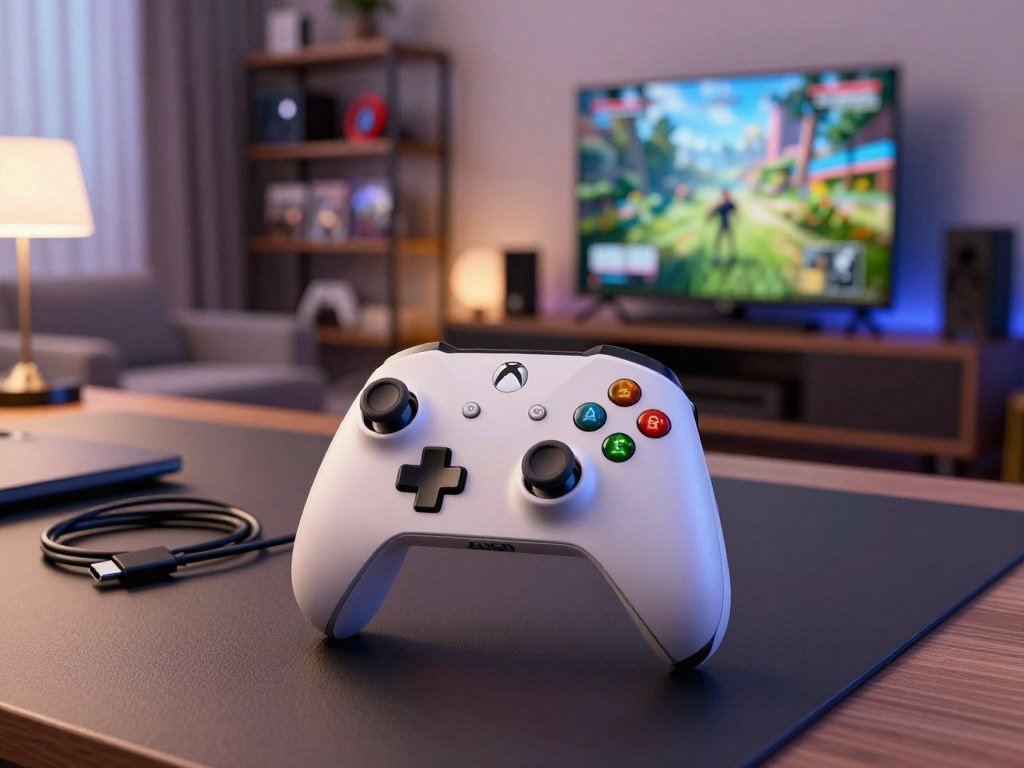
A wired controller is often the most straightforward way to keep the purchase focused on controls rather than wireless features. The PowerA Enhanced Wired Controller for Xbox stands out for its two mappable buttons. A cable can work well near a desk or couch port, but limits movement.
These models suit different budgets and needs, so the lowest price tag is not automatically the best fit. Check whether a simple wired setup gives you enough control, or whether remapping matters for your games. The listed prices below provide a quick comparison.
| Model | Connection | Standout detail | Listed price |
|---|---|---|---|
| PowerA Enhanced Wired Controller for Xbox | Wired | Two mappable buttons | $28 at Best Buy, $26 at Amazon |
| 8BitDo Ultimate 3-Mode Controller, base version | Wired-only | Simple wired setup | $45 at Amazon |
| GameSir G7 Pro | Wired Xbox controller | Budget option | $80 at Amazon |
The PowerA option has two extra controls you can map, which may help if you want additional actions within reach. The base 8BitDo Ultimate 3-Mode Controller is wired-only, so its setup is direct. The GameSir G7 Pro is another wired Xbox controller to compare, though its listed price is higher than the other two.
Wired play removes the need to pair a wireless controller, but a cable can cross a walkway or pull at a port. A couch setup works best when the console sits close enough for a comfortable cable path. Check that the included cable can reach your seat comfortably before choosing a wired model.

Which Xbox Controllers Reduce Stick-Drift Risk?
If stick drift is your main concern, prioritize a controller that explicitly lists Hall Effect thumbsticks, then check its calibration and warranty options. Hall Effect sticks use magnetic sensing instead of physical contact at the sensing point. They aim to reduce wear-related drift risk, but cannot guarantee zero drift.
The PowerA Advantage Wired Controller for Xbox Series X|S has Hall Effect thumbsticks, two mappable Advanced Gaming Buttons and three-way trigger locks. The GameSir Kaleid also has Hall Effect sticks and mappable rear buttons, with support through the Nexus app. These are specific options to compare if stick drift worries you.
Hall Effect sensing is designed to limit wear at the point that reads thumbstick movement. It cannot rule out every input fault or damage, and it does not promise freedom from every cause of drift. A controller can still need calibration or service.
Check these points before choosing a model:
- Confirm the exact model lists Hall Effect sticks.
- Check whether calibration or deadzone settings are available.
- Look for an accessible warranty.
- Test for unwanted movement after setup.
For a Best Xbox controller for no stick drift, the PowerA Advantage is a wired Hall Effect option, not a guarantee against all drift. Raise a deadzone only as far as needed to stop unwanted movement, since excessive deadzones can make fine inputs less responsive.
Are Paddles and Pro Customization Worth Paying For?
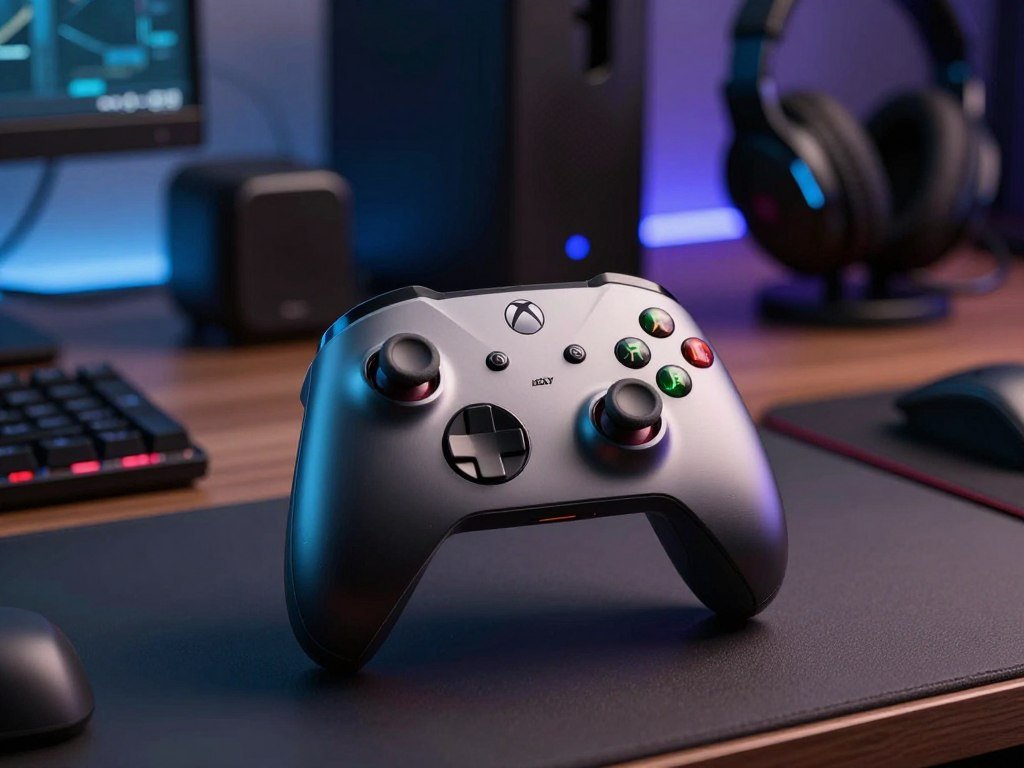
Paddles pay off most when you want to keep your thumbs on the sticks while reaching extra actions. The SCUF Valor suits players who prioritize rear paddles and adjustable instant triggers. Choose rear controls only if you expect to use them often.
The SCUF Valor adds TMR thumbsticks and a Companion App to customizable rear paddles and adjustable instant triggers. It shares wireless performance with the Instinct and is designed for Xbox Series X|S and PC. The Elite Wireless Series 2 offers broad hardware and software customization instead.
For the Best Xbox controller with paddles, the SCUF Valor is a strong fit when rear controls and adjustable instant triggers are your priorities. The Elite is a strong alternative if you want broad changes to both the controller hardware and its software. Your choice may come down to which controls feel easier to reach.
Review these features before paying for an xbox elite series or another pro model:
- Count the rear controls and check their placement.
- See whether the triggers adjust to shorter pulls.
- Check whether profiles are easy to change.
- Decide whether you will use the extra features regularly.
Extra controls can help you reach actions without lifting your thumbs from the sticks. They may be less useful in games where you rarely need to press several buttons quickly. Skip a pro controller if its extra controls would sit unused during the games you play most.
Which Controllers Prioritize Competitive Response?
Competitive players should compare response features alongside the connection and profile workflow they will actually use. A high polling rate can sound appealing, but it does not guarantee better play by itself. Check how the controller connects and how you change its settings.
Polling rate measures how often a controller reports inputs. Connection mode, button layout and profile access also affect whether a specification helps in your setup. A console-only player may care more about changing profiles on the console than through a PC app.
| Controller | Response or customization feature | Connection detail | Practical trade-off |
|---|---|---|---|
| Razer Wolverine V3 Pro | Six remappable buttons | Xbox and PC support | No Bluetooth |
| Razer Wolverine V3 Tournament Edition | Up to 1,000Hz polling | Wired connection | Check cable preference |
| Nacon Revolution X Unlimited: Anniversary Edition | LCD software customization, 1-millisecond wired latency | Wired latency figure | Premium-feature focus |
| Asus ROG Raikiri II | Up to 1,000Hz polling, 2.3ms wired latency | 2.4GHz dongle, USB-C and Bluetooth | Xbox profile changes need PC Gear Link |
The Razer Wolverine V3 Pro has six remappable buttons for quick access to actions. The Tournament Edition lists up to a 1,000 polling rate and uses a wired connection. The Nacon Revolution X Unlimited: Anniversary Edition pairs an LCD screen for software customization with 1-millisecond wired latency.
The Asus ROG Raikiri II offers TMR sticks and triggers, microswitch buttons and three connection types. It can save up to five onboard profiles and lists up to 50 hours of battery life. Its Xbox profile changes require a PC connection through Gear Link, a key limit for console-only use.
Compare polling and wired latency
Polling rate and wired latency describe different parts of input response. A listed figure gives you a basis for comparison, not proof that one controller will feel faster in every game. Grip, button reach and your own connection setup still matter.
Check how profiles and connections work
Some controls can change through software, while others use buttons or onboard profiles. A PC app may add steps if you usually play on an Xbox console. Check whether a controller’s custom profiles can be changed on the Xbox itself before relying on them in competition.
Which Xbox Controllers Work Best on PC?
For a PC and Xbox combination, start with a controller that explicitly supports both platforms rather than relying on a console-only listing. The Xbox Wireless Controller is the simplest broad-use option for Xbox and Windows. Choose connection support that matches your PC.
The Xbox Wireless Controller works with Windows 10 PC, while the X25 Special Edition also supports Xbox consoles, Windows PC, iOS and Android. The X25 connects through Xbox Wireless and Bluetooth. It can suit you if you want one controller for several kinds of devices.
Bluetooth is useful when your PC supports it and you prefer not to run a cable. Wired play can be practical at a fixed desk, where the controller stays near the computer. A dongle is another wireless option on some third-party controllers, but it is not the same as Bluetooth.
Check the connection your computer can use before choosing among Xbox controllers. Some models offer several pairing options, while others focus on one type of setup. A wireless controller can be convenient for a desk or couch, but connection support still needs to match your device.
Confirm the exact operating-system and connection requirements for any model before pairing it with a PC.
What Fortnite Controller Settings Should You Start With?
Start with conservative deadzones and moderate look speed, then change one setting at a time so you can identify what improves control. Try 5% deadzones on both sticks and 40-45% Look Horizontal and Vertical Speed. Raise only a drifting stick by 1% at a time.
Set ADS Look Horizontal and Vertical Speed between 8-12% as a starting point. If the view moves when you leave a stick alone, increase that stick’s deadzone by one point, then test again. This keeps a drifting input from forcing changes to both sticks.
Set deadzones and look speed
Turning Horizontal and Vertical Boost can start at 0%, with Turning Boost Ramp Time at 0.00 seconds. These settings avoid added speed changes as you turn. Lower or raise look speed based on how quickly you can track a moving target.
Tune boost, aim assist and build controls
Try 2.0-2.2x build sensitivity multipliers and 2.0-2.3x edit sensitivity multipliers. Aim Assist Strength can start at 100%. These settings create a clear baseline, but your comfort and accuracy matter more than matching another player.
Many competitive players favor the Exponential look curve, while some guides recommend Linear. Roughly 70% of tracked competitive Fortnite players use Exponential. Exponential starts slower near the stick’s center, while Linear responds more directly to stick movement.
For the Best Xbox controller for Fortnite, choose a controller with reachable remappable rear controls if you use them. Sensitivity is a separate choice, so a controller’s extra buttons do not make one look-speed setting right for everyone. Try each change in practice before a competitive match.
Test a changed setting in a low-pressure match before carrying it into competitive play.
How Long Does an Xbox Controller Battery Last?
Battery life is a model-specific trade-off, so compare the stated runtime and the type of power the controller uses. The X25 Special Edition lists up to 40 hours when using AA batteries. Accessories and usage can change its actual runtime.
The Xbox Wireless Controller typically lasts 20-30 hours. That range gives you a practical point of comparison, but your play time and connected accessories can affect how often you replace or recharge power. The X25’s maximum figure is not a promise of the same runtime in every setup.
Replaceable AA batteries let you keep spares nearby and swap them when needed. A rechargeable controller can reduce the need to keep fresh batteries on hand, though you need to charge it between sessions. The better power plan depends on whether you prefer swapping batteries or plugging in to recharge.
A wireless controller gives you freedom from a cable, but a low battery can interrupt play. Keeping spare power near your setup makes that less disruptive. If running out mid-session is a concern, keep a charged spare or a practical replacement-power option nearby.
Is the Xbox Nano Controller a Good Fit for Smaller Hands?
The Xbox Nano Controller is the compact choice to consider when a standard-size pad feels too large. It is a little over 5 inches long and weighs 3.5 ounces. Its smaller shape makes it a compact pick for smaller hands and family play.
The Nano includes all 18 standard gameplay inputs, a rechargeable battery and a programmable Action Button. Its connection options are Xbox Wireless and Bluetooth. Those features give you the usual controls in a smaller package, with one extra button you can program.
A smaller size is a fit preference, not a guarantee of comfort. Button spacing and grip can feel different from a standard controller, so consider whether your fingers can reach the controls without strain. The Nano may suit younger players or adults who prefer a compact grip.
Microsoft lists the controller at $49.99, with U.S. availability beginning in November 2026. That timing matters if you are planning a purchase for a specific date. Check the stated U.S. availability timing before planning a purchase, since it begins in November 2026.
Which Xbox Controller Color Looks Best?
Color is a personal choice, so decide whether you want a clean standard finish or a more distinctive design. The best Xbox controller color is the one you enjoy seeing and holding. Choose standard, special edition or custom based on your taste.
The Xbox Wireless Controller comes in standard colors and special-edition designs. Xbox Design Lab lets you customize a controller with your own color combination. Each route offers a different level of choice, from a simple finish to a more personal look.
Standard colors suit a simple setup without a standout design. A special edition offers a distinctive finish, while Design Lab gives you more say in the final combination. The Xbox controller color catalog shows examples of standard and special-edition designs.
Pick a color you like, but think about how it will look alongside the rest of your setup. A bright finish can stand out on a desk, while a simple shade may blend in. Choose a finish you will still enjoy seeing in your setup after the novelty wears off.
What Makes the X25 Special Edition Different?
The X25 Special Edition stands out through its translucent OG Green finish and its visual references to the original Xbox launch. It is a design-focused version of the Xbox Wireless Controller. The special finish changes the look, not the core reason to upgrade.
The translucent shell gives the controller a distinct appearance, while its details point back to the original launch design. That look may appeal to players who enjoy Xbox history or want a standout color in their setup. It offers a style choice rather than a new way to play.
Microsoft lists the X25 Special Edition at $49.99. The listed price alone does not make it the right pick, since the main difference described here is its design. Consider whether the OG Green look matters enough to guide your choice.
If you already like the standard controller’s feel, this edition may appeal for its visual details. If you want extra controls or a different shape, a special finish does not answer that need. Choose it for the design if that look matters to you, rather than expecting the special-edition finish to change gameplay.
Is a Wired or Wireless Xbox Controller Better for Your Setup?
Choose wired if you play near the console or PC and prefer a cable; choose wireless when room to move matters more. Wired USB-C, Xbox Wireless, Bluetooth and 2.4GHz dongles are distinct connection types. Wireless does not mean every controller pairs with every device.
The best Xbox controller wireless choice for a standard console setup is the Xbox Wireless Controller. For PC or mobile play, Bluetooth or dongle support may be useful, but check the model’s supported devices. A wireless connection can use different protocols, each with its own pairing needs.
| Connection type | Typical setup | Main advantage | Main trade-off |
|---|---|---|---|
| Wired USB-C | Fixed console or PC setup nearby | No wireless pairing step | Cable reach limits seating |
| Xbox Wireless | Xbox console setup | Native Xbox wireless connection | Needs a power plan |
| Bluetooth | Compatible PC or mobile setup | Broad device pairing | Behavior varies by device |
Choose a cable for a fixed seat
A wired controller can suit a desk where you sit close to the console or PC. It avoids a wireless pairing step, though the cable may restrict where you sit. Make sure the cord can reach without pulling at the port.
Choose wireless for room to move
Xbox Wireless suits a console setup, while Bluetooth can pair with compatible PCs or mobile devices. Some controllers use a 2.4GHz dongle instead. These methods all provide wireless connectivity, but they do not work the same way.
Measure the distance from your seat to the console before committing to a wired setup.
Which Controllers Also Work with Xbox One?
Xbox One owners should confirm the exact model lists Xbox One support, since compatibility can differ between controllers that share a brand or product family. The Xbox Wireless Controller supports Xbox One, Windows 10 PC and Android. Check the exact version, not just its family name.
The PowerA Advantage Wired Controller supports Xbox Series X|S, Xbox One and Windows 10/11. It includes a 10-foot USB-C cable, weighs 0.452 lb (0.205 kg) and has a 3.5 mm headset jack. It also comes with a two-year limited warranty.
The Xbox Wireless Controller provides native Xbox wireless and USB-C wired connectivity. The PowerA Advantage offers a long cable for a fixed setup, plus a headset jack and stated warranty. Compare which connection works for your seat and whether you need support across other devices.
Use this short checklist before choosing among Xbox controllers:
- Confirm explicit Xbox One support for the exact model.
- Check whether Windows 10/11 or Android support matters.
- Verify that the cable length or connection type suits your setup.
Third-party controllers can have different supported devices across versions, even when the product family name looks familiar. Keep the model details with your receipt so you can find them later. Save the product’s exact model name and warranty details in case you need to check compatibility or support later.
Conclusion
For most players, begin with the Xbox Wireless Controller; choose another model when a specific feature clearly improves your setup. It remains the broad everyday pick for familiar play. A specialized need, such as Hall Effect sticks, paddles or compact size, can make another controller a better fit.
Before comparing retailer listings, confirm that the model supports your device and connection needs. Then choose the single feature you expect to use most, rather than paying for extras that may stay untouched. Check compatibility first, then buy the controller that matches the feature you will use most.
FAQ
Is Scuf or Elite controller better?
The SCUF Valor suits players who prioritize rear paddles, TMR sticks and adjustable instant triggers. The Elite Wireless Series 2 suits players who want broad hardware and software customization. Choose based on the controls you will use most, rather than brand alone. Both target players who want more than a standard layout, but their feature sets serve different preferences.
What is the best looking Xbox controller?
The X25 Special Edition is a distinctive choice, with its translucent OG Green design. The best-looking option is subjective, since color depends on your taste and setup. A standard finish can blend in, while a special edition makes the controller stand out. Xbox Design Lab also lets you build a more personal color combination.
What is the best Xbox controller for no stick drift?
The PowerA Advantage is a wired option with Hall Effect thumbsticks, which aim to reduce wear-related drift risk. No stick design guarantees immunity from every cause of drift. A controller can still have another input fault or need calibration. Check for settings and warranty support, then test the sticks after setup.
What is the best Xbox controller in 2026?
The Xbox Wireless Controller is the best broad choice for most players in 2026. It offers familiar controls and a straightforward console setup. Choose a specialized alternative when you need a lower-cost wired model, competitive features, Hall Effect sticks or deeper customization. Your platform and the controls you use often should guide that choice.
What is the highest rated Xbox controller?
The Xbox Wireless Controller is the broad everyday recommendation for most players. A single highest-rated Xbox controller depends on each publication’s criteria, such as comfort, price, response or customization. A score that favors pro features may not suit someone who wants a simple pad. Compare the review’s priorities with your own.
What controller do most pros use on Xbox?
There is no verified player-adoption figure here to name one model as the most-used controller among Xbox pros. The Razer Wolverine V3 Pro is a feature-based competitive option, with six remappable buttons and Xbox and PC support. Its lack of Bluetooth may matter if you also want to pair it with other devices.
Is the Xbox Elite controller 3 coming out?
Base a purchase on the Elite Wireless Series 2’s current feature set, rather than rumors about an Elite controller 3. Check Microsoft’s official announcements for any future release news. The Series 2 already offers hardware and software customization, so decide whether those features meet your needs before waiting for an unconfirmed model.
What is Xbox’s newest controller?
The Xbox Nano Controller is the newest model named here, with U.S. availability beginning in November 2026. It is a compact option with a rechargeable battery, Xbox Wireless and Bluetooth. Its smaller size may suit players who find a standard controller too large. Check that timing before planning a purchase.



