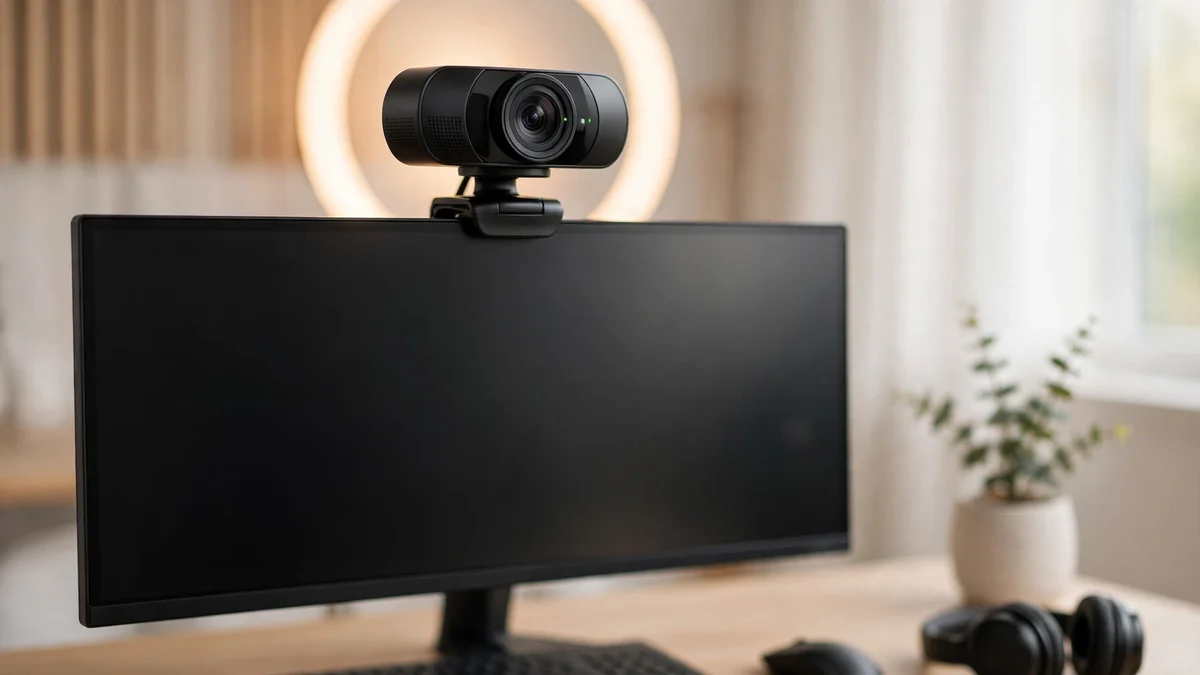
Finding the best webcams under $100 in 2027 is easier than it used to be, because the budget end of the market has quietly caught up. A camera that costs less than a weekly grocery shop can now record in sharp 1080p, handle a dim home office without turning you into a silhouette.
The seven webcams in this guide all cost under $100 at their approximate starting prices, and every one of them is a genuine step up from the built-in camera in most laptops. We judged them on image quality in real room lighting, microphone clarity, autofocus speed, field of view, and setup. Prices are approximate starting prices and can change with sales and bundles, so check current pricing before you buy.
The shortlist runs from a $25 starter to a $90 office-ready model. Logitech takes the top spot overall, but the best pick depends on whether you need a light for dark rooms, a wide angle, or simply the cheapest camera that still looks professional.
Key takeaways
- The Logitech C920s Pro HD is the best webcam under $100 overall, with reliable 1080p video and strong low-light performance for about $70.
- Budget buyers should start with the Logitech C270 HD at about $25, which still beats most built-in laptop cameras.
- If your room is dark, the Razer Kiyo and its built-in light ring solve the problem for about $80 without extra gear.
- Windows users get the smoothest setup from the Microsoft Modern Webcam, with autofocus and HDR for about $70.
- Avoid no-name cameras that promise 4K for under $30; they usually upscale a weak 720p sensor.
At a glance: the shortlist
| Product | Best for | Starting price | Standout limit |
|---|---|---|---|
| Logitech C920s Pro HD | Best overall | About $70 | 1080p at 30fps |
| Logitech Brio 100 | Beginners | About $40 | 1080p at 30fps |
| Microsoft Modern Webcam | Windows users | About $70 | 1080p with HDR |
| Razer Kiyo | Dark rooms | About $80 | 720p at 60fps |
| Anker PowerConf C200 | Small rooms | About $60 | 2K at 30fps |
| Logitech C270 HD | Tight budgets | About $25 | 720p at 30fps |
| Dell Pro Webcam WB3023 | Office desks | About $90 | 2K at 30fps |
Logitech C920s Pro HD — Best overall
The Logitech C920s Pro HD has been the default recommendation for budget webcams for years, and the 2027 version of that advice still holds. It records sharp 1080p video at 30 frames per second, focuses quickly when you lean in or out, and handles mixed lighting better than any other camera near this price. The two built-in microphones pick up a clear voice from a normal desk distance, and the privacy shutter is a simple sliding cover that works every time.
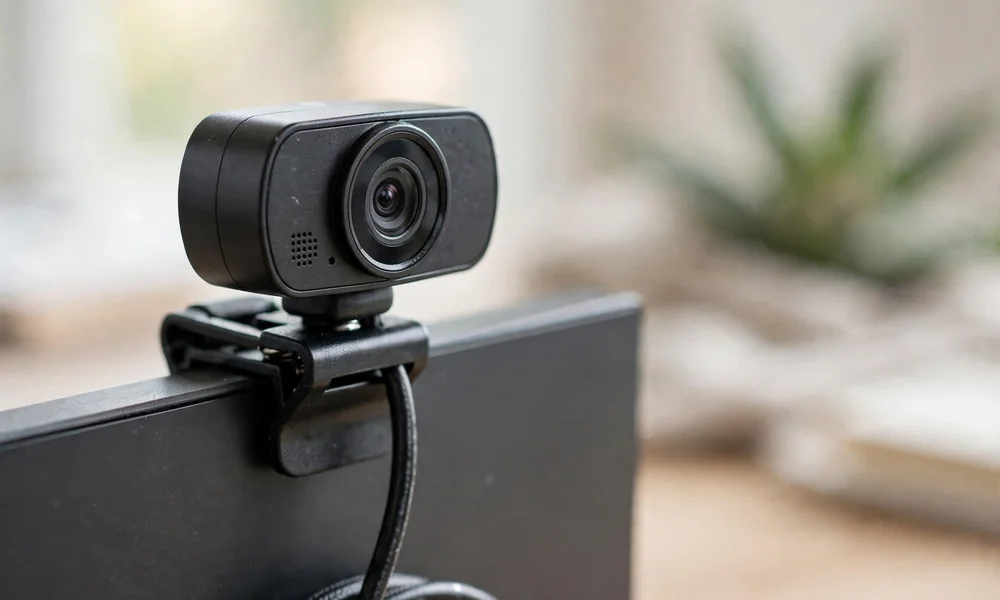
Setup is genuinely plug and play on Windows and macOS, with no driver download needed for basic use. It pairs well with a tidy desk setup, as our guide to the best laptops for remote workers shows.
Pros: Sharp, reliable 1080p image; good low-light handling; privacy shutter included; works on Windows and macOS without drivers.
Cons: No 4K option; 30fps cap; field of view is fixed at 78 degrees.
Logitech Brio 100 — Best for beginners
The Logitech Brio 100 is the simplest webcam in this guide, and that is exactly its strength. It delivers clean 1080p video, a built-in microphone, and a privacy shutter for about $40, and it needs nothing more than a free USB port. There is nothing to learn or tune before your first call, which makes it ideal for a first webcam or a second desk.
Image quality is a clear step above a typical laptop camera, with warmer skin tones and less grain in ordinary room light. The 58-degree field of view is narrower than most rivals, so it frames one person tightly and keeps a messy room mostly out of shot.
Pros: Very easy to set up; clean 1080p image; privacy shutter; low price.
Cons: Narrow field of view; no autofocus; no 60fps mode.
Microsoft Modern Webcam — Best for Windows users
The Microsoft Modern Webcam is built for people who live in Windows and Microsoft Teams, and it shows in the details. It records 1080p video with HDR, which keeps bright windows and dark corners in the same frame without blowing out your face, and its autofocus is quick and quiet. The camera is small and light, and its mount grips thin laptop lids and thick monitors equally well.
Video quality is clean and natural, with accurate colours and little noise in typical office light. Teams users get a dedicated activity light and easy mute controls.
Pros: HDR handles tricky lighting well; fast autofocus; compact and light; tidy Teams integration.
Cons: Microphone is average; no privacy shutter; software controls are basic.
Razer Kiyo — Best for dark rooms
The Razer Kiyo solves the single biggest problem with budget webcams: bad lighting. A ring light is built into the front of the camera, with adjustable brightness that fills your face with soft, even light. In a dim room it is the difference between looking like a shadow and looking professional, and it costs far less than a separate ring light.
Video runs at 1080p and 30 frames per second, or 720p at a smoother 60 frames per second if you prefer fluid motion. The image is sharp and the colours are a little warmer than the Logitech models, which suits streaming and late-night calls.
Pros: Built-in ring light fixes dark rooms; smooth 60fps option; solid build.
Cons: Bulkier than rivals; light drains a little USB power; no privacy shutter.
Anker PowerConf C200 — Best for small rooms
The Anker PowerConf C200 is the value surprise of this list, because it records in 2K resolution for about $60. That extra resolution gives a crisper image on large screens and more room to crop or zoom without softness. Its AI framing keeps you centred, and the dual microphones cut out keyboard clicks and background hum.
Colour accuracy is good, and the 95-degree field of view is wide enough for two people at a desk, which makes it a strong pick for a shared home office.
Pros: 2K resolution for about $60; wide 95-degree view; AI framing; good noise reduction.
Cons: Low-light image is softer than the C920s; AI framing can overcorrect.
Logitech C270 HD — Best under $30
The Logitech C270 HD is the cheapest camera worth buying, and it proves that a tight budget does not have to mean a terrible image. It records 720p video at 30 frames per second, which is a clear upgrade over the grainy 720p cameras built into many older laptops, because its lens and sensor are simply better. Faces look clearer, colours look truer, and the fixed focus is set for normal desk distances.
There are no extras here: no autofocus, no privacy shutter, and a 55-degree field of view that frames one person and little else. The built-in microphone is basic but usable for short calls.
Pros: Cheapest worthwhile webcam; noticeably better than most built-in cameras; simple to use.
Cons: Only 720p; fixed focus; no privacy shutter; narrow view.
Dell Pro Webcam WB3023 — Best for office desks
The Dell Pro Webcam WB3023 is the most office-ready camera under $100, with 2K video, a wide 78-degree field of view, and smart features borrowed from Dell’s pricier models. Its auto-framing keeps you centred during a call, and the built-in microphones use noise reduction to cut out office chatter. The design is neat and professional, with a magnetic privacy cap that snaps on when the working day ends.
Image quality is crisp in good light and holds up well under fluorescent office lighting, where cheaper cameras often turn grey or grainy. At about $90 it sits at the top of this budget, but for a daily office camera it earns the extra money with a calmer, more polished picture.
Pros: Crisp 2K image; auto-framing; magnetic privacy cap; strong in office lighting.
Cons: Priciest pick here; software features are Windows-only; no 60fps mode.
How to choose
Start with resolution, but read it sceptically. A true 1080p camera from a known brand beats a no-name camera that claims 4K, because cheap sensors upscale a weak image and add noise. For most calls, 1080p at 30 frames per second is the sweet spot, while 2K is worth paying for if you appear on large screens. Sixty frames per second matters far less than good lighting.
Next, think about your room. If you call from a dark corner, a camera with a built-in light or strong low-light performance, like the Razer Kiyo, will help more than any resolution upgrade. If two people share a desk, look for a field of view of 90 degrees or more. And check the mount: a camera that grips your monitor firmly and tilts smoothly is worth more than a slightly sharper lens that wobbles. Our guide to the best USB-C monitors is worth a look before you rebuild your desk.
Finally, check the microphone and the privacy cover. Built-in microphones are fine for everyday calls, but a headset is still better for long meetings. A physical privacy shutter is worth choosing when the price is close.
Checklist: before you pay
- Confirm the camera is true 1080p or 2K from a known brand, not an upscaled no-name sensor.
- Check the field of view: 60 to 78 degrees for solo calls, 90 degrees or more for two people.
- Test your room lighting and pick a camera with a light if it is dark.
- Make sure the mount fits your monitor or laptop lid and the cable reaches your computer.
- Check the return window so you can test the image on your own calls.
- Confirm the starting price and any bundle extras, since prices change often and sales are frequent.
Frequently asked questions
Is a webcam under $100 good enough for work calls?
Yes. A good $40 to $70 webcam records cleaner 1080p video than the camera built into most laptops, and that is all a work call needs.
Is 1080p or 2K better for a budget webcam?
True 1080p from a good sensor beats fake 2K from a weak one. Real 2K gives a crisper image on large screens, but it is a bonus rather than a must-have.
Do I need a separate microphone with a budget webcam?
Not for everyday calls, since the microphones in this guide are clear at desk distance. For long meetings or noisy rooms, a headset still sounds better.
Will these webcams work with Zoom, Teams, and Google Meet?
Yes. Every camera here is a standard USB video device, so it works with Zoom, Teams, Google Meet, and other calling apps on Windows and macOS without special drivers.
What field of view should I choose?
Choose 55 to 78 degrees for solo calls, so the frame stays tight on you. Choose 90 degrees or more if two people share the camera, or you want to show more of your desk.
Should I buy a webcam with a privacy shutter?
Yes, when the price is close. A physical shutter is the simplest way to know the camera is off, as our guide to the best monitors for hybrid work also notes for shared spaces.
The bottom line
Buy the Logitech C920s Pro HD if you want one safe choice under $100, because it is sharp, reliable, and good in real room lighting. Buy the Logitech C270 HD if money is tight, the Razer Kiyo if your room is dark, or the Anker PowerConf C200 if you want 2K and a wide view for about $60. Every camera in this guide is a genuine upgrade over a built-in laptop camera.
Whichever you choose, put a light in front of you rather than behind you, raise the camera to eye level, and test it on a real call before an important meeting. A $50 camera with good light beats a $200 camera in a dark room.