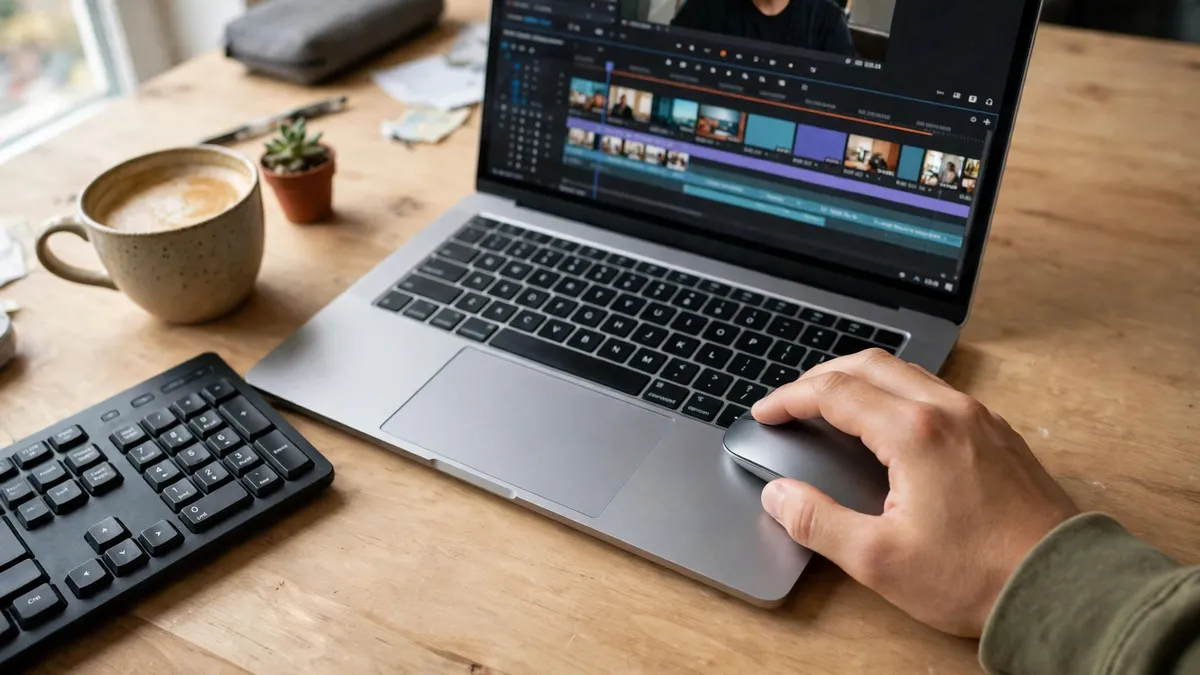
The best wireless mice under $50 in 2027 prove that a good mouse does not need a premium price. For under $50 you can get a comfortable shape, quiet clicks, a reliable Bluetooth or 2.4 GHz connection, and a battery that lasts a year or more. The mice in this list all work with Windows 10 and Windows 11, and most also work with macOS, ChromeOS, and tablets.
We judged each mouse on comfort, sensor accuracy, connection stability, battery life, and value. Every pick costs less than $50 at its usual starting price, and several cost under $25. Prices are approximate starting prices, so check current pricing before buying, since budget mice go on sale often.
The shortlist covers every need, from a tiny travel mouse to a full-size everyday mouse with side buttons. If you want one answer fast, the Logitech Signature M650 is the best wireless mouse under $50 overall, while the Logitech M185 is the best ultra-budget pick at about $14.
Key takeaways
- Best overall under $50: Logitech Signature M650, from about $39, with a comfortable shape and a two-year battery.
- Best ultra-budget: Logitech M185, from about $14, a simple plug-and-play mouse with a 12-month battery.
- Best portable: Logitech Pebble M350, from about $29, slim, quiet, and easy to carry in a laptop bag.
- Bluetooth saves a USB port; a 2.4 GHz receiver gives a slightly more stable connection on a desk.
- Under $50, spend on comfort and battery life first; extra buttons and high DPI matter less.
At a glance: the shortlist
| Product | Best for | Starting price | Standout limit |
|---|---|---|---|
| Logitech Signature M650 | Overall under $50 | From $39 | 24-month battery |
| Logitech Pebble M350 | Portable use | From $29 | Slim, quiet design |
| Logitech M185 | Ultra-budget | From $14 | Plug-and-play receiver |
| Microsoft Bluetooth Mouse | Bluetooth value | From $19 | No receiver needed |
| HP 240 Bluetooth Mouse | Bluetooth value | From $24 | 12-month battery |
| Logitech M317 | Compact comfort | From $19 | Contoured shape |
| Dell WM126 | Basic office use | From $15 | 1,000 DPI optical sensor |
| Lenovo 530 Wireless Mouse | Laptop bags | From $29 | Ambidextrous shape |
Logitech Signature M650 — Best overall under $50
The Signature M650 is the best wireless mouse under $50 because it feels like a much more expensive mouse. Its contoured shape supports the palm, the clicks are quiet enough for a shared office, and the SmartWheel scrolls line by line or spins fast through long pages. It connects by Bluetooth or the included Logi Bolt receiver, and one AA battery lasts up to 24 months. If you want to compare it with pricier options, see our guide to the best budget wireless mice for more value picks.

Pros: Comfortable contoured shape; quiet clicks; two sizes and left-handed option; 24-month battery
Cons: No rechargeable battery; no hyper-fast scroll mode; basic button layout
Logitech Pebble M350 — Best portable mouse
The Pebble M350 is the best portable wireless mouse under $50. Its slim, rounded shape is barely thicker than a phone, it slips into a laptop sleeve without a bulge, and it weighs only 100 grams. It connects by Bluetooth or the included receiver, pairs with one device at a time, and one AA battery lasts up to 18 months.
Pros: Slim and light; quiet clicks; 18-month battery; Bluetooth and receiver options
Cons: Flat shape for long sessions; no side buttons; pairs with one device only
Logitech M185 — Best ultra-budget mouse
The Logitech M185 is the cheapest mouse worth buying. At about $14 it is a simple, reliable wireless mouse with a nano receiver that stores inside the body, a 1,000 DPI optical sensor, and a battery that lasts up to 12 months. It plugs in and works instantly on Windows, with no software to install and no pairing step.
Pros: Only about $14; plug-and-play; 12-month battery; receiver stores inside the mouse
Cons: No Bluetooth; no side buttons; 1,000 DPI only; small shape for large hands
Microsoft Bluetooth Mouse — Best Bluetooth mouse under $25
The Microsoft Bluetooth Mouse is the best Bluetooth mouse under $25 because it needs nothing extra. It pairs directly with Windows over Bluetooth, with no USB receiver to plug in or lose, and Windows recognises it instantly. The compact, low-profile shape fits easily in a laptop bag, the four-way scroll wheel moves through documents smoothly, and one AA battery lasts up to 12 months.
Pros: No receiver needed; instant pairing; compact and light; 12-month battery; about $19
Cons: No side buttons; 1,000 DPI only; no multi-device support; small for large hands
HP 240 Bluetooth Mouse — Best value Bluetooth mouse
The HP 240 Bluetooth Mouse is a solid value pick for Windows laptops. It connects over Bluetooth, so it uses no USB port, and it pairs quickly with Windows 11. The 1,600 DPI sensor is a step up from the 1,000 DPI sensors on the cheapest mice, which helps on larger screens, and the compact shape travels well.
Pros: Bluetooth, no receiver; 1,600 DPI sensor; 12-month battery; about $24
Cons: No side buttons; pairs with one device; no 2.4 GHz receiver option
Logitech M317 — Best compact mouse
The Logitech M317 is a compact wireless mouse with a contoured shape that feels bigger than it looks. It connects with a nano receiver, works instantly on Windows, and one AA battery lasts up to 12 months. The curved design supports the hand better than most compact mice, and the 1,000 DPI sensor is accurate for documents, email, and browsing.
Pros: Contoured compact shape; 12-month battery; plug-and-play; about $19
Cons: No Bluetooth; no side buttons; 1,000 DPI only; receiver only
Dell WM126 Wireless Optical Mouse — Best basic office mouse
The Dell WM126 is a basic wireless mouse made for offices and schools. It connects with a nano receiver, works instantly on Windows, and one AA battery lasts up to 12 months. The 1,000 DPI optical sensor tracks reliably on most desk surfaces, and the ambidextrous shape suits left- and right-handed users.
Pros: About $15; plug-and-play; 12-month battery; ambidextrous shape
Cons: No Bluetooth; no side buttons; 1,000 DPI only; plain design
Lenovo 530 Wireless Mouse — Best for laptop bags
The Lenovo 530 Wireless Mouse is a slim, ambidextrous mouse built for laptop bags. It connects with a nano receiver, works instantly on Windows, and one AA battery lasts up to 12 months. The 1,200 DPI sensor is accurate for everyday work, and the low-profile shape slips into a sleeve without a bulge.
Pros: Slim and ambidextrous; 1,200 DPI sensor; 12-month battery; travels well
Cons: No Bluetooth; no side buttons; about $29 for a basic mouse
How to choose
Start with the connection. If your laptop has few USB ports, a Bluetooth mouse such as the Microsoft Bluetooth Mouse or the HP 240 saves a port and travels better. If you want the most stable connection on a fixed desk, a 2.4 GHz receiver mouse such as the M185 or the M317 is the safer choice. The M650 and the Pebble M350 offer both, which is the most flexible option under $50.
Next, match the shape to your hand and your day. A contoured mouse such as the M650 suits long sessions at a desk, a slim mouse such as the Pebble M350 suits travel, and a compact mouse such as the M317 suits small hands and small bags. Check the DPI rating if you use a large monitor, since a higher DPI sensor moves across the screen with less hand movement. For quieter options, see our guide to the best silent wireless mice, which covers low-noise models in more detail. Battery type matters too: almost every mouse here runs on one AA battery for 12 to 24 months, so you never need to charge it. Finally, count the buttons you actually use; side buttons help with browsing, but they are rare under $50, and the M650 is the only pick here that has them.
Prices are approximate starting prices, and they change often, so check current pricing before buying. A mouse that costs $39 today may be $29 during a sale, and the best value is often the model that is on offer that week.
Checklist: before you buy
- Confirm the mouse supports Windows 10 or Windows 11, and Bluetooth if you want to save a USB port.
- Check the size and grip: contoured for desk work, slim for travel, compact for small hands.
- Look at the DPI rating if you use a large monitor; 1,600 DPI or more helps.
- Check the battery life: 12 months is the minimum to expect under $50.
- Decide whether you need side buttons; only the M650 has them in this list.
- Check the return window so you can test the shape for a full workday before committing.
Frequently asked questions
What is the best wireless mouse under $50?
The Logitech Signature M650 is the best wireless mouse under $50 overall, thanks to its comfortable shape, quiet clicks, and 24-month battery. The Logitech Pebble M350 is the best portable pick, and the Logitech M185 is the best ultra-budget pick at about $14.
Can you get a good wireless mouse for under $25?
Yes. The Logitech M185 costs about $14, the Dell WM126 costs about $15, and the Microsoft Bluetooth Mouse costs about $19. All three are reliable for everyday work, though they have basic sensors and no side buttons. Spending $39 on the M650 buys a more comfortable shape and a better sensor.
Is Bluetooth or a USB receiver better for a budget mouse?
A USB receiver is slightly more stable and works instantly with no pairing, which suits a fixed desk. Bluetooth is better for laptops because it uses no USB port. The M650 and the Pebble M350 offer both, so you can switch between them.
How long do budget wireless mice last on one battery?
Most mice under $50 run for 12 to 24 months on one AA battery. The M650 lasts up to 24 months, the Pebble M350 lasts up to 18 months, and the M185, Microsoft Bluetooth Mouse, HP 240, M317, WM126, and Lenovo 530 all last up to 12 months.
Do cheap wireless mice work with Windows 11?
Yes, every mouse in this list works with Windows 11 and Windows 10. Most also work with macOS and ChromeOS. Windows recognises standard mice instantly, and no extra software is needed for the basic buttons.
Which budget mouse is best for a laptop?
The Logitech Pebble M350 is the best budget mouse for a laptop because it is slim, light, and quiet, and it connects by Bluetooth or receiver. For a closer look at portable options, see our guide to the best wireless mice for laptops, which covers travel-friendly models in more detail.
The bottom line
For most people, the Logitech Signature M650 is the best wireless mouse under $50 in 2027: it is comfortable, quiet, and it runs for two years on one battery. If you want to spend as little as possible, the Logitech M185 does the basics well for about $14, and the Pebble M350 is the best pick if you carry your mouse everywhere.
Choose by how you work, not by the price tag. A desk worker needs comfort and battery life, a traveller needs a slim Bluetooth mouse, and a student needs a cheap, durable mouse that just works. Pick the shape that fits your hand, check the battery life, and buy the mouse you will still enjoy using after a full day.