
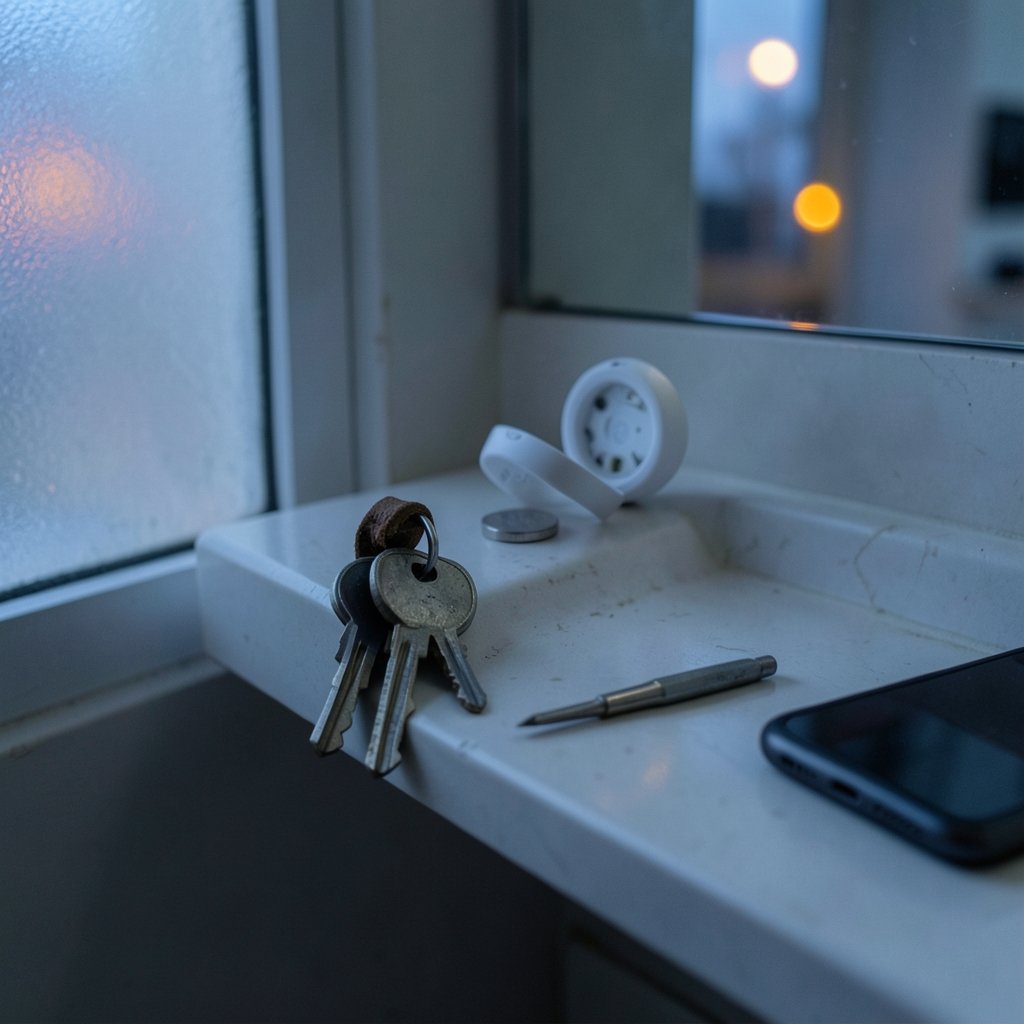
Quick Answer: What are the most common problems with bluetooth tracker and how do i fix them?
The most common Bluetooth tracker problems are pairing failures, stale or missing location updates, inaccurate precision finding, dead or incompatible batteries, and unwanted-tracker alerts that fire on shared items. Most fixes start in the phone’s settings: confirm Bluetooth and the finder network are on, update the operating system, re-pair the tracker, and replace the coin cell with the correct type. (Bluetooth)
Different ecosystems behave differently. An AirTag leans on Apple’s Find My network and ultra-wideband chips, while Tile and Samsung SmartTag models rely on their own networks and hardware, so a fix that works for one brand may do nothing for another. Before troubleshooting, check the model, the phone’s OS version, battery type, network coverage in the area, and whether the tracker is shared with another account.
A small disc that costs less than a takeaway meal has somehow become one of the most relied-on gadgets in modern life. Market researchers have tracked steady double-digit growth in the Bluetooth tracker category for years, and the reason is simple: people lose things constantly. Keys, wallets, luggage, backpacks, bikes. The tracker promises to end all of that.
Then reality arrives. The app says “last seen 3 hours ago.” The precision arrow spins in circles. A friend’s phone starts warning them about an “unknown tracker” traveling with them. None of this means the device is broken. In most cases, the problem sits in a setting, a battery, or a misunderstanding of how these networks actually work. This guide walks through the failures people report most often and the fixes that genuinely resolve them.
Why Bluetooth Trackers Fail More Often Than Owners Expect

A Bluetooth tracker is not a GPS device. It has no cellular radio and no satellite link. It broadcasts a short-range Bluetooth signal, and that signal gets picked up by nearby phones belonging to strangers who have opted into a finder network. The tracker’s location is really the location of someone else’s phone at the moment it passed by.
That architecture explains most complaints. In a busy city, a lost tracker updates every few minutes. In a rural area or an airport storage room, it can go quiet for days. Understanding the relay model changes how owners interpret a stale location: it is usually a coverage problem, not a hardware defect. The same logic applies to any connected device that depends on a network handshake, which is why guides on how to fix a website that will not load stress the same first step — check the connection before blaming the device.
Problem 1: The Tracker Won’t Pair With the Phone
Pairing failures top almost every support forum. The usual culprits are mundane.
- Bluetooth is off or the phone is in a low-power state. Toggle Bluetooth off and back on, then retry.
- The operating system is outdated. Tracker firmware and phone software move together. Install pending updates first.
- The battery tab is still in place. New trackers ship with a plastic pull-tab that must be removed.
- Too many trackers are already linked. Some accounts cap the number of items; remove an old one.
- The tracker is paired to a different account. A previously owned or shared device must be removed from the original account before it will pair elsewhere.
A practical tip from people who set up trackers regularly: pair the device while standing close to the router, with the phone’s case removed if it is thick or metallic. Interference is real, and a few feet of clear air solves a surprising number of “dead” units.
Problem 2: Location Won’t Update or Shows “Last Seen” Hours Ago
This is the single most misunderstood issue. The tracker is probably fine; the network around it is thin.
Fix it by checking three things. First, confirm the finder network is enabled on the owner’s phone — if the network setting is off, the owner’s own device stops contributing locations. Second, verify the tracker still has battery life. Third, move to a populated area and wait; a tracker in a drawer in an empty building has nothing to talk to.
If the tracker is genuinely lost, mark it as lost in the app. That flags the device so any phone in the network can report it, and it lets a finder contact the owner. Owners who travel frequently should also check whether their phone’s background location permission for the finder app was revoked by a battery-saving mode. Aggressive power management is a notorious silent killer of background updates, much like the background processes behind antimalware service executable high CPU usage that quietly drain a laptop.
Problem 3: Precision Finding Doesn’t Work
Precision finding — the arrow that points toward a lost item with distance in feet — depends on ultra-wideband hardware. Not every phone has it, and not every tracker supports it.
| Symptom | Likely Cause | Fix |
|---|---|---|
| No arrow option appears | Phone lacks UWB hardware | Use sound playback instead |
| Arrow points erratically | Obstacles, walls, or crowds | Move slowly, sweep in a slow arc |
| Distance jumps around | Signal reflection indoors | Get within a few meters first |
| Works for one item, not another | Tracker model lacks UWB | Check the model’s spec sheet |
The realistic expectation is that precision finding gets a person within a room, not within a couch cushion. Sound playback remains the most reliable last-meter tool, and it works on every model.
Problem 4: Battery Dies Too Fast or the Replacement Doesn’t Work
Battery complaints split into two camps: cells that drain faster than expected, and fresh cells that the tracker refuses to recognize.
For the first camp, cold weather, frequent precision-finding sessions, and constant separation alerts all shorten life. A tracker that beeps every time its owner leaves the house will not last as long as one that stays quiet.
For the second camp, the fix is usually the battery itself. Some coin cells ship with a bitter coating designed to stop children swallowing them, and that coating can interfere with the contact inside certain trackers. Buying a plain, brand-name cell from a reputable seller resolves it. Counterfeit cells are common online, and a tracker that “eats” batteries may simply be fed fakes. Always check the model’s specified cell type — a CR2032 is not interchangeable with a CR2025, even though they look almost identical.
Problem 5: Unwanted-Tracker Alerts Fire on Legitimate Items
Anti-stalking alerts are a safety feature, and they work. They also misfire on innocent scenarios: a partner’s tracker in a shared bag, a borrowed suitcase, a company asset checked out for a trip.
The fix depends on the tracker’s platform. Sharing the item through the app’s official sharing feature tells the network the tracker is expected, which suppresses alerts for the people who were deliberately included. For devices that cannot be shared, the person receiving the alert can often silence it by using the tracker’s own app to identify it, or by temporarily disabling the alert category on their phone.
The mistake people make is dismissing the alert without checking. Alerts exist because tracker misuse is a documented problem, and consumer-protection bodies in several countries have pushed manufacturers to build detection into their platforms. If an alert appears and the owner cannot identify the device, the sensible move is to follow the on-screen instructions rather than ignore it.
Problem 6: The Tracker Beeps at Random or Won’t Stop Chiming
Random beeping usually means one of three things: the tracker thinks it has been separated from its owner, its battery is critically low, or a firmware update is mid-install.
Start by opening the app and checking the item’s status. If it shows as separated while sitting at home, the owner’s phone may have location permissions restricted, so the network never registers the tracker as “with” its owner. Fix the permission, and the chiming stops.
If the beep is a low-battery chirp, replace the cell. If it persists after a fresh battery, remove and re-add the tracker. A factory reset — usually a battery pull-and-reinsert sequence repeated several times — clears stuck states. The exact sequence differs by brand, so follow the manufacturer’s steps rather than guessing.
Problem 7: The Tracker Works on One Platform but Not Another
Cross-platform support remains limited. A tracker built for one platform generally will not appear natively in a rival’s finder app, even though industry-wide anti-stalking detection standards have been improving.
The practical workaround is to match trackers to the household’s phones. Mixed-device families often buy one tracker per platform rather than expecting a single device to serve both. Before buying, confirm the tracker’s compatibility list, the phone’s OS version, and whether the item-sharing feature works across accounts. Buyers researching fast-moving tech claims should apply the same skepticism described in coverage of OpenAI’s 722 math claims under mathematician scrutiny — verify the spec sheet, not the marketing line.
Problem 8: The Tracker Gets Wet, Crushed, or Simply Disappears
These devices are tough but not indestructible. Most carry a water-resistance rating that survives rain and splashes, not a washing machine cycle at high heat. (Cybersecurity)
If a tracker goes through the wash, dry it thoroughly, replace the battery, and test. If it fails, the item is likely gone. That is why the smart move is registering the tracker to an account and enabling lost mode before anything goes wrong.
Physical loss of signal is different from physical loss of the device. If the tracker is attached to a bag that was stolen, the finder network can still report it when strangers pass nearby. Report the theft, mark the item lost, and avoid confronting anyone based on a location ping — the ping reflects a passerby’s phone, not the thief.
Problem 9: Firmware and App Glitches
Firmware updates on trackers are typically automatic and cannot be forced by the user. When a tracker behaves oddly after an update, the reliable fixes are: update the phone’s OS, force-close and reopen the app, log out and back in, and as a last resort remove and re-pair the device.
One underrated habit: keep a screenshot of each tracker’s serial number and pairing date. Support teams ask for it, and owners who have it resolve cases far faster. The same verification instinct applies to images and screenshots people share online, which is why guides on how to verify images before sharing them are worth reading before posting a “found tracker” photo with a serial number visible.
What Actually Works in Practice
Across all nine problems, a few habits prevent most of them.
- Label every tracker with a name that means something, like “commuter backpack,” not “Item 4.”
- Share items deliberately so family members do not get false alerts.
- Keep spare batteries of the exact specified type, bought from a reputable seller.
- Test the sound and precision features the day the tracker is set up, not the day something is lost.
- Check permissions after every OS update, since battery-saving modes love to revoke background access.
Conclusion
Bluetooth trackers fail in predictable ways, and almost none of those failures require a replacement device. Pairing trouble traces back to settings and stale accounts. Stale locations trace back to network coverage and permissions. Battery complaints trace back to cell type and counterfeits. Alert fatigue traces back to sharing configuration. Owners who understand the relay model — that a tracker’s location is really a stranger’s phone — stop expecting GPS precision and start diagnosing the actual bottleneck. Fix the setting, swap the cell, re-pair the device, and the little disc goes back to doing its one job quietly.
Frequently Asked Questions
Why does my tracker show a location from hours ago?
The tracker only updates when a compatible phone passes within Bluetooth range and reports it. In low-traffic areas, updates can lag for hours or days. Enable the finder network on your phone, confirm the tracker’s battery is healthy, and mark the item lost so more devices can report it.
Can I use one brand of tracker with a different brand of phone?
Generally no, not natively. Trackers are built for a specific platform’s finder network, so a device designed for one platform will not appear in a rival’s app. Check the compatibility list before buying, and expect mixed-device households to need one tracker per platform.
How long should a tracker battery last?
Most coin-cell trackers last about a year under normal use. Cold weather, frequent precision finding, and constant separation alerts shorten that. If a tracker drains a fresh cell within weeks, check for counterfeit batteries and confirm the exact cell type the model requires.
Why is my tracker beeping when nothing is wrong?
Random beeping usually signals separation from the owner’s phone, a critically low battery, or a stuck firmware state. Check the item’s status in the app, fix any restricted location permissions, replace the battery if needed, and perform a factory reset if the chirping continues.
Is it normal to get an unwanted-tracker alert from a family member’s device?
It can happen when a tracker is genuinely shared but not formally registered as shared. Use the app’s official sharing feature so the network knows the device is expected. Never ignore an alert you cannot explain — follow the on-screen steps to identify the device.
Do trackers work without an internet connection?
The tracker itself needs no internet, but the phones that relay its location do. That is why remote areas, underground storage, and airplane cargo holds produce long silences. Sound playback still works at close range without any network at all.



