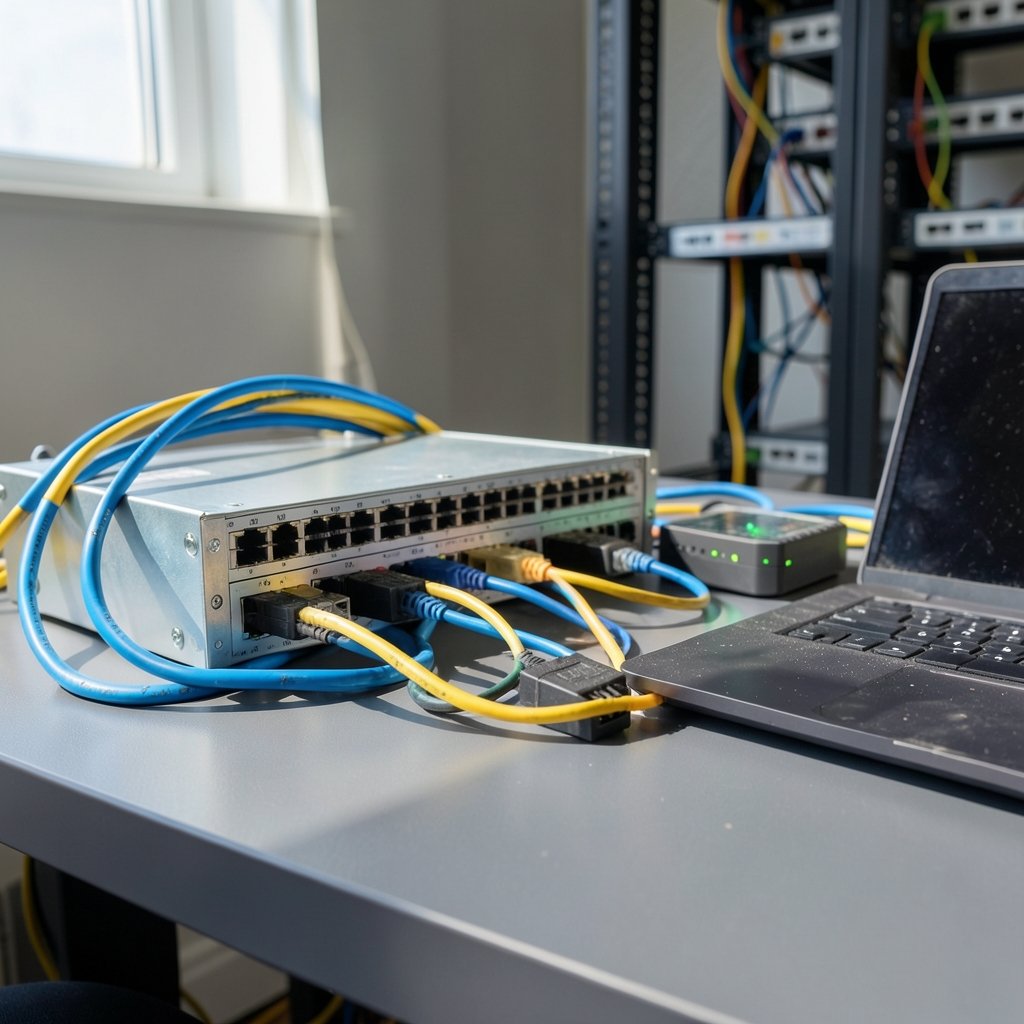
Roughly a third of organizations say a single hour of downtime costs them between $300,000 and $400,000, and load balancers sit directly on the path between that risk and your users. Yet most teams configure one once, tick a box, and never revisit it — until the day traffic spikes, a zone goes dark, or a health check starts flapping at 3 a.m.
This guide skips the vendor marketing and focuses on the decisions that genuinely change outcomes: health check tuning, zone design, TLS handling, draining, observability, and cost control. Whether you run workloads on AWS, Azure, or Google Cloud, the principles transfer cleanly.
Start With the Traffic Path, Not the Product
A common mistake is picking a load balancer SKU before mapping the request flow. Teams spin up an Application Load Balancer, bolt on a WAF, and only later realize their gRPC traffic needed an L4 path with different latency characteristics. (Load balancing (computing)))
Sketch the path first: client → DNS → CDN/WAF → load balancer → backend pool → data layer. Then ask where TLS terminates, where sessions live, and which hop must survive a zone failure. That diagram will answer most architecture questions before they become tickets.
The layer 4 versus layer 7 split is the first real fork in the road. Layer 7 balancers understand HTTP, so they can route by path or host header, terminate TLS, and rewrite headers. Layer 4 balancers move TCP/UDP packets with less overhead and lower latency. Neither is “better” — they solve different problems.
| Decision | L4 (TCP/UDP) | L7 (HTTP/HTTPS) |
|---|---|---|
| Routing intelligence | IP and port only | Path, host, headers, cookies |
| TLS termination | Pass-through or SNI routing | Full termination and re-encryption |
| Latency overhead | Lower | Slightly higher |
| Best fit | Databases, gaming, gRPC, raw TCP | Web apps, APIs, microservices |
| Cost model | Per-hour plus data processing | Per-hour plus capacity units |
Get Health Checks Right — This Is Where Most Outages Hide
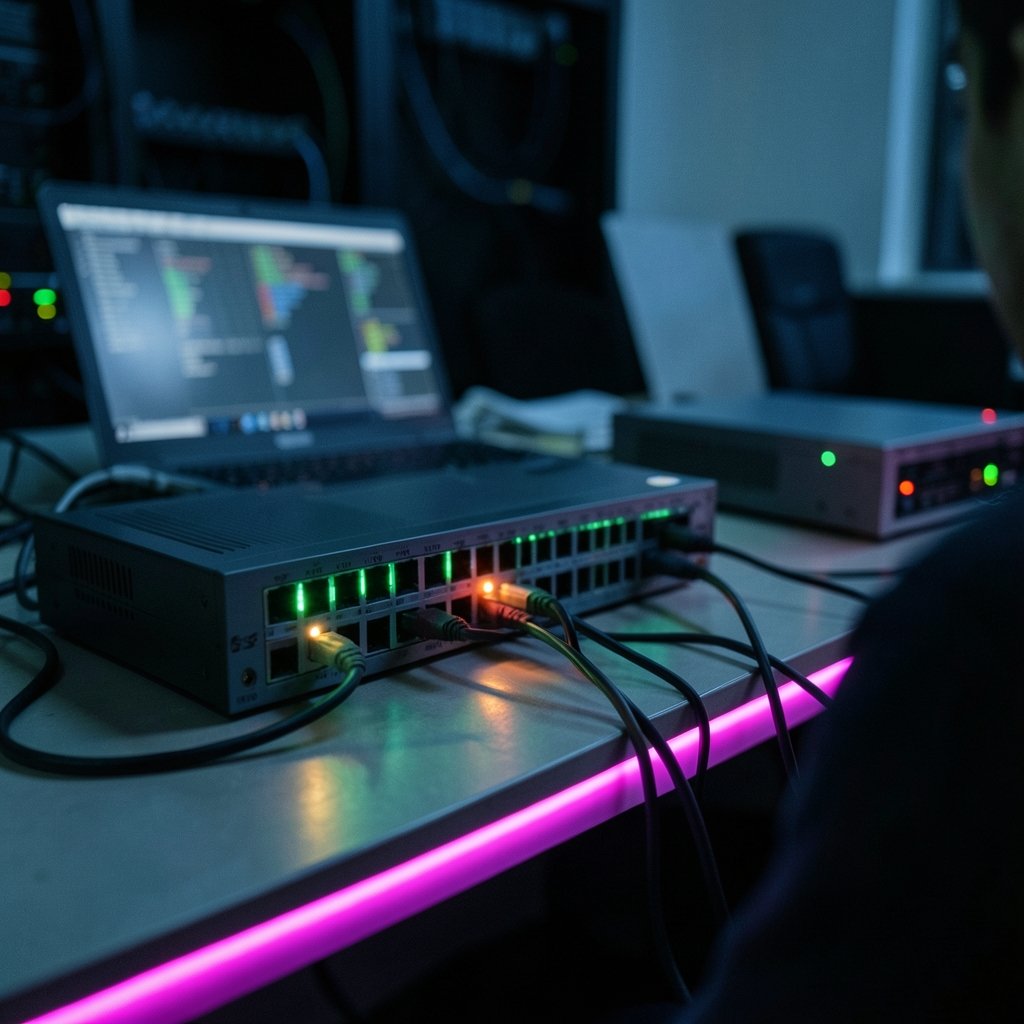
Health checks are the single most consequential setting on any load balancer, and they are almost always left at defaults.
Two failure modes dominate. The first is a health check that is too shallow — a simple TCP ping that passes while the application returns 500s to every real request. The second is a health check that is too aggressive, marking healthy hosts as dead during a brief garbage collection pause and cascading load onto the survivors.
What works in practice: point the health check at a dedicated endpoint that verifies critical dependencies (database connection pool, cache reachability) but does not itself perform expensive queries. Keep the interval short enough to detect failure fast, but set the unhealthy threshold to at least two or three consecutive failures so a single blip does not trigger a mass eviction.
A useful rule of thumb: detection time = interval × unhealthy threshold. If you need failover within 30 seconds, an interval of 10 seconds with a threshold of 3 gets you there. Anything tighter usually causes more false positives than it prevents.
Also watch the healthy threshold. Setting it to 2 instead of 5 means recovered hosts rejoin traffic faster, which shortens the window where remaining hosts carry double load.
Design Across Zones and Regions by Default
Single-zone deployments are the most common self-inflicted reliability wound. Cloud providers build availability zones as physically separate facilities, and cross-zone load balancing spreads traffic evenly across all healthy targets regardless of which zone they sit in.
Enable cross-zone balancing unless you have a specific, measured reason not to. The tradeoff is inter-zone data transfer cost, but the resilience gain almost always outweighs it — and you can offset the cost with the techniques in the cost section below.
For anything with a real uptime commitment, go further: deploy across at least two regions and use DNS-based or global load balancing to steer traffic. A regional outage is rarer than a zone outage but far more damaging. Global accelerators and anycast routing can cut failover time from minutes to seconds because traffic reroutes at the network edge rather than waiting for DNS TTLs to expire.
One detail teams forget: if your backend pool has targets in only one zone but the balancer is multi-zone, you have the illusion of redundancy without the substance. Audit target distribution regularly.
Terminate TLS Deliberately
TLS termination at the load balancer offloads cryptographic work from your application servers, centralizes certificate management, and lets you apply consistent cipher policies. That is usually the right call.
The question is what happens after termination. Two options:
- Re-encrypt to the backend. Traffic between the balancer and your servers is encrypted again. More CPU, but it satisfies compliance requirements for encryption in transit at every hop.
- Plaintext to the backend. Faster and simpler, acceptable when the balancer and backends sit in an isolated private network with no shared tenancy concerns.
Neither choice is wrong, but it must be a deliberate choice documented in your architecture notes. Certificate rotation is the other trap: automate it. A manually renewed certificate that expires on a holiday weekend is a classic outage story, and it is entirely avoidable with managed certificates or automated renewal pipelines.
If you are also weighing where data lives and how it is protected, the same discipline applies to storage decisions — the tradeoffs in cloud storage vs local storage mirror the ones you make at the network edge.
Handle Draining, Sessions, and Scaling Together
Graceful shutdown is where good load balancing meets good deployment hygiene.
Connection draining (sometimes called deregistration delay) keeps a target in service just long enough for in-flight requests to finish before it is removed. Set it to slightly longer than your slowest legitimate request — often 30 to 60 seconds. Too short and users see dropped connections during every deploy; too long and rollouts crawl.
Sticky sessions are the other classic tradeoff. Session affinity solves stateful application problems quickly, but it undermines even distribution, complicates autoscaling, and turns a single host failure into lost user sessions. If you can move session state to a shared store like Redis, do it. If you cannot, scope affinity narrowly and set a sensible cookie expiry.
Then wire the balancer to autoscaling. Target tracking on request count per target or average CPU keeps capacity aligned with demand, but the balancer needs a moment to register new targets. Warm-up periods and slow-start modes prevent a freshly launched instance from being flooded before its caches are hot. Skipping slow-start is one of the most common causes of latency spikes during scale-out events.
Instrument the Signals That Predict Failure
You cannot tune what you cannot see. The metrics that matter most on a load balancer are not the averages — they are the tails and the error rates.
Track p95 and p99 latency alongside mean response time. Track the 5xx rate broken out by target so you can spot one bad host among twenty healthy ones. Track healthy versus unhealthy host counts as a time series; a sawtooth pattern means your health checks are flapping. Track surge queue depth or its equivalent, which tells you requests are queuing because capacity is short.
Alert on symptoms users feel, not on raw infrastructure counters. A single unhealthy host out of fifty is noise. Fifty percent of hosts unhealthy is a page.
This is also where governance matters. As AI-driven traffic shaping and automated scaling enter the picture, the controls you set around your load balancer become part of a broader AI governance framework of principles, risks, and best practices — automated systems making routing decisions need the same auditability as humans making them.
Layer Security at the Edge
Load balancers are a natural enforcement point for edge security. Web application firewalls, DDoS absorption, and rate limiting all sit comfortably in front of the backend pool.
Three practical habits pay off:
- Rate limit at the edge, not in the app. Absorbing a flood before it reaches application servers is far cheaper than scaling out to survive it.
- Restrict backend access. Backends should accept traffic only from the load balancer’s security group or service account, never from the open internet.
- Log everything, sample intelligently. Full request logs are expensive at scale; sample high-volume successful requests and keep 100% of errors.
If your edge configuration ever leaves users staring at a blank page, the diagnostic path overlaps heavily with general troubleshooting — the steps in how to fix a website that will not load are a useful checklist when you suspect the balancer is the culprit.
Watch the Cost Curve
Load balancer bills are sneaky. Hourly charges are predictable; capacity units, rule evaluations, and cross-zone data transfer are not.
The biggest lever is usually cross-zone data transfer. If your traffic is heavy and your zones are far apart, consider zone-affinity routing with cross-zone enabled only for failover, or consolidate backends into fewer zones where the resilience requirement allows.
The second lever is rule sprawl. Every path rule and header condition on an L7 balancer costs money to evaluate. Teams accumulate dozens of legacy rules over years. Audit them quarterly and delete what nobody can justify.
The third is idle capacity. A load balancer sized for last year’s peak, with autoscaling disabled, burns money every hour. Match capacity to demand curves.
For a broader view of how storage and compute costs interact with network architecture, what cloud storage is and how it works covers the fundamentals that often drive egress bills.
Test Failover Before You Need It
Configuration that has never been exercised is a hypothesis, not a guarantee. Schedule failure injection: kill a backend, disable a zone, expire a certificate in staging, and watch what actually happens.
Most teams discover during their first real incident that their health check grace period was too short, their draining timeout was too long, or their DNS TTL made regional failover take twenty minutes instead of two. Finding that out on a Tuesday afternoon with a controlled test is dramatically better than finding it out at 3 a.m. with customers watching.
Conclusion
Cloud load balancing is not a checkbox — it is a set of judgment calls about detection speed, redundancy, encryption, and cost. The teams that get it right tend to share a few habits: they map the traffic path before choosing a product, they tune health checks to the application rather than the default, they spread targets across zones, they drain connections gracefully, and they rehearse failure on purpose.
None of these practices is exotic. Each one is boring, well-documented, and repeatedly validated by real outages. That is precisely why they work. Start with health checks and zone spread — those two changes alone eliminate the majority of avoidable load balancing incidents.
Frequently Asked Questions
How often should a load balancer health check run?
It depends on your recovery target, but intervals between 10 and 30 seconds are typical. Multiply the interval by the unhealthy threshold to get your detection time, and set the threshold to at least two or three consecutive failures to avoid false positives during brief application pauses.
Should I use layer 4 or layer 7 load balancing?
Use layer 7 when you need HTTP-aware routing, TLS termination, or header-based rules. Use layer 4 when you need lower latency and simpler packet forwarding for TCP, UDP, or gRPC traffic. Many architectures use both at different tiers.
Is cross-zone load balancing worth the extra data transfer cost?
For most production workloads, yes. It removes single-zone failure as a blast radius and keeps traffic evenly distributed. If cost is a hard constraint, measure actual inter-zone transfer first and consider zone-affinity routing with cross-zone enabled only for failover.
What is connection draining and why does it matter?
Connection draining, also called deregistration delay, keeps a target in service long enough for in-flight requests to complete before it is removed from the pool. Without it, every deployment drops live user requests. Set the delay slightly above your slowest legitimate request time.
Are sticky sessions a bad idea?
Not inherently, but they carry real costs: uneven load distribution, harder autoscaling, and lost sessions when a host fails. Prefer externalizing session state to a shared store. If you must use affinity, scope it narrowly and set a sensible cookie lifetime.
How do I know my load balancer configuration actually works?
Inject failures on purpose. Kill a backend, disable a zone, let a certificate approach expiry in staging, and time the recovery. Configuration that has never been tested under failure is an assumption, not a safeguard.