

Roughly seven in ten data center migrations run over schedule, and the pattern is almost always the same: teams spend months on hardware and weeks on planning. If you want a migration that lands on time, the implementation steps matter less than the sequence you run them in. Here is the order that works, the mistakes that sink projects, and what to do when the cutover window starts shrinking. (Data migration)
Why Most Migrations Slip Before They Start
The failure point is rarely the move itself. It is the assessment phase, where teams discover dependencies nobody documented. A legacy billing app that quietly talks to a licensing server in another rack. A database replication link that only three people knew about. These surprises surface during cutover, when there is no time left to handle them.
The fix is unglamorous: inventory everything, then verify the inventory against live traffic. Network flow data and application dependency mapping tools will show you connections your CMDB missed. Assume your documentation is 80% accurate and plan for the other 20%.
Step 1: Build a Real Inventory and Dependency Map
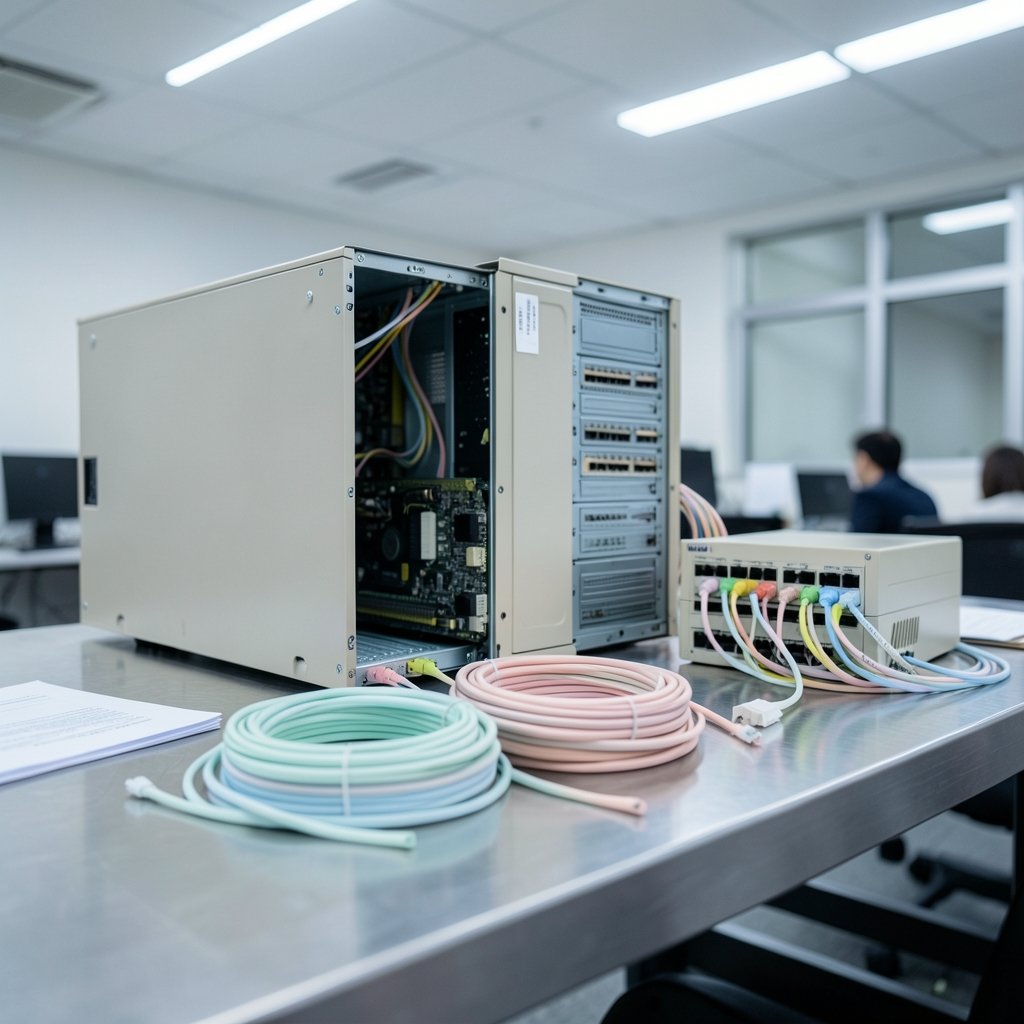
Start with a complete asset inventory covering servers, storage, network gear, and every application that touches them. Then layer on dependencies: which services talk to which, over what ports, at what frequency.
Practical tips that save weeks:
- Pull 30 days of network flow logs, not one week. Monthly batch jobs hide in short samples.
- Interview the application owners as well as the infrastructure team. The application owners know the workarounds.
- Tag every asset with a migration wave number before you move anything.
- Flag anything with a hard-coded IP address. Those are your future outages.
A common mistake is treating the CMDB as gospel. It is a starting point, not an answer key. Reconcile it against reality or you will be reconciling it at 2 a.m. during cutover.
Step 2: Choose a Migration Strategy per Workload
Not every application deserves the same treatment. The standard 6 Rs framework still holds up because it forces a decision per workload instead of one blanket approach.
| Strategy | What It Means | Best For | Typical Effort |
|---|---|---|---|
| Rehost | Lift and shift, minimal changes | Stable apps with tight deadlines | Low |
| Replatform | Minor tuning for the new environment | Apps needing OS or DB upgrades | Medium |
| Refactor | Rework the architecture | Apps that must scale or modernize | High |
| Repurchase | Move to a SaaS alternative | Commodity tools like HR or email | Medium |
| Retire | Decommission | Duplicate or unused systems | Low |
| Retain | Leave in place for now | Apps with compliance or latency constraints | None |
The discipline here is refusing to let “rehost everything” become the default. It is fast, but it drags technical debt into the new facility, where it becomes someone else’s problem two years later. Retiring even 10% of workloads before the move reduces migration scope, licensing costs, and cutover risk simultaneously.
Step 3: Design the Target Environment Before You Touch Anything
The target environment needs to exist and be validated before the first production workload arrives. That means network segmentation, firewall rules, load balancer configuration, DNS zones, and monitoring agents all provisioned and tested.
If you are moving into a colocation or hyperscale facility, understand what you are buying. Modern AI-focused facilities have very different power and cooling profiles than traditional enterprise space, and that affects rack density planning. It helps to know what an AI data center actually provides before you design around assumptions that no longer hold. (What is data migration?)
Watch the power budget closely. High-density GPU racks can pull far more per cabinet than the legacy footprint they replace, and cooling capacity becomes the binding constraint. The same discipline applies whether you are building a private facility or leasing space: measure, then commit.
Step 4: Run a Pilot Wave With Real, Low-Risk Workloads
Pick three to five non-critical applications for a pilot. The goal is not to prove the technology works. It is to prove your process works: the runbooks, the communication chain, the rollback procedure, the validation checklist.
What actually works in practice:
- Run the pilot during a normal business week, not a holiday weekend. You want real user traffic and real support staff available.
- Time every step. Your pilot timings become the basis for every later cutover window.
- Deliberately trigger a rollback once. Teams that have never rolled back freeze when they need to.
- Document what broke and update the runbooks before wave two.
Common mistake: treating the pilot as a formality and rushing it. The pilot is the cheapest place to find problems, and every hour spent there saves a day later.
Step 5: Build the Cutover Runbook and Communication Plan
A cutover runbook is a minute-by-minute script: who does what, in what order, with what validation gate before moving to the next step. It should include explicit go/no-go decision points and a named person authorized to call a rollback.
The communication plan matters as much as the technical script. Stakeholders need a schedule, a status cadence, and a single channel for updates. Nothing derails a cutover faster than three people asking for status in three different places while the lead engineer is mid-migration.
For teams running containerized workloads, the cutover often involves a cluster upgrade rather than a physical move. If that is your situation, a structured EKS cluster upgrade to Kubernetes 1.37 checklist follows the same phased logic: assess, pilot, cut over, validate.
Step 6: Execute the Migration in Waves
Waves should be grouped by dependency, not by convenience. Applications that talk to each other move together. Applications with shared databases move together or move in a strict order with replication in place.
A workable wave structure:
- Wave 0: Infrastructure, monitoring, and management tooling.
- Wave 1: Pilot applications, fully validated.
- Wave 2–4: Low-risk and then moderate-risk workloads, grouped by dependency cluster.
- Wave 5: High-risk, customer-facing, or regulated workloads with extended windows.
- Final wave: Decommission and cleanup of the source environment.
Keep a freeze window around each cutover. Change freezes are unpopular but they prevent the classic scenario where a routine patch lands mid-migration and breaks a validation step.
Step 7: Validate, Then Validate Again
Validation is not “the app responds to a ping.” It is a checklist that covers functional testing, performance baselines, integration points, backup and restore verification, and security controls.
The restore test is the one teams skip. A backup that has never been restored is a hypothesis, not a backup. Run a full restore from the new environment before you declare the wave complete.
Pay attention to thermal and performance baselines too. New facilities often run cooler and faster, which can mask configuration problems until load increases. If you are validating GPU workloads, knowing how to check GPU temperature under sustained load belongs in your acceptance criteria, not in a post-migration incident review.
Step 8: Decommission the Source Without Breaking Anything
Decommissioning is where migrations quietly fail. Teams move workloads, celebrate, and leave the old environment running “just in case” for eighteen months, paying for duplicate infrastructure the entire time.
A disciplined decommission looks like this:
- Confirm the workload has run in the target for a full business cycle, including month-end and quarter-end processes.
- Verify no inbound or outbound traffic remains on the source.
- Snapshot and archive per your retention policy.
- Revoke access, remove DNS entries, and release the hardware.
- Update the CMDB and asset register the same day.
Set a hard decommission date at the start of the project. Without one, the old environment becomes permanent.
Security and Compliance Do Not Pause for Migration
Every migration temporarily weakens your security posture. New networks, new firewall rules, new access paths. Treat the migration window as a period of elevated risk.
- Re-baseline security monitoring in the target environment before workloads arrive.
- Re-verify logging pipelines. A SIEM that stops receiving logs during a migration is a blind spot, not a cost saving. Teams moving detection tooling should follow a structured Wazuh SIEM detection setup process rather than improvising rules mid-cutover.
- Confirm data residency and regulatory requirements for the new location before, not after, the move.
Environmental and community scrutiny of new facilities is also rising, and it affects timelines. Projects in some regions face permitting delays and public opposition that ripple into tenant move-in dates, as seen in coverage of the Google data center India backlash in 2026. Build schedule buffer for facility-side delays you do not control.
The Mistakes That Cost the Most
After watching enough migrations, the same errors repeat:
- Skipping the dependency map. The single biggest cause of cutover overruns.
- No rollback trigger. Teams hesitate because nobody defined the threshold.
- Underestimating data transfer time. Large datasets take longer than the bandwidth math suggests once you account for encryption and throttling.
- Forgetting the people. Support staff need training on the new environment before users arrive.
- No decommission deadline. Duplicate costs compound quietly.
The cheapest migration is the one where you retire more than you move.
Conclusion
Data center migration implementation succeeds or fails on sequencing, not speed. Inventory and dependency mapping first, strategy decisions per workload second, a validated target environment third. Then pilot, runbook, wave execution, rigorous validation, and a decommission date you actually honor. Teams that treat the pilot as a real test and the runbook as a living document finish on schedule. Teams that treat both as paperwork discover their dependencies at 2 a.m. with a rollback decision nobody is authorized to make.
Frequently Asked Questions
How long does a data center migration take?
For a mid-sized enterprise moving a few hundred workloads, expect four to nine months from assessment to decommission. Large estates with heavy interdependencies can run twelve to eighteen months. The pilot and validation phases consume more time than most plans allocate, so build buffer there rather than in the execution window.
What is the first step in a data center migration?
A verified inventory and dependency map. Before choosing strategies or booking facilities, confirm what you actually run and what talks to what, using live network flow data rather than documentation alone. Every later decision depends on the accuracy of this step.
What are the 6 Rs of migration?
Rehost, replatform, refactor, repurchase, retire, and retain. The framework assigns a strategy to each workload individually, which prevents a blanket lift-and-shift that carries technical debt into the new environment.
Should I migrate in waves or all at once?
Waves, almost always. Group workloads by dependency cluster and risk level, starting with a small pilot. A single big-bang cutover concentrates all risk into one window with no proven rollback path.
How do I handle rollback during cutover?
Define the rollback trigger and the person authorized to call it before the window opens. Test the rollback once during the pilot so the team has executed it under low pressure. Keep the source environment intact and reachable until validation passes.
What should be in a cutover runbook?
A minute-by-minute sequence of tasks with named owners, validation gates between steps, go/no-go decision points, a rollback procedure, and a communication plan with a single status channel. Update it after every wave based on what actually happened.
Run a short retrospective after each wave and fold the findings into the next runbook revision; the final wave’s runbook should look nothing like the pilot’s. Capture metrics throughout—cutover duration versus estimate, rollback frequency, validation defects caught—so the next migration starts from evidence rather than memory. Finally, brief the teams who inherit the environment. Operations staff who did not participate in the cutover need a walkthrough of the new topology, monitoring dashboards, and escalation paths before the first on-call shift. Close the project formally: archive the runbooks, record lessons learned, and confirm the decommission is complete so the old footprint stops appearing on invoices.



