

A single hour of unplanned downtime now costs large enterprises an average of more than $300,000, according to widely cited industry estimates. That number explains why data center migration tools have moved from niche IT utilities to board-level budget items. Whether a company is fleeing a lease expiration, retiring aging hardware, or chasing lower cloud costs, the migration itself is where projects live or die. Pick the right tooling and workloads move in weeks with almost no user impact. Pick wrong and you get six months of late-night cutover calls.
This guide walks through the main categories of migration tools, how the major platforms compare, and the practical mistakes that sink projects. It is written for IT leads and infrastructure managers who need to make a decision, not a glossary.
Why migration tooling matters more than the destination
The cloud vendor debate gets most of the attention, but the tooling layer decides whether a migration succeeds. A lift-and-shift move that replicates servers block by block is fundamentally different from a re-platforming effort that rewrites workloads for managed services. The first needs replication and cutover tools. The second needs assessment, dependency mapping, and often code analysis.
There is also a physical dimension. Moving out of a leased facility means dealing with racks, cabling, and decommissioning, rather than virtual machines alone. Teams planning a full exit should understand what an AI data center requires in power and cooling density, because the destination facility often has very different constraints from the one being left behind. Getting that wrong is one of the most expensive mistakes in the field.
The four categories of data center migration tools
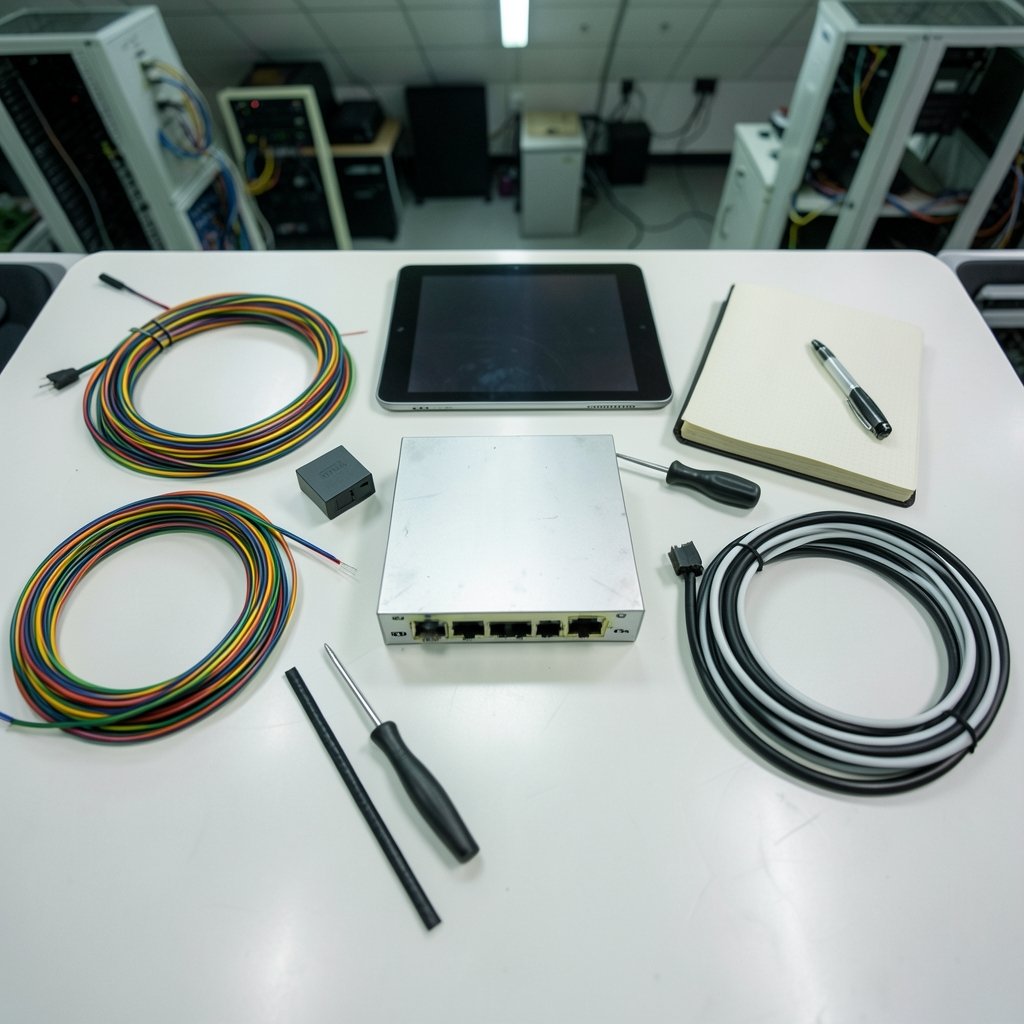
Most commercial and open-source products fall into one of four buckets. Knowing which bucket a project needs prevents the classic error of buying a replication tool when the real problem is discovery.
| Category | What it does | Typical use case |
|---|---|---|
| Discovery and assessment | Maps servers, dependencies, and utilization | Planning phase, before any move |
| Server replication | Continuously copies live servers to a target | Lift-and-shift of VMs and physical hosts |
| Database migration | Converts schemas and moves data with minimal downtime | Application modernization |
| Storage and network migration | Moves data at scale and reconfigures connectivity | Large-scale facility exits |
Discovery and assessment tools
You cannot migrate what you have not mapped. Assessment tools scan the estate, measure CPU and memory utilization, and surface application dependencies that nobody documented. This is where most projects discover that a “simple” three-tier app actually talks to eleven other systems.
Azure Migrate bundles discovery and assessment with its migration orchestration, which makes it convenient for Microsoft-centric estates. AWS offers a comparable discovery service alongside its migration hub. Third-party options from vendors like Flexera and CloudSphere go deeper on cost modeling and multi-cloud comparison. For teams weighing a move to a specific provider, understanding the backlash around Google data centers in India in 2026 is a useful reminder that regional politics and community opposition can reshape siting decisions mid-project.
Server replication and lift-and-shift
AWS Application Migration Service is the reference implementation here. It replicates source servers continuously into a staging area, then launches test instances and performs a final cutover with a short replication lag. It replaced the older Server Migration Service, which AWS has retired, so any playbook still referencing SMS needs updating.
Google Cloud Migrate to Virtual Machines does much the same job for Google’s platform, and VMware HCX handles live VM mobility between vSphere environments and clouds. HCX deserves a caution flag: Broadcom’s acquisition of VMware changed licensing and partner terms significantly, so verify current availability and pricing before building a plan around it.
Database migration tools
Databases are the hardest part of any move because they carry state. AWS Database Migration Service and Google Cloud Database Migration Service both support continuous replication with a short cutover window, and both handle heterogeneous conversions through schema conversion companions. The practical rule: test the conversion on a copy, run it twice, and never schedule a production cutover on a Friday.
Open-source options
Budget-constrained teams should not overlook open source. virt-v2v, part of the libguestfs project, converts VMs from VMware and other hypervisors to KVM. Coriolis, originally from Cloudbase Solutions, handles cloud-to-cloud VM migration. Both are solid for smaller estates and avoid vendor lock-in, though they demand more in-house expertise.
How the major platforms compare
The table below summarizes the practical differences that matter during procurement. Feature sets change quarterly, so confirm current capabilities with each vendor before signing.
| Platform | Best fit | Strength | Watch out for |
|---|---|---|---|
| AWS Application Migration Service | AWS-bound estates | Agent-based replication, automated cutover | Cost modeling is basic; pair with a separate tool |
| Azure Migrate | Microsoft-heavy environments | Unified discovery, assessment, and migration | Feature depth varies by workload type |
| Google Cloud Migrate to VMs | GCP-bound estates | Tight integration with Google networking | Smaller partner ecosystem |
| VMware HCX | Hybrid vSphere estates | Live migration with minimal downtime | Licensing uncertainty under Broadcom |
| virt-v2v / Coriolis | Cost-sensitive, skilled teams | Free, no lock-in | Manual effort, limited support |
The honest takeaway is that no single tool covers everything. Most mature programs run two: one for assessment and one for execution.
What actually works in practice
Years of post-mortems on failed migrations point to the same handful of lessons. These are the ones that come up again and again.
Start with a pilot wave, not a big bang. Move five to ten low-risk workloads first. The pilot surfaces the undocumented dependencies, the firewall rules nobody remembers, and the licensing surprises while the blast radius is small.
Replicate longer than you think you need to. A common mistake is cutting over as soon as replication shows “healthy.” Run the target in parallel for at least two weeks under real traffic before decommissioning the source. The rollback window is worth the double cost.
Measure utilization before sizing. Assessment tools routinely reveal that average CPU utilization sits below 15 percent. Right-sizing during migration is where the cost savings actually come from, not from the cloud discount itself. Skipping this step means paying to move idle servers.
Automate the cutover runbook. Manual cutover steps are where human error creeps in. Script the DNS changes, the load balancer reconfiguration, and the validation checks, then rehearse them in a test window.
Plan decommissioning as a project phase. Old hardware does not disappear on its own. Data destruction certificates, hardware disposal, and lease termination notices all take weeks. Teams that forget this end up paying for two facilities simultaneously.
Environmental scrutiny is also now part of the planning conversation. Regulators and local governments increasingly ask about power draw and water use, and the question of whether AI data centers are bad for the environment shapes permitting timelines in several regions. Building that into the schedule early avoids surprises.
Cost modeling: the step most teams skip
Migration budgets blow up for predictable reasons. Egress fees, duplicate running costs during parallel operation, licensing renegotiation, and staff overtime all add up. A disciplined cost model includes:
- Source run-rate during overlap. Assume four to eight weeks of paying for both environments.
- Data egress charges. Moving large datasets out of a cloud provider can cost more than the migration tool itself.
- Licensing true-ups. Some enterprise agreements are core-based and change when you re-platform.
- Tool licensing. Per-server pricing scales fast; model it against the full estate, not the pilot.
Teams that model all four before the first cutover typically land within 10 percent of budget. Teams that model only the tool cost typically overrun by 40 percent or more.
Security and compliance during the move
Migration opens temporary pathways between environments, and those pathways are exactly what attackers look for. Practical safeguards include restricting replication traffic to dedicated links, rotating credentials used by migration agents after cutover, and logging every replication stream for audit. In regulated industries, the compliance team needs to sign off on data residency before the first byte moves, not after.
The same discipline applies to the sales and business systems that ride along with the migration. Customer data in CRM platforms often gets overlooked in dependency mapping, and teams evaluating the best sales intelligence tools for B2B contact data should confirm how each vendor handles data residency and migration support before committing. (Data migration)
When to build instead of buy
Commercial tools are the right call for most enterprises, but building a lightweight in-house pipeline makes sense in three situations: the estate is small (under 100 servers), the workloads are highly customized, or the team already has deep automation expertise. In those cases, a combination of open-source replication, infrastructure-as-code, and scripted validation can outperform a licensed product on both cost and fit. The trade-off is people: someone has to own the pipeline permanently. (NIST Cybersecurity Framework)
Conclusion
The right data center migration tools depend less on which cloud provider wins the contract and more on how well the team has mapped its own estate. Discovery comes first, replication second, and cost modeling throughout. Pilot waves, parallel running, and automated cutover runbooks do more for success rates than any single product feature. Buy for the estate you actually have, verify licensing terms before committing, and treat decommissioning as a real phase rather than an afterthought. Teams that follow that sequence consistently finish migrations on schedule, and the ones that skip it consistently do not.
FAQ
What are data center migration tools?
They are software products that help move servers, databases, storage, and applications from one facility or cloud to another. They typically cover discovery and dependency mapping, continuous server replication, database conversion, and cutover orchestration. Examples include AWS Application Migration Service, Azure Migrate, Google Cloud Migrate to Virtual Machines, and VMware HCX.
How long does a typical data center migration take?
Small estates of under 100 servers can move in six to twelve weeks. Enterprise migrations involving thousands of workloads commonly run twelve to twenty-four months across multiple waves. The discovery and assessment phase alone often takes four to eight weeks, and parallel running adds another two to four weeks per wave.
Is lift-and-shift or re-platforming better?
Lift-and-shift is faster and cheaper upfront but carries over technical debt and rarely captures cloud cost savings. Re-platforming takes longer and costs more initially but delivers better long-term economics and access to managed services. Most organizations use a mix: lift-and-shift for stable legacy systems, re-platforming for customer-facing applications that benefit from modernization.
Can we migrate without downtime?
True zero-downtime migration is rare but achievable for stateless applications using continuous replication and blue-green cutover. Stateful systems like databases usually require a short maintenance window, often measured in minutes rather than hours when continuous replication is used. The key is rehearsing the cutover repeatedly before the real event.
What is the biggest risk in a data center migration?
Undocumented application dependencies top most post-mortem lists. A workload that appears standalone often connects to authentication, logging, or data services nobody mapped. Thorough discovery, a pilot wave, and a tested rollback plan mitigate this risk far more effectively than any single tool feature.
Do we need commercial tools or can open source work?
Open-source options like virt-v2v and Coriolis are genuinely capable for smaller estates or teams with strong automation skills. Commercial platforms earn their cost through support, automated orchestration, and reduced manual effort at scale. A reasonable rule of thumb: under 100 servers with in-house expertise, open source is viable; above that, the labor savings usually justify a licensed product.



